



























Master Multitasking: Level Up with iQOO’s Game Picture-in-Picture! 🎮📱

Hey Questers 👋,
As iQOO users, we know that performance is in our DNA. Whether you’re pushing ranks in BGMI or exploring open worlds in Genshin Impact, staying in the zone is everything. But what happens when you need to reply to a quick message or check a guide without exiting your game?
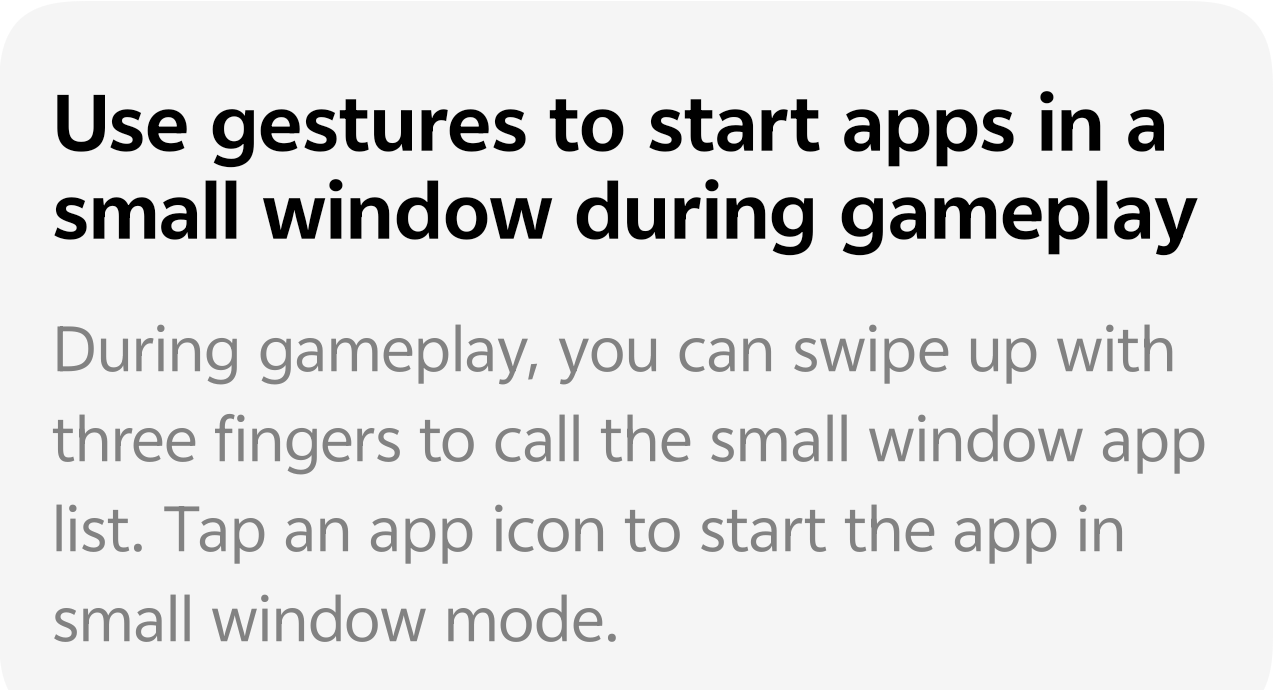
Today, let’s talk about one of the most underrated productivity features for gamers: Game Picture-in-Picture (PiP).
🚀 What is Game Picture-in-Picture?
Gone are the days of switching apps and risking a "reconnect" screen. With this feature, you can summon a small window app list instantly over your gameplay. This allows you to open supported apps (like WhatsApp, Messenger, or even a browser) in a floating window that stays on top of your game.
🛠️ How to Enable & Use It
Setting this up is a breeze. Follow these steps to unlock the power of three-finger gestures:
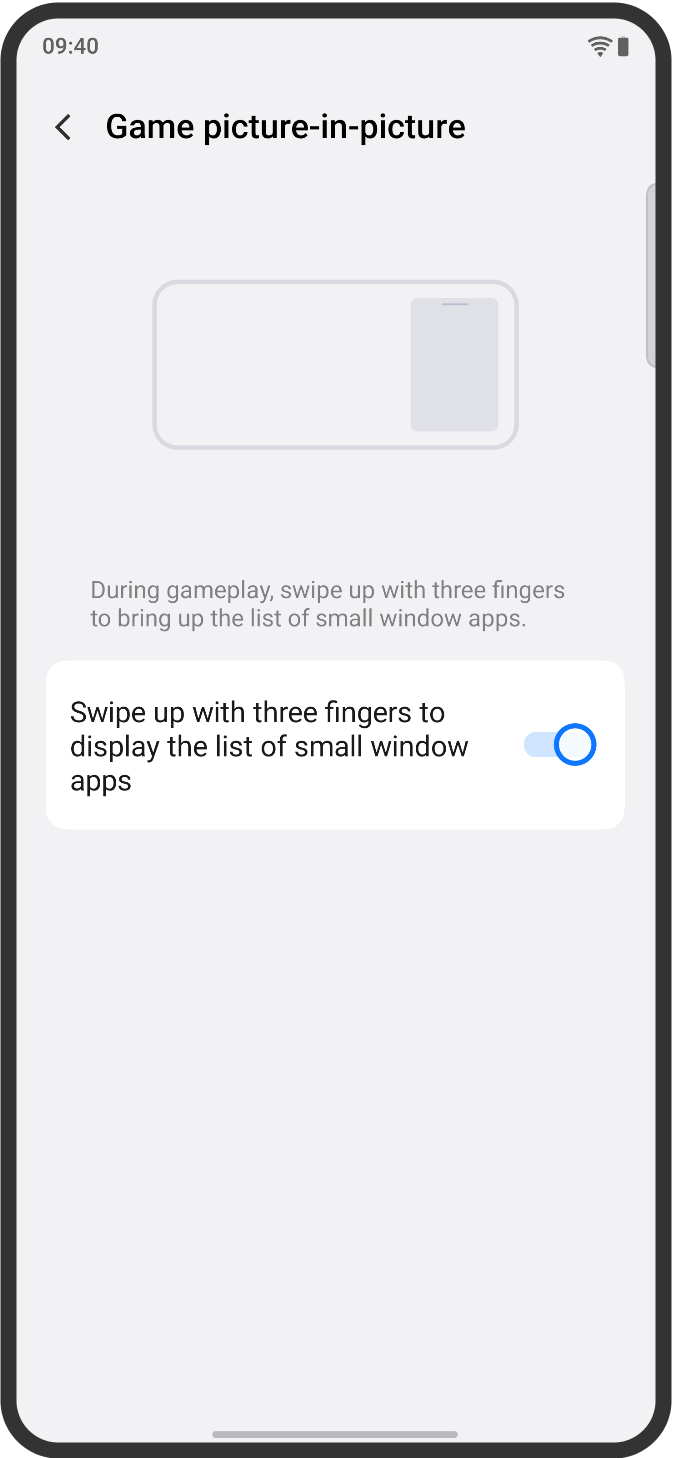
* Enable the Feature: Go to Settings > Shortcuts & Accessibility > Small Window (or search for 'Game picture-in-picture' in the search bar).
* Toggle it On: Ensure the switch for "Swipe up with three fingers to display the list of small window apps" is turned ON.
* The Magic Gesture: While you are inside a game, simply swipe up with three fingers from the bottom of the screen.
* Pick Your App: A list of compatible apps will appear. Tap the one you need, and it will launch in a movable, resizable small window!
💡 Why You’ll Love It:
* Seamless Chatting: Reply to your squad's Discord or WhatsApp messages without leaving the lobby.
* Strategic Advantage: Open a browser window to look up character builds or map secrets in real-time.
* Zero Interruptions: Keep your game running in full glory while the small window handles the "real world" stuff.
> Pro Tip: You can drag the small window to any corner of the screen so it doesn't block your HUD (Heads-Up Display) or the mini-map!
Follow me ➡️ @TechieGuyfor more such amazing content 🤘 🤩.
Please sign in
Login and share