



























Part 2: OriginOS 6: AI Camera & Editing Guide

Hey Questers,
OriginOS 6 introduces a massive leap in mobile photography with its Blue River AI Engine. It's no longer just about taking the photo; it's about having the power to reconstruct and perfect it afterward.
Here is a guide to the most impressive AI camera and gallery features in OriginOS 6.
AI Magic Move (The "Pro" Recomposer)
This is the standout feature of OriginOS 6. It allows you to select a subject in a photo and literally move them to a different spot or resize them.
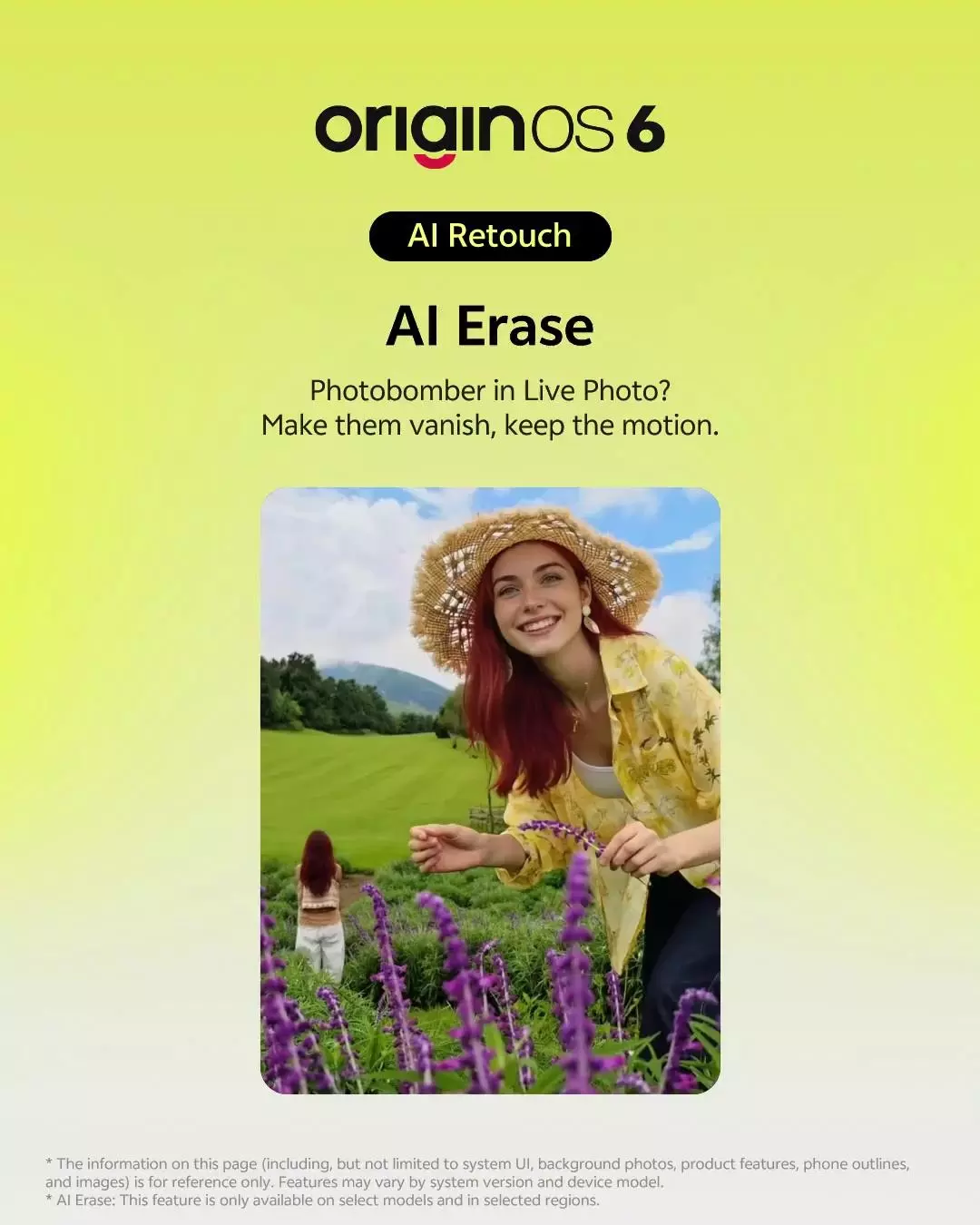
How to use: Open a photo in Albums > Tap Edit > Select AI Magic Move. Circle the person or object you want to move. Drag them to the new position. The AI will automatically fill in the "hole" left behind with a matching background
AI Image Expander (The Un-Crop)
Ever took a great portrait but realize you cut off the background? AI Expander "imagines" what was outside the frame and draws it for you.
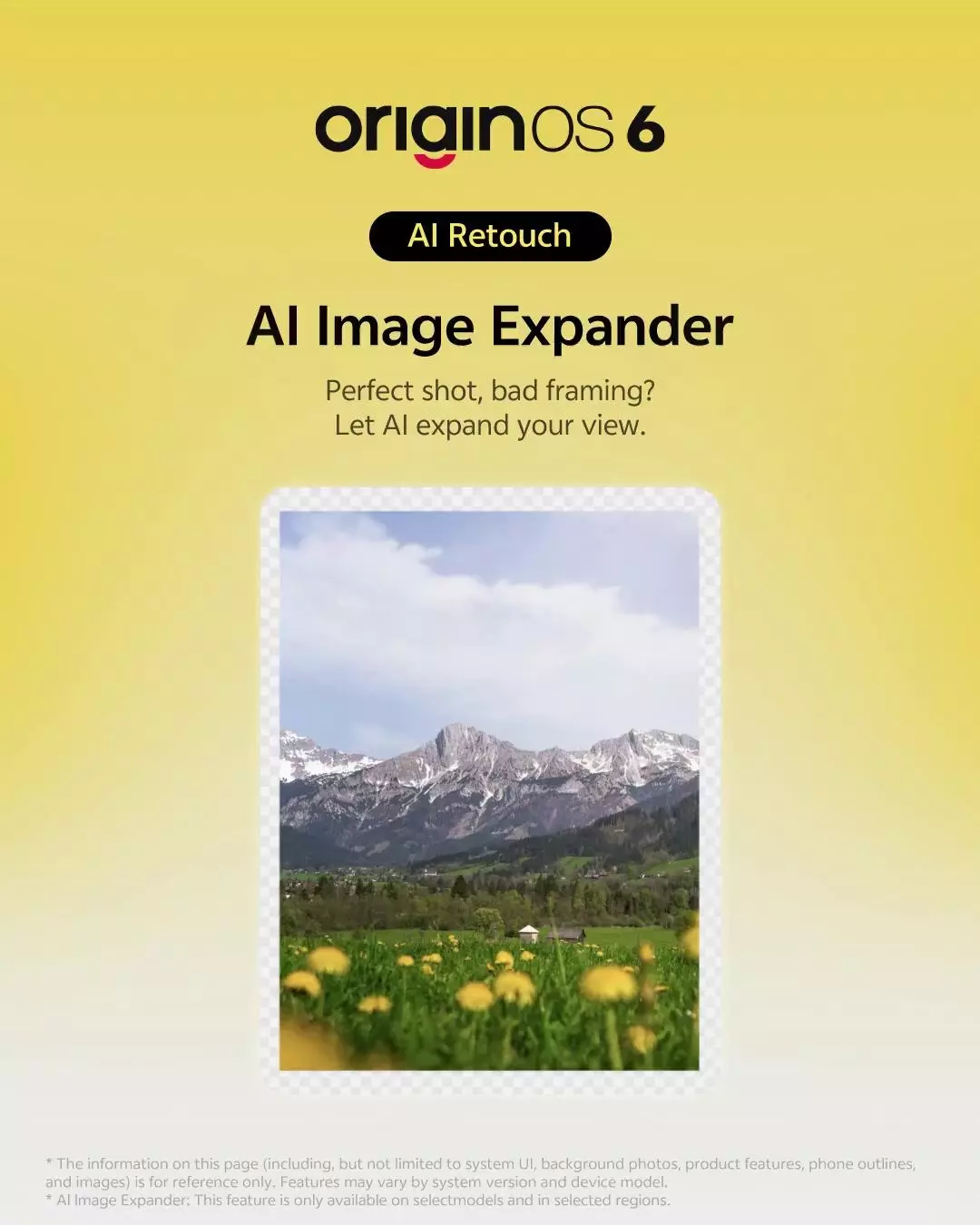
How to use: In the Edit menu, select AI Expander. You can drag the corners of your photo outward. The AI will generate new scenery (trees, sky, buildings) to fill the empty space, giving you a wide-angle look from a standard photo.
AI UHD (Blurry to Brilliant)
This is a lifesaver for old, shaky, or low-light photos. It uses deep learning to restore textures and sharpness.
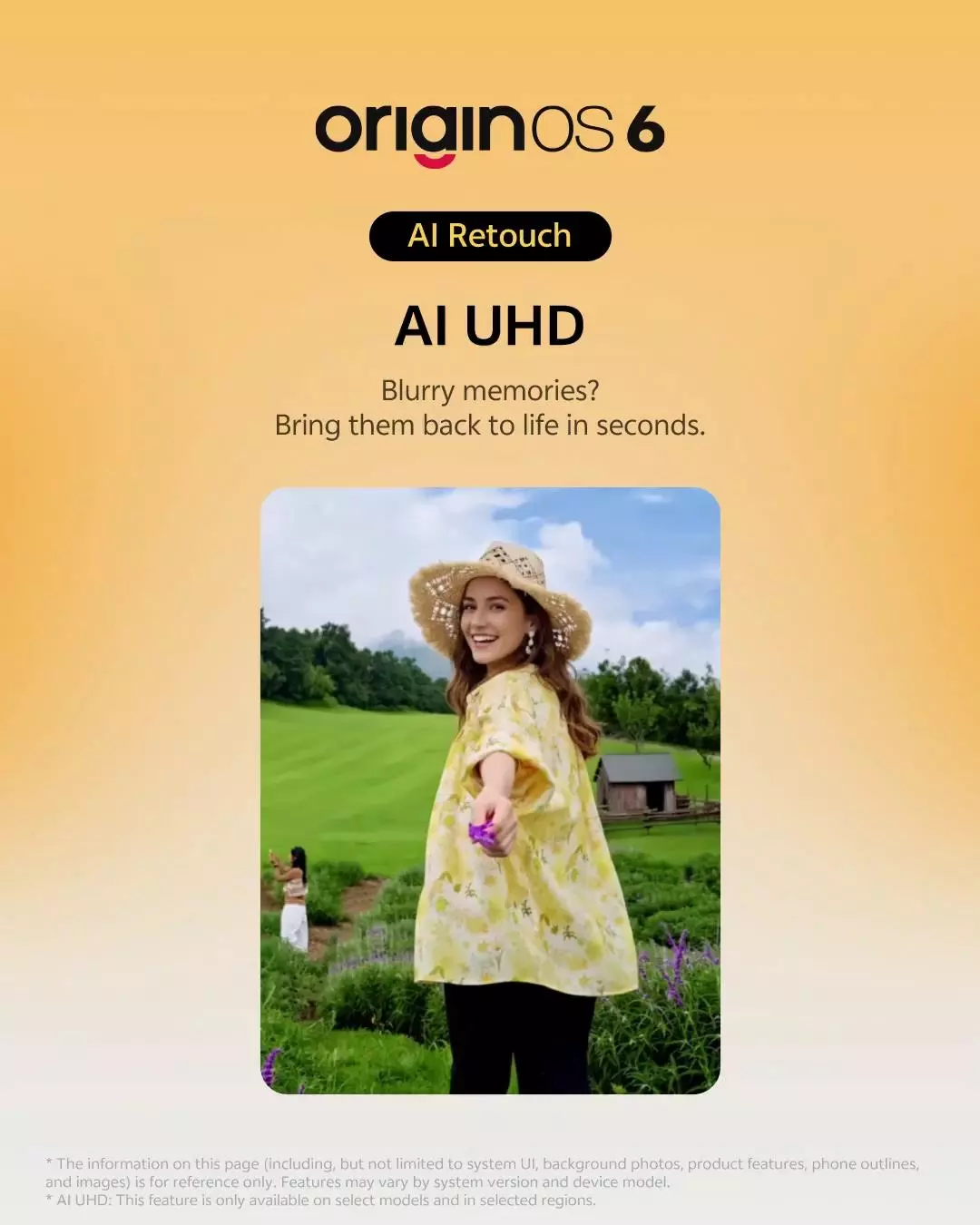
How to use: Find a blurry or low-resolution photo in your Gallery > Tap Edit > Choose AI UHD. The system will process the image, sharpening faces and removing digital noise
AI Filter & Color Adjustment
Instead of static filters, the AI analyzes the "vibe" of your photo (e.g., Sunset, Forest, Cityscape) and applies a custom color grade.
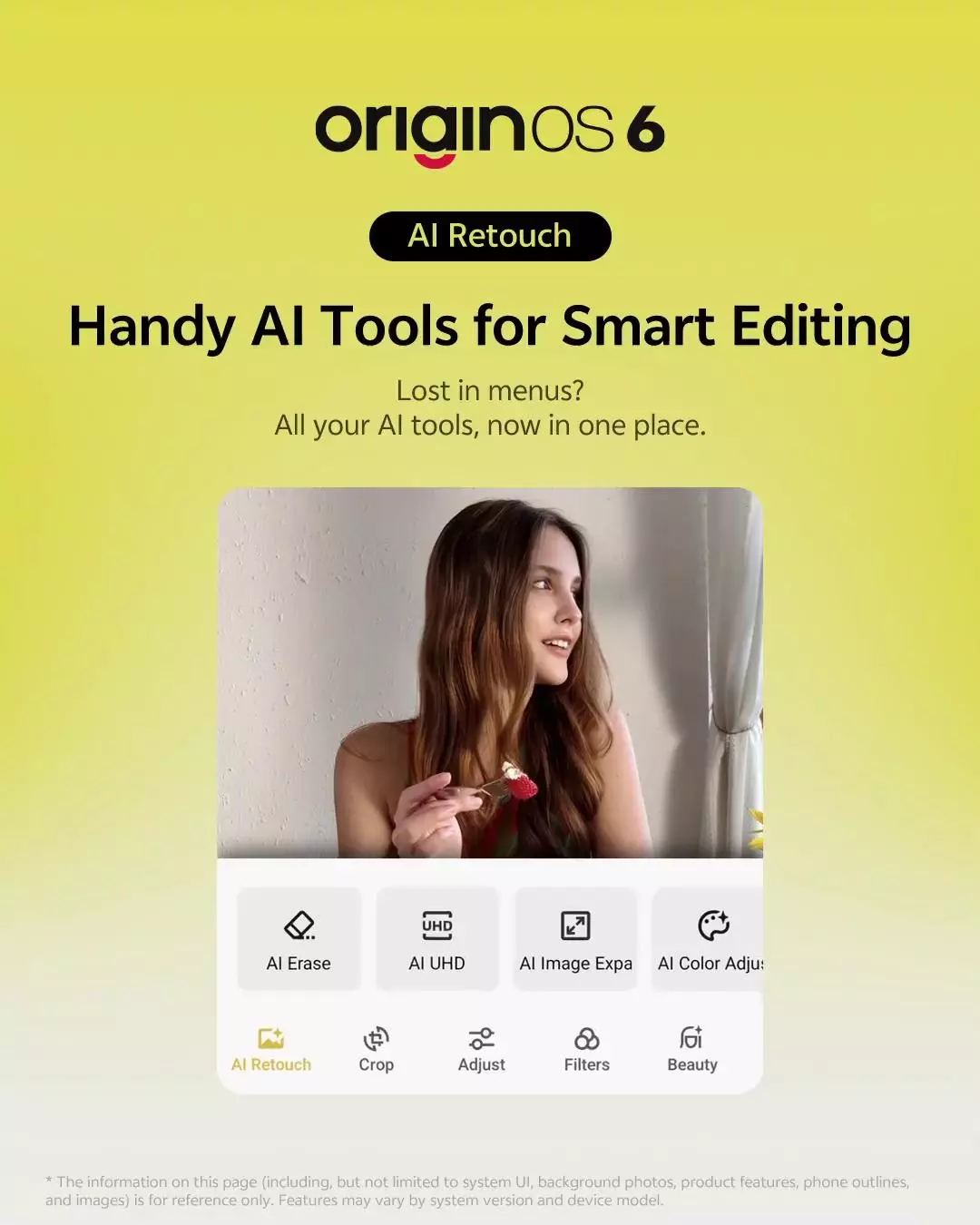
How to use: In the Camera App, tap the Filter icon at the bottom and select AI. The camera will suggest a filter based on what it sees in the viewfinder.
Do check out the latest features and let me know in the comments which Ai feature you liked alot.
Thanks
Please sign in
Login and share