



























Part 4: OriginOS 6 Flip Cards

Hey Questers,
OriginOS 6 has introduced a stylish way to interact with your phone before you even unlock it. The Flip Cards feature turns your lock screen into a dynamic, multi-layered experience.
What are Flip Cards? 🃏
It's a new lock screen customization that lets you select a collection of 2 to 4 photos or videos. These aren't just static backgrounds they respond to the physical movement of your phone.

The Gyroscope Magic
Using your phone's built-in sensors, the wallpapers "flip" or shift as you tilt your device left or right. It creates a satisfying 3D-like depth effect, making your screen feel alive and interactive.
Custom Transitions
You aren't stuck with just one look. OriginOS 6 offers four different transition animations. You can choose how the images slide, fade, or "flip" over each other to suit your aesthetic. You can even pause the animation mid-tilt for a cool "half-flipped" look
How to Set Up Flip Cards
Want to try it on your iQOO device? Here is the step-by-step:
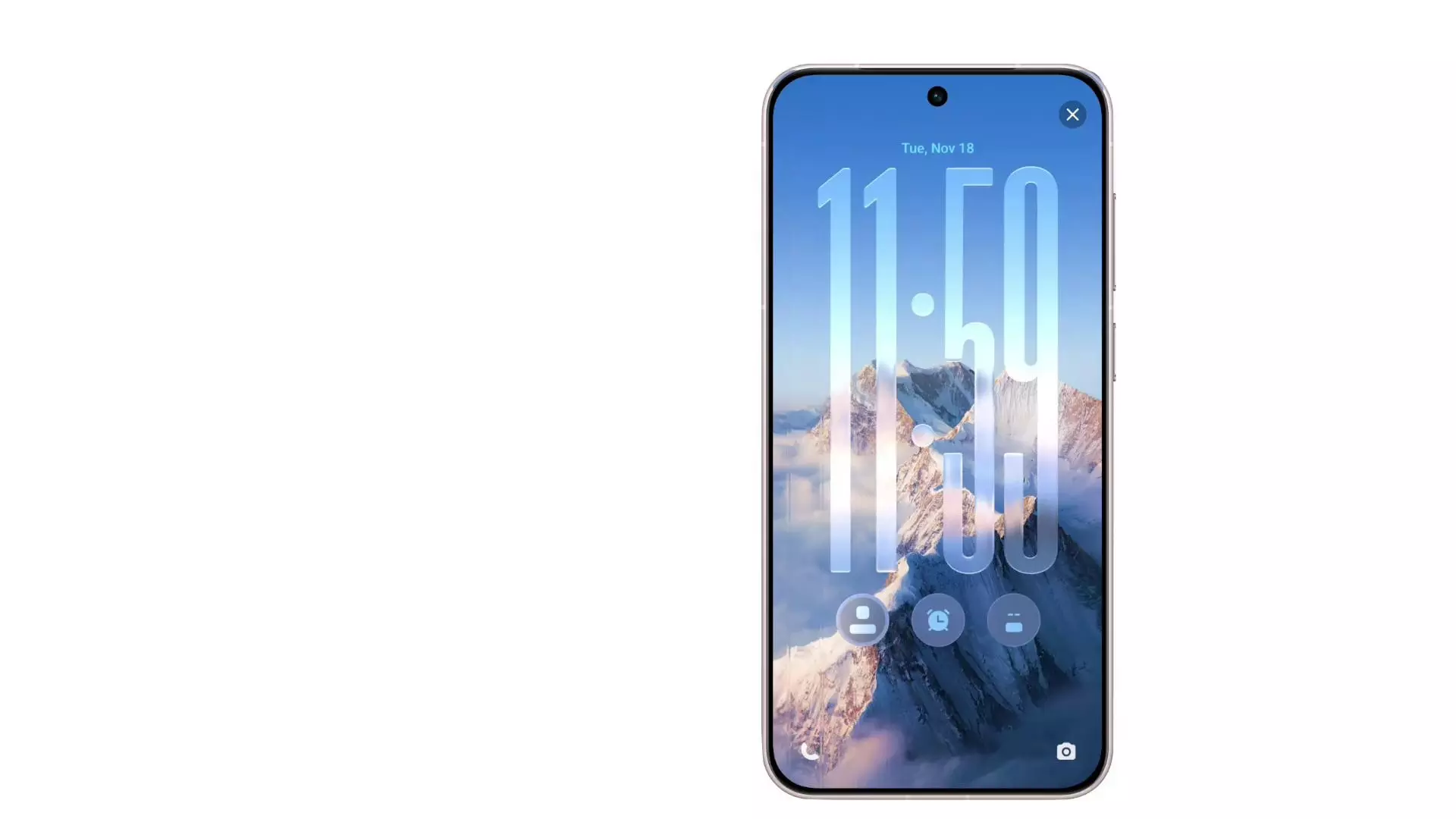
- Enter Customization Mode: Long-press on your lock screen or swipe two fingers inward.
- Navigate to Themes: Go to Settings > Home screen, lock screen & wallpaper > Themes.
- Select Flip Cards: Look for the Flip Cards option within the lock screen styles.
- Pick Your Moments: Choose up to 4 images/videos from your gallery. You can re-order them to decide which one is the "cover" card.
- Apply & Tilt: Hit apply, lock your phone, and give it a tilt!
Pro Tip: This works beautifully with Live Photos. If you use them, the motion of the photo combines with the flip animation for a truly immersive feel. 🌊
Would you like me to find some high-quality wallpaper recommendations that look best with this flip effect?
Please sign in
Login and share