






















Part 5: No More Motion Sickness: OriginOS 6 Motion Prompts

Hey Questers,
If you've ever felt dizzy while using your phone in a moving car or train, OriginOS 6 has a literal "game-changer." The new Motion Prompts feature is designed specifically to prevent motion sickness
What are Motion Prompts? 🔘
When you're in a moving vehicle, your eyes see a static screen, but your inner ear feels the movement. This "sensory mismatch" causes nausea.
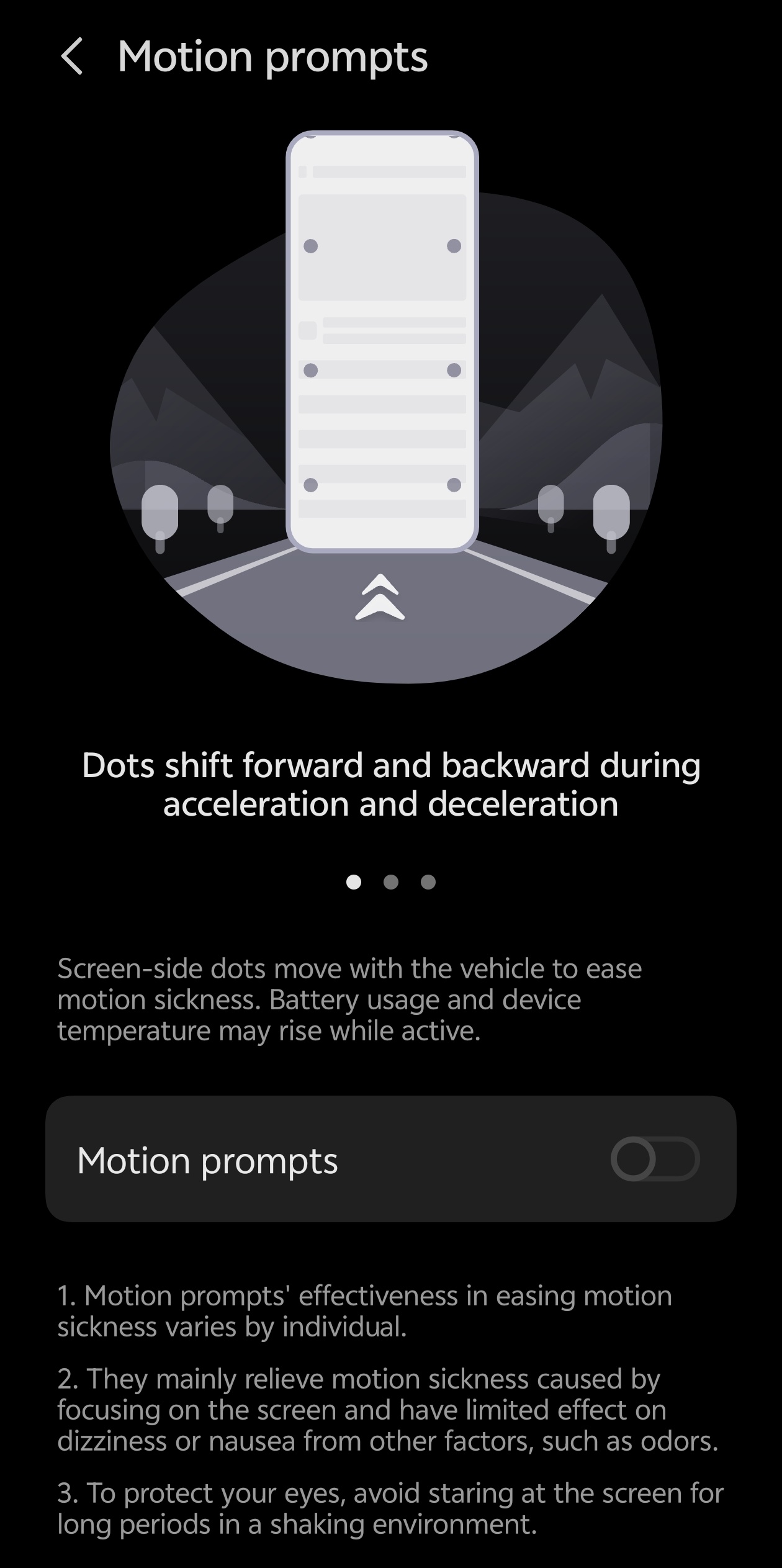
OriginOS 6 fixes this by placing small, subtle dots on the edges of your screen. These dots move in sync with the vehicle's acceleration and turns, giving your eyes the "motion cues" they need to stay balanced.
How it Works 🧠
Using the phone's high-precision gyroscope and accelerometer, the dots respond to every bump, brake, and curve in real-time.
- Speeding up? The dots drift backward.
- Turning left? The dots shift right. By providing this visual reference, your brain realizes you are moving, effectively reducing that "queasy" feeling.
Minimal Distraction 👁️
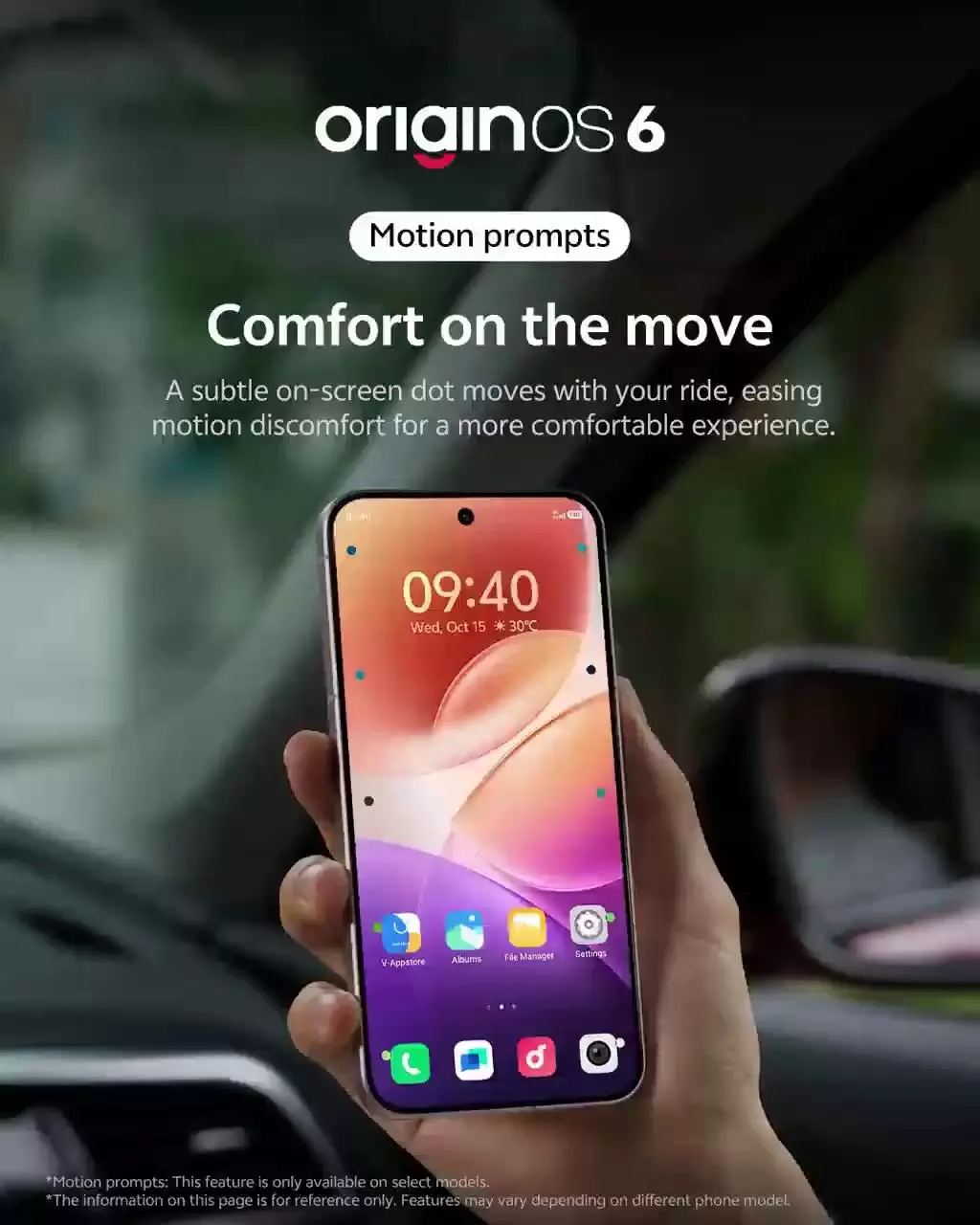
The dots are designed to be non-intrusive. They are small, semi-transparent, and positioned so they don't block your content, whether you're reading a PDF, scrolling social media, or watching a video
How to Enable Motion Prompts
Ready to enjoy a smoother ride? Here is how to turn it on:
- Open Settings.
- Scroll down and tap on Shortcuts & accessibility.
- Look for Motion prompts (it might be under a "System accessibility" or "Well-being" sub-menu depending on your model).
- Toggle the switch to On.
Pro Tip: You can also add a shortcut to your Control Center (swipe down from the top right) so you can toggle it on the moment you step into a taxi or bus
Do check out the latest motion sickness counter feature in your iQOO device and share your experience in the comments section
Thanks
Please sign in
Login and share