



























Part 6: Game Changer: Bypass Charging in OriginOS 6

Hey Questers,
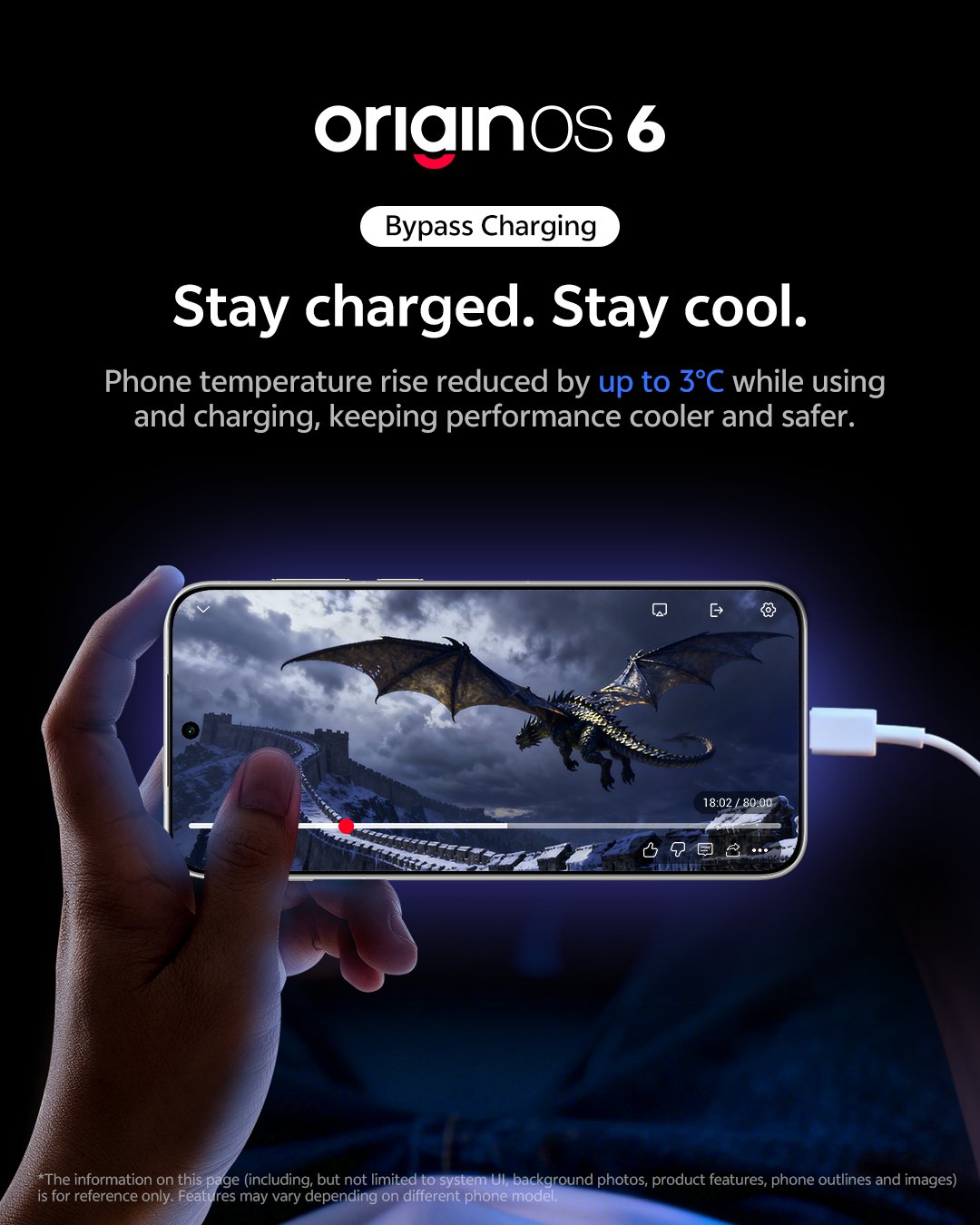
If you're a mobile gamer or a heavy user, Bypass Charging is likely the most important "hidden" feature in OriginOS 6. It changes how your phone handles power to save your battery's lifespan
What is Bypass Charging? 🤔
Normally, when you plug in your phone, the power goes into the battery, and the phone draws power from the battery.
Bypass Charging changes the route: the electricity goes directly to the motherboard/processor, skipping the battery entirely. Your battery percentage stays still while your phone runs on "wall power" like a desktop PC.
Why does it matter? 🔥
Zero Heat from Charging: Charging a battery generates a lot of heat. By skipping the battery, your phone stays much cooler during intense gaming sessions.
Sustained Performance: Less heat means less "thermal throttling." Your FPS stays high and stable because the CPU doesn't have to slow down to cool off.
Battery Longevity: Batteries wear out based on "cycles." Bypass charging stops the cycle, meaning your battery health stays at 100% for much longer.
How to Enable Bypass Charging
This feature is tucked away inside the Game Sidebar (Ultra Game Mode). Here is how to activate it:
- Plug in your Charger: This is step one—the feature is usually "greyed out" or hidden until a power source is detected.
- Open a Game: Launch any game added to your Game Space.
- Swipe the Sidebar: Swipe from the side of the screen to open the Game Assistant/Ultra Game Mode panel.
- Find "Bypass Charging": Look for the icon in the menu.
Note: If you don't see it immediately, tap "More" or the "Edit" icon in the sidebar to add it to your quick-access tools.
- Toggle it ON: You will see a confirmation that the device is now being powered directly by the charger.
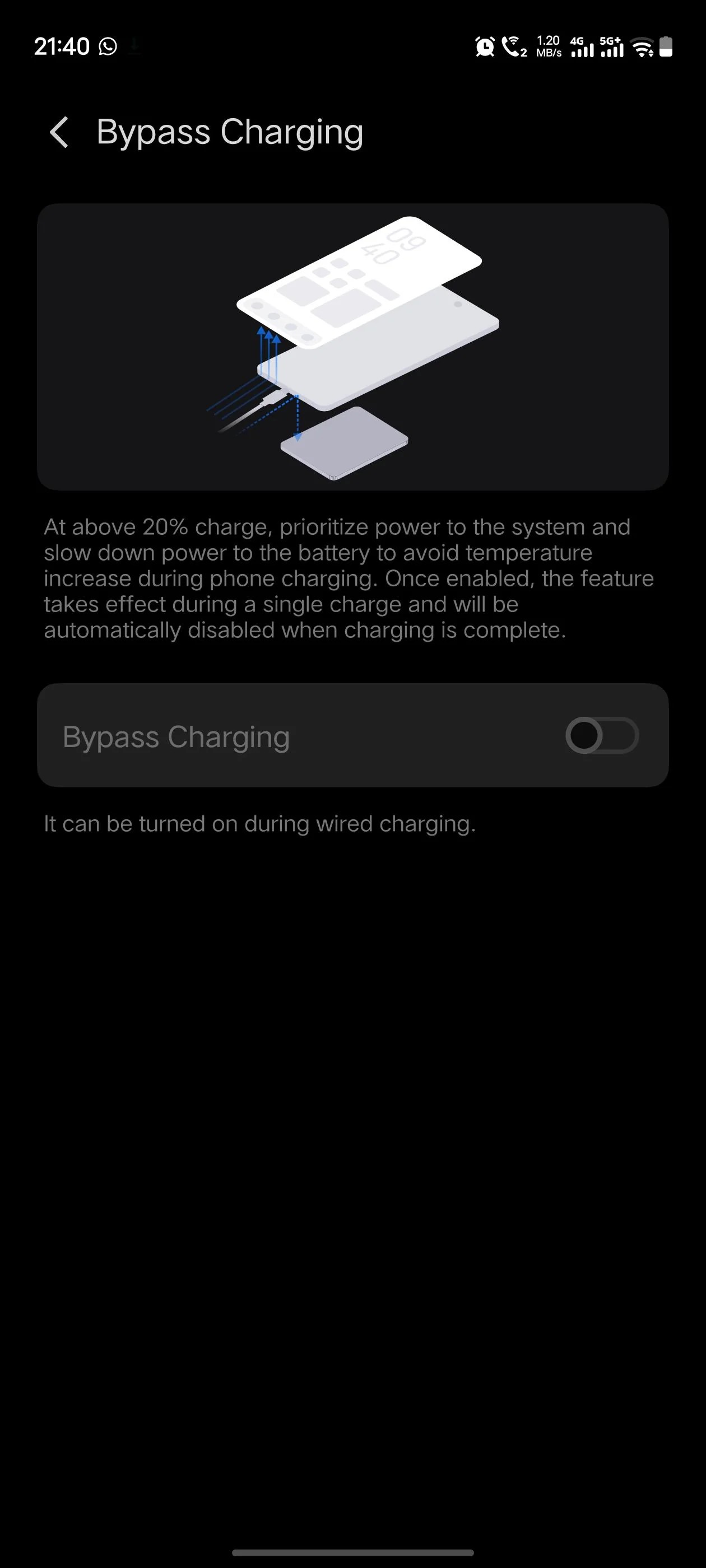
Use the Original Charger: For the most stable experience, use the official FlashCharge brick and cable. Third-party chargers may not always trigger the bypass correctly.
Are you seeing this feature on your device? Some older models might not support it due to hardware limitations.
Thanks,
Please sign in
Login and share