



























Part 7: Never Run Out: OriginOS 6 Battery Extender

Hey Questers,
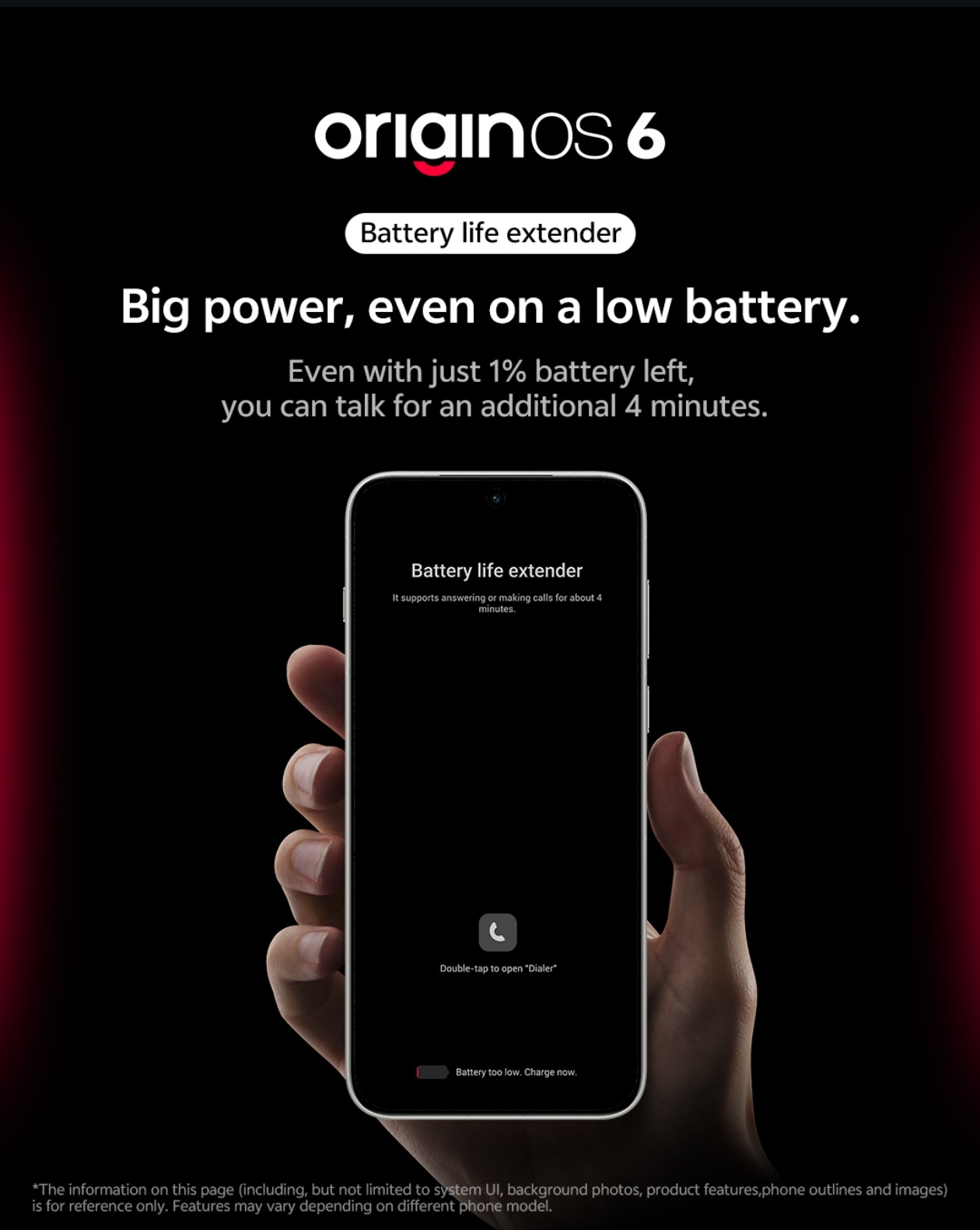
We've all been there—your phone hits 1% right when you need it most. OriginOS 6 introduces a literal lifesaver called the Battery Life Extender (part of the new Energy Efficiency Engine 2.0). Here is the thread on how it works and how to use it
What is the Battery Life Extender? ⏳
Unlike standard "Battery Saver" modes that just dim your screen, this feature is designed for critical emergencies. When your phone hits 1%, the system enters a "super-low power state" that optimizes the remaining juice to give you up to 4 additional minutes of call time.
Bypass Charging: The Gamer's Friend 🎮
OriginOS 6 also brings Global Direct Drive Power Supply 2.0 (Bypass Charging). If you’re at home and low on battery while gaming or watching movies, the phone can draw power directly from the cable instead of the battery. This prevents overheating and extends the overall health/lifespan of your battery.

How to Enable Battery Extender & Optimization
To make sure your phone is squeezing every drop of energy, follow these steps:
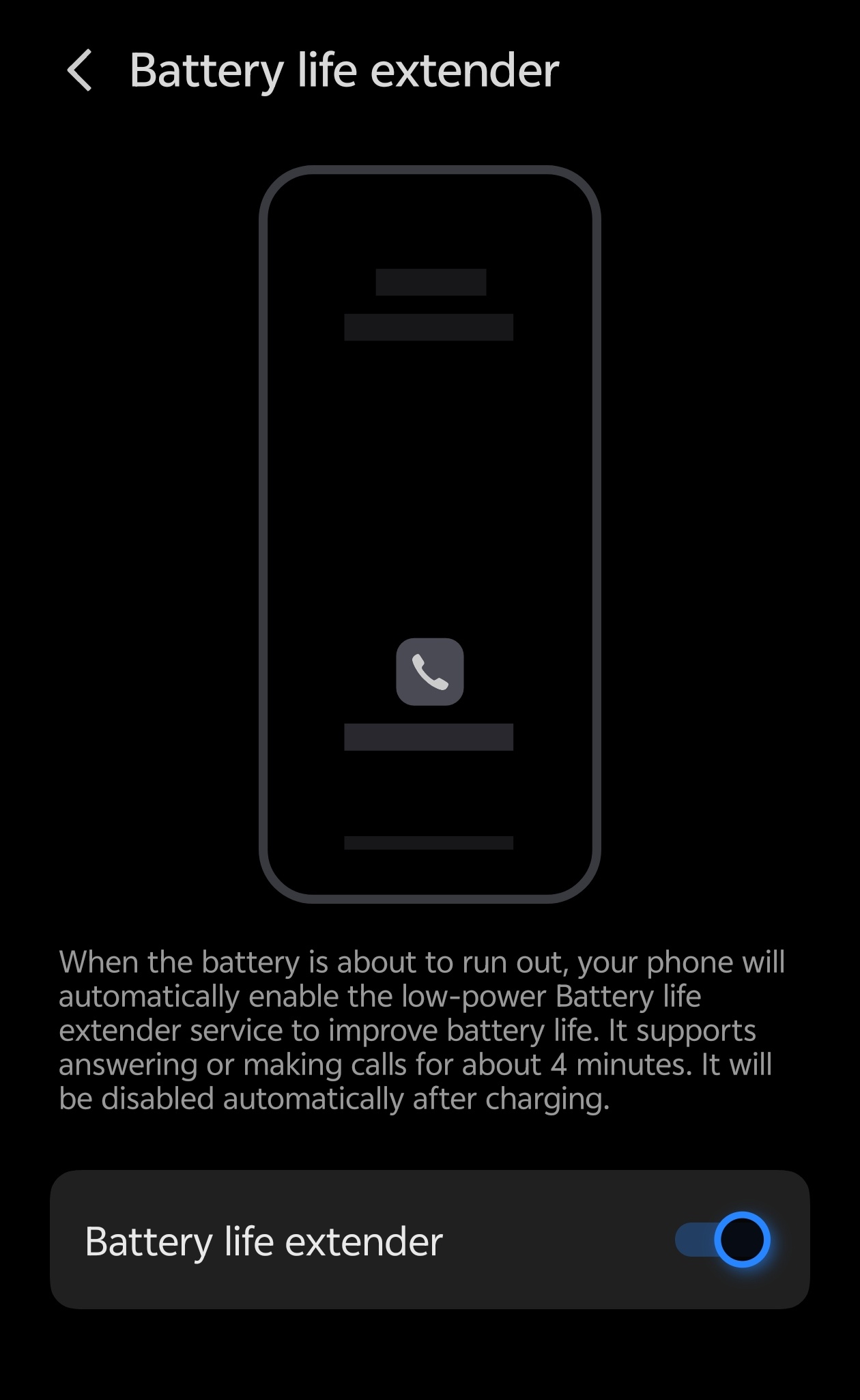
- Open Settings: Go to your Settings app.
- Navigate to Battery: Tap on the Battery section.
- Battery Life Extender: Look for the Battery Life Extender toggle. Ensuring this is ON will allow the 1% emergency reserve to kick in automatically.
- Charging Settings: Tap on Charging Settings within the battery menu to enable Bypass Charging (often labeled as "Smart Charging" or "Direct Power") for high-load tasks like gaming.
Pro Tip: If you're on a long trip, look for the Ultra-long Standby mode in the same menu. It uses "scene-based standby" to keep the phone alive for days by only allowing essential calls and texts.
Would you like me to help you find the Battery Health percentage check on your specific model?
Thanks
Please sign in
Login and share