



























[FAQs] iQOO 15 - Camera, Battery & Software Features | Vol.3

Hello iQOO Fam, 
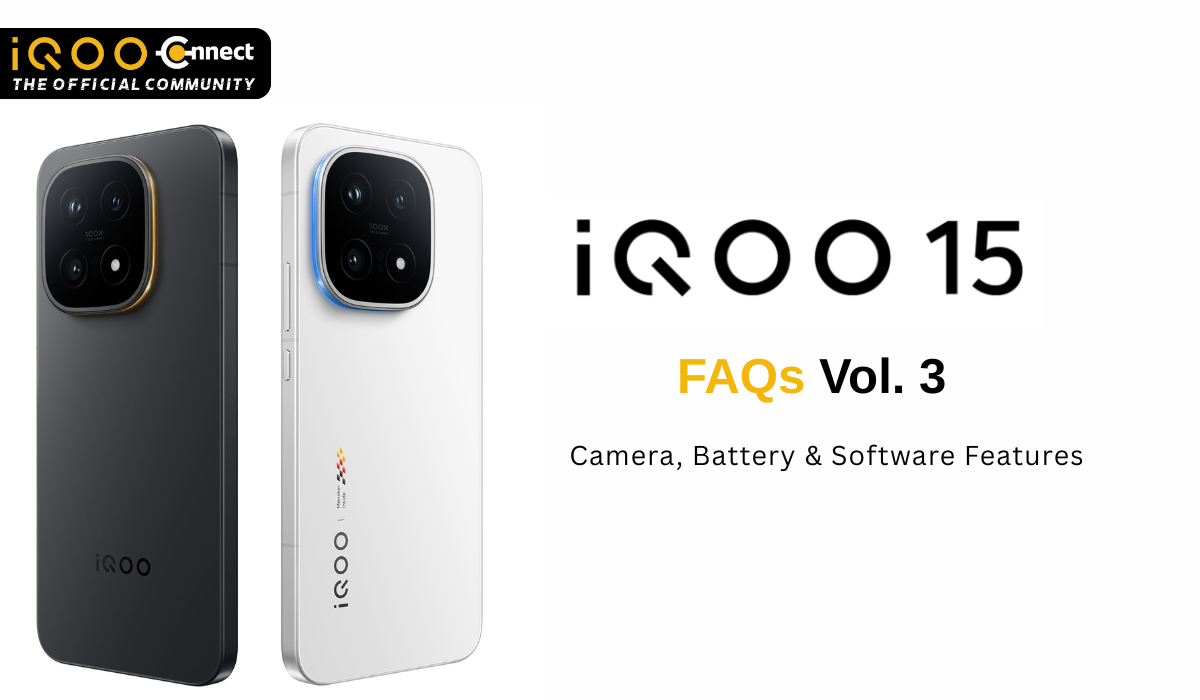
Welcome to Vol.3, the final part of the iQOO 15 FAQ series! If you missed the earlier volumes, check out Vol. 1 for design, pricing, and connectivity, and Vol. 2 for display and gaming performance.
This volume covers the triple 50MP camera system with Sony periscope telephoto, the massive 7000mAh silicon anode battery with 100W charging, OriginOS 6 smoothness and AI features, productivity tools, and software update policy. Let's dive into imaging power and all-day endurance.
FAQs on iQOO 15 Camera System
Q1. What is the rear camera setup on the iQOO 15?
Triple 50MP configuration:

- Sony IMX921 VCS main camera (1/1.56" sensor, OIS, CIPA 4.5 stabilization)
- 50MP ultra-wide camera (1/2.76" sensor)
- 50MP Sony IMX882 3x periscope telephoto (1/1.95" sensor, OIS, CIPA 4.0 stabilization).
Q2. What is the front camera on the iQOO 15?
- 32MP selfie camera with f/2.2 aperture and 90° field of view for clear selfies and video calls.
Q3. What zoom capabilities does the iQOO 15 offer?
- 3x optical zoom via periscope telephoto, 6x telephoto for landscapes, 20x zoom for distant details, and up to 100x digital zoom with NICE Algorithm and large-model image enhancement.
Q4. What photo modes are available on the iQOO 15?
- Photo
- Portrait
- Landscape & Nightscape
- Panorama
- Pro
- High-Res (50MP)
- Snapshot mode for live photos
- Ultra HD Document
- Slo-mo
- Time-lapse
- Fisheye
- Supermoon
Q5. What video recording modes does the iQOO 15 support?
- Standard Video,
- Slow-motion,
- Time-lapse, and 2K Live Photo at 23mm, 35mm, 50mm, 85mm, and 100mm focal lengths.
Q6. What is the maximum video recording resolution on the iQOO 15?
- Up to 8K@30fps on the rear camera or 4K@60fps with OIS stabilization.
- Front camera supports up to 4K@60fps.
Q7. What AI camera features does the iQOO 15 have?
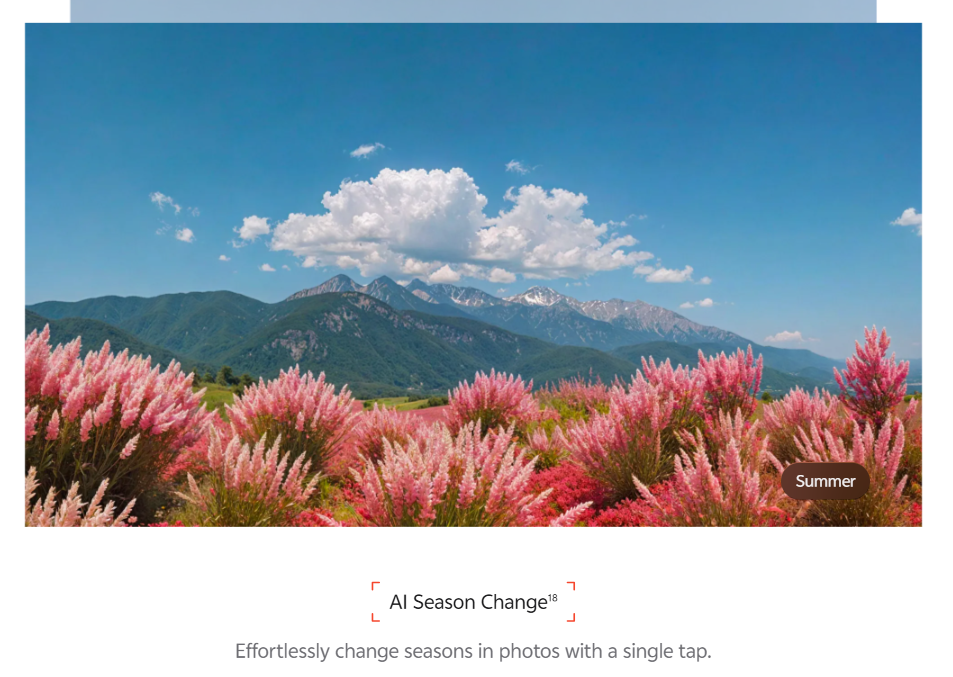
- AI Season Change transforms photos into Spring, Summer, Autumn, or Winter with one tap, powered by AIGC capabilities for creative freedom.
- AI Editing Features inlcude: AI Erase, AI UHD upscaling, AI Image Expander, AI Color Adjustment
Q8. What is 2K Live Photos on the iQOO 15?
- Live Photos capture a short video clip (a few seconds before and after you press the shutter) instead of just a static image, bringing moments to life with motion and sound. On iQOO 15, this feature now supports multiple focal lengths (23mm, 35mm, 50mm, 85mm, 100mm) including the 85mm golden portrait focal length, and has been upgraded to 2K resolution for sharper, more detailed live captures.
Battery & Charging
Q9. What is the battery capacity of the iQOO 15?
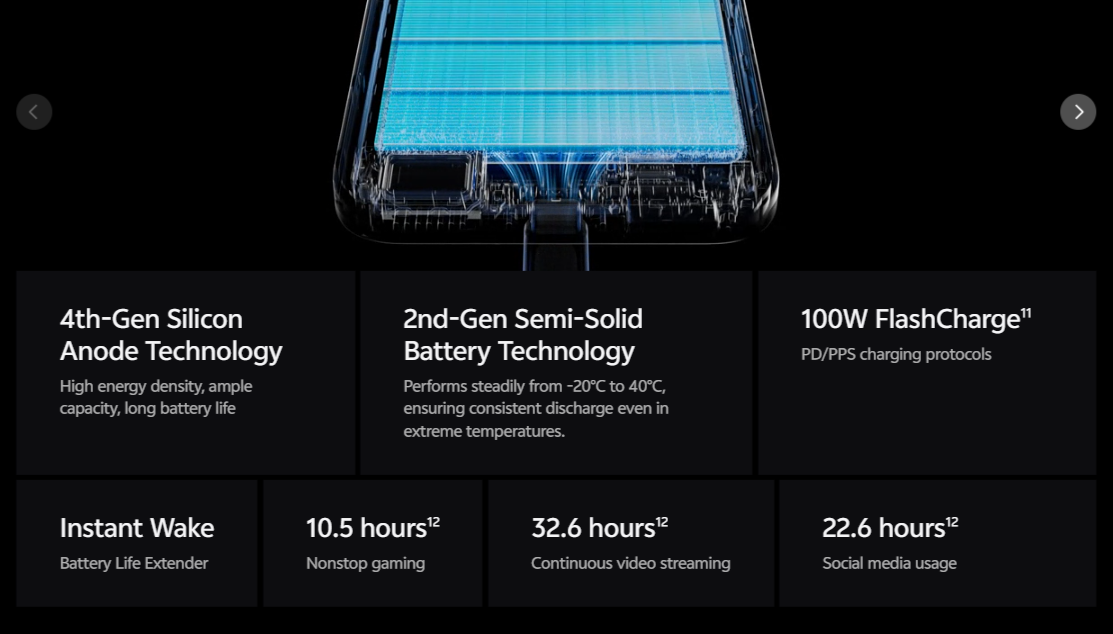
- 7000mAh single-cell battery with 4th-generation silicon anode technology and 2nd-generation semi-solid battery technology.
- Typical capacity: 7000mAh (3.75V); Typical energy: 26.25Wh.
Q10. How long does the battery last on the iQOO 15?
- As per data from iQOO Labs, iQOO 15 ensures 10.5 hours nonstop gaming, 32.6 hours continuous video streaming, 22.6 hours social media usage.
- Performs consistently from -20°C to 40°C for reliable all-scenario endurance.
Q11. What charging speeds does the iQOO 15 support?
- 100W FlashCharge wired (with official charger and cable)
- 40W wireless FlashCharge (sold separately)
- Supports PD/PPS charging protocol support.
Q12. Does the iQOO 15 support bypass charging for gaming?
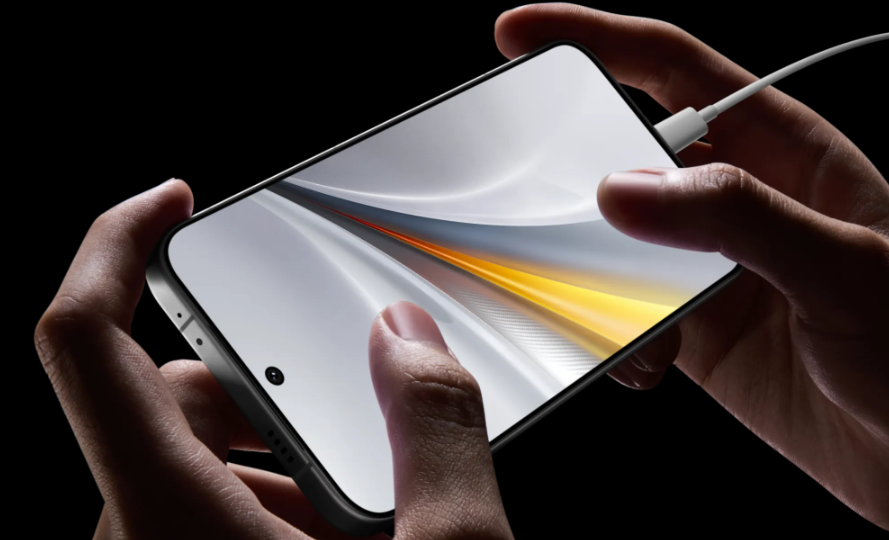
- Yes, bypass charging keeps the phone cool and safe when gaming while charging, routing power directly to the system instead of the battery.
Q13. Are there battery health features on the iQOO 15?
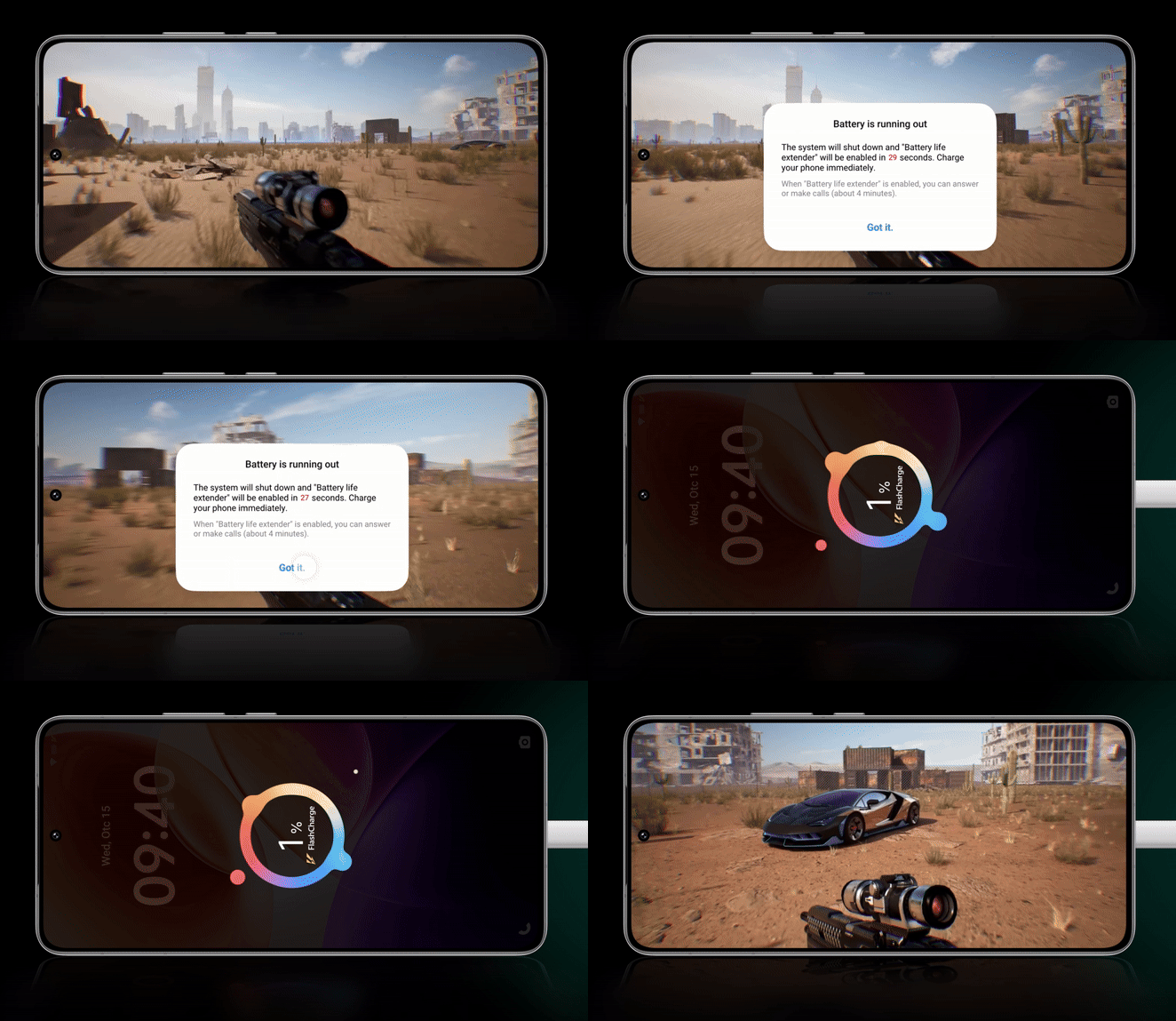
- Yes, the iQOO 15 includes Battery Life Extender and Instant Wake features. Battery Life Extender freezes apps and games when the battery runs low, preserving your progress exactly where you left off—no reloads or interruptions when you plug back in. This helps maintain long-term battery health while ensuring a seamless user experience.
FAQs on iQOO 15 Software & OriginOS 6
Q14. Which Android version does the iQOO 15 run?
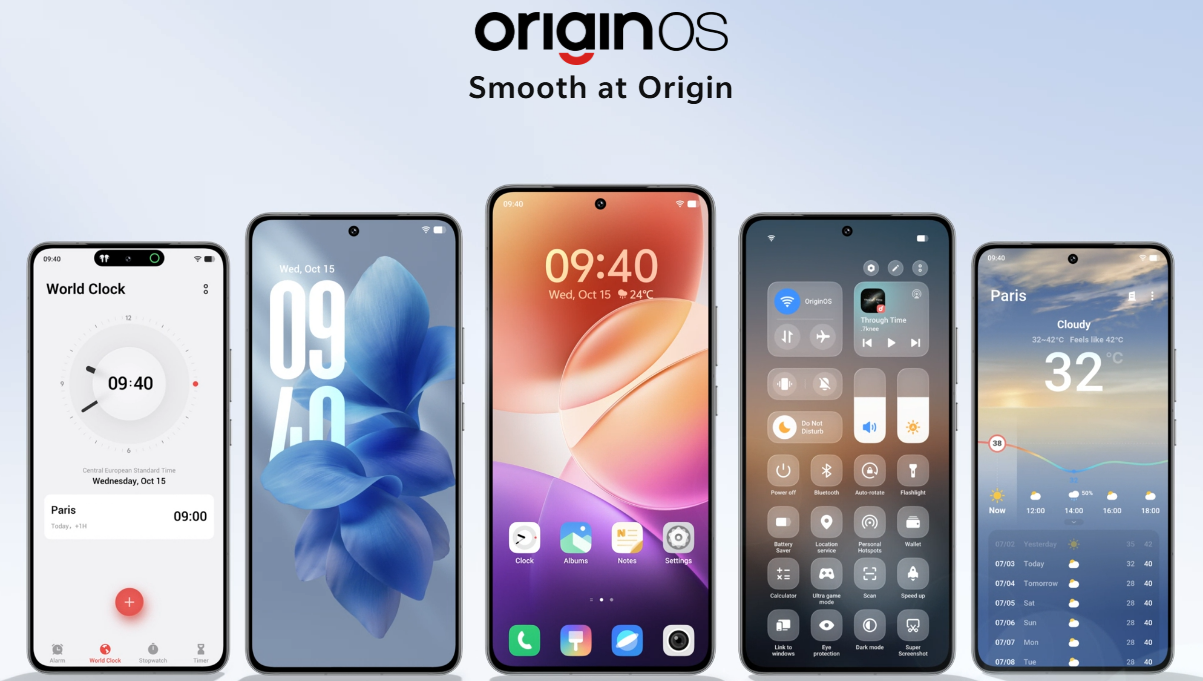
- OriginOS 6 based on Android 15
Q15. What software update policy does the iQOO 15 have?
- 5 major Android OS updates and 7 years of security updates, ensuring long-term software support.
Q16. How smooth is OriginOS 6 on the iQOO 15?
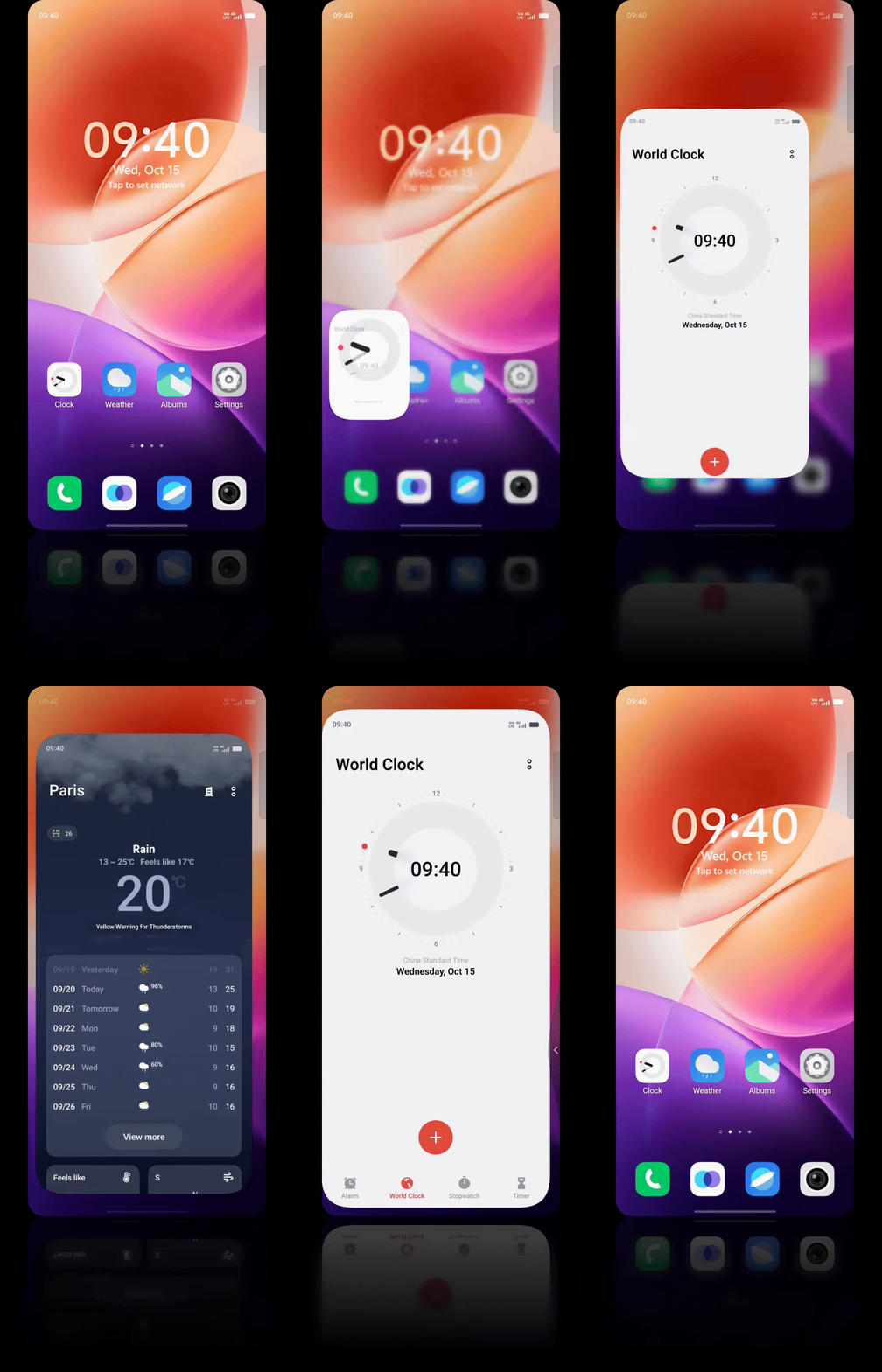
- Origin Smooth Engine delivers a "5-year smooth experience" through ultra-core computing (improved efficiency), memory fusion (intelligent space optimization), and dual rendering (fluid animations).
- Features spring animation, one-shot animation, morphing animation, and blur transition for natural interactions

Q17. What is Origin Island on the iQOO 15?

- An all-in-one floating hub for real-time updates, smart suggestions, and system-wide status insights. Supports drag-and-go (share info across apps) and copy-and-go (auto quick action shortcuts).
Q18. Which AI-powered tools come with OriginOS 6 on iQOO 15?
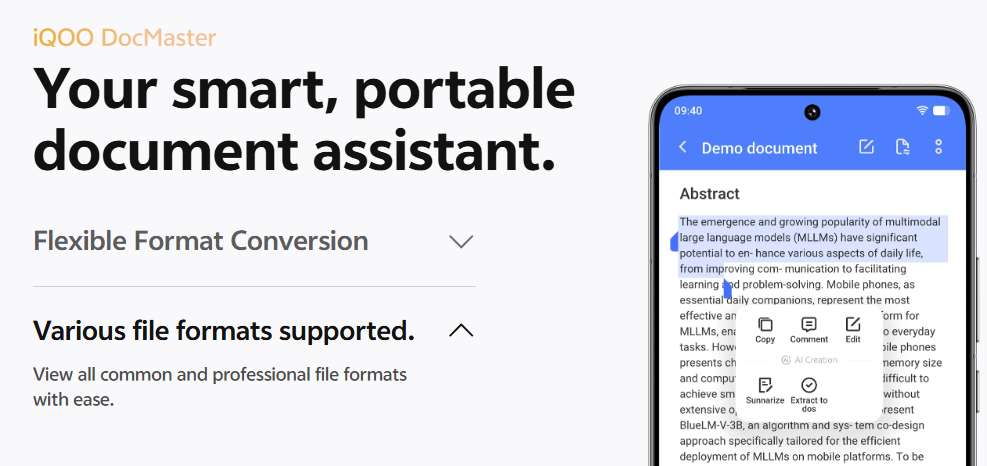
- AI Creation (DocMaster/Notes: rewriting, content generation, summarization, grammar correction)
- AI Captions (real-time speech-to-text, translation, text summarization)
- AI Season Change (photo transformation)
- AI Call Translation
FAQs on iQOO 15 Productivity Features
Q19. What is Office Kit on the iQOO 15?
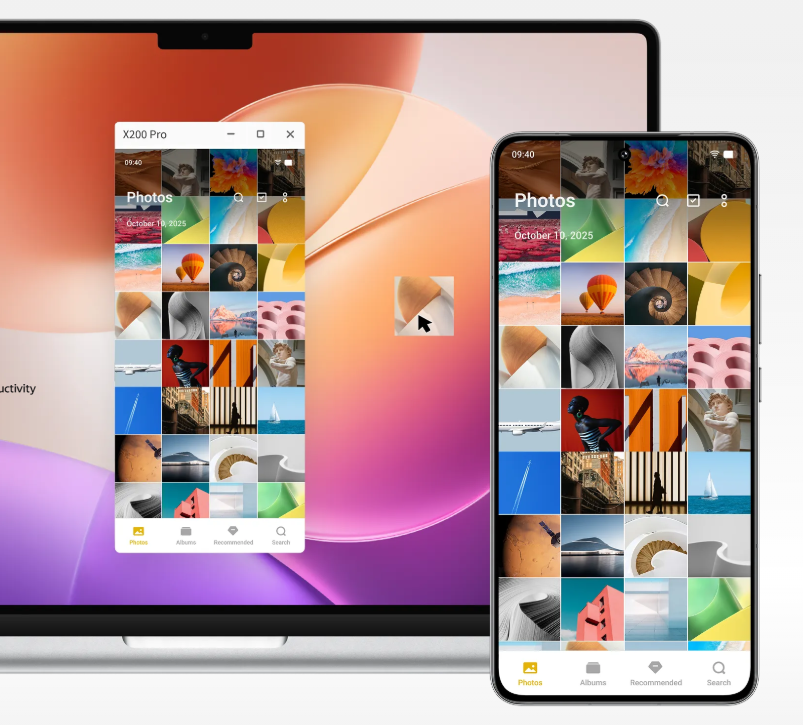
Office Kit on the iQOO 15 is a built-in cross-device productivity suite in OriginOS 6 that links your phone with a Windows or Mac computer. Features include:
- Remote PC (control Windows/Mac from phone, access/transfer/preview files)
- Screen Mirroring (control phone from computer, drag-and-drop images/files for Albums and File Manager)
- Cross-Device File Transfer (transfer files across screens even on different networks via iQOO account).
Q20. Does the iQOO 15 support file transfer with iPhone?
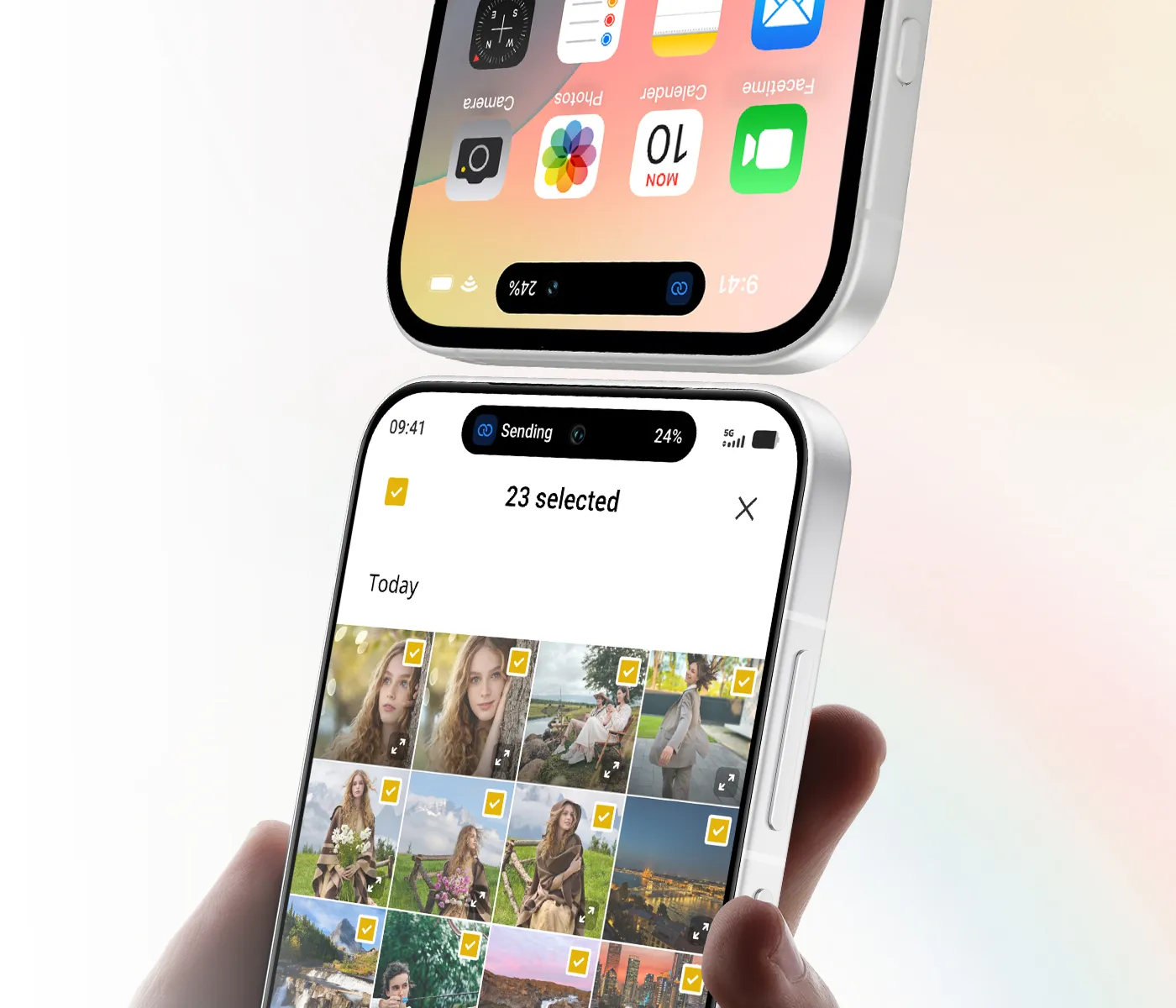
- Yes, One-Tap Transfer via the EasyShare app works with iPhone 12 or later (iOS 17+, vivo EasyShare V5.1+) for sharing live photos, videos, and files with one simple tap.
Q21. Can I customize the lock screen on the iQOO 15?
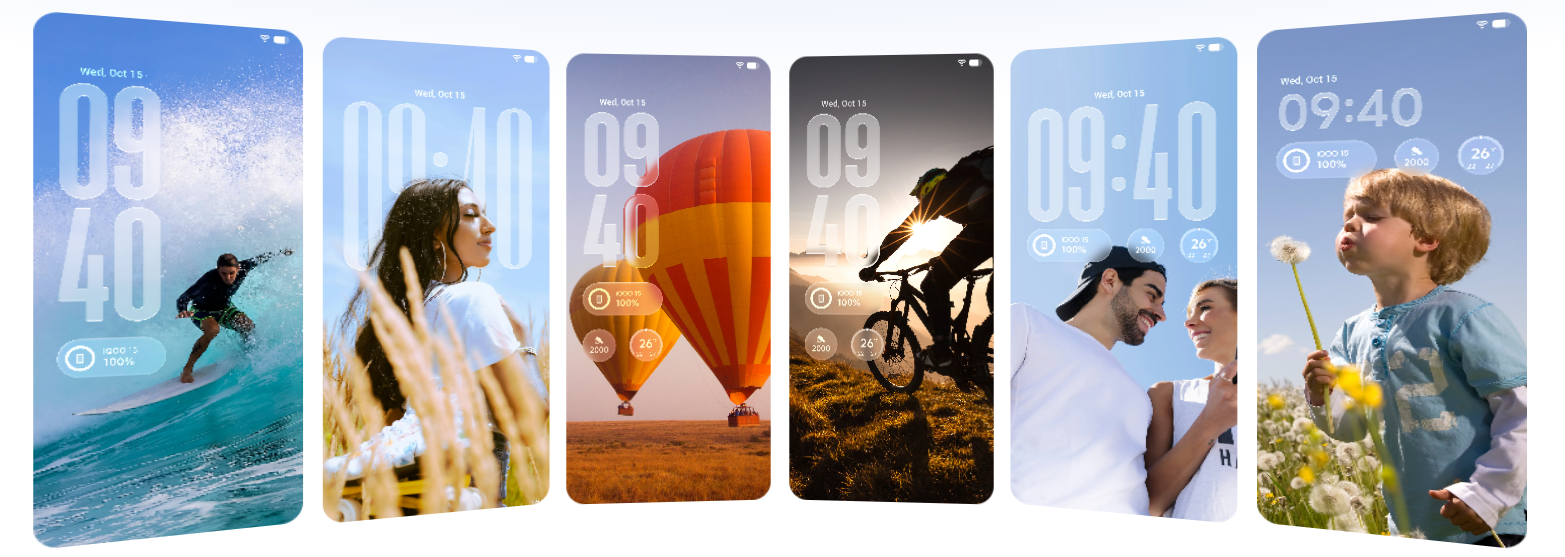
- Yes, personalized lock screen with new clocks, flexible layouts, and diverse customization styles to match your preference.
Q22. What unique features set the iQOO 15 apart?
- Monster Halo RGB lighting (syncs with games/music, fully customizable colors)
- 8K VC cooling (largest in iQOO history)
- dual-axis vibration motor
- Game Live Streaming Assistant (2K 60FPS PC mirroring)
- Universal Esports Network System (23 antennas, AI signal optimization).
Thank you for reading Vol.3 and completing the iQOO 15 FAQ series!
We've covered everything from design and connectivity in Vol.1, display and gaming performance in Vol.2, to camera capabilities, battery endurance, and OriginOS 6 AI features in this final volume.
- [FAQs] iQOO 15 - Design, Pricing, Box Contents & Connectivity | Vol.1
- [FAQs] iQOO 15 - Display, Performance & Gaming Features | Vol.2
If you have specific questions about real-world usage, camera samples, battery drain scenarios, or software tips, drop them in the comments. The iQOO community is here to help!
Note: All data presented in this FAQ series is sourced from the official iQOO website and based on personal hands-on experience with the iQOO 15 device.
Signing off,
Ranger, @iQOO Connect
Please sign in
Login and share