



























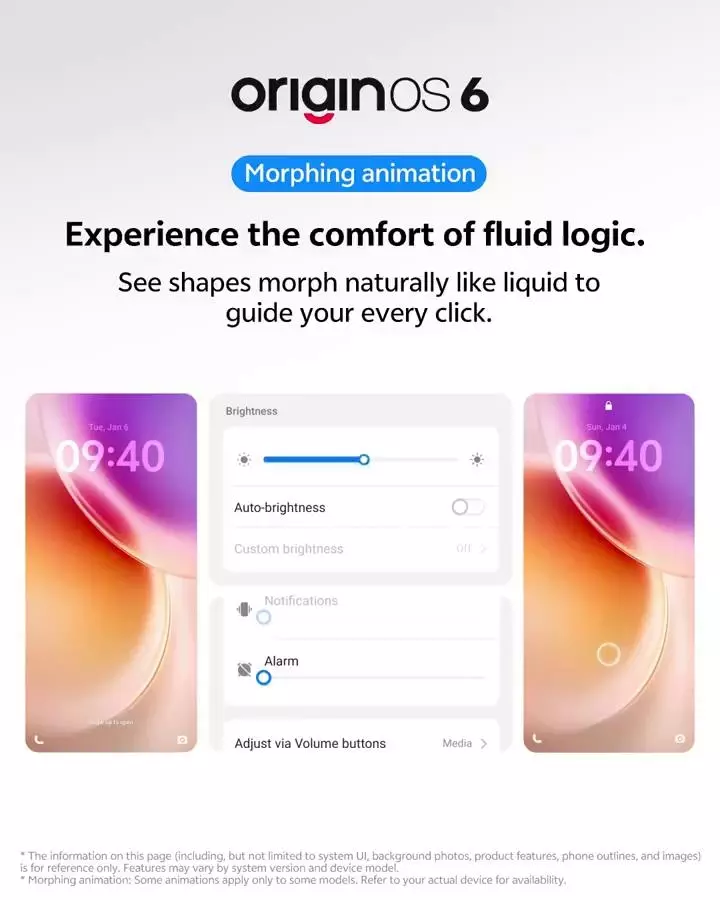
✨ Key Morphing Animations in OriginOS 6— Experience the comfort of Fluid Logic😍

🔸Origin OS6 Feature: Episode 2️⃣🔸
OriginOS 6 isn't just an update — it's a visual revolution. At the heart of its design lies a new language of morphing animations that make every interaction feel alive, intuitive, and seamless. Let's explore how it transforms your daily flow.
🎥 What Are Morphing Animations?
They're not just transitions — they're context-aware visual bridges between actions. Instead of abrupt jumps, OriginOS 6 uses shape-shifting, ripple-like animations to guide your eyes and mind through tasks.
🔄 App Launch & Exit
Opening an app? It doesn't just pop — it morphs from the icon, expanding fluidly into the full screen. Closing it? It gracefully collapses back. This creates a visual memory trail, reducing cognitive load.
📂 Folder Interactions
Tapping a folder doesn't just open a grid — it unfolds like origami, revealing apps with a soft bounce. It's not just pretty — it helps your brain map where things are and where they came from.
🔔 Notification Flow
When a notification arrives, it ripples into view, subtly drawing attention without being jarring. Dismissing it? It melts away instead of snapping out — a small touch that feels deeply human.
These animations aren't just eye candy. They're built on fluid logic— a design principle that aligns motion with meaning. Every morph, stretch, and fade is designed to reduce friction and enhance focus.
🎨 Aesthetic Meets Function
From charging animations that ripple like water to volume sliders that bloom into view, OriginOS 6 turns routine actions into delightful micro-moments. It's UX that feels like art.
📱 Try It Yourself
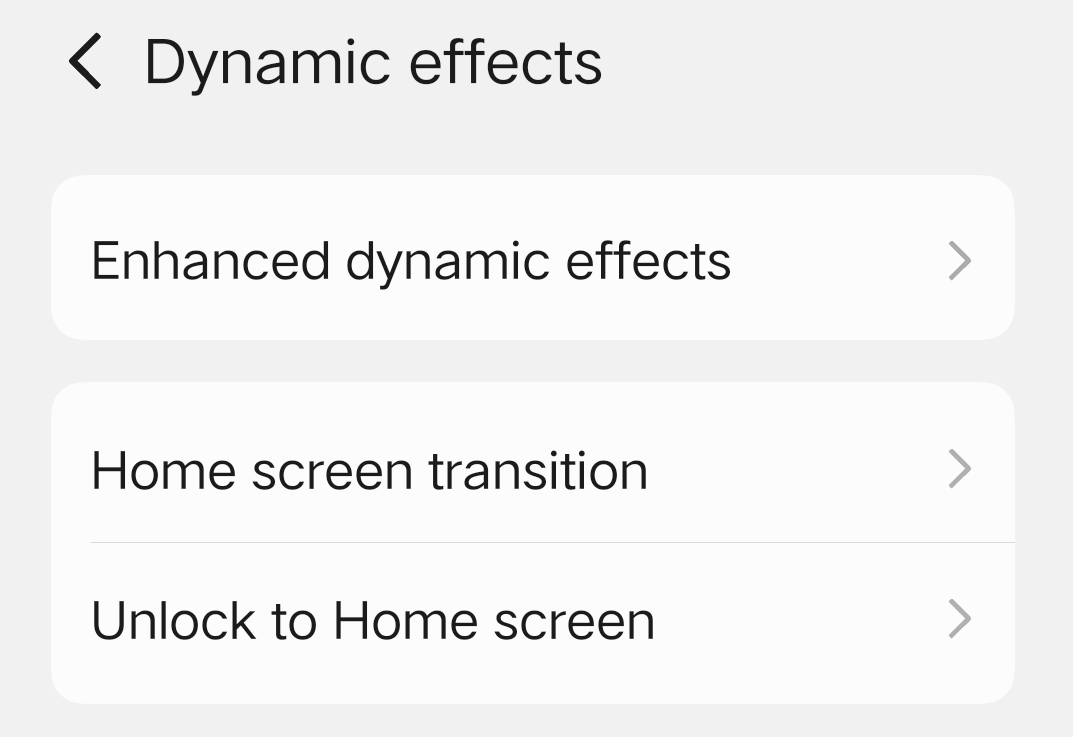
If you're using an iQOO 15 , you're already experiencing this. Dive into settings → Home Screen → Dynamic effects and explore the animation styles and transition speeds.
OriginOS 6 doesn't just look smooth — it thinks smooth. Its morphing animations are a masterclass in how motion can guide, inform, and elevate the way we interact with our devices.
So Questers, Which animation caught your eye first? Let's talk fluid design below 👇
Follow Me ▶️ @TechSAM009
Moderator
Please sign in
Login and share