



























[Review] Origin OS in Daily Use: Smooth or Overhyped? 🚀 My 45-Day Reality Check

I am Yasir Hamid Ansari, here to share my real, daily-life experience with Origin OS, not just based on specs or first impressions, but after actually living with it day in and day out.
As an active member of the iQOO Community and someone who uses his phone for gaming, content creation, community work, and everyday productivity, this thread is my honest answer to one big question:
👉 Is Origin OS genuinely smooth in daily use, or is it just overhyped?
What Is Origin OS? (Quick Overview)
Origin OS is iQOO's custom UI built on Android, designed to deliver:
- Fluid animations
- Smart widgets
- Enhanced multitasking
- Better performance optimization
On paper, it looks impressive. But specs don't matter unless they translate into real-world comfort.
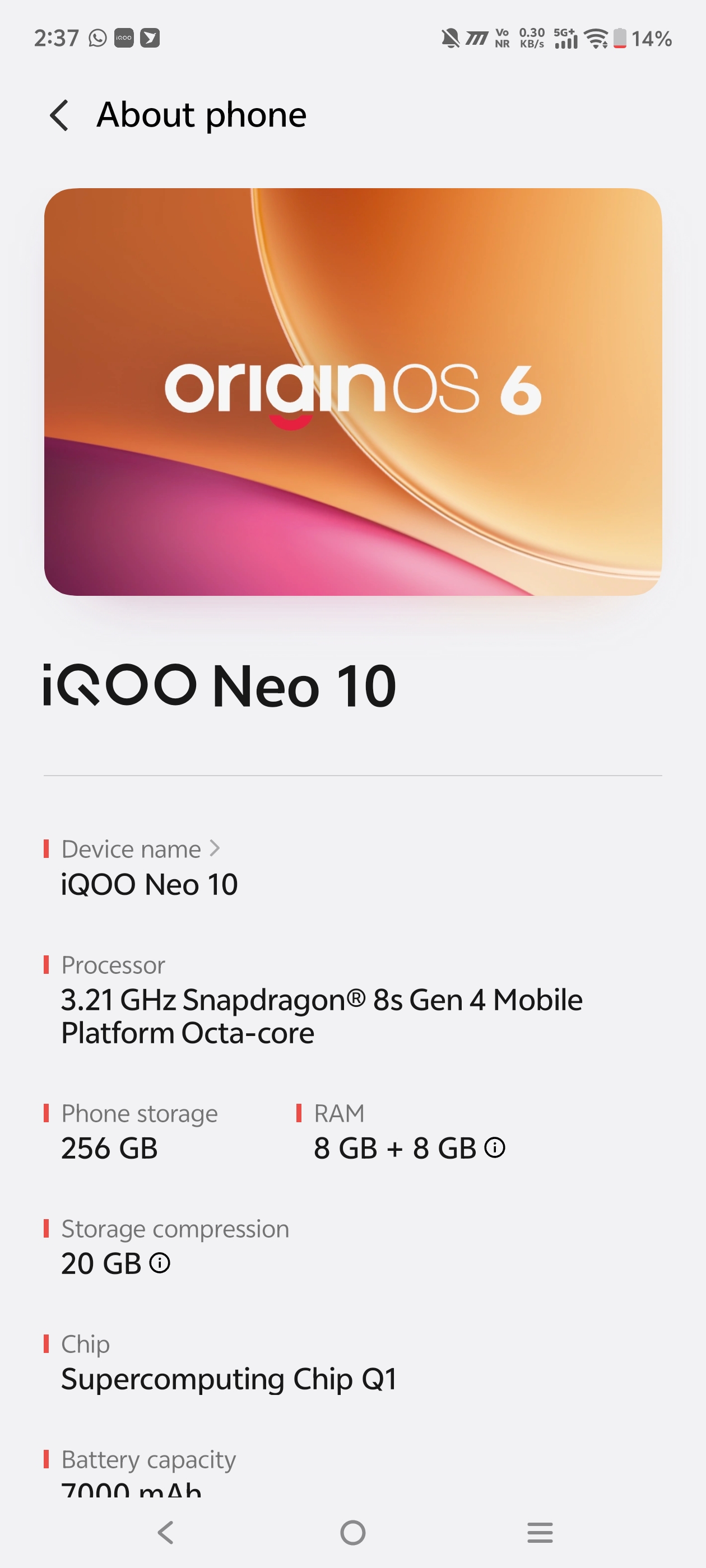
🌊 The "Smoothness" Factor: Is it Real?
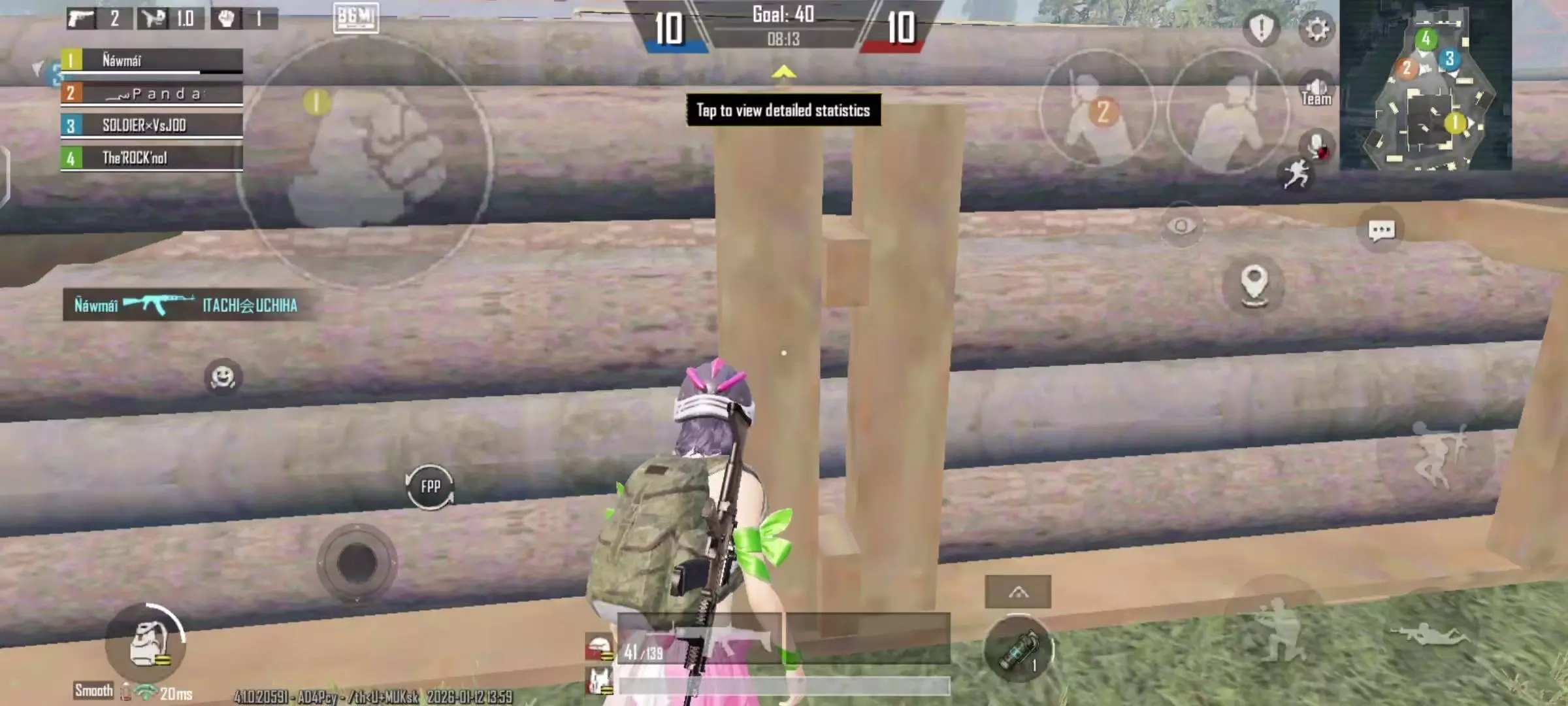
In my daily life, I switch between heavy apps like Instagram, BGMI, and Slack constantly. On my previous OS, I'd get those micro-stutters when closing an app quickly.
- The Reality: Origin OS uses what they call the "Origin Smooth Engine". It doesn't just feel fast; it feels elastic. When I swipe an app away, it doesn't just vanish; it bounces back to its icon with a physics-based animation that feels incredibly premium.
- Daily Win: I stopped using "Developer Options" to speed up animations (0.5x) because the default speed finally feels natural and fluid.
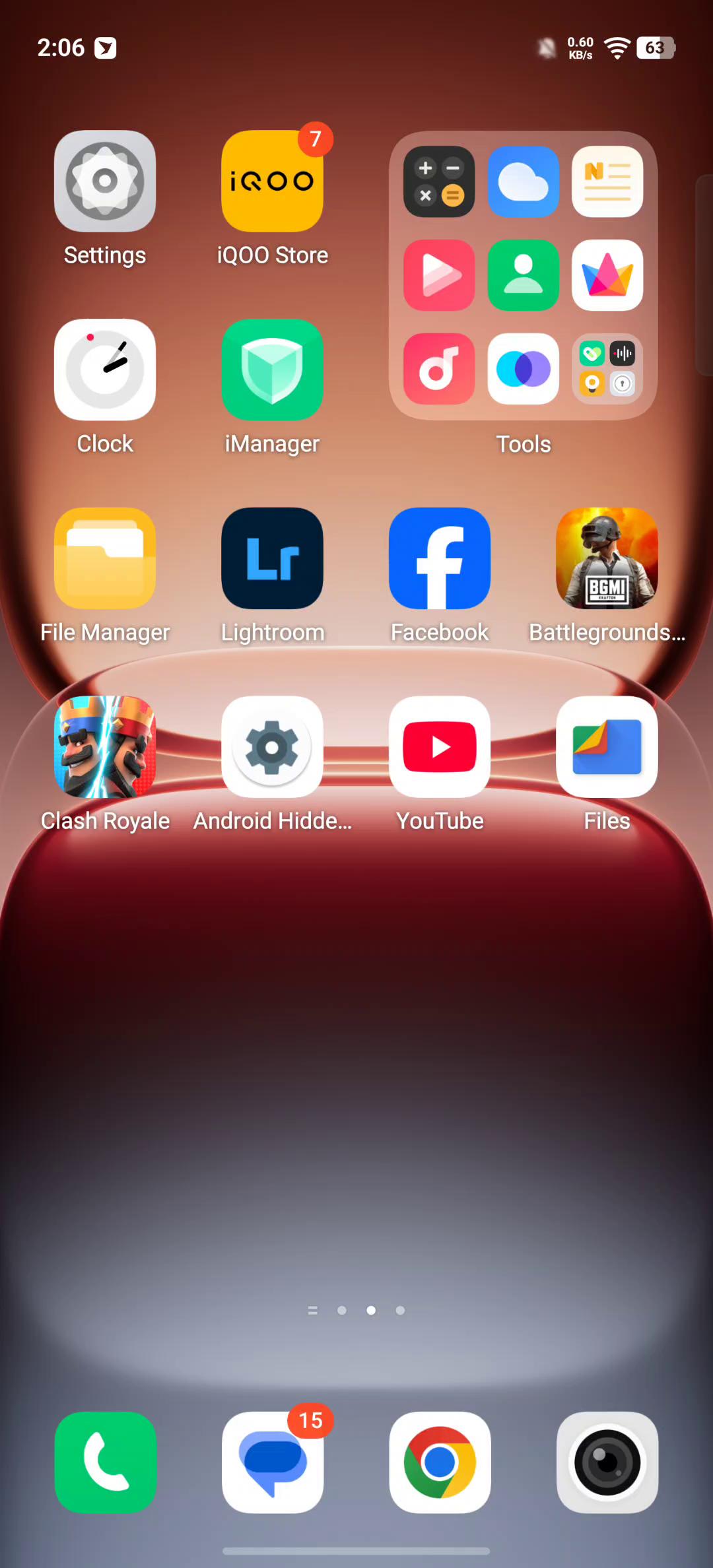
🏝️ Origin Island: Gimmick or Game Changer?
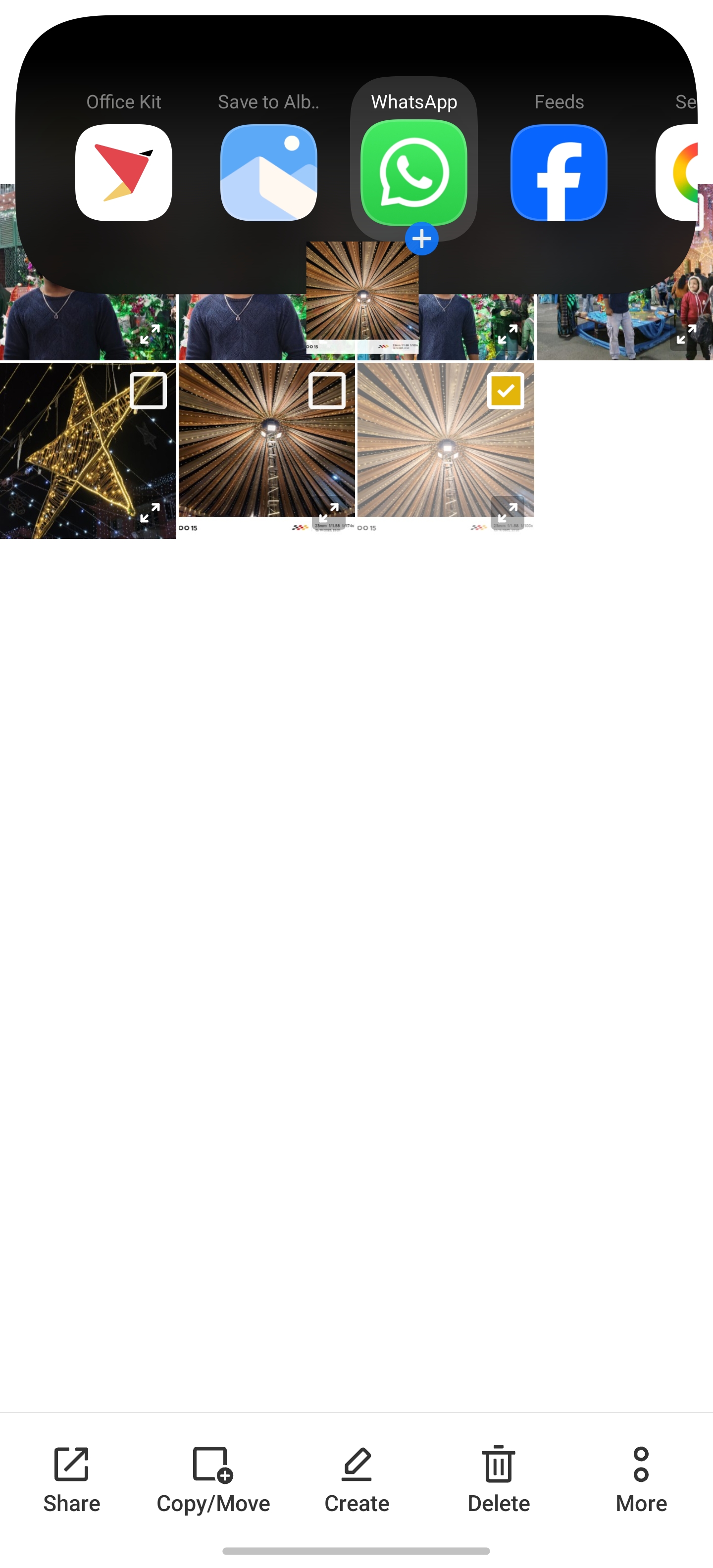
Origin Island features, multitasking, dynamic island android
I thought this was just an "iPhone copycat" feature at first. I was wrong.
- The Usage: I order food... a lot. Tracking my delivery right from the status bar without opening the app is a blessing.
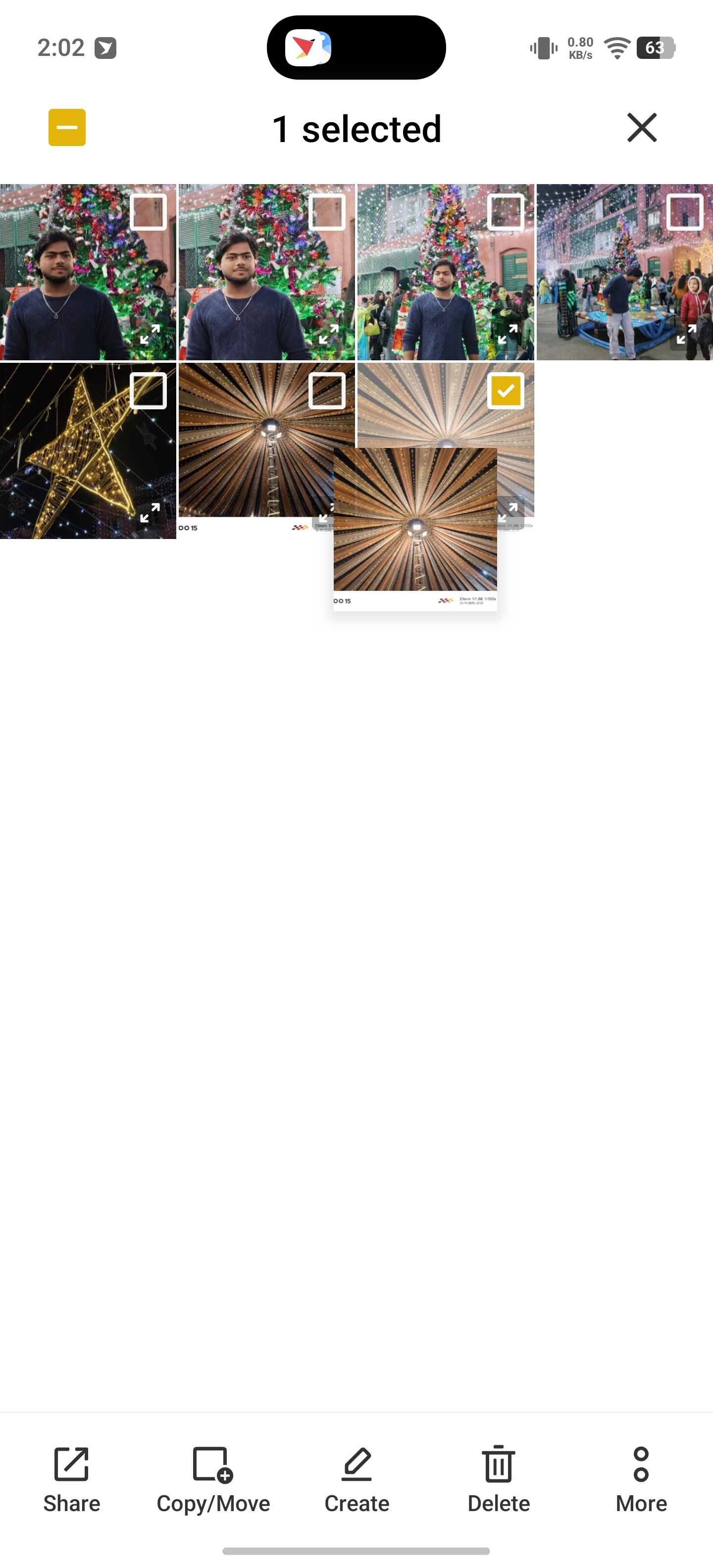
- The "Life Hack": The drag-and-drop feature is my favorite. I can drag a photo from my gallery directly to the "Island" to share it on WhatsApp instantly. It saves me 3-4 taps every time.
- The Overhyped Part: It doesn't work with every app yet. While major apps are supported, some of my niche local apps just ignore it completely.
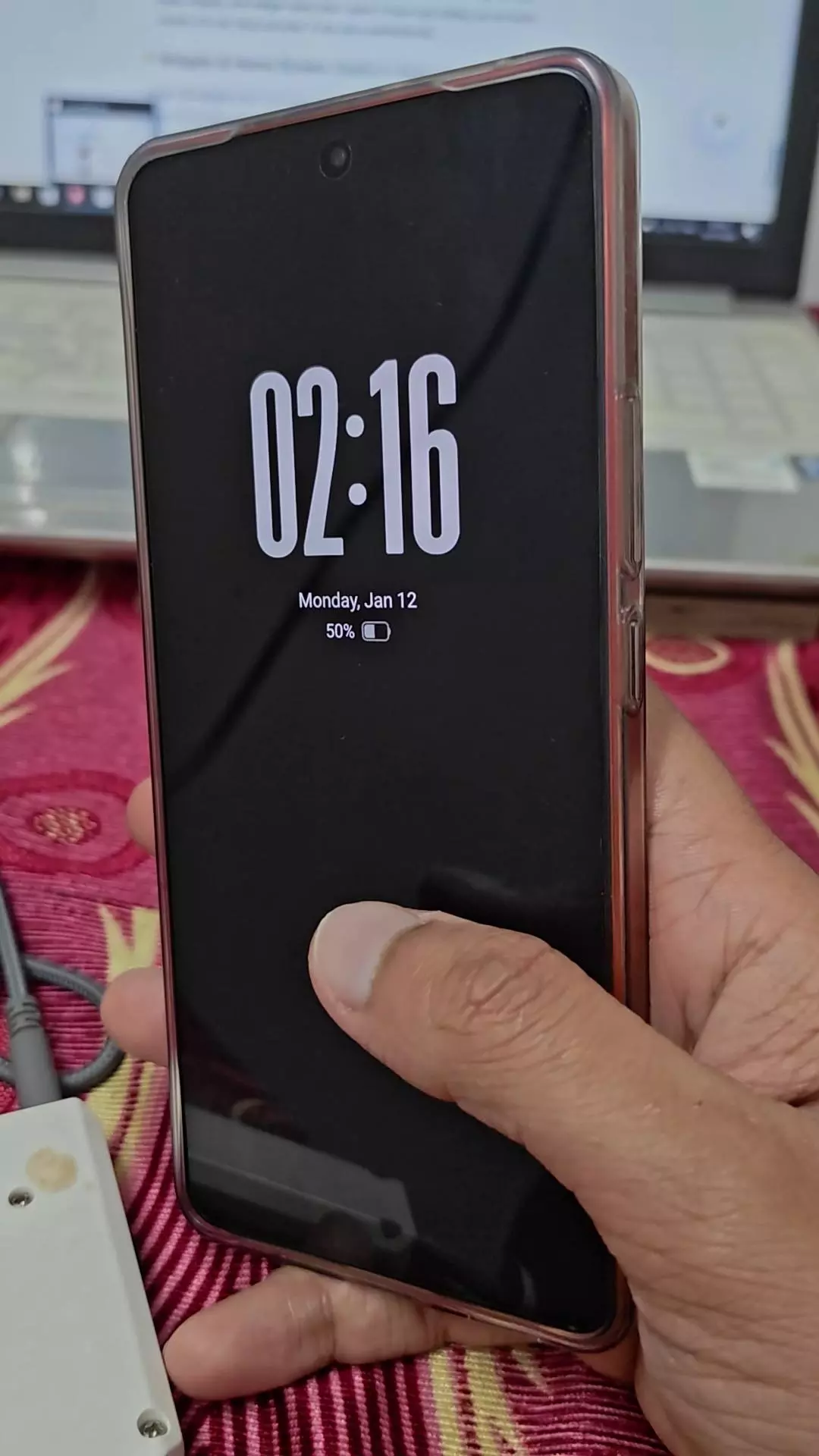
🎨 Customization: My "Digital House"
Origin OS lock screen, customization, widgets
If you love making your phone look unique, this is your playground.
- The Feature: The "Mood Cube" and the new Lock Screen customization system.
- My Setup: I've set up a "Work Mode" that turns my wallpaper into a calm, desaturated landscape to reduce distractions, and a "Gaming Mode" that pumps up the colors.
- Reality Check: It can be overwhelming. There are SO many settings for icon sizes, shapes, and widget styles that I spent 2 hours just setting up my home screen. It's not "plug and play" if you are a perfectionist.
Widgets & Home Screen: Useful in Real Life
Origin OS widgets aren't just visual add-ons.
How I Personally Use Them:
- Clock + weather widget for quick planning
- System widgets to track battery and performance
- Clean layout that reduces app-hopping
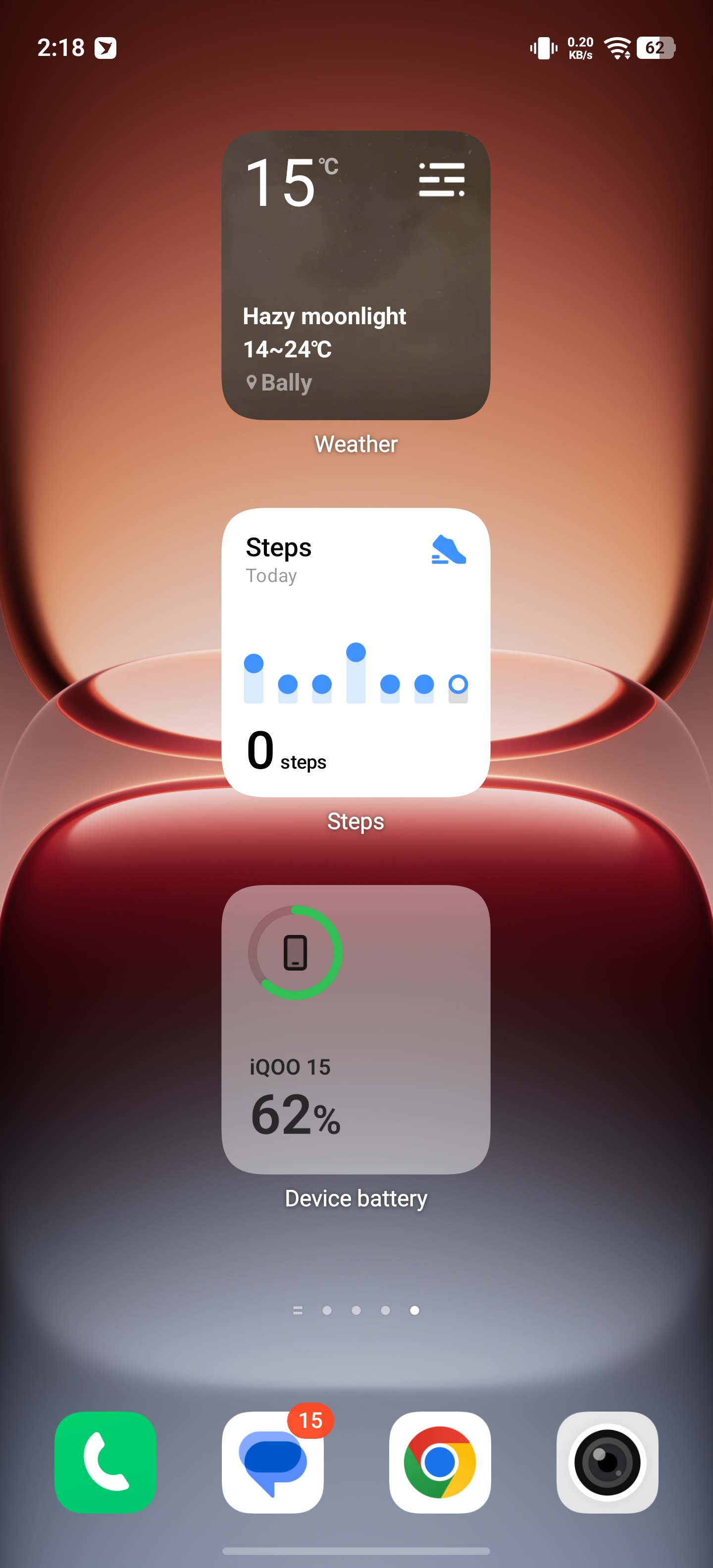
This saves time—especially on days packed with community coordination and events.
Multitasking & RAM Management: Reliable Under Pressure 🧠
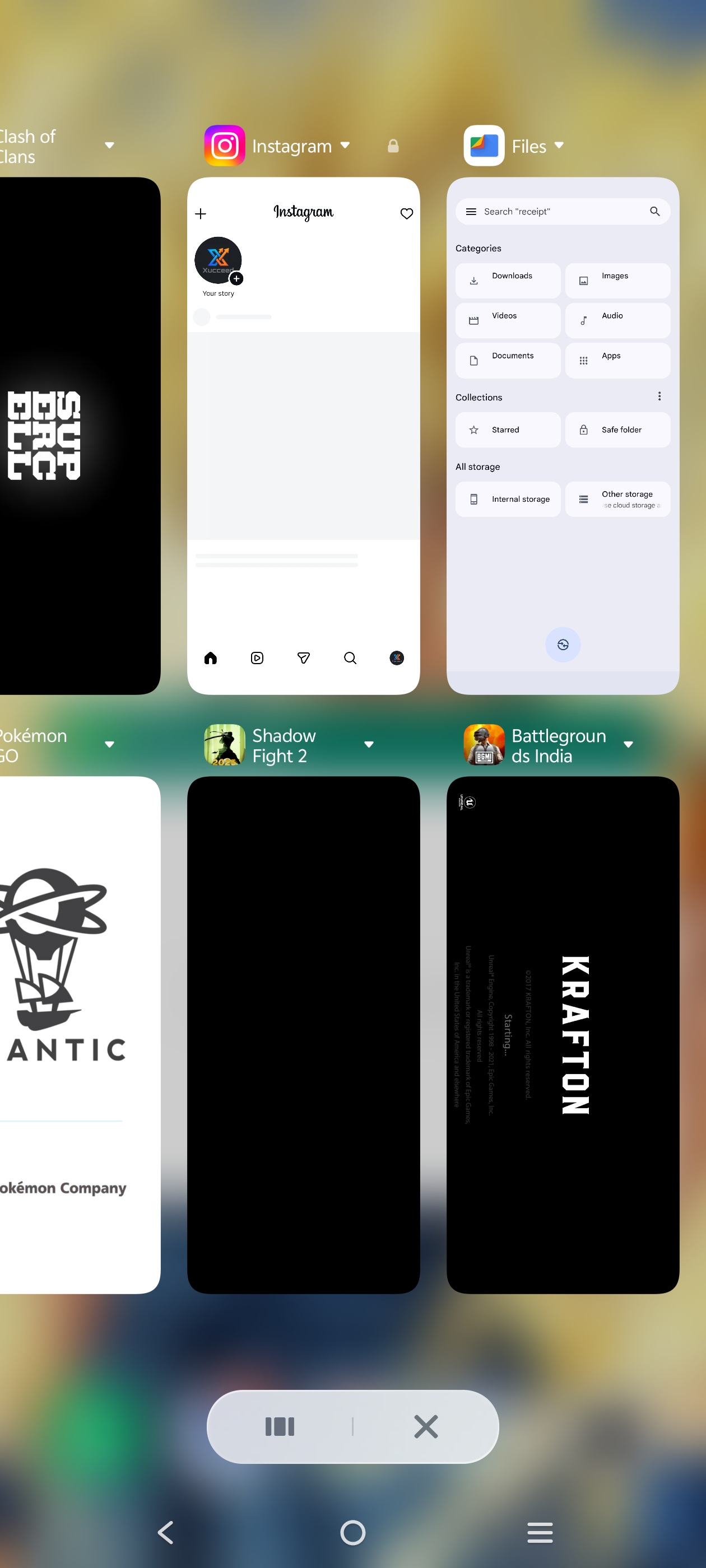
My phone usage involves constant app switching.
Real Observations:
- Apps stay active in the background
- Camera opens instantly even after gaming
- Games don't reload after replying to messages
This kind of RAM management makes daily usage stress-free.
💼 The Productivity Hack: Office Kit & One Tap Transfer
Origin OS Office Kit, PC to Phone file transfer, One Tap Transfer iQOO, Multi-screen collaboration
Ill be honest—I usually ignore "ecosystem" features because they rarely work well outside of Apple. But the Office Kit in Origin OS actually shocked me.
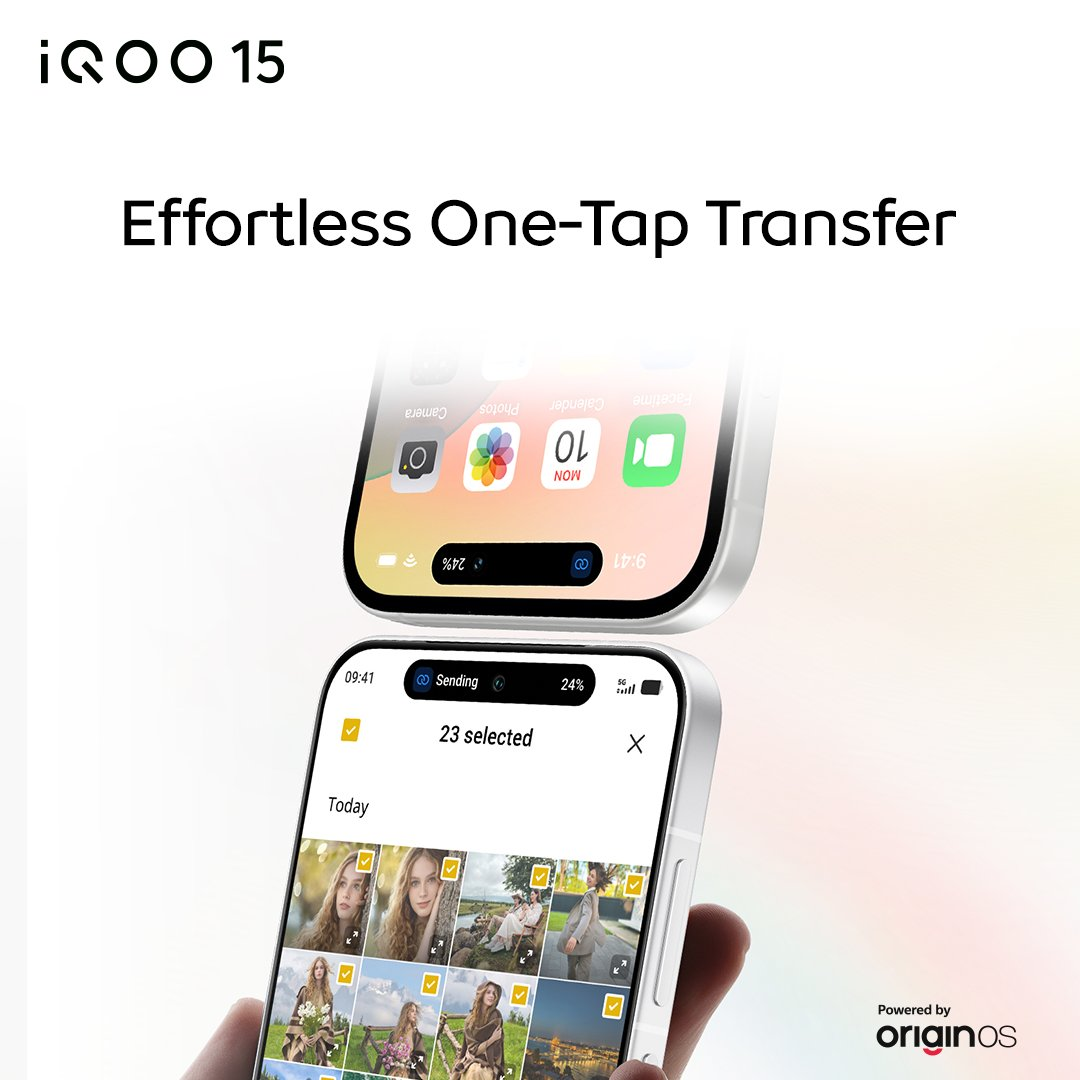
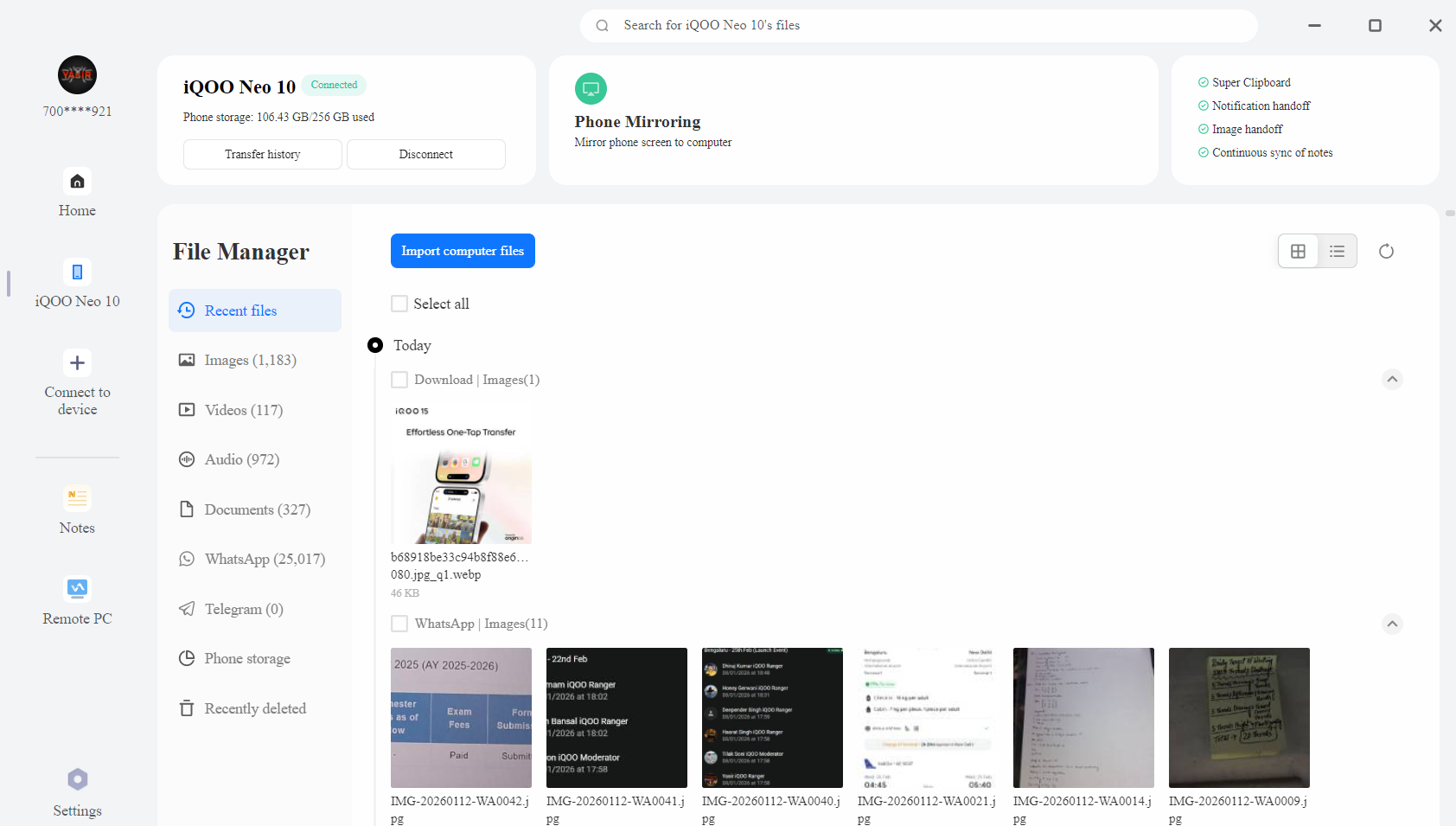
- The "One Tap" Magic: I hate cables. I hate emailing photos to myself. Origin OS has this feature where if you have the client on your laptop, you can just tap your phone (via NFC/EasyShare) to instantly shoot files across.
- Real Life Scenario: I was editing a banner on my laptop and needed a photo I just clicked. I didn't open WhatsApp Web or Drive. I just tapped, and boom—file transferred. It feels futuristic.
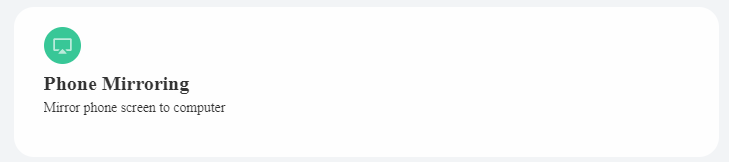
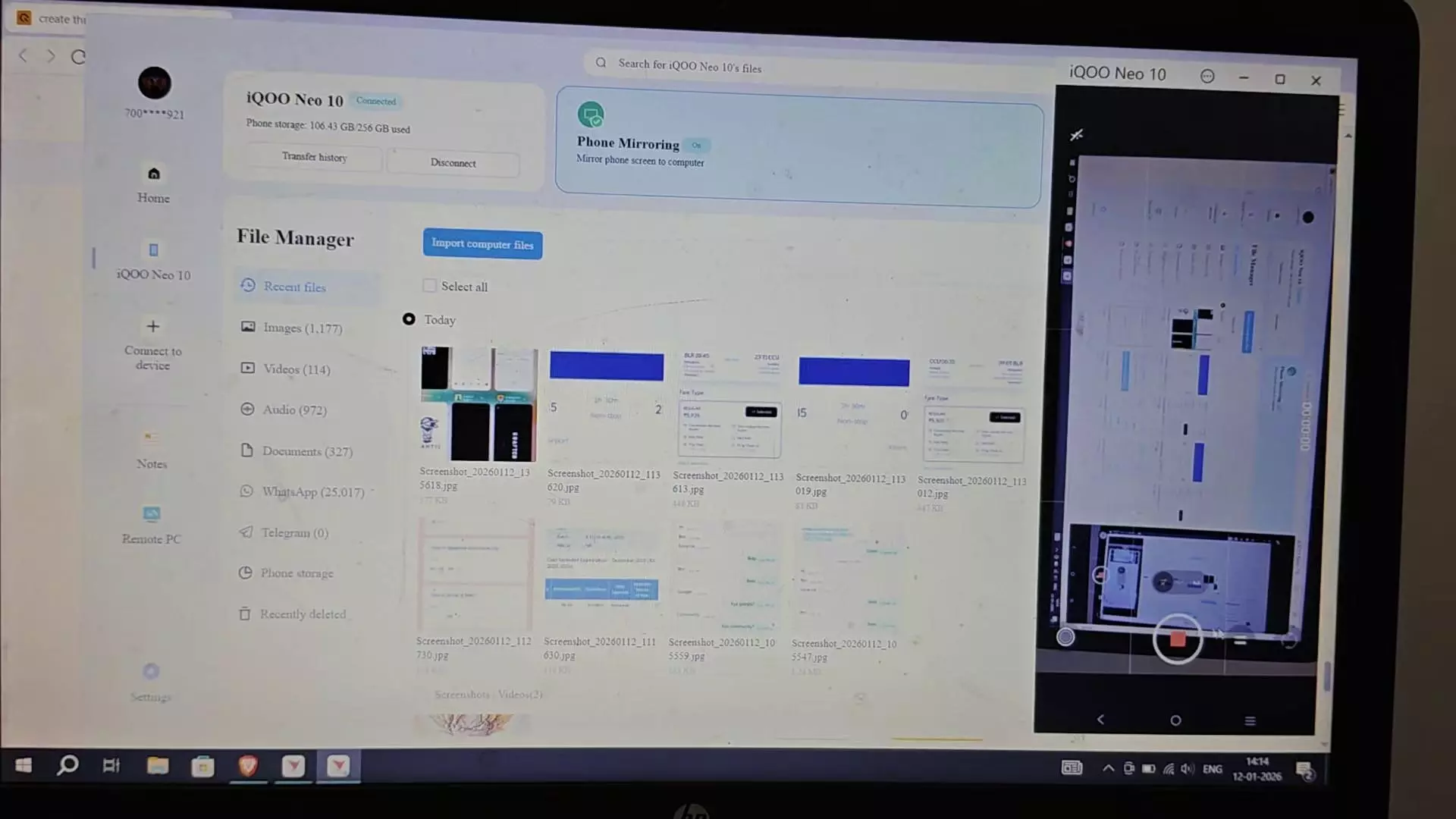
- Office Kit (PC & Mac): Most brands forget Mac users, but Origin OS supports both. The Screen Mirroring is low latency enough that I actually replied to WhatsApp messages from my laptop screen while my phone was charging across the room.
- The Best Part: The Cross-Device Clipboard. I copied a tracking ID on my phone and hit Ctrl+V on my laptop, and it pasted. It’s such a small thing, but it saves so much friction.
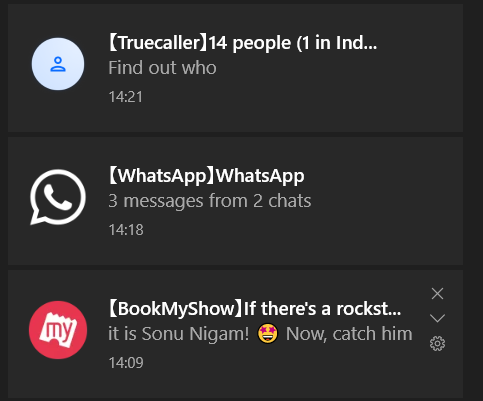
- Notification: Even When My Phone is not in my Hand and Focusing on my Laptop, I dont have to open my Phone to see the Notification. It All apears in laptop automatically.
Bottom Line: If you are a student or work in an office, this feature alone is worth the switch. It turns your iQOO into a legit workstation.
🔋 Battery & The "Zero-Power" Promise
Origin OS battery life, battery optimization, iQOO battery drain
Marketing claims you can use the phone even when the battery is dead.
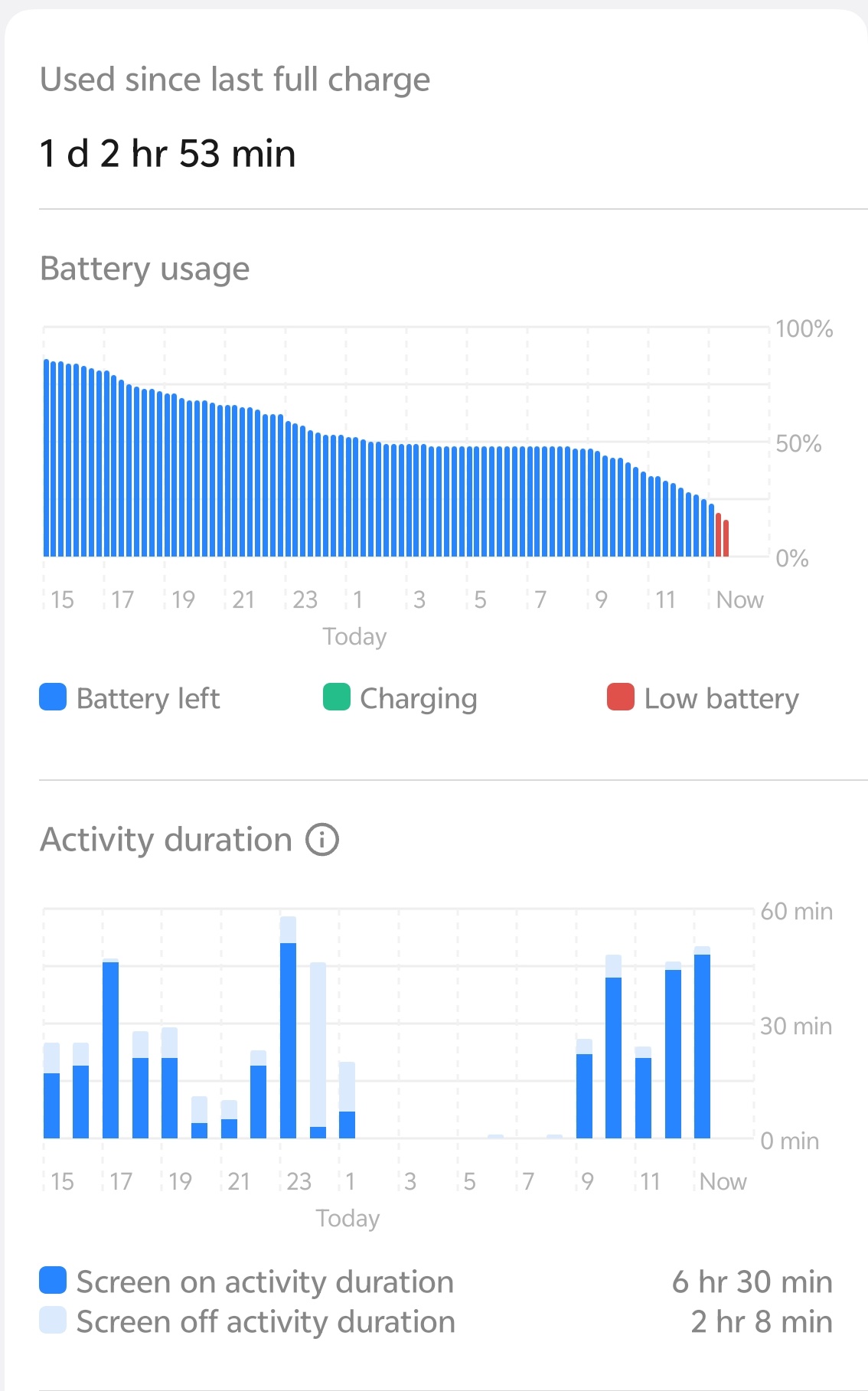
- The Test: I deliberately let my phone hit 1%.
- The Result: The "Emergency Mode" actually works. I was able to make a 2-minute call to my mom when my phone was technically "dead" to the world.
- Daily Drain: The background management is aggressive. It saves battery, but sometimes it kills my Spotify background playback if I have too many things open. You need to whitelist your music apps in the battery settings.
🚫 The "Overhyped" / Negatives
Origin OS bugs, bloatware, downsides
It wouldn't be a fair review without the cons.
- Notification Management: Sometimes, it's too smart. It groups notifications in a way that I sometimes miss important emails because the OS decided they weren't "priority."
- Bloatware: Depending on your region, there are pre-installed apps you will immediately want to uninstall.
- Learning Curve: If you are coming from Stock Android or Funtouch OS, the Control Center and Notification Panel being split (left swipe vs. right swipe) takes a week to get used to.
🏁 Final Verdict: Smooth or Overhyped?
Origin OS is NOT overhyped, but it is opinionated. It forces you to use your phone in a specific (very fluid) way.
- Switch to it if: You care about visuals, hate micro-stutters, and want the most modern-looking UI on Android.
- Skip it if: You want a boring, stock Android experience where you don't have to tweak settings.
For me? I can't go back to a choppy 60Hz-feeling UI after this.
👇 What do you think? Have you tried Origin OS, or are you waiting for the update? Let me know your biggest fear about switching in the comments below!
Happy Questing!
See You Again!
Please sign in
Login and share