



























Switching to iQOO: Real Life Review

Hi iQOO Fam! 
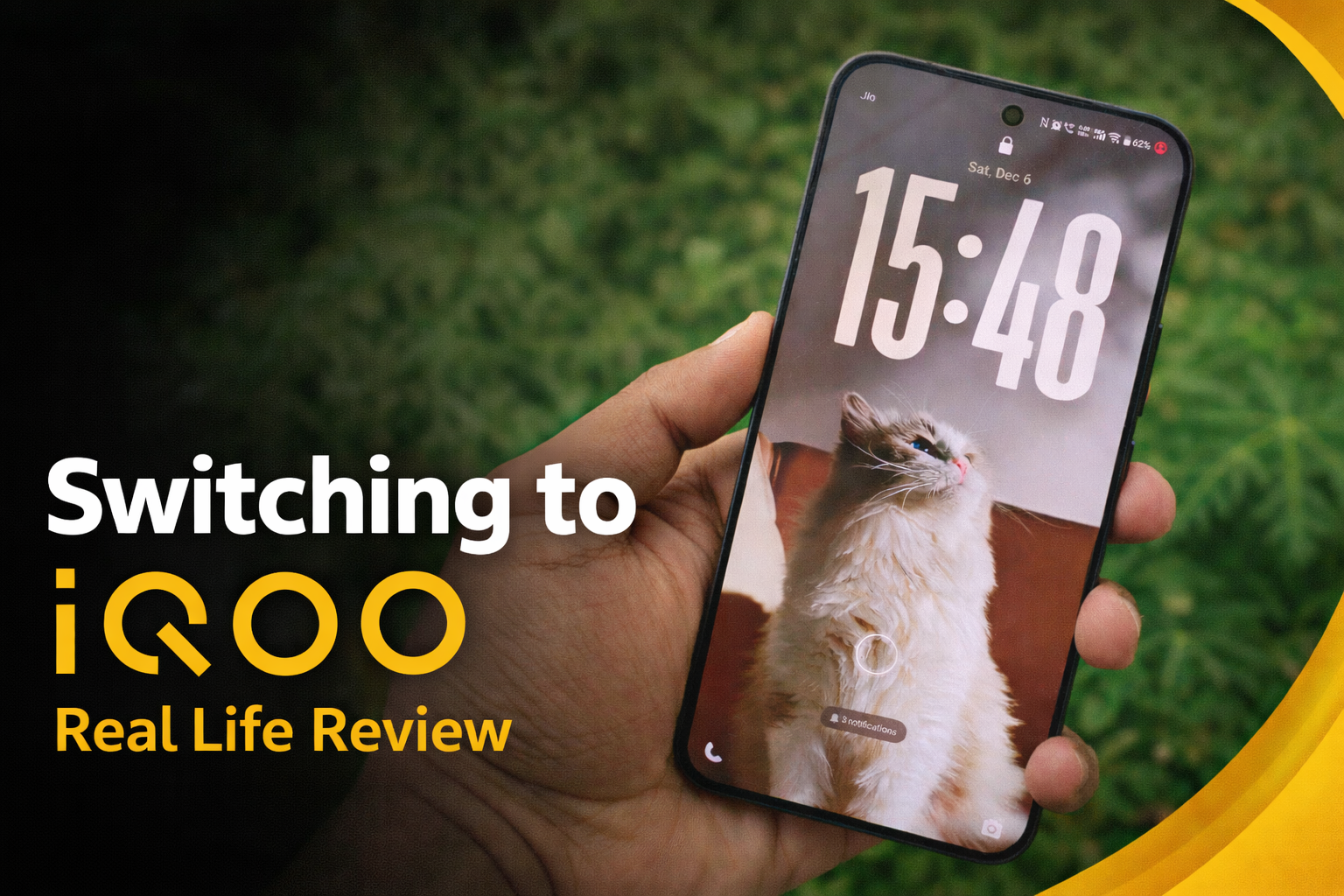
I still remember the moment I held my realme 7 for the first time back in college. That device got me through assignments, late-night gaming sessions, and countless memories. Fast forward to last year, I was using the OPPO Reno13 - a solid device that handled my daily needs pretty well. So when I got the opportunity to test the iQOO 15 as a community Ranger, I'll be honest - I was curious but also a bit skeptical. Switching brands isn't easy when you're comfortable with what you know, right?
But here's the thing: sometimes you don't realize what you're missing until you experience it. And the iQOO 15 has genuinely changed how I think about what a flagship should deliver. This isn't just a spec sheet review - this is my real-life experience after making the switch, and trust me, there's no going back.
The Backstory: Why My Family Switched First
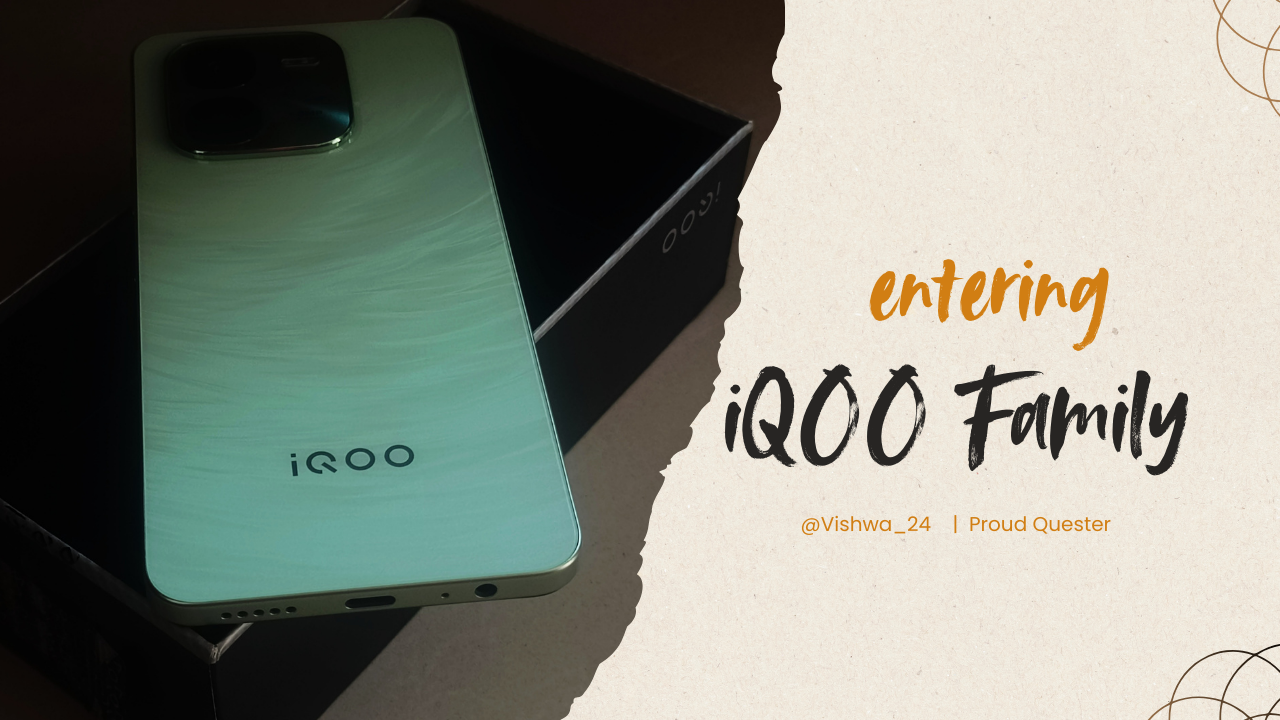
Before I even touched the iQOO 15, I had already made a decision for my parents. Last year, I chose the iQOO Neo 10R for my dad and the iQOO Z9x for my mom. Why? Because they needed devices that just work - reliable battery life, good cameras to capture family moments, and fast charging so they're never stuck waiting.
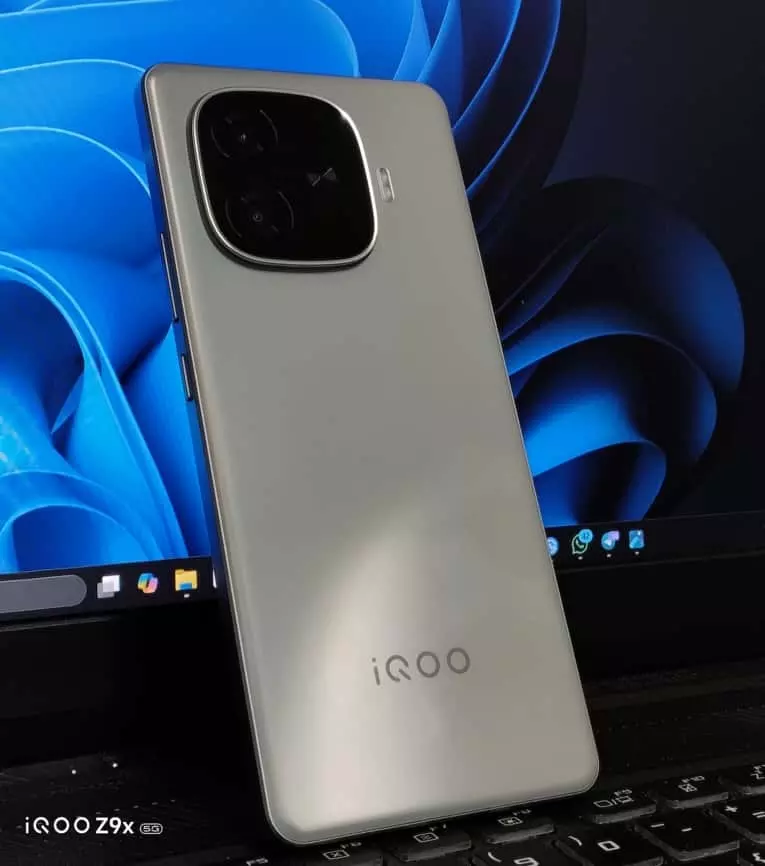
Both of them have been loving their devices. My dad, who's not exactly tech-savvy, keeps praising how smooth everything feels and long battery life. My mom, who clicks a lot of photos during her morning walks, can't stop talking about how quickly her phone charges. Watching them enjoy their iQOO devices made me wonder - what would the flagship experience feel like?
That curiosity turned into reality when the iQOO Connect team gave me the chance to test the iQOO 15. Big thanks to @parakram_h , @ParthNirmal , and the entire team for this opportunity.
First Impressions That Made Me Stay
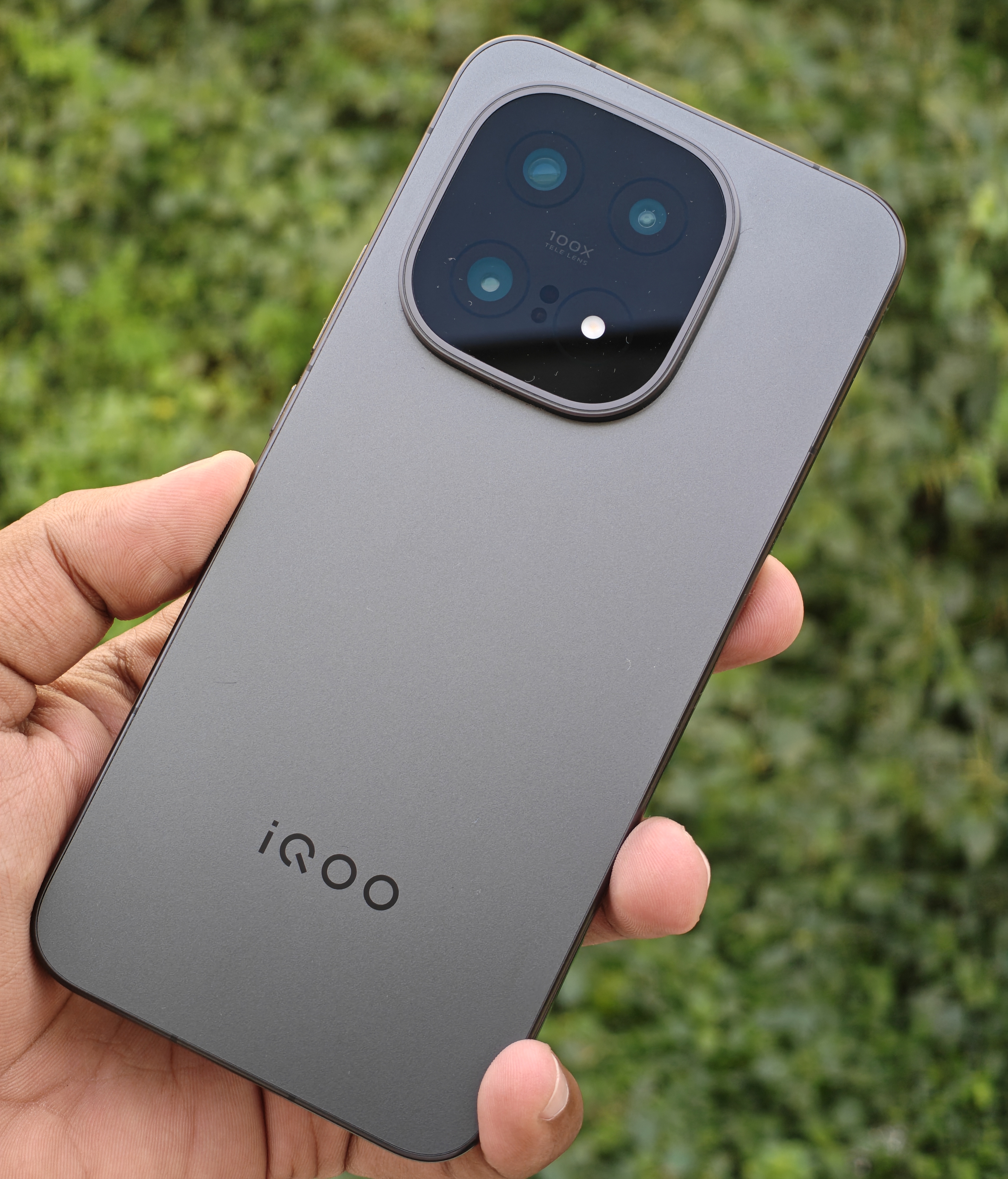
The moment I got the iQOO 15 Alpha variant (16GB + 512GB), the premium feel hit differently. The matte black finish with the metal frame feels refined in a way my previous devices never did. At 216.2g, you'd expect it to feel heavy, but the weight distribution is so well balanced that extended usage never feels tiring.
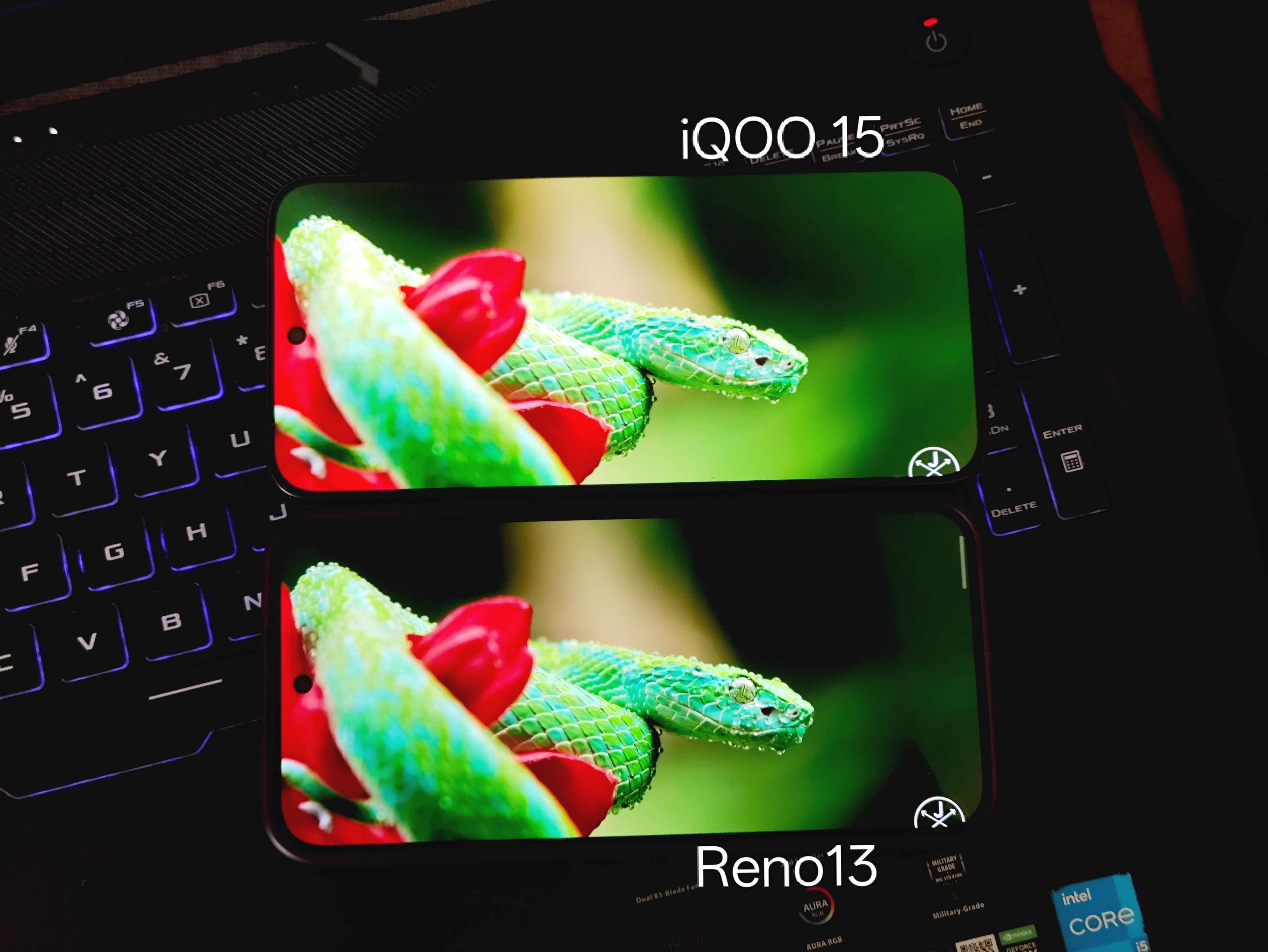
But the real jaw-drop moment? The 6.85-inch 2K Samsung AMOLED display. Coming from the Reno13's display, which was already good, the iQOO 15's panel is on another level entirely. The 2600 nits peak brightness means I can actually read everything clearly even under harsh Coimbatore afternoon sun. The 144Hz LTPO refresh rate makes scrolling feel like butter, and the 2160Hz PWM dimming has genuinely reduced my eye strain during late-night work sessions.
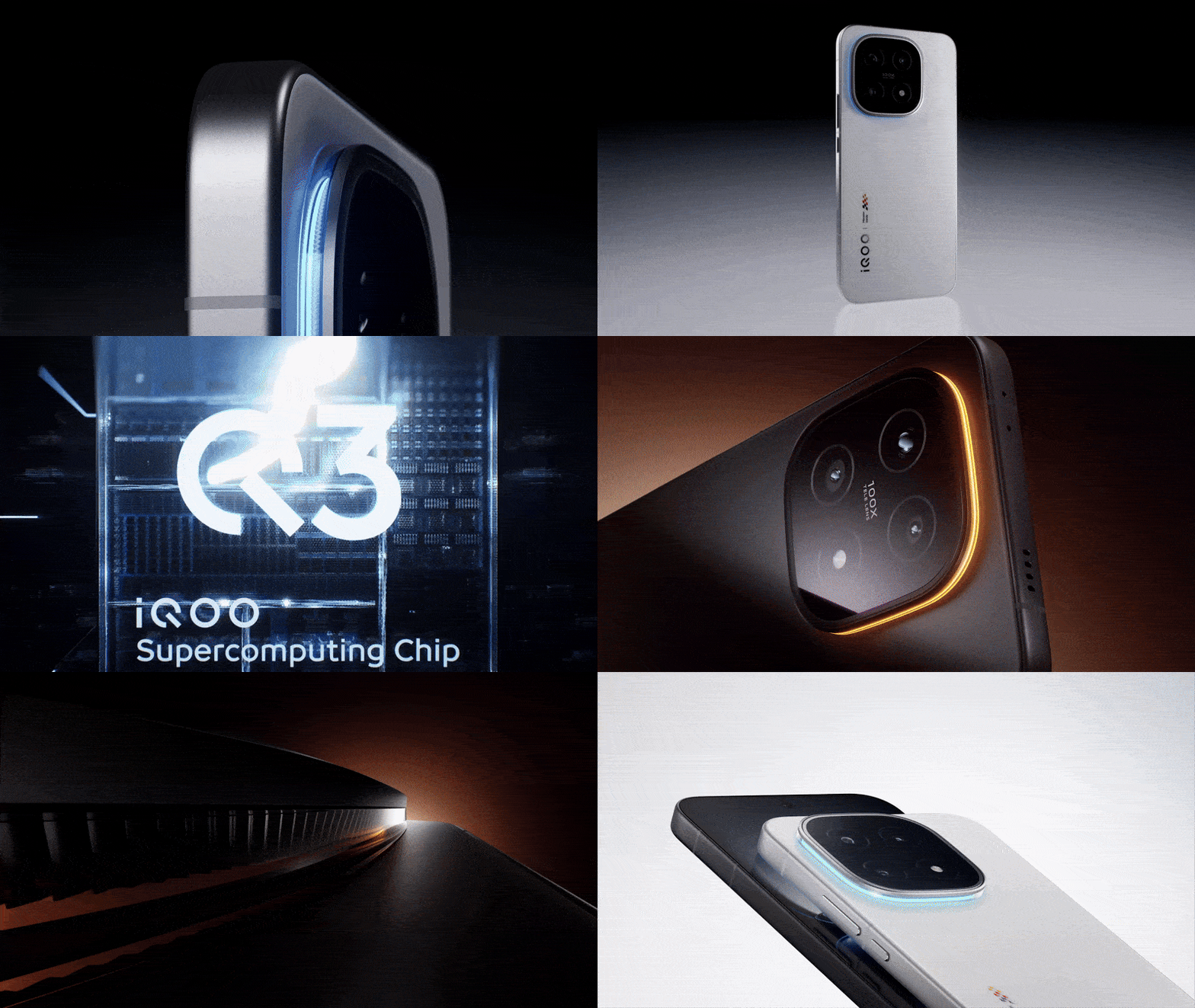
The fiberglass back with matte texture resists fingerprints - something that frustrated me endlessly with my previous glass-back devices. And that Monster Halo LED around the camera? At first, I thought it was just a gimmick. But now, during calls or notifications, it adds this subtle personality that makes the phone feel alive. Everyone who picks up my device notices it immediately.
Daily Life with iQOO 15: The Real Test
Here's where things get interesting. I'm an IT professional who also blogs and writes for the community. My days involve juggling between work calls, Teams meetings, Slack messages, emails, content creation, and social media. Performance isn't just about gaming for me - it's about how fast an app installs from the Play Store, how smoothly I can export an edited video, how quickly my device responds when I need it.
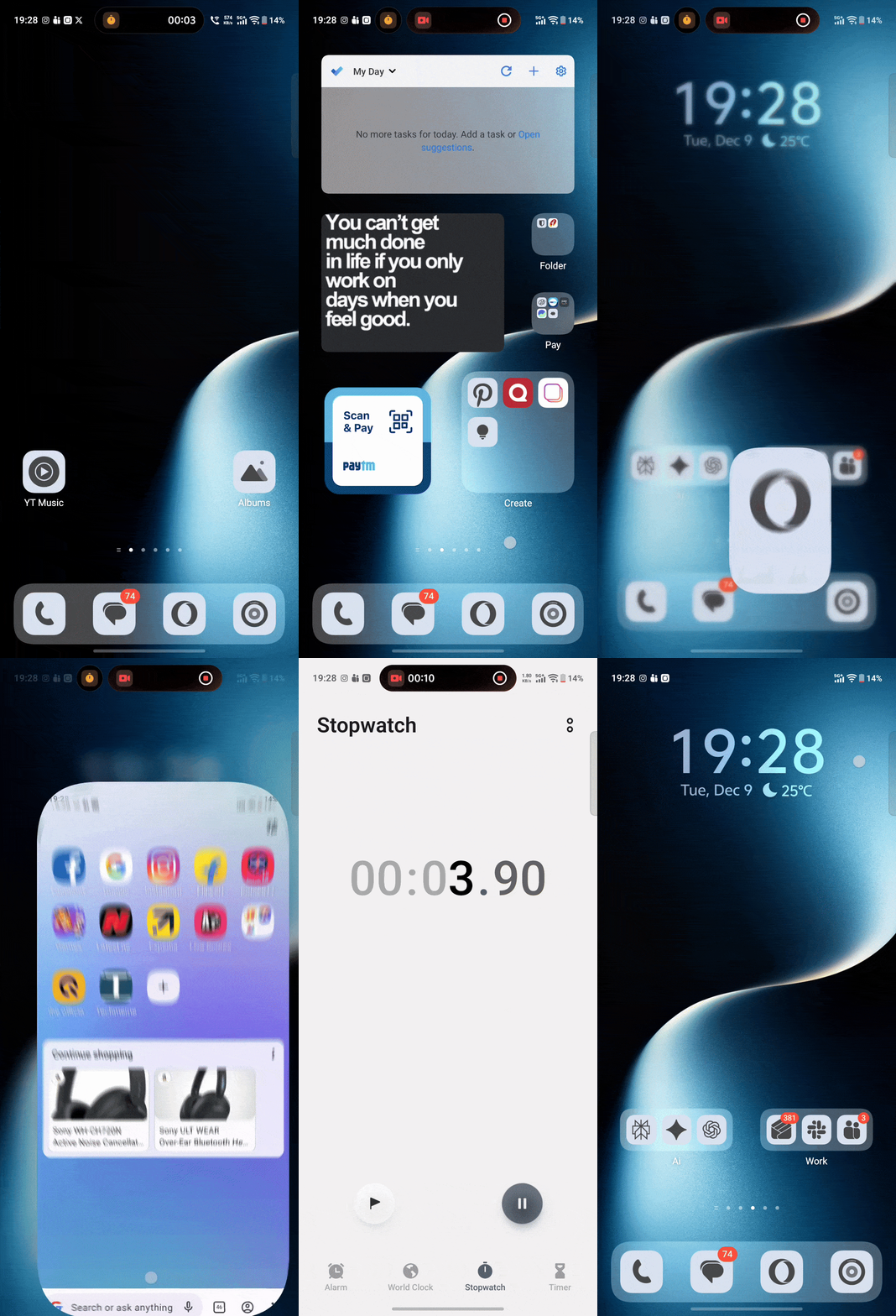
The Snapdragon 8 Elite (3nm) paired with 16GB LPDDR5X RAM and UFS 4.1 storage delivers exactly that kind of responsiveness. Everything feels instant. App launches, multitasking, file transfers - there's zero lag. Coming from older devices, this speed difference is night and day.
The Game-Changer: Office Kit
But here's the feature that genuinely saves me every single day - Office Kit. Since I juggle between my job, blogging, and community writing, I constantly transfer files between my PC and phone. I start my day with to-dos, take notes throughout, and whenever an idea hits - whether I'm on my PC or phone - I immediately jot it down.
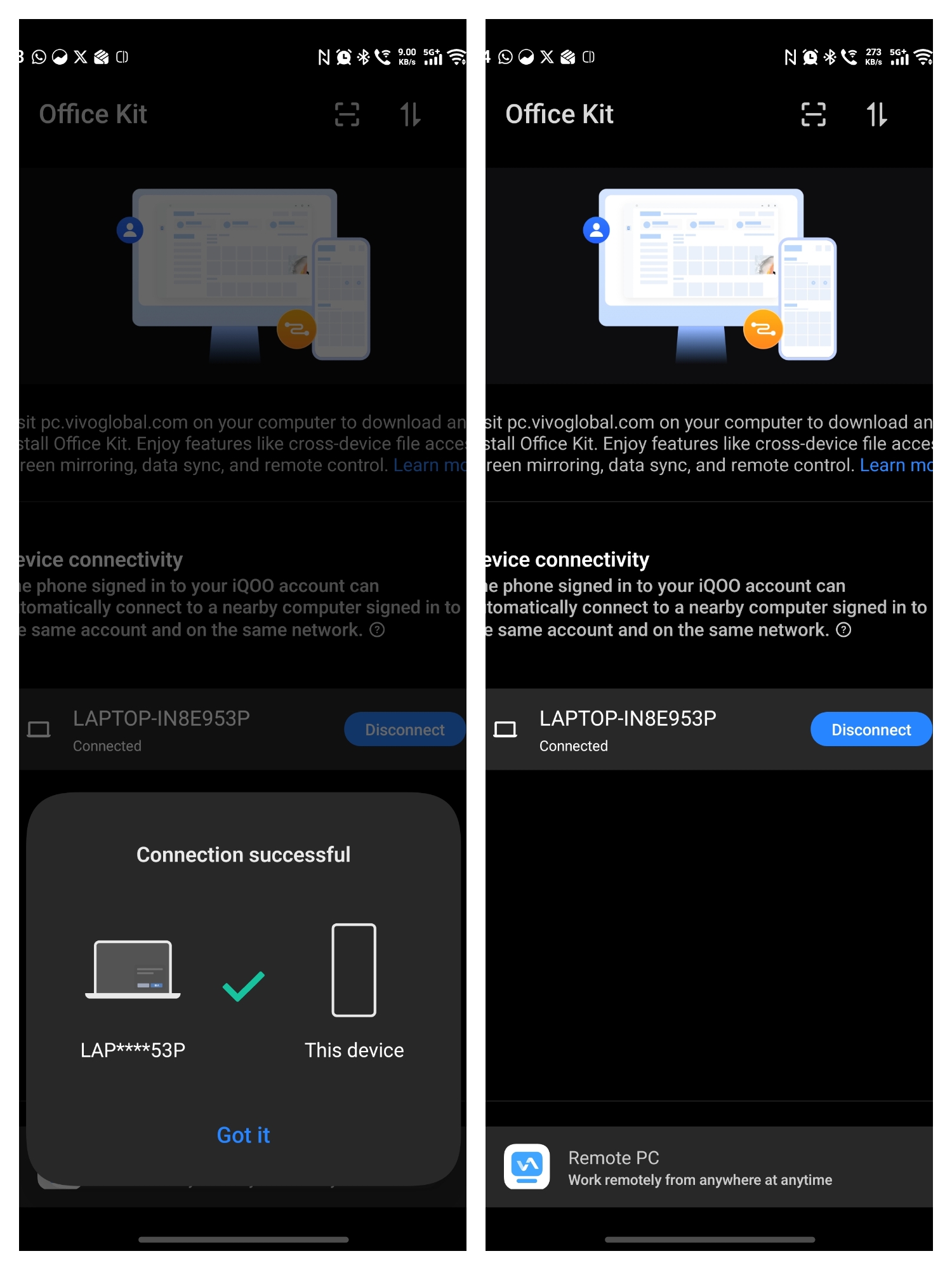
I installed Office Kit on my personal laptop and connected it to my iQOO 15. These are the features I use often:
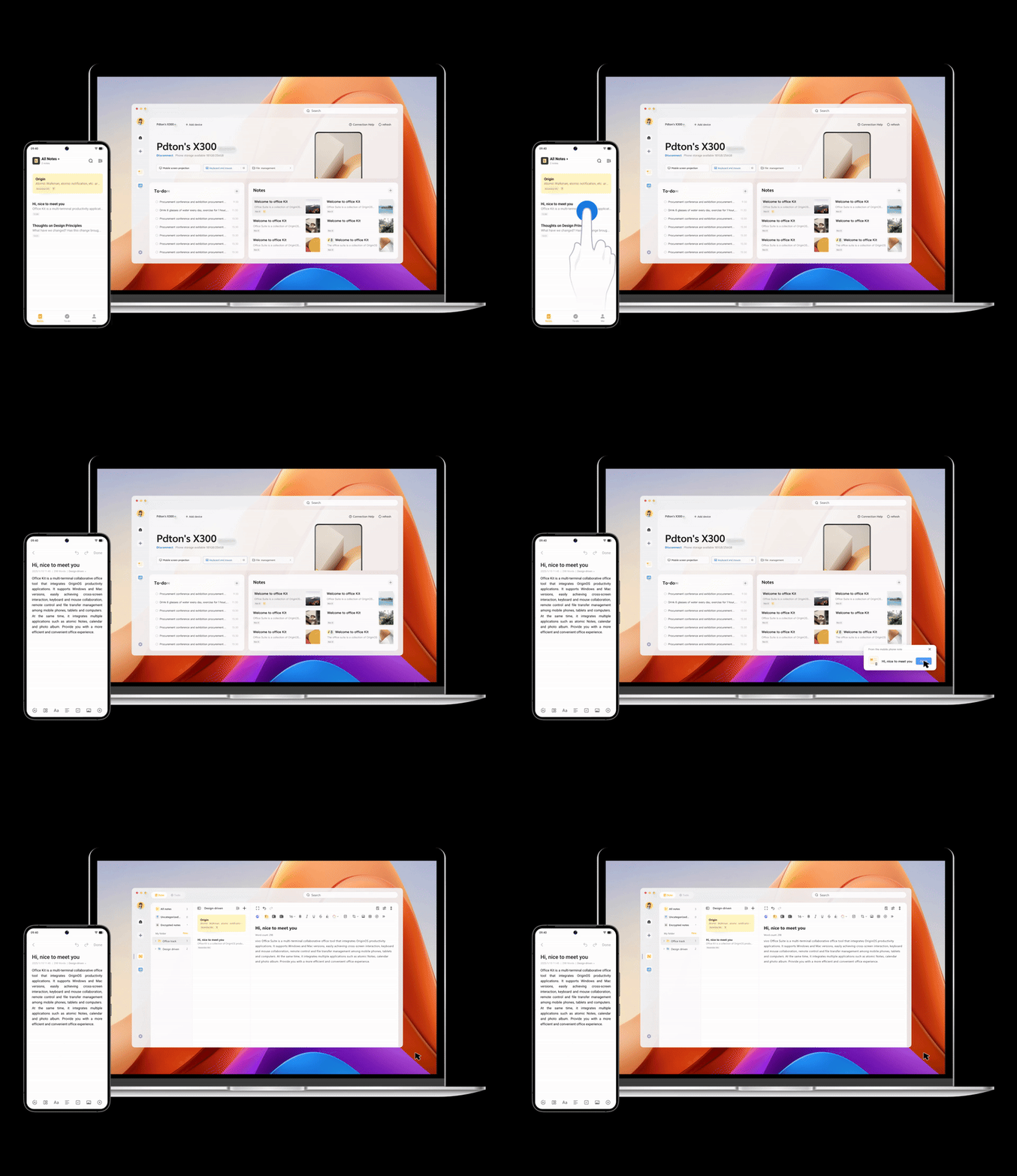
- Notes editing handoff: I'll start writing a community thread on my phone during my commute, and the moment I reach my desk, it seamlessly transfers to my PC screen. No copying, pasting, or emailing myself.
- Multi-device data interoperability: When I'm writing an article on my PC and need to add photos I clicked earlier, I just grab my phone, snap or select photos, and they instantly appear on my PC document.
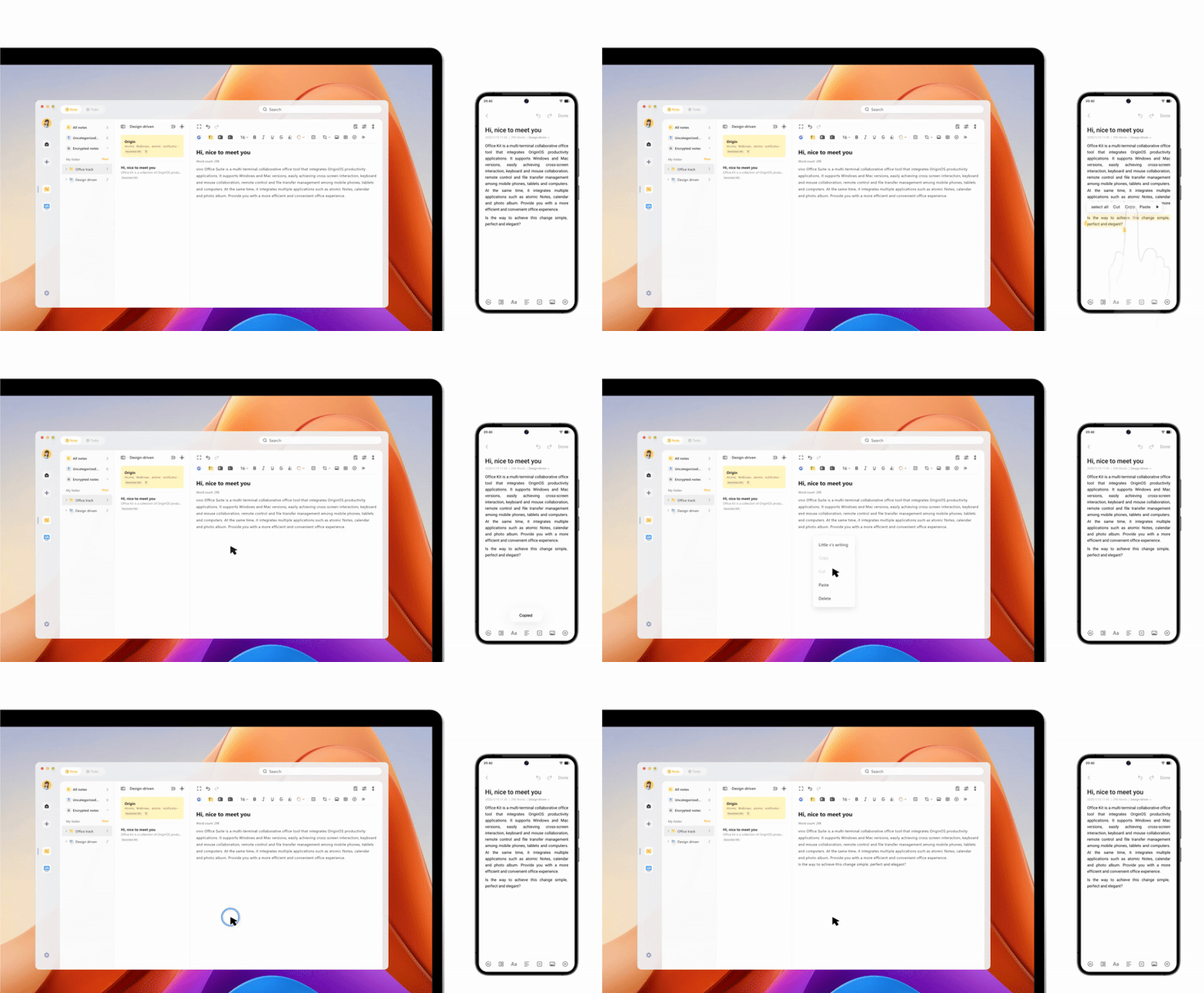
- Super Clipboard: Copy text or an image on my phone, paste it on my PC with a click. Or vice versa. This alone has saved me countless minutes every day.
- Remote file transfer: High-speed two-way file transfer without any lag. No more WhatsApp Web or email attachments to myself.
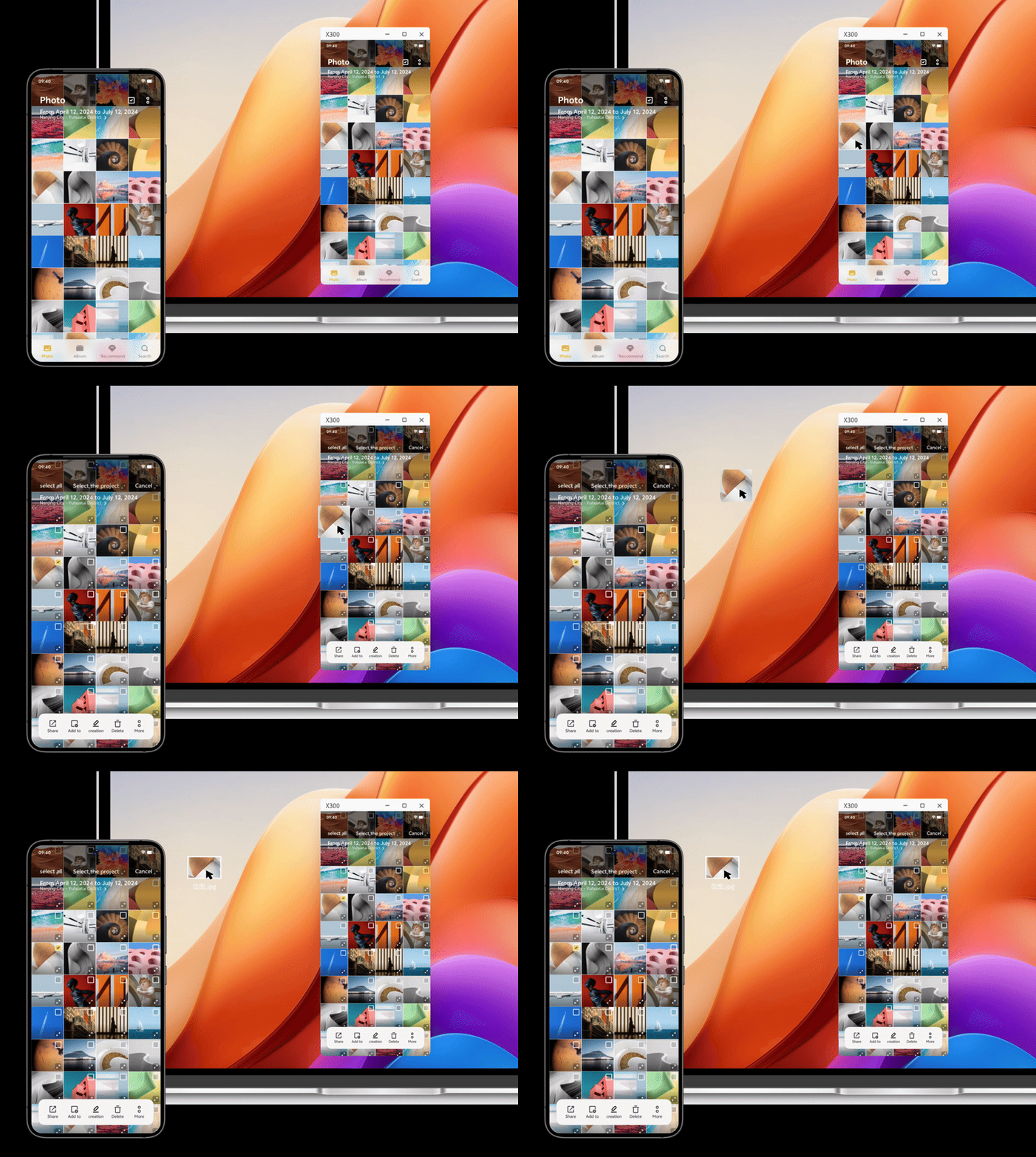
- Edit phone documents on PC: During screen mirroring, I can open and edit phone files using my computer's office software. Fast, seamless cross-screen collaboration.
For someone who's always creating content, Office Kit isn't just a feature - it's become essential to my workflow. I genuinely didn't know I needed this until I had it, and now I can't imagine going back.
Photography That Doesn't Disappoint
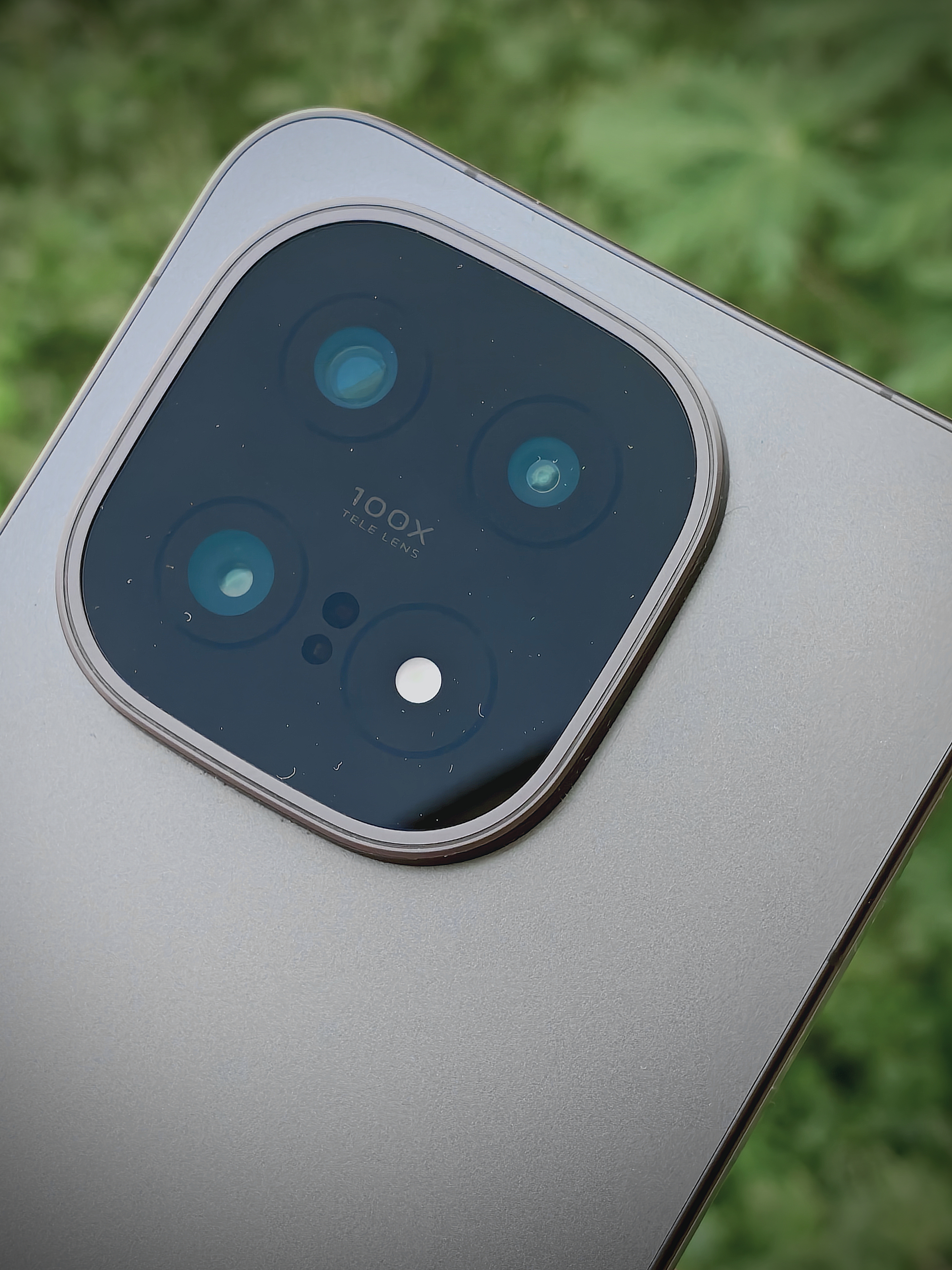
The triple 50MP camera setup has been another pleasant surprise. The Sony IMX921 main sensor, Sony IMX882 periscope telephoto, and ultra-wide camera deliver consistent colors and details across all focal lengths. Whether I'm shooting at 0.6x wide or 10x zoom, there's no jarring quality drop.



Coming from devices where switching between lenses felt like switching cameras entirely, the consistency here is refreshing. Photos are detailed, ready to share without heavy editing. The Super Macro mode has become my favorite for capturing close-up details during community photowalks.
Battery That Actually Lasts
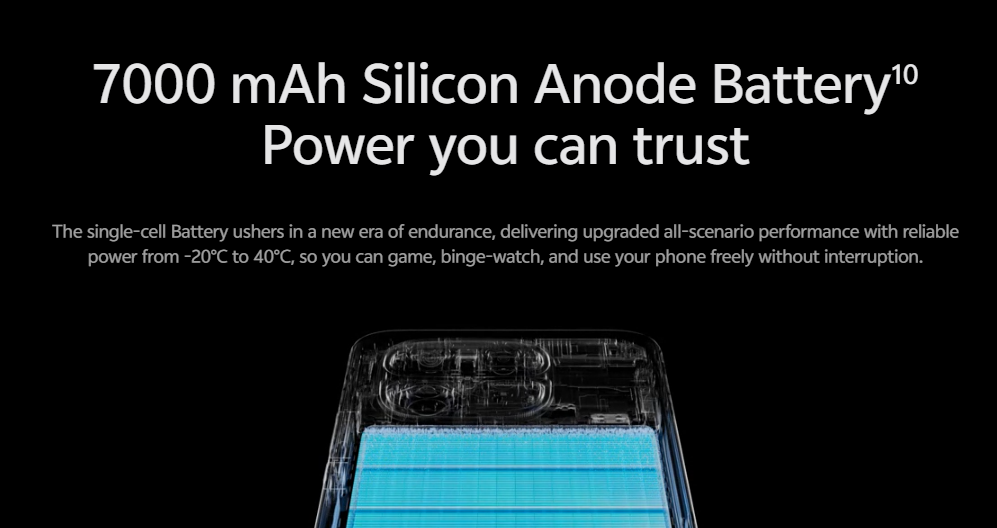
The 7000mAh Silicon Carbon battery paired with the efficient 3nm chipset gives me more than a full day easily. Even with my setup - highest screen resolution, adaptive refresh rate enabled, mobile data/Wi-Fi, Bluetooth, location, and NFC always ON - I'm getting around one and a half days of battery life. That's genuinely impressive when you're using all the premium features without compromise.
What Genuinely Surprised Me: The Software Experience
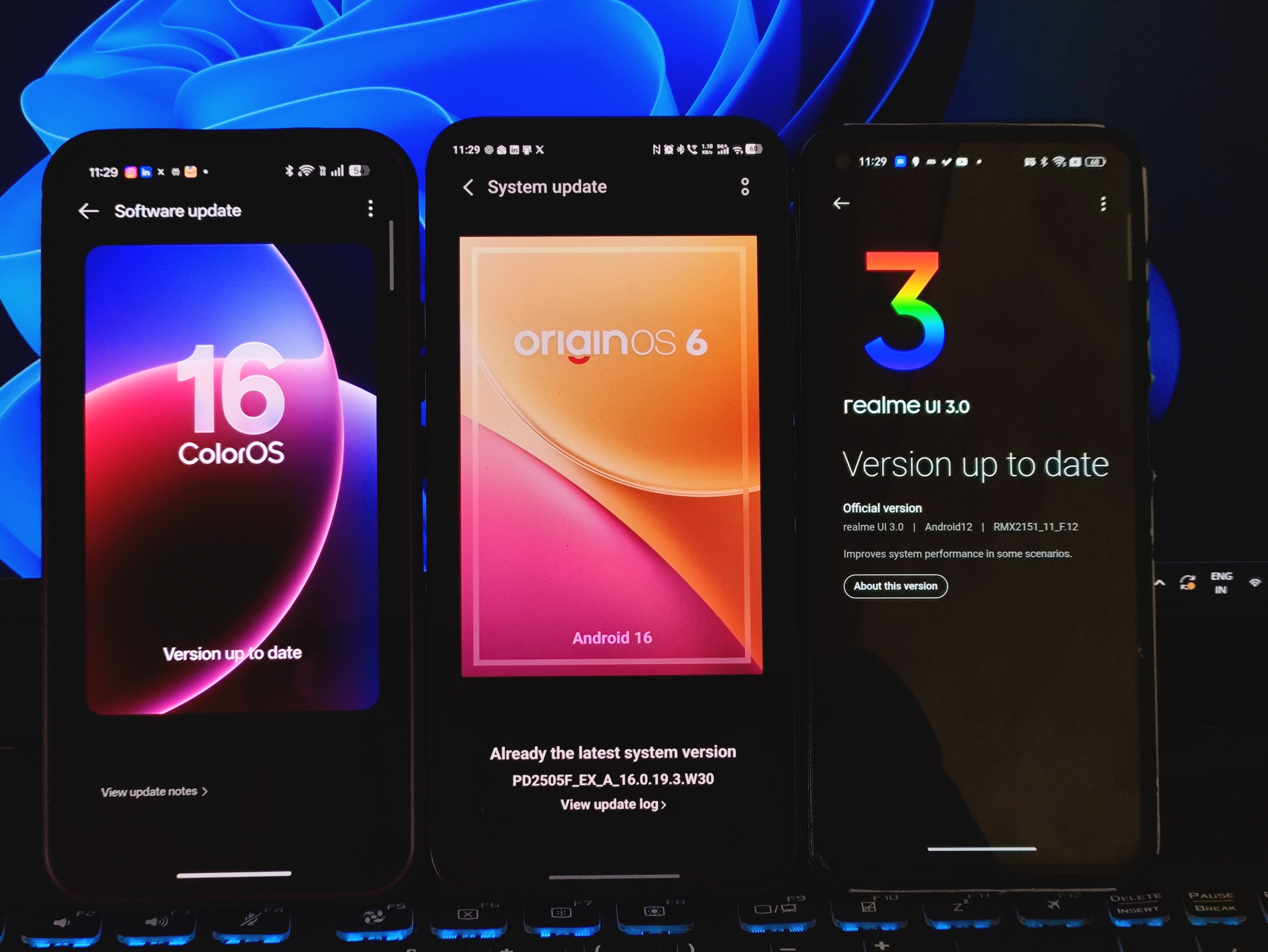
I was curious about OriginOS 6 based on Android 16, considering I'd been using ColorOS and realme UI for years. Let me be honest here - if we're talking pure feature count, ColorOS definitely has more features.
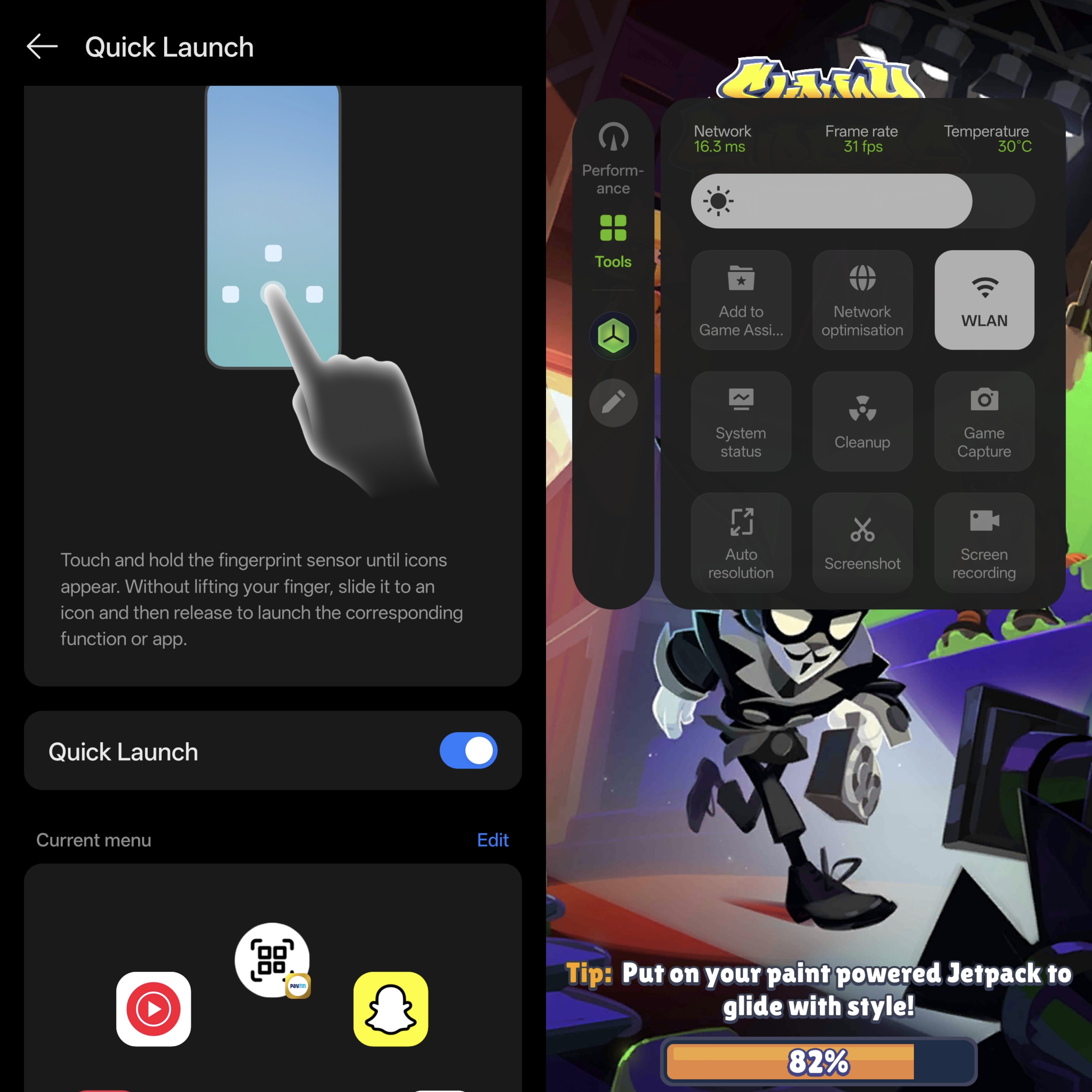
The Game Assistant on ColorOS shows more detailed data like phone temperature and other metrics. Features like Quick Launch accessibility - where I could unlock with my fingerprint and instantly open Snapchat's camera - were nifty conveniences I'd gotten used to.

But here's what I realized after using the iQOO 15 daily: OriginOS prioritizes what matters most - smoothness, reliability, and speed. And it absolutely delivers on that promise.
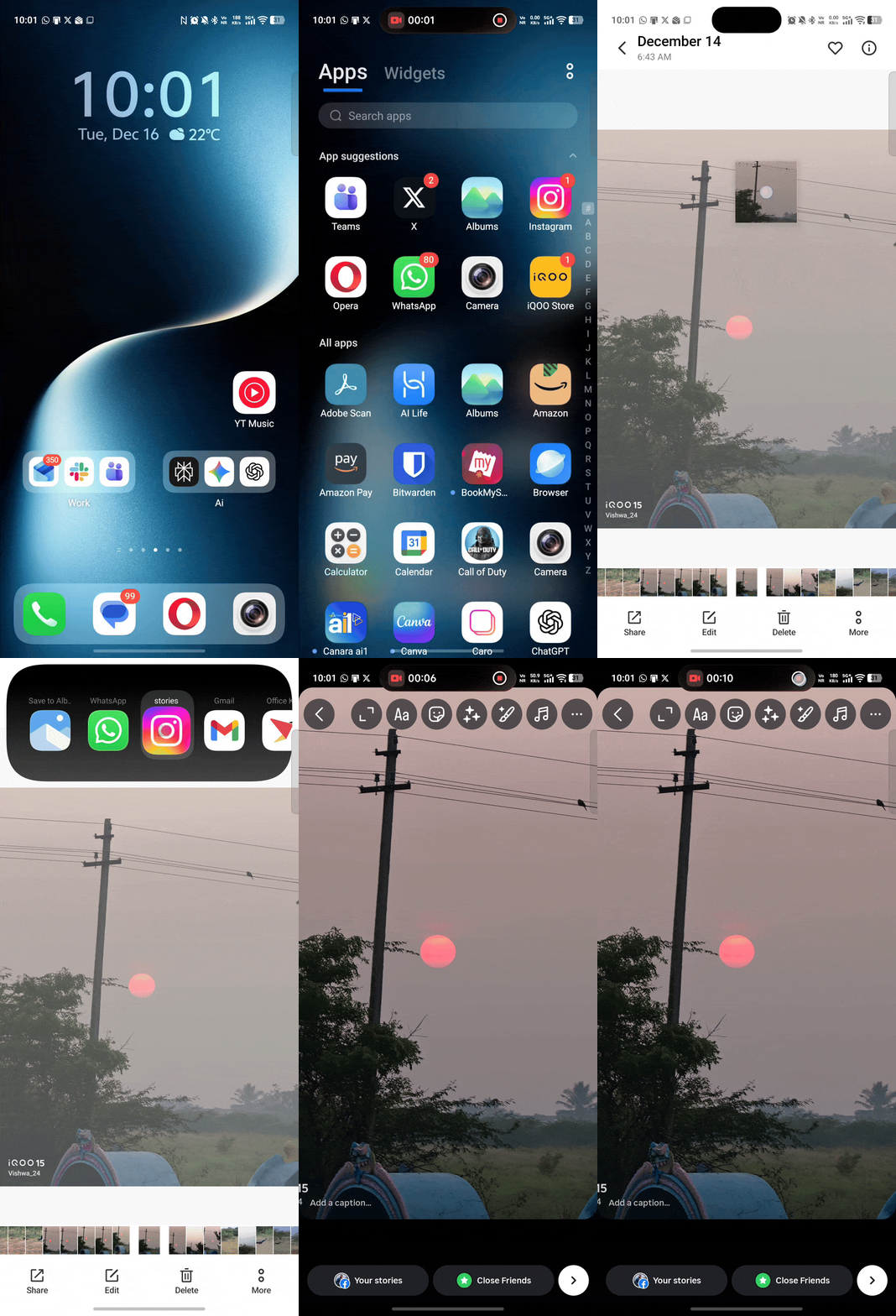
Animations are fluid, transitions are clean, and the "Space System" design gives this layered, glass-like feel without being heavy. There's zero stutter, zero lag - everything just works. While I do miss some of those ColorOS features, it's not a dealbreaker. I can live without them, though their addition would be appreciated. What I can't compromise on is the fundamental responsiveness of my device, and OriginOS nails that.
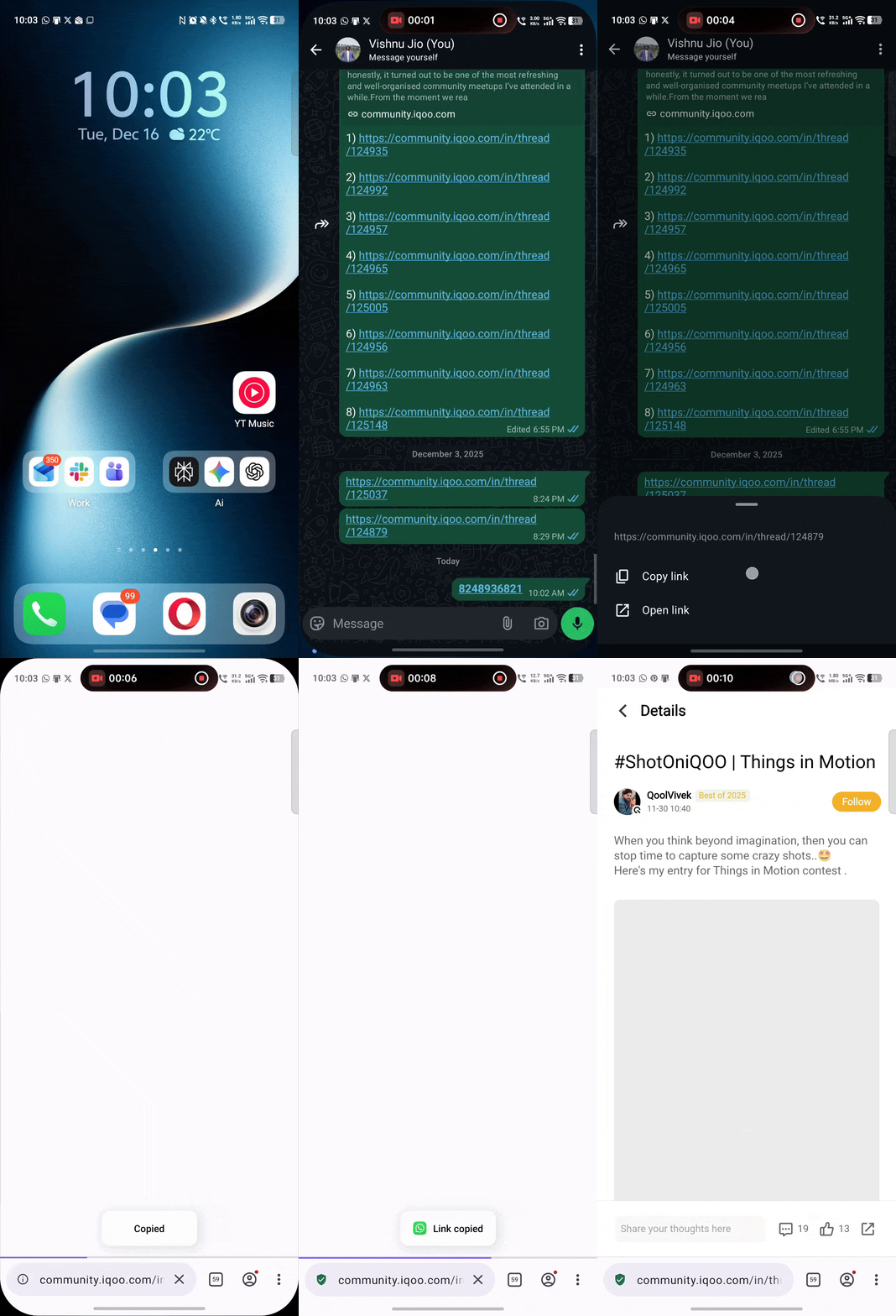
The Origin Island feature shows real-time status updates - calls, navigation, music - without interrupting what I'm doing, similar to Android 16's Live Updates but more refined. Small touches like Copy & Go (copy phone numbers, URLs, or event details and trigger quick actions) and Drag & Go (drag and drop content directly into apps) add meaningful value to everyday productivity. These aren't flashy features, but they make daily tasks faster and more intuitive.
The Battery Optimization Champion
But here's where OriginOS truly stands out: software and battery optimization. The iQOO 15 provides hands down the best battery life I've experienced on any device. That 7000mAh Silicon Carbon battery paired with OriginOS 6's intelligent power management is a game-changer.
Even with my setup - highest screen resolution, adaptive refresh rate enabled, mobile data/Wi-Fi, Bluetooth, location, and NFC always ON - I'm getting around one and a half days of battery life. On my previous devices, this kind of configuration would drain the battery by evening. Here? I'm consistently making it through a full day and well into the next.
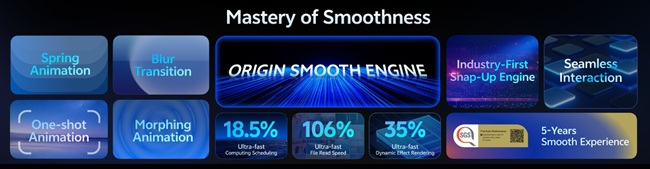
The optimization feels mature and thoughtful. OriginOS doesn't just throw features at you - it refines the experience so everything runs efficiently in the background. For someone who needs their device to last through long work days, community events, and content creation sessions, this reliability is priceless.
So while ColorOS might have more features on paper, in practical, everyday use, OriginOS gives me the reliable, fast, and consistent experience I actually need. And honestly? That matters more than a dozen extra features I'd rarely use.
The Flagship Benchmark Moment

Here's why I genuinely believe the iQOO 15 sets the benchmark for what a flagship should be: It doesn't compromise. You're getting a top-tier display, serious performance, a massive battery, fast charging, consistent cameras, and thoughtful software - all in one package. Coming from devices where I had to choose between battery and performance, or camera and display, the iQOO 15 delivers on all fronts.
Why I'm Not Looking Back
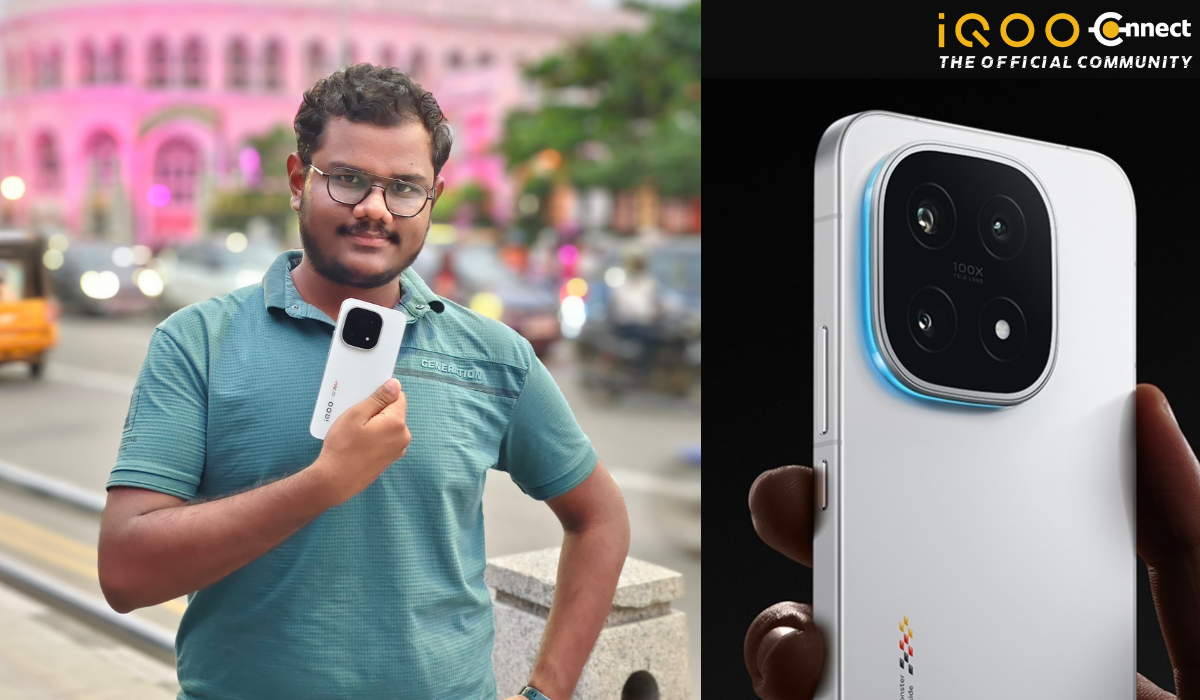
The switch from realme and OPPO to iQOO wasn't just about upgrading specs. It was about experiencing what a flagship should feel like when it's done right. The iQOO 15 has become the device I rely on for work, creativity, and everything in between.
My realme 7 holds a special place in my heart - it got me through college and taught me what to value in a device. The OPPO Reno13 served me well with its solid performance. But the iQOO 15? It's shown me what's possible when performance, design, battery, cameras, and software come together without compromise.
If you're someone who values speed, reliability, and a polished experience - whether you're a working professional, content creator, photography enthusiast, or gamer - the iQOO 15 delivers. It's not just a gaming phone anymore. It's a flagship for everyone who demands excellence.
Your Turn, Questers!
Have you made the switch to iQOO recently? What was your experience like? Or are you still contemplating? Drop your thoughts, questions, or switching stories in the comments below. I'd love to hear what made you choose iQOO or what's holding you back.
Let's keep this conversation going!
Signing off,
Your @iQOO Connect Ranger, Coimbatore.
Please sign in
Login and share