



























Android Essentials Series | Google Password Manager App – A Complete guide

Hello Questers
Starting this series with one of the most useful yet underrated Android system apps Google Password Manager App. It quietly works in the background but plays a huge role in security and convenience.
What is Google Password Manager?
Google Password Manager is a built-in Android password management service that securely saves, manages, and autofills your login credentials for apps and websites.
It is directly connected to your Google account, so your passwords stay available across devices.
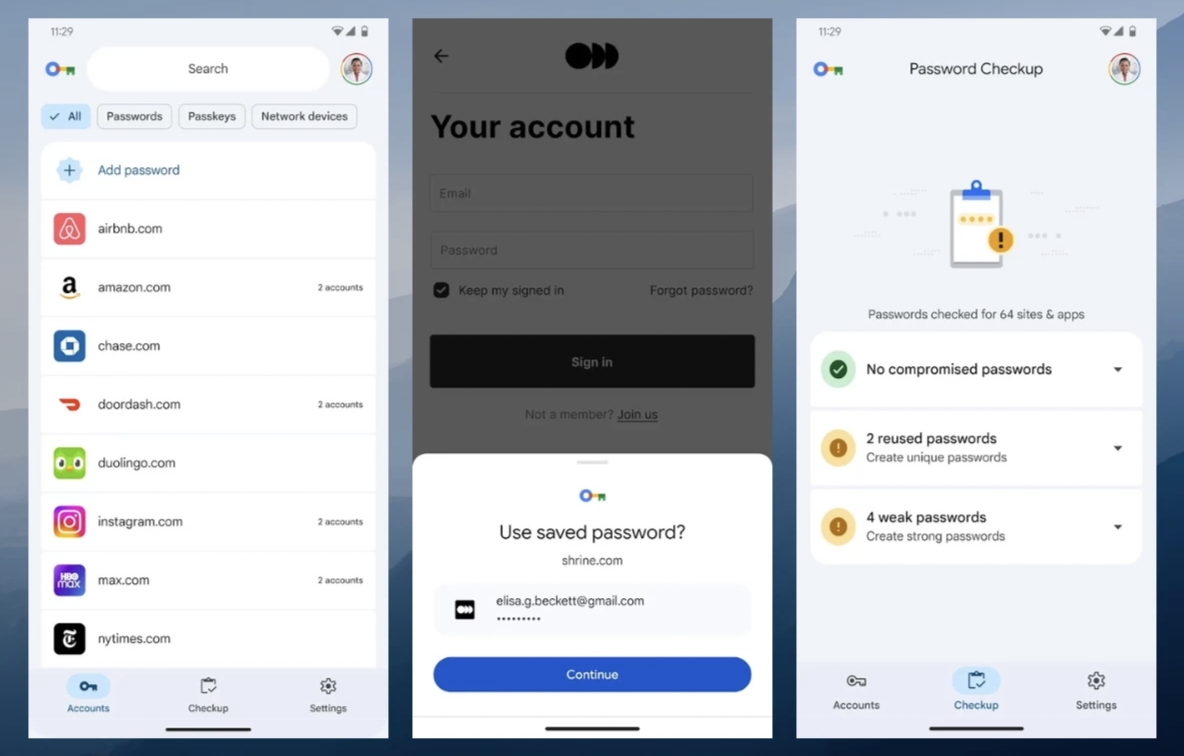
Core Features Explained in Detail
1️⃣ Secure Password Storage
Stores usernames and passwords for apps & websites
Uses end-to-end encryption
Protected by your device’s lock (PIN / pattern / biometrics)
Passwords are not visible without authentication
2️⃣ Auto-Save & Auto-Fill
Prompts to save passwords when you log in
Automatically fills credentials in:
Apps
Websites
Chrome browser
Reduces manual typing and login errors
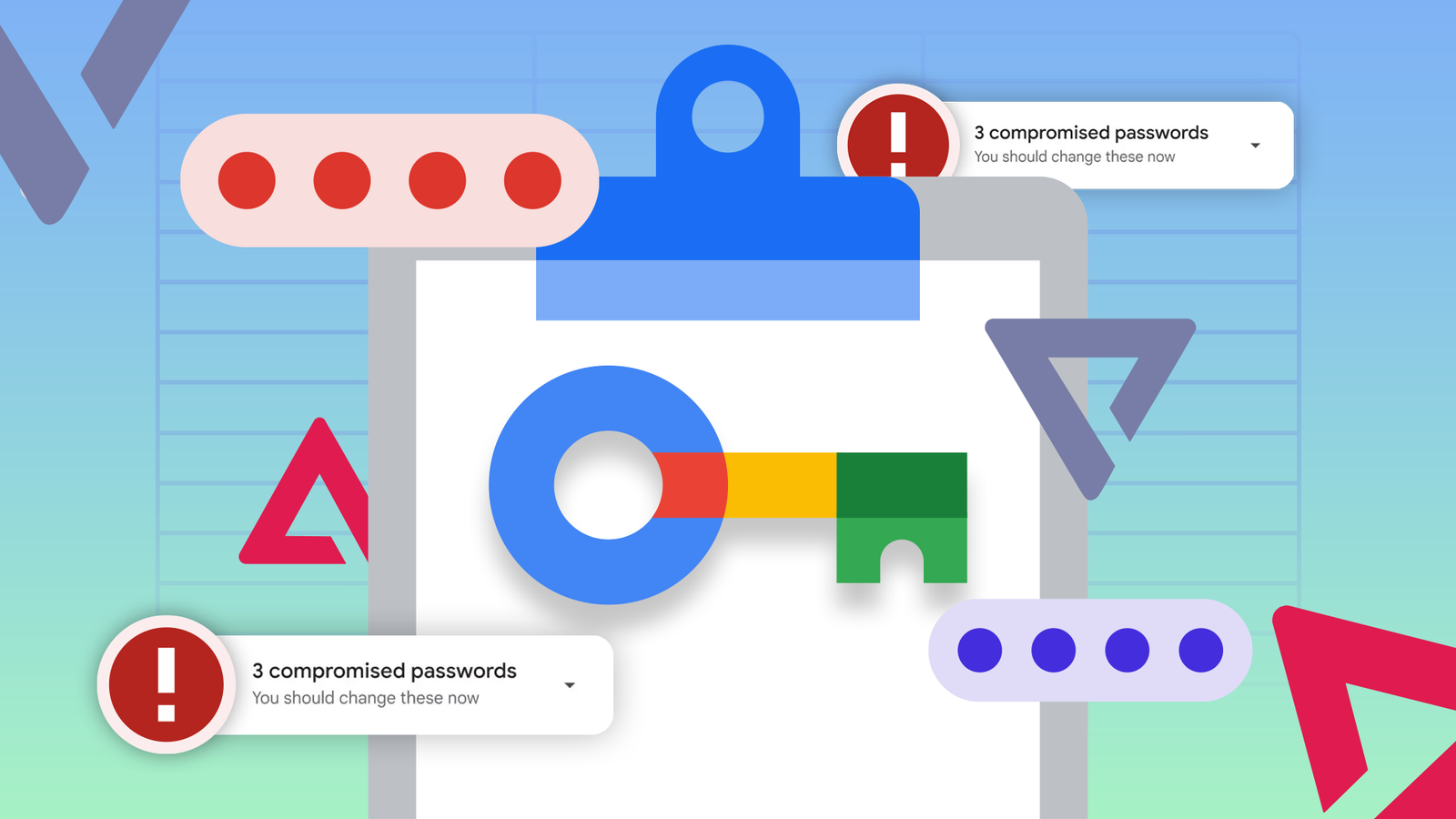
3️⃣ Password Security Checkup
Scans saved passwords for:
Weak passwords
Reused passwords
Compromised passwords (from known data breaches)
Suggests changing passwords instantly
Helps maintain better digital hygiene
4️⃣ Cross-Device Sync
Syncs passwords across:
Android phones
Tablets
Chrome on desktops
Just log in with the same Google account
Change once → updated everywhere
5️⃣ Built-in, No Extra Apps
Comes pre-installed with Android
No ads, no subscriptions
Optimized for system-level performance
Works smoothly with iQOO’s Android experience
🔒 Privacy & Security
Passwords are encrypted before storage
Google cannot see your passwords in plain text
Access requires device authentication
Works even in offline scenarios for saved apps
📍 How to Access Google Password Manager without app
Settings → Google → Password Manager
Or Chrome → Settings → Password Manager
You can view, edit, delete, or export passwords
Why Every User Should Use It
Saves time
Reduces password reuse
Improves overall security
Simplifies daily smartphone usage
Does iOS Face ID & Google Password Manager Work Together ?
When you open an app or website:
Google Password Manager fetches the saved password
Your phone asks for Face ID / Fingerprint / PIN
Once verified, the password is auto-filled
So:
Face ID = Identity verification
Password Manager = Password vault
💬 Community Question
Are you already using Google Password Manager, or planning to start now?
Share your experience and tips below 👇🔐
PC:Google
Signing Off
You're Relentless Quester 😎
iQOO Ranger
Official Community
Please sign in
Login and share