



























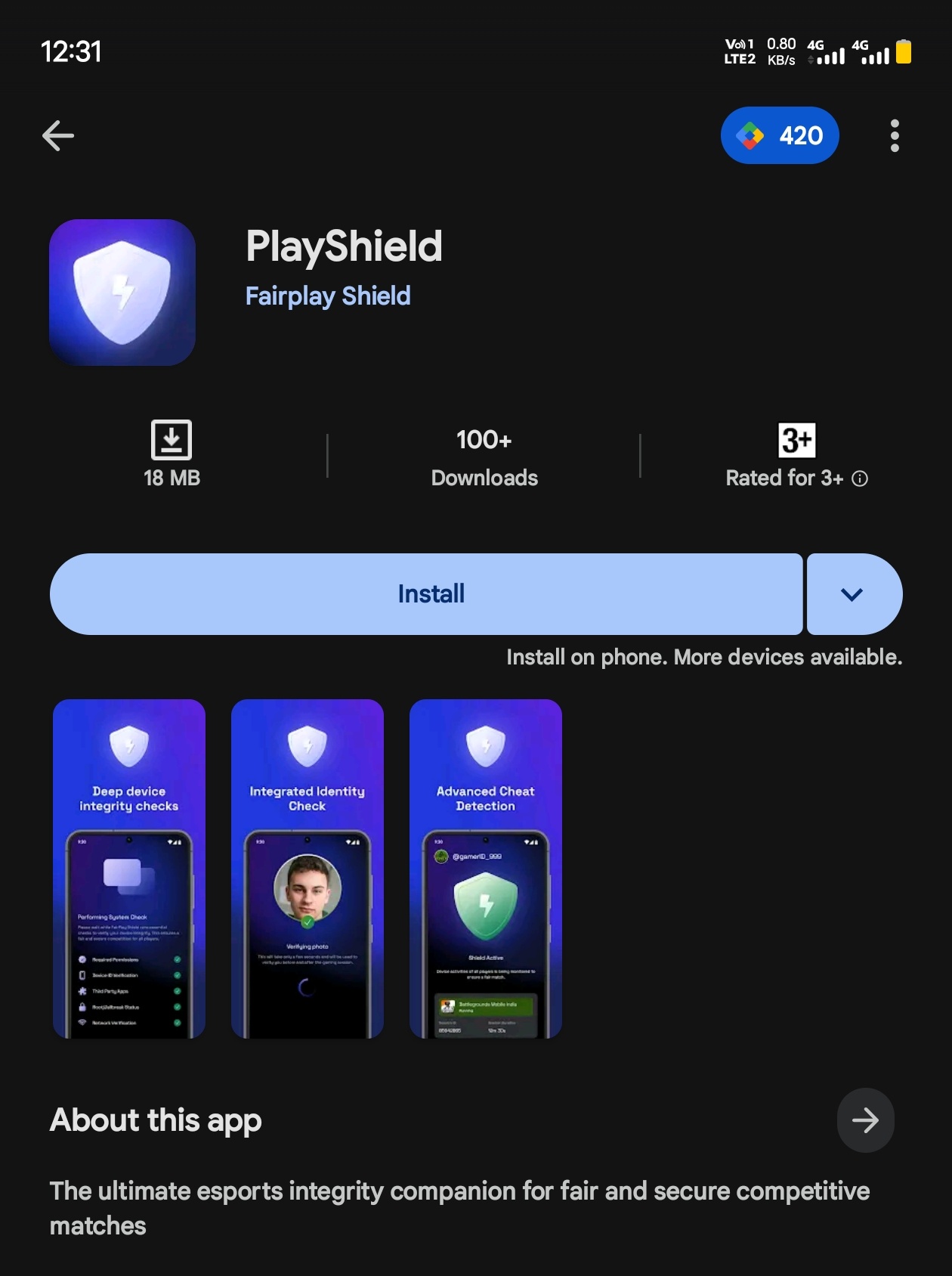
FairPlay Shield: Official Anti-Cheat app by Krafton for BGIS2026

All participating teams must download the app, enter their KIE ID, and verify via OTP. Players must grant all required permissions, including camera, location, phone state, battery optimisation exemption, and usage access, and then confirm their device. Once a device is confirmed, it cannot be changed for the duration of the tournament, except during LAN stages.
Before each match, players will receive a code in the app. Select the match from the dropdown menu and proceed. The app will prompt a selfie, followed by a system scan. After the scan, start the session, BGMI will open automatically (or must be opened manually if it doesn’t). A second selfie is required to continue. Once the session ends, match details can be viewed by tapping Go to Home.
For handcam verification, a similar process applies: scan the QR code and complete the required checks before proceeding.
Please sign in
Login and share