



























Funtouch vs Origin OS

Funtouch OS and OriginOS represent two different design philosophies from Vivo. While Funtouch OS has traditionally focused on a cleaner, more global-friendly "stock Android" approach, OriginOS (now rolling out globally as OriginOS 6) is a highly visual, widget-centric experience with advanced fluidity.
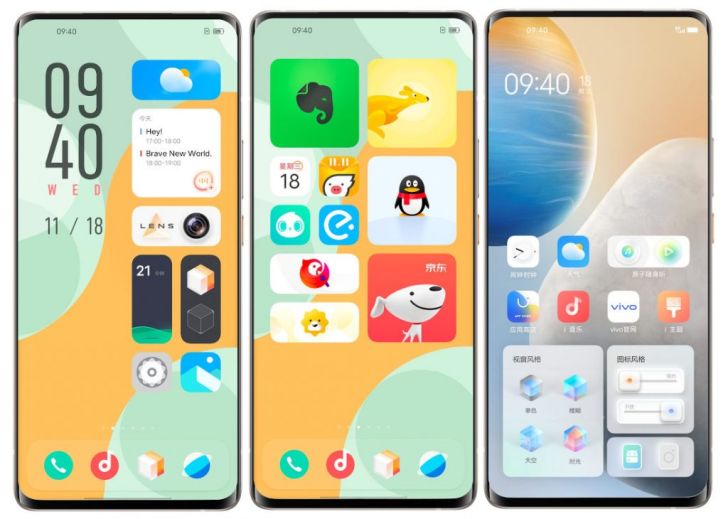
1. Home Screen and Layout
OriginOS
Uses a unique "Klotski Grid" system. This allows you to resize icons and widgets into various shapes (1x1, 2x1, 2x2, etc.), creating a highly personalised dashboard.
Funtouch OS
Features a standard, linear grid layout. While Funtouch OS 15 has introduced better customisation for lock screens and icons, it remains more rigid compared to the modular nature of OriginOS.
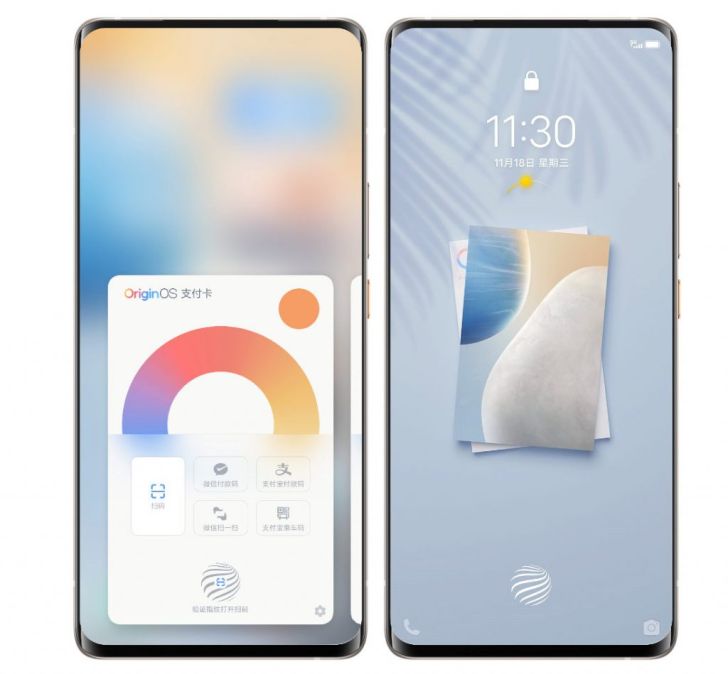
2. Notification and Control Centre
The Split Design
OriginOS uses a split-panel system. Swiping down from the top-right opens the Control Centre (toggles for Wi-Fi, Bluetooth, etc.), while swiping from the top-left reveals the Notification Panel.
Unified Panel
Funtouch OS typically keeps these combined in a single swipe-down shade, closer to the traditional Android experience.
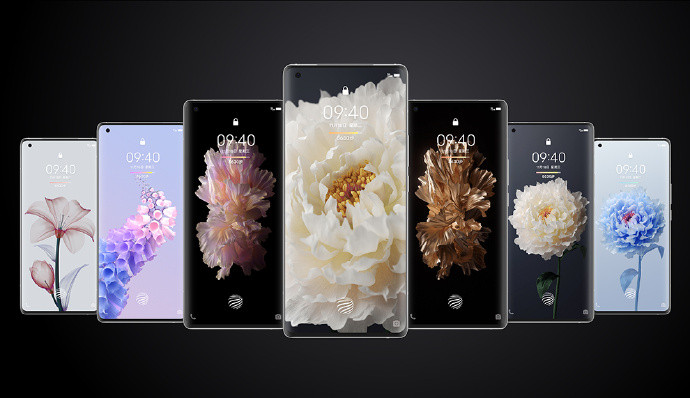
3. Key Interface Features
Origin Island
Exclusive to newer OriginOS versions (OriginOS 5 and 6), this pill-shaped dynamic area at the top of the screen provides live updates for music, timers, and charging.
Smoothness & Animation
Reviewers often note that OriginOS feels "more alive" due to parallel animations that allow multiple transitions to occur simultaneously without lag. Funtouch OS focuses more on raw speed but can feel slightly more "static".
4. System Tools
Settings and Gallery
OriginOS has a more modern, categorised settings menu with visual stats for battery and storage. The Gallery app in OriginOS also includes more advanced AI editing tools compared to the basic version in Funtouch.
Please sign in
Login and share