



























One link,complete control:Learn about this tip:How screen-sharing scams are Stop

Unlike traditional cyber frauds, screen-sharing scams do not hack into systems; they walk in through the front door. Through this edition of The Safe Side, we walk you through what these scams are and how you can dodge them.
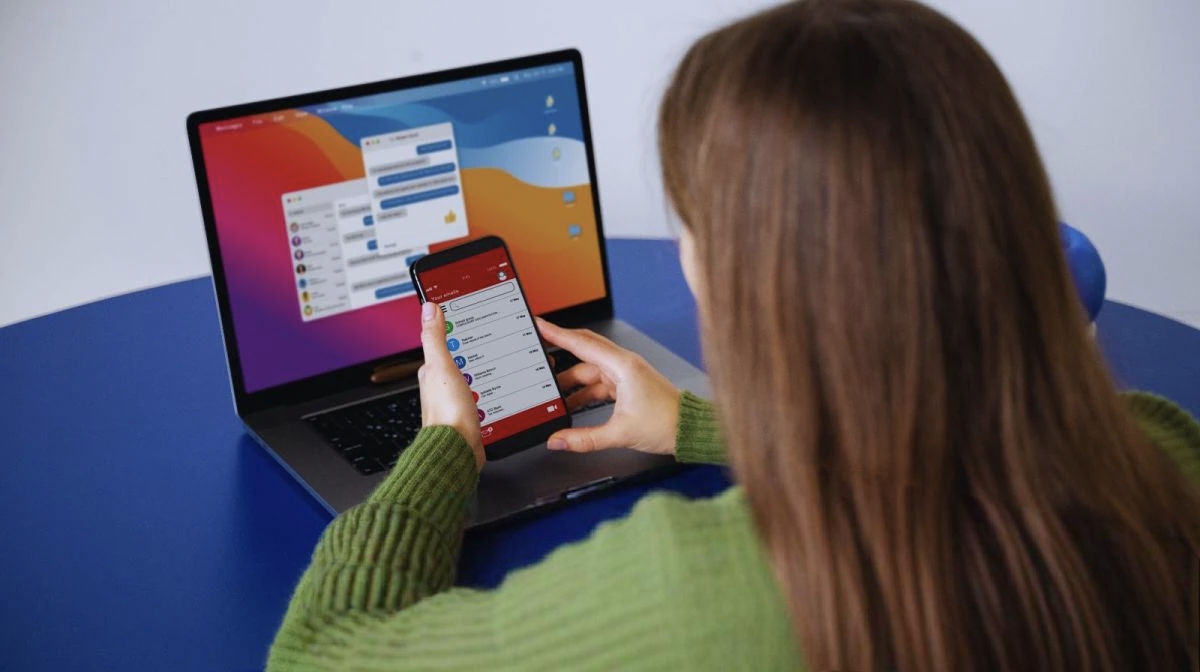
Imagine one evening you receive a message warning that your electricity connection will be disconnected because a bill payment is pending. The text looks routine, mentions MAHADISCOM (also known as Maharashtra State Electricity Distribution Company Limited), and urges you to call a number for clarification or asks you to enter your credentials.
On calling, you are told only Rs 100 needs to be paid in order to keep your electricity connection and a link is promptly sent to your WhatsApp account or even through an SMS. Trusting the process, you click the link, enter your bank details, and complete the small transaction.
Fifteen minutes later, your phone buzzes again, not with a receipt of the payment, but with alerts showing Rs 6.52 lakh quietly drained from your account in multiple transactions. When you check the link again, it has disappeared, leaving behind the realisation that a simple message and a moment’s trust were enough for fraudsters to wipe out a lifetime’s savings.
What are screen-sharing scams?
“Screen-sharing frauds are a type of social engineering fraud in which the attacker persuades the victim to install screen-sharing or remote access programs under the guise of customer support, KYC update, refund, or tech support. After gaining access, it is simple to have access to sensitive information in real-time, redirect the victim to banking apps and steal their credentials, or even make banking transactions as the fraudster works to manipulate the victim into approving their requests,” said Tarun Wig, Co-founder and CEO, Innefu Labs.
Urgency leads to manipulation
“What we are observing across the ecosystem is that these scams succeed not because of technical sophistication, but because of urgency and trust manipulation. A few minutes of remote access is often enough for fraudsters to map a user’s entire financial footprint and execute transactions before any control can react. With smartphones now functioning as wallets, banks, and identity vaults combined, screen access effectively becomes full account access,” said Amit Relan, CEO, mFilterIt.
Warning signs
Experts list the following warning signs to look for:
– Urgent threats: Scammers create panic, such as disconnection of power, account suspension, refund expiry, and KYC failure, to rush you into acting without thinking. Urgency is used to bypass your judgment.
– Personal numbers: Messages that come from 10-digit mobile numbers, not official sender IDs like VM-MSEDCL or VK-MSEDCL.
– Request to download apps: Any request to download apps for completing a certain activity, such as bill payment, is a scam. See if there are links to apps like AnyDesk, TeamViewer, or unknown APKs. These apps themselves may be legitimate, but when someone asks you to install them during an unsolicited call or message, it is always a scam.
– Calls to action: Asking for OTPs or to click on suspicious links.
How to protect
– Never download any apps or click on any suspicious links at the request of any caller.
– Delete messages from unknown numbers asking for bill payments or KYC updates.
– Communicate or pay bills only through official channels.
– Verify: If you are suspicious about the message, contact the official sender. For example, contact the MSEDCL office in case there is a message in their name.
What to do if scammed
– Contact bank: Immediately inform your bank and freeze your account, halt all your future transactions.
– Uninstall apps: Uninstall any unknown applications that you might have downloaded.
– Report immediately: Contact the national cybercrime helpline 1930 or register a complaint at cybercrime.gov.in or visit the nearest police station.
Please like and follow

Please sign in
Login and share