



























How to Download & Use e-Aadhaar Online: Complete Step-by-Step Guide 🇮🇳📱

How to Download & Use e-Aadhaar Online: Complete Step-by-Step Guide 🇮🇳📱
✨ Introduction:
In today’s digital India 🇮🇳, carrying physical documents everywhere is not always convenient. That’s where e-Aadhaar comes in! 📄💡
It is a digital version of your Aadhaar that you can download, store, and use anytime on your smartphone.
Let’s check out how you can easily download and use e-Aadhaar online 👇👇
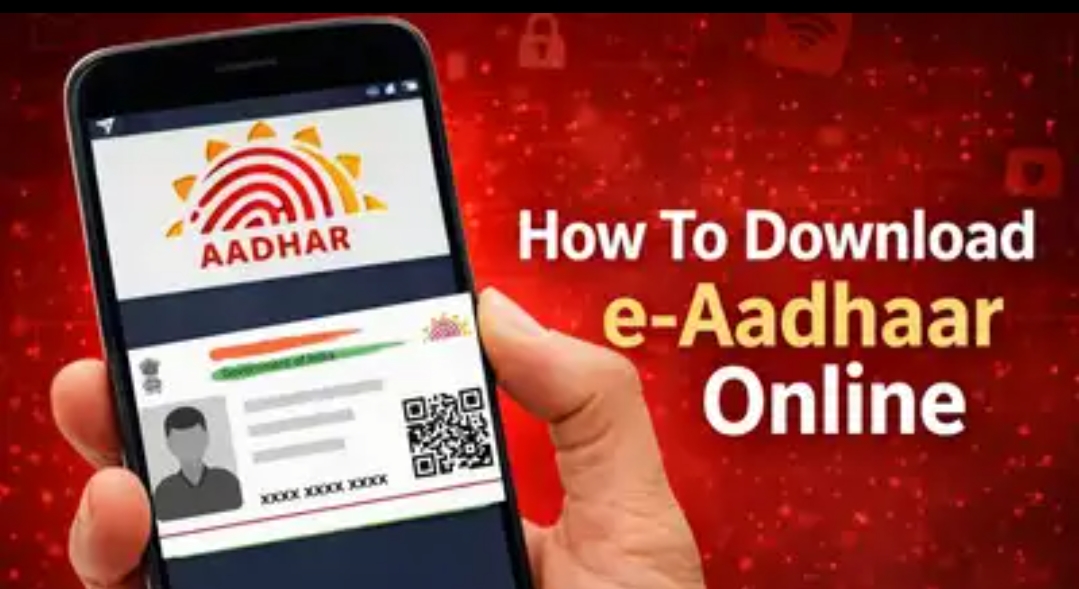
🔹 What is e-Aadhaar?
✔️ Official electronic copy of Aadhaar
✔️ Digitally signed by UIDAI
✔️ Valid everywhere like physical Aadhaar
✔️ Can be stored on phone/laptop
📲 Steps to Download e-Aadhaar Online:
1️⃣ Visit the official UIDAI website
2️⃣ Click on Download Aadhaar
3️⃣ Enter your Aadhaar/VID/Enrolment Number
4️⃣ Verify using OTP
5️⃣ Download the PDF file
6️⃣ Open it using your Date of Birth as password
✅ Done! Your e-Aadhaar is ready 🎉
🛠️ How to Use e-Aadhaar?
📌 You can use it for:
✔️ Bank verification
✔️ SIM card KYC
✔️ Government services
✔️ Online applications
✔️ Identity proof
You can show it directly from your phone 📱—no need to carry a physical card!
⭐ Extra Tip: Use mAadhaar App
Install the mAadhaar app to:
✔️ Store Aadhaar digitally
✔️ Lock/Unlock biometrics
✔️ Share Aadhaar securely
✔️ Generate QR code
Very useful for daily use 👍
🚀 Why e-Aadhaar is Important?
✅ Safe & secure
✅ Always available
✅ Eco-friendly 🌱
✅ Reduces paperwork
✅ Time-saving
💬 Conclusion:
e-Aadhaar makes life easier in the digital era 💯
Everyone should download and keep it on their phone for quick access.
Have you downloaded your e-Aadhaar yet? 🤔📱
Let me know in the comments 👇👇
@iQOO Connect @YasirTheJOD @NITIN @arjunbansal @JStreetS@Gautamrawat_gsr
Please sign in
Login and share