




























Canva Design Hacks: Collage Tips & Tricks🎨

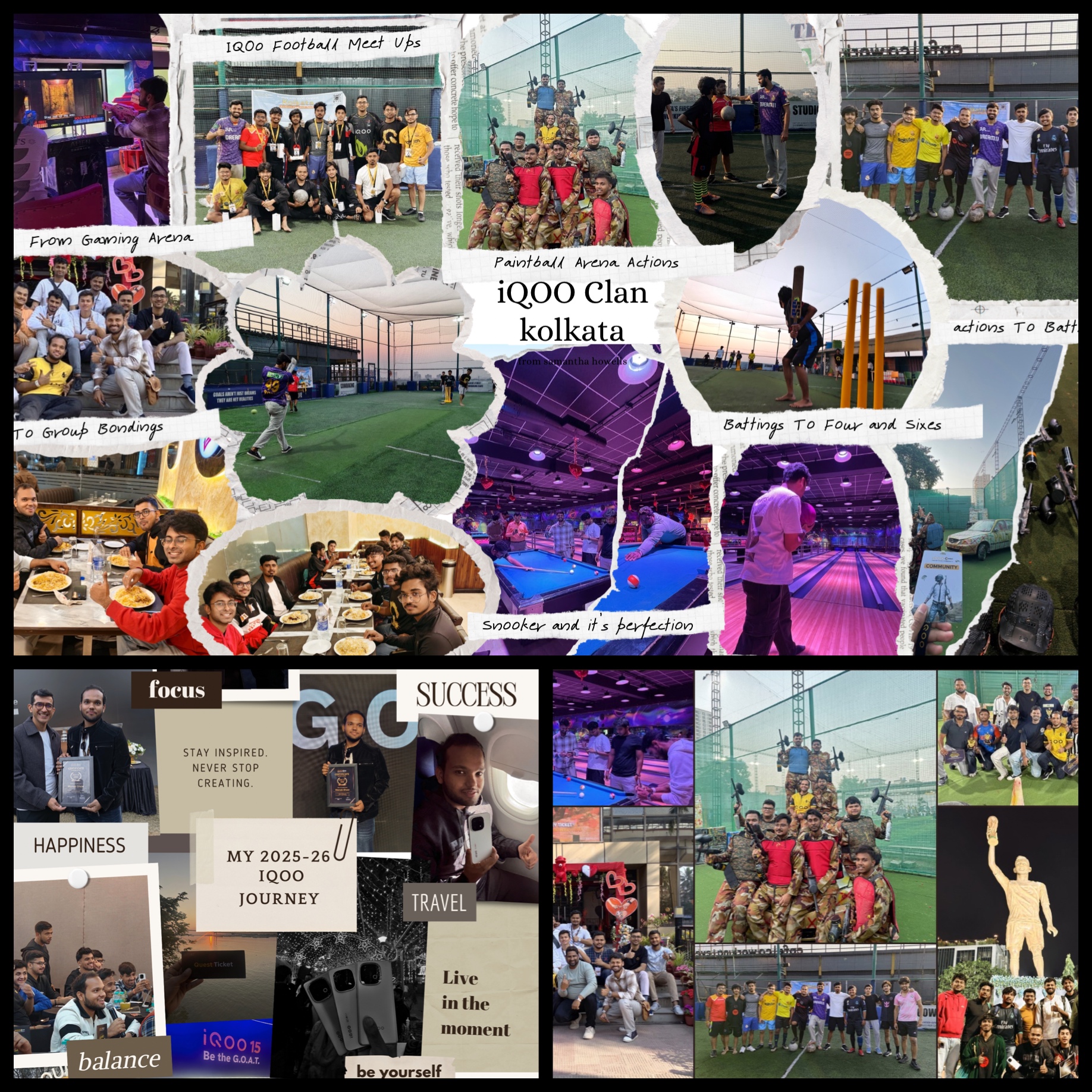
Figure 1, view larger image
Hey Questers I am Manab Today Thread is all about Whenever I want to create a cool collage design for posts, stories, or edits, I always use Canva because it’s super simple and gives amazing aesthetic results in minutes. Here’s how I do it 👇
Figure 2, view larger image
1️⃣ Open Canva & Search Smart
First, I open the Canva app and go to the search bar.
I simply type “Aesthetic Collage” — and instantly lots of beautiful templates appear.
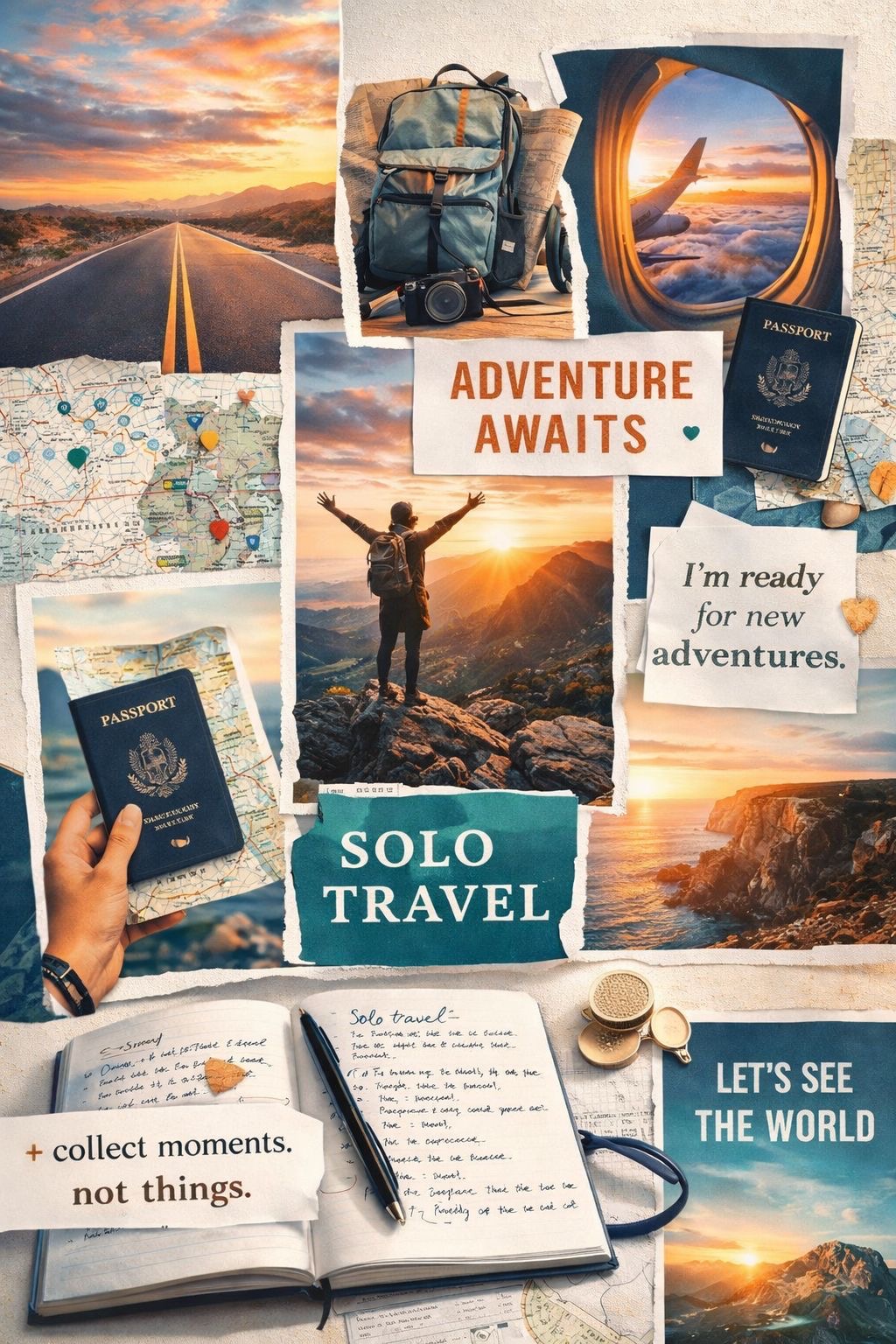
Figure 3, view larger image
2️⃣ Pick the Right Vibe
I choose a template that matches my mood — minimal, colorful, or vintage style.
3️⃣ Customize Like a Pro
Then I replace the sample photos with my own pictures, adjust sizes, rotate frames, and arrange them neatly.
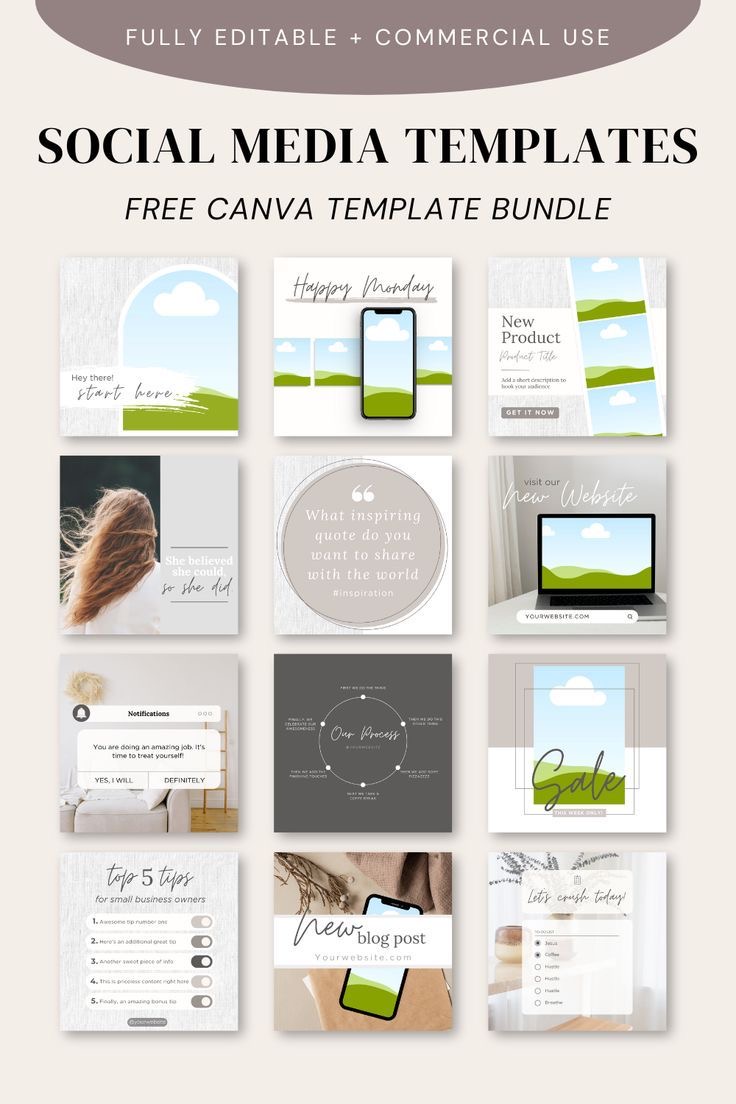
Figure 4, view larger image
4️⃣ Use Elements for Style
I add small touches like stickers, shapes, sparkles, or aesthetic lines to make it look premium.
5️⃣ Match Colors Perfectly
I adjust brightness, contrast, and filters so all photos look balanced and clean.
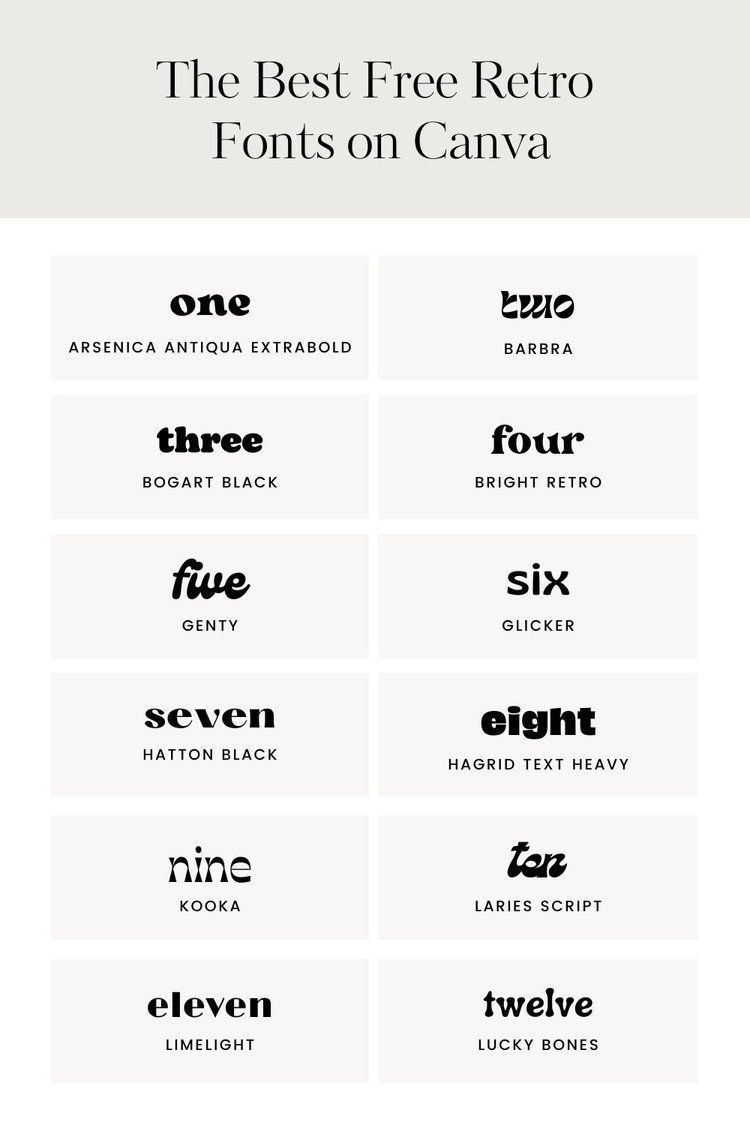
Figure 5, view larger image
6️⃣ Add Final Text Touch
Sometimes I add aesthetic fonts like small quotes, dates, or captions to complete the look.
Result: In just a few minutes, a stylish and aesthetic collage is ready for posting.Here are some Examples !

Figure 6, view larger image

Figure 7, view larger image
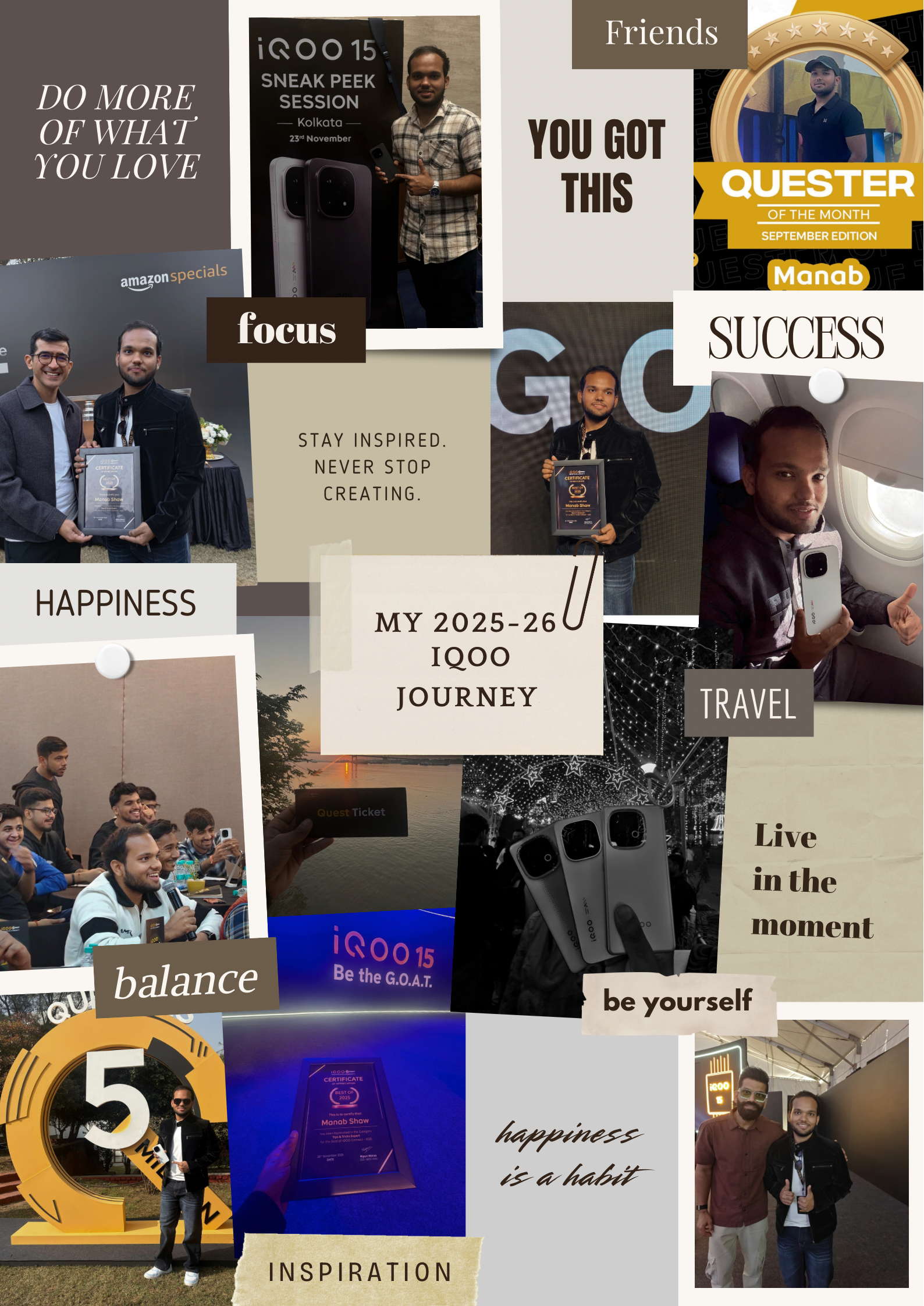
Figure 8, view larger image
Thanks @iQOO Connect Hope You like my tutorials of Tips & Tricks Threads for more such contents like and Follow !
Signing Off -@Manab10

Figure 9, view larger image
Tips & Tricks
347
10
Please sign in
Login and share
Sign in