



























Is the OriginOS 6 (Android 16) update safe to install? 🤔

Methods for Installing a Major Android Update
1. Update using mobile data
2. Connect the mobile phone to a Wi-Fi router
3. Back up mobile data and visit a nearby service center to flash the device
1. Update using mobile data
This method is not recommended because it can cause serious problems, such as major bugs. Major updates are crucial for experiencing the new visual interface and features, so you shouldn't rely on a mobile data connection. Updating via mobile data might negatively affect the usability of the new features.
2. Connect the mobile phone to a Wi-Fi router
The first step is to back up all the data on your phone, including photos, videos, WhatsApp chats, and important notes. Then, connect your phone to a Wi-Fi network and install the new Android version. After installing the update, perform a factory reset, and then restore your data from the backup. This method solves 90% of the problems typically associated with new software updates.
Backing up your data is essential. Connect your phone to your PC and transfer your files to the computer's storage. After resetting the phone, transfer the files back.
This is a very time-consuming process. While USB 3.0 delivers better speeds, USB 2.0 is much slower. Transferring photos from your phone to a PC is relatively easy, but copying bulk images (like 15,000 to 20,000 photos) from a PC back to the phone is difficult because USB 2.0 is significantly slower. Copying bulk images takes a long time and further reduces the transfer speed.
Although the backup process is tedious, it allows you to enjoy new features with fewer bugs, making the time-consuming process worthwhile.
3. Back up data and visit a nearby service center to flash the device
Back up your phone and take it to a nearby service center to have the device flashed. This is the safest and most reliable method. I know this because I personally experienced it twice—first with the Android 15 update, and then with Android 16.
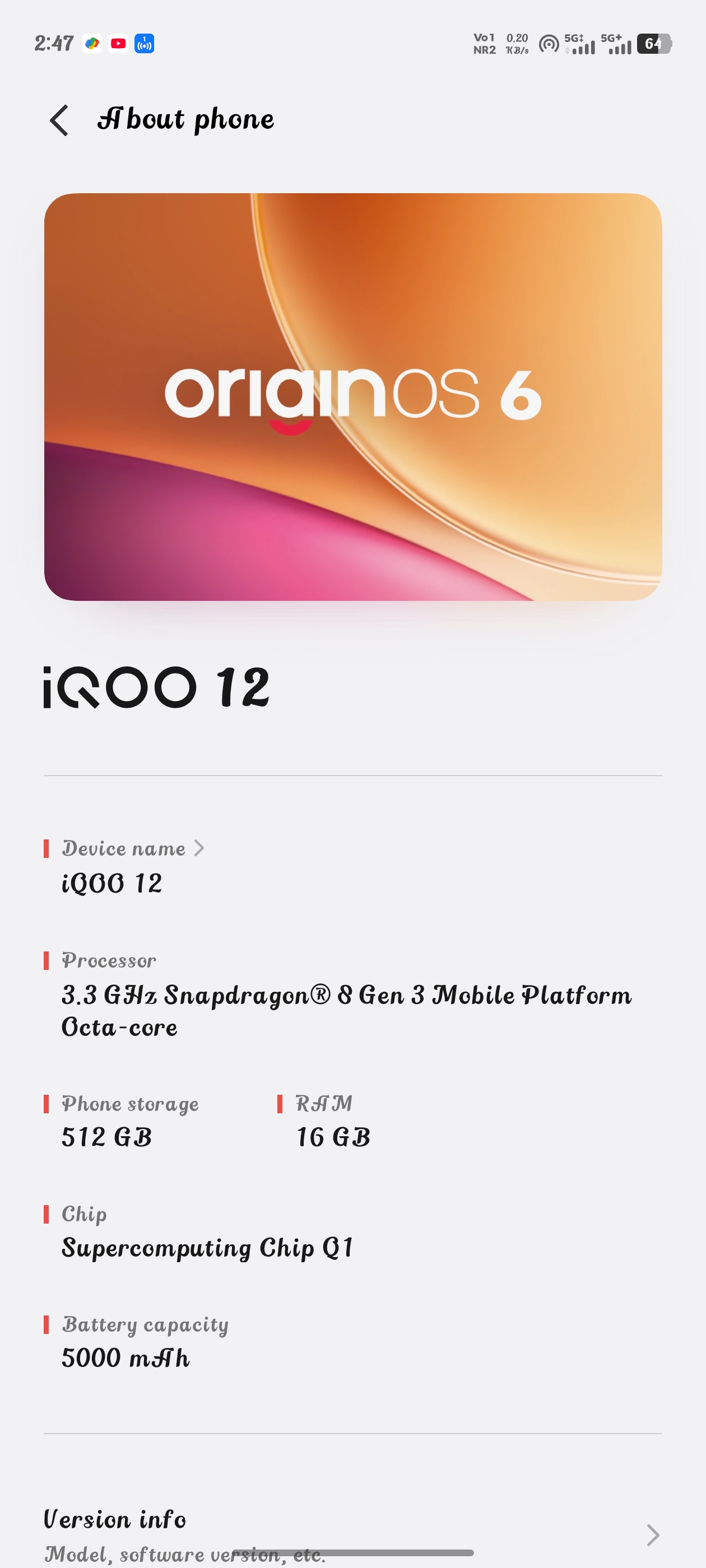
Personal Experience:
Backing up data is not an easy task. I had to do it twice within nine months. I purchased my iQOO 12 in May 2025. It came with Android 14, but Android 15 was the latest version at the time.
Initially, I chose to upgrade to Android 15 using mobile data in May. That upgrade affected the phone's usability and introduced several bugs. So, I backed up my device, went to a nearby service center, and had them flash my device to the latest Android 15. After that, it worked perfectly and gave me a great experience.
Then, it was time for Android 16. Based on my previous experience, I preferred using a stable Wi-Fi network. I first backed up my phone, connected to Wi-Fi, and then downloaded and installed the new Android 16 with OriginOS 6. However, I faced even more bugs this time. Major updates usually come with some bugs, so I used the phone with those bugs for two months. Backing up my phone was difficult because I had around 90GB of images. It took about 8 to 9 hours to copy 15,000 images from my PC to my phone, but I managed it.
Finally, I made it
After waiting two months, I backed up my phone to my PC a second time. I copied nearly 150GB of data, which took about 4 hours. Then, I went to the service center to have my device flashed. When I got home, copying the data from my PC back to my phone via a data cable took around 22 hours for 21,000 images. I even submitted a log report to customer support regarding the slow copy speed.
Despite the hassle, I am fully satisfied after those three days of work. I am now enjoying a lag-free experience with all the new features of Android 16 on OriginOS 6. A major issue with the iQOO 12 (16GB/512GB variant) is the USB 2.0 port. Higher storage variants should ideally come with faster transfer speeds because they hold larger backups.
Vivo Office Kit
I am currently using the Vivo Office Kit, and it makes transferring files and folders so easy and quick. The app's responsiveness is great. In the future, this might also be helpful for backing up data when updating to a new version of Android.
End Notes
The USB 2.0 speed limitation is hardware-related. In the future, I will definitely look for a device with USB 3.0. While there are some drawbacks, I am satisfied with most aspects of the phone. I am happy using my iQOO 12.
Thank you
With Love
Please sign in
Login and share