



























[FAQs] iQOO 15R - Snapdragon 8 Gen 5 Performance & Benchmarks | Vol.1 | Part 2

 Hi iQOO Fam ,
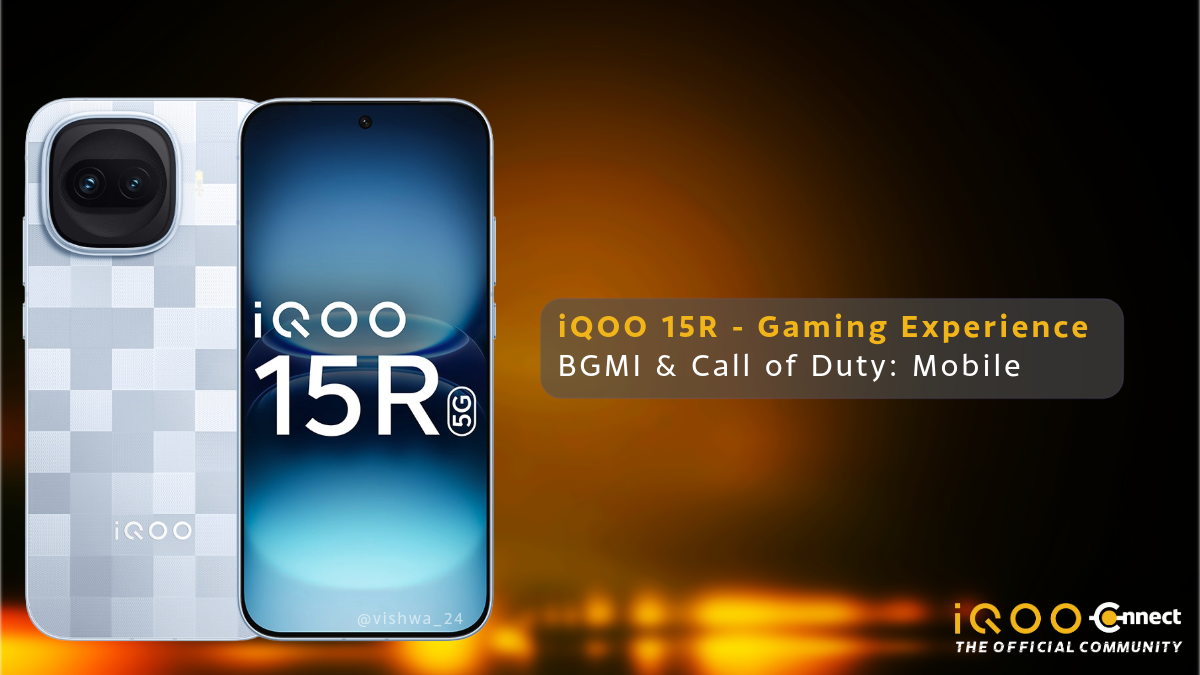
Welcome back! This is part 2 of testing iQOO 15R Performance & Benchmarks. In Part 1 , I ran the iQOO 15R through Geekbench, AnTuTu, and 3DMark -- and the numbers came out strong. But benchmark scores only tell half the story. The real question is: how does it feel to actually game on this phone?
So I took it into two proper gaming sessions -- one hour of COD Mobile and one hour of BGMI -- with the CPU and FPS monitors running throughout. Let's find out, what happened.
iQOO 15R Call of Duty: Mobile Gaming Test

So, I tested iQOO 15R playing, one of graphic intensive game - Call of Duty: Mobile. I played 4 multiplayer matches, and 1 battle royale match, back to back, with phone connected to Wi-Fi.
Settings tested:
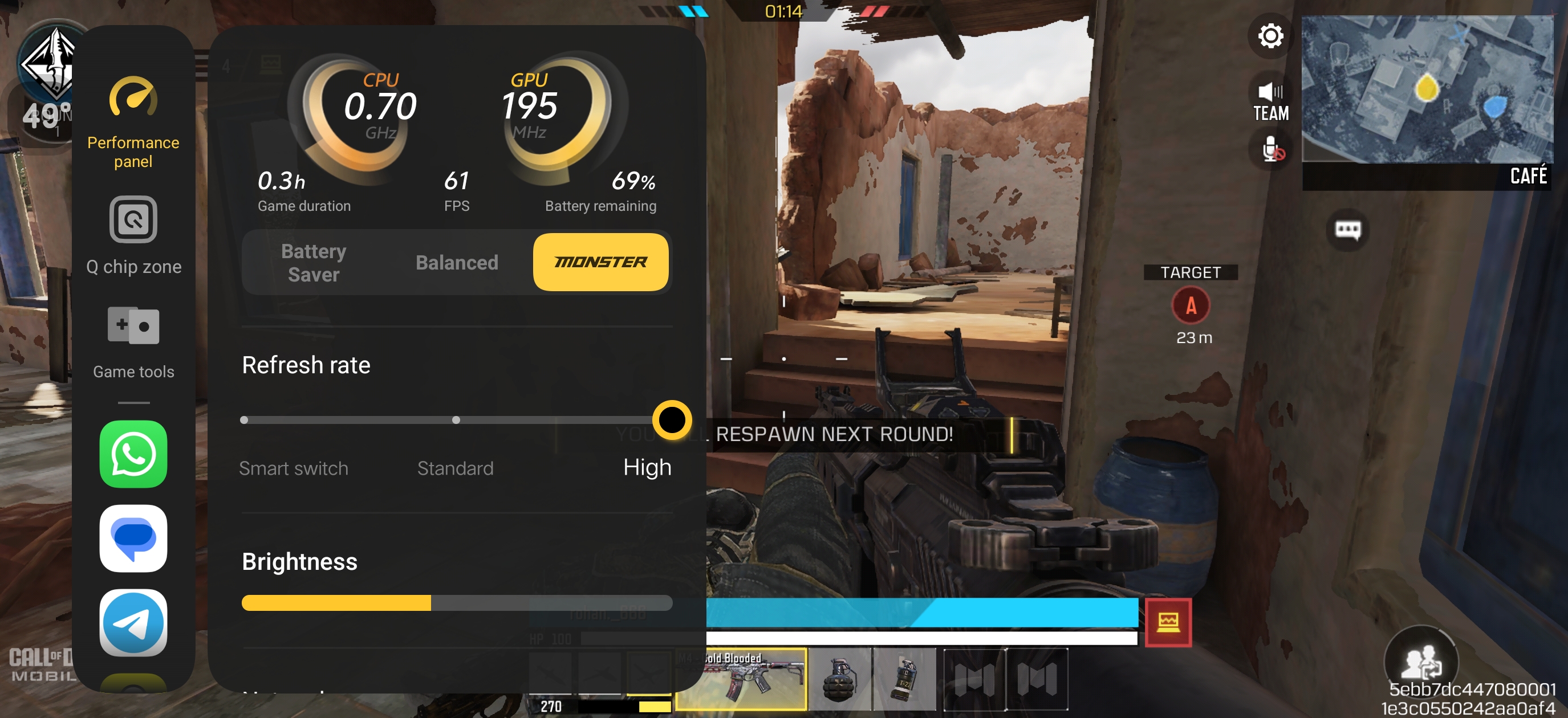
- Max Graphics + Max FPS -- 60 FPS consistent across all multiplayer matches
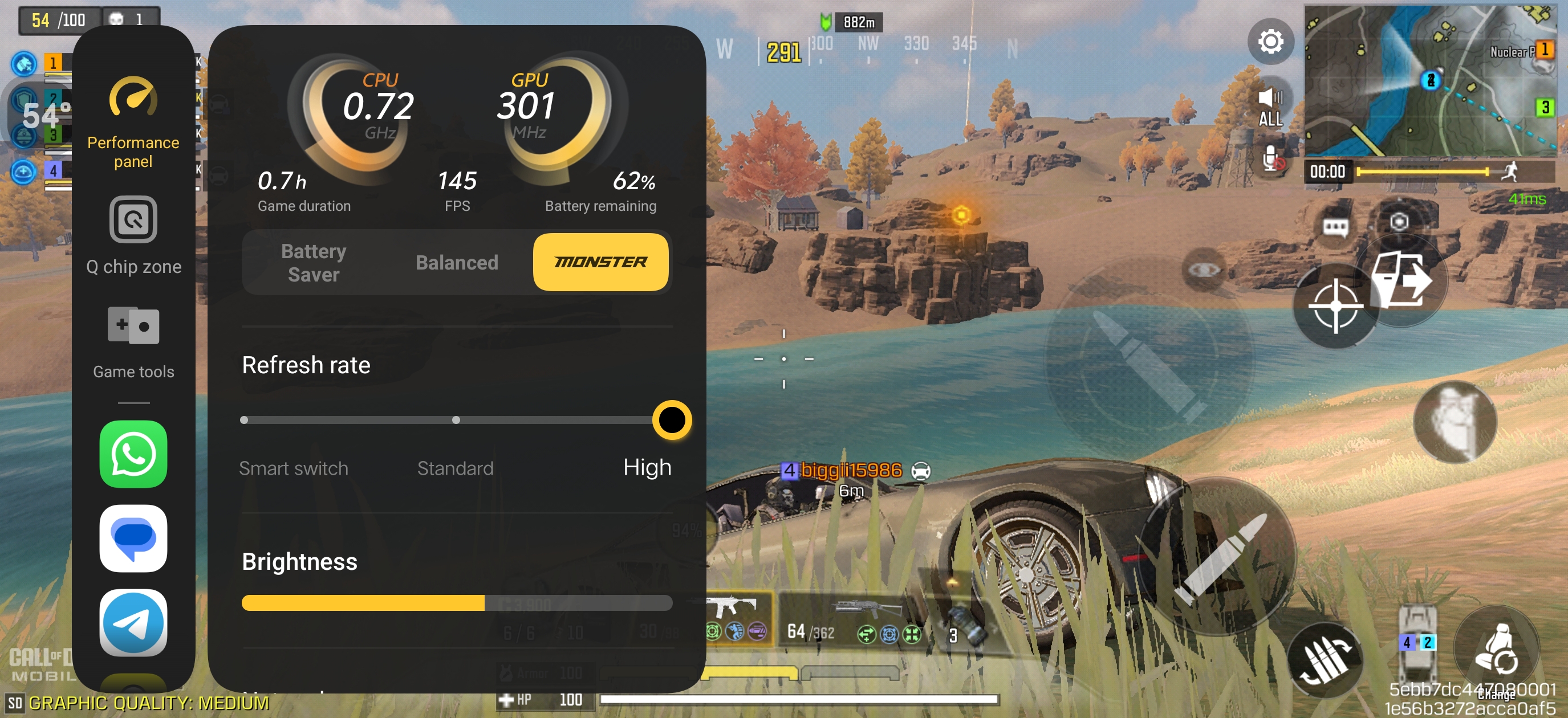
- Medium Graphics + Super Frame Rate Extreme -- 144 FPS stable in Battle Royale
My CODM gaming experience with iQOO 15R
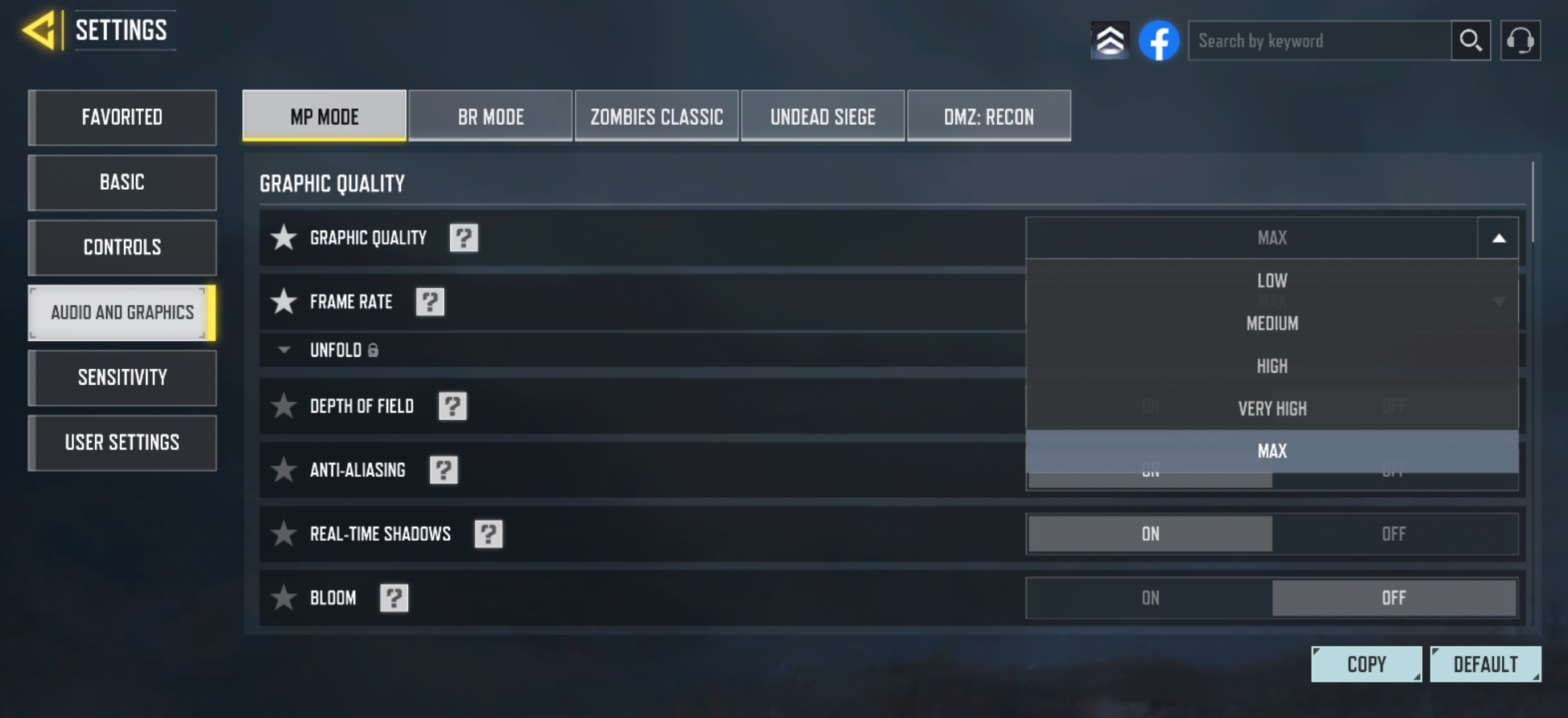
COD Mobile at Max settings ran smoothly from start to finish. 60 FPS (without Super Frame Rate) felt locked throughout multiplayer -- aim tracking was responsive, movement felt clean, and there was not a single moment where the phone felt like it was struggling.
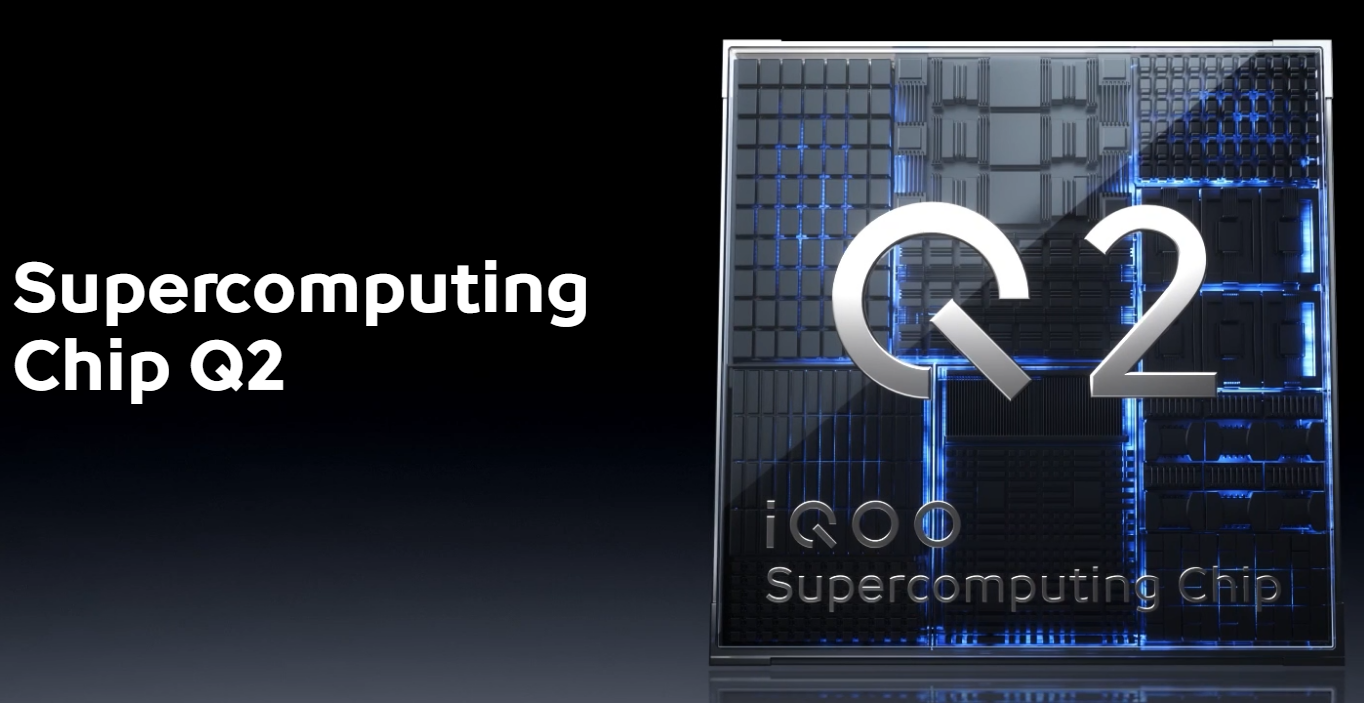
The Battle Royale run at 144 FPS (with Super Frame Rate) was the more interesting test. Inside the game sidebar, the Q chip zone has a Super Frame Rate toggle. Setting it to Extreme activates the Q2 gaming chip's AI frame interpolation, pushing output to 144 FPS beyond what the game engine natively delivers.
Paired with Super Resolution set to Extreme, the AI upscaling keeps visuals sharp without putting extra load to the Q2 Chip. The result was genuinely smooth 144 FPS gameplay throughout the entire Battle Royale session on Medium graphics.
I did notice 2 brief frame drops during the Battle Royale run -- those felt like network fluctuations more than a device issue, and I expect game updates to smooth those out over time.
Battery and thermals (CODM):
- Battery: 73% to 58% -- 15% drop in ~60 mins
- Surface Temp: Warm on the sides (when played on MAX Graphic setting, but, comfortable to hold throughout the game)
- Post-game cooldown: Returned to near-idle temperature quickly
15% battery drain for a full hour at high intestive gaming is solid efficiency. What also stood out was how fast the phone cooled down the moment gaming stopped -- that quick recovery is the 6500mm² IceCore VC cooling system doing exactly what it is built for.
iQOO 15R BGMI Gaming Test

After CODM, I tried BGMI fo a while on the iQOO 15R. I went into this session testing three different setups -- Smooth for competitive play, HD/HDR for visuals, and then the Q2 chip features on top of both. Here is how each one played out.
Smooth + Ultra Extreme -- The Competitive Setup
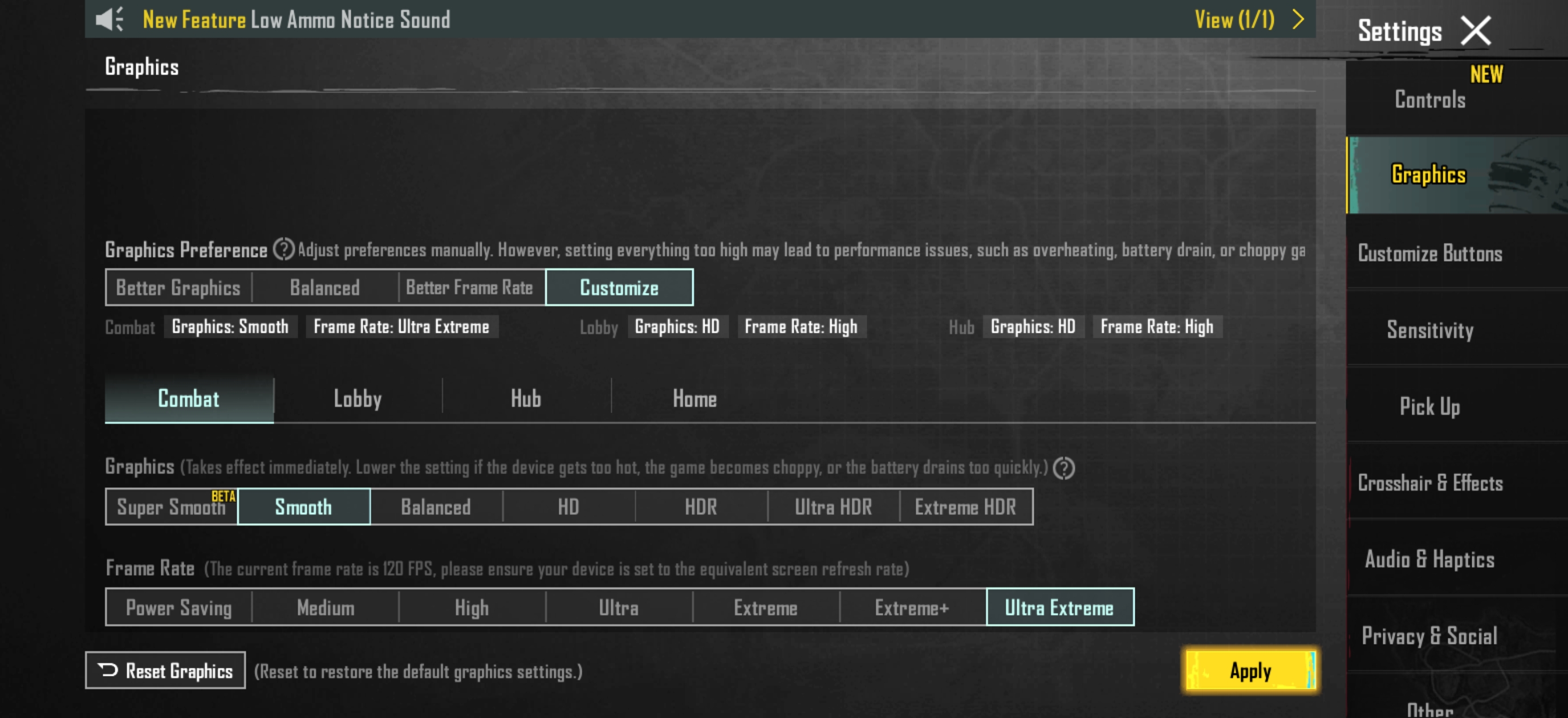
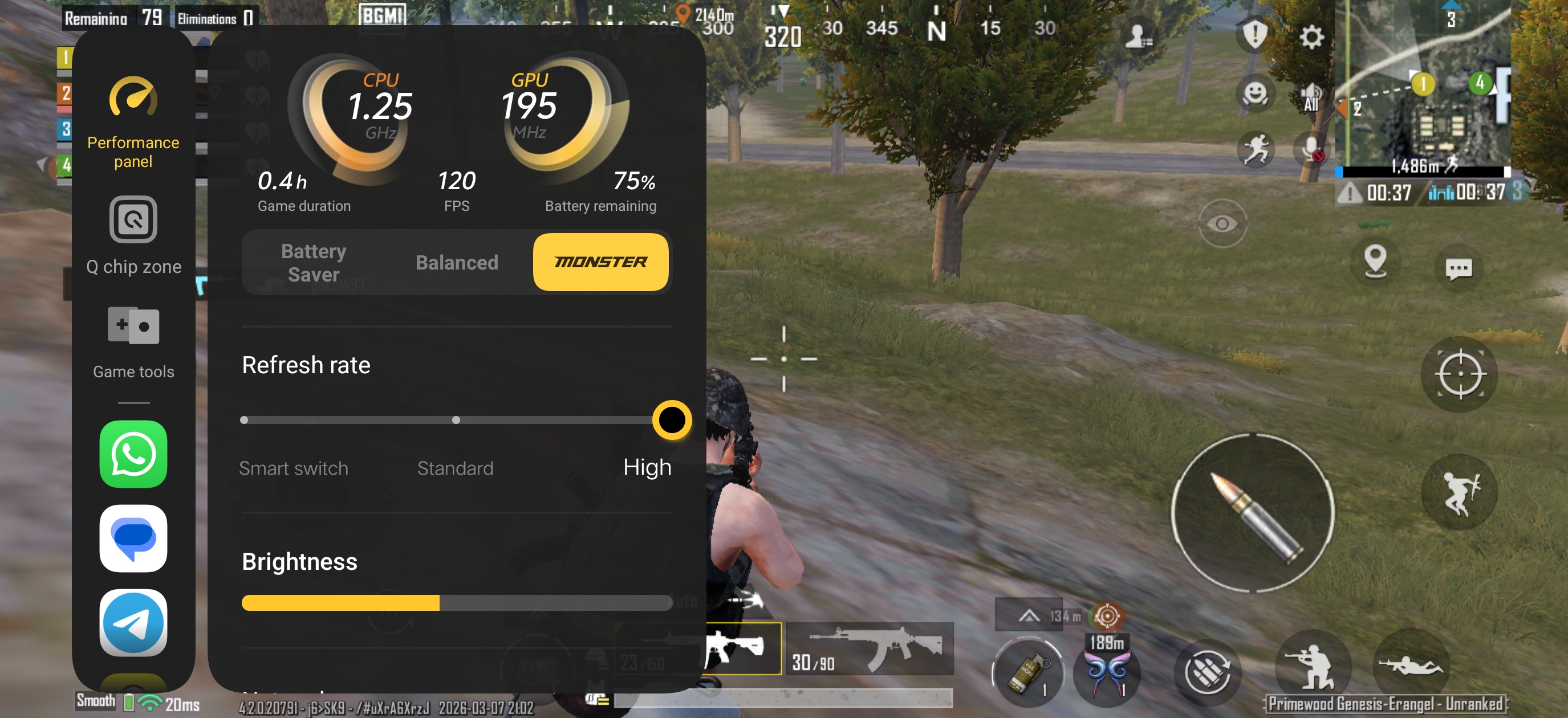
Starting with the most popular competitive preset -- Smooth / Super Smooth graphics with Ultra Extreme frame rate. The FPS monitor stayed at 120 FPS solid throughout. Gyro felt responsive, swipes registered fast, and the 144Hz display made the whole thing feel genuinely premium. If you are grinding ranked matches, this is the setting to be on.
HD / HDR -- When You Want It to Look Good
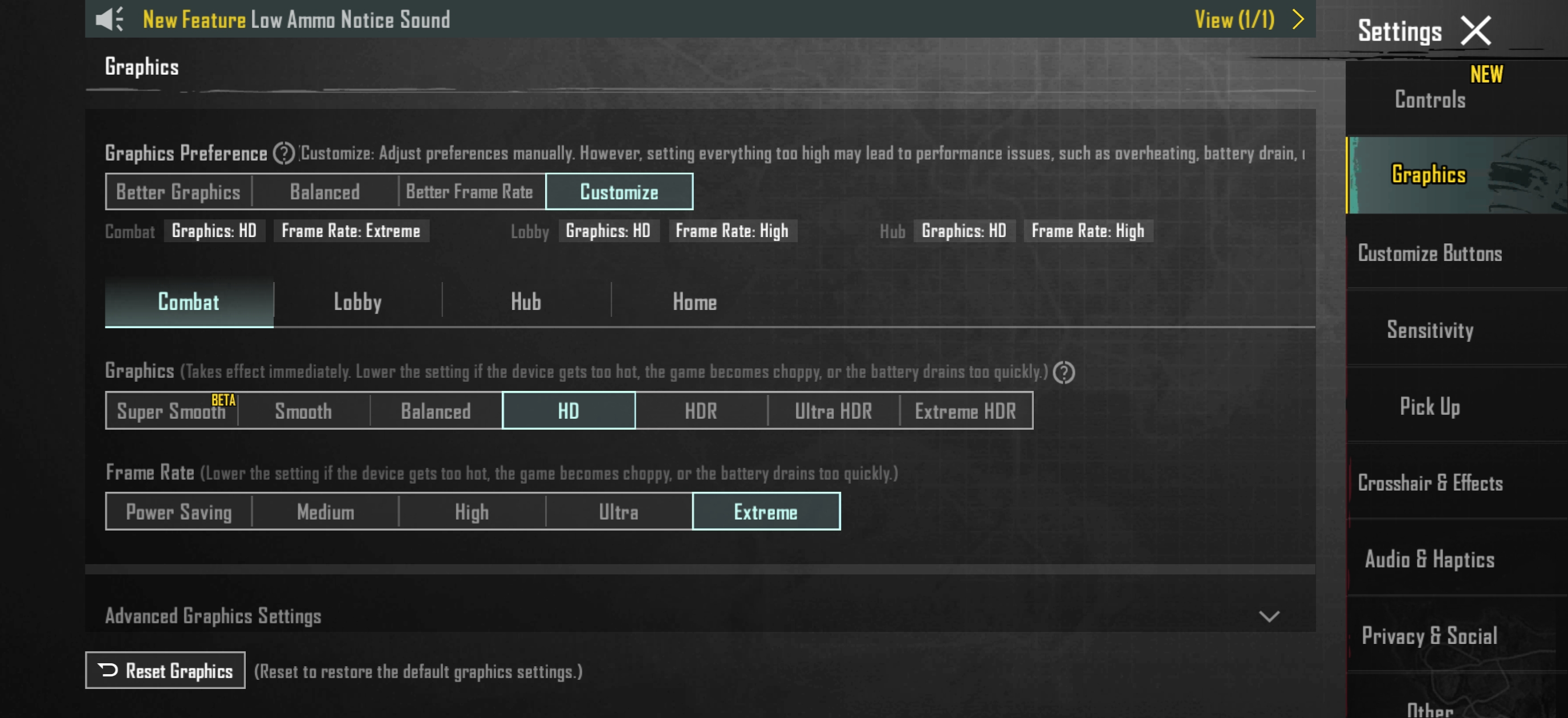
Switching to HD or HDR is a different experience altogether. The game world looks noticeably richer -- better lighting, more detailed textures, shadows that actually look like shadows.
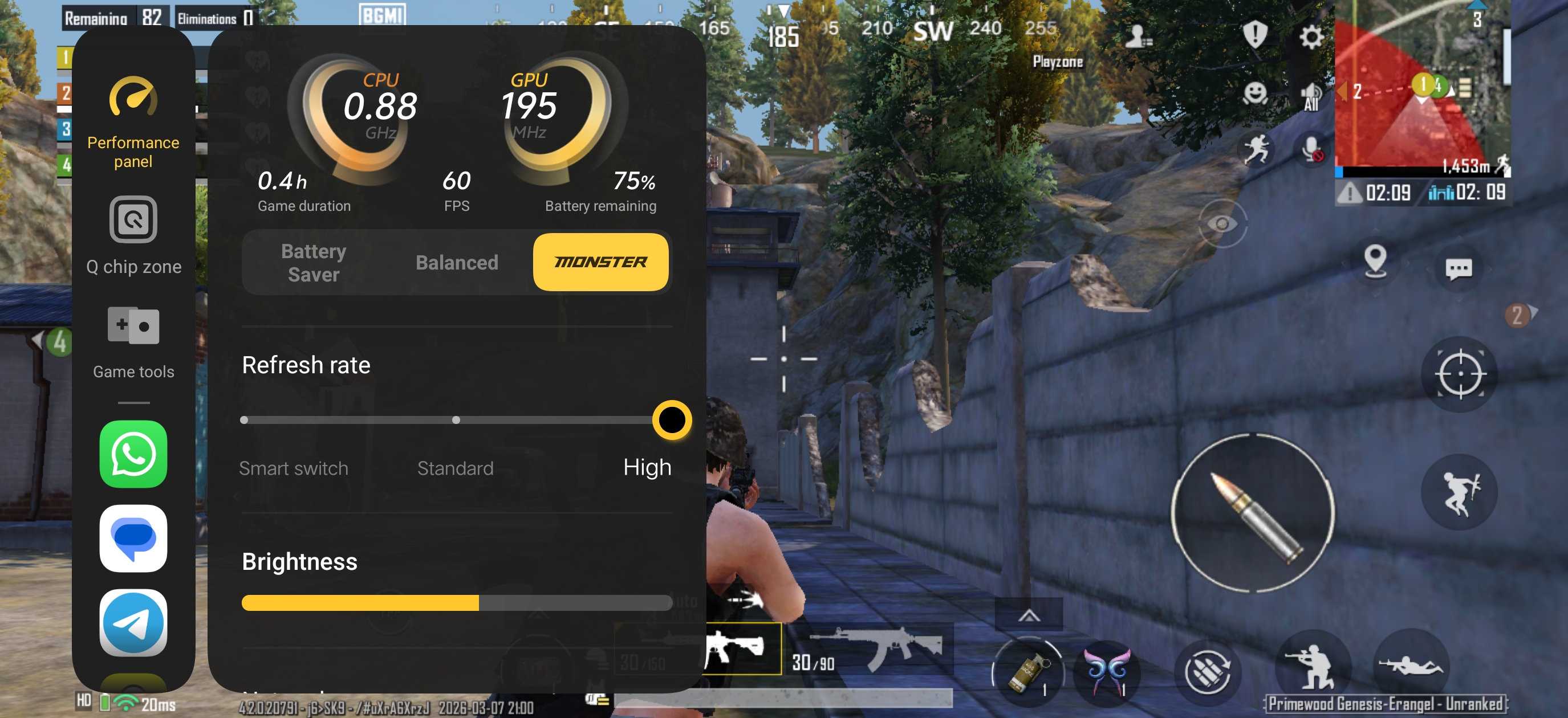
BGMI natively caps frame rate at 60 FPS on these presets, so that is the trade-off. The phone ran slightly warmer here compared to Smooth mode, but never crossed into uncomfortable territory even without a case.
Q2 Chip's Magic: Super Resolution + Super Frame Rate -- Best of Both Worlds
So far, I've tested with BGMI's native setting and haven't enabled the powers of the Q2 chip. Opening the Q chip zone sidebar and enabling the following:
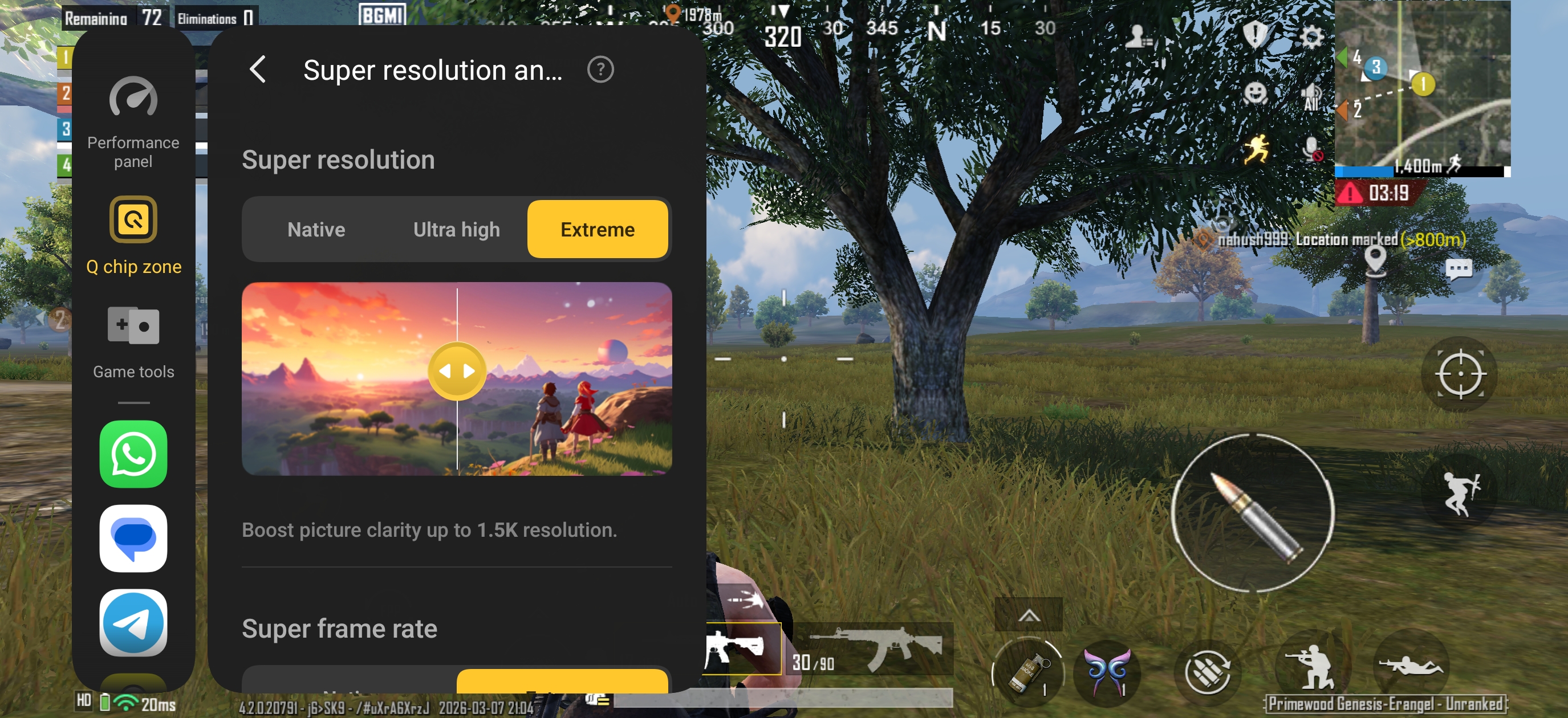
- Super Resolution → Ultra high / Extreme
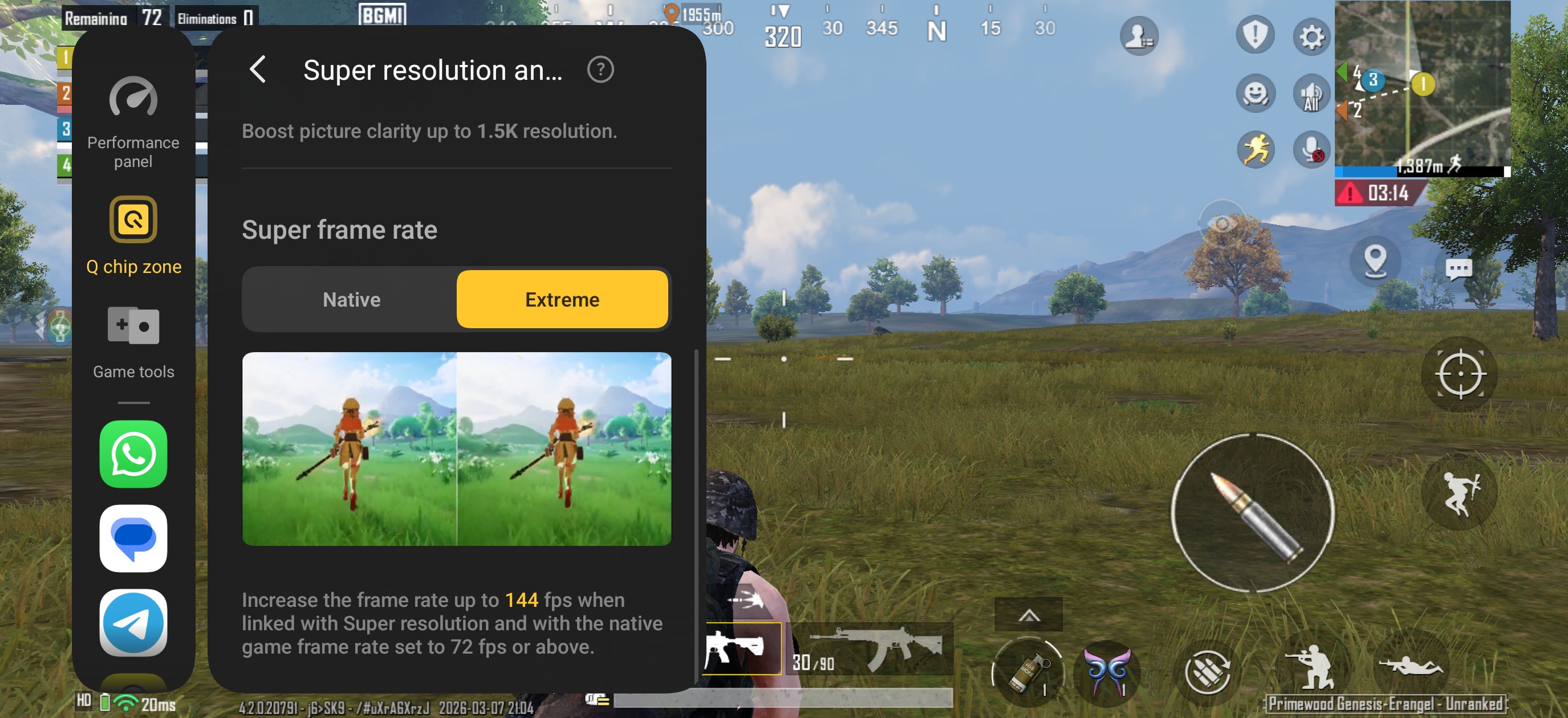
- Super Frame Rate → Extreme
...changed the session entirely. The Q2 chip upscales the game to 1.5K-level clarity while simultaneously interpolating frames up to 144 FPS. And this works across Smooth, HD, and HDR -- so whatever visual mode you prefer, you are still getting that ultra-smooth 144 FPS feel on top. You are genuinely not choosing between sharp visuals and smooth gameplay anymore.
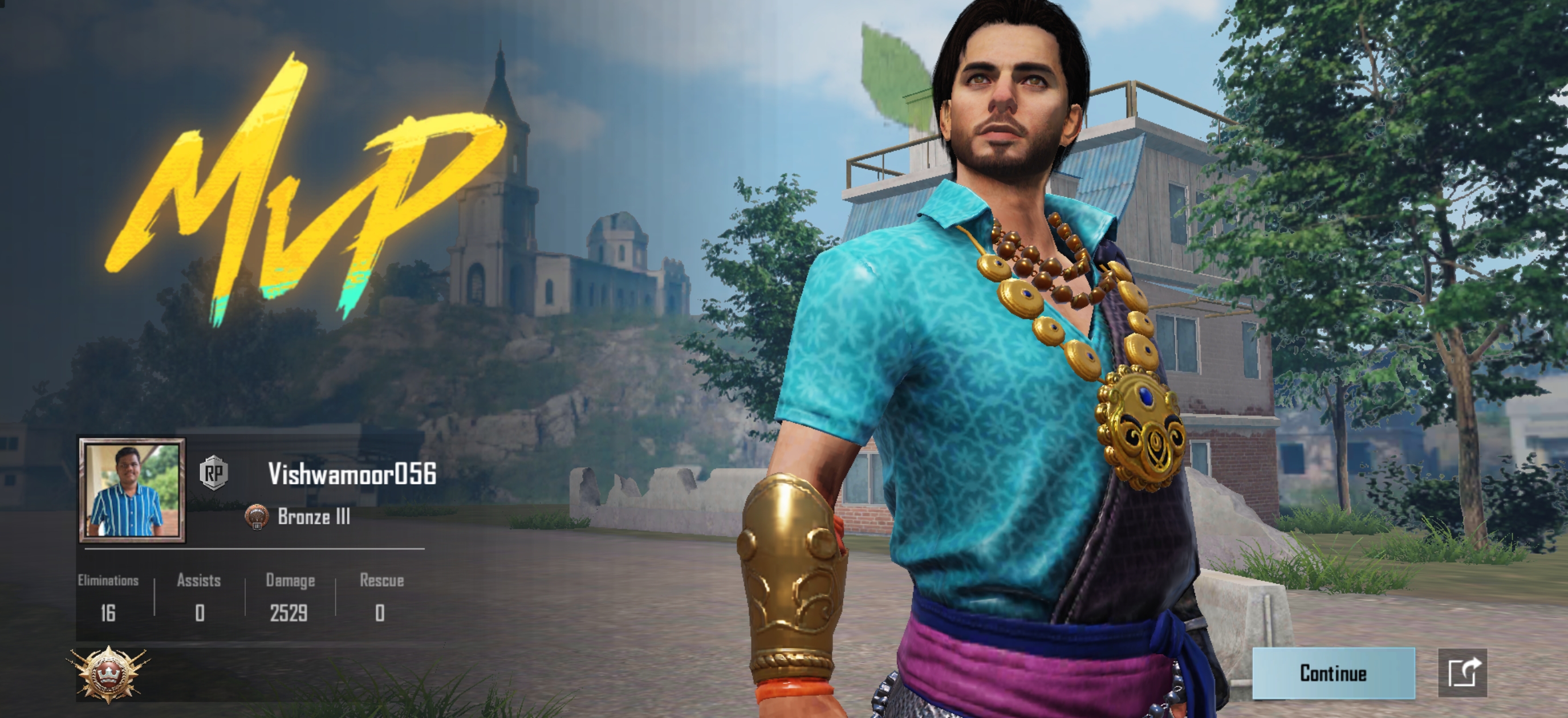
Battery and thermals (BGMI)
- Battery: 100% → 91% (9% drop in ~60 mins), which is Great!
- Thermals: Slightly warmer on HD/HDR graphic setting, never uncomfortable
- Surface: Comfortable in hand, even without case
- Cooldown: Quick once you exit to home screen
More Gaming Features on iQOO 15R
Apart from Q chip zone features I've mentioned above, there are plenty of gaming other features that are worth mentioning here:
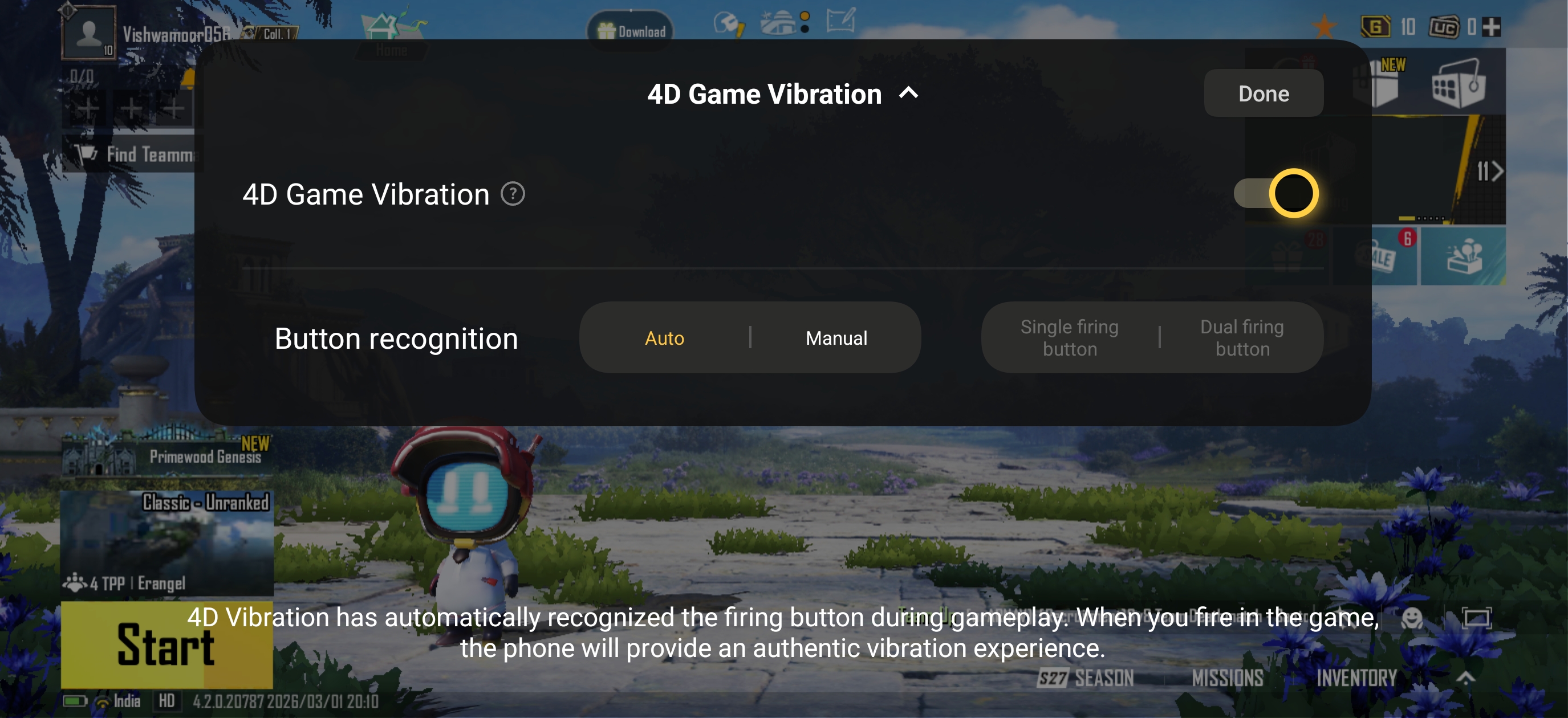
- 4D Gaming Vibration -- The phone auto-detects your fire button and delivers a tight, precise haptic tap synced to your firing rhythm. Three intensity levels to choose from. Subtle, not overdone -- but once you play with it on, you will notice when it is off.
- HyperSense Audio -- iQOO's self-developed audio algorithm expands soundstage width and spatial depth for in-game sounds. Footsteps, gunshots, and directional audio feel more positioned and immersive. Especially noticeable with earphones.
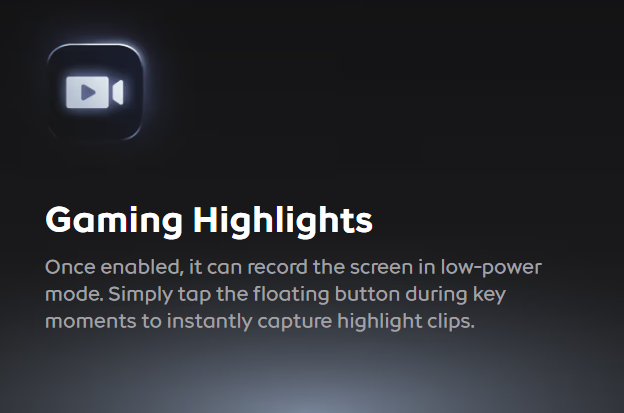
- Gaming Highlights -- The game sidebar can automatically clip your best moments mid-match. No manual recording needed, just share straight after the game.
FAQs -- Gaming on iQOO 15R
Q1. Can the iQOO 15R handle long gaming sessions without overheating?
Yes. With its 6500mm² IceCore VC cooling, dual-layer graphite and large 14,000mm²+ thermal area, the phone stayed around the mid-40s °C even during stress and gaming. In both CODM and BGMI hour-long runs, it got warm but never crossed into “uncomfortable to hold” territory, and cooled down quickly once I stopped playing.
Q1. Can the iQOO 15R run BGMI at 144 FPS?
Yes, but not natively. BGMI caps at 120 FPS in-game. However, with the Q2 chip's Super Frame Rate enabled from the sidebar, it interpolates up to 144 FPS for an ultra-smooth feel.
Q4. What does the Q2 chip actually do in BGMI?
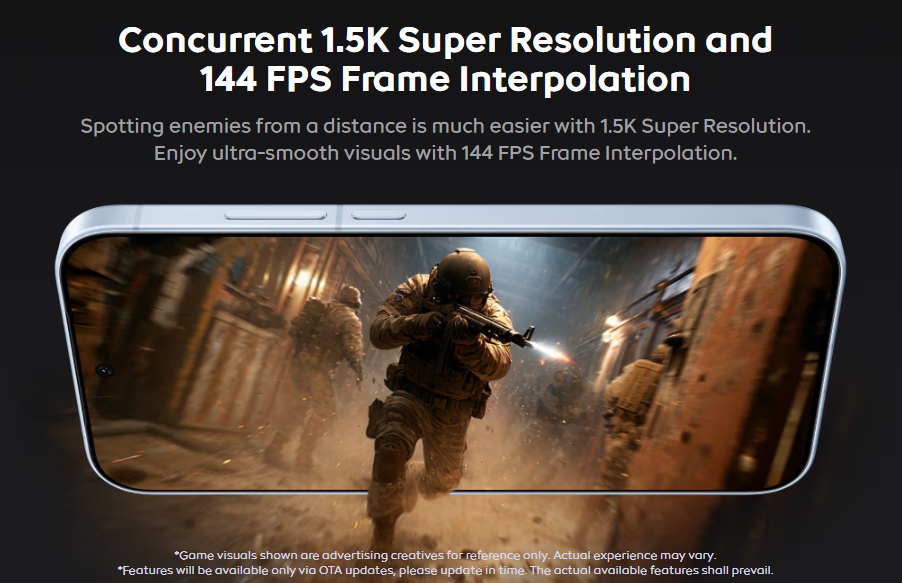
It upscales game visuals to 1.5K-level quality and interpolates frames up to 144 FPS -- both at the same time. Think of it as a mini graphics card running alongside the Snapdragon 8 Gen 5.
Q6. How is the touch response during fast-paced gameplay?
The Super Touch Control Chip delivers up to 3200Hz instantaneous touch sampling rate with a tap latency of just 30.5ms in FPS games -- so swipes, gyro movements, and button taps register near-instantly.
Can I live-stream BGMI directly from the iQOO 15R?
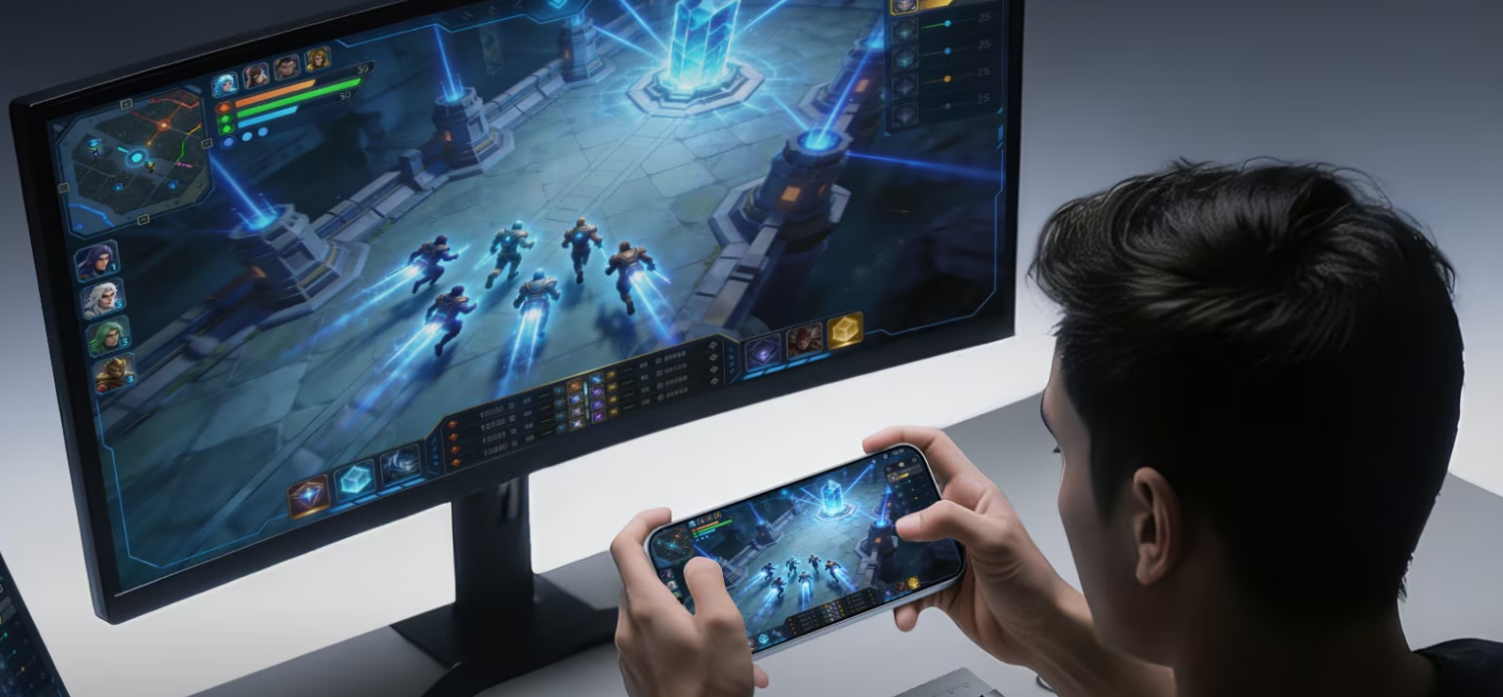
Yes. The Game Live Streaming feature supports 2K, 60 FPS, 20 Mbps streaming with highlights replay and dual-device screen mirroring. iQOO even provides self-developed software for seamless laptop connection -- no extra hardware needed.
Conclusion
As iQOO's tagline for the iQOO 15R says, “Flagship Power. Perfect Fit.” The phone truly lives up to that promise, bringing the best of both worlds.
As we took a deeper dive into its gaming performance, I can confidently say that the iQOO 15R delivers serious real-world gaming capability. The raw power of the Snapdragon 8 Gen 5 is certainly there, but what truly elevates the experience is the combination of the Q2 chip's Super Resolution and Super Frame Rate, along with 4D Game Vibration, all working together to create a more immersive and fluid gameplay experience.
Do drop a comment if you have any doubts about the iQOO 15R; I'm happy to take them up!
Signing off,
@Vishwa_24, @iQOO Connect Ranger!
Please sign in
Login and share