



























Double Exposure Photography

Exposure is an important concept in photography. It refers to the amount of light that hits your camera sensor and determines how bright your photo will look. There are different ways of playing with exposure to make unique effects.
Double exposure photography is an aesthetic technique you can achieve by exposing your sensor to light twice to make a single picture.
What Is Double Exposure Photography?
Double exposure is a photography technique that consists of exposing your image to a source of light twice. You will get an image that is superimposed on the other and can play with the opacity to create a unique exposure effect.
It’s an effect you can capture when shooting a pic or something you can make by editing photos together with photo editing software.
Double Exposure Photography and Digital Cameras
Some digital cameras have a double exposure feature. It’s a fun option to explore because you can shoot aesthetic pictures if you don’t have access to photo editing software.
Shooting a Double Exposure Image
Most cameras with this feature will let you choose a photo from your memory card once you select this setting.
The photo you select will appear on your LCD screen or in your viewfinder. You can capture a second image that fill in the dark areas of the first photo and get a stunning pic.
Double Exposure Portraits Techniques
These photography techniques open up new possibilities for portraits. You can capture unique portraits and create aesthetic effects by exposing your shots twice.
How to Use the In-Camera Double Exposure Setting
Does your camera has a double exposure mode? You can usually find that setting in your menu under multiple exposure or double exposures. Here is how you can capture unique exposure photos with that feature.
Step One: Shoot an Underexposed Pic
You will get better results if you shoot an underexposed pic with a white background. If you want to shoot outdoors, you will get ideal lighting conditions just before sunset or sunrise. If you’re shooting indoors, you can use a white photography background to achieve the desired double exposures or multiple exposures.
Step Two: Enable Multiple Exposure Mode
Once you have captured the image that will be used as a base for your photograph, open the menu, and look for the double exposure effect or multiple exposure mode. Depending on the model of your camera, you might be able to choose how many pictures you want to blend.
Enable the double or multiple exposure mode, and your camera will ask you to select your base picture from your memory card.
Step Three: Shoot Your Second Picture
Once you select your base picture, your LCD screen will show a version of that image with low opacity. You can compose your second shot and see in real-time how the images will blend thanks to the LCD screen.
Pay attention to how the details of the second picture will match the dark areas in the first picture. Take the time to align the two shots to create an interesting result.
Once you snap the second picture, your camera will process the double exposure effect picture automatically. If you don’t like the outcome, you can go back to picking a base picture from your memory card and start this process again.
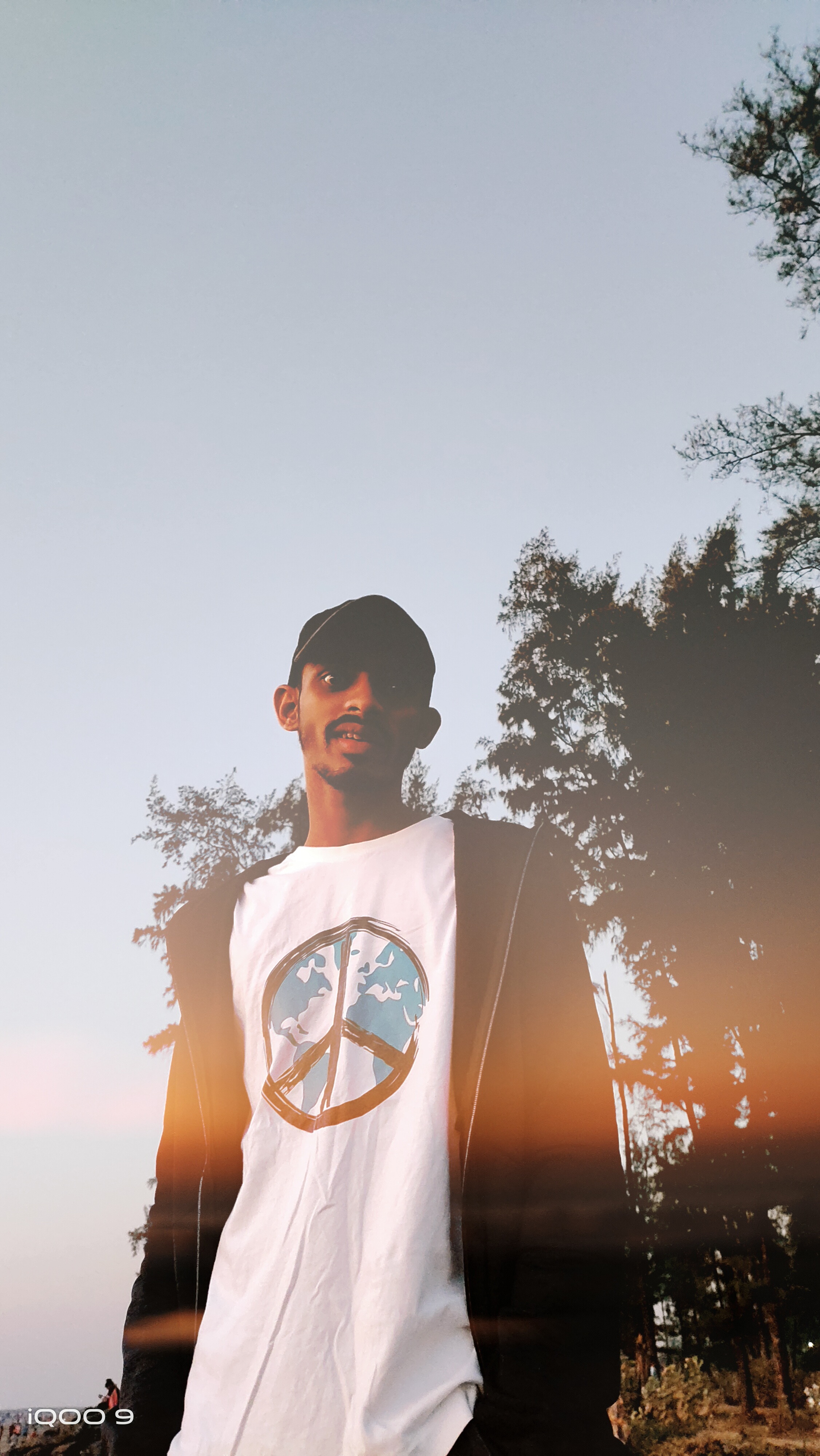
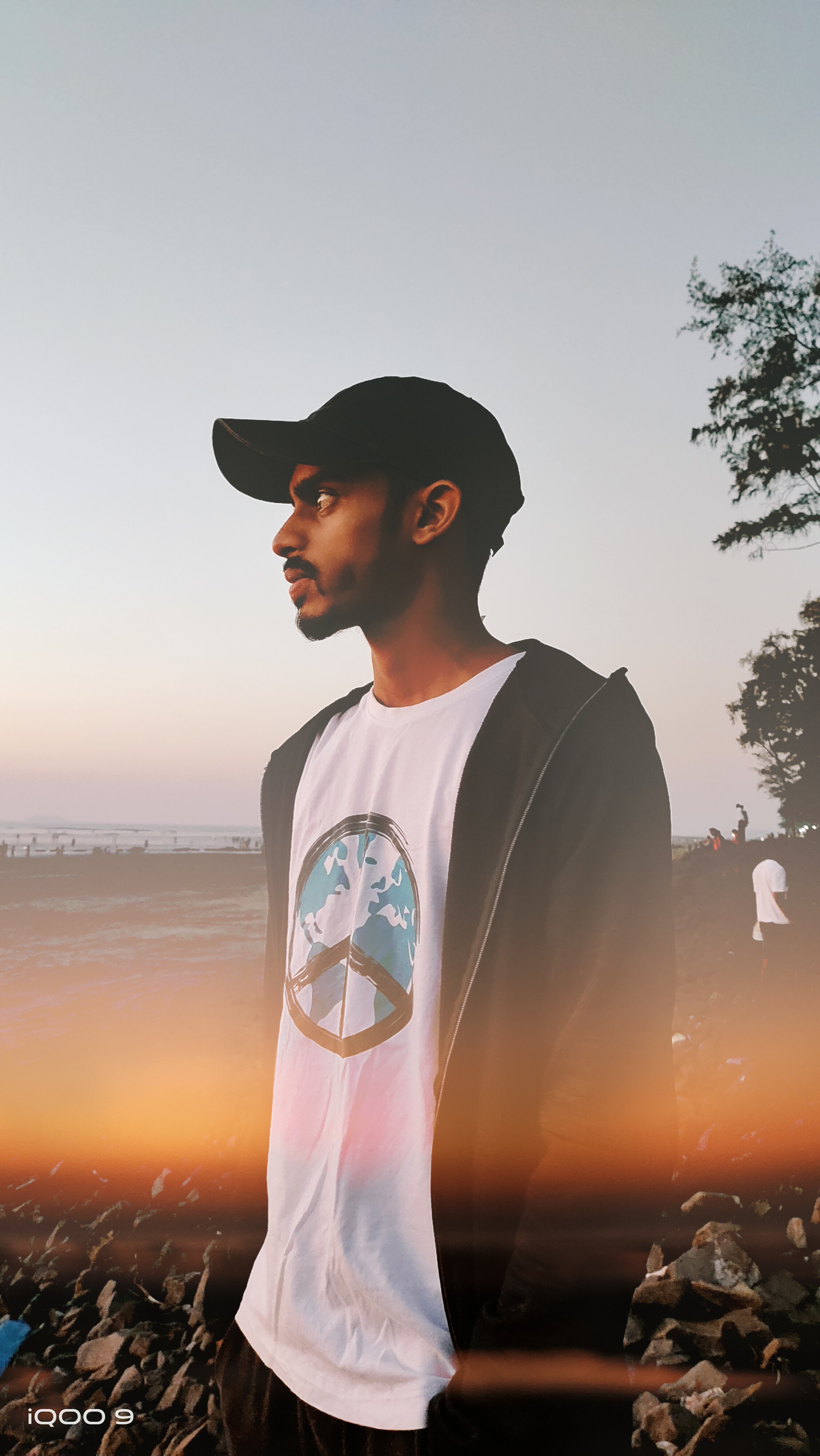
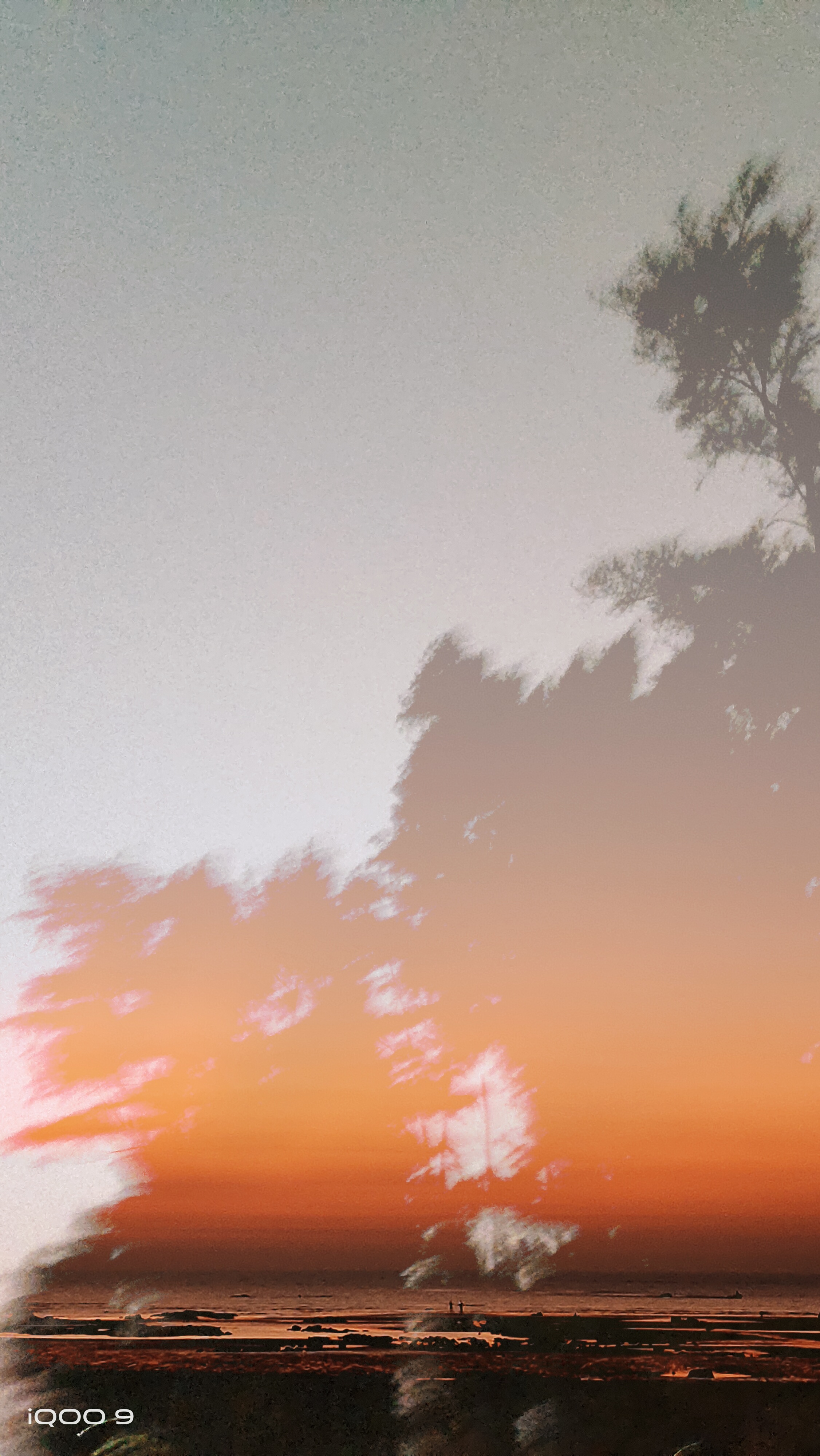
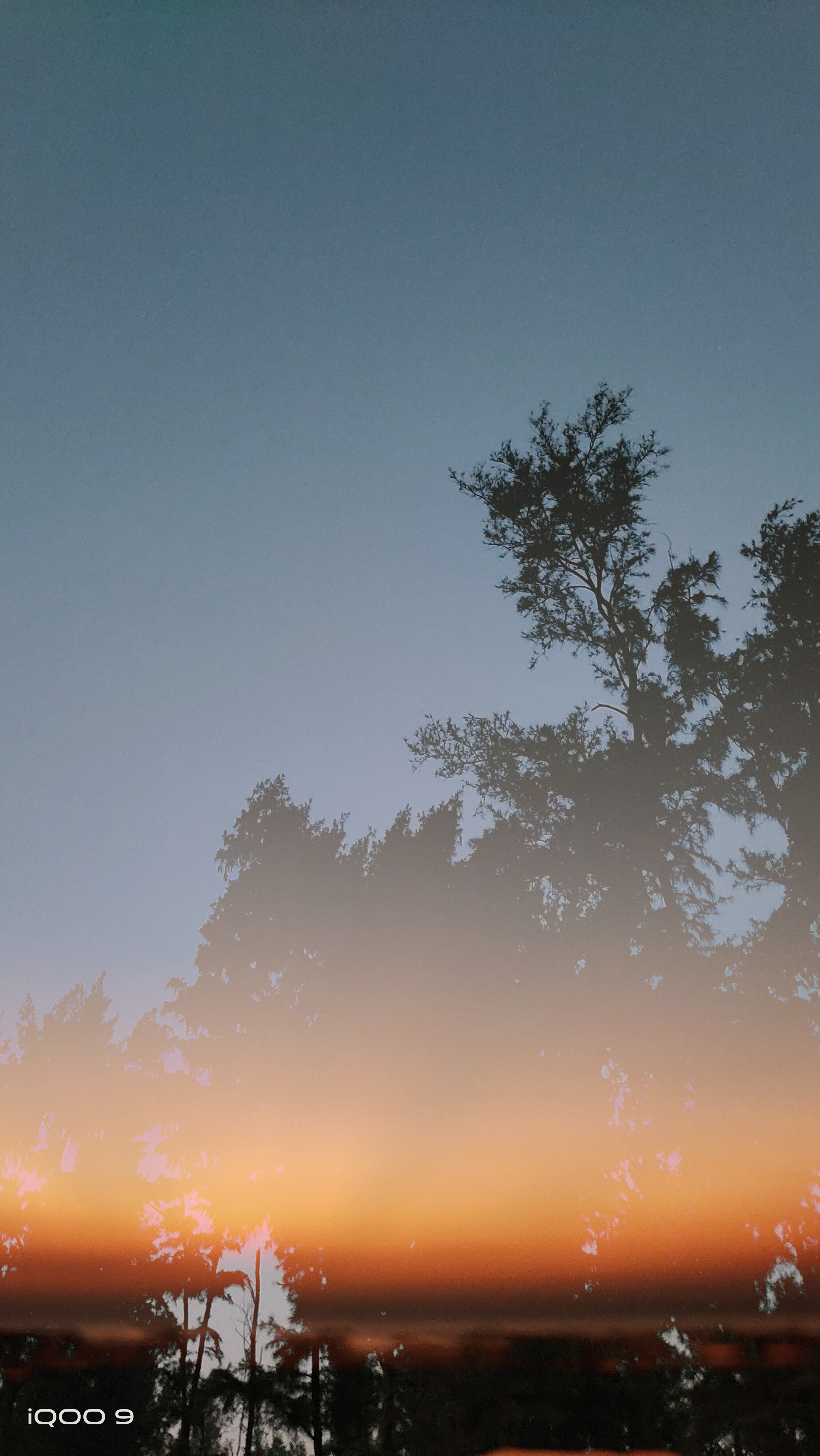
I click some images using inbuilt double exposure feature in IQOO 9 and the result is really awesome.(All Pictures are Unedited)
Please sign in
Login and share