



























Smooth, Smart, Fresh: OriginOS 6 Debuts on iQOO Z11x 🚀

Hi Questers 🤗 ✨
OriginOS has mostly been seen on iQOO flagship devices like the iQOO 15 and iQOO 15R. But now, things get even more exciting…
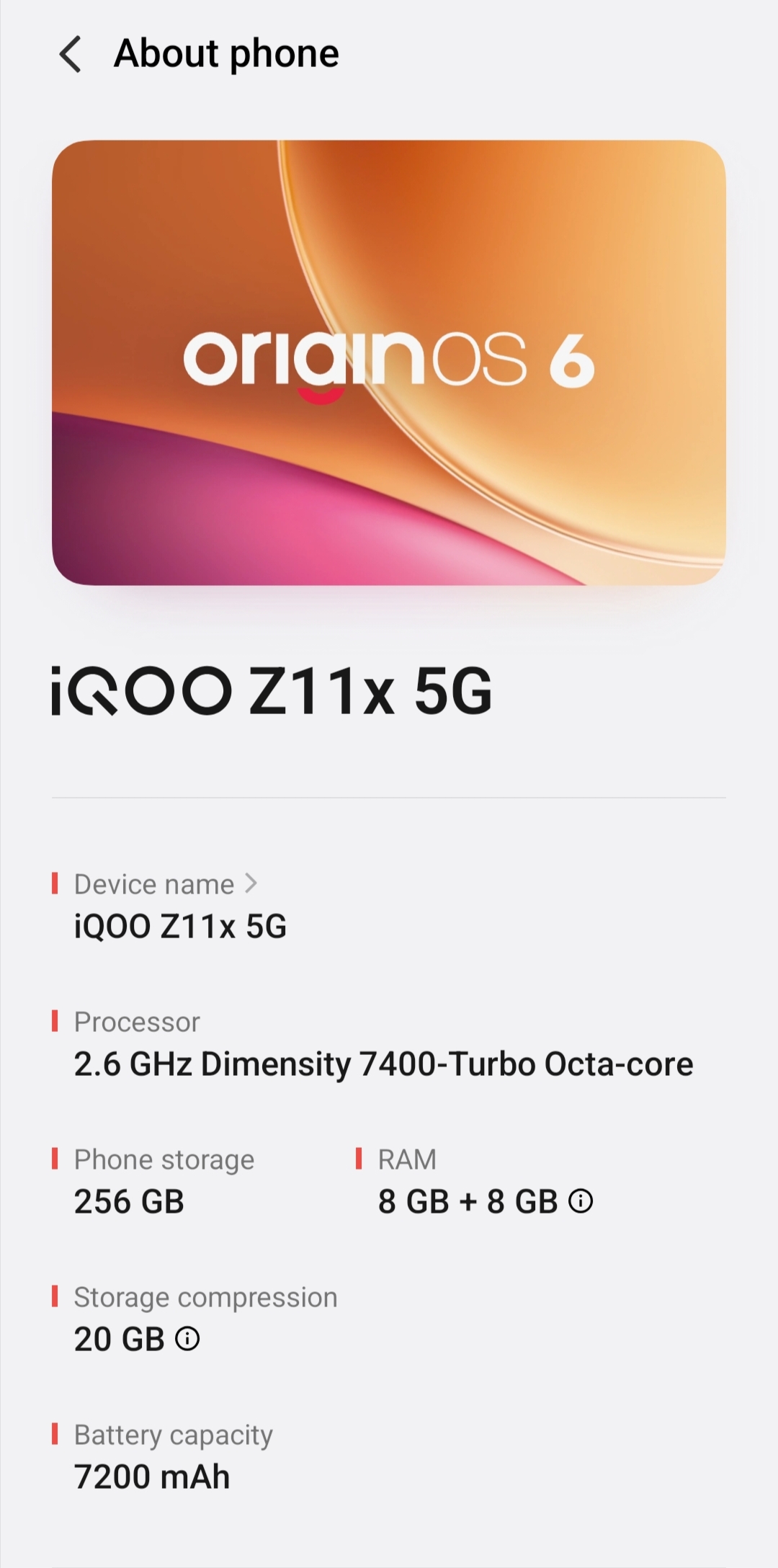
For the first time, OriginOS 6 makes its debut in the Z series with the iQOO Z11x 5G. 🔥
Bringing a fresh UI, smoother animations, and smarter customization, OriginOS completely elevates the experience of the Z series.
So… let’s explore what makes OriginOS on the Z11x feel so smooth, smart, and refreshing! 🤩💥✨
Notification and control centre
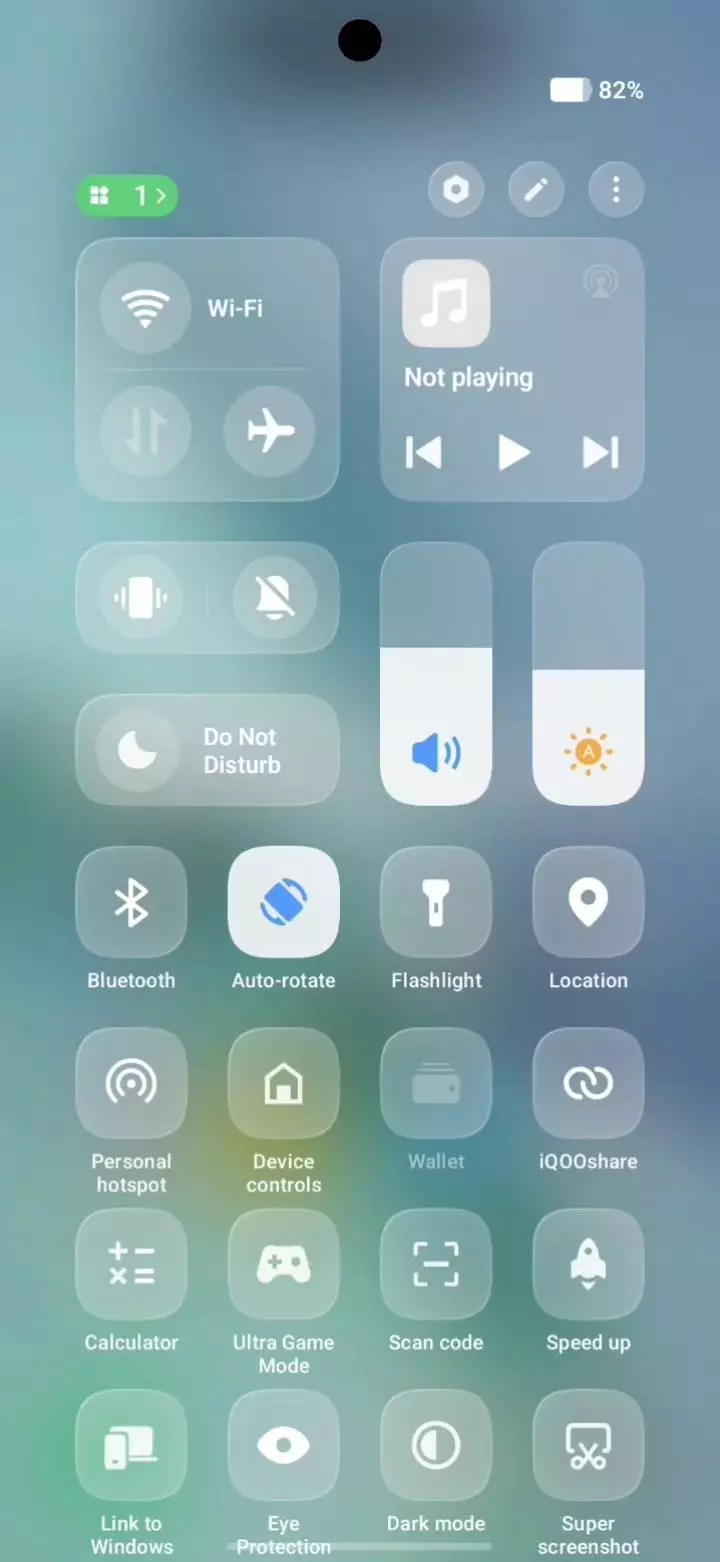
One of the first things you’ll notice is the beautifully smooth animations. When you pull down the notification shade, even the time icon smoothly slides down with a subtle dragging effect, making the animation feel alive and responsive.
The same applies to the battery icon, which also moves down naturally as you drag the control panel. It’s a small detail, but it makes the UI feel polished and premium. ✨
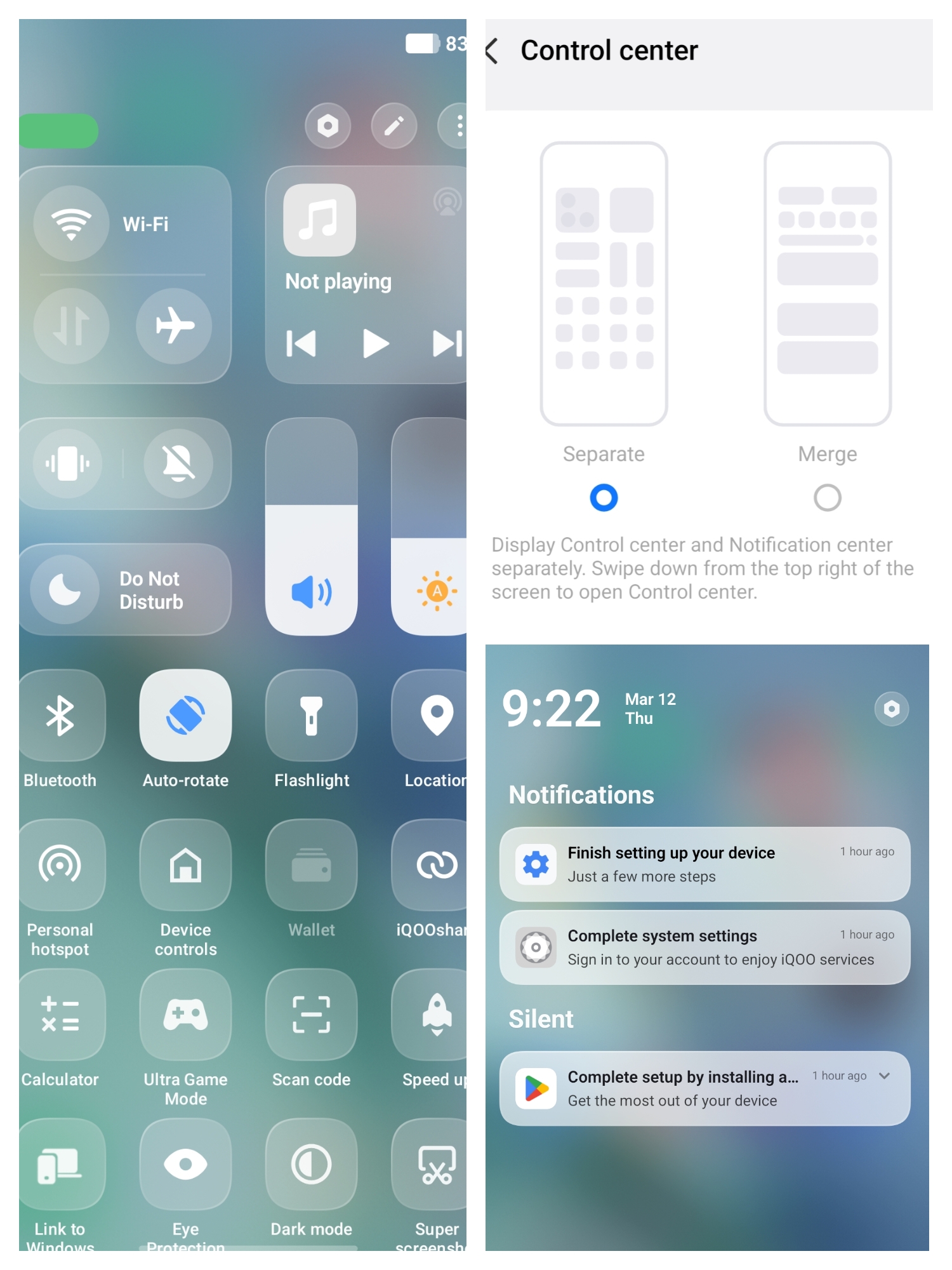
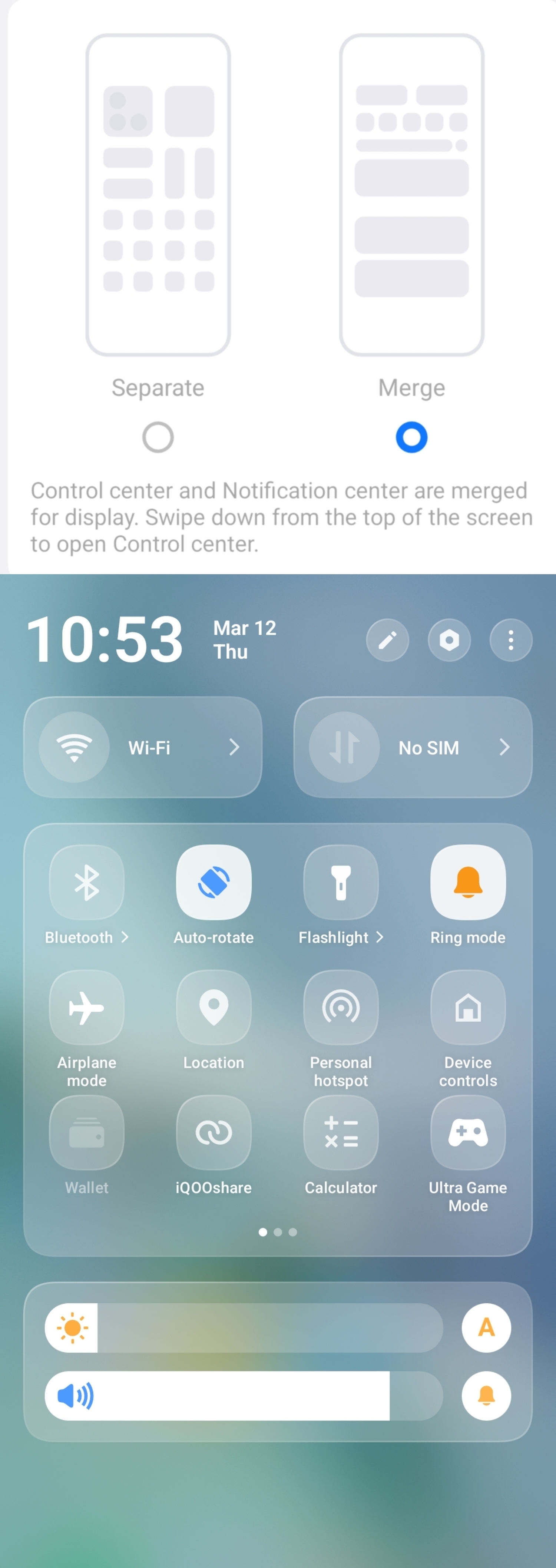
OriginOS also introduces two styles for the Notification Panel and Control Center:
🔹 Merge Mode
The Control Center and Notifications appear together in a single combined panel, giving a clean and compact layout.
🔹 Separate Mode
The panels work independently:
• Swipe down from the left side → Notifications
• Swipe down from the right side → Control Center
This gives users flexibility to choose the style they prefer.
The new Control Center in OriginOS 6 looks well organized with neat spacing, clean icons, and a modern layout. Everything feels thoughtfully arranged, making it both easy to use and visually pleasing.
Lock Screen Customization Done Right 🔐✨
OriginOS 6 brings tons of lock screen customization options, allowing you to truly personalize your device.
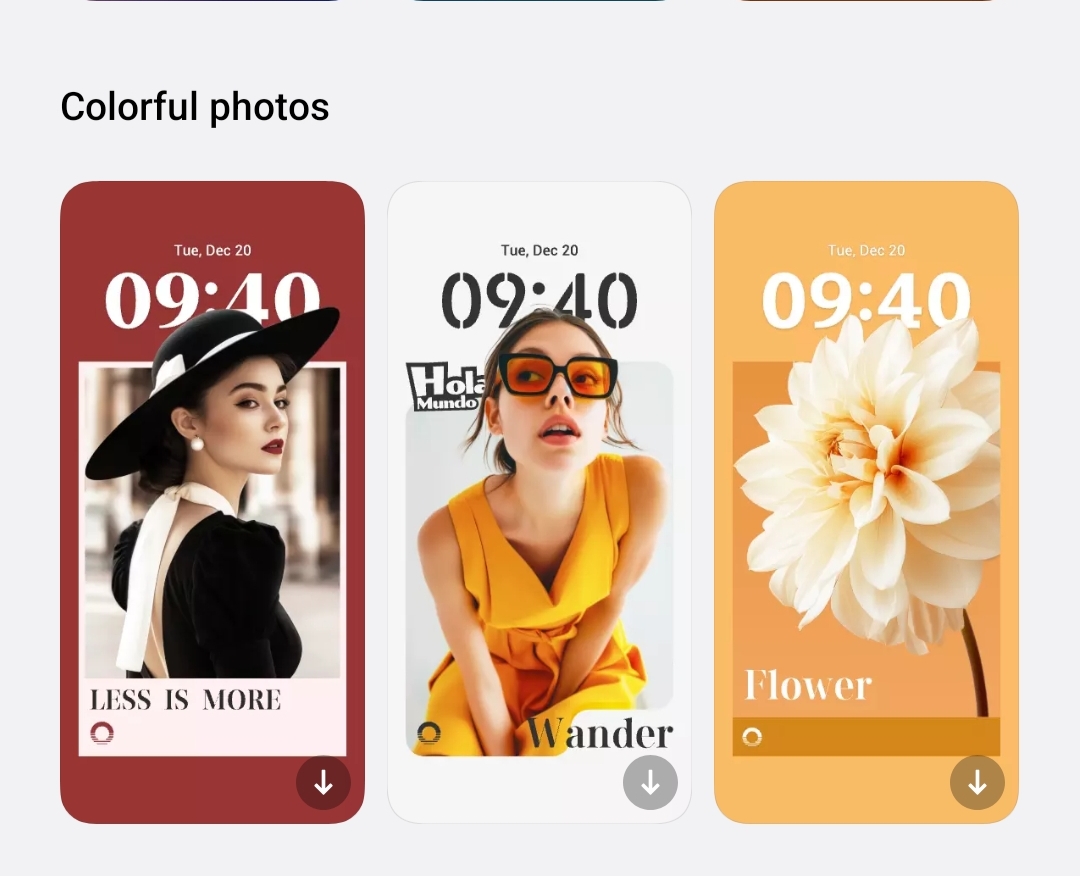
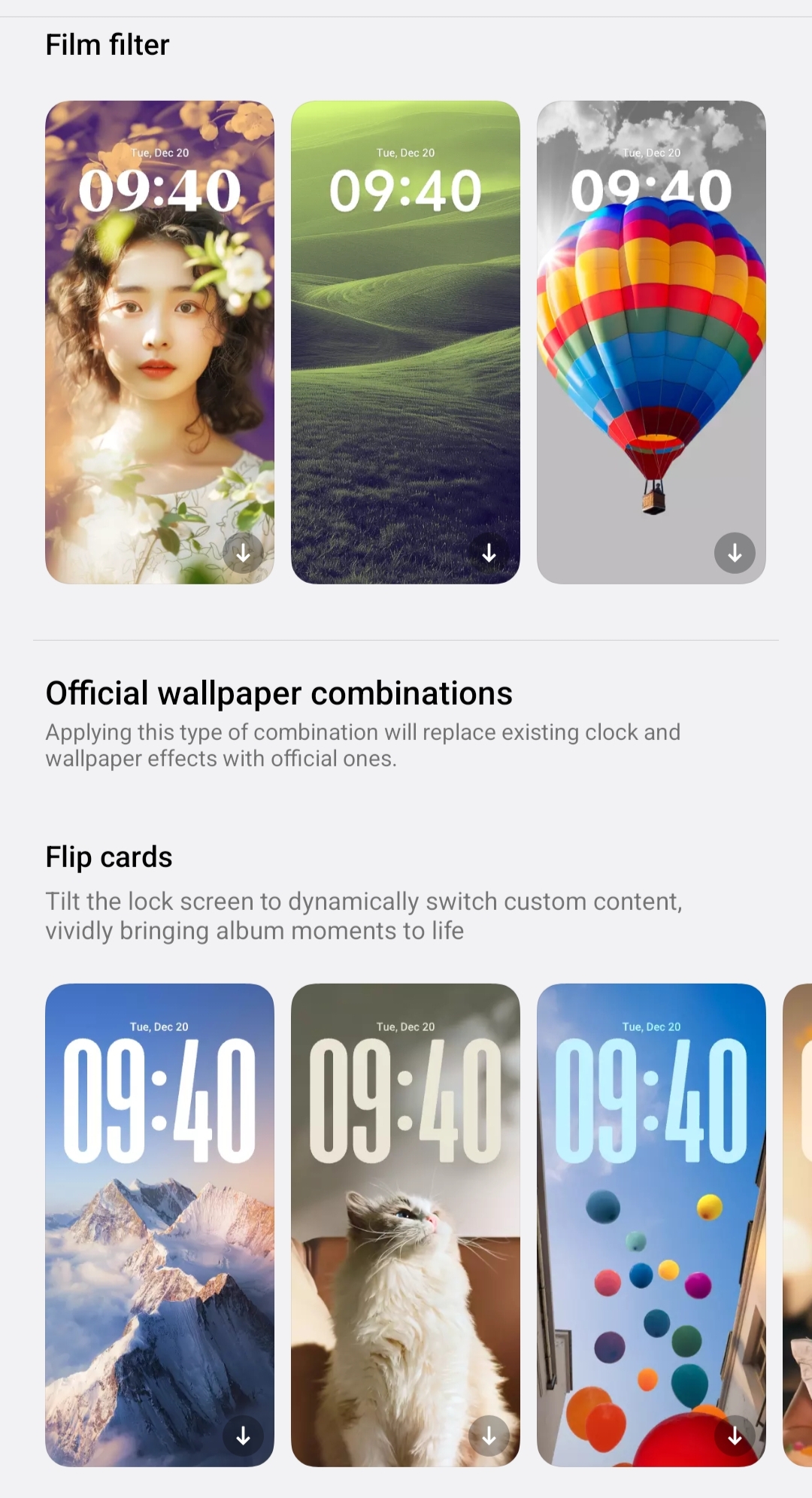
You can choose from different wallpapers, colorful themes, and film-style filters you can also combine the wallpapers, giving your lock screen a completely fresh look. The clock itself is highly customizable - you can adjust the style, font, colors, and layout, and even freely move its position to match your wallpaper perfectly.
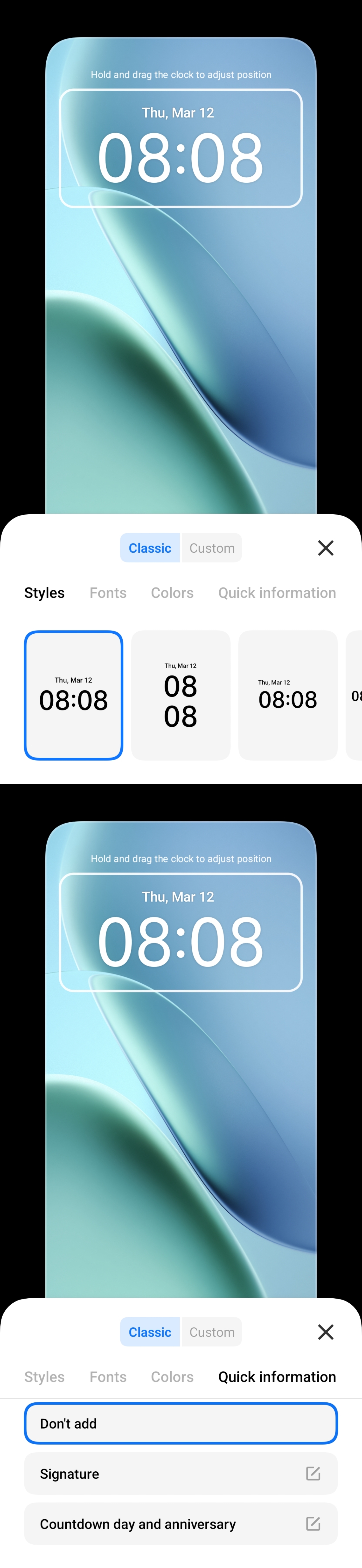

There are also extra options like adding quick information, signatures, countdown days, and widgets, making the lock screen both stylish and functional you can also keep depth effects on wallpapers ✨
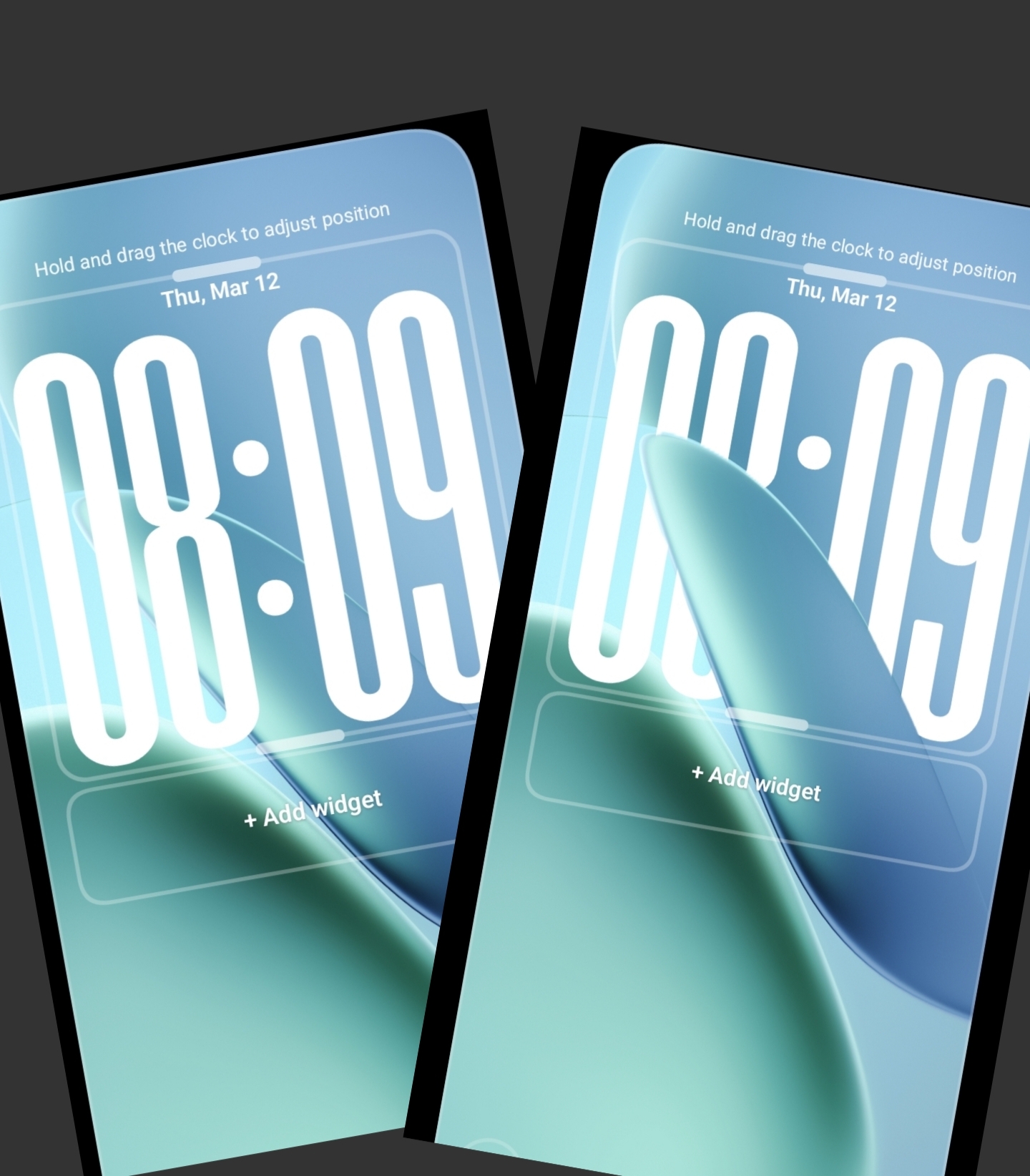
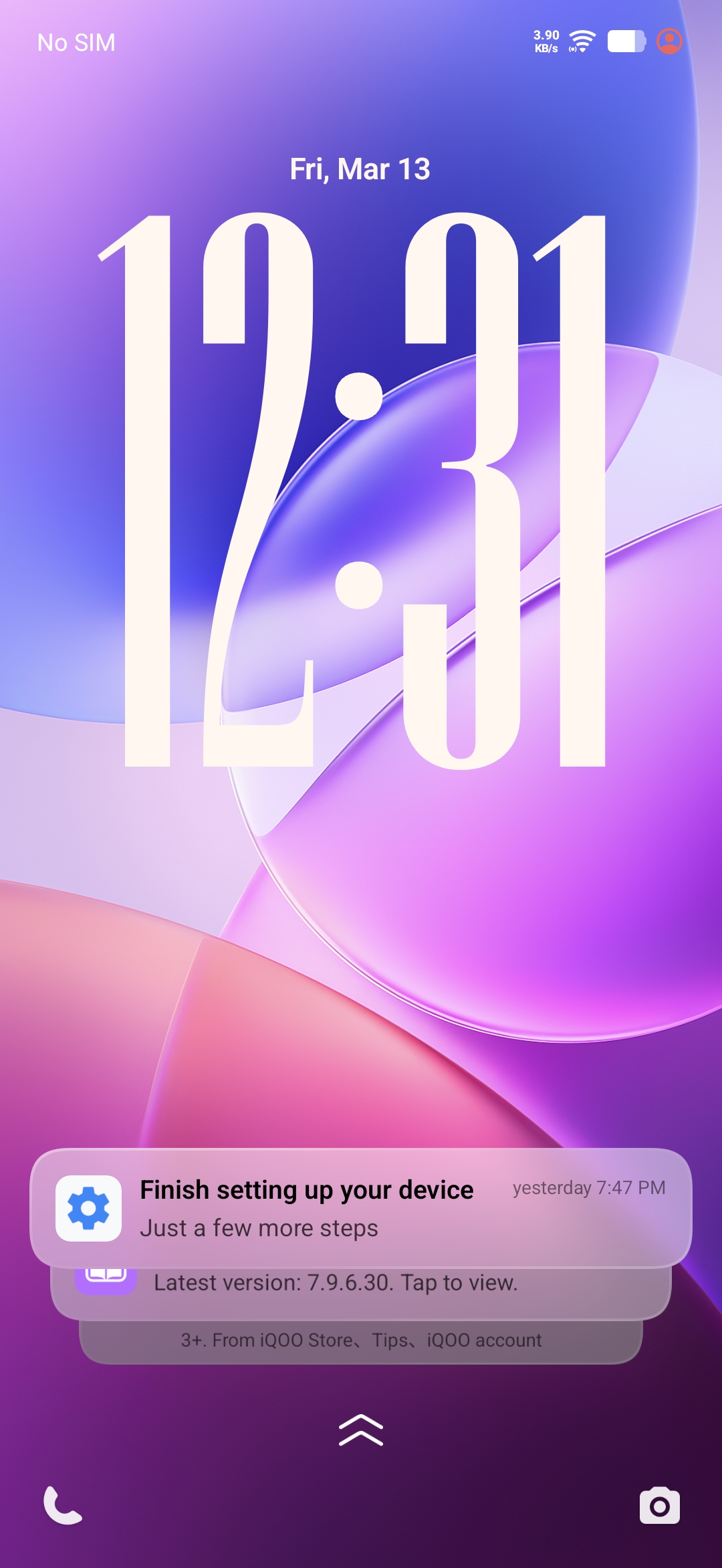
Another nice touch is how notifications appear as clean card-style layouts, which look neat and organized. When you pull the notifications up, they smoothly stack and arrange themselves.
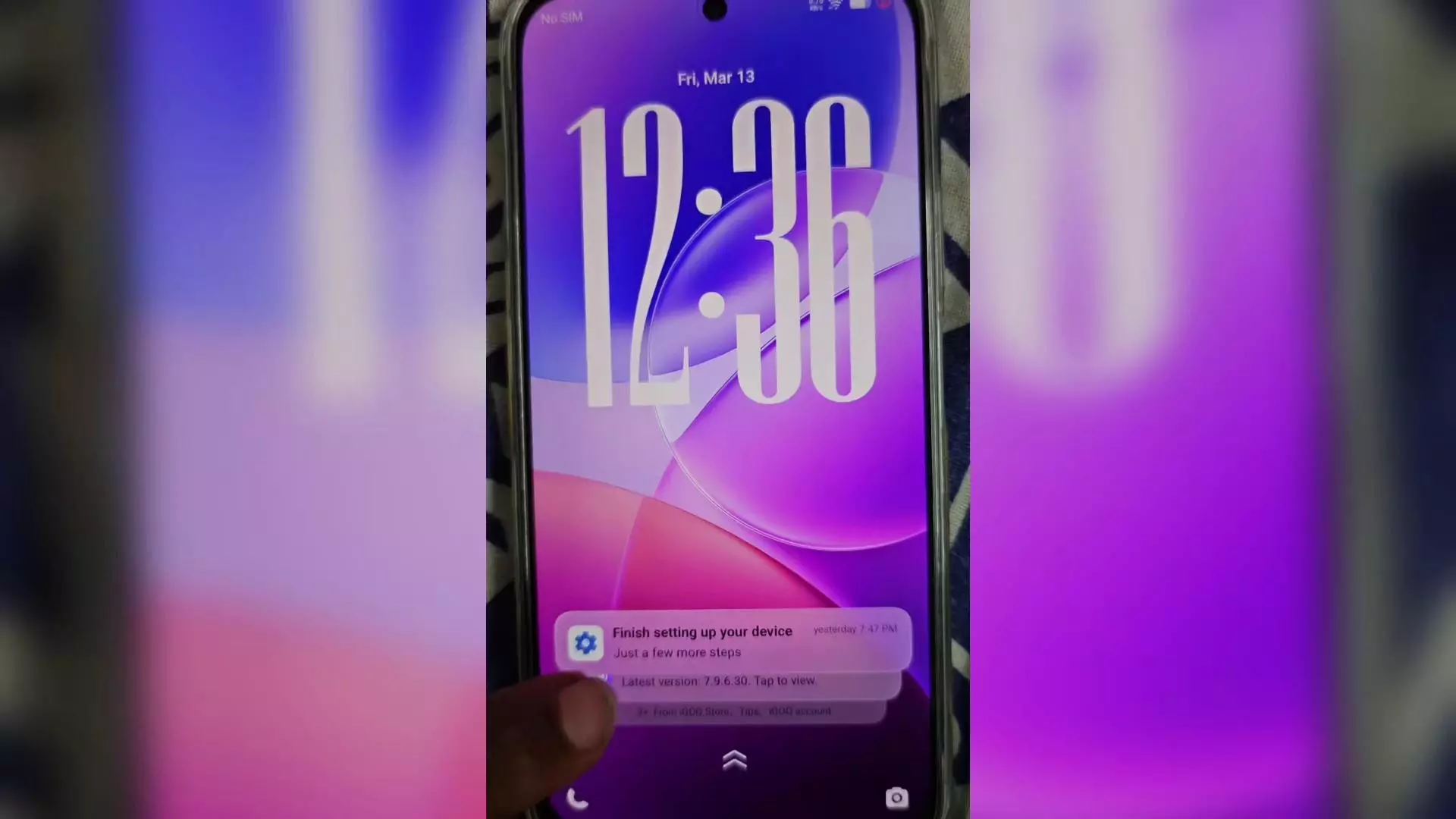
One of the most attractive animations is how the time icon dynamically expands and shrinks while pulling notifications, reacting to your gestures in real time. It’s a small detail, but it makes the whole experience feel very polished.
Overall, the lock screen in OriginOS 6 feels highly customizable, smooth, and beautifully refined. 🤩
Widgets That Feel Alive ✨
OriginOS 6 brings new styles of home screen and lock screen widgets, making the whole interface look more modern and customizable.
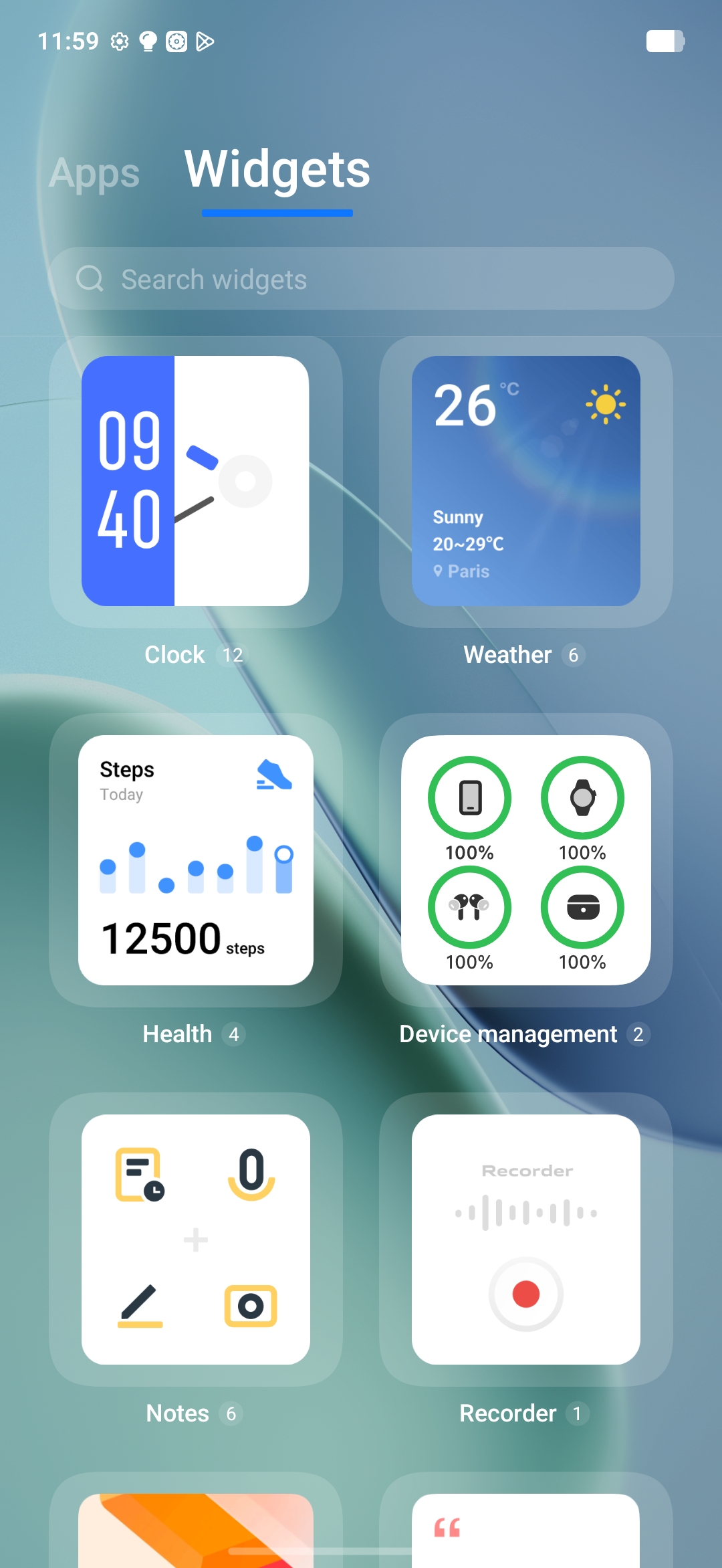
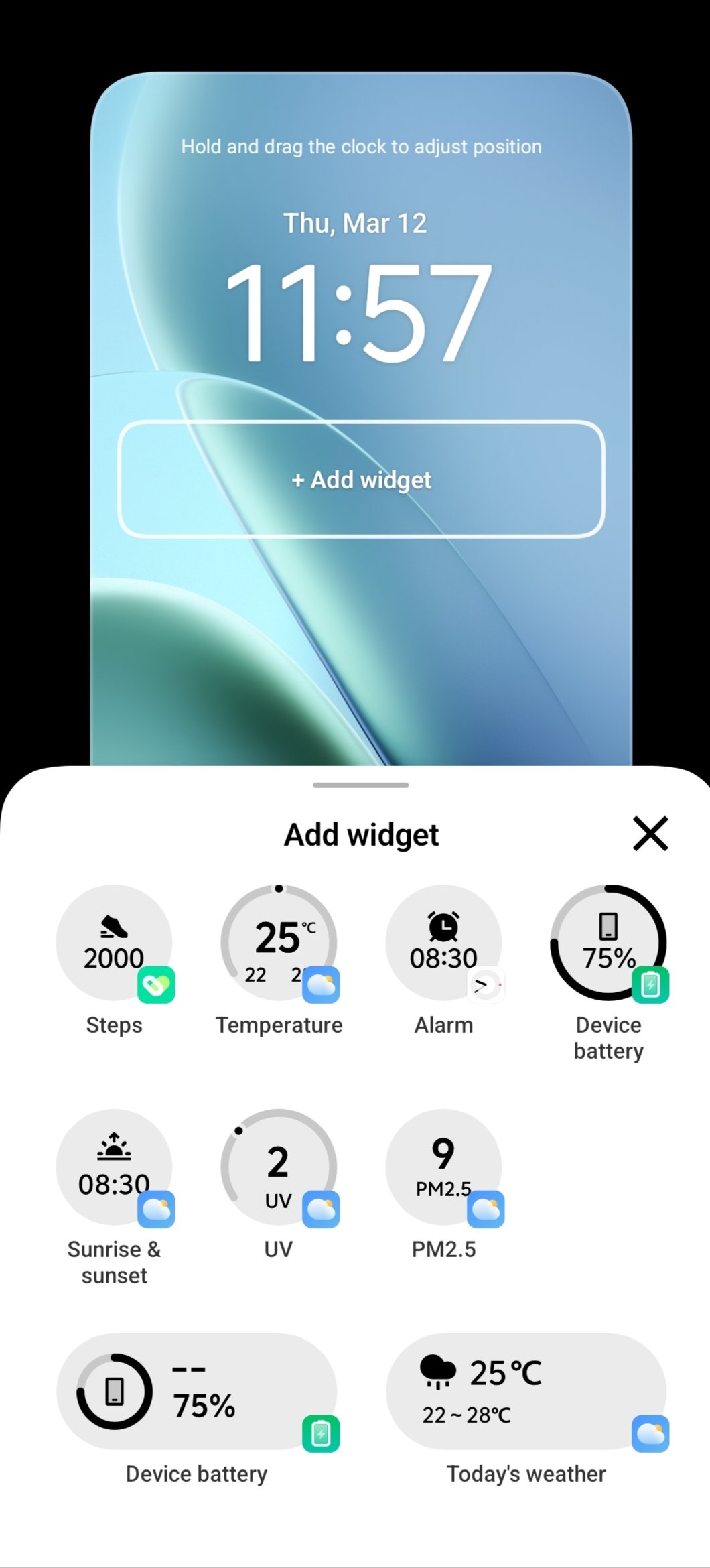
There are lots of customization options available for widgets, allowing you to adjust their style, layout, and appearance to match your personal taste. You can easily place them on both the home screen and lock screen, making your device feel more personal and unique.

The widgets look clean and refined, blending perfectly with the overall UI design.
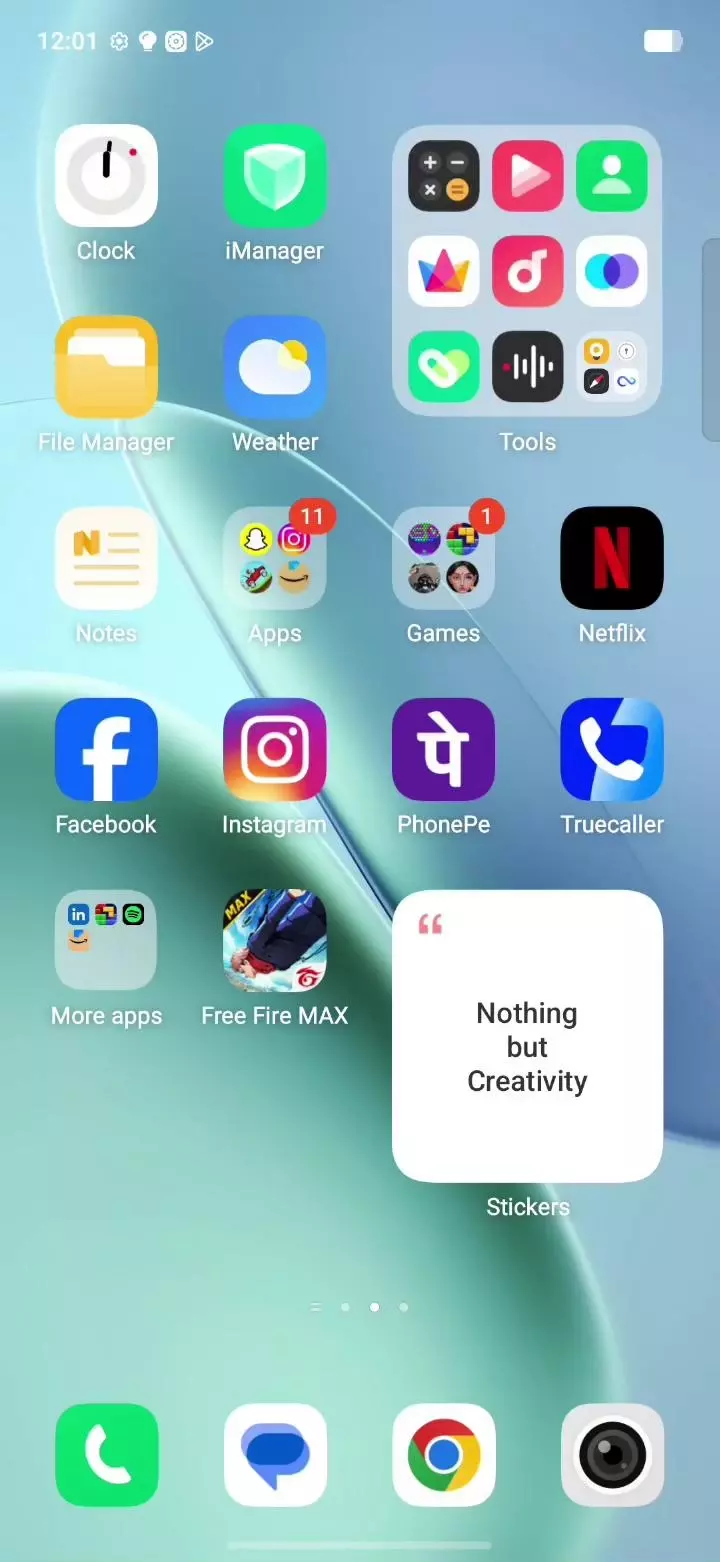
While moving widgets or apps across the screen, you’ll notice a subtle jiggle animation effect as they pass through other icons. It’s a small detail, but it makes the interaction feel lively and satisfying
What’s impressive is that iQOO has implemented these smooth animations and customization features even in the budget segment, without compromising the experience.
Everything feels polished, responsive, and beautifully refined. 🤩
App Opening & Closing Animations
One thing that immediately stands out in OriginOS is how fast and fluid the app opening and closing animations feel. Everything is incredibly smooth and snappy, making every interaction feel responsive and satisfying.
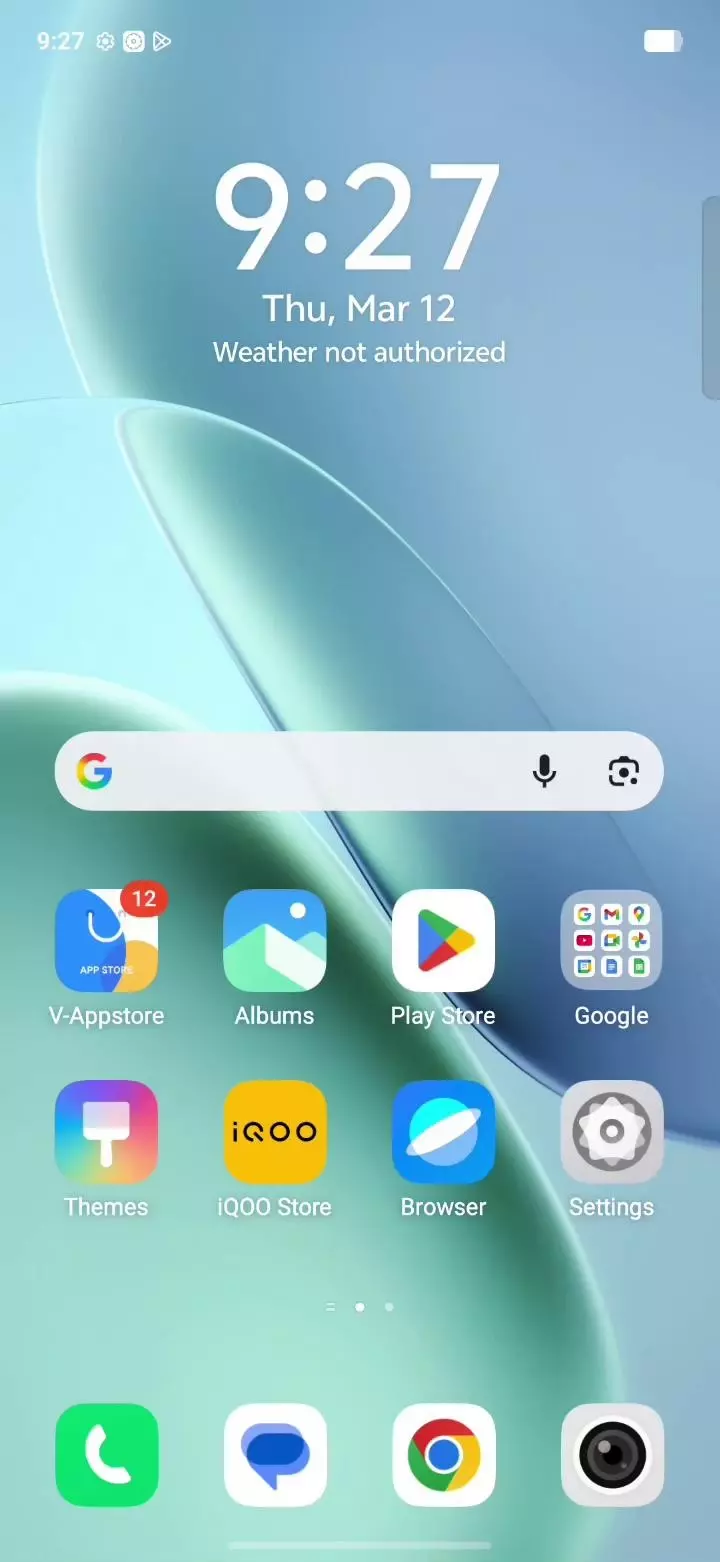
Apps launch quickly and close just as fast, without any lag or stutter. The transitions are well-polished, giving the UI a premium and refined feel.
iQOO has clearly done a great job integrating the software with the hardware. The optimization is impressive, and it truly shows while using the device.
The animations feel light, fast, and consistent, which makes the overall experience feel seamless.
All of this comes together to deliver a smooth, lag-free experience in everyday usage, making OriginOS feel both powerful and enjoyable to use.
power menu (Restart / Power Off) animation
OriginOS 6 doesn’t just focus on the big features
even the smallest UI elements are beautifully polished.
When triggering the Restart or Power Off options, you can see dedicated animations designed specifically for them. These animations feel smooth, unique, and refreshingly different.

It’s small details like this that make the overall experience feel more premium and refined.
A big thanks to iQOO for paying attention to even the tiniest parts of the UI and polishing them so well. It’s really great to see this level of care in the software experience. 😊
Smarter Sharing with Origin Island ⚡
OriginOS 6 introduces some really smart and useful features through Origin Island, making everyday sharing faster and easier.
With Drag & Go and Copy & Go, you can quickly drag media, text, or files and send them directly to apps. The whole process feels very smooth and intuitive.
Sharing is now more flexible too. You can easily send photos, videos, documents, or any files to your friends or other devices using Quick Share and iQOO Share, making file transfers quick and efficient.
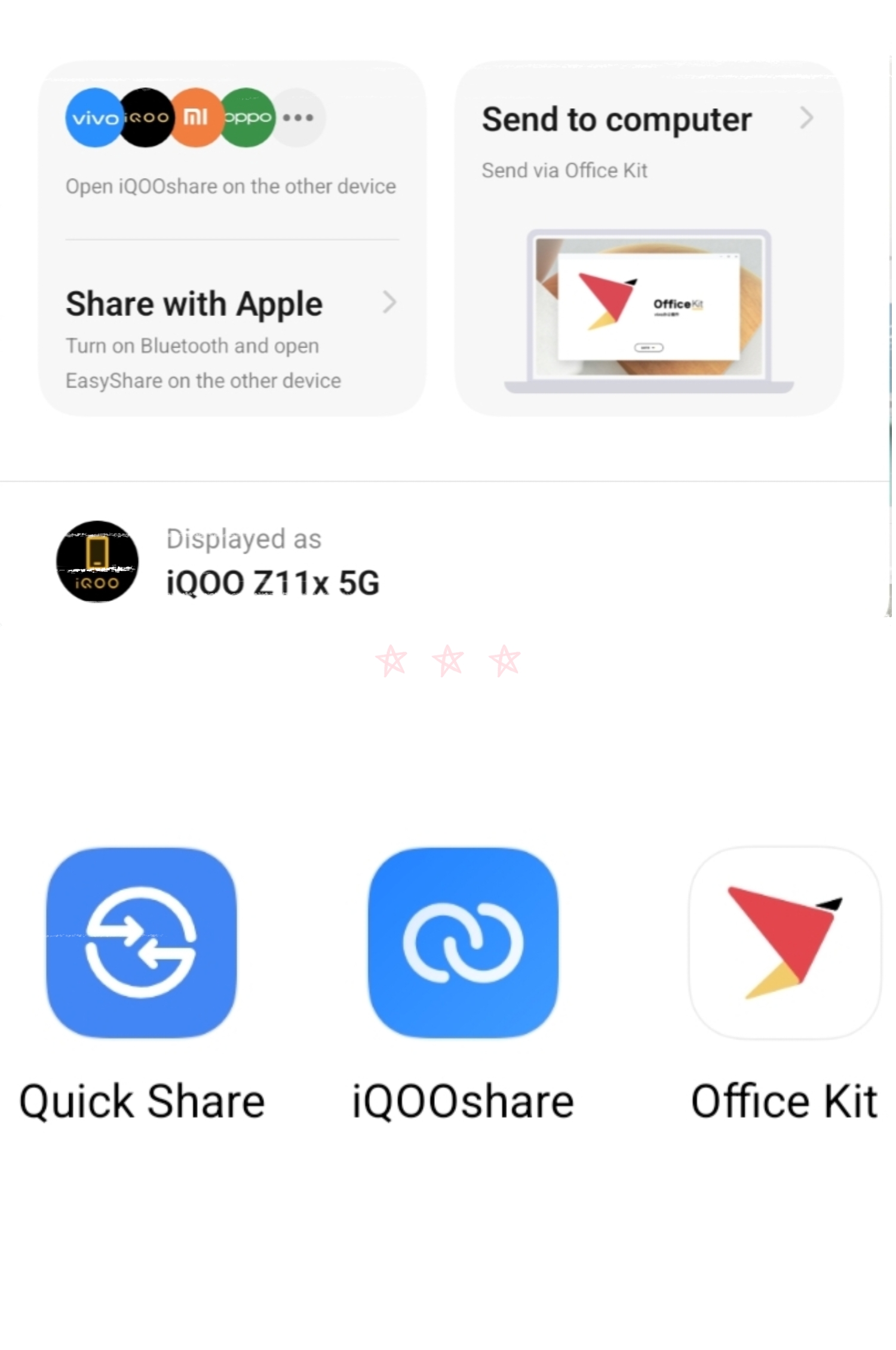
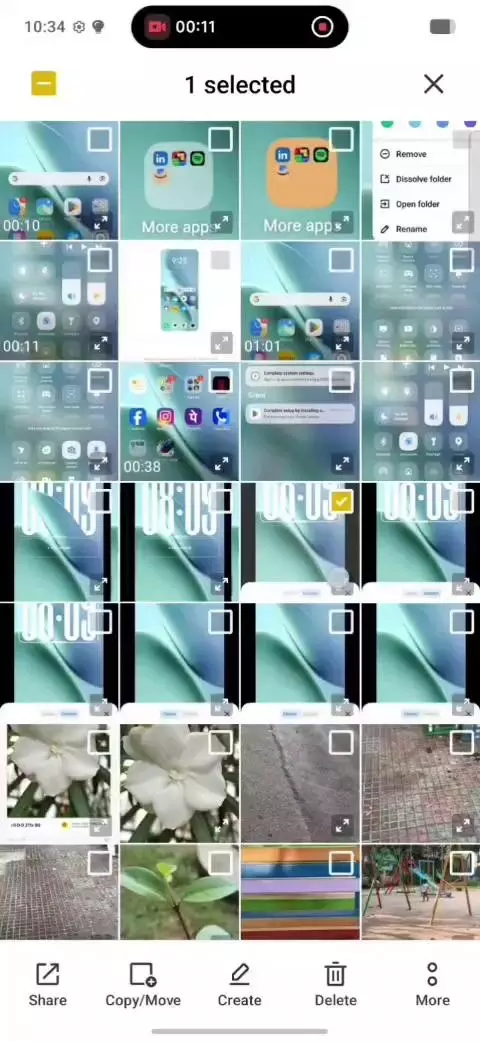
What makes it even better is the animations. When dragging a file across the screen, the icons respond with a subtle jiggle effect, which looks fresh and satisfying. These small details make the interaction feel more alive and polished.
Another great addition is Office Kit, which lets you connect your phone to your PC easily. Once connected, you can interact with your computer directly from your phone, making multitasking much more convenient.
All these smart features together take sharing and cross-device connectivity to the next level, and that’s what makes OriginOS 6 feel even more special. 😎✨
Folder Customization
Another small but nice customization feature:
You can now change the background color of app folders.
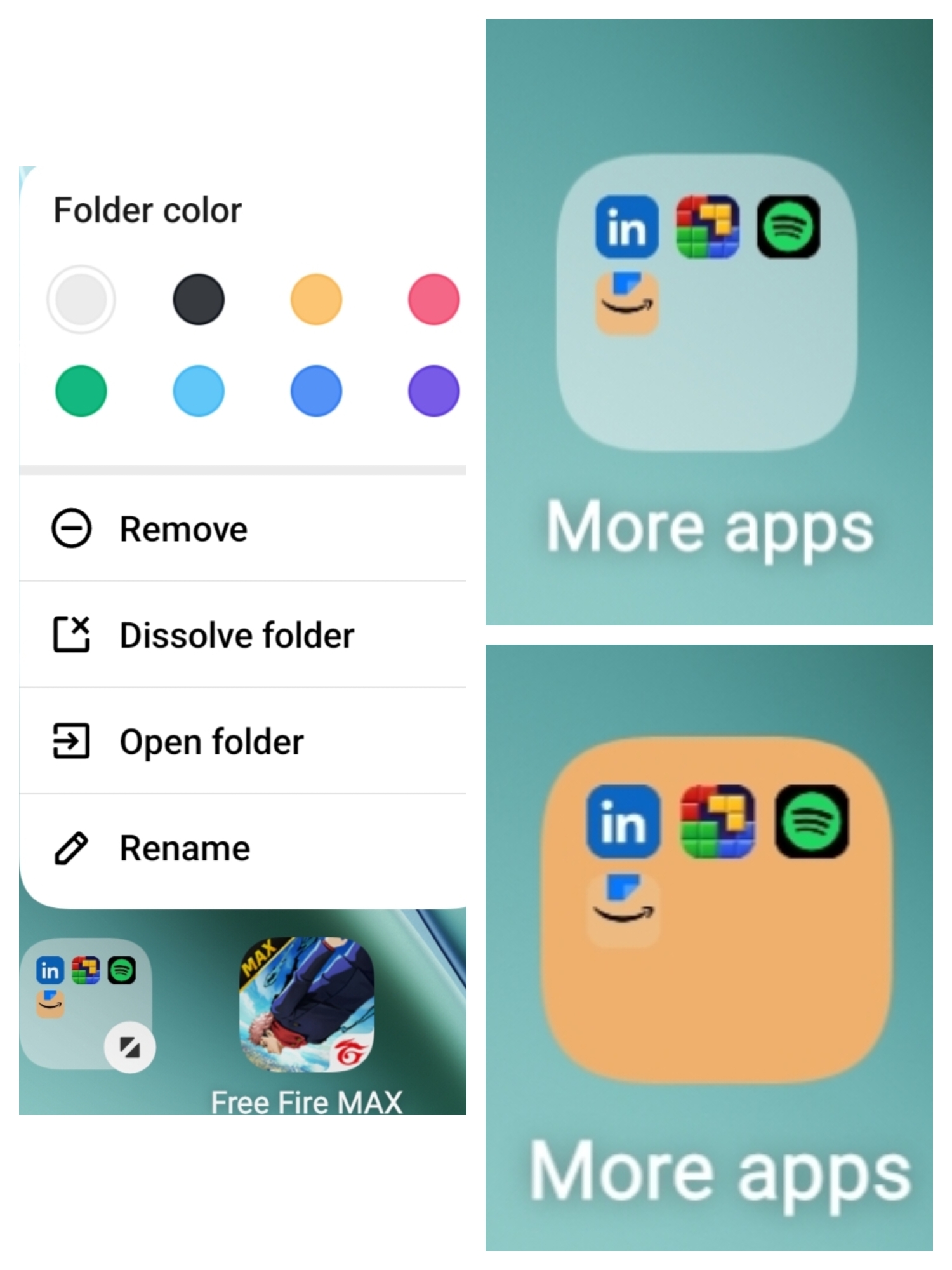
This allows you to organize apps visually and make your home screen look more colorful and personalized.
Make Your UI Match Your Style ✨
OriginOS offers some really nice system style customization options. You can easily change the system and app UI colors to match your wallpaper or choose your own preferred color.

It also allows you to apply colors to icons and even adjust the rounded corners of icons and UI elements, giving your device a cleaner and more personalized look.
Small customization options like these make the whole interface feel fresh, stylish, and truly yours. ✨
Icon Style Customization
You can switch between icon styles like:
• Simple • Exquisite
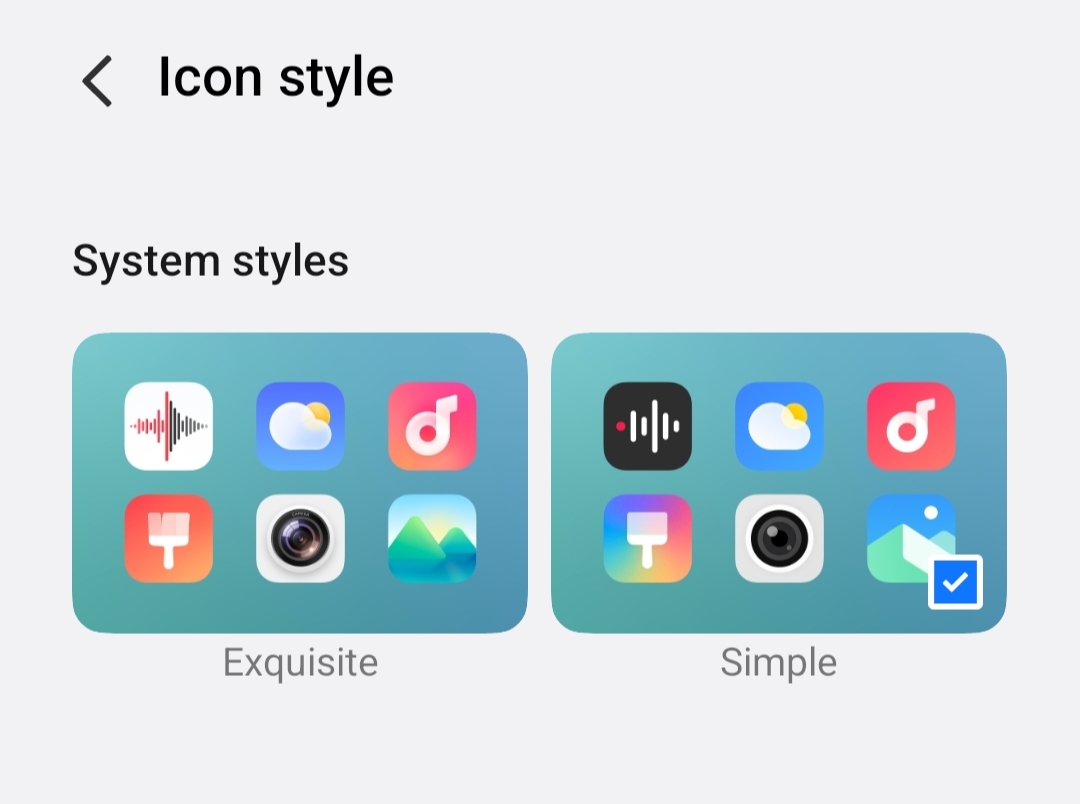
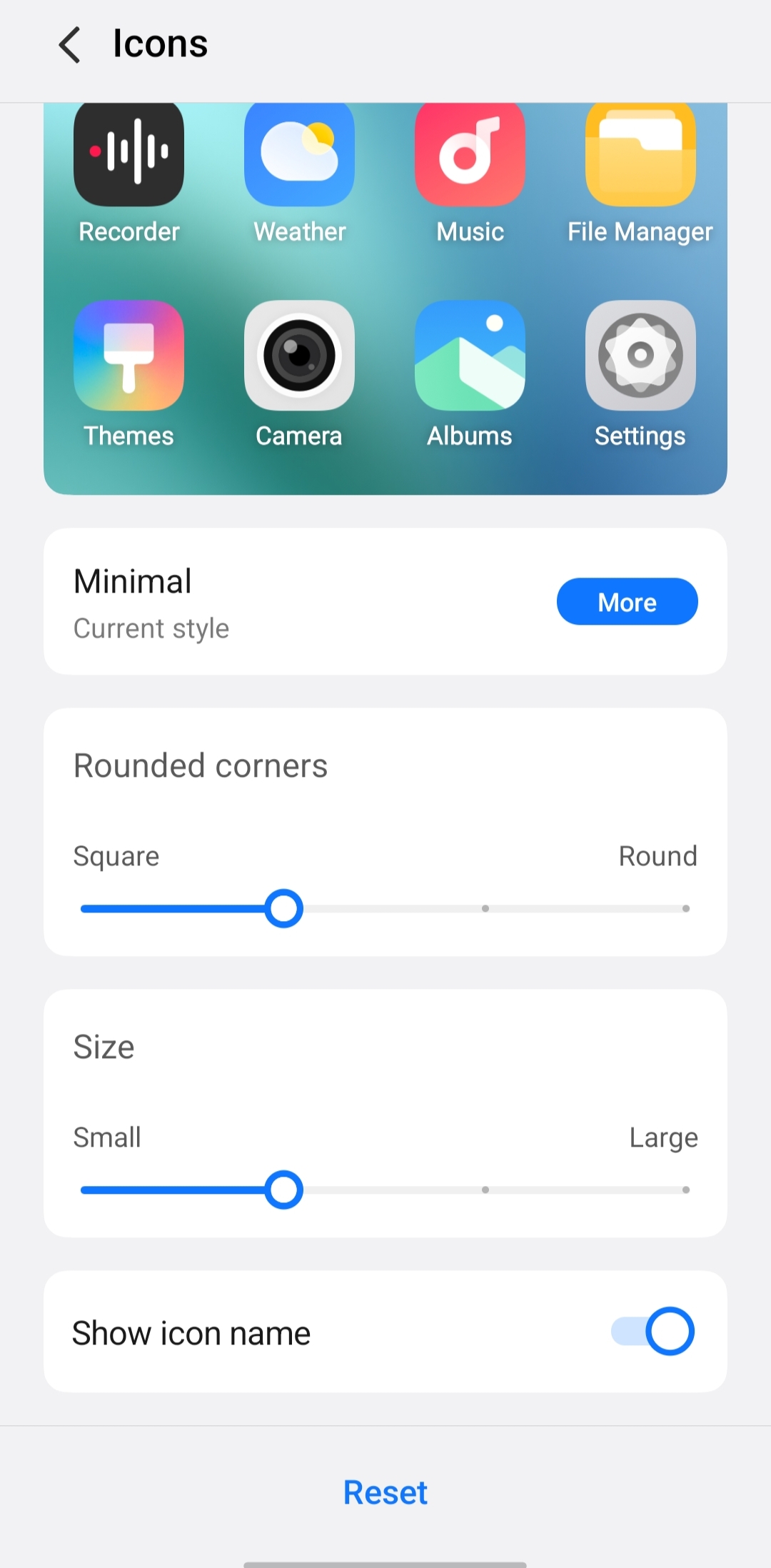
And further tweak: • icon size • icon shape • rounded corners
This makes the home screen feel fully customizable.
Motion Prompts (Motion Sickness Feature
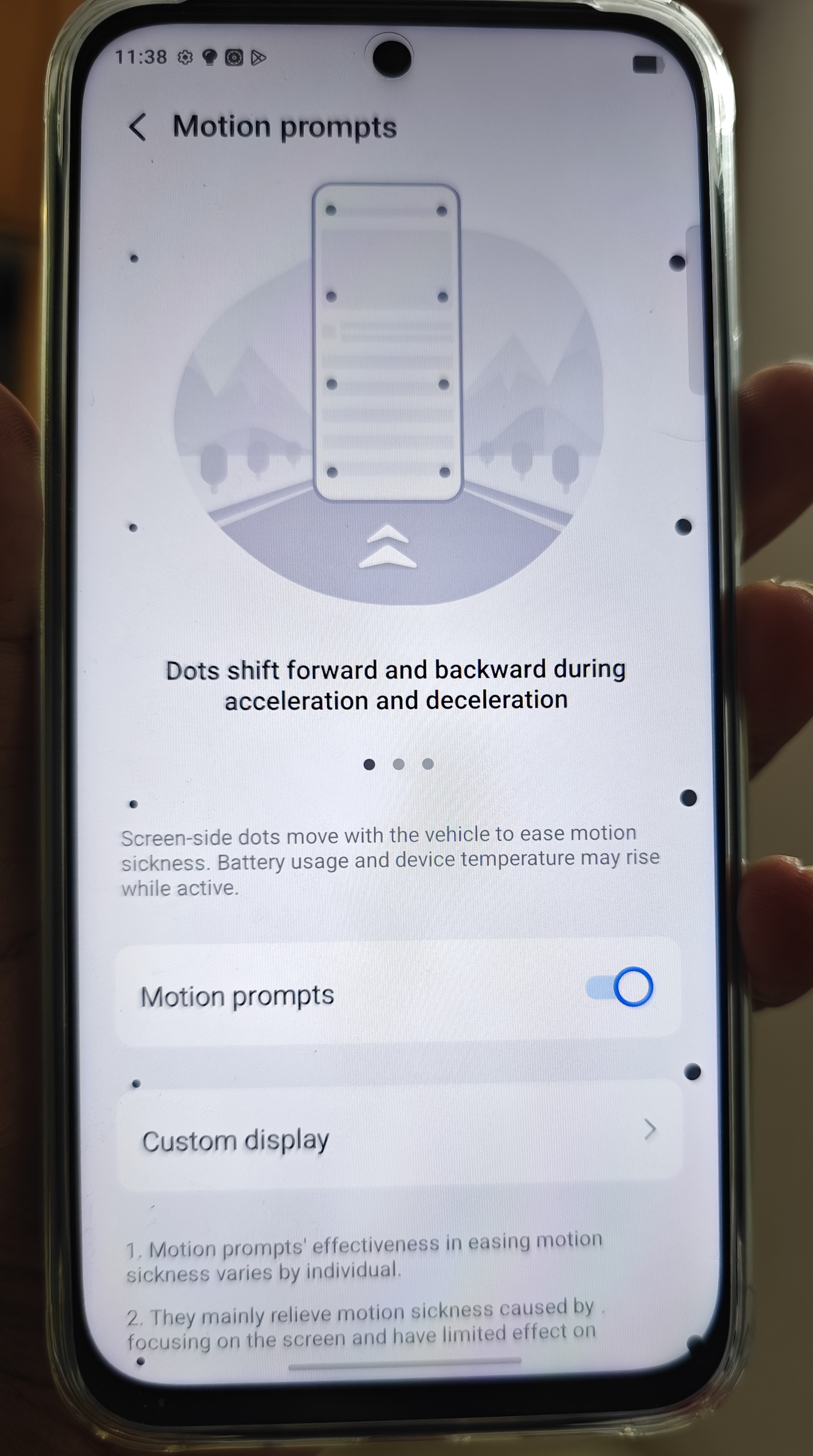
A unique feature introduced is Motion Prompts.
When enabled, small dots move along the edges of the screen based on acceleration and deceleration.
This helps reduce motion sickness when using the phone in a moving vehicle.
Many mistakes this as a malfunction in display unknowingly enabling it 😅 so no need to worry it's just a feature you can disable it in settings if you enable it by mistake 🤟😊
Voice Isolation
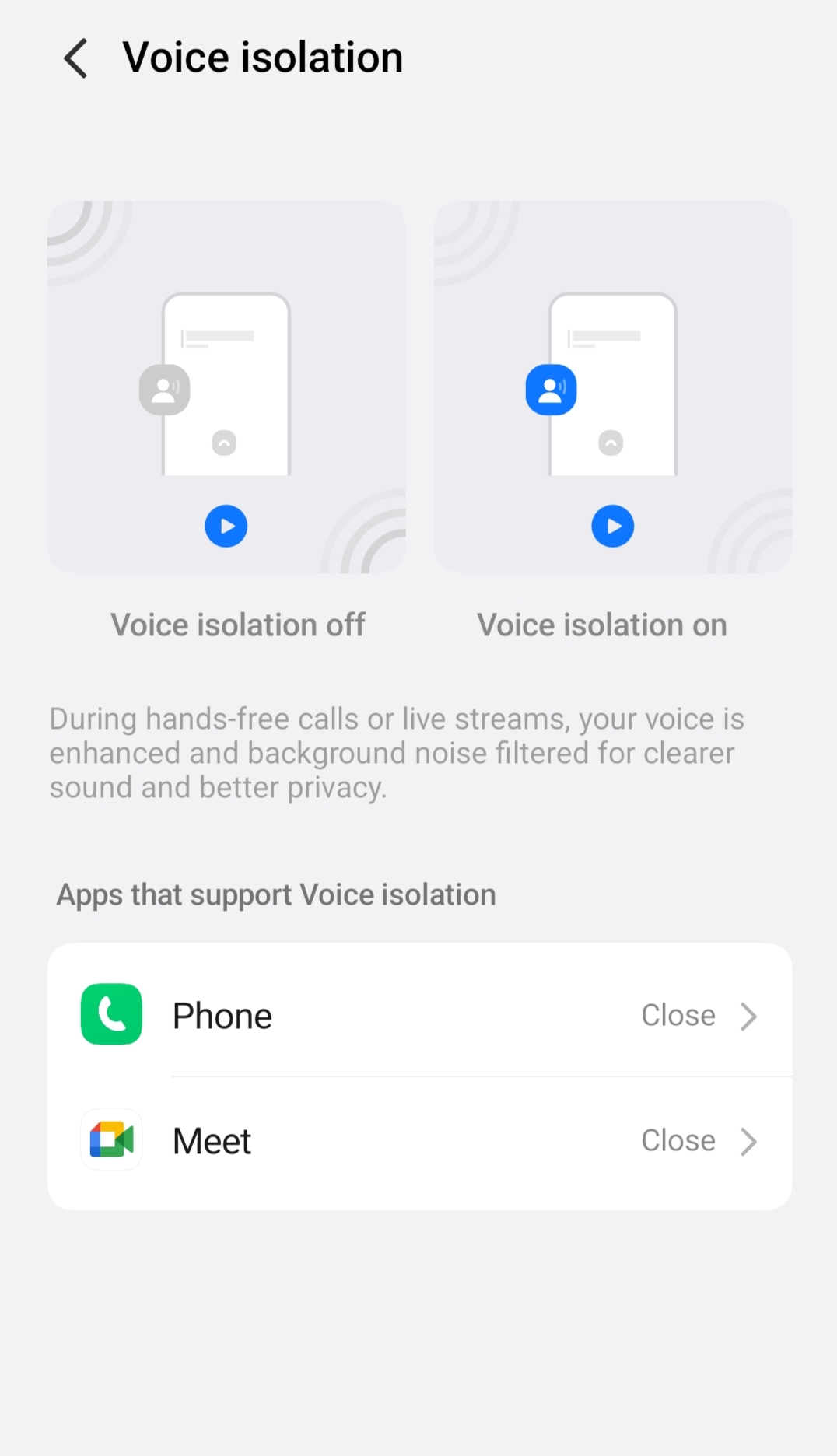
OriginOS 6 also adds Voice Isolation.
During calls or live streams: • Background noise is filtered • Your voice becomes clearer
This is especially useful for calls in noisy environments.
Game Countdown – Smart Gaming Feature 🎮
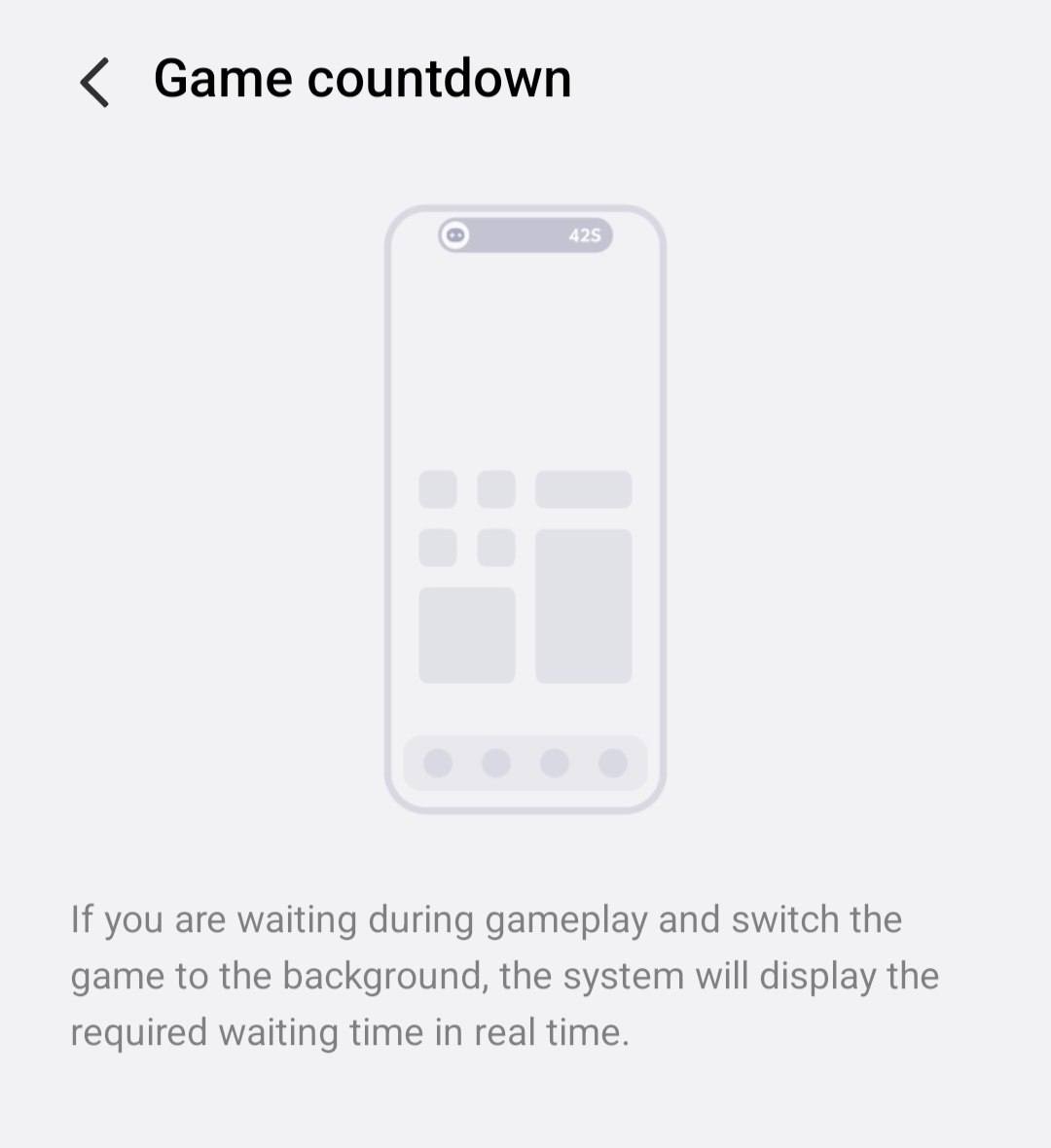
OriginOS 6 introduces a Game Countdown feature inside Ultra Game Mode. When you switch a game to the background while waiting (like matchmaking or respawn time), the system shows the remaining waiting time in real-time.
This helps you keep track of the countdown without staying inside the game, making multitasking easier while gaming. ⚡
Fresh Sliding Effects & New iQOO Sans Font ✨
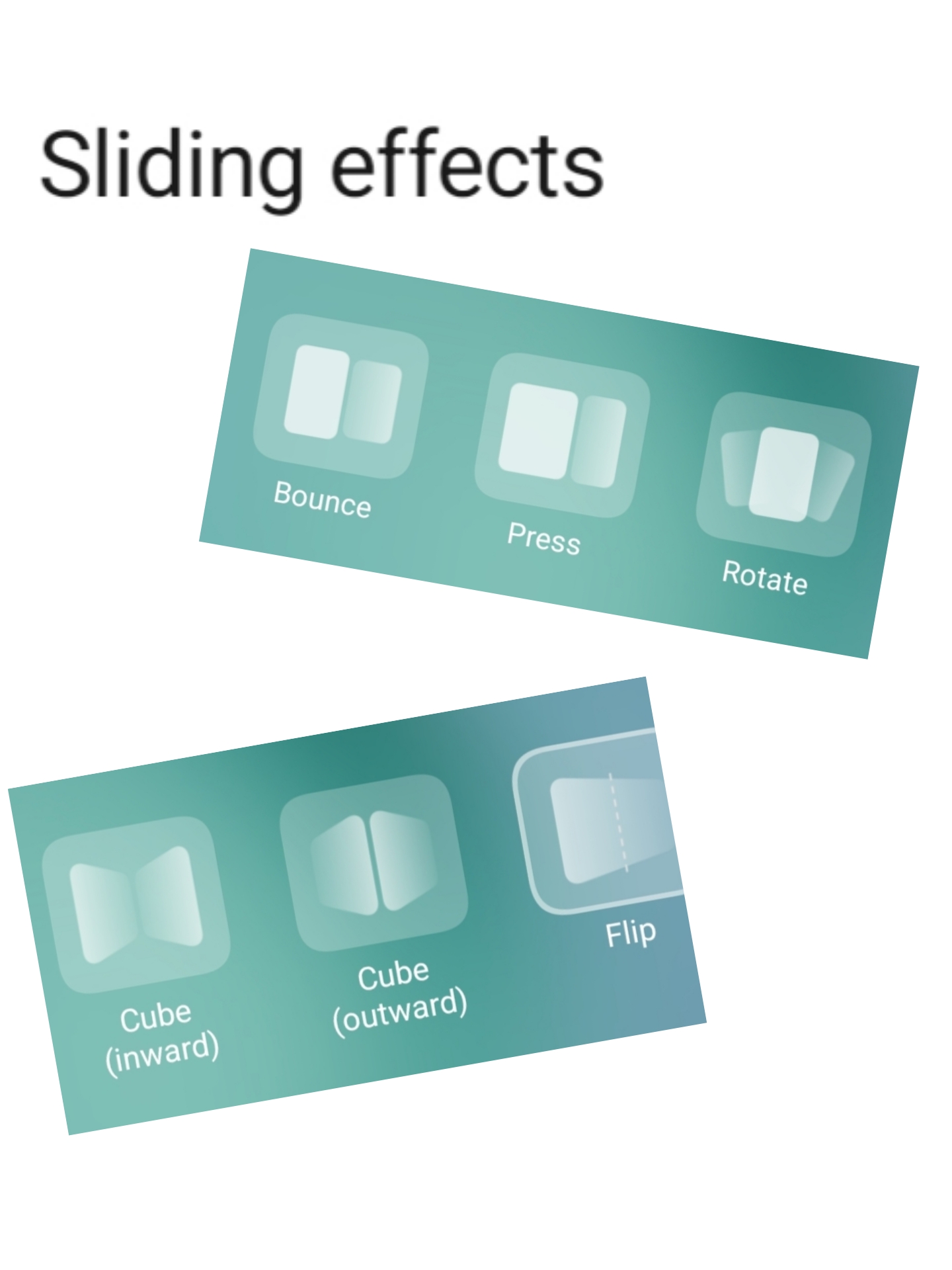
OriginOS 6 also introduces new sliding effect styles that make switching between home screens more fun and dynamic. You can choose from several effects like Bounce, Press, Rotate, Cube (inward/outward), and Flip, adding a unique feel to every swipe.
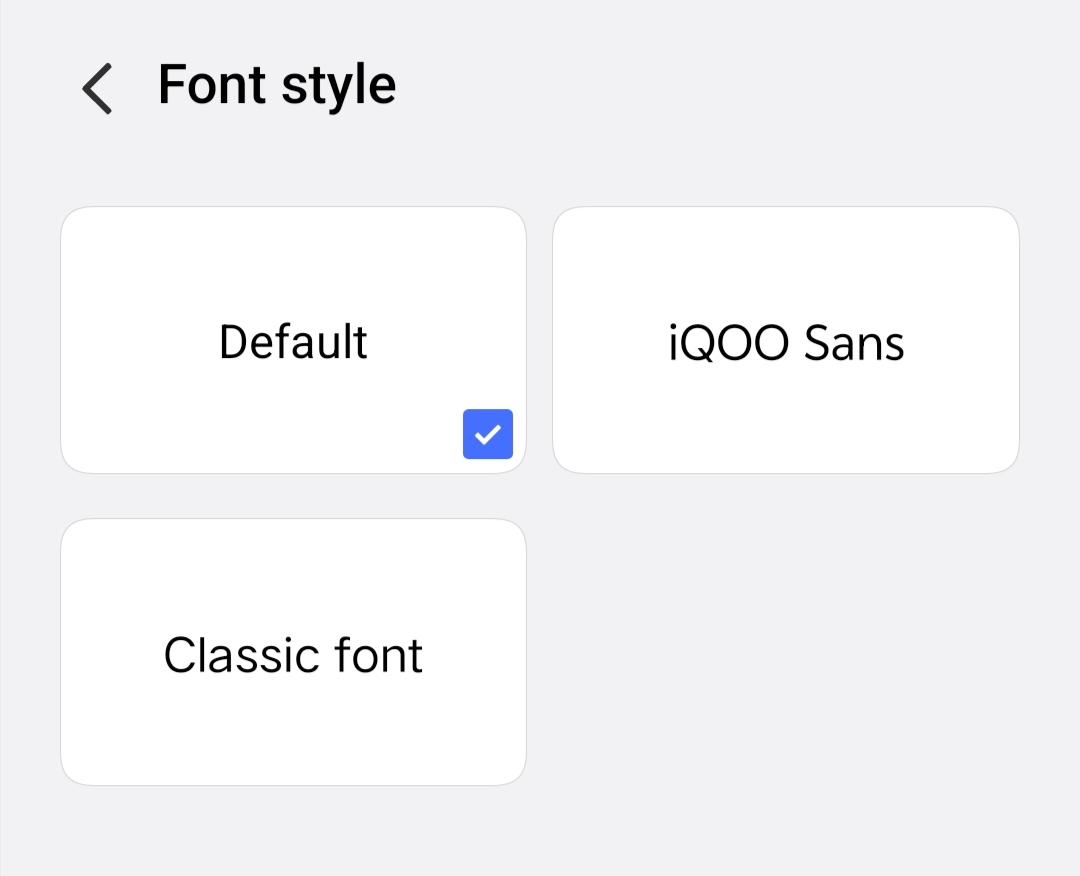
Along with that, there’s also a new font called iQOO Sans which gives the interface a cleaner and more modern look.
Don’t forget to check out these new styles and the iQOO Sans font for a refreshed experience. 😉😁
Small Window Improvements
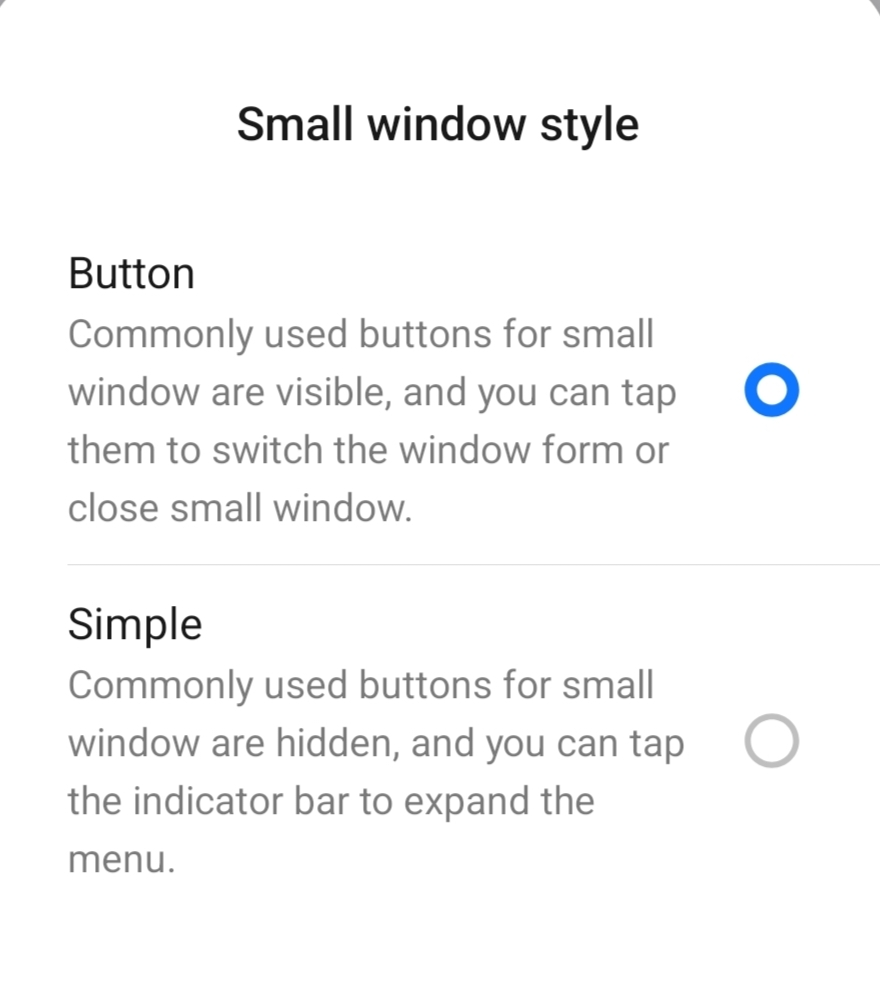
The small window mode has also improved.
You can choose between:
• Button mode
• Simple mode
This makes floating windows easier to manage and interact with.
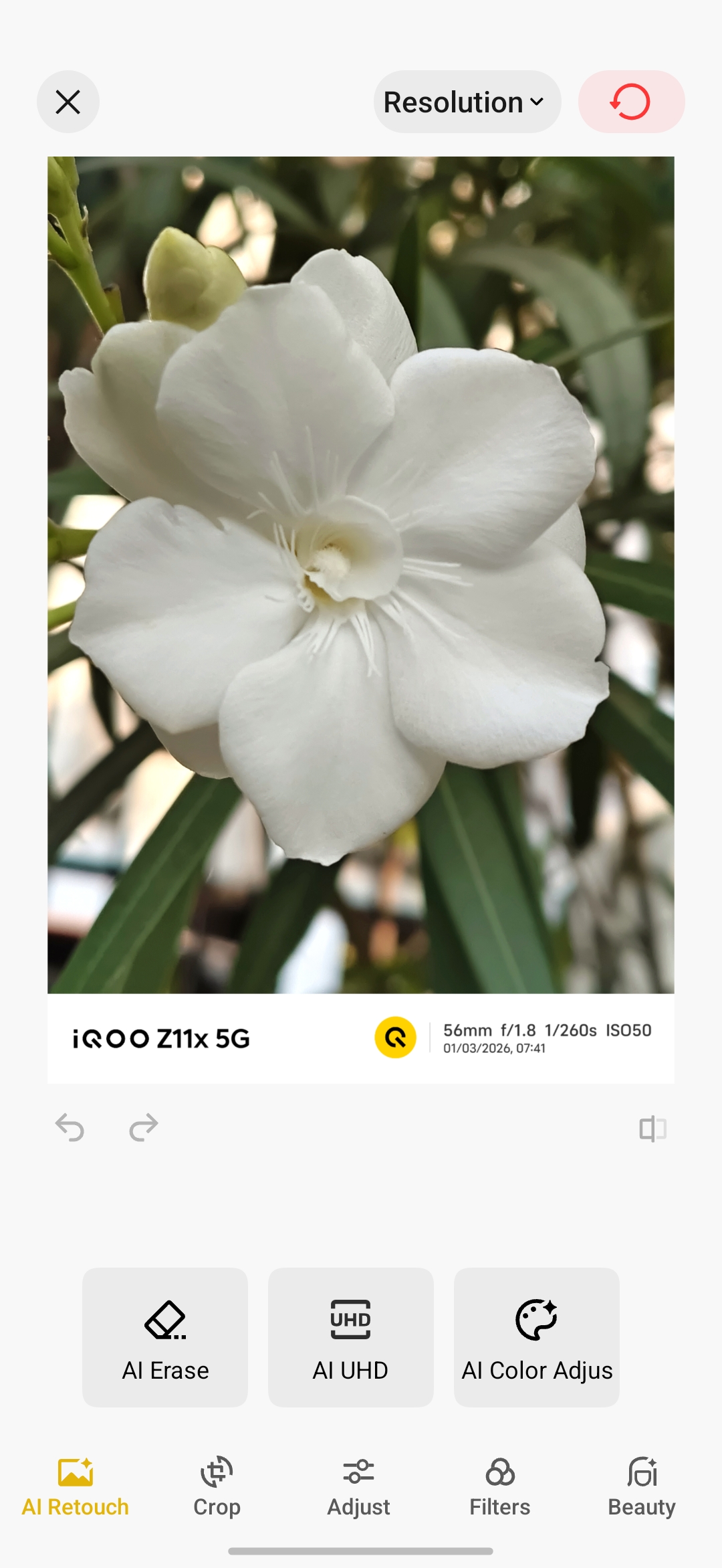
AI features 🌟 in gallery
Rich Always-On Display
OriginOS 6 brings several Always-On Display styles, including:
• Digital styles
• Artistic themes
• Dynamic visuals
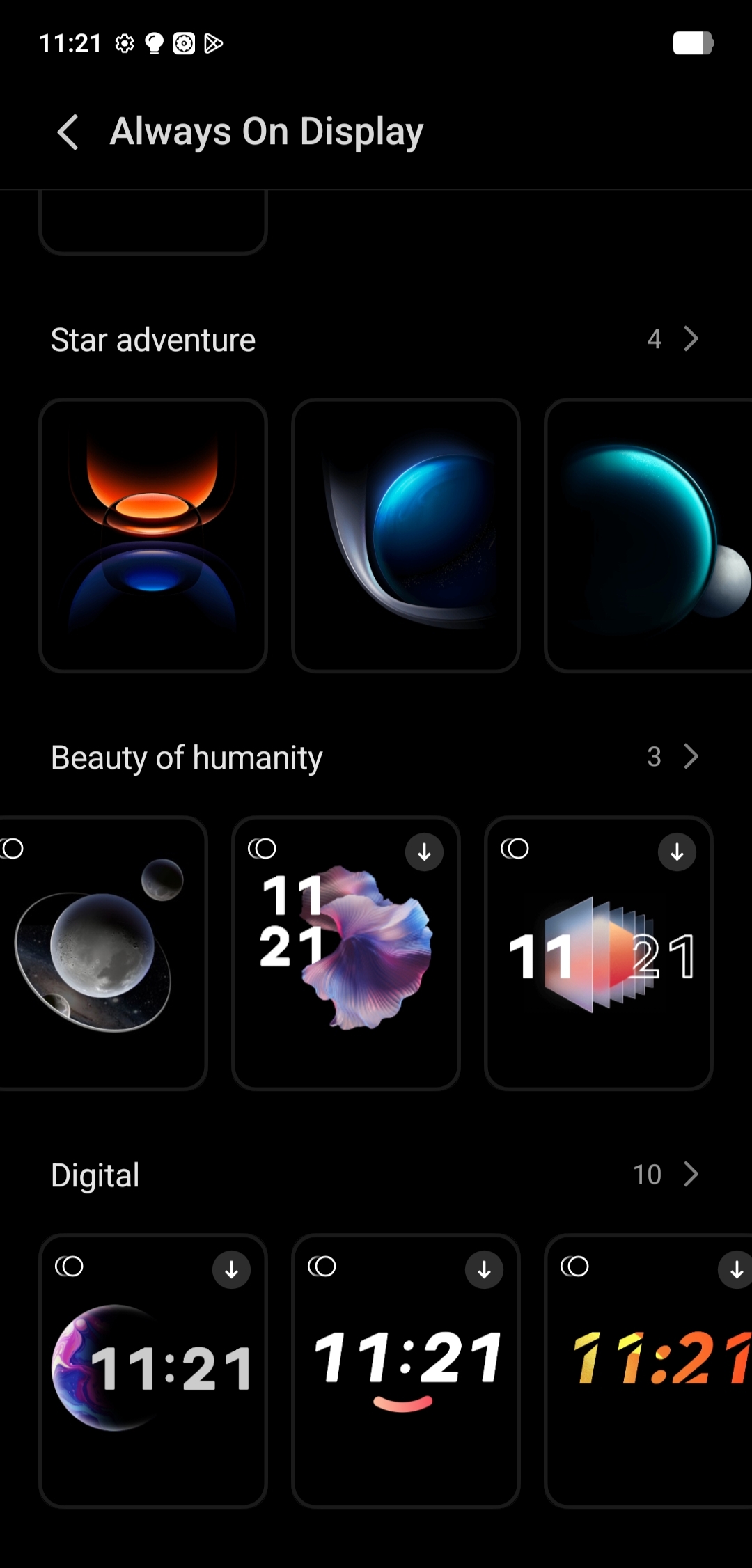
You can choose a style that matches your wallpaper and overall theme.
Final thoughts ✨
Overall, OriginOS 6 feels incredibly smooth, refined, and well-polished on the iQOO Z11x.
What’s really impressive is that iQOO hasn’t limited the experience just because it’s a budget segment device. Unlike many brands that cut down animations or features on mid-range phones, iQOO has managed to bring most of the OriginOS features and animations without major compromises 🤟✨
Huge kudos to the iQOO team for implementing such a refined software experience and optimizing it perfectly with the hardware of the Z series. 👏
It’s great to see flagship-like software experience reaching the budget segment, and OriginOS on the Z11x truly makes the device feel smooth, modern, and enjoyable to use💥🤟
Signing off untill next time 😸 👋
Please sign in
Login and share