


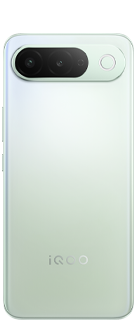
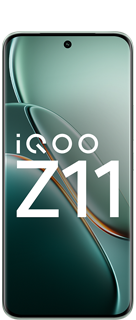
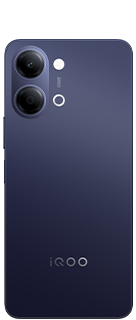
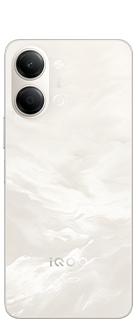
















iQ00 15R Personalization Features: Lockscreen, Themes & More 🚀

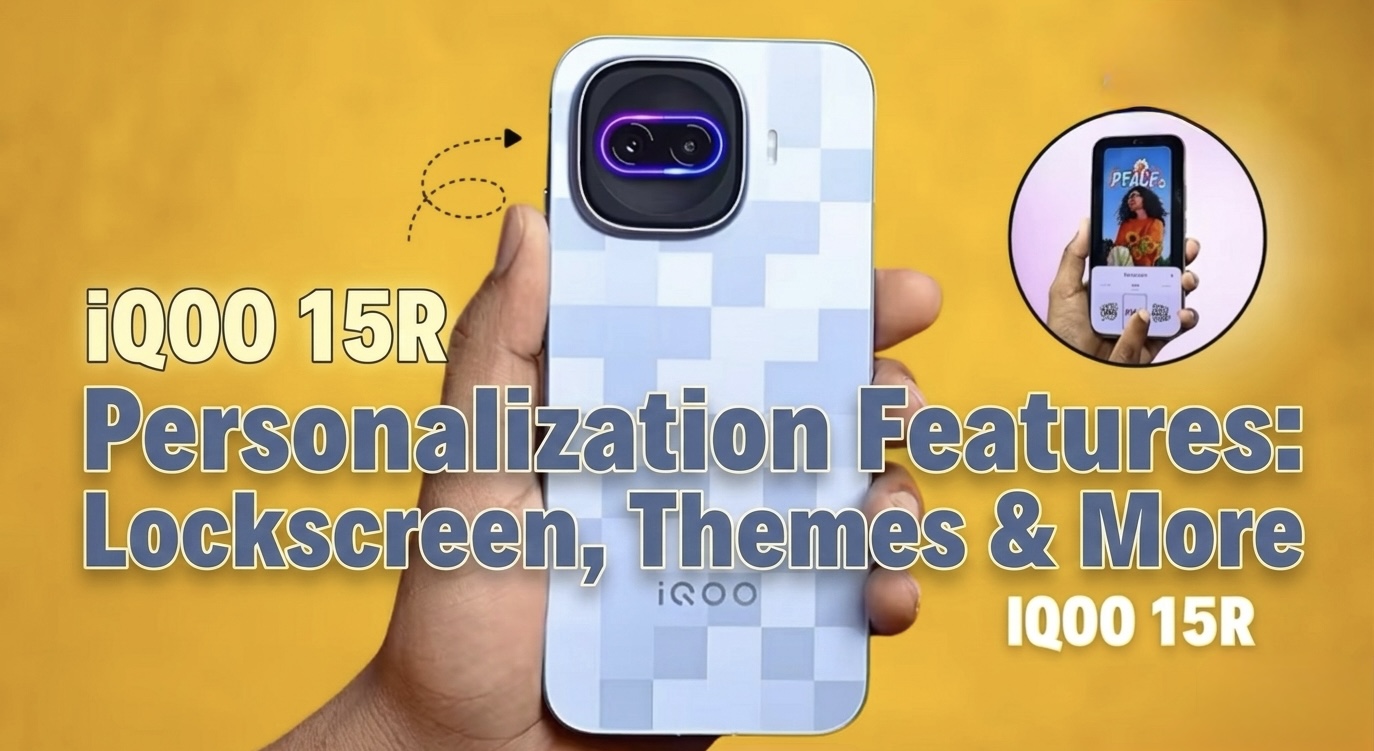
Hey Questers! I am Manab 👋 Today I am sharing a detailed thread about the personalization features of the iQOO 15R. A smartphone today is not just about performance and camera — its also about how you customize the device to match your style. From lockscreen customization to themes, wallpapers, fonts and widgets, the iQOO 15R provides many ways to make your phone truly yours.
Lets explore all the personalization features in detail. 🚀
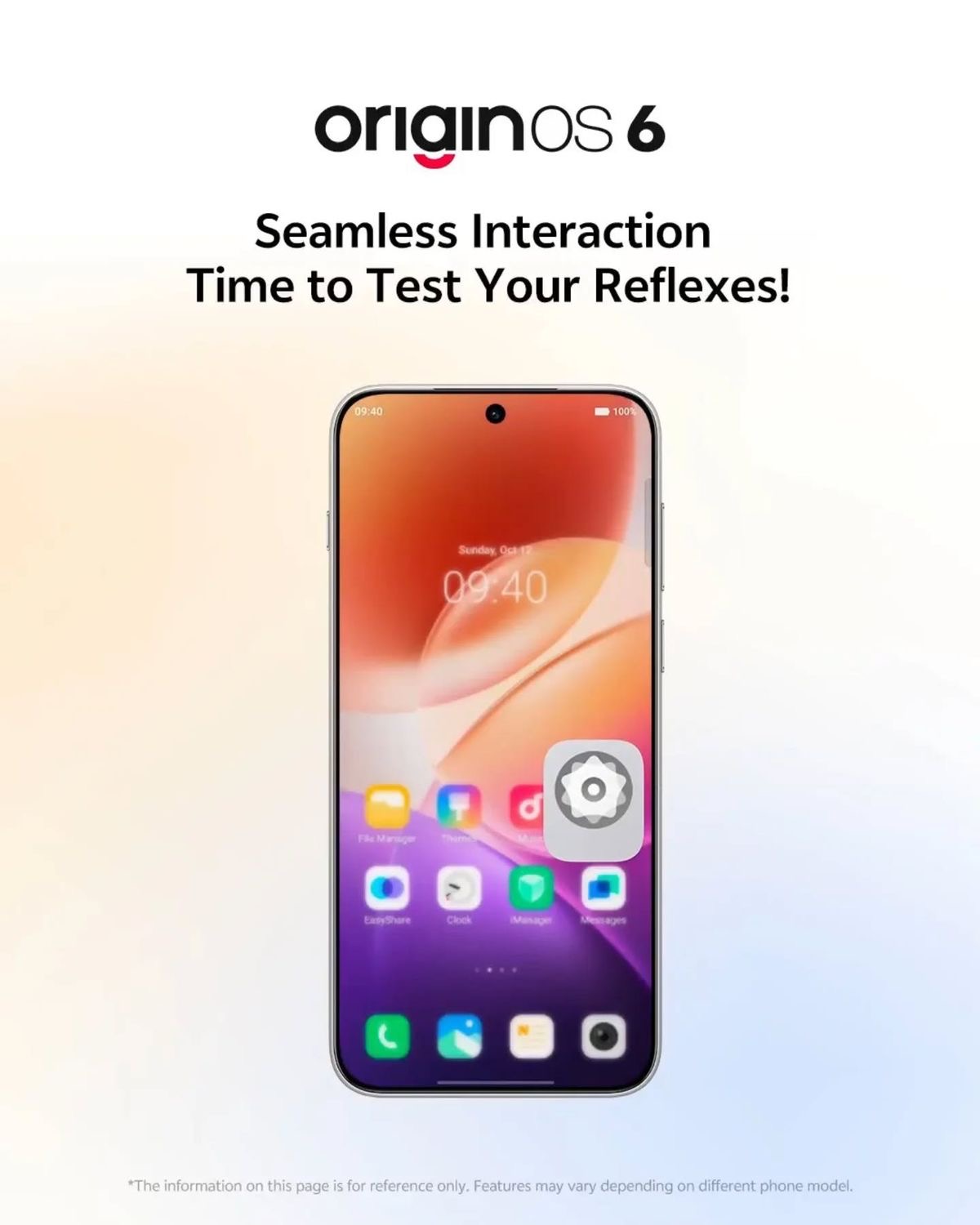
OriginOS 6 & Customization: The device runs on OriginOS 6, which offers extensive, user-driven customization for the lock screen, including flexible layouts and a wide variety of styles.
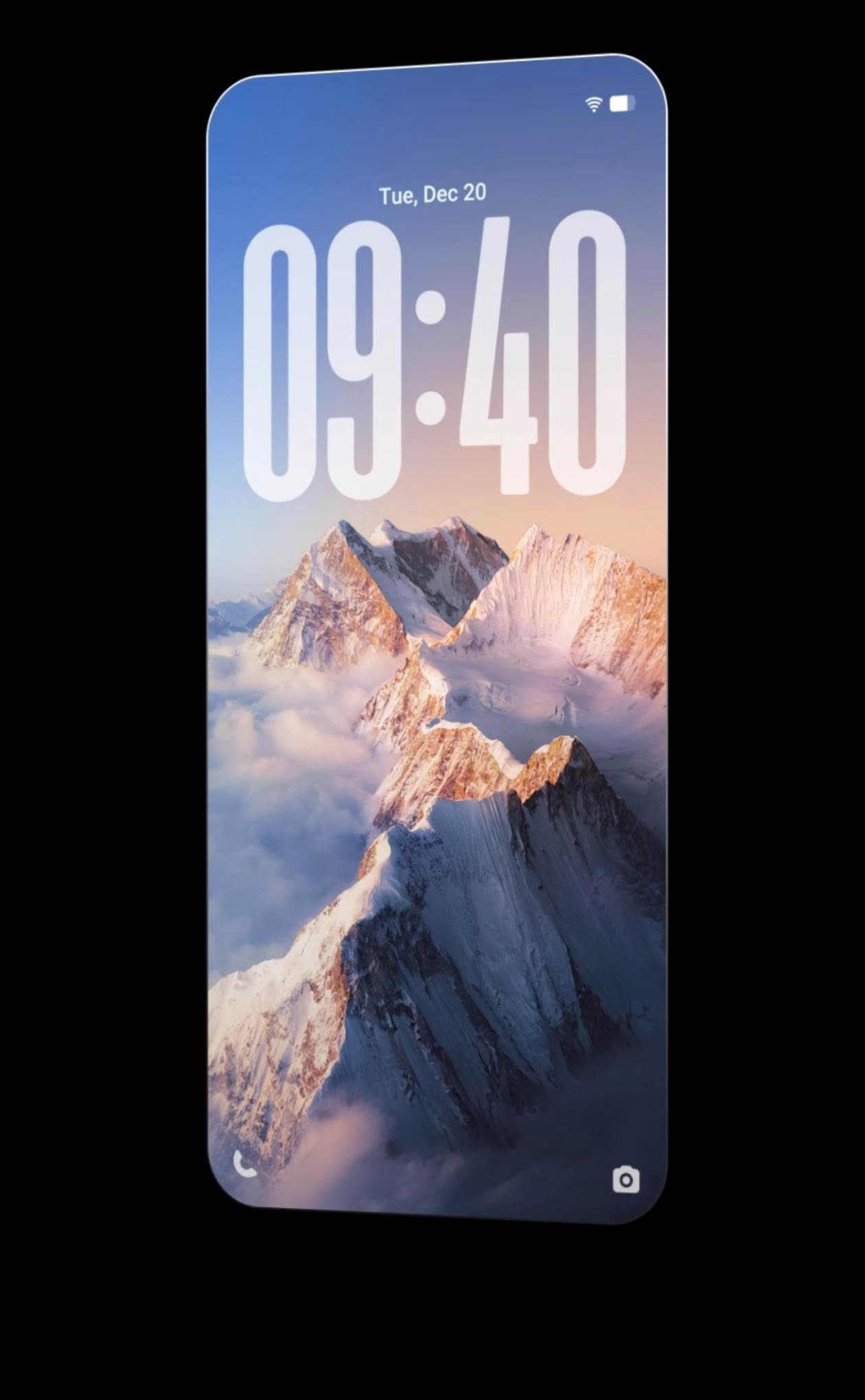
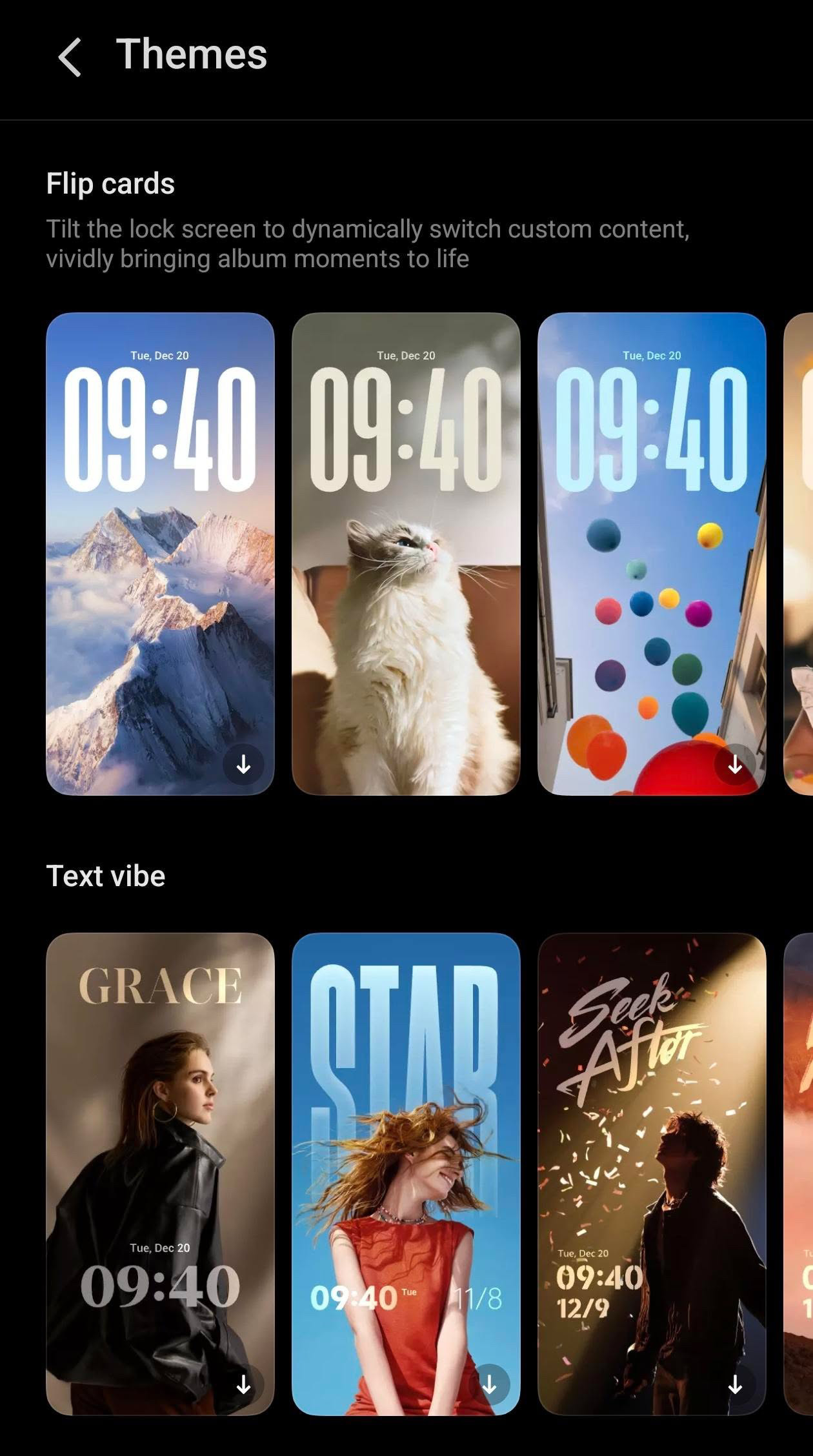
Flip Cards: A key feature that brings the lock screen to life with smooth, interactive, and shifting effects, allowing for personalized,dynamic content.
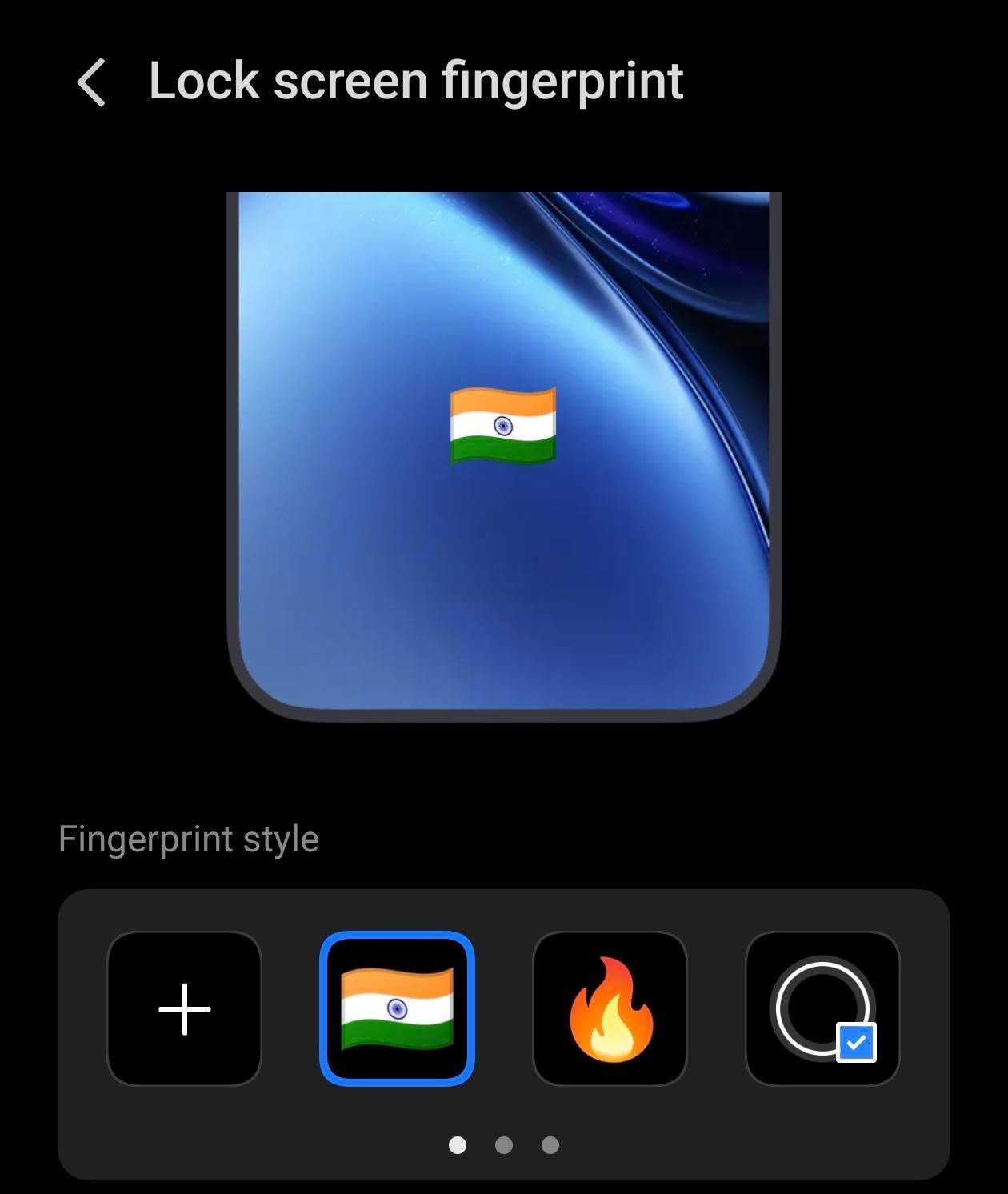
Unlock Animations: Users can customize the animation style that appears when using the 3D ultrasonic in-display fingerprint sensor.
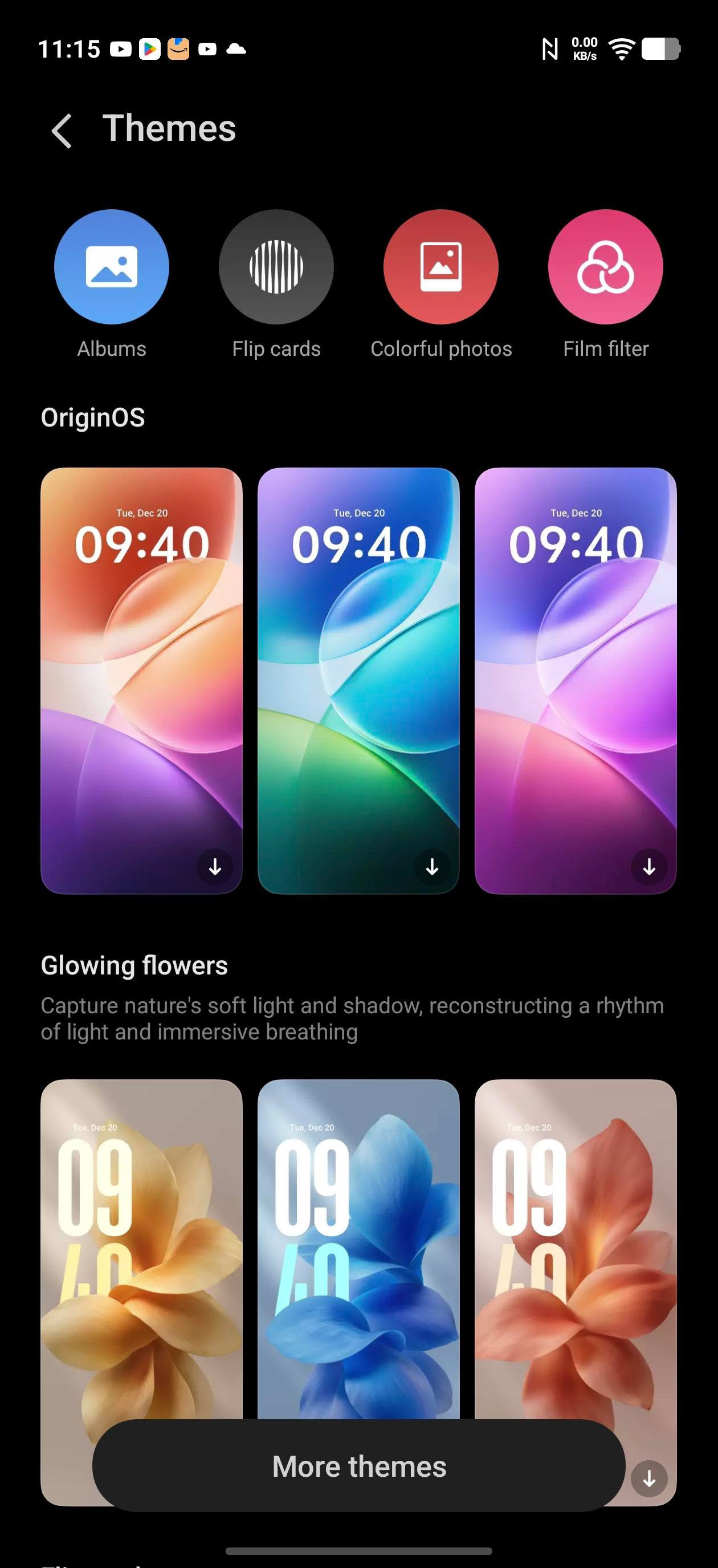
Custom Themes: Users can download and apply various, new, and interactive themes.
Additional Display & Security Features
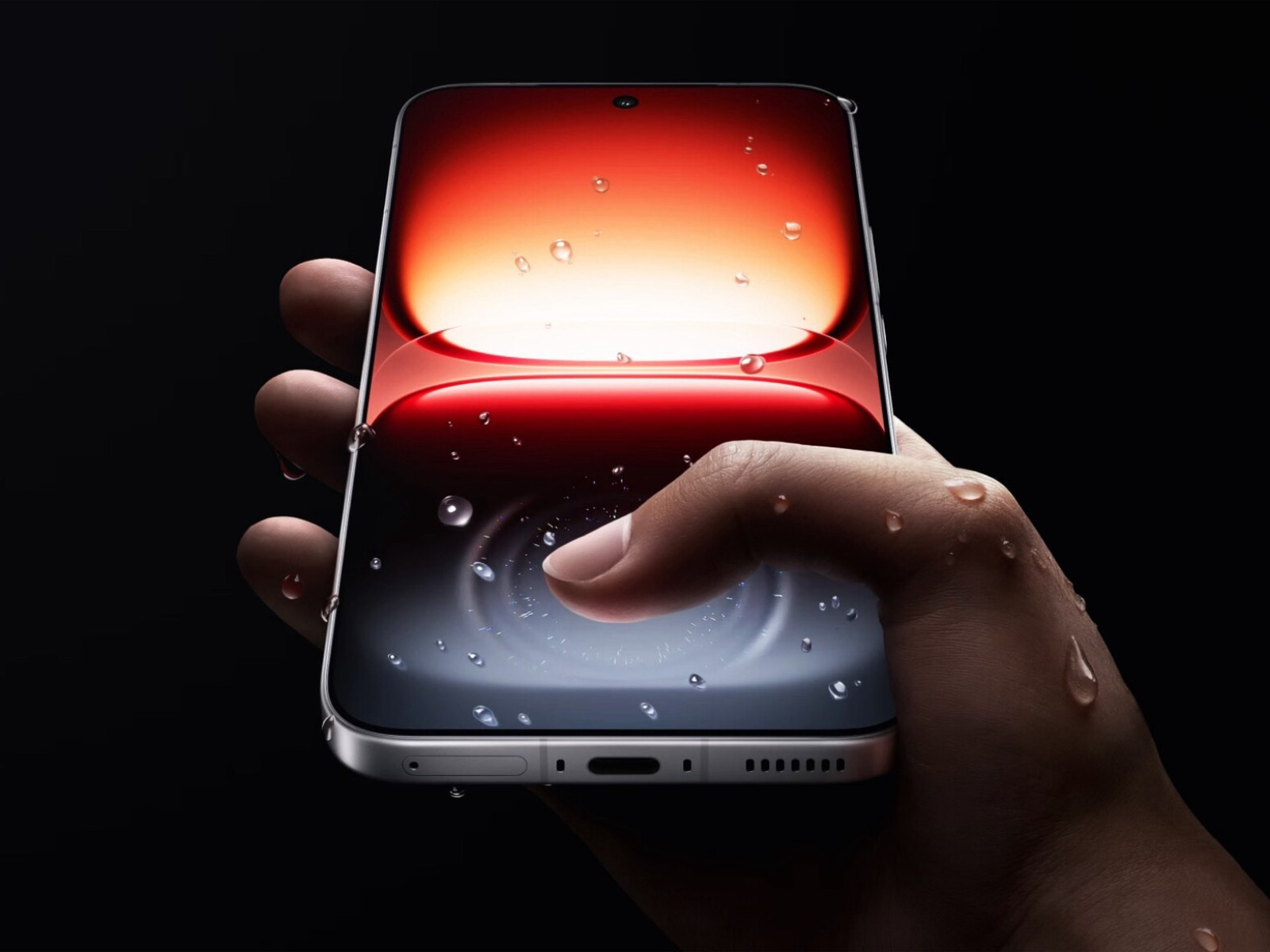
Ultrasonic Fingerprint: Features a 3D ultrasonic in-display sensor for fast and secure authentication, with support for up to 5 fingerprints.
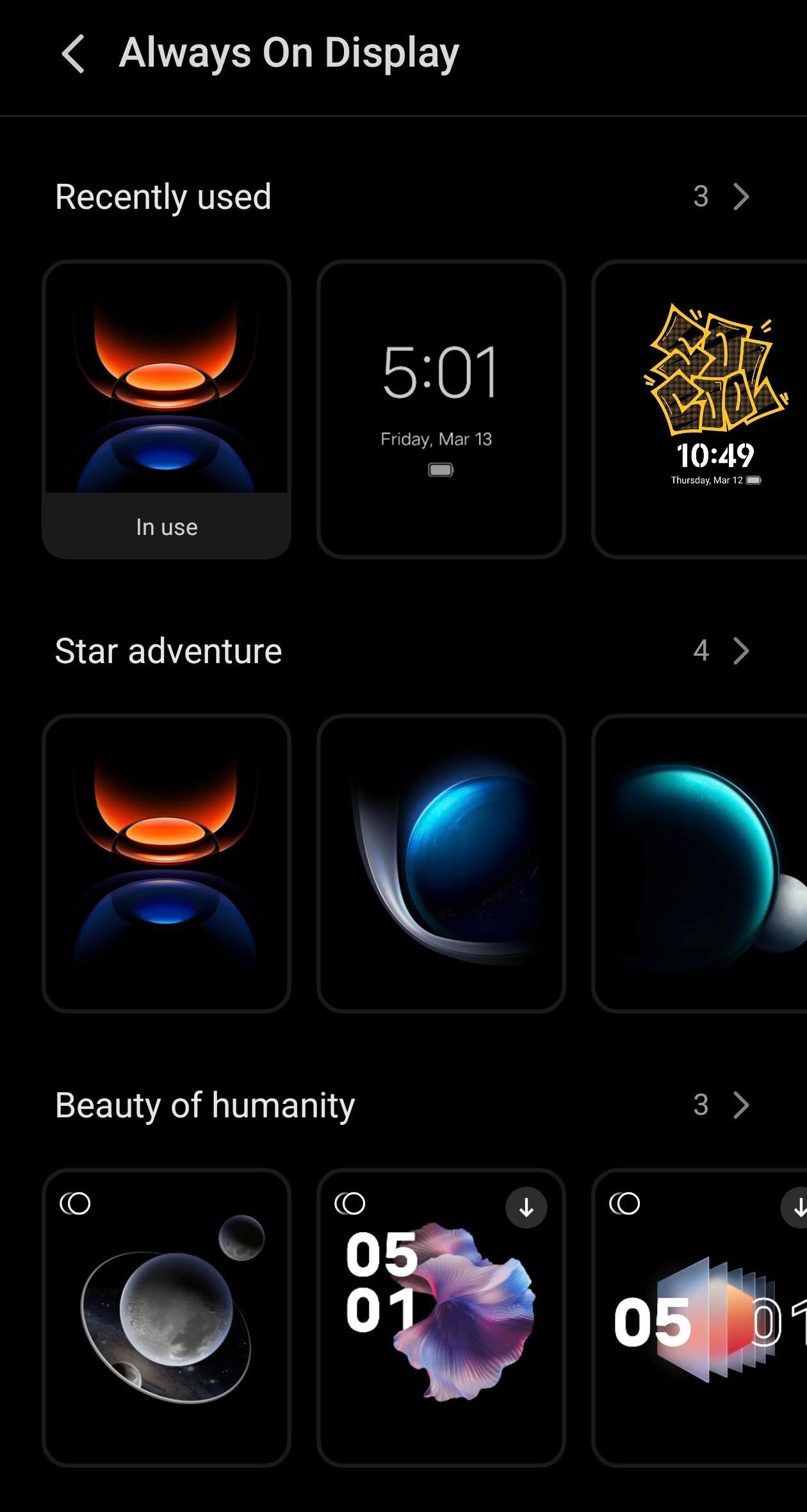
Always On Display: The phone supports AOD, allowing for personalized information display even when locked.
Key personalization features include:
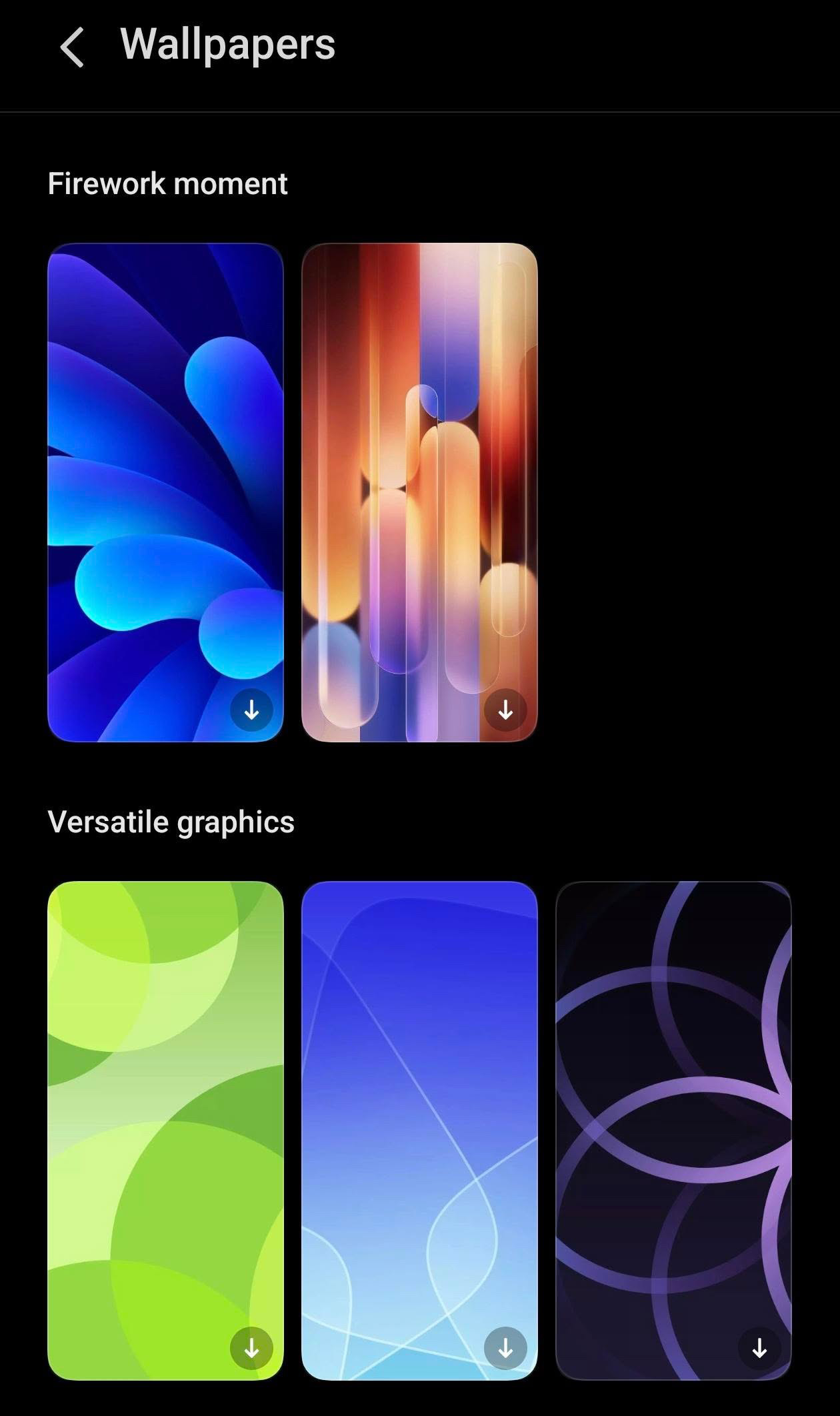
Immersive Wallpapers:Dynamic, high-quality wallpapers that flow seamlessly from lock screen to home screen.
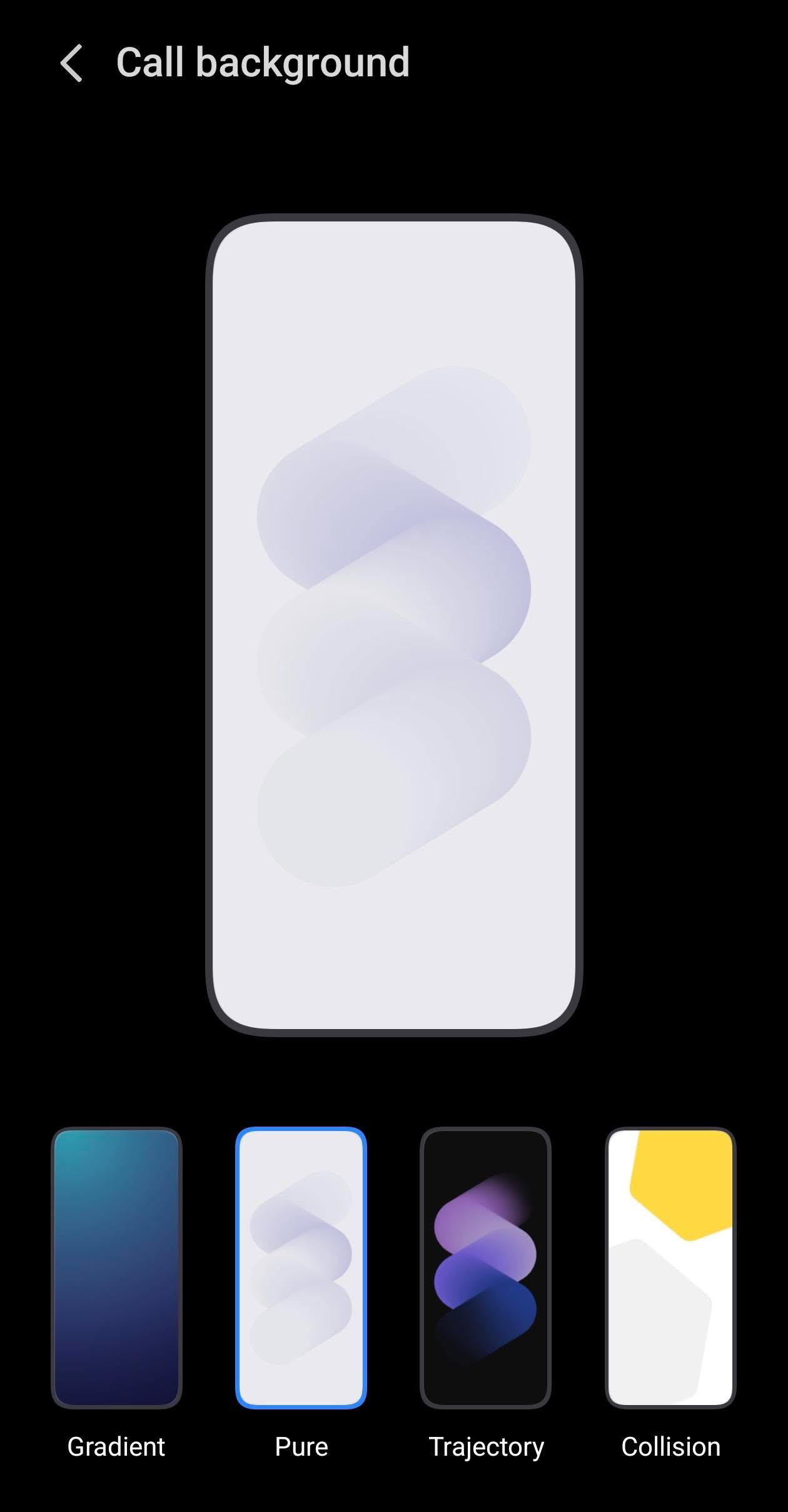
Custom Call Backgrounds: Allows users to set personalized photos or videos for incoming calls, including custom backgrounds for specific contacts.
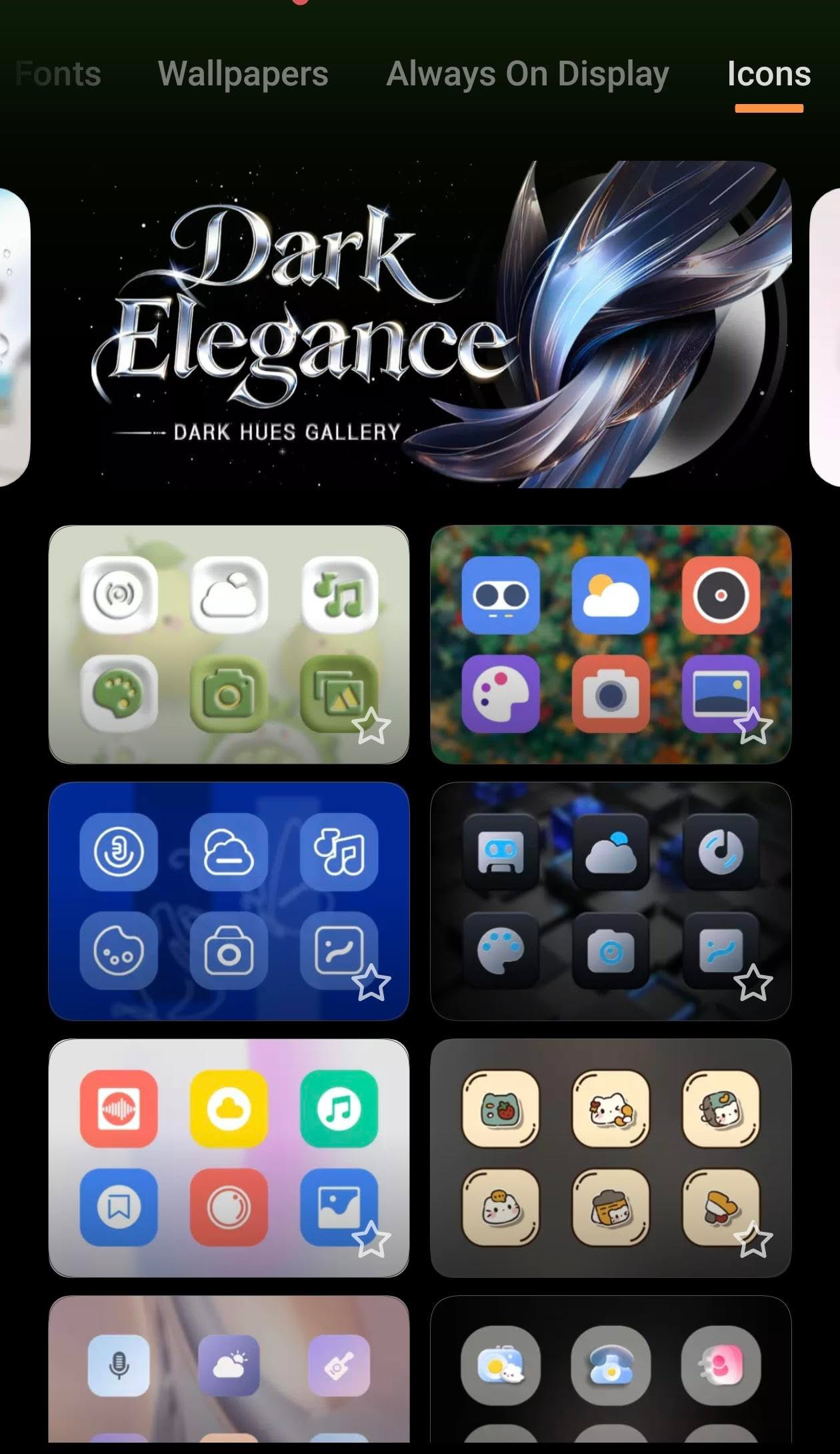
Icon Customization: Users can change icon styles and corner designs to match their home screen aesthetic.
Live & Video Wallpapers: Supports using local videos to create dynamic home screen backgrounds.
Screen On/Off Animation: Features light and shadow effects that animate when turning the screen on or off.
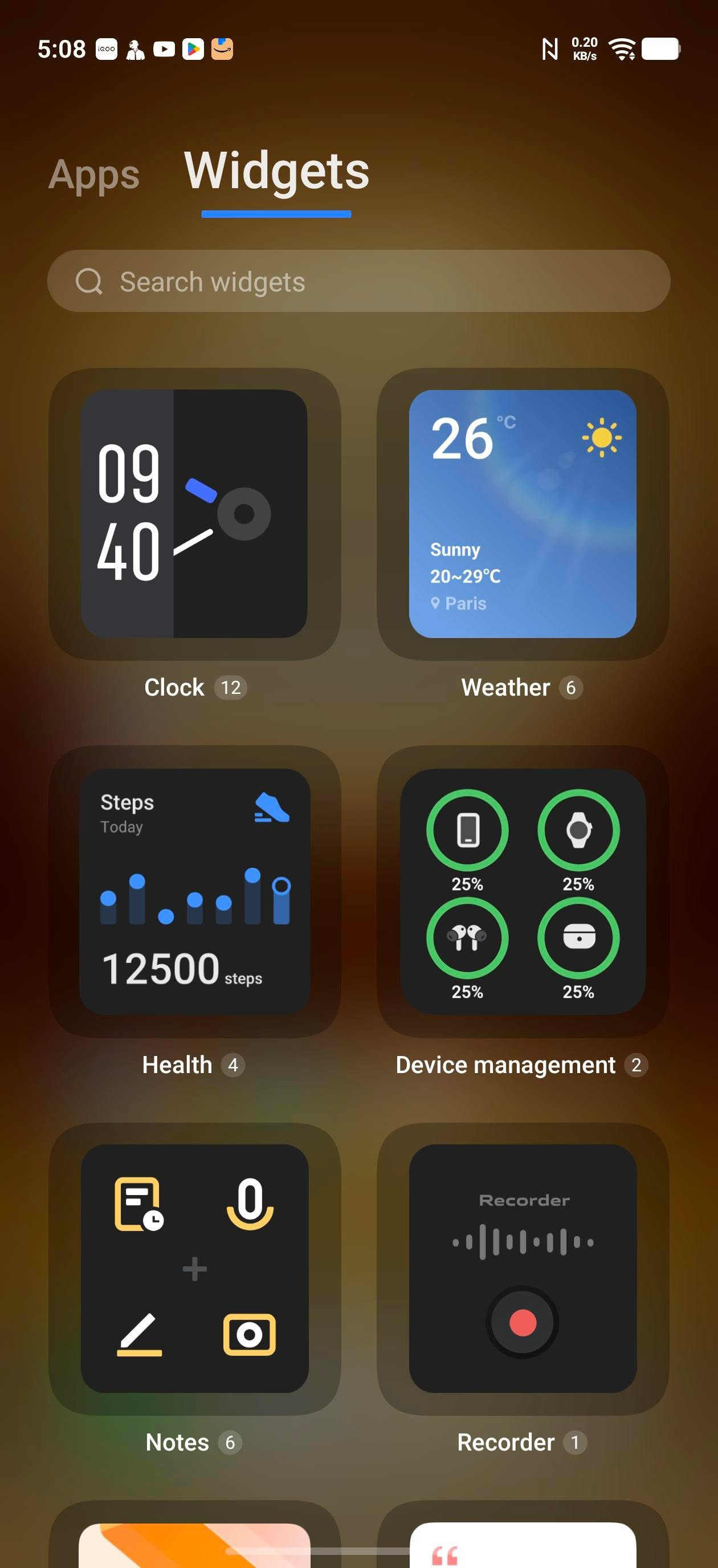
Widgets: Offers new, customizable options, including clock , health ,device management, weather and notes
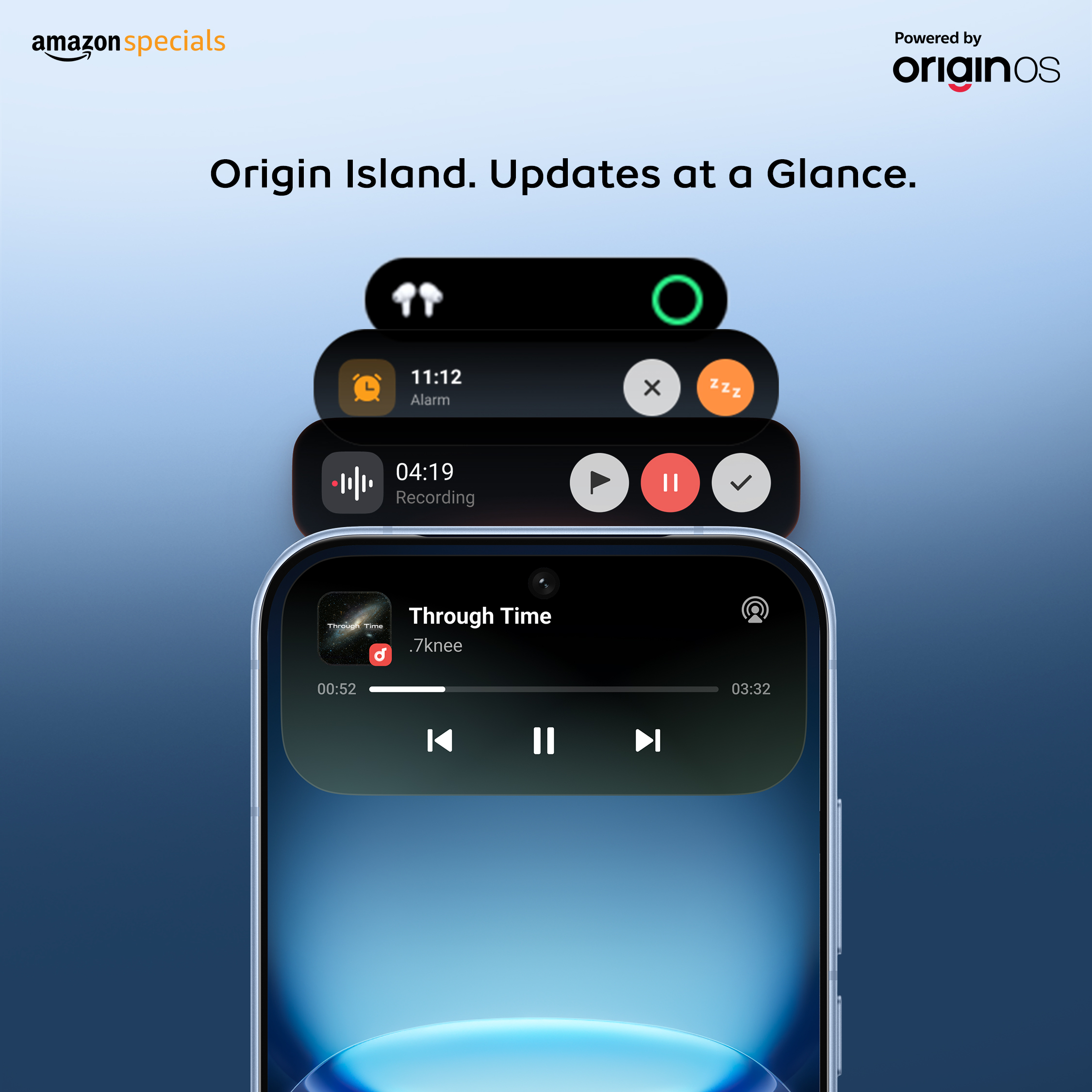
Origin Island: Included in OriginOS 6 for enhanced, interactive, and customizable UI, alongside special notification styles.
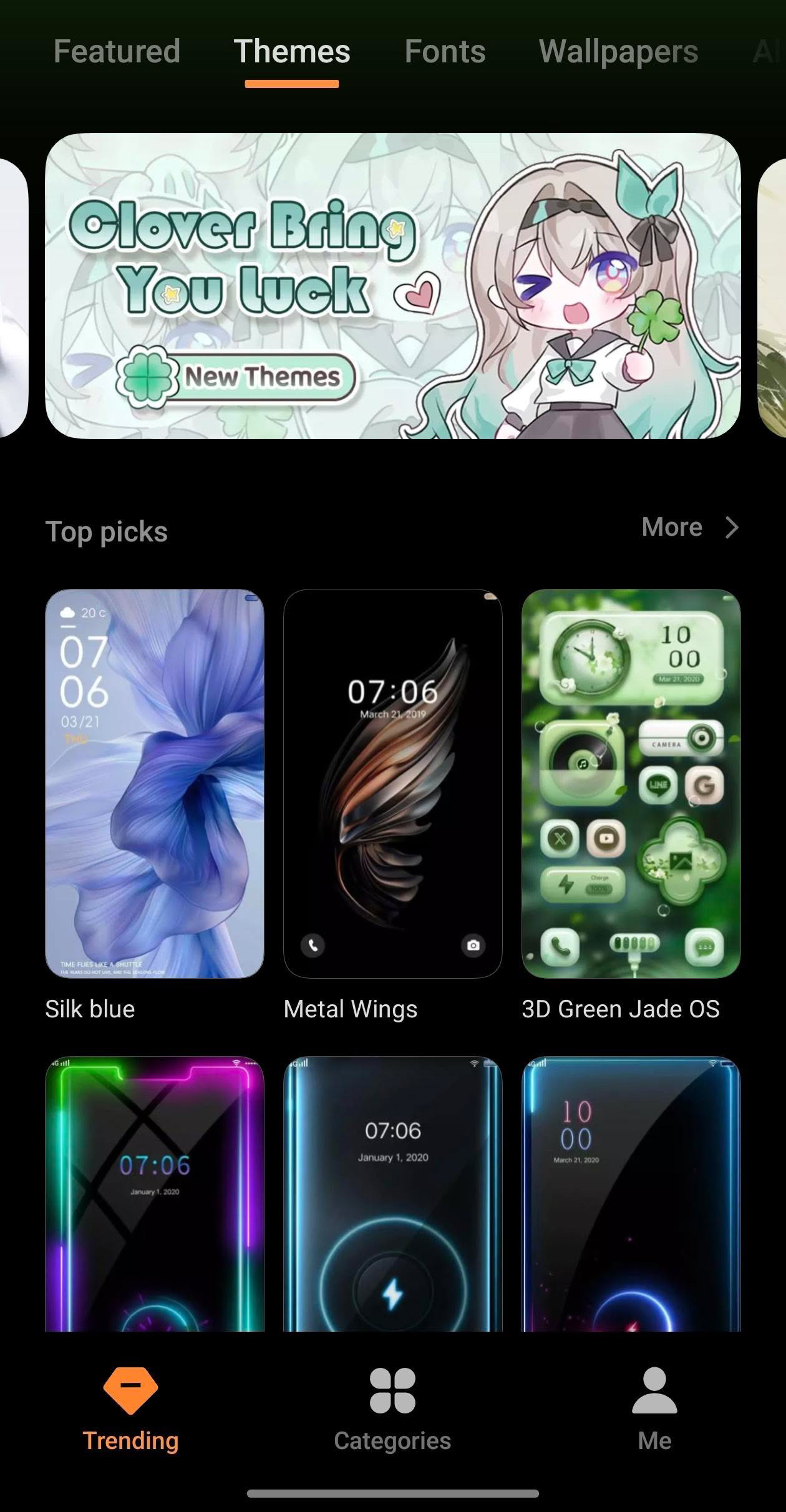
Themes – Complete UI Transformation The Themes section lets you completely change the look of your phone. You can customize icons, UI design, lockscreen, wallpapers, and notification panel style.With options like minimal, dark, colorful, and gaming themes, you can easily give your device a fresh and unique look anytime.
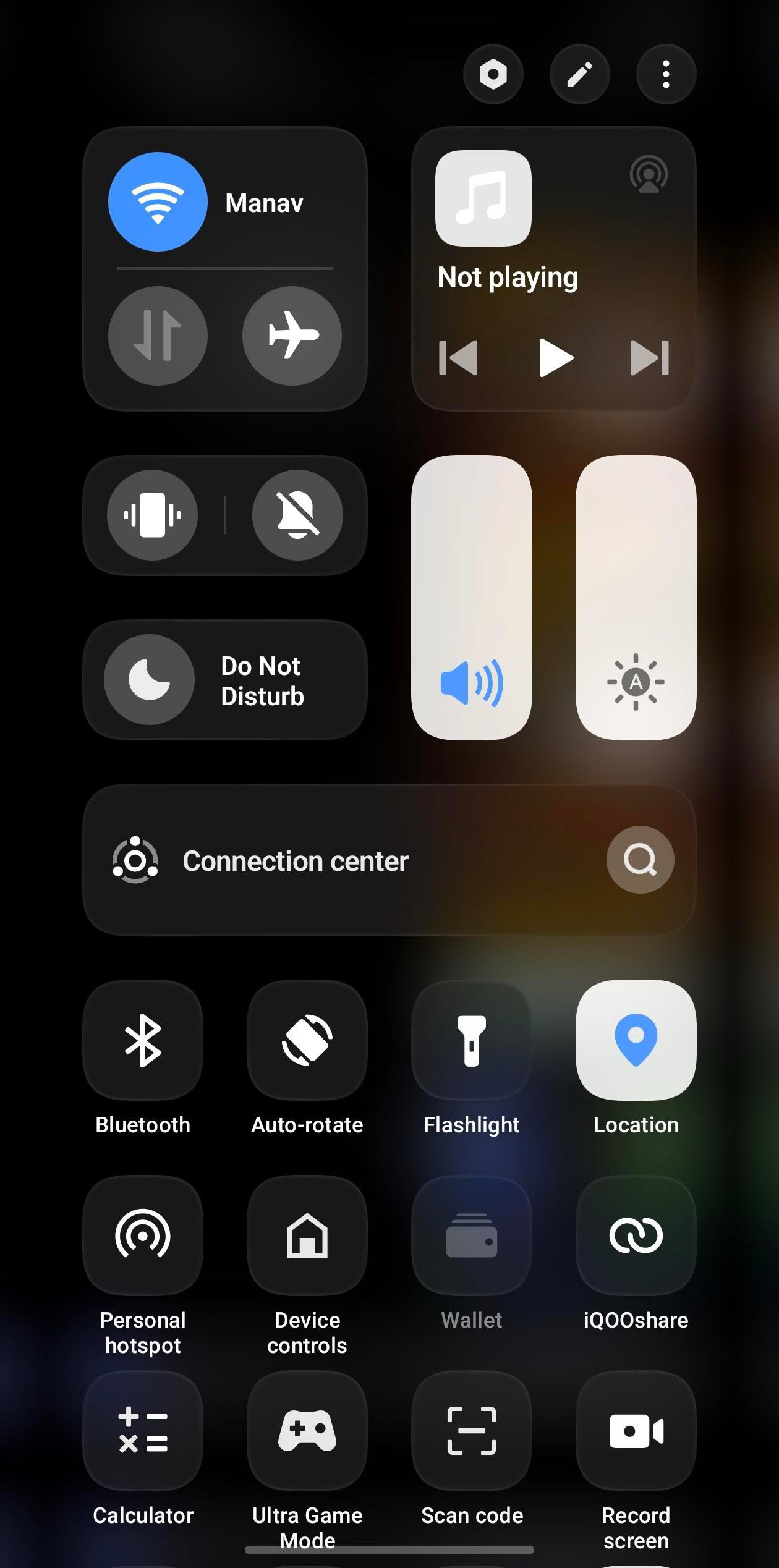
The Control Center - on the iQOO 15R offers a clean and customizable layout for quick access to important settings. You can easily manage options like Wi-Fi, Bluetooth, brightness, flashlight, and more with a simple swipe.It also allows you to rearrange and add shortcuts, making the interface more convenient and personalized for daily use.
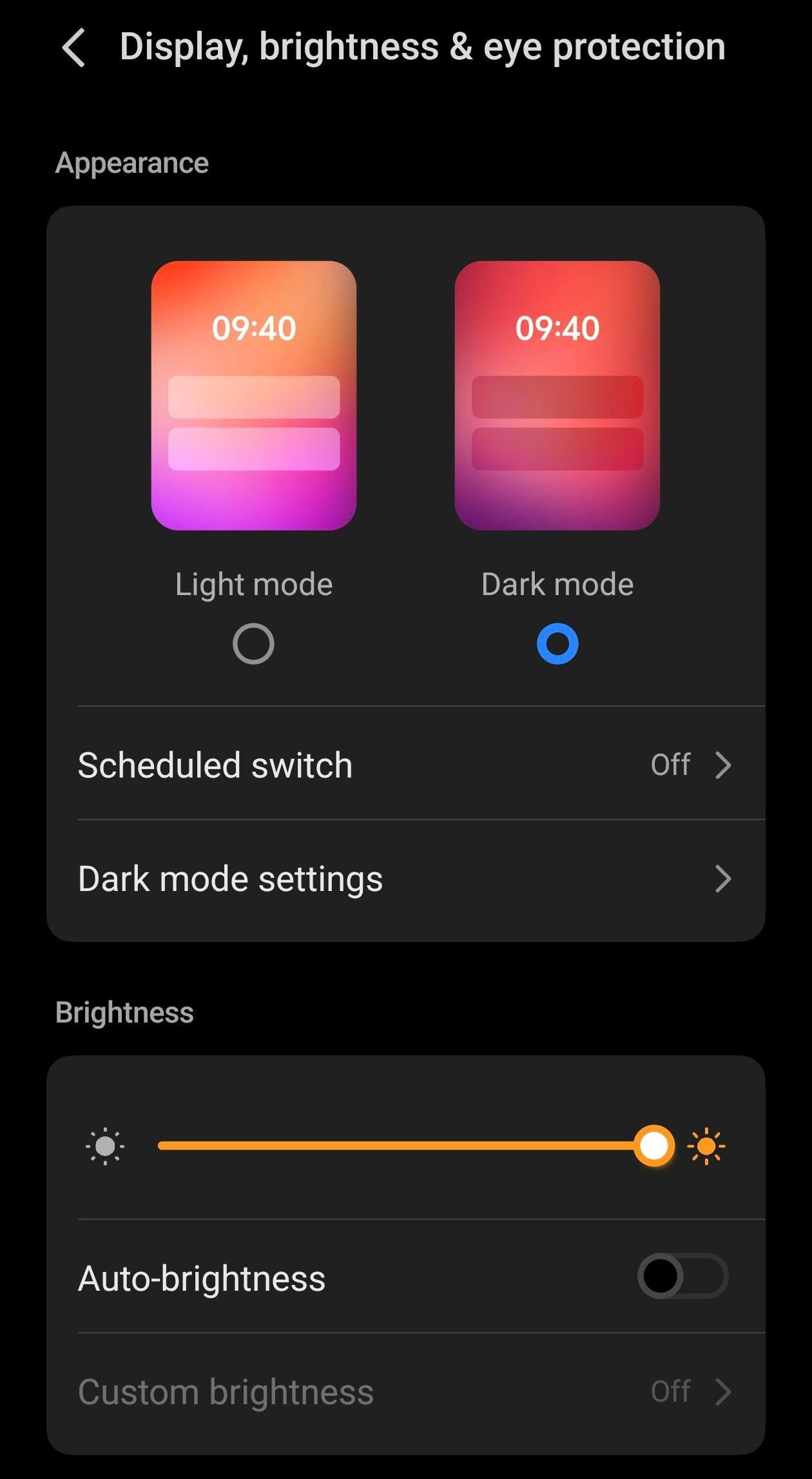
Dark Mode & Display Style -The Dark Mode on the iQOO 15R gives the UI a sleek and modern look while reducing eye strain during long usage. It can also be scheduled to turn on automatically at night for a more comfortable viewing experience.
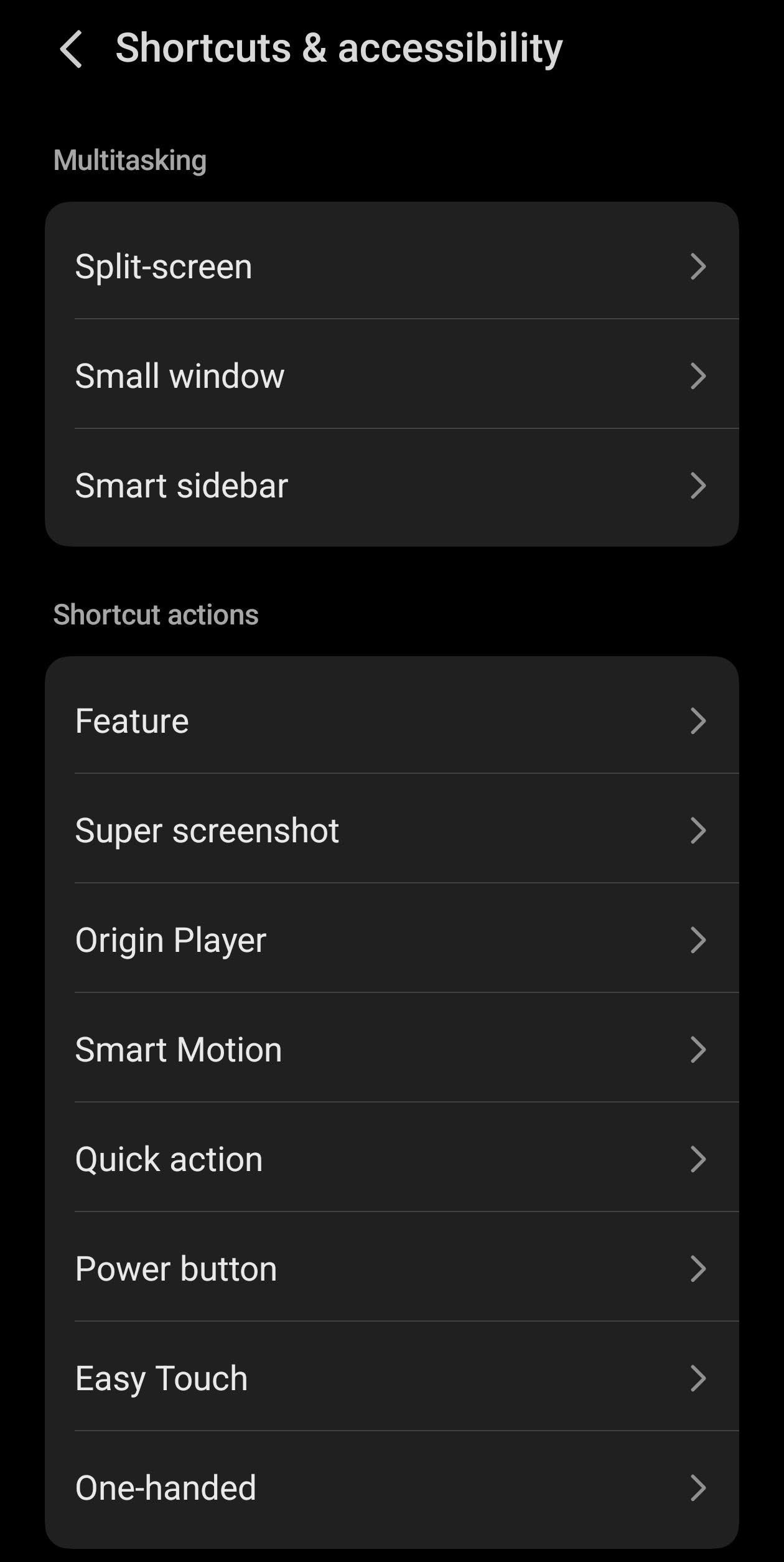
Shortcuts & Accessibility -The Shortcuts and Accessibility options on the iQOO 15R make the device easier and faster to use. You can enable gesture shortcuts,quick actions, and accessibility tools that help improve convenience and make everyday tasks simple
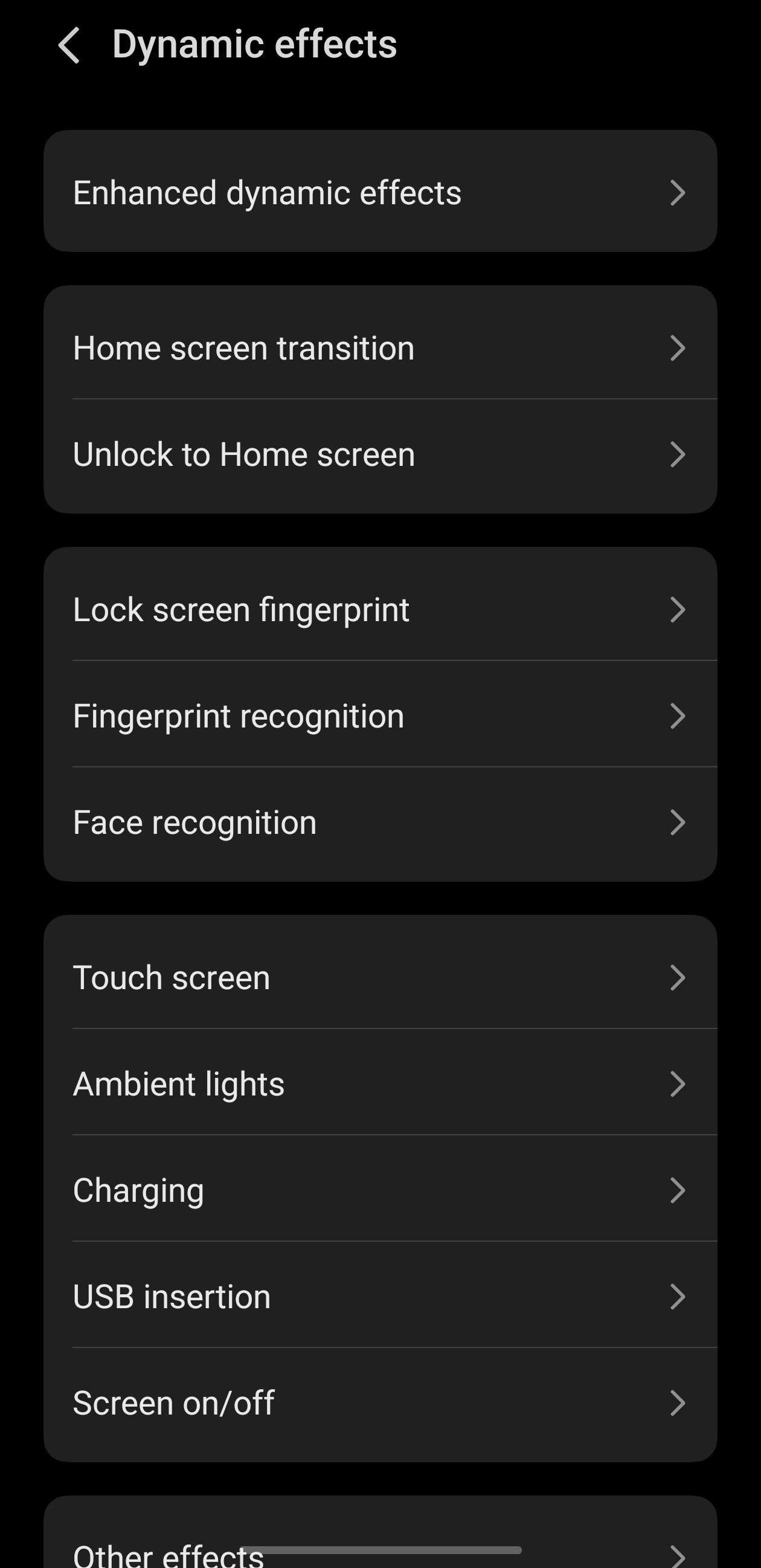
Dynamic Effects -The Dynamic Effects on the iQOO 15R add smooth animations to the system, including fingerprint unlock,charging animation, and notification effects. These visual touches make the overall user experience feel more premium and interactive.
These were some of the amazing and cool personalization features of the iQOO 15R that make the device feel unique and customizable for every user.From lockscreen styles, themes, dynamic effects, control center, shortcuts, and more, the iQOO 15R offers a great experience when it comes to personalization.
Thanks @iQOO Connect ❤️ Thats the end of this thread ! More such amazing threads about the iQOO 15R coming very soon with detailed insights. Stay tuned, Questers! 🚀
@ParthNirmal @NITIN @YasirTheJOD @JStreetS @Swagg_rohit
Signing Off - @Manab10
Follow For Much Interesting Threads !
Please sign in
Login and share