



























Different use cases of Drag and go -- sharing different content

Hi Questers 🤗 ✨
OriginOS makes everyday tasks effortless with Drag & Go ✨🤟
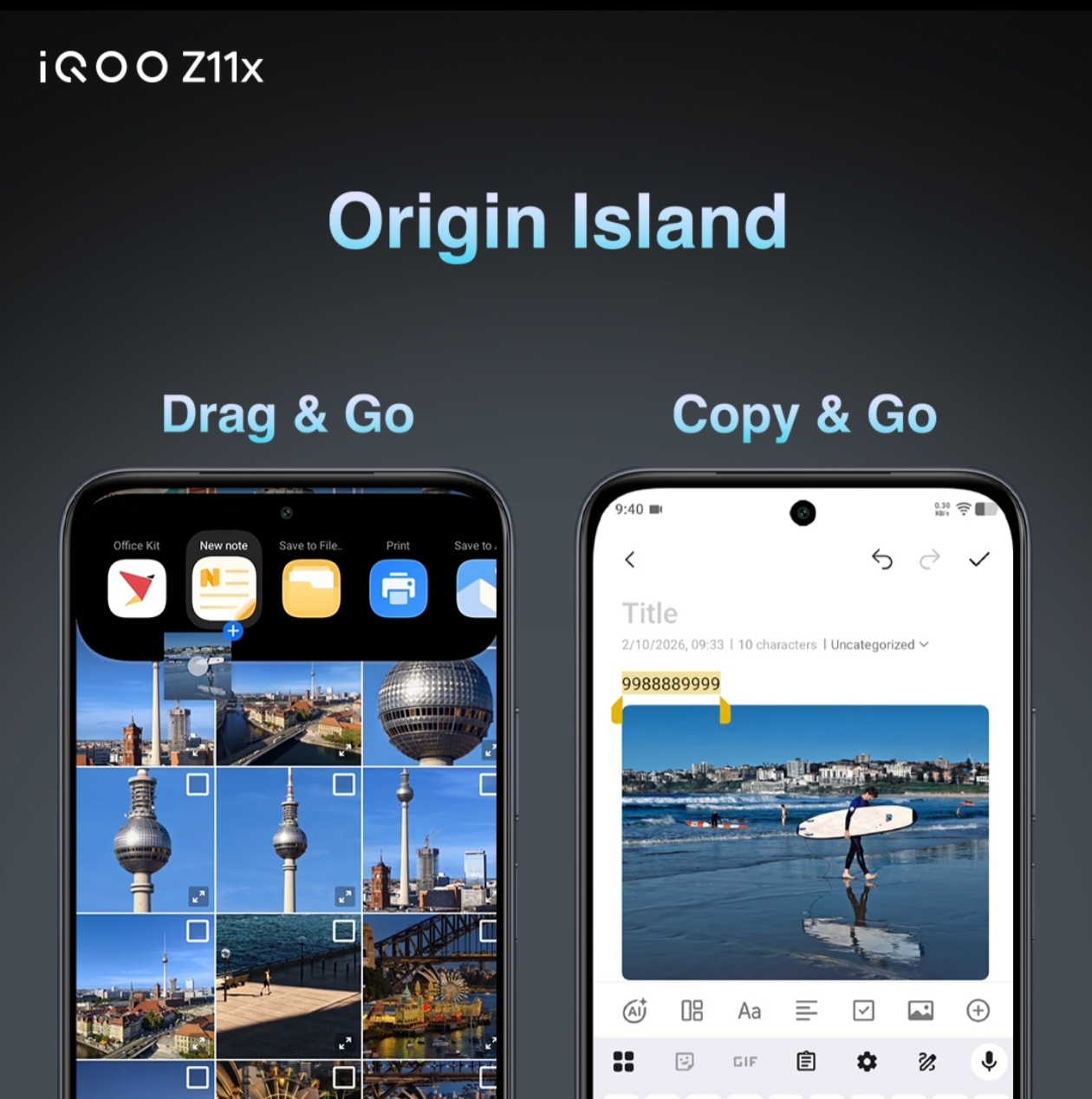
a feature that removes the need for constant switching, copying, and pasting.
Once you start using it, it genuinely changes how you interact with your phone.
💬 Text Sharing Made Instant
Came across useful text? Notes? OTP? Ideas?
Just long press → drag → drop into chats, notes, or any app.
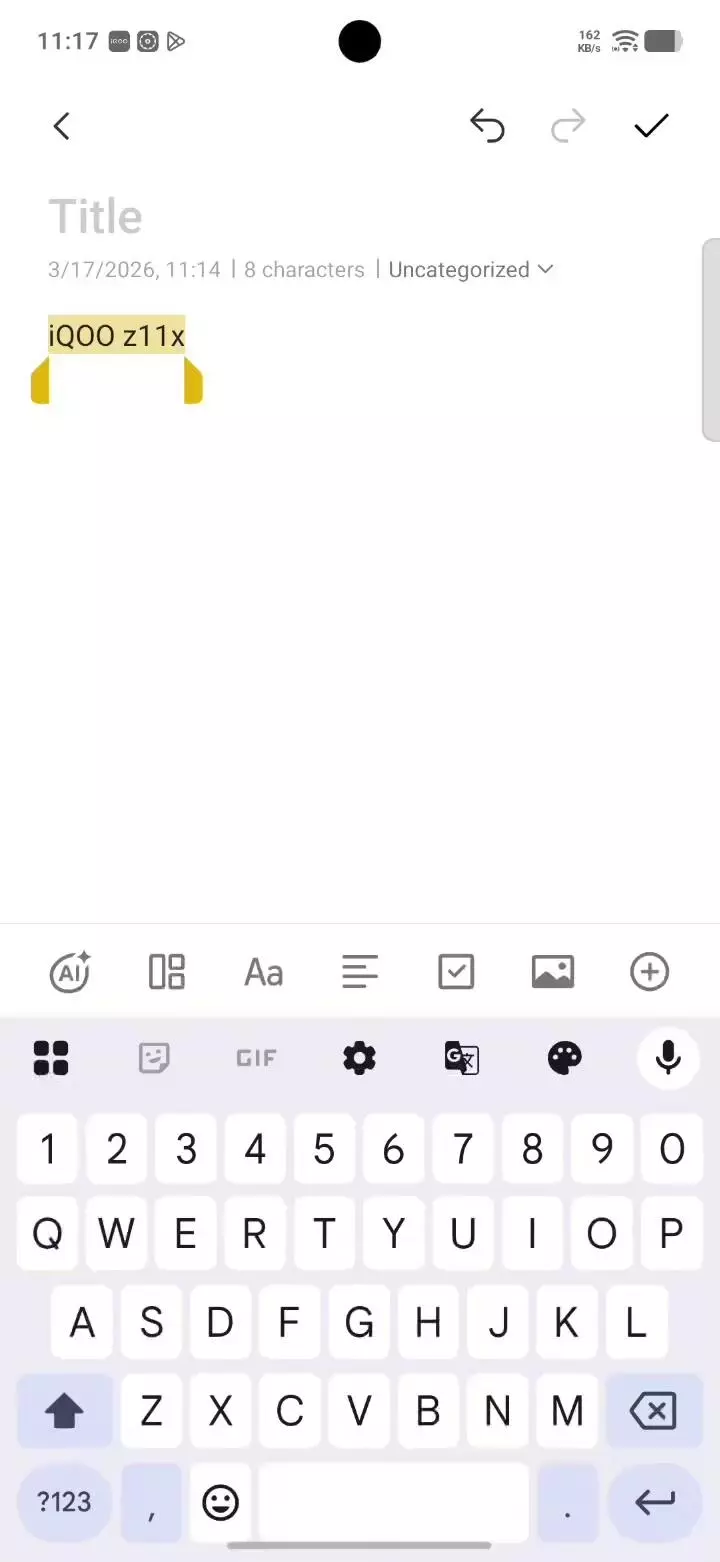
You can even drag text directly into AI platforms like Gemini to generate or refine content instantly.
No more back-and-forth switching.
🤖 AI + Creativity Workflow
Working on something creative?
Drag text, screenshots, or images directly into AI apps and continue your workflow without interruption.
This makes content creation faster, smoother, and way more efficient.
🖼️ Image Sharing on the Fly
Sharing photos becomes super intuitive.
Just long press an image and drag it wherever you want -- chats, apps, or tools.
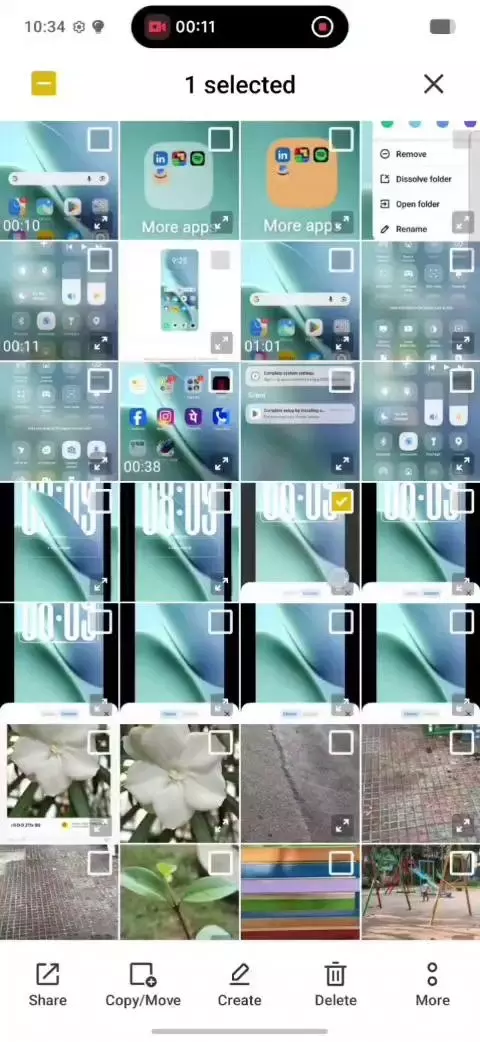
It even works smoothly across platforms, making sharing to friends (including iPhone users 👀) much easier.
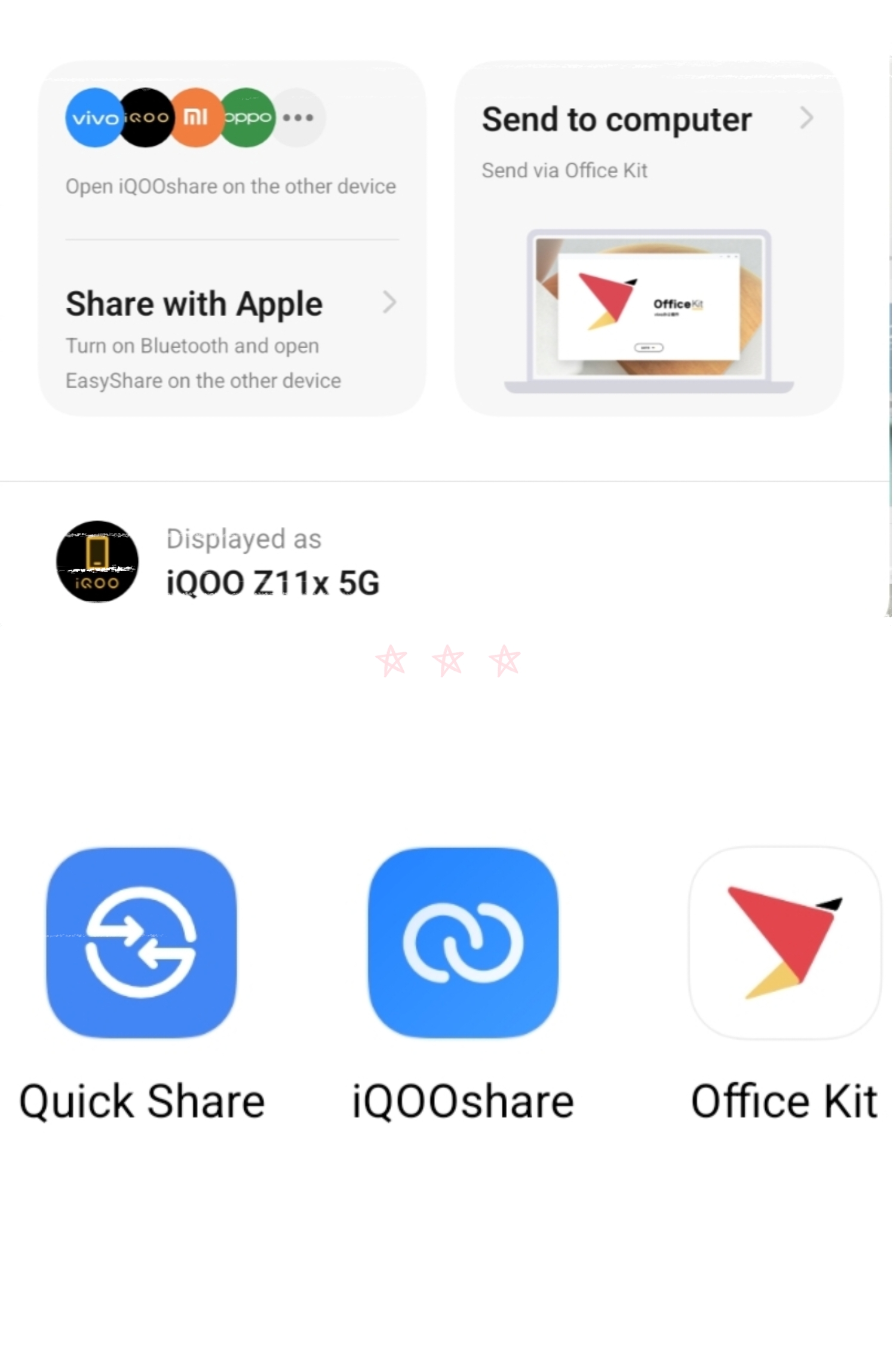
💻 Seamless Phone ↔ PC Experience
With Office Kit, Drag & Go becomes even more powerful.
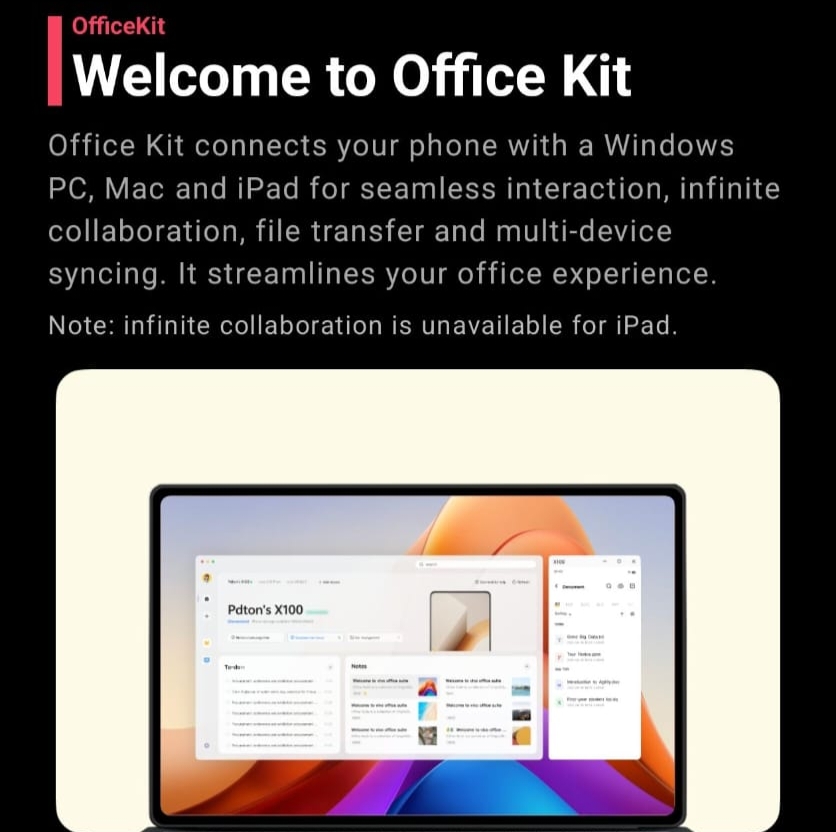
You can : Drag files, images, and text directly to your PC
• Continue your work across devices
• Instantly transfer important documents
Perfect for productivity and office work
⚡ Multi-tasking Like Never Before
Whether it’s files, media, or text --
Drag & Go makes everything feel fluid and natural.
No friction. No delays. Just smooth interaction.
✨ Final Thoughts
Drag & Go is one of those features you don’t realize you need… until you use it.
It’s not just about sharing --
it’s about making your entire workflow faster, smarter, and effortless.
Do follow me 😊 👉 @Harish12
Stay curious😸✨.. Stay iQOO💪💥..
Signing off until next time 😸 👋
Please sign in
Login and share