



























Top 10 features of the iQOO Z11X You Should Definitely Try

After using the iQOO Z11X for a while, I realized that there are a lot of features that many users might not explore fully.
Some of these are not exactly “hidden”, but once you start using them, they genuinely make the phone feel much smarter and more useful in daily life.
Here are some of my favorite features that I've personally tried and found really useful.
Dynamic Light
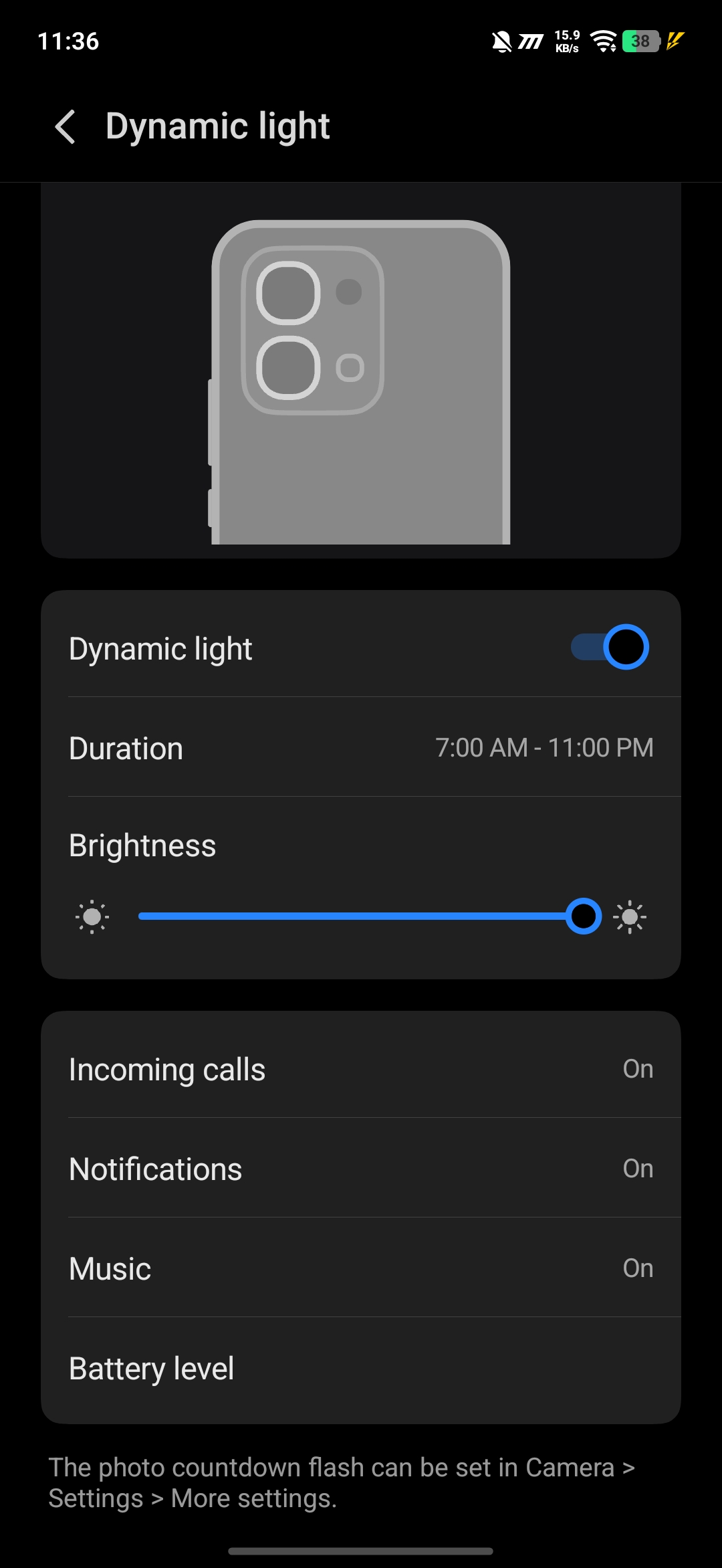
One of the coolest features on this phone is the Dynamic Light (Aura ring).
You can customize it to glow in different colors for:
- incoming calls
- notifications
- music playback
It adds a very unique touch to the phone, and once you start using it, it actually feels quite fun and useful.
Smart Call Summary
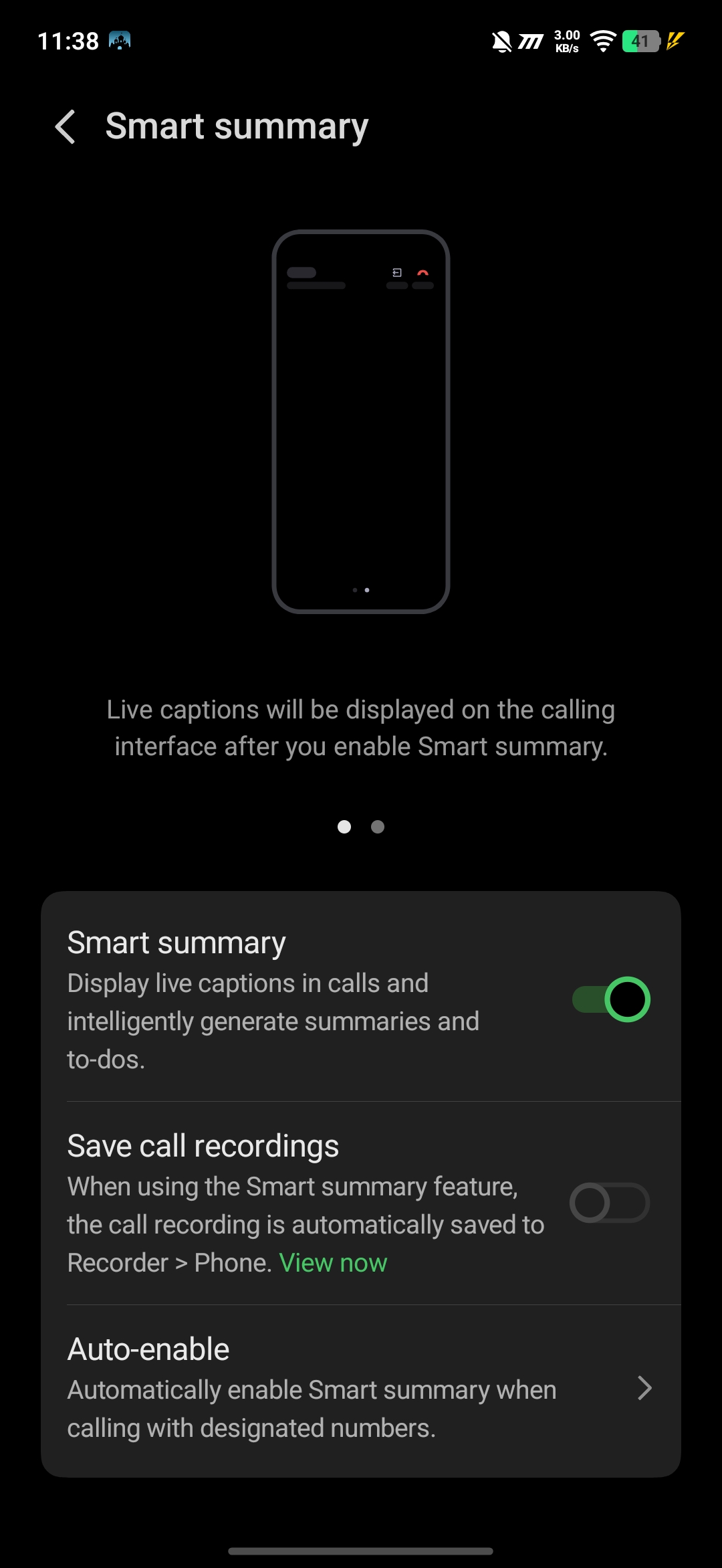
This is a very useful AI feature.
When you're on a call, you can enable Smart Summary, and the AI will automatically:
- listen to the conversation
- generate a summary of the call
This is especially helpful when you don't want to miss important details.
AI Call Translation
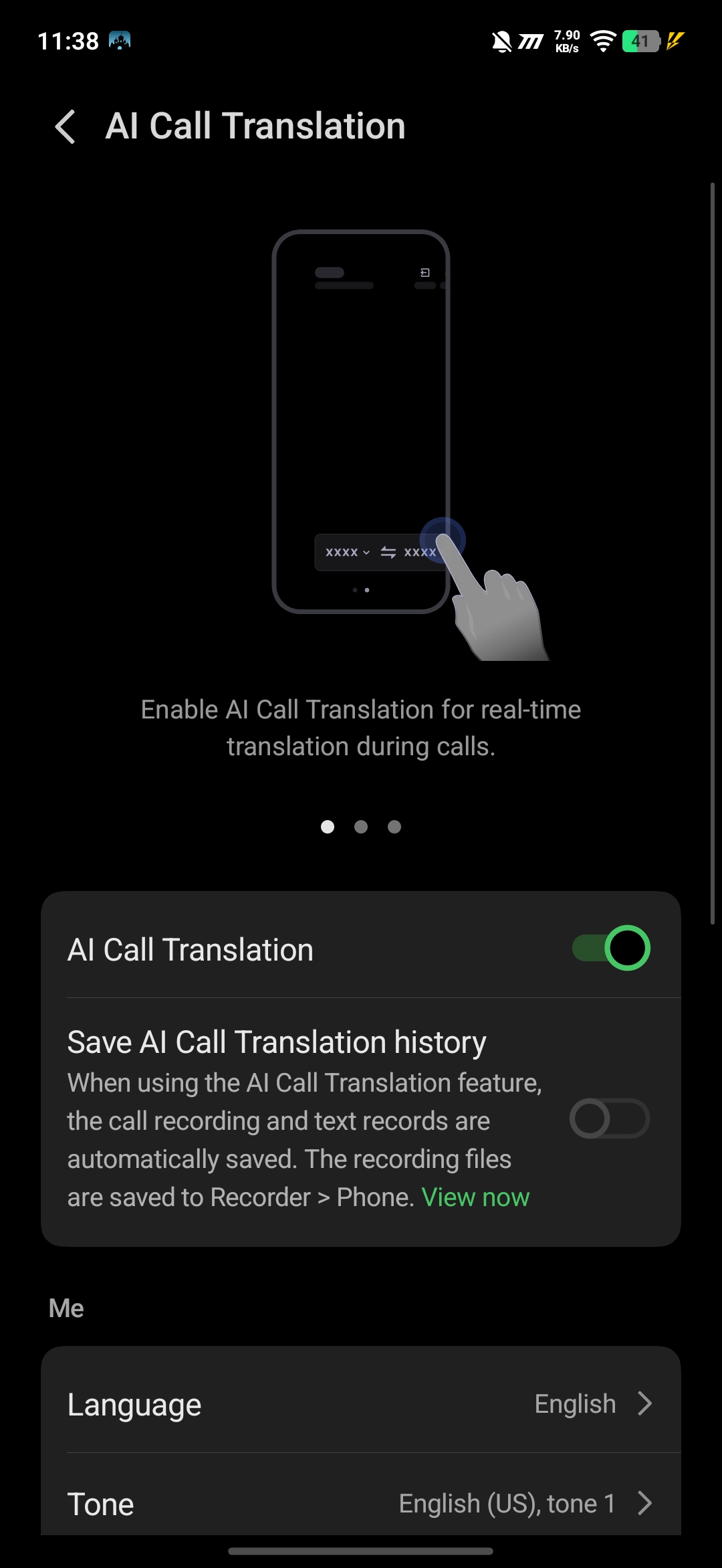
If you're talking to someone who speaks a different language, this feature becomes extremely useful.
The AI Call Translation helps you understand what the other person is saying in real time, making communication much easier.
AI Subtitles (AI Caption)
While watching videos, especially on platforms like YouTube, you can enable AI captions.
This feature:
- generates subtitles using AI
- can convert them into your preferred language
For example, if a video is in English, it can show captions in Hindi, making it easier to understand.

Voice Isolation
This is one feature I found very practical.
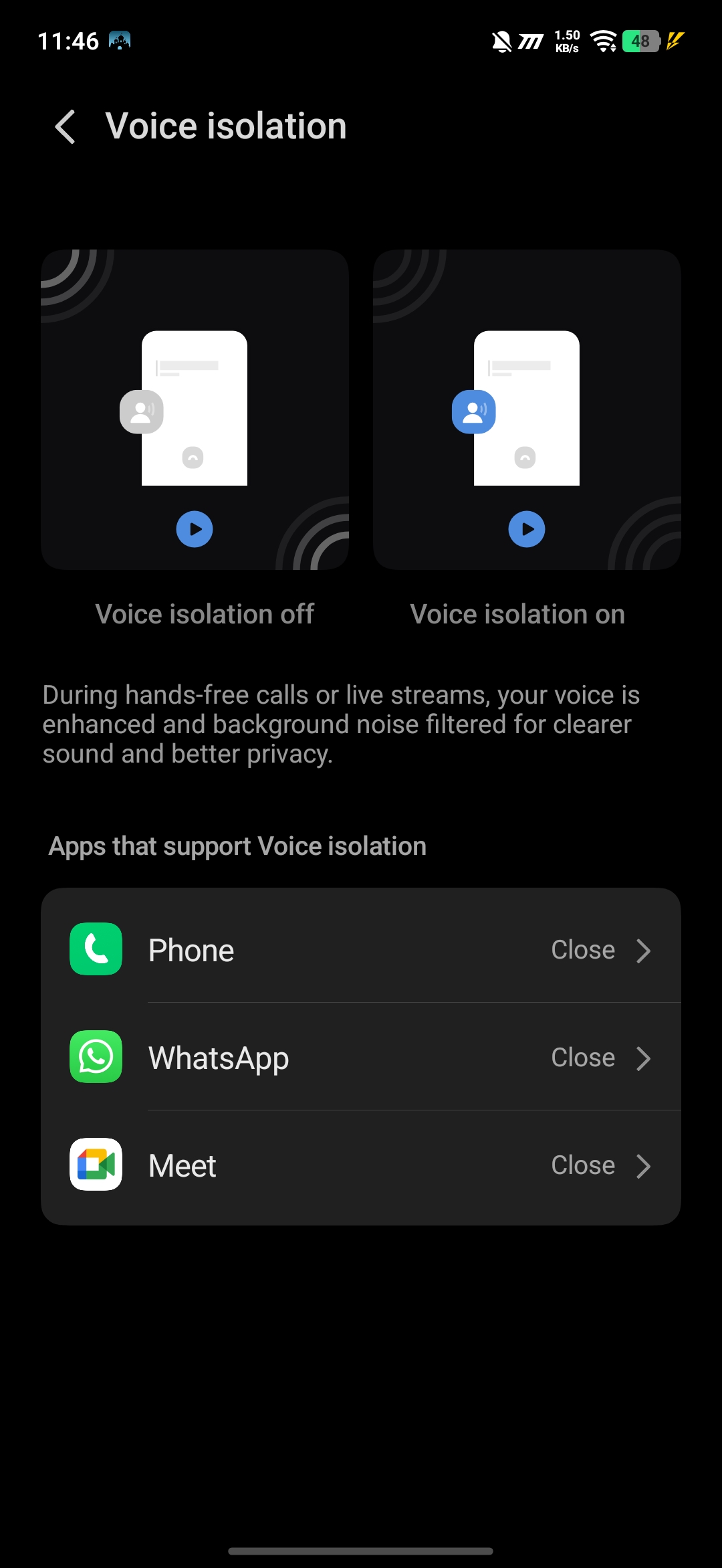
When you're on a call in a noisy environment (like a market or crowded place), Voice Isolation:
- reduces background noise
- focuses on your voice
This makes your voice clearer for the person on the other side.
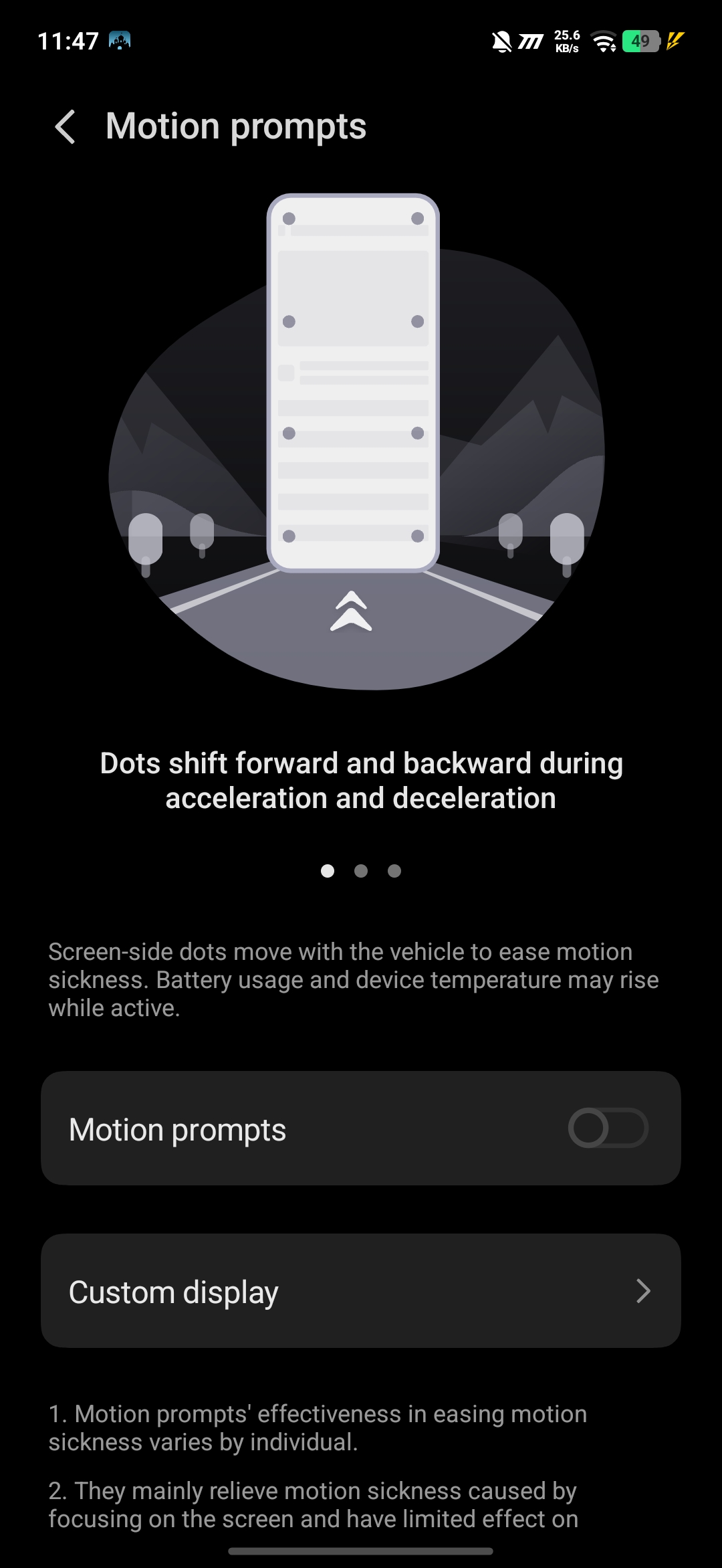
Motion Prompts
This is a very unique feature.
For people who experience motion sickness while using phones in moving vehicles, Motion Prompts:
- show small moving dots on the screen
- help reduce motion discomfort
I personally tried this, and it actually helps.
Bypass Charging
While gaming or using the phone during charging, you can enable Bypass Charging.
What it does:
- directly powers the phone instead of charging the battery
- reduces heating
- improves performance during heavy usage
A very useful feature for gamers.

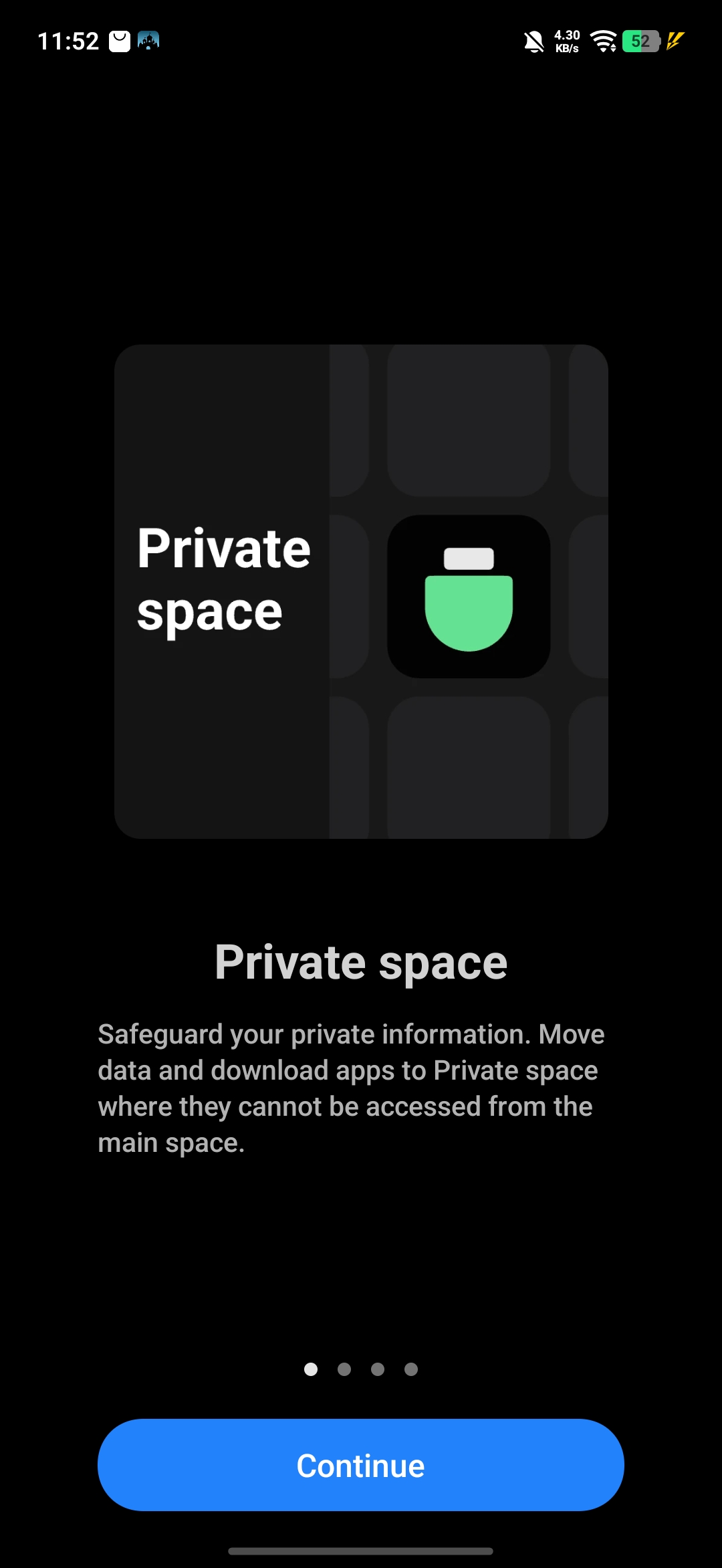
Private Space
Private Space is like having a second hidden phone inside your phone.
- Photos, apps, and files stored here stay completely separate
- Not visible in the normal gallery or apps
- You can lock it with password or authentication
Very useful for privacy.
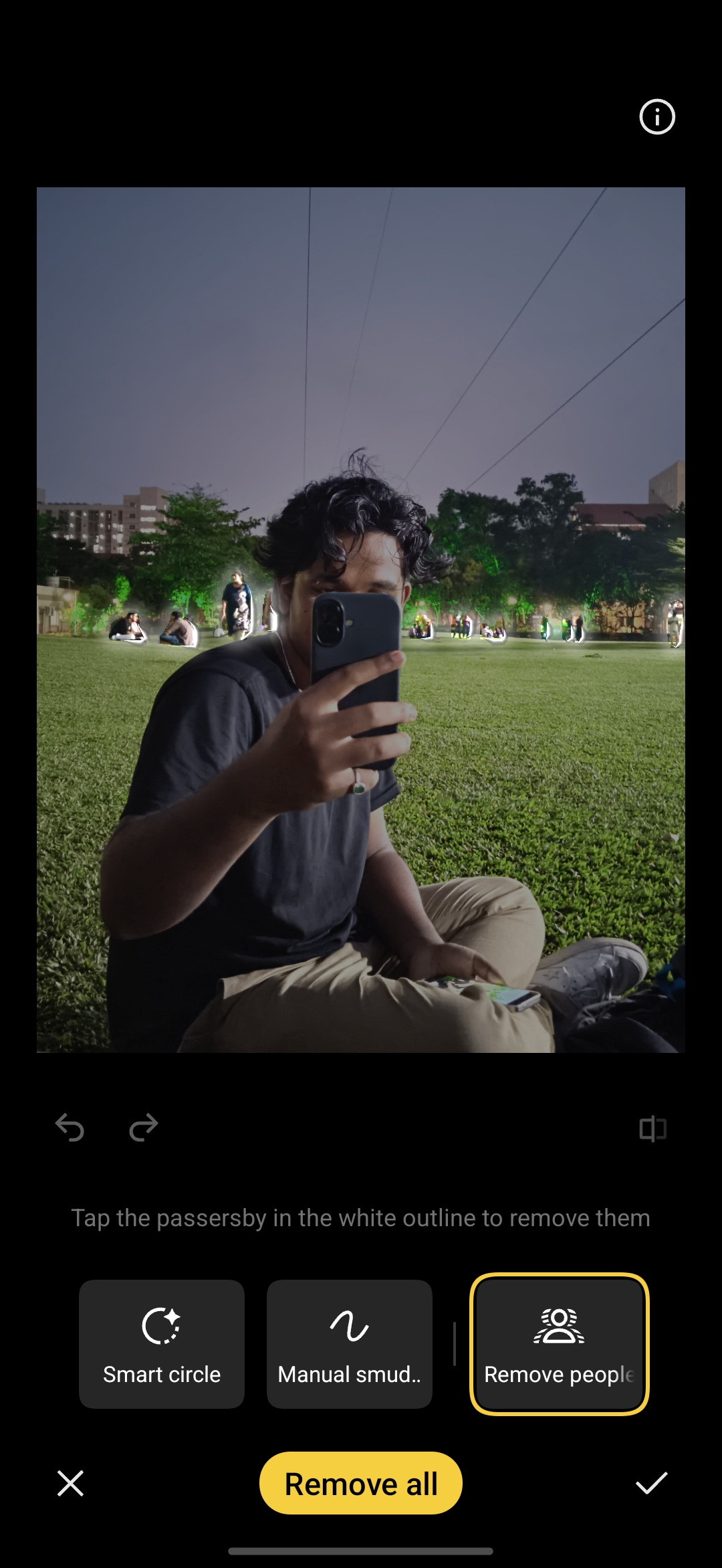
AI Photo Eraser
This is one of my favorite features.
The AI Photo Eraser can:
- detect unwanted people or objects in the background
- remove them automatically
I personally tested this, and it works surprisingly well in cleaning up photos.
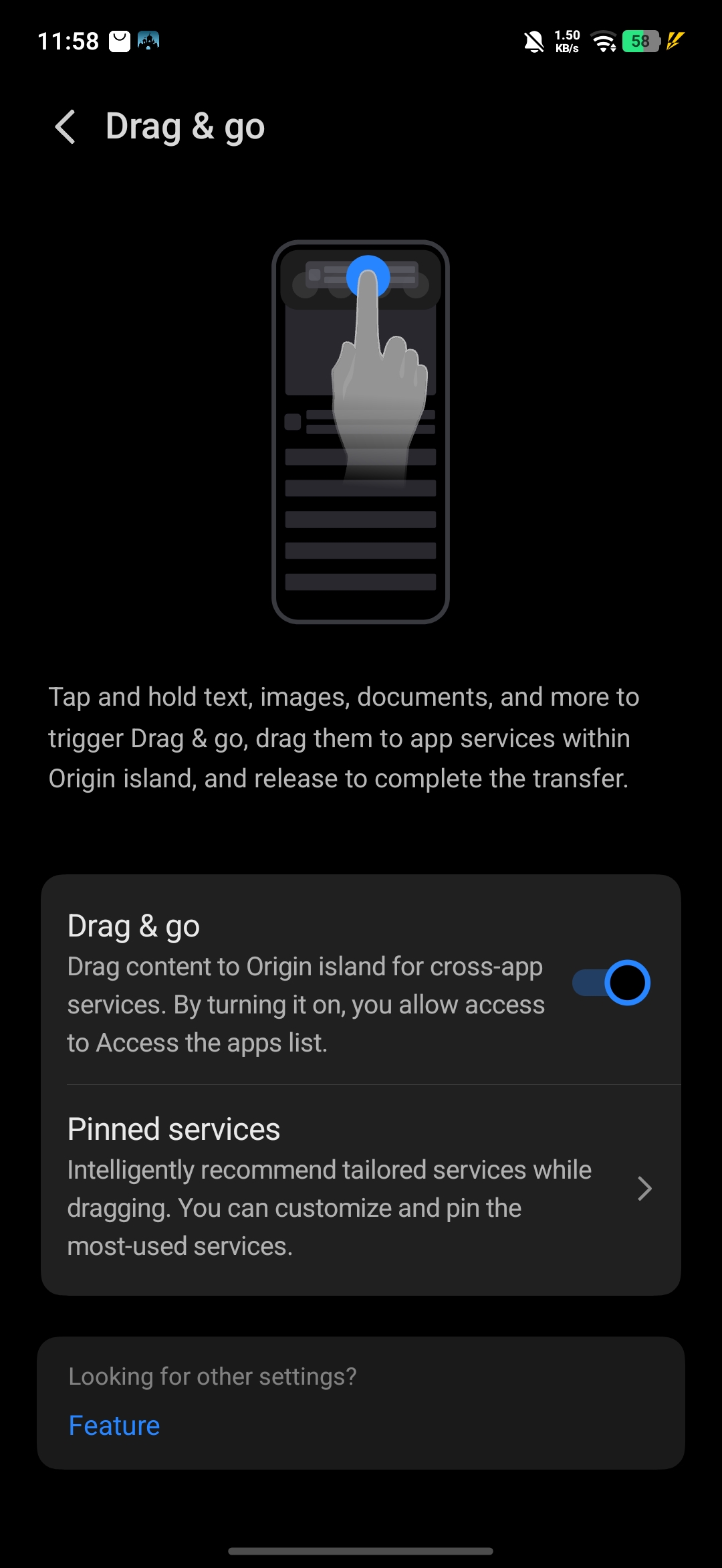
Drag & Go (Origin Island Feature)
This is a very smart and underrated feature.
You can:
- select any text/image
- drag it to the Origin Island
- then open apps like WhatsApp and paste it directly
It makes sharing content super quick and smooth.
Final Thoughts
After exploring all these features, I can say that the OriginOS 6 on the iQOO Z11X brings a lot more than just basic UI.
These features actually make daily usage:
- smarter
- faster
- more convenient
And once you start using them, it genuinely improves your overall experience with the phone.
Thank You for reading

Please sign in
Login and share