




























iQOO Community Secret Tips & Tricks: Manage Your Privacy Settings 🔐❤️

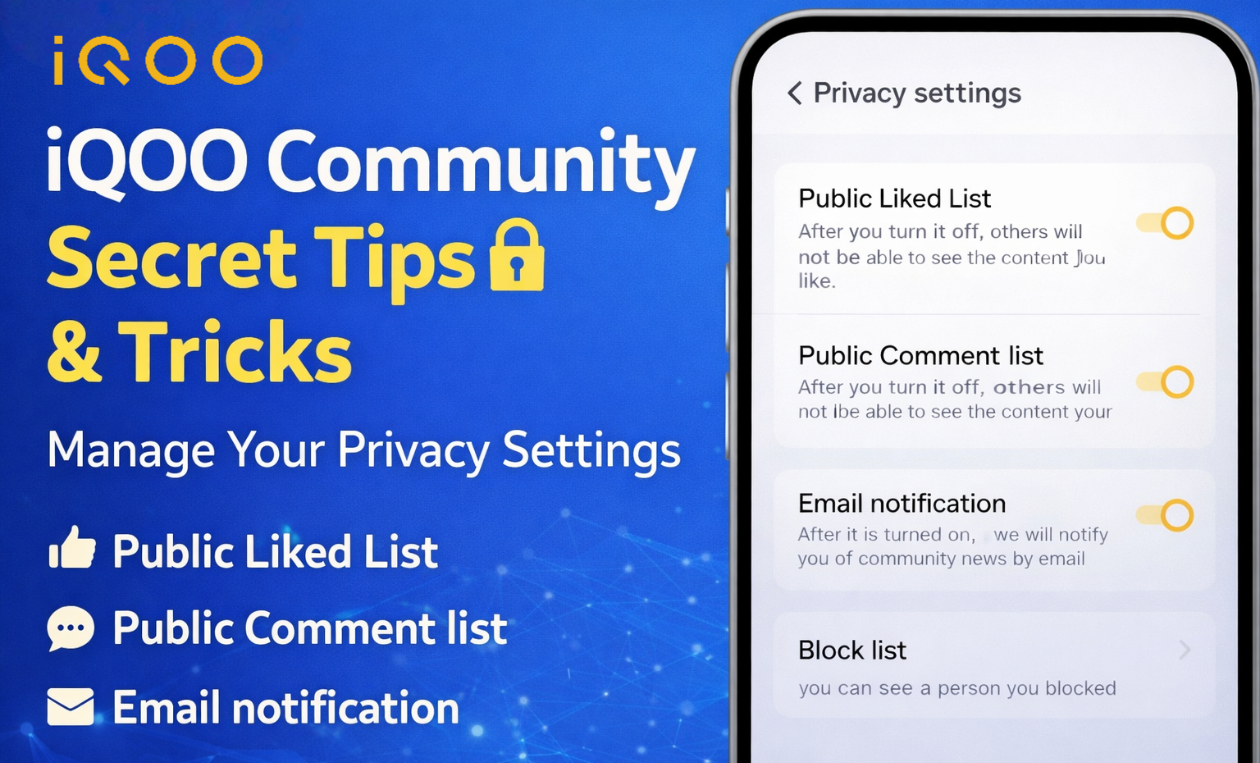
The iQOO Connect Community offers several useful privacy features that help Questers control their activity and manage how their profile appears to others. By adjusting these settings, users can keep their interactions private and personalize their community experience.Below are some important privacy settings every Quester should know about.
Public Liked List ♥️
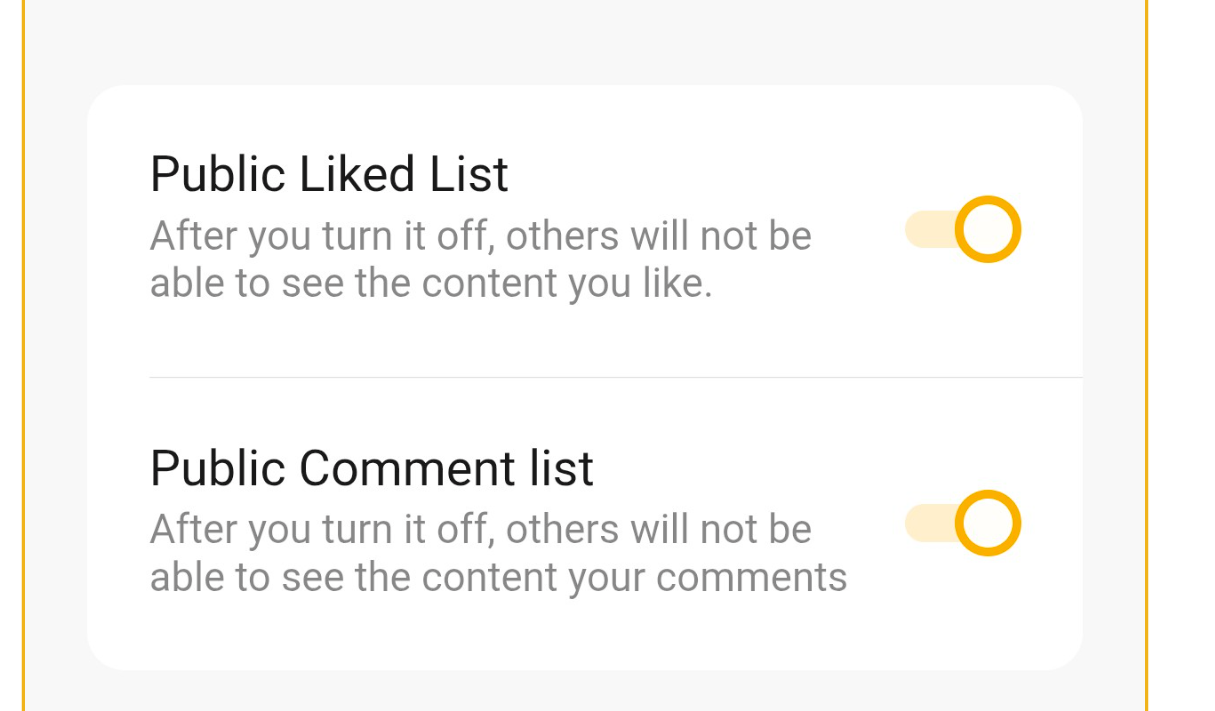
The Public Liked List feature allows users to control whether other community members can see the posts they have liked. If this option is enabled, your liked content will appear in your activity section for others to view.However, if you turn this option off, other users will no longer be able to see the posts you have liked. This helps maintain privacy while still allowing you to interact with content across the community.This feature is especially useful for Questers who prefer to keep their activity private while browsing and engaging with posts.
Public Comment List 💬
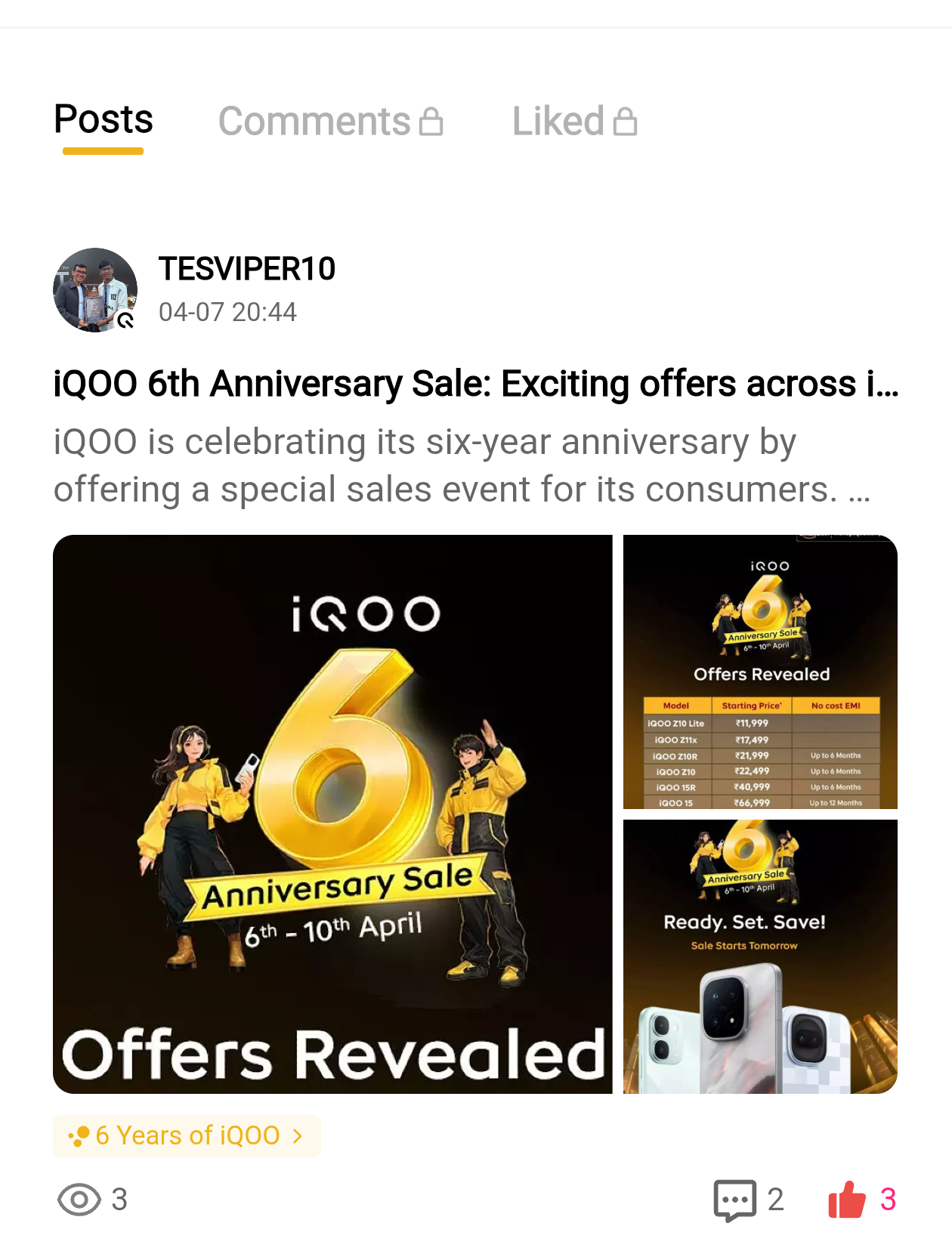
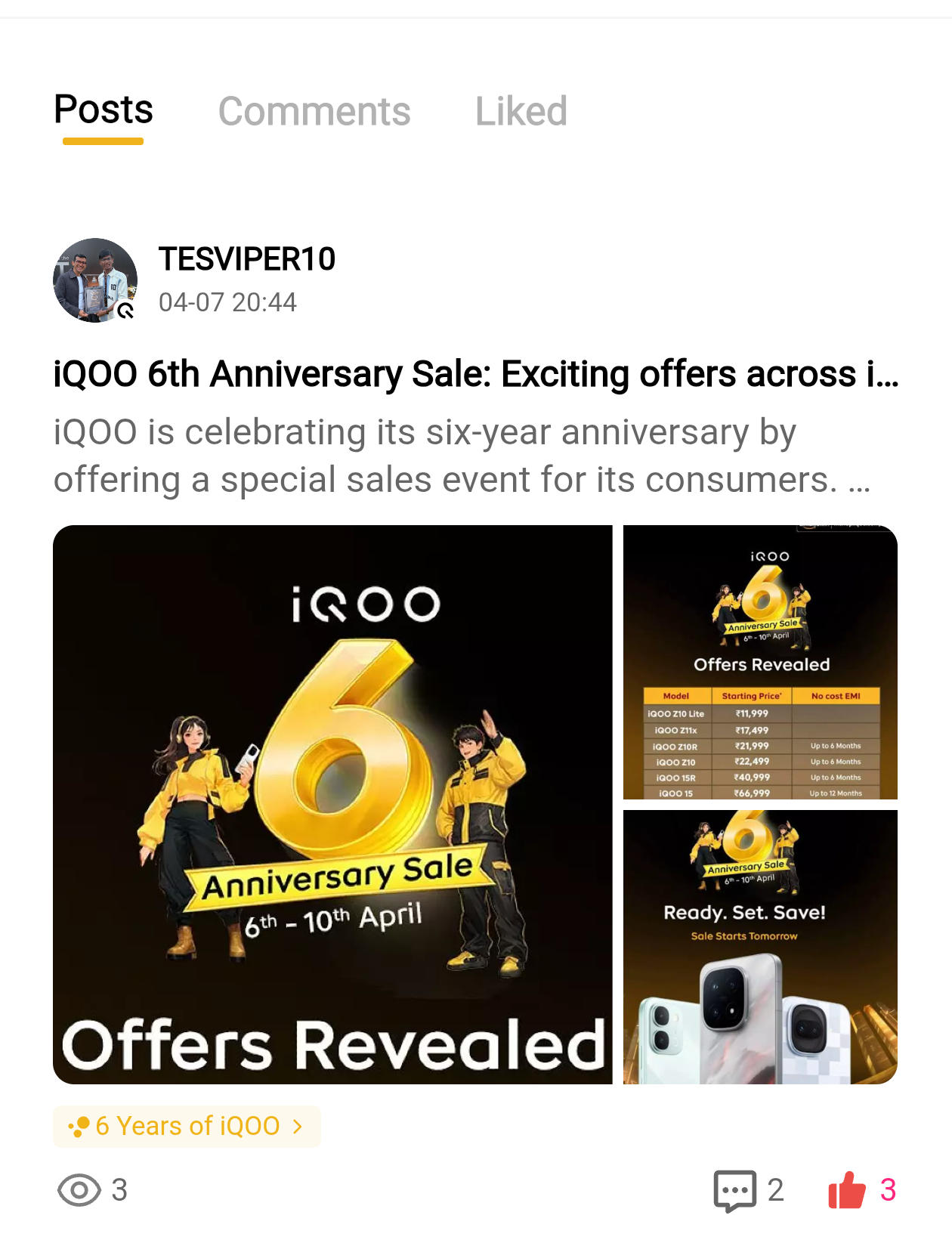
Another useful privacy option is the Public Comment List. When this setting is turned on, other users can view the comments you have posted across different threads and threads discussions.If you disable this option, your comments will no longer appear publicly in your profile activity list. This allows you to participate in conversations while keeping your comment history private.It is a helpful feature for users who want more control over their visible interactions within the community.
Email Notification ✉️
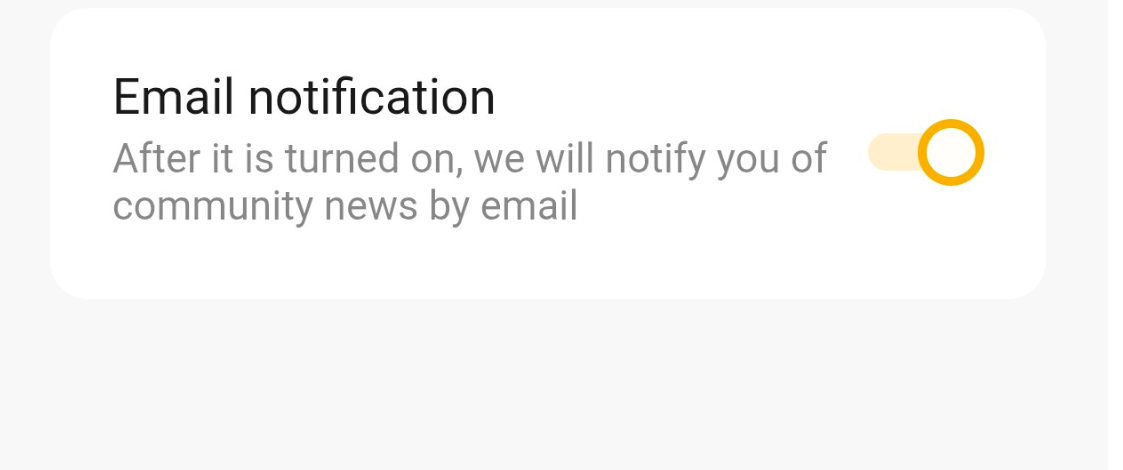
The Email Notification option ensures that you stay updated with important announcements from the iQOO Connect Community.Once this feature is enabled, you will receive updates about community news, events, contests, and other announcements directly in your email inbox.This setting is very useful for Questers who want to stay informed and never miss important community updates.
Block List
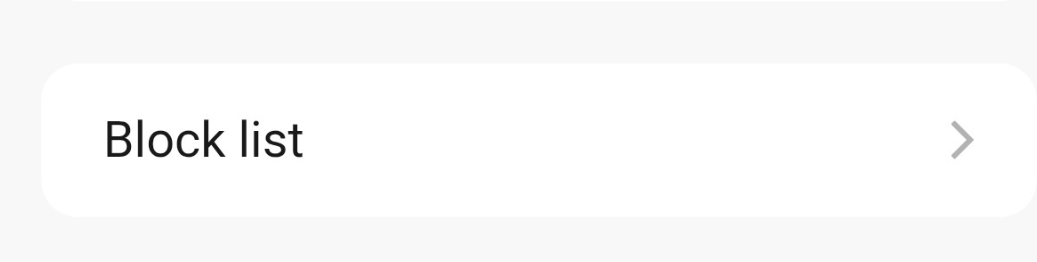
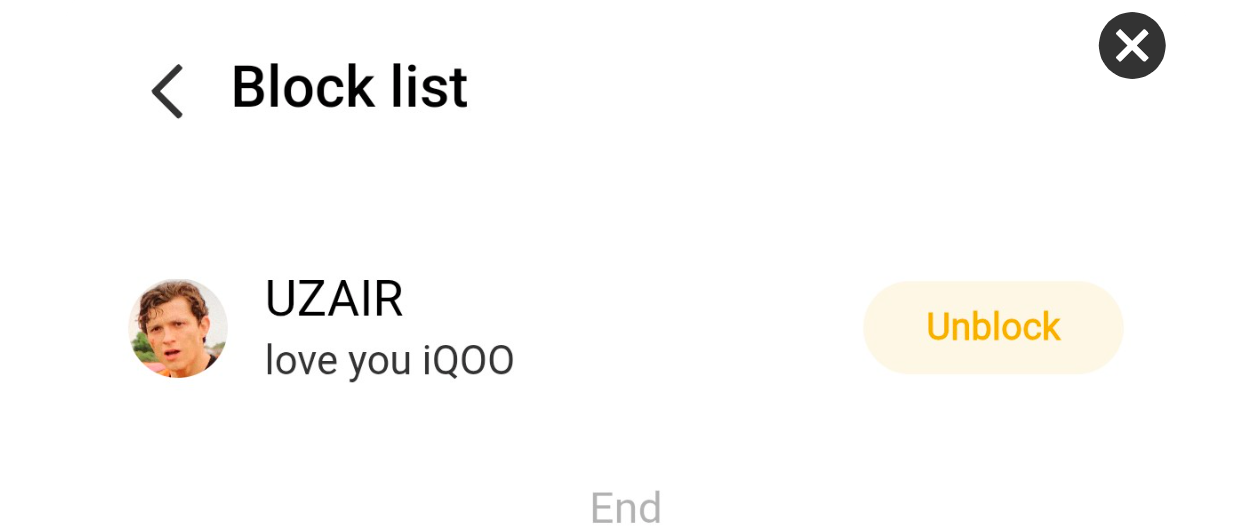
The Block List feature helps users manage their interactions with other members in the community. This section displays the list of accounts you have blocked.By using this feature, you can prevent unwanted interactions and maintain a comfortable environment while using the community platform.It provides users with better control over their social experience inside the community.
Steps to Access Privacy Settings ⚙️
If you want to manage these privacy options, follow these simple steps inside the iQOO Connect Community app.
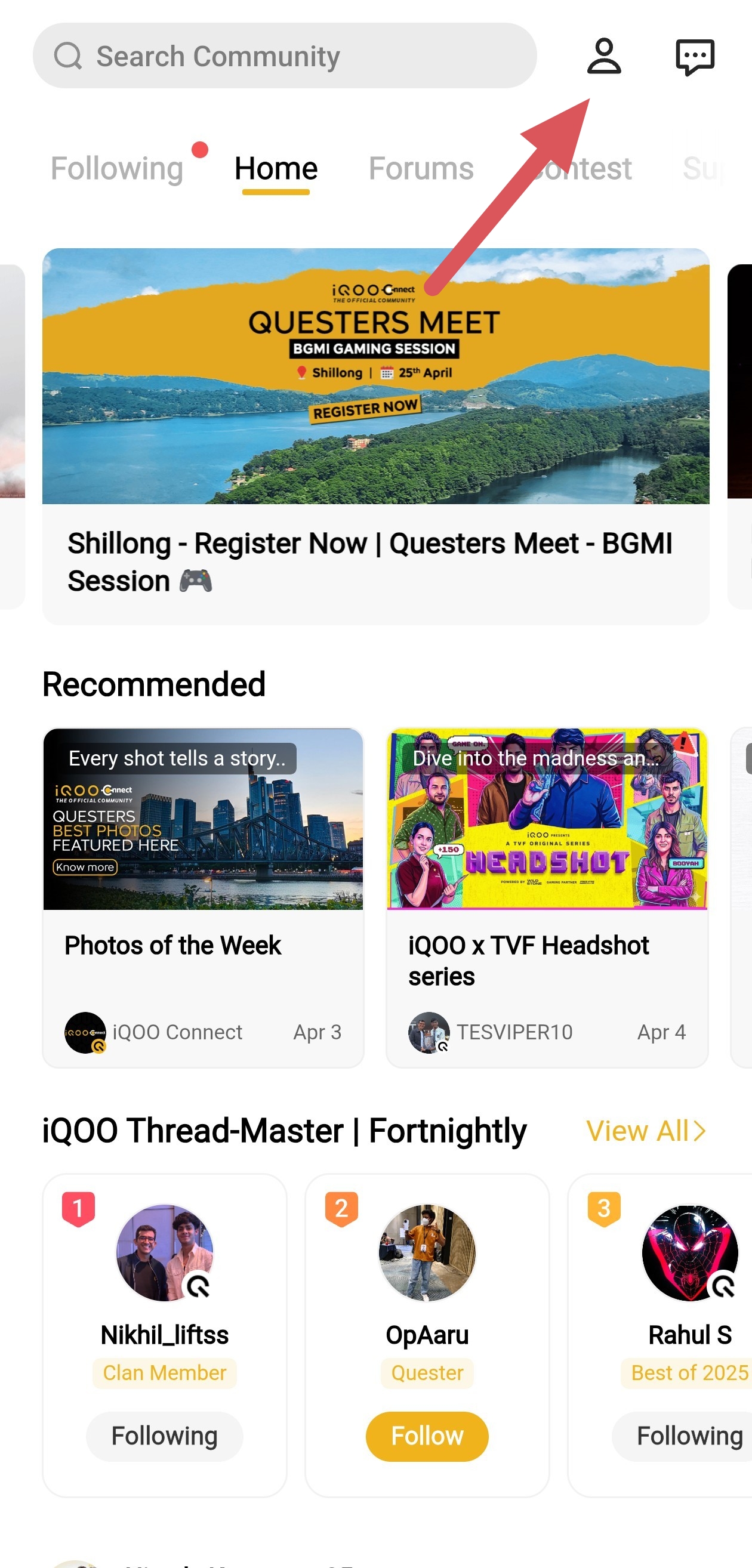
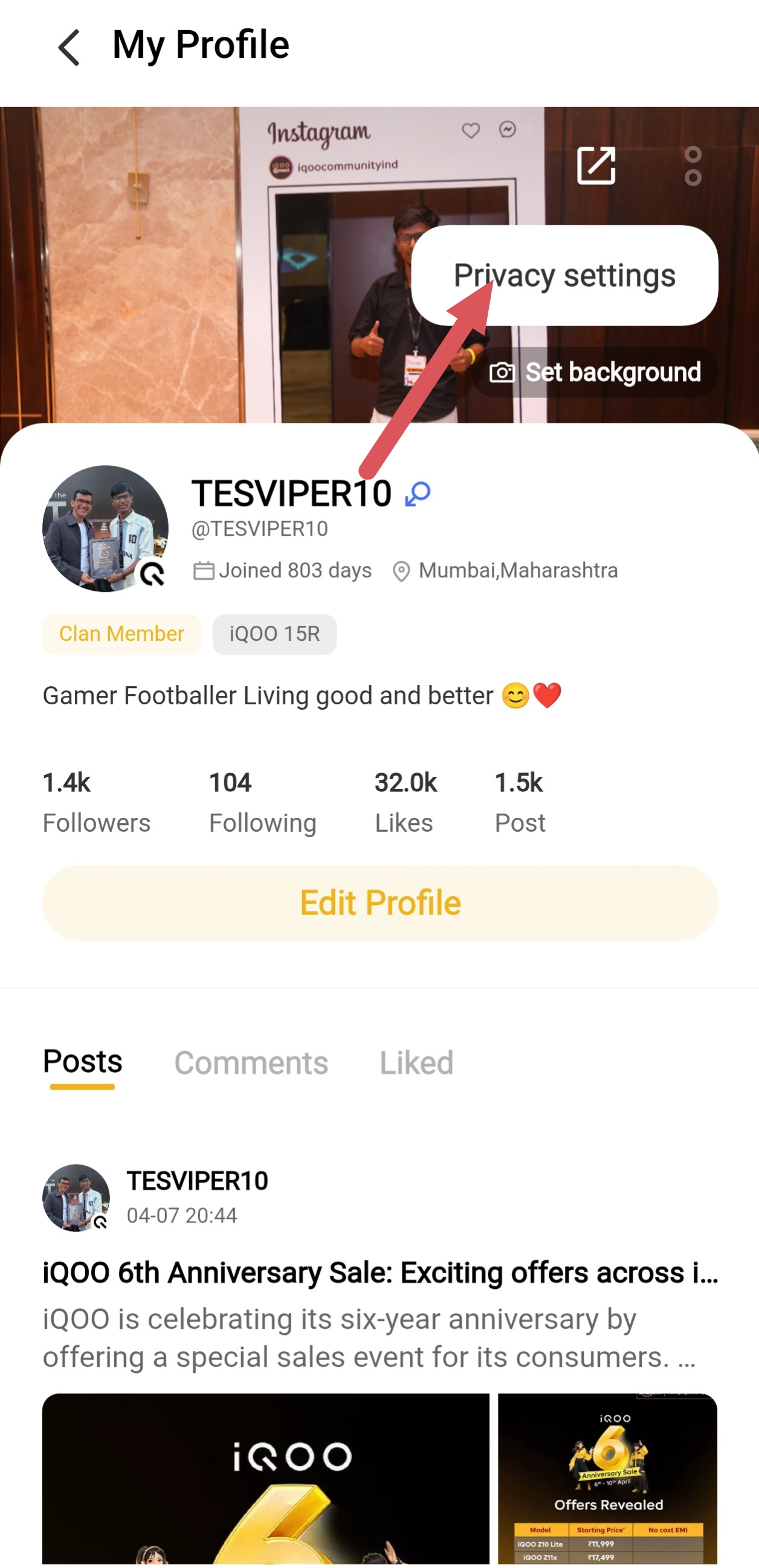
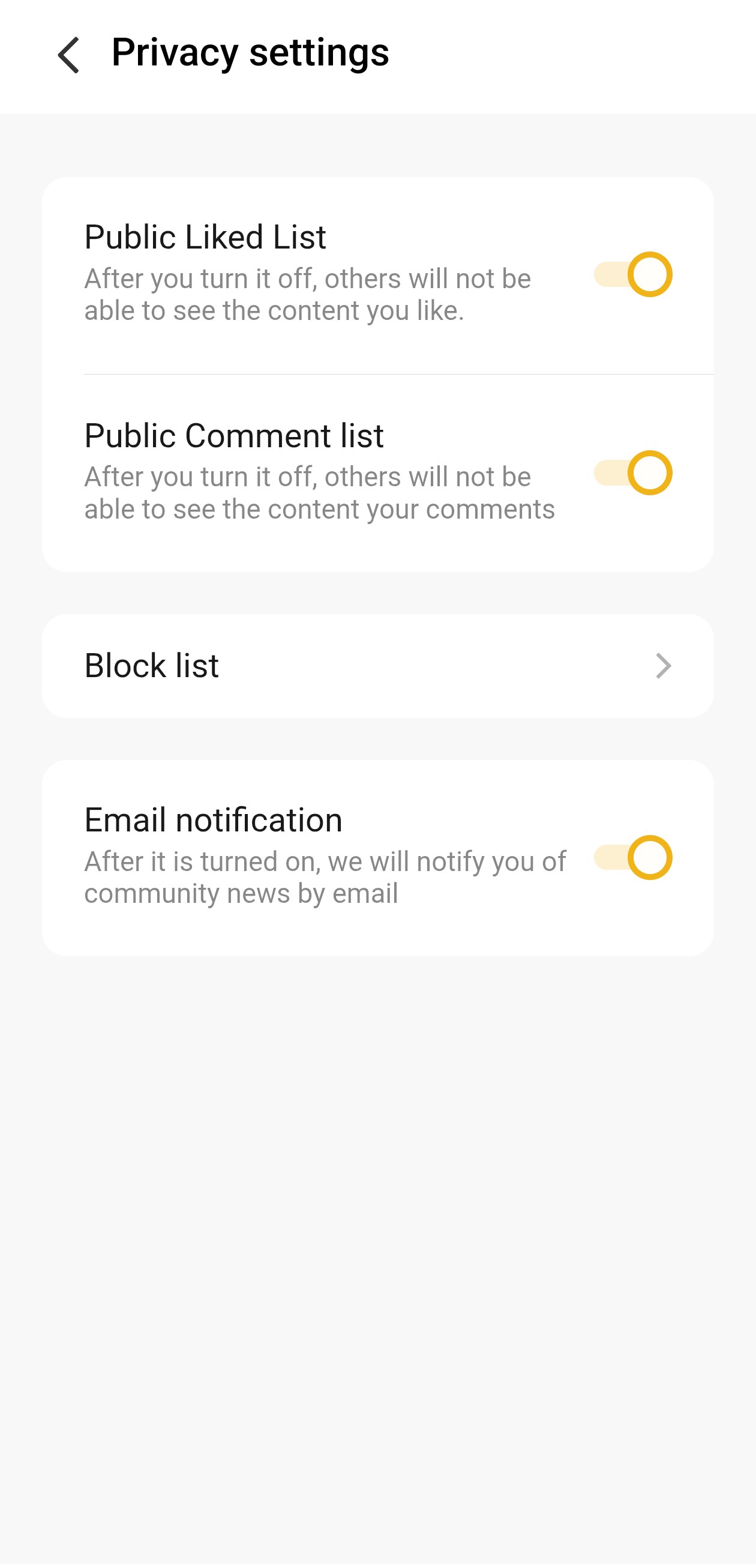
By following these steps, Questers can quickly manage their privacy settings and customize their community experience with ease. 🔐❤️
Follow For More : @TESVIPER10
I QUEST ON AND ON 🖤 💛
Please sign in
Login and share