




















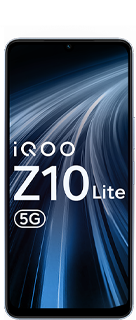






Feel Every Shot – iQOO 4D Game Vibration Deep Dive

What is 4D Game Vibration?
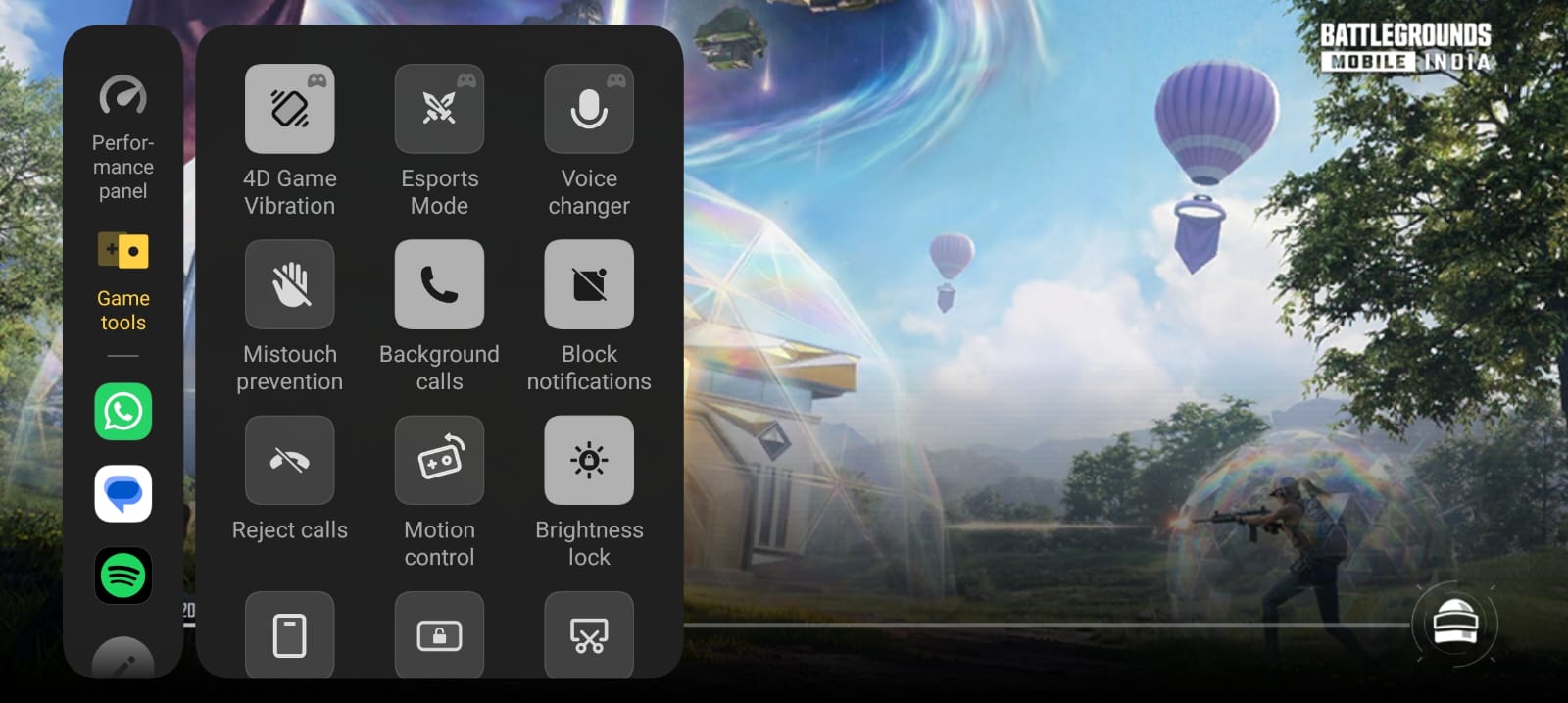
Figure 1, view larger image
iQOO's 4D Game Vibration is a smart haptic feature that adds real-time vibration feedback based on in-game actions.
It's designed to make gameplay more immersive, responsive, and competitive.
👉 Instead of just seeing and hearing the game...
You actually feel it in your hands.
How It Works?
- Uses advanced haptic motor tuning
- Detects in-game triggers like:
- Gunfire
- Explosions
- Vehicle movement (in supported games)
- Instantly converts them into precise vibration patterns
- This creates a 4D-like experience — visual + audio + touch combined.
Real Gameplay Impact
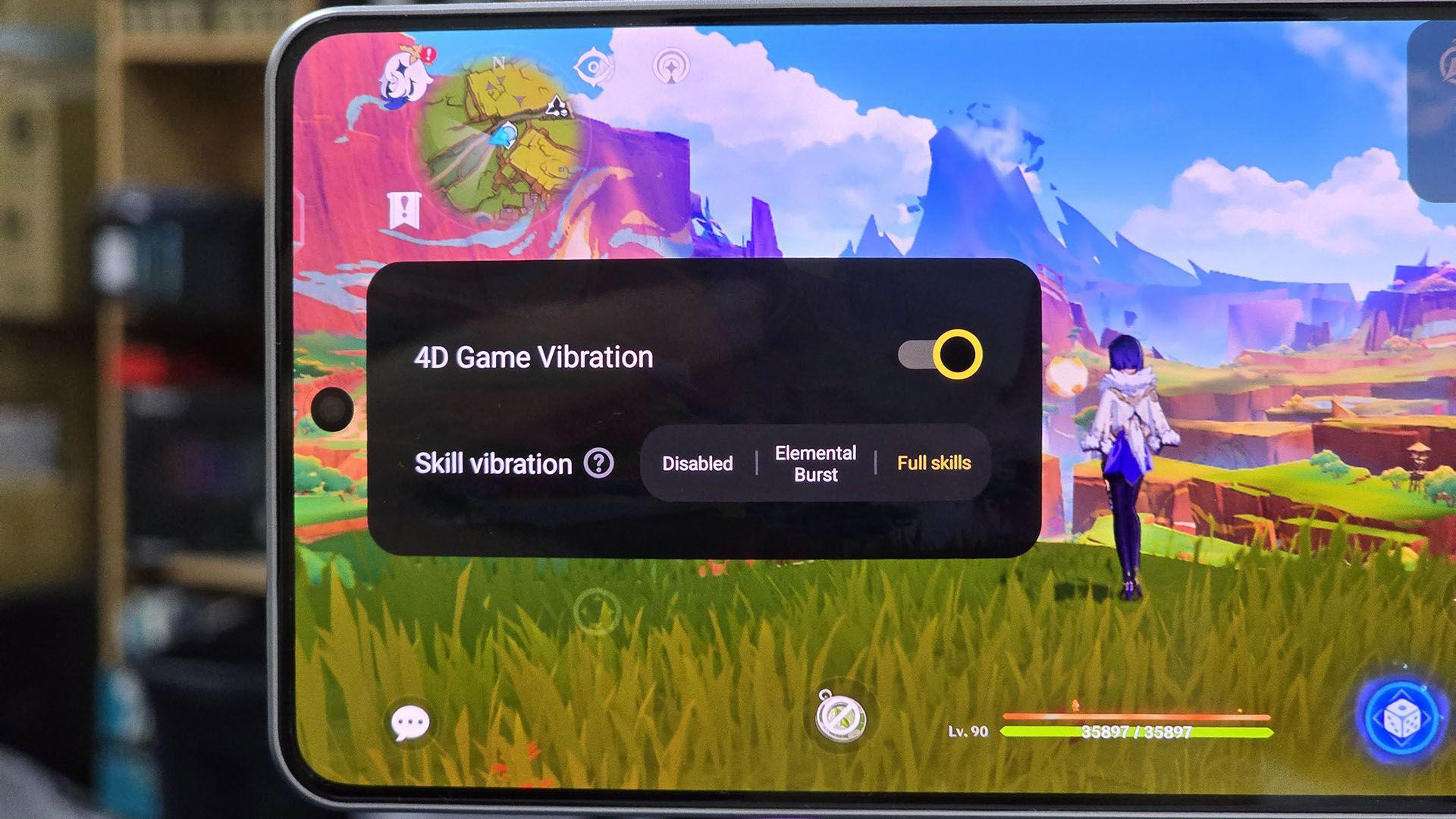
Figure 2, view larger image
1. Better Reaction Time
- You feel the shot instantly → faster response
- Helps in close combat situations
2. Improved Aim Awareness
- Subtle vibration gives feedback when shooting
- Helps control spray and recoil subconsciously
3. Immersive Experience
- Makes gameplay feel more real and intense
- Especially useful in battle royale & FPS games
How to Enable 4D Game Vibration
- Open Game Space / Ultra Game Mode
- Go to Game Tools (Sidebar)
- Tap on 4D Game Vibration
- Enable for supported games like BGMI
Should You Use It?
✔ Use it if you want:
- Better immersion
- Faster reactions
- Competitive edge
❌ Disable it if:
- You want to save battery
- You prefer a minimal vibration experience
Final Thoughts
iQOO's 4D Game Vibration isn’t just a gimmick — it's a practical feature that enhances both fun and performance.
👉 Especially in games like BGMI, it can give you that extra edge in intense fights.

Figure 3, view larger image
E-sports & Gaming
72
5
Please sign in
Login and share
Sign in