




























What happens when your iQOO device needs a repair.

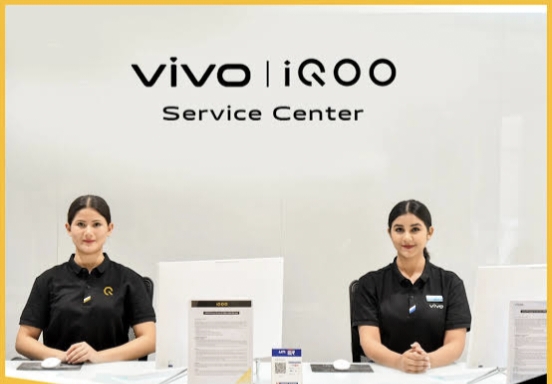
A few months ago my iQOO Device Needed a Doctor, and the process was very familiar to me but I met a guy at the service center asking about the process. He mentioned he is not familier with the whole process this needs some help so I decided to write a A Survival Guide to the Repair Process for all who want to get their iQOO devices repair.
Look, I get it. We love our iQOO devices for that insane performance and the "Monster Mode" gaming sessions. But when life happens - whether it's a screen issue or a battery that's decided to retire early - the panic sets in.
I recently went through the official repair journey for my device, and honestly? It wasn't the nightmare I expected. If you're currently staring at a broken screen, here is exactly what happens next and the perks you should look out for.
Step 1: The "Before You Go" Checklist
Before I even stepped out of the house, I did two things that saved me a massive headache:
1. Backup Everything: iQOO (like most brands) will likely wipe your data during a motherboard or software repair. I backed up my photos and game data to the cloud immediately.
2. Check the Price Online: This is a pro tip. iQOO has a Spare Parts Price Query tool on their official website. I checked the price of my screen beforehand so I knew exactly what the "damage" to my wallet would be. No surprises!
Step 2: Choosing Your Path (Home or Center?)
I found out iQOO offers two ways to get things fixed:
The Lazy (but efficient) Way: The Pick-n-Drop Service. You can book an appointment via the app or a 24/7 WhatsApp number. A courier picks it up, they fix it, and it's back in 24–72 hours.
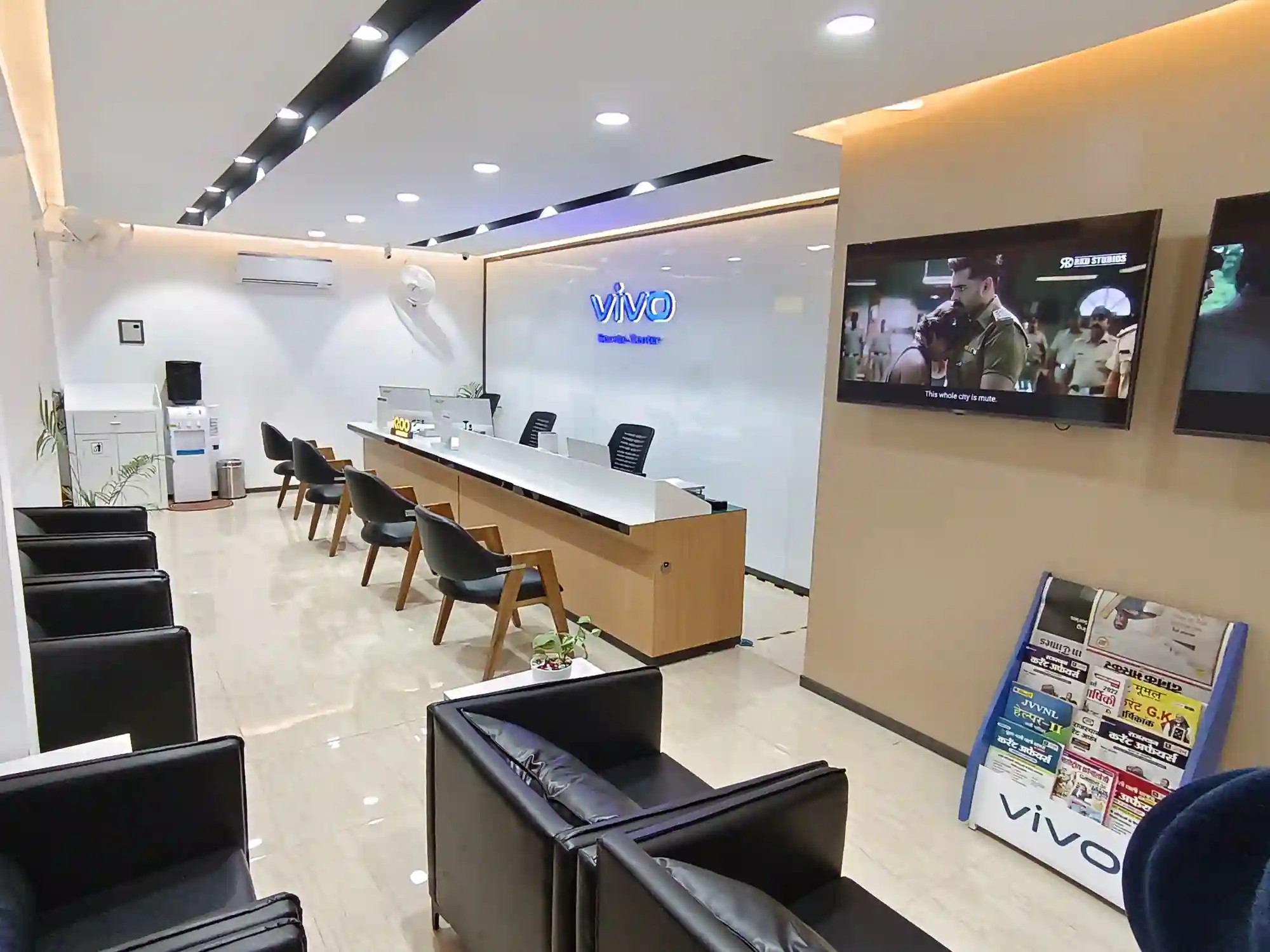
The "I Need It Now" Way: I chose to visit an Authorized Service Center. Since iQOO shares service infrastructure with vivo, there's likely a center closer to you than you think.
Step 3: The VIP Treatment (The Perks)
This is where I was actually impressed. If you time your visit during an iQOO Service Day (usually mid-month), the perks are legit:
Zero Labor Charges: You only pay for the parts if you're out of warranty.
Free Screen Guard & Case: They often replace your screen protector and give you a fresh back case for free.
Refreshment Service: I got a coffee and cookies while I waited. It's a small thing, but it beats sitting in a dusty corner shop.
Step 4: The Transparency Phase
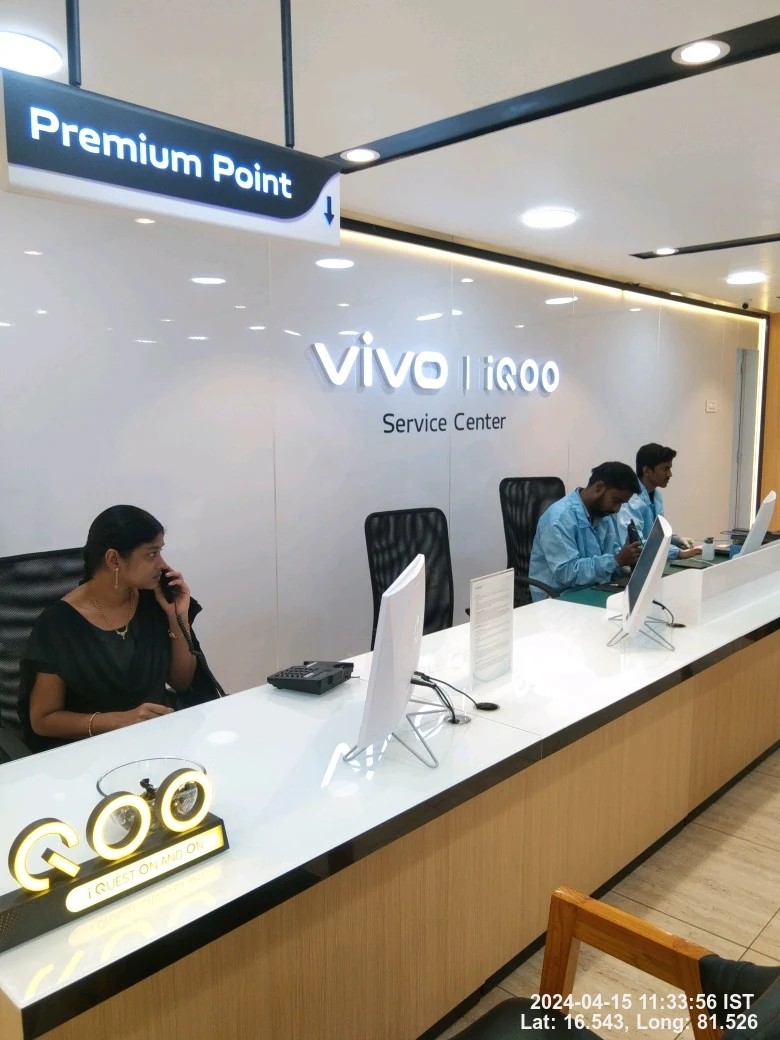
Once I handed over my phone, the technician did a "health check" using their diagnostic tools.
Important Note: If your phone is under warranty (usually 12 months for the device and battery), and it's a manufacturing defect, the cost is ₹0. If you dropped it in a pool? Well, that's on you.
They gave me a Job Sheet with a tracking number. I could literally track the repair progress on the iQOO website using my IMEI number.
Step 5: The Homecoming
When I picked up my phone, it felt brand new. They didn't just fix the issue; they did a full Device Cleaning (those speaker grills were finally lint-free).
Quick Summary of Information You Need:
Warranty:- 12 months for phone & battery; 6 months for charger/cable.
Support:- 24/7 WhatsApp assistance and Toll-Free numbers.
Price Check:- Available on the official iQOO India "Support" page.
Repair Time:- Usually 1-3 hours for walk-ins; 3 days for Pick-n-Drop.
The Verdict: Don't take your iQOO to a local third-party shop. Between the free screen protectors, the transparent pricing, and the fact that they actually use genuine parts to keep your "Monster" performance intact, the official route is a no-brainer.
Have you ever had to get your device repaired? Did you get the free coffee too, or was it just my lucky day? Let me know!
Signing off
Please sign in
Login and share