



























New Sports Features in Origin Island

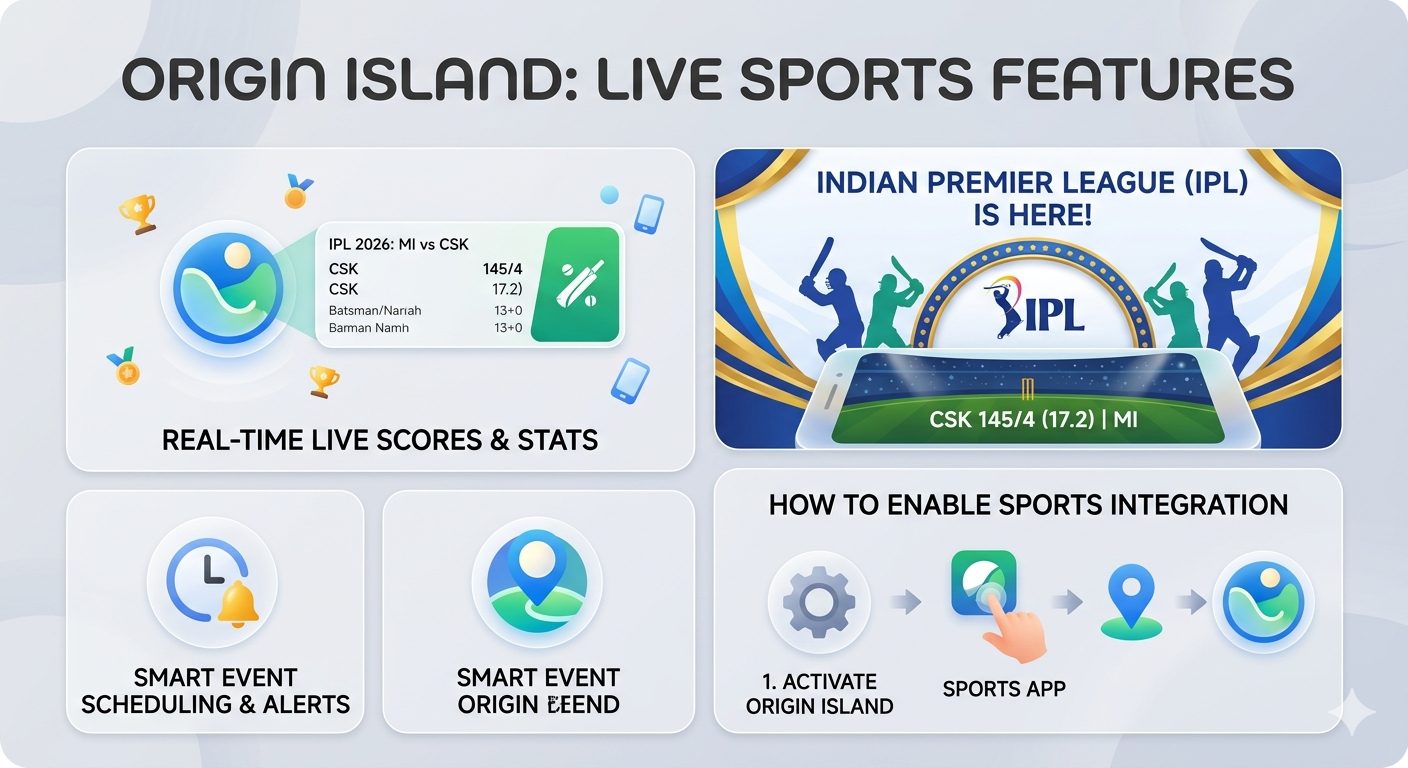
Figure 1, view larger image
The "Island" now acts as a dedicated scoreboard for major global events like the 2026 FIFA World Cup, Cricket
- Real-Time Score Capsules: The Island expands to show live scores, clock timers, and period/half indicators.
- Detailed Mini-Expand: Long-pressing the Island reveals a mini-dashboard with win probabilities, key player stats, or yellow/red card alerts.
- Smart Scheduling: If you have a sports app or calendar event for a match, the Island will automatically "wake up" 15 minutes before kickoff to remind you.
- Multitasking Support: You can switch between your email and a game of IPLwhile the score remains pinned at the top.
⚙️ How to Enable Live Sports on Origin Island
To get these features, ensure your device is updated to OriginOS 6. Once updated, follow these steps:
1. Enable Origin Island System-Wide
Go to Settings > Notifications & Status Bar > Origin Island.
- Toggle the master switch to ON.
- Ensure Show Live Activities is enabled.
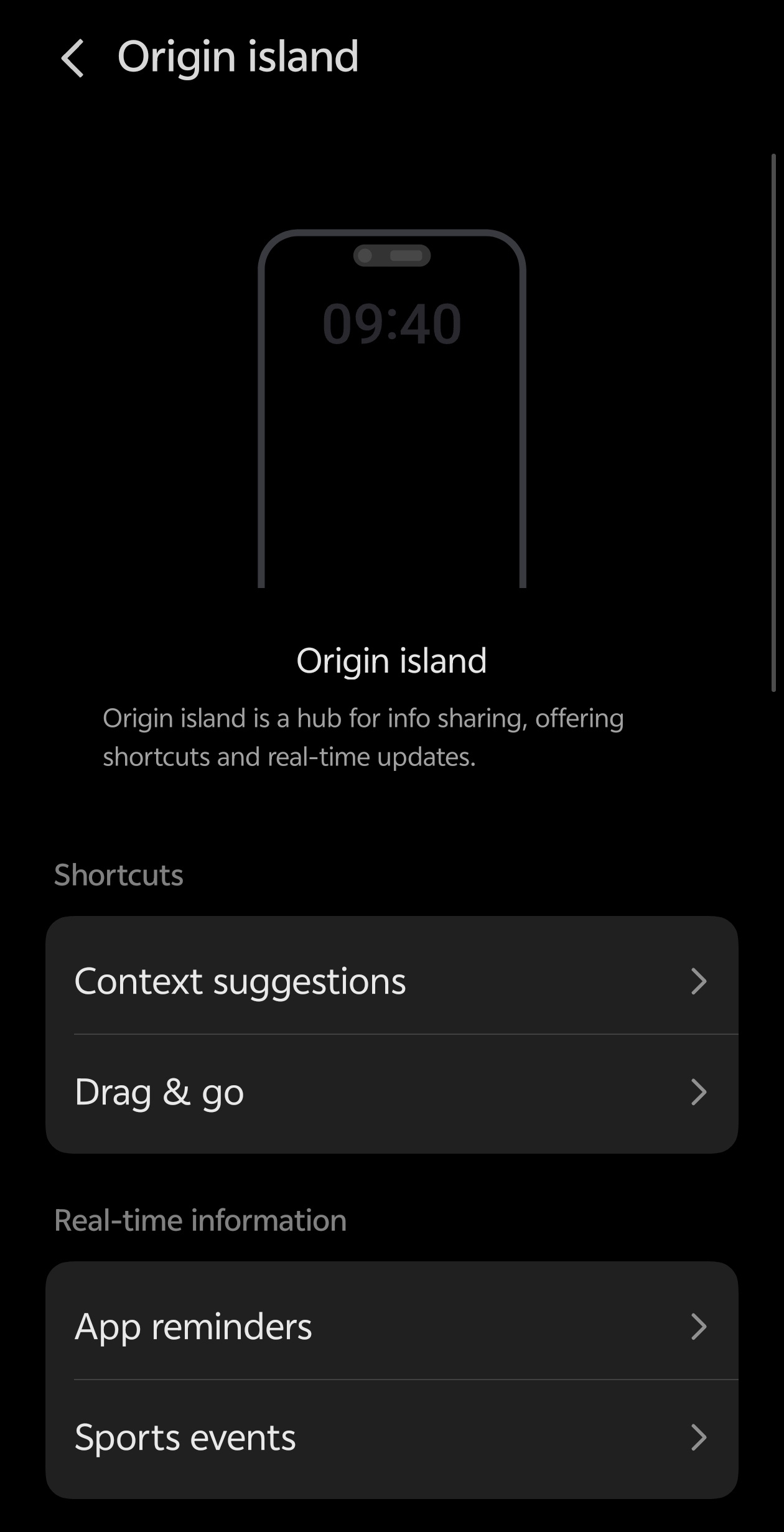
Figure 2, view larger image
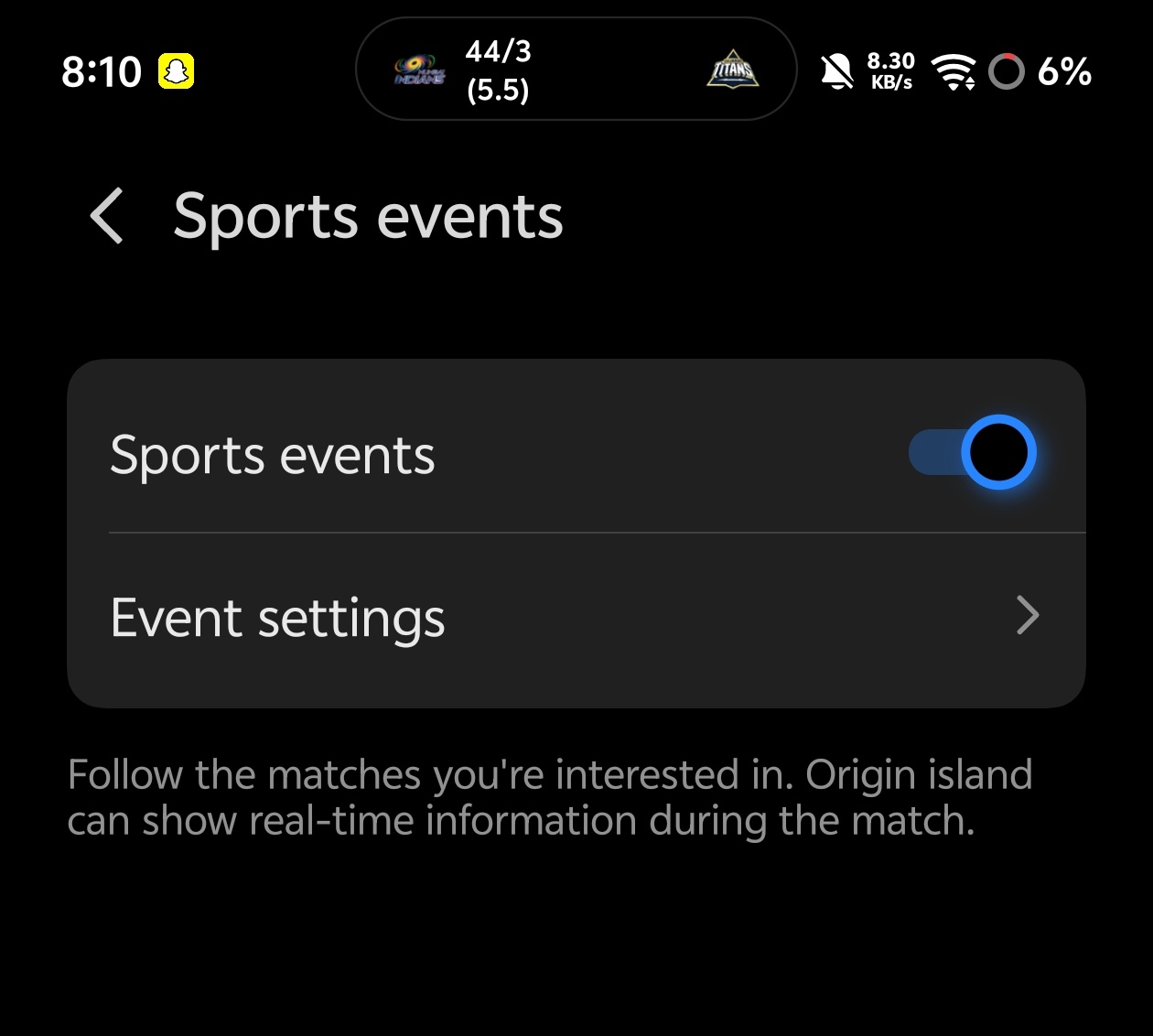
Figure 3, view larger image
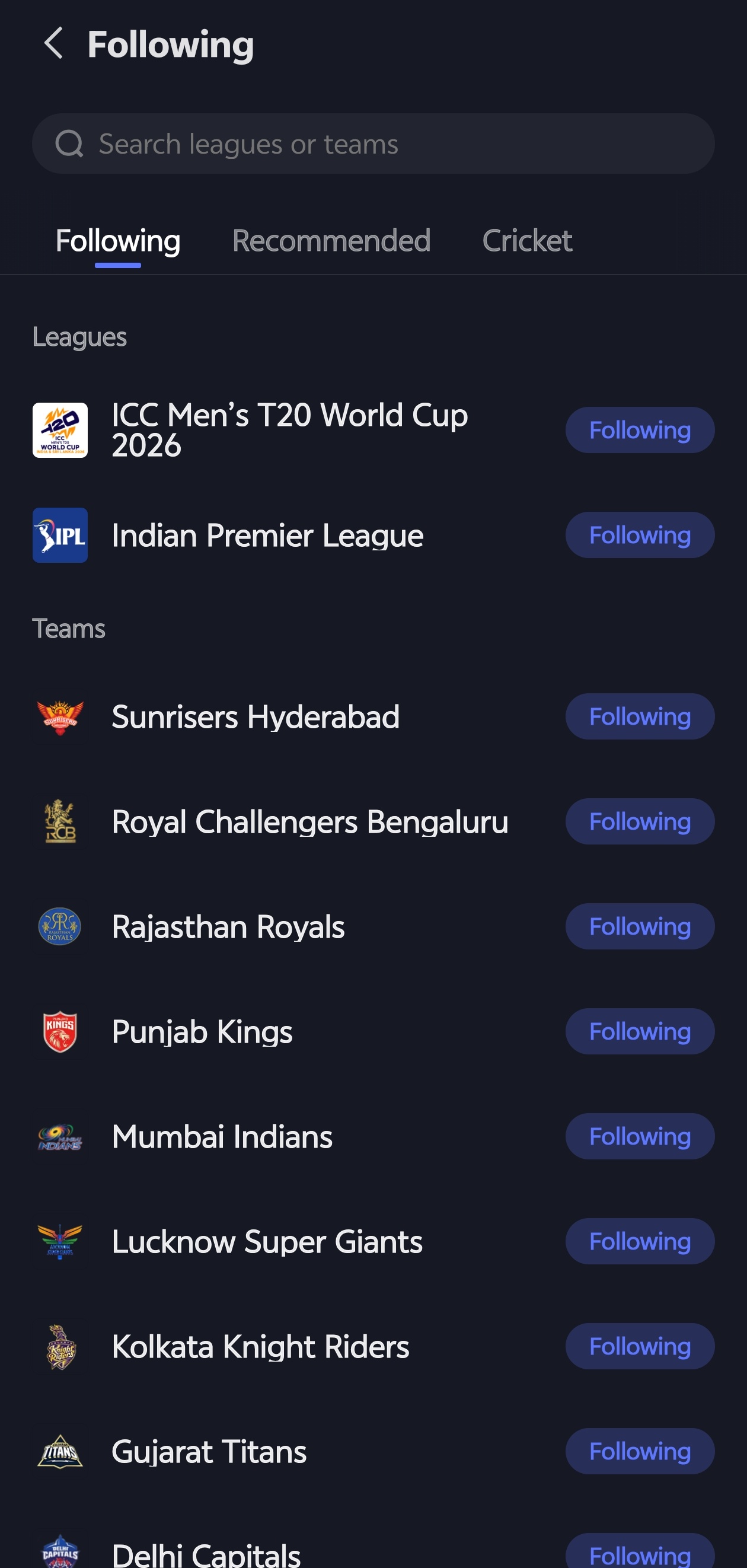
Figure 4, view larger image
2. Grant Permissions for Sports Data
For the Island to pull live scores, it needs to communicate with your sports apps (like ESPN, IPL)

Figure 5, view larger image
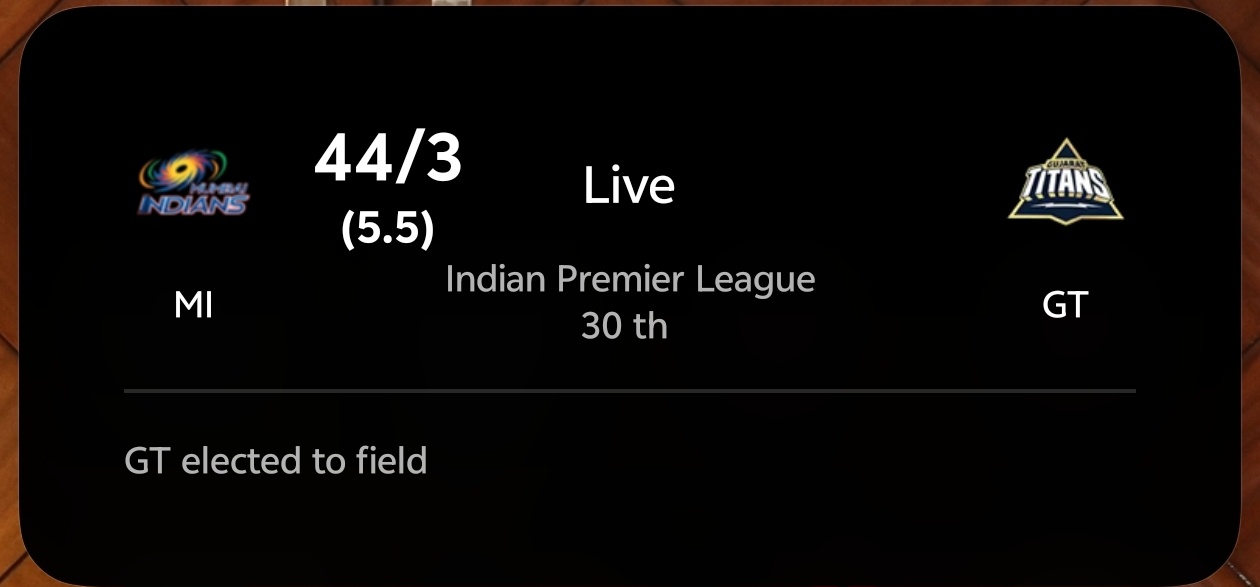
Figure 6, view larger image
Pro Tips for a Better Experience
- The "Expand" Gesture: You don't have to stay in the app. Just swipe down slightly on the Island to see a quick summary of the match progress.
- If you are low on juice, you can disable the high-refresh-rate updates for the Island under Battery Settings > Origin Island Optimization to save power during long matches.
- Automatic Cleanup: The Island will automatically dismiss itself 10 minutes after the event ends, so you don't have to manually close it.
Software Updates
643
10
Please sign in
Login and share
Sign in