



























Change Your Voice While Gaming – iQOO Voice Changer Deep Dive

What is iQOO Voice Changer?
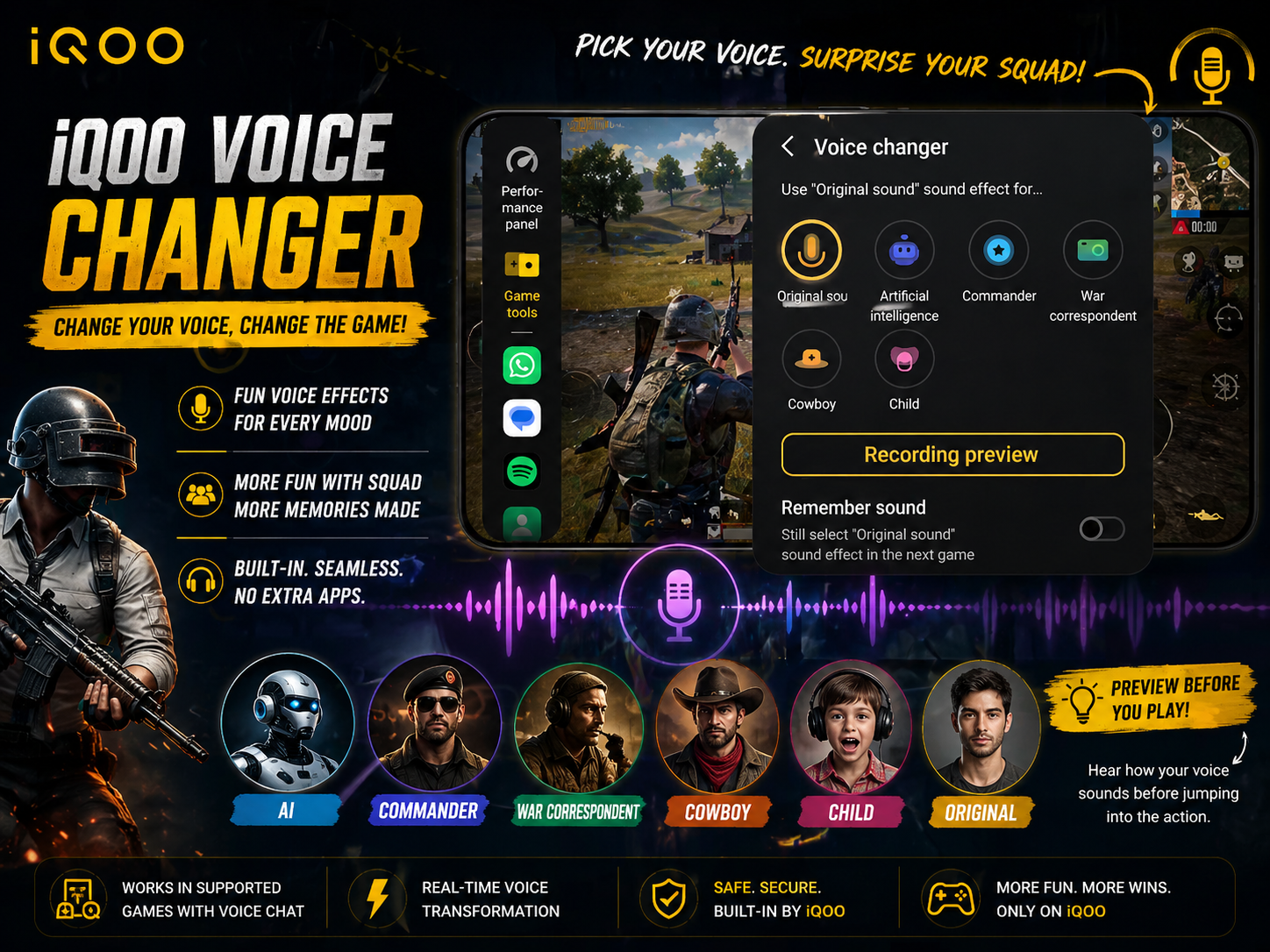
Voice Changer in iQOO Game Tools is a fun and interactive feature that lets you modify your voice in real time while talking with teammates during gameplay.
Instead of using your normal voice, you can switch to different sound styles instantly during matches.
👉 Great for fun squad moments
👉 Useful for trolling friends
👉 Adds entertainment to voice chats
Where It Works
Voice Changer is designed for games that support:
- In-game voice chat
- Team communication
- Squad mic features
Popular examples:
- BGMI
- Free Fire MAX
- Other multiplayer voice-chat games
🎙️ Available Voice Effects
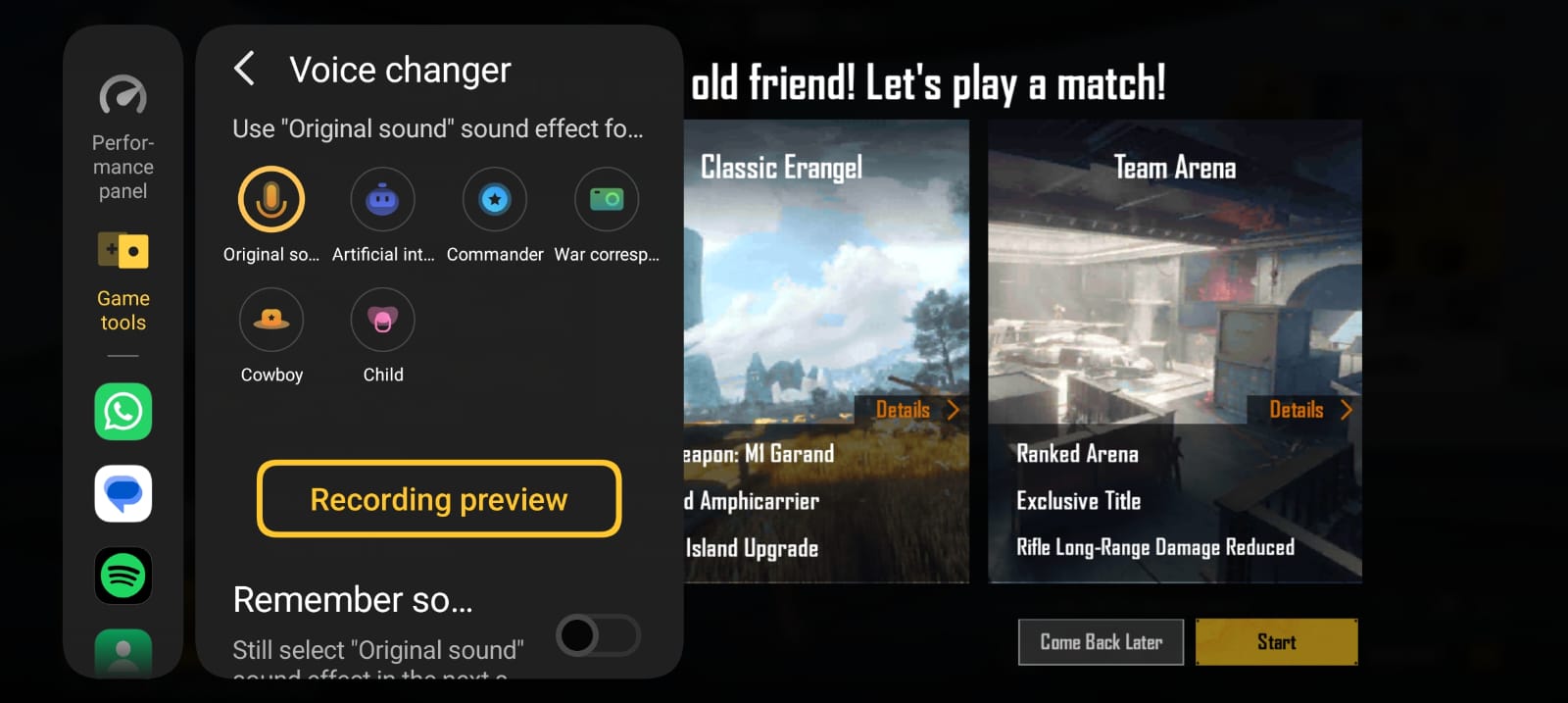
1. Original Sound
Your natural voice with no changes.
✔ Best for serious ranked matches
✔ Clear team communication
2. Artificial Intelligence Voice
A robotic / AI style transformed voice.
✔ Fun in casual matches
✔ Great for surprising teammates
3. Commander
Deep and commanding tone.
✔ Sounds like team leader
✔ Fun for giving tactical commands
4. War Correspondent
Radio-style battlefield voice effect.
✔ Adds military theme vibes
✔ Great for BGMI style immersion
5. Cowboy
Western-style playful voice tone.
✔ Funny and unique
✔ Good for fun custom rooms
6. Child Voice
Transforms voice into a smaller / lighter tone.
✔ Popular prank effect
✔ Funny squad reactions guaranteed
Extra Feature – Recording Preview
Before entering match, iQOO lets you test your selected voice.
Benefits:
- Hear how effect sounds
- Adjust before teammates hear it
- Choose best style for mood
Very useful feature.
Remember Sound Setting Option
- Phone remembers your chosen effect
- Automatically uses it in next sessions
- No need to set every time again
Convenient for regular users.
How to Enable Voice Changer
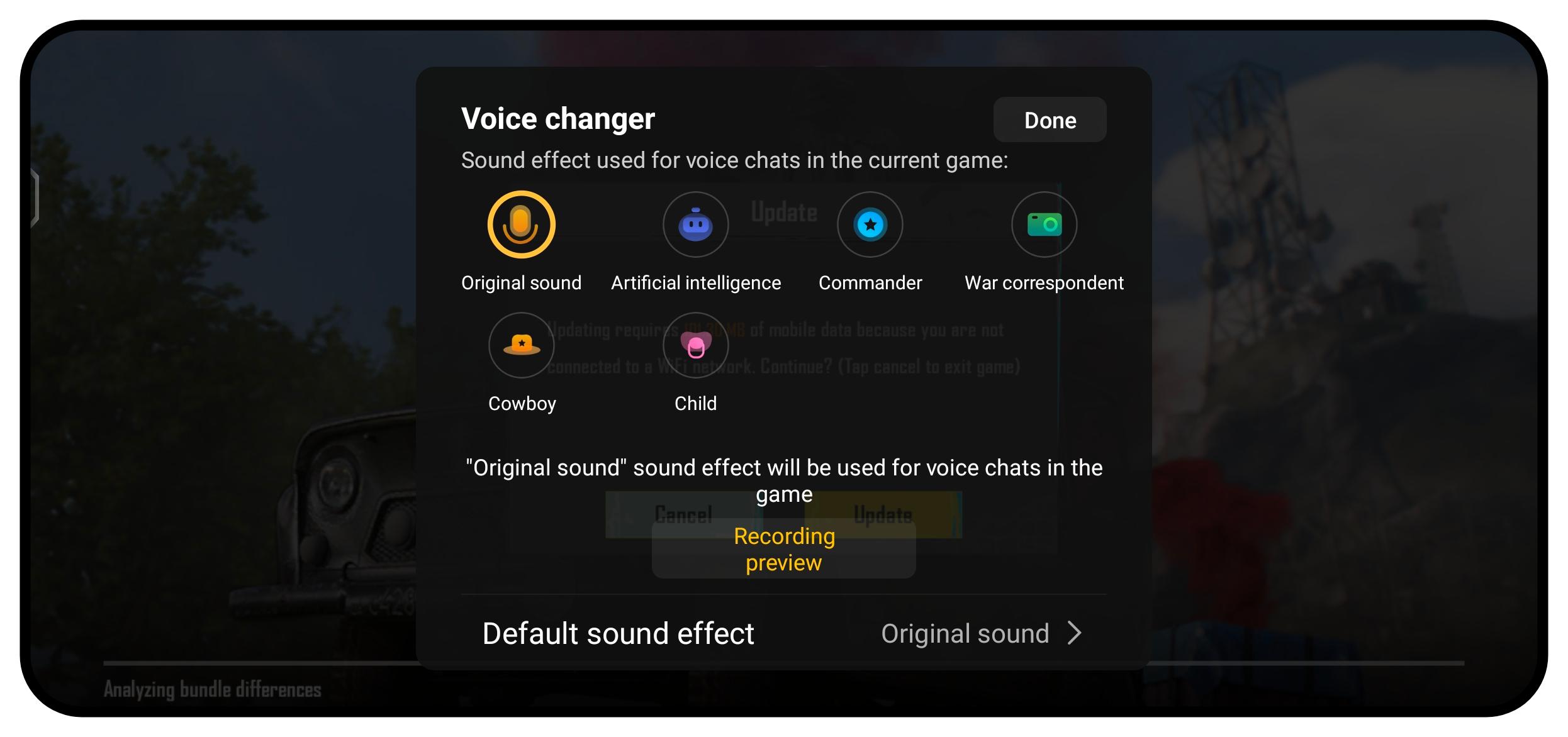
- Open supported game
- Swipe Game Sidebar
- Tap Voice Changer
- Select preferred voice style
- Use preview if needed
- Start talking in squad chat
Why It's a Great Gaming Feature
Unlike third-party apps, built-in iQOO Voice Changer offers:
✔ Faster access inside game
✔ No extra downloads
✔ Better compatibility
✔ Lower lag risk
✔ Easy switching during gameplay
Should You Use It?
✔ Use It If:
- You play squad games
- Love fun interactions
- Create gaming content
- Want unique communication style
❌ Avoid It If:
- Playing serious tournaments
- Need crystal clear strategy calls
- Teammates prefer normal communication
A small feature that makes squad gaming much more enjoyable. 

Which voice effect would you try first?
Commander, AI, Cowboy, or Child? Drop your pick below 👇
Please sign in
Login and share