




























Zero Interruptions While Gaming – iQOO Call & Notification Control Deep Dive

During intense gameplay, even a 1-second interruption = lost fight
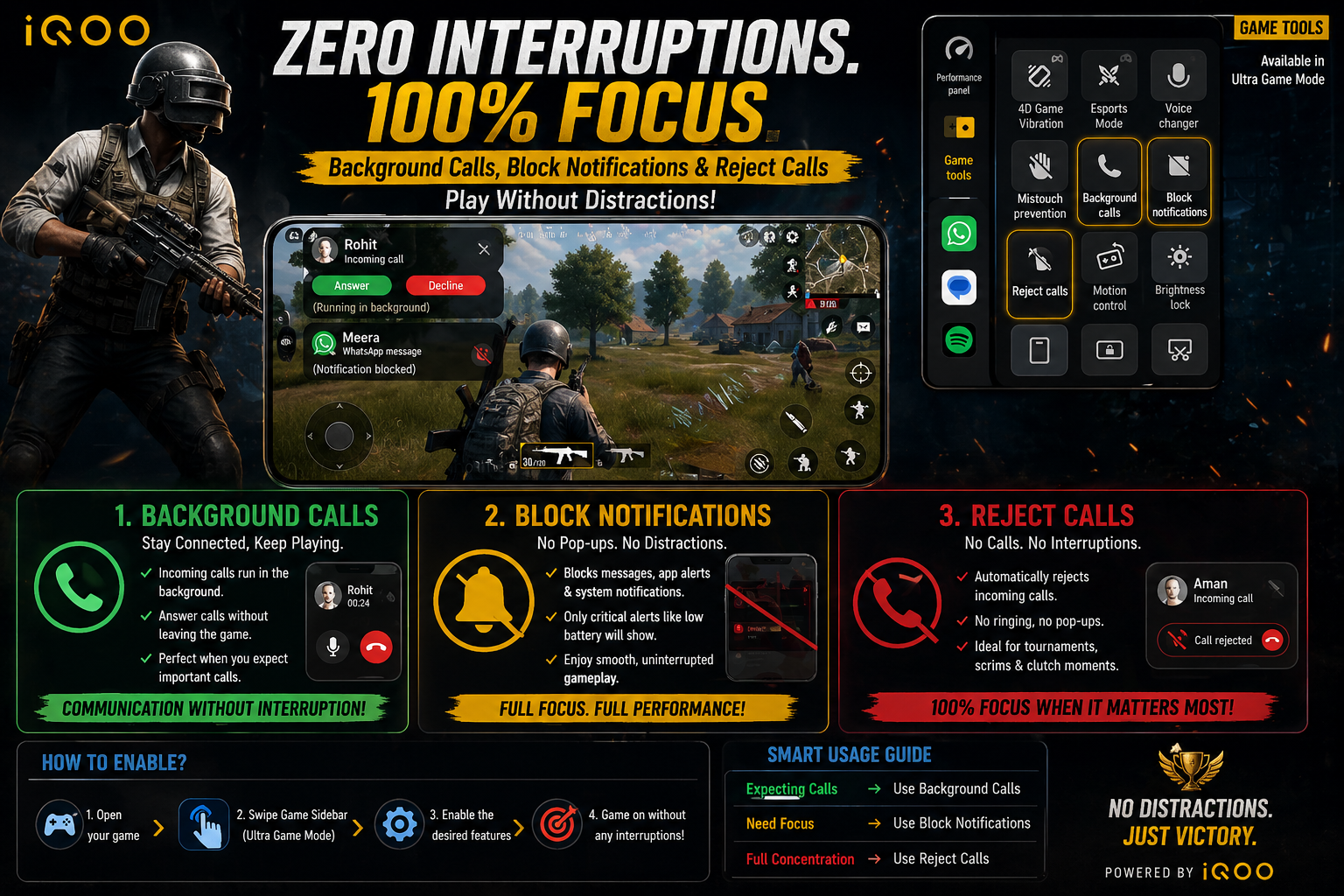
Figure 1, view larger image
iQOO solves this with 3 powerful tools:
- 📞 Background Calls
- 🚫 Block Notifications
- ❌ Reject Calls
👉 Together, they create a distraction-free gaming environment
Background Calls – Stay Connected Without Leaving Game
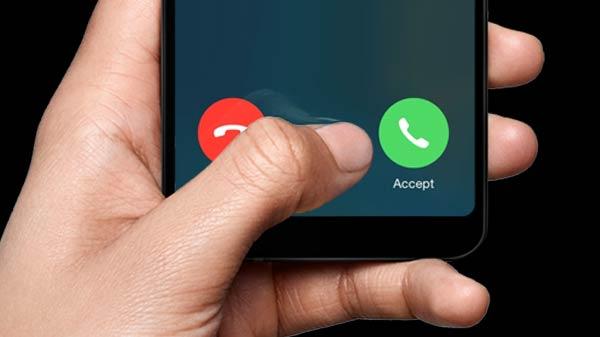
Figure 2, view larger image
What It Does
- Incoming calls don't interrupt your game
- Call runs in background mode
You can:
- Continue playing 🎮
- Answer call silently 📞
Best Use Case
- Playing ranked but expecting an important call
- Talking without quitting the match
👉 Perfect balance between gaming + communication
Block Notifications – Full Focus Mode
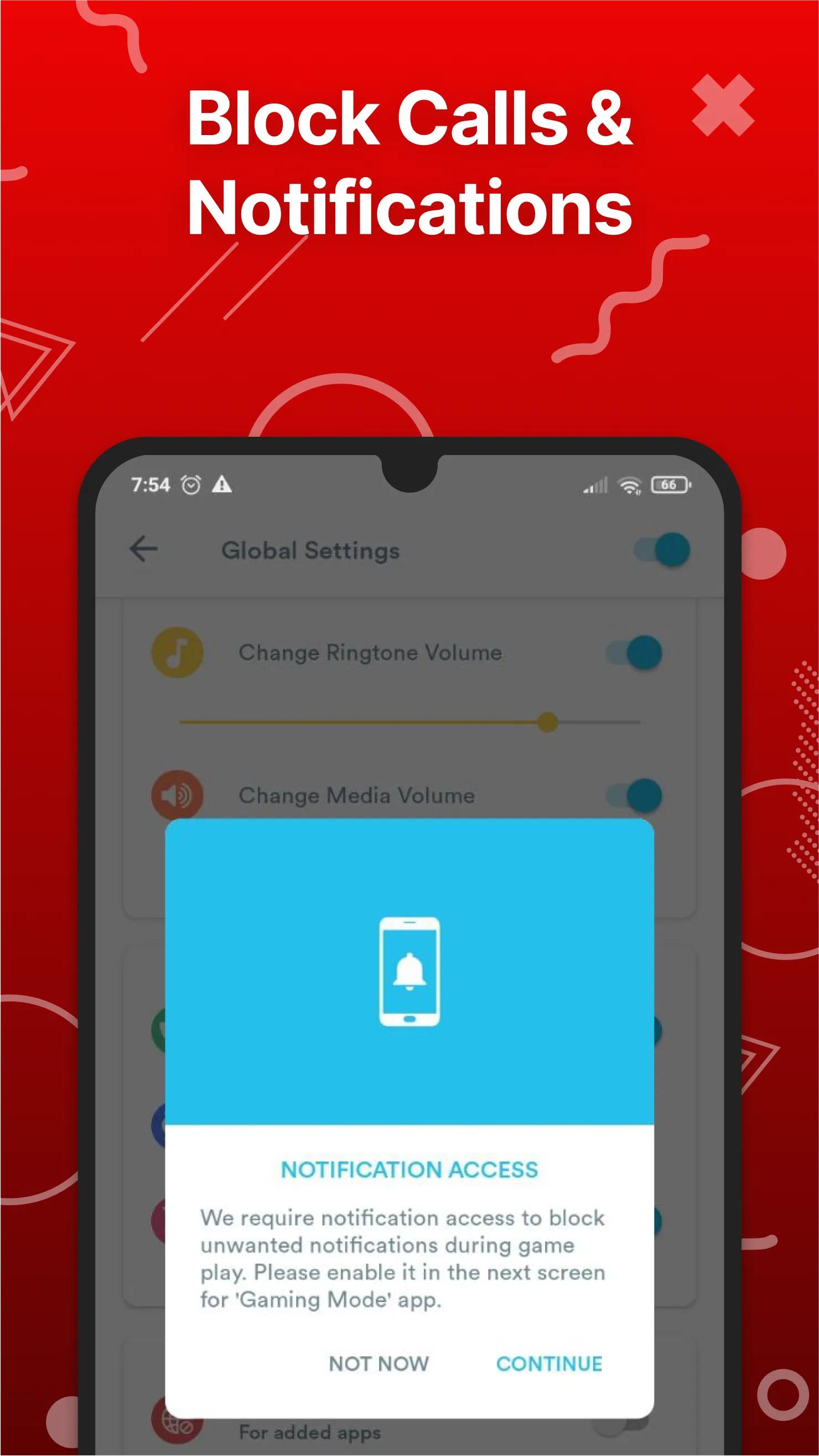
Figure 3, view larger image
What It Does
Blocks:
- WhatsApp messages
- Instagram notifications
- System alerts
- Only critical alerts (like low battery) may still show
Real Impact
- No screen pop-ups
- No accidental distraction
- Smooth uninterrupted gameplay
👉 Essential for competitive matches
Reject Calls – No Calls Allowed
What It Does
- Automatically rejects incoming calls
- Caller won’t disturb your game
- No ringing, no pop-up
Best Use Case
- Tournament / scrims
- Clutch situations
- When you want 100% focus
How to Enable These Features
- Open your game
- Swipe Game Sidebar (Ultra Game Mode)
- Enable:
- Background Calls
- Block Notifications
- Reject Calls
👉 You can toggle based on your need instantly
Final Thoughts
These 3 features may look simple, but they make a huge difference in real gameplay.
👉 No distractions = better focus
👉 Better focus = better performance
iQOO ensures you stay in the game — no matter what happens outside.

Figure 4, view larger image
E-sports & Gaming
31
9
Please sign in
Login and share
Sign in