



























Ultra Game Mode in - iQOO Device's🤌

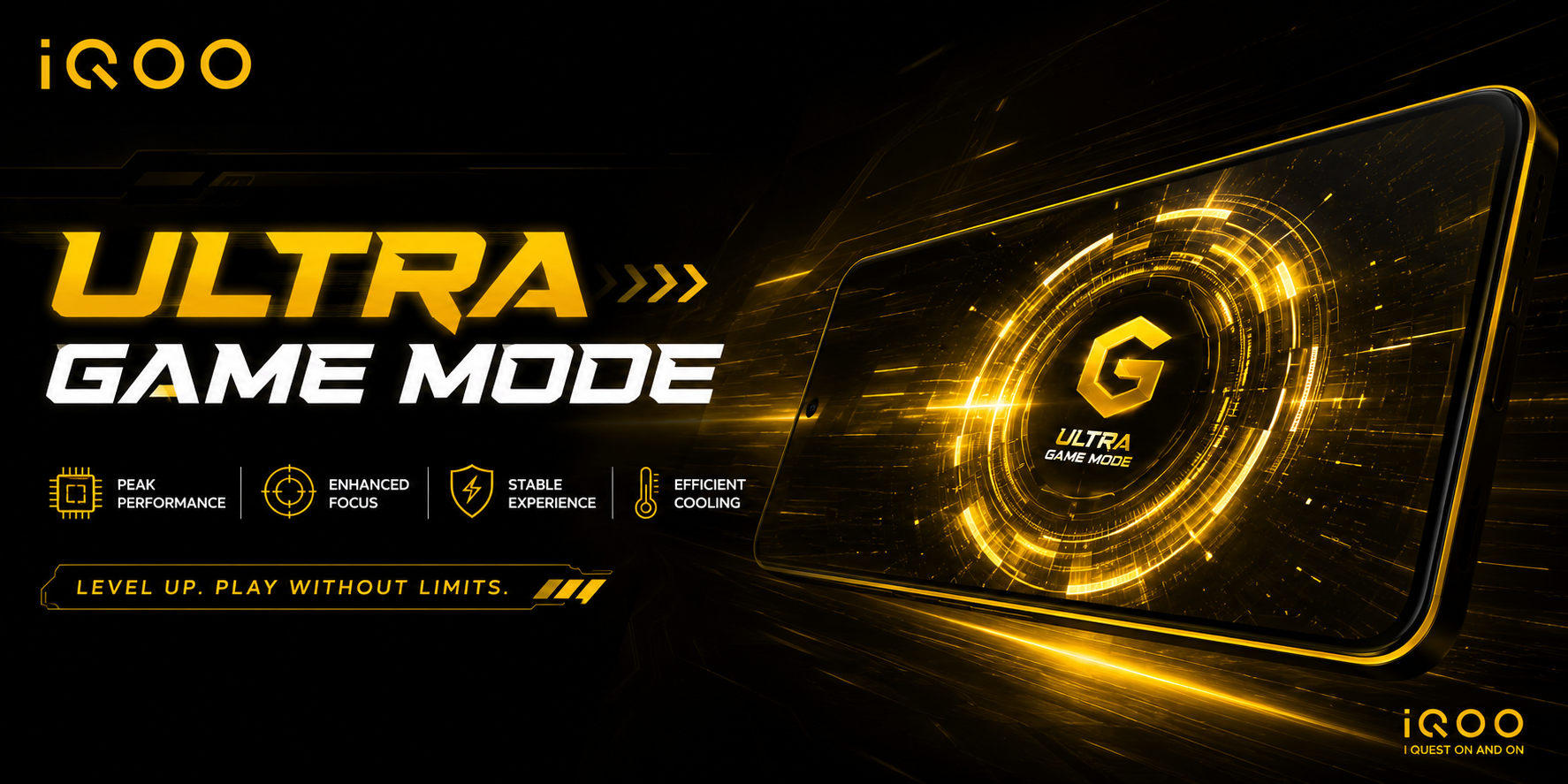
iQOO’s Ultra Game Mode is a built-in software suite designed to optimize system performance and minimize interruptions during gameplay. It boosts CPU and RAM allocation, blocks background notifications, and enhances network stability.
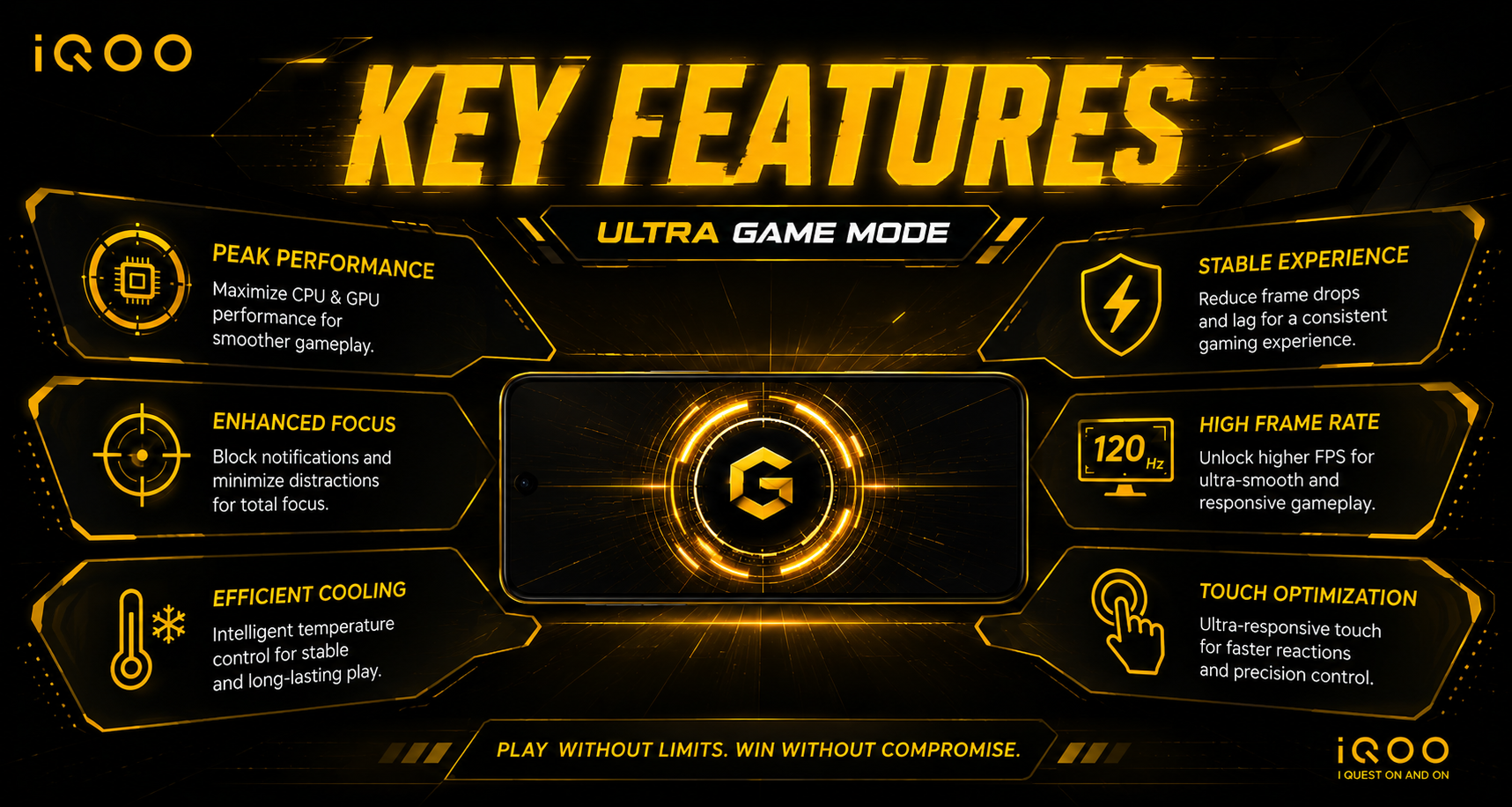
Key Features :
• Background Calls and Notifications : Silences alerts, calls, and banners to prevent disruptions during competitive matches.
• Esports Mode : Locks brightness, disables accidental edge touches, and optimizes thermal performance.
• 4D Game Vibration & Voice Changer : Provides custom haptic feedback based on in-game actions and alters your voice during multiplayer voice chat.
• Game Sidebar : A quick-access overlay that lets you record screen captures, switch performance modes, or adjust settings without leaving the game.
• Game Super Resolution : Uses hardware-based motion vectors and optical flow algorithms to enhance visual clarity and interpolate frame rates.
• Off-Screen Autoplay : Keeps games running in the background (e.g., farming or grinding) while the device's display is turned off.
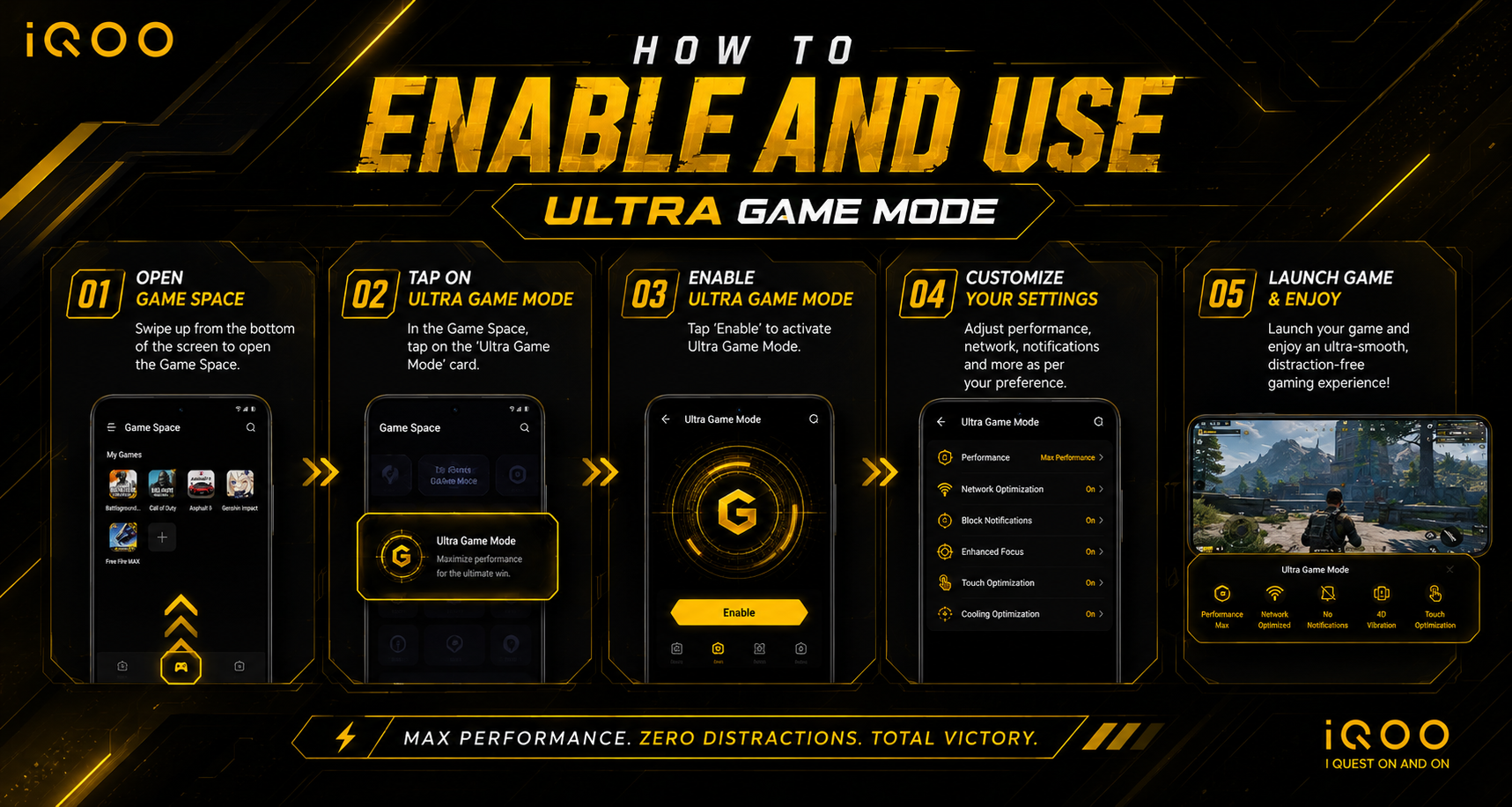
How to Enable and Use :
1. Open your iQOO device’s Settings app.
2. Scroll down and tap on Ultra Game Mode.
3. Add your downloaded games to the game list so the mode triggers automatically when you open them.
4. While playing, swipe inward from the top-left or side of your screen to open the Game Assistant/Sidebar and tweak visual, performance, and notification settings on the fly.
Thank You For Reviewing 🫶😊
~ ~ ~
iQOO : Questers - @Rz_Vedant
Insta I'd : yrr.vedant_
@iQOO Connect community🤌💗
@NipunMarya Sir😊
@parakram_h Sir😊
@ayuu Sir😊
@TechSAM009 Sir😊
@Andybitts Sir😊
@RZ Nitin Bhai😊💗
Please sign in
Login and share