



























How Well Does the iQOO 15R Manage Apps, Multitasking, and Background Usage?

In today's smartphone world, raw performance is no longer the only thing that matters. A truly great device should be able to handle multiple apps, maintain smooth multitasking, and manage background processes efficiently without compromising battery life. After spending time with the iQOO 15R, I was eager to see how it performs in these real-world scenarios.
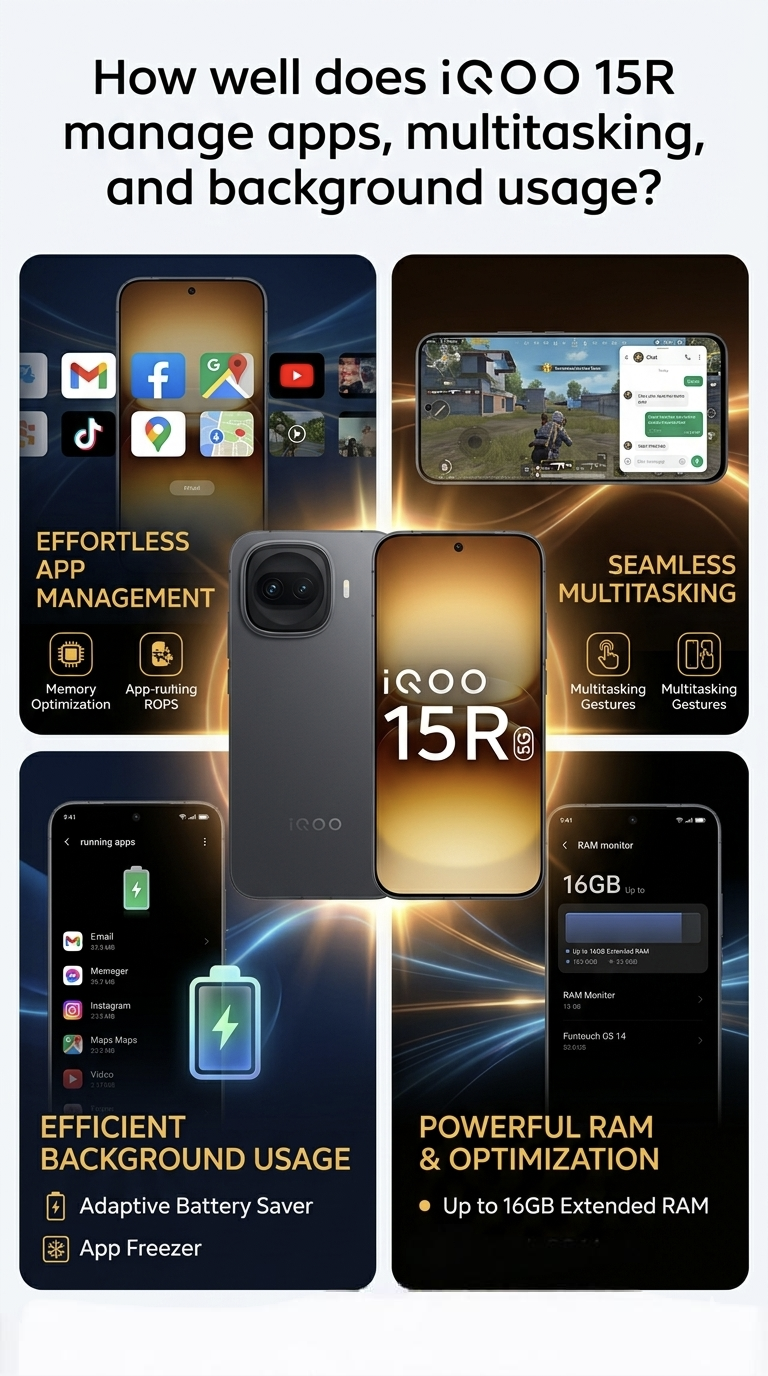
Here is how the device holds up across the board.
1. Daily Multitasking & App Switching
Day-to-day navigation on the 144Hz AMOLED panel feels incredibly fluid. Swapping between standard daily apps—social media feeds, workspace tools, productivity tracking, and browser tabs—happens instantly with zero hesitation.
📌 The Experience: The animations in OriginOS 6 remain highly stable and polished over time. Apps launch in a jiffy without the micro-stutters that sometimes creep into heavily layered skins after a few months of cache buildup.
📌 UI Features: Features like Origin Island and the system's split-screen/floating window options work perfectly for multitasking. You can smoothly pin a video or navigation app while typing out messages or checking documents.
Multitasking Performance
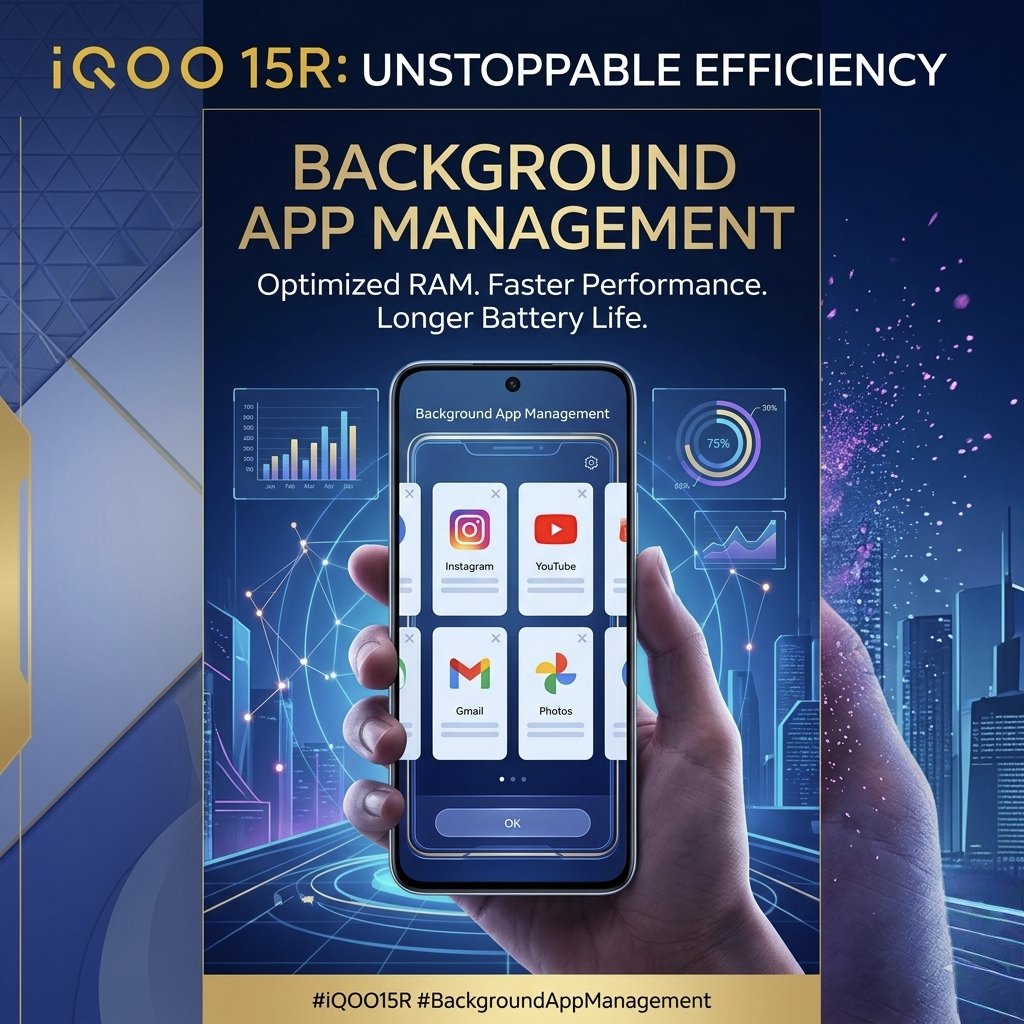
Multitasking is one of the strongest areas of the iQOO 15R. During testing, I kept several applications open simultaneously, including:
👉Telegram
👉Chrome
👉YouTube
👉BGMI
Switching between these apps was seamless. Most applications remained active in memory, allowing me to continue exactly where I left off without frequent reloads.
For users who enjoy gaming while chatting on Discord or responding to messages, the iQOO 15R handles the workload effortlessly.
2. RAM Management & Background Usage
Background app management can often be a challenge on Android devices, but the iQOO 15R strikes a good balance between performance and battery efficiency.
Messaging apps generally maintain reliable notifications, while battery optimization helps prevent unnecessary power drain. Users who rely heavily on instant notifications can further customize battery settings to ensure important apps remain active in the background.
In everyday use, I experienced consistent notifications and stable app behavior throughout the day.
📌 App Retention: The phone is exceptionally good at keeping your most frequently used apps "alive" in the background. You can open a heavy app or a browser tab, drop it for a couple of hours, and return to find it exactly where you left it.
📌 The "Aggressive" Catch: Because iQOO heavily prioritizes battery longevity (leveraging its massive battery capacity) and thermal control, OriginOS 6 can sometimes be overly aggressive with background app killing for lesser-used third-party apps. If you rely on specific niche background tools or continuous background syncing, you may need to manually go into settings to lock the app or turn off "Battery Optimization" for those specific services to ensure they aren't prematurely closed.
RAM Management
The iQOO 15R offers excellent RAM management, especially on higher RAM variants.
Apps remain cached for longer periods, reducing reload times and improving the overall user experience. Combined with fast storage technology, the device feels consistently fluid regardless of workload.
Heavy users who frequently juggle multiple applications will appreciate the device's ability to maintain performance over long periods.
3. Sustained Performance & Heavy Load
The real test of multitasking comes when you throw intense gaming or 4K video rendering into the mix.
📌 The Good: If you run heavy titles like BGMI or Call of Duty Mobile alongside persistent background downloads, the dedicated gaming optimizations and "Monster Mode" handle the load effortlessly. It maintains extremely high frame rates without breaking a sweat during standard sessions.
📌 The Thermal Trade-off: After 90 days of continuous testing, reviews show that the iQOO 15R ranks on the lower side when subjected to prolonged, synthetic CPU stress tests. In the real world, this means if you push the phone with 7–8 hours of uninterrupted heavy gaming or intense multitasking in warm ambient temperatures, the device will warm up and trigger software throttling to protect the internal hardware. Thankfully, the performance dip is gradual rather than a sudden lag spike.
4. Battery vs Performance Balance
Many smartphones either prioritize battery life or multitasking performance. The iQOO 15R manages to balance both effectively.
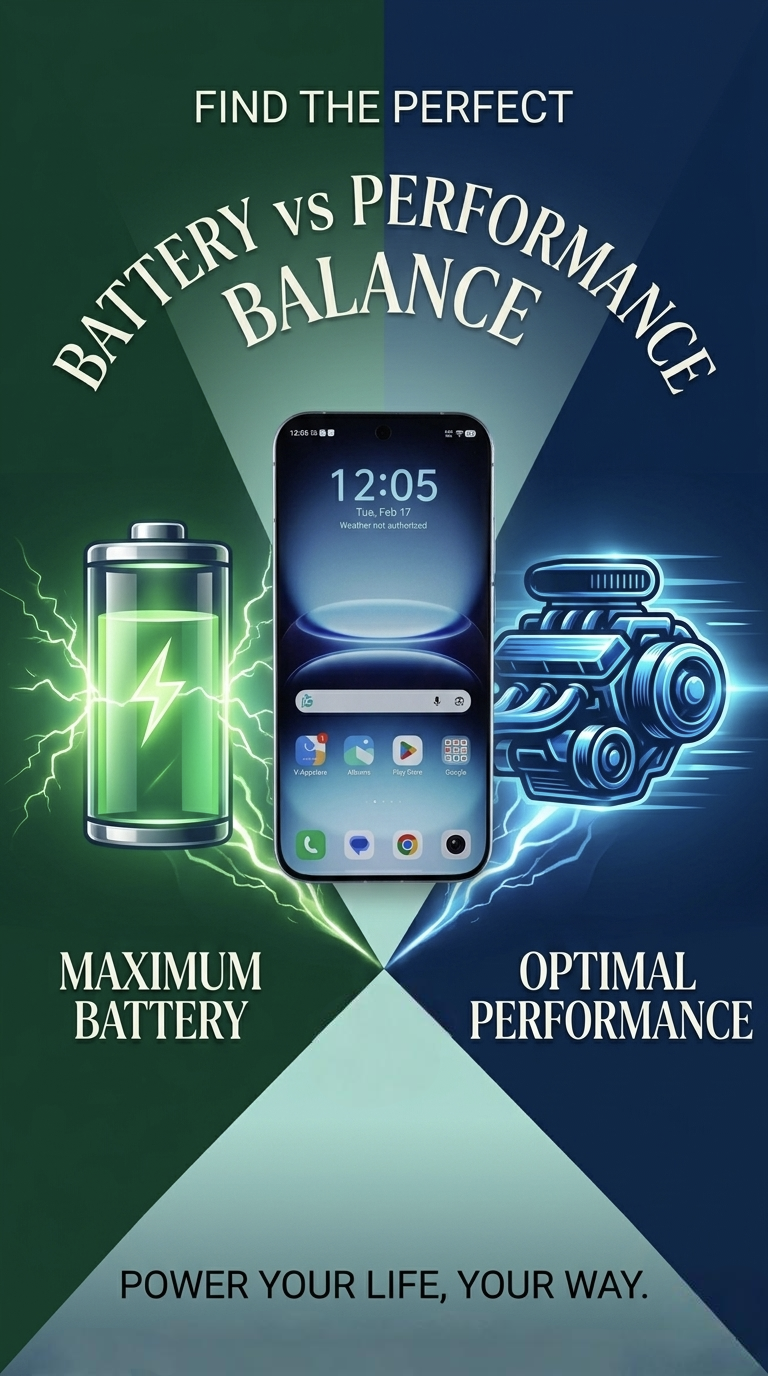
The software intelligently controls background activity to preserve battery life while still keeping important apps accessible. As a result, users get a smooth experience without excessive battery drain.
90-Day Summary Verdict:
For pure speed, immediate app loading, and handling a heavy daily rotation of apps, the iQOO 15R is a top-tier performer in its segment. Just keep an eye on its background battery optimization settings if you notice a favorite niche app closing unexpectedly, and be mindful of thermal limits during marathon heavy usage sessions.
The iQOO 15R excels in app management, multitasking, and background usage. Whether you're a gamer, professional, student, or content creator, the device delivers a fast and reliable experience.
Pros:
✔ Fast app launches
✔ Excellent multitasking performance
✔ Strong RAM management
✔ Reliable background app behavior
✔ Smooth gaming and app switching
Cons:
✖ Some battery optimization settings may require manual adjustment for power users
If multitasking and real-world performance are high on your priority list, the iQOO 15R proves itself as a capable and dependable smartphone that rarely misses a beat.
Signing off

Please sign in
Login and share