



























Latest Software Updates in iQOO Device's - Core Info🤌😍

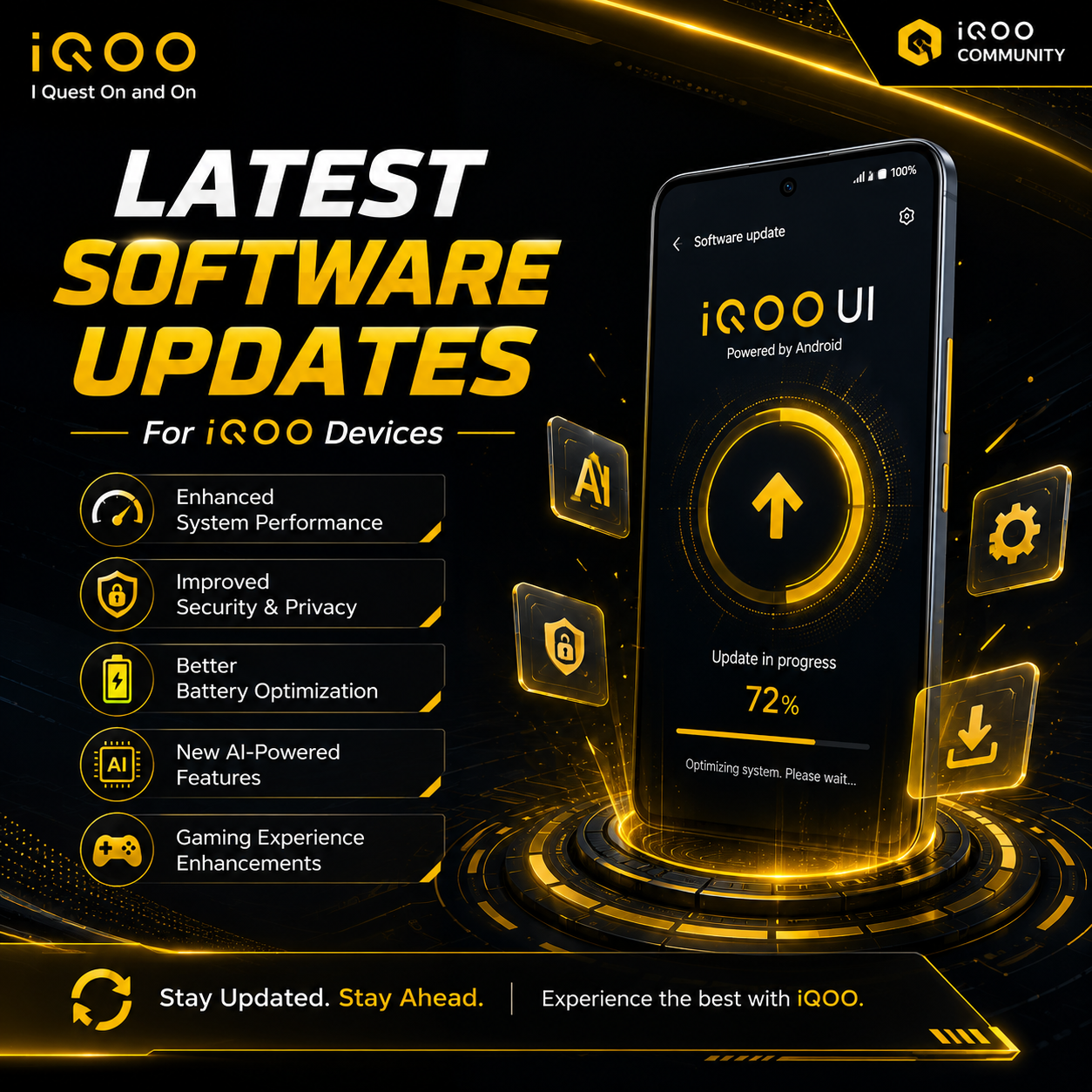
The latest major software update for iQOO devices is Funtouch OS 15 (globally) and OriginOS 6 (in China), both built on the Android 16 operating system. These updates introduce advanced AI capabilities, the Lightning-Speed Engine for smoother animations, and enhanced memory management.
Rollout and Compatibility :
Major updates typically roll out in waves depending on your region and iQOO device series :
▫️iQOO 13 & 12 Series : The flagship models are prioritized for initial preview and stable releases.
▫️iQOO Neo Series : Devices like the iQOO Neo 10, Neo 10R, and Neo 9 Pro are slated to receive the newest Android updates.
▫️iQOO Z & Older Neo Series : Models like the Z10, Z9, and Neo 7 series receive phased updates following the flagship rollout.
How to Check for Updates :
1. Open the Settings menu.
2. Scroll down and tap System update.
3. The phone will automatically check for the latest version. If an update is found, tap Download and Install.
4. You can also visit the iQOO Upgrade Package Portal to search for your specific model and download the latest firmware manually.
Installation Best Practices :
▫️Backup Data : Even though system updates rarely erase your personal data, it is always recommended to back up your critical contacts, photos, and messages.
▫️Battery Check : Ensure your iQOO device has at least 30% battery remaining before initiating the update.
Thank You for Reviewing🫶☺️
⬇️
Follow for More - @Rz_Vedant🫶☺️

I Quest On and On...!!🦋
Instagram I'd : yrr.vedant_
@iQOO Connectcommunity🤌💗
@NipunMaryaSir☺️
@parakram_hSir☺️
@NITINSir☺️
@ayuuSir☺️
@TechSAM009Sir☺️
@AndybittsSir☺️
@RZ NitinBhai☺️💗
Please sign in
Login and share