


























OriginOS 6 Battery Tips & Tricks | Get Longer Battery Backup on Your iQOO 🚀

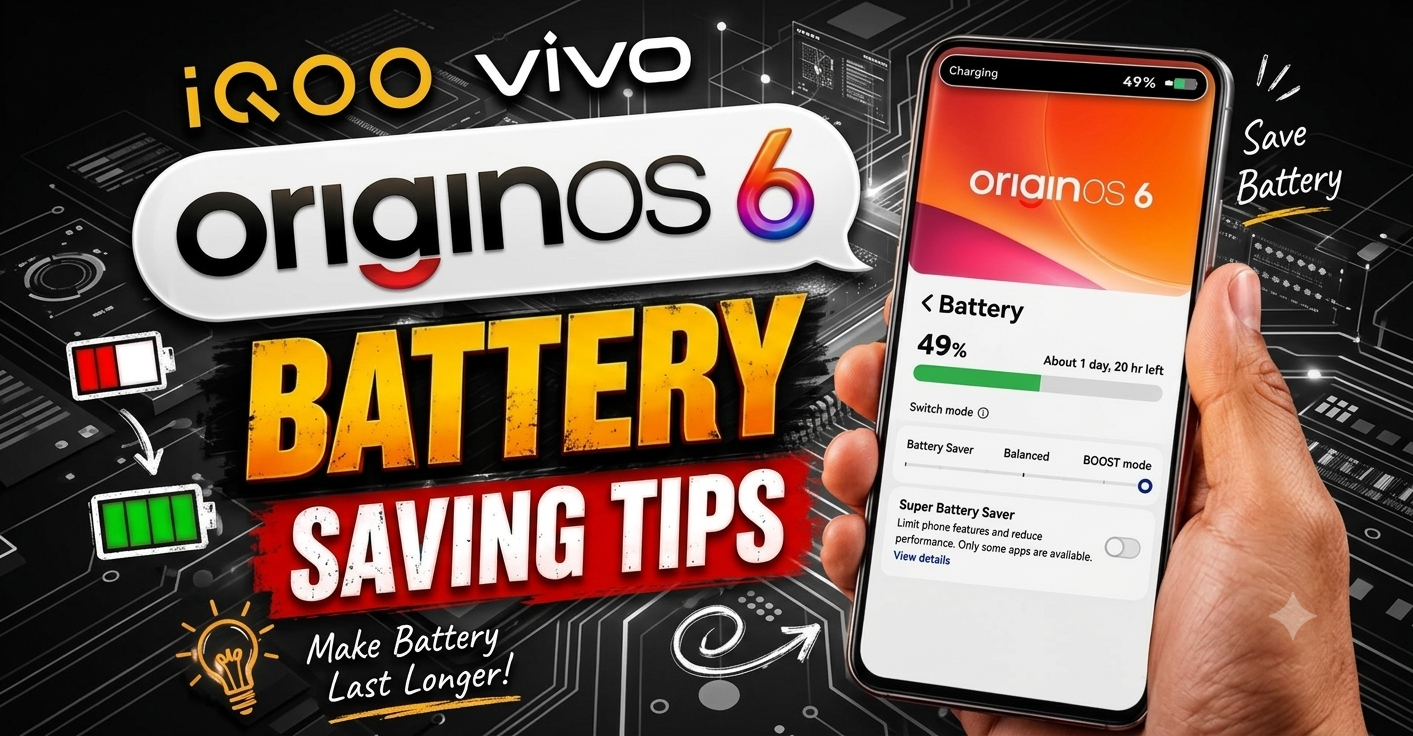
Hey Questers! I am Manab, and today I am sharing some of the best OriginOS settings that have helped improve battery backup and reduce unnecessary battery drain on my iQOO device. If you are facing fast battery drain or excessive heating, these simple tweaks are definitely worth trying!
Lets get started.
🔋 1. Protect Your Battery Health
Go to:
Settings → Battery → Battery Health & Charging
Enable Charging Upper Limit and set it to 80%–90% instead of charging to 100% every time.
Why?
Helps maintain long-term battery health.
Reduces battery stress and heat during charging.
Can improve battery lifespan over time.
⚡ 2. Use Smart Refresh Rate
Go to:
Settings → Display & Brightness → Screen Refresh Rate
Instead of selecting High Refresh Rate all the time, choose Smart Adaptation.
Benefits:
Automatically switches between refresh rates based on usage.
Saves battery without affecting the overall experience.
Reduces unnecessary power consumption and heat.
💾 3. Turn Off Extended RAM (If You Dont Need It)
Go to:
Settings → RAM & Storage Space → Extended RAM
If you dont frequently multitask, turn Extended RAM OFF.
Why?
Reduces background processing.
Saves battery.
Keeps the system efficient for everyday use.
📶 4. Disable Wi-Fi & Bluetooth Scanning
Many users think turning off Wi-Fi or Bluetooth from the Quick Settings panel completely disables them—but background scanning may still remain active.
Go to:
Settings → Location → Location Services
Turn OFF:
Wi-Fi Scanning
Bluetooth Scanning
Benefits:
Prevents constant background scanning.
Reduces unnecessary battery usage.
Improves standby battery life.
🔄 5. Keep OriginOS Updated
Go to:
Settings → System Update
Check if a new OriginOS update is available and read the update log.
Why?
Updates often include battery optimization.
Fixes charging issues and battery drain bugs.
Improves overall system stability and performance.
💡 Bonus Tip
Avoid keeping unnecessary apps running in the background, and uninstall apps you no longer use. A cleaner system often means better battery life.
✅ Final Thoughts
These are some simple yet effective settings that can make a noticeable difference in battery backup and overall battery health on your iQOO device. While battery life also depends on your usage, enabling these settings can help you get the best possible experience from OriginOS.
Have you tried any of these tips? Let me know your experience in the comments! 💬
Thank you for reading, Questers @iQOO Connect❤️
Signing Off -@Manab10
Follow For More Such Threads!
Please sign in
Login and share