

























🤖 I Tried Every AI Feature on the iQOO Z11 Lite - Here's What I Found

Hi Questers! 👋
AI is becoming an important part of smartphones, and it's great to see these features making their way to budget devices too. I spent some time trying out the AI features on the iQOO Z11 Lite, and here are my first impressions.
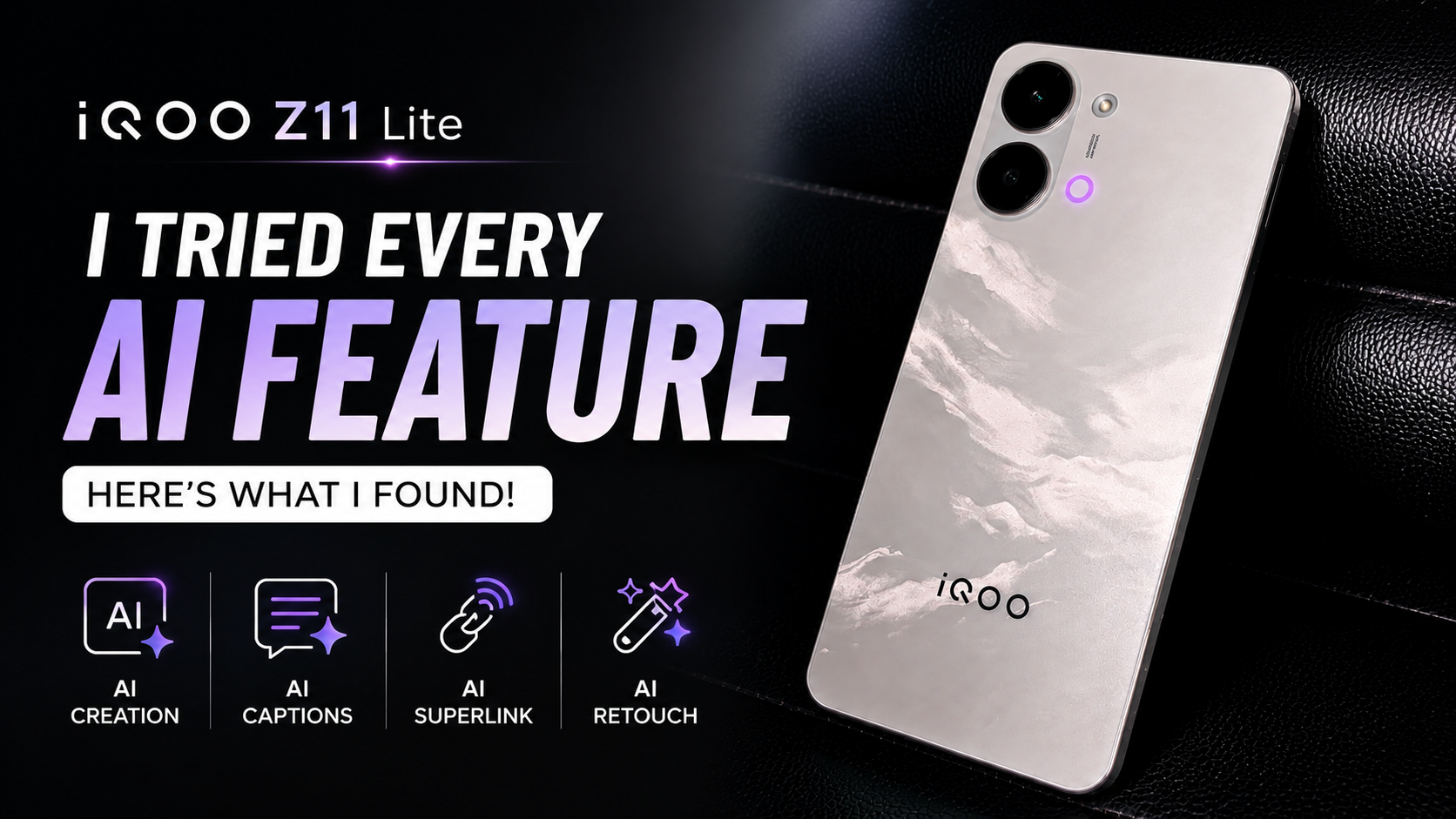
✨ AI Features I Tried
🪄 AI Creation
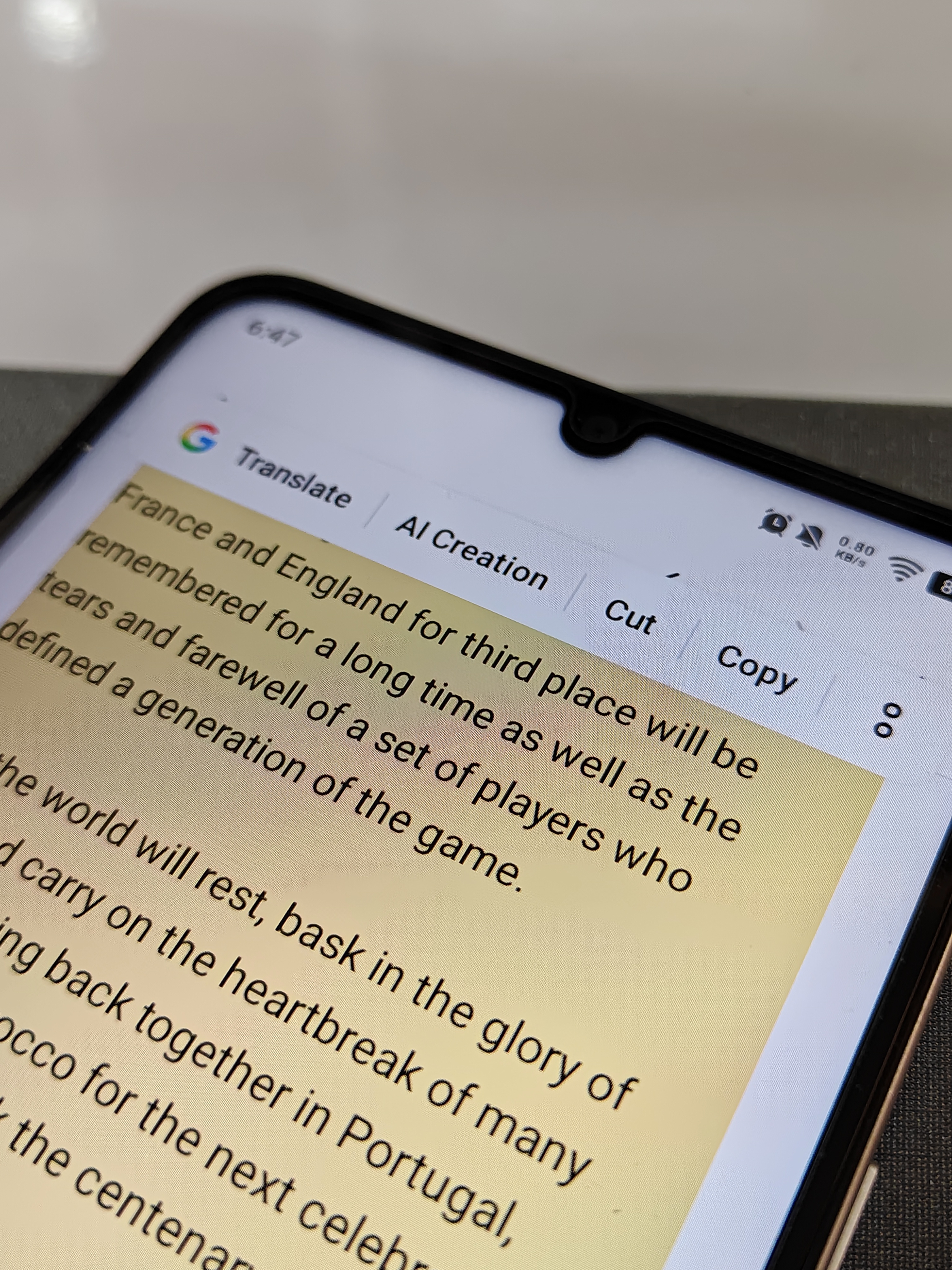
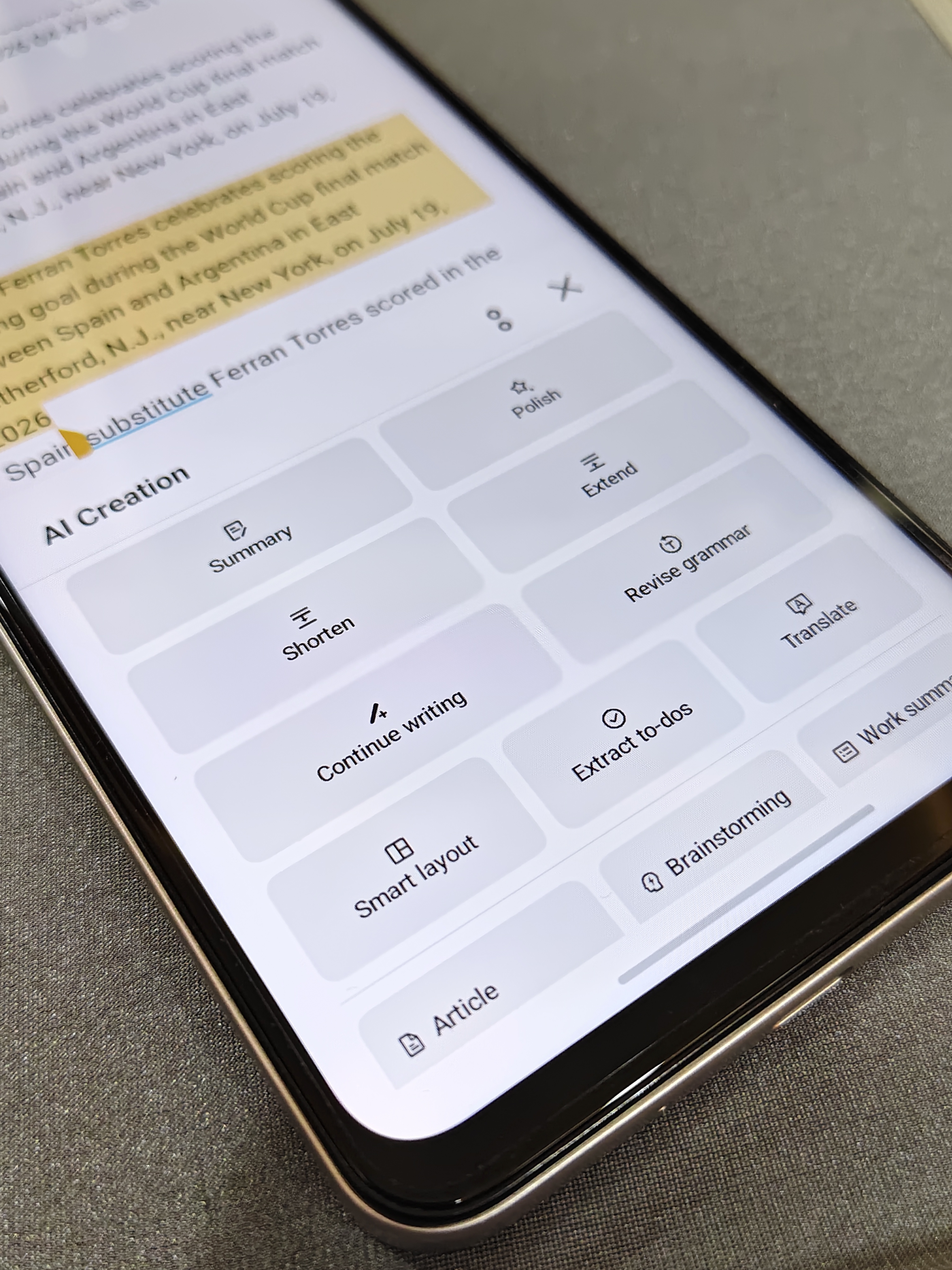
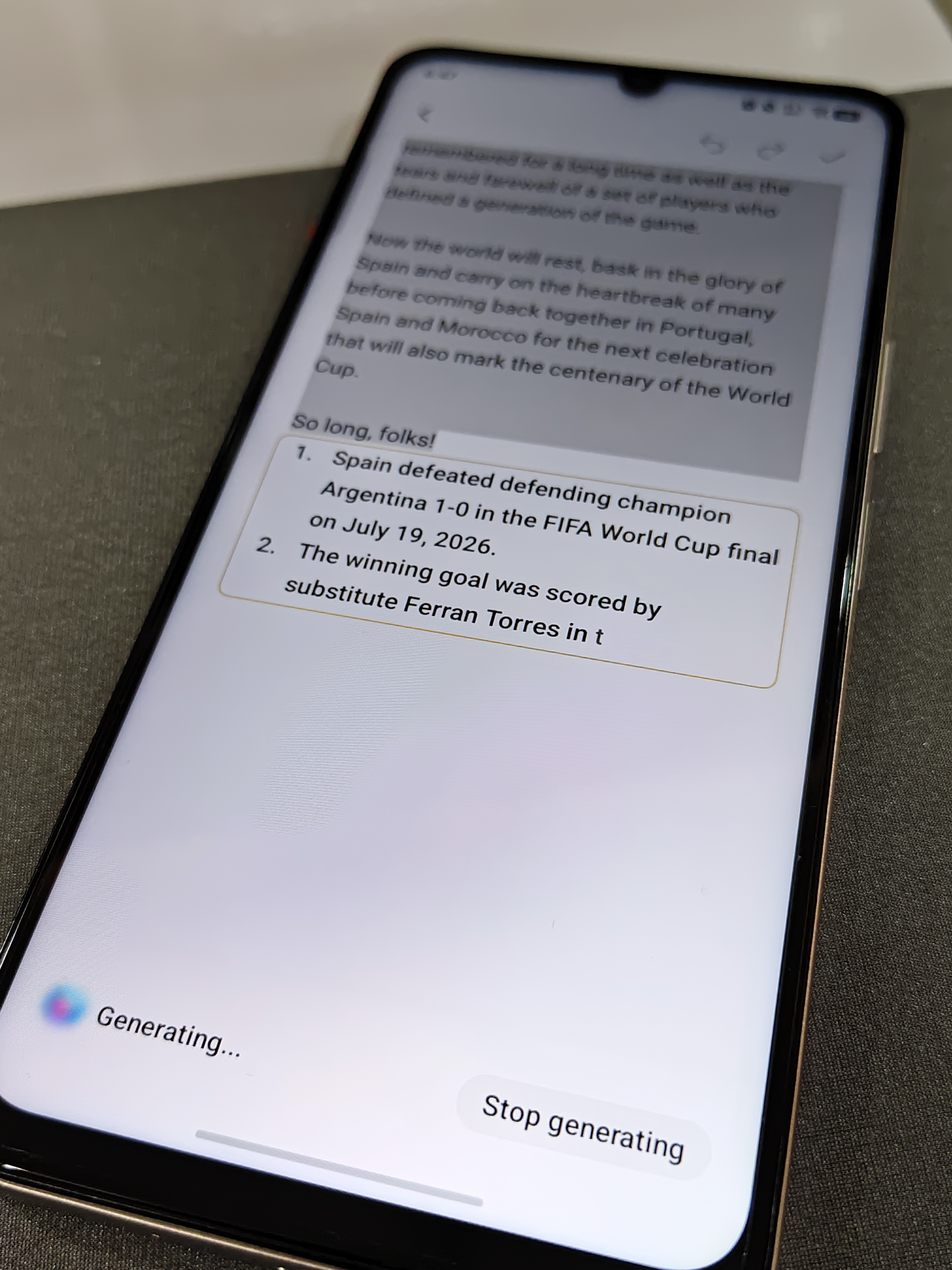
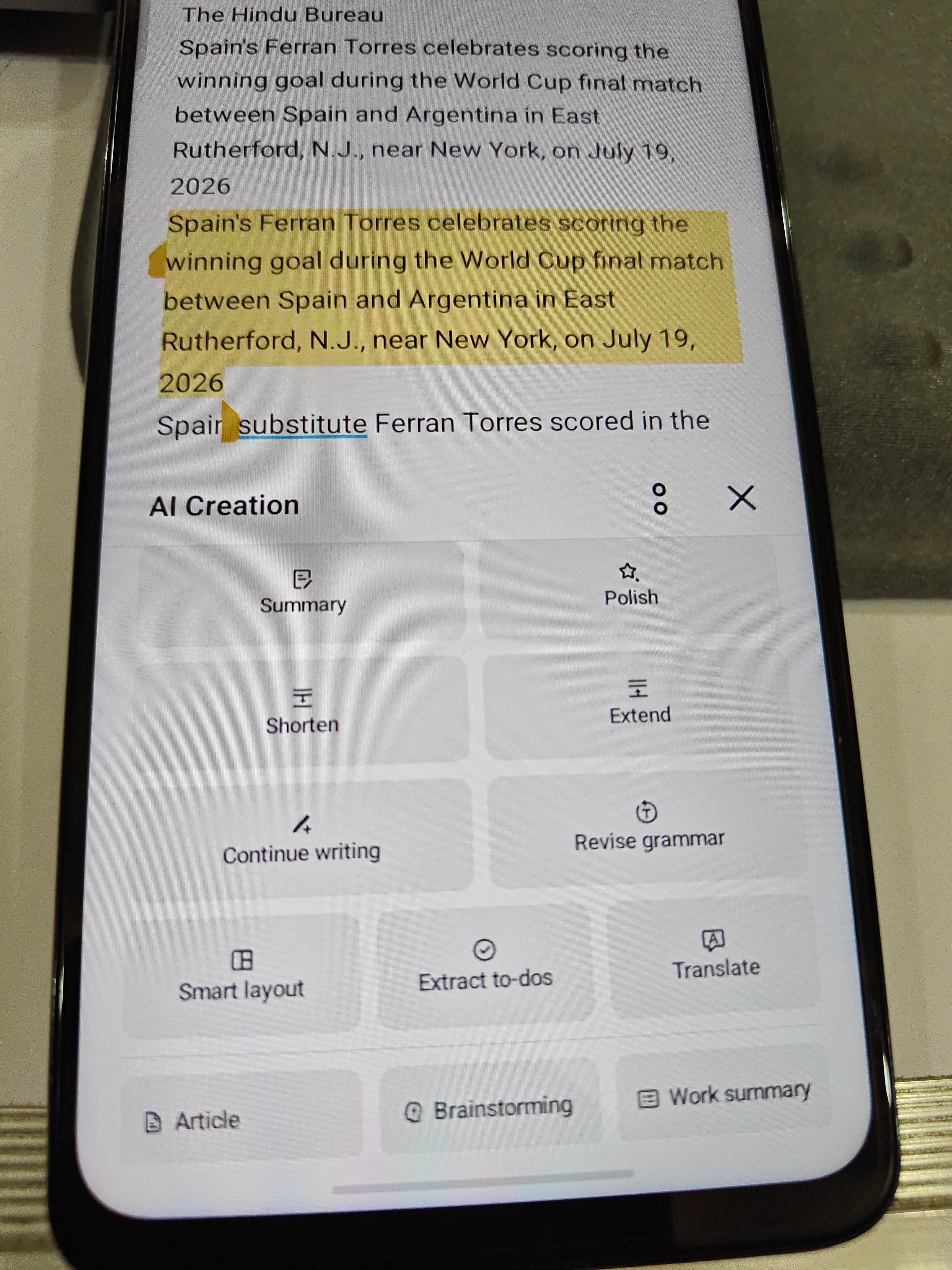
One of my favourite AI features is AI Creation inside the Notes app. It turns simple notes into something much more useful by helping you write, organize, and refine content in just a few taps.
It offers features like:
- 📝 Summarize long text instantly
- ✨ Polish your writing for a more professional tone
- ✂️ Shorten or 📖 Extend selected text
- ✍️ Continue writing when you're stuck
- ✅ Revise grammar and improve readability
- 🌐 Translate text into multiple languages
- 📋 Smart Layout for better note organization
- ✔️ Extract To-Dos from notes
- 💡 Brainstorm ideas
- 📄 Generate a Work Summary
Whether you're a student, creator, or working professional, it's a genuinely useful productivity tool.
📝 AI Captions
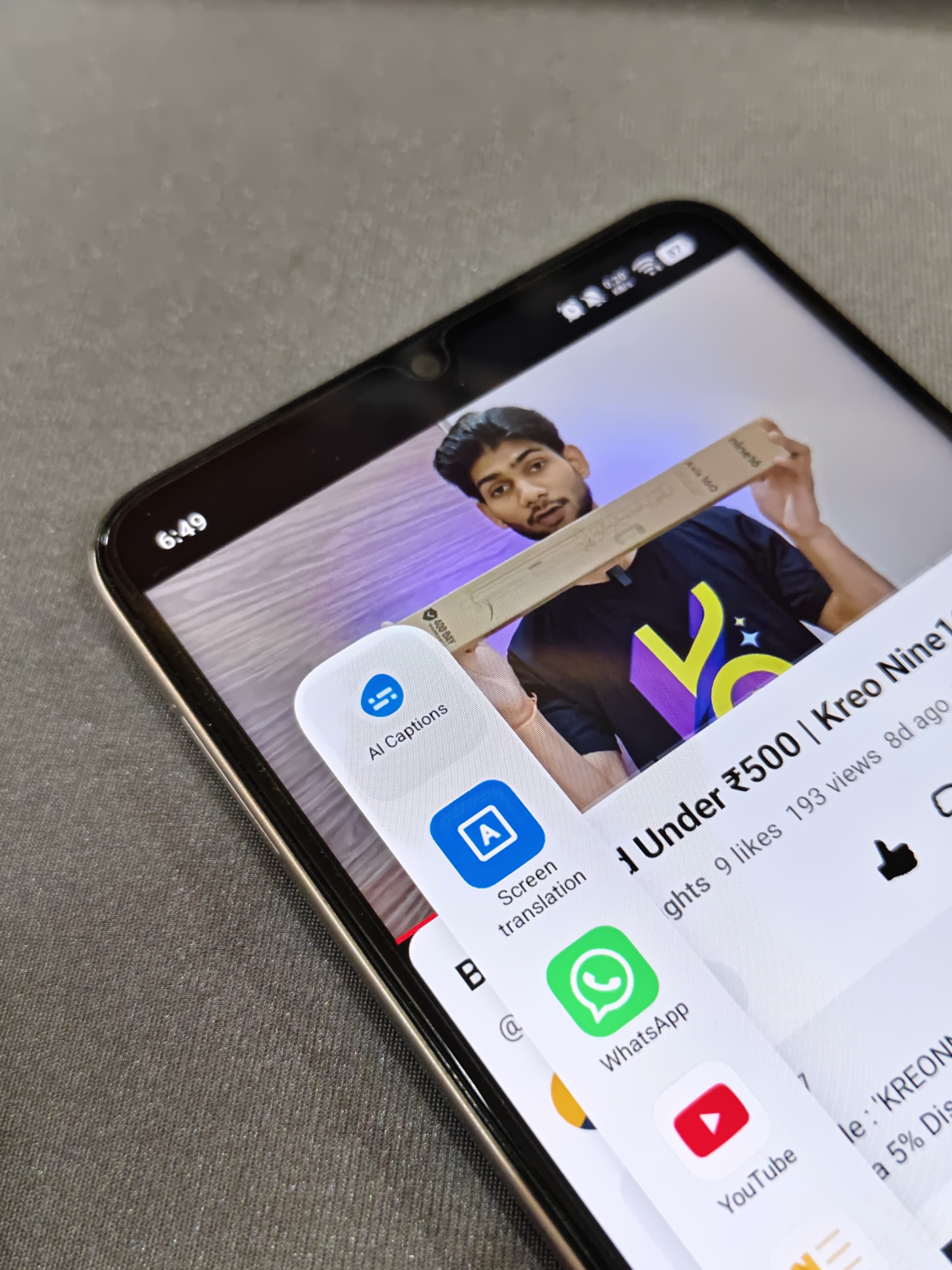
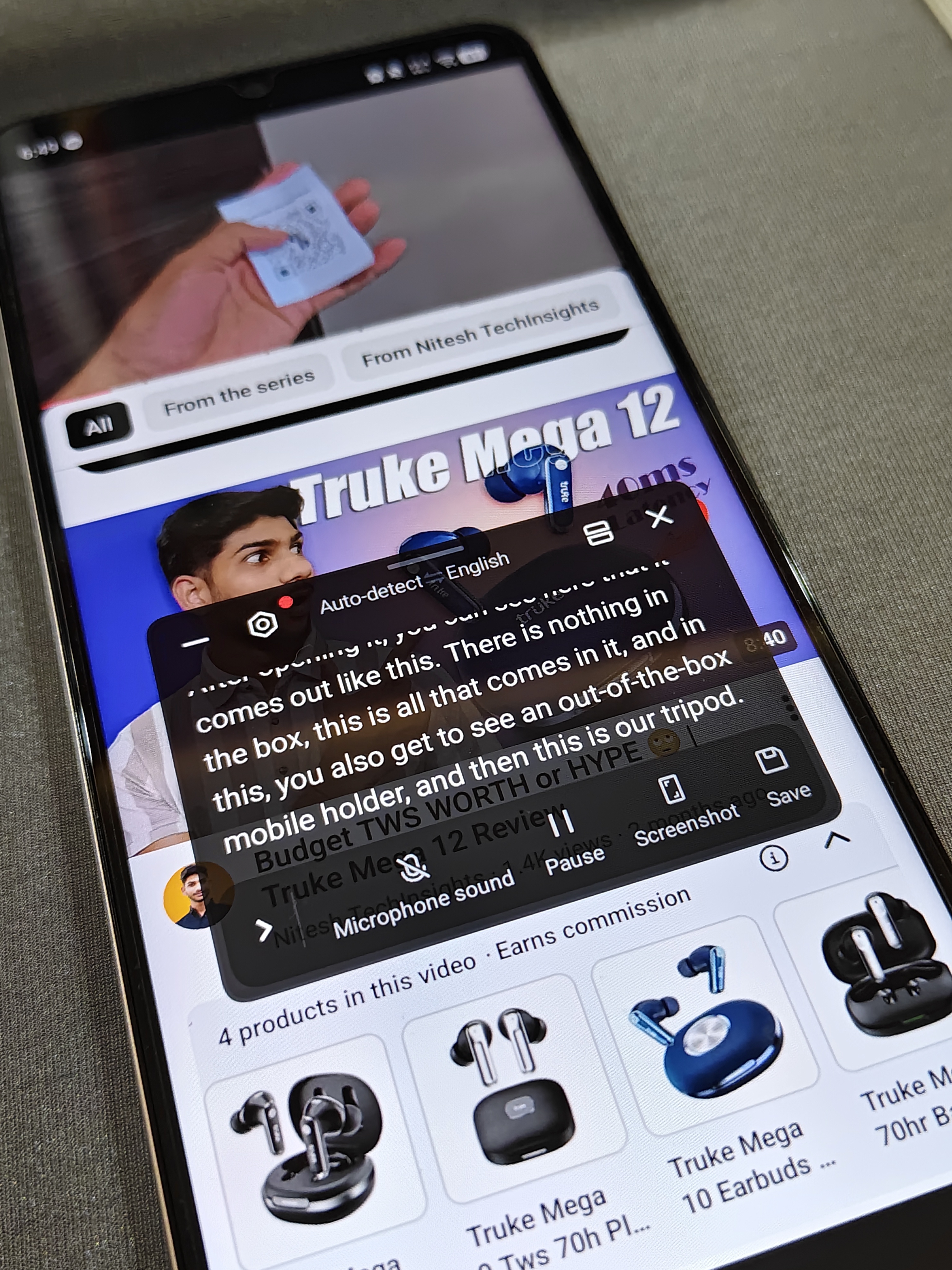
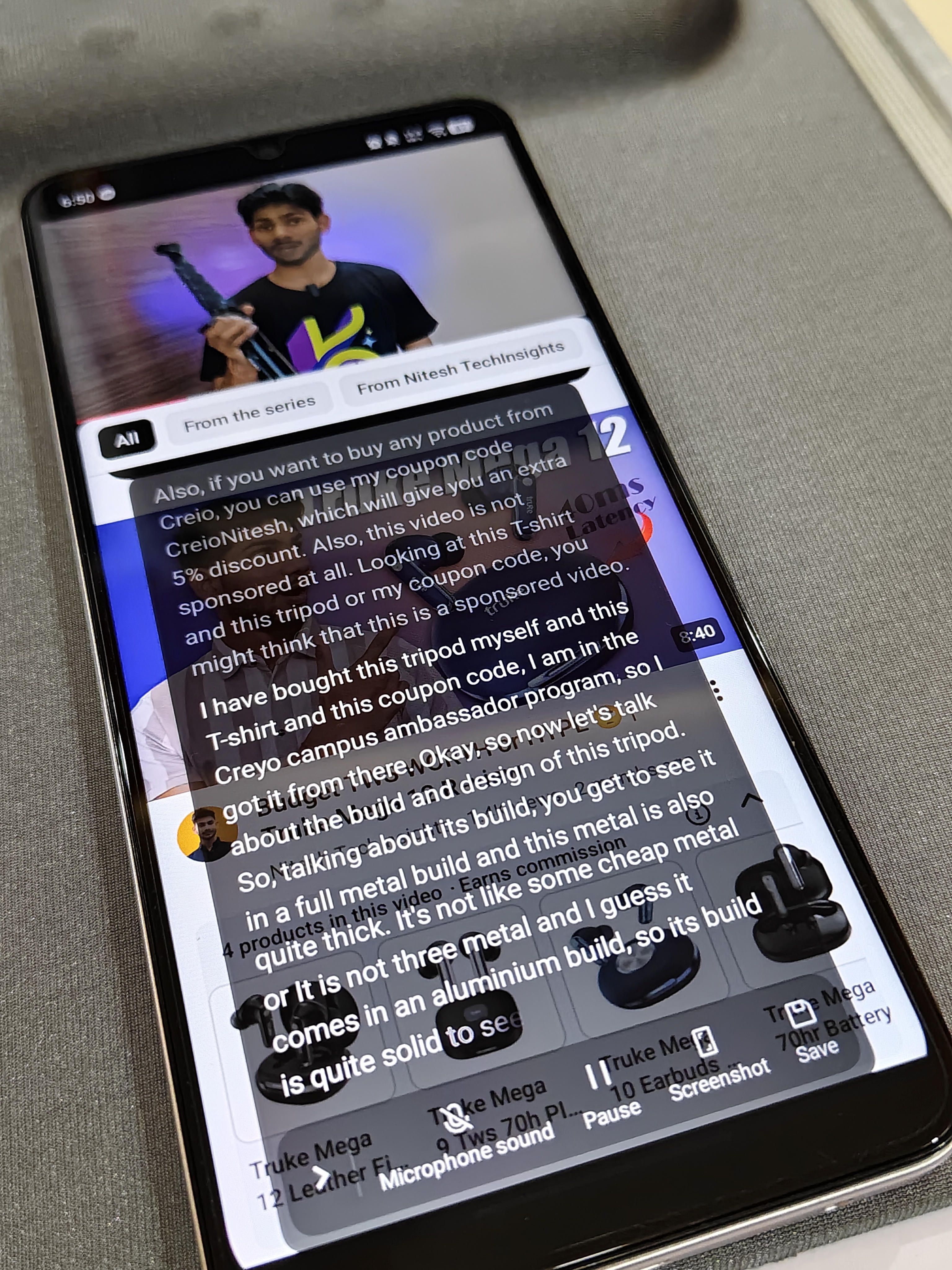
AI Captions make watching videos more convenient by automatically generating live subtitles. It can also translate spoken content into different languages, making it easier to understand videos from around the world.
Some useful features include:
- 🎥 Real-time live captions
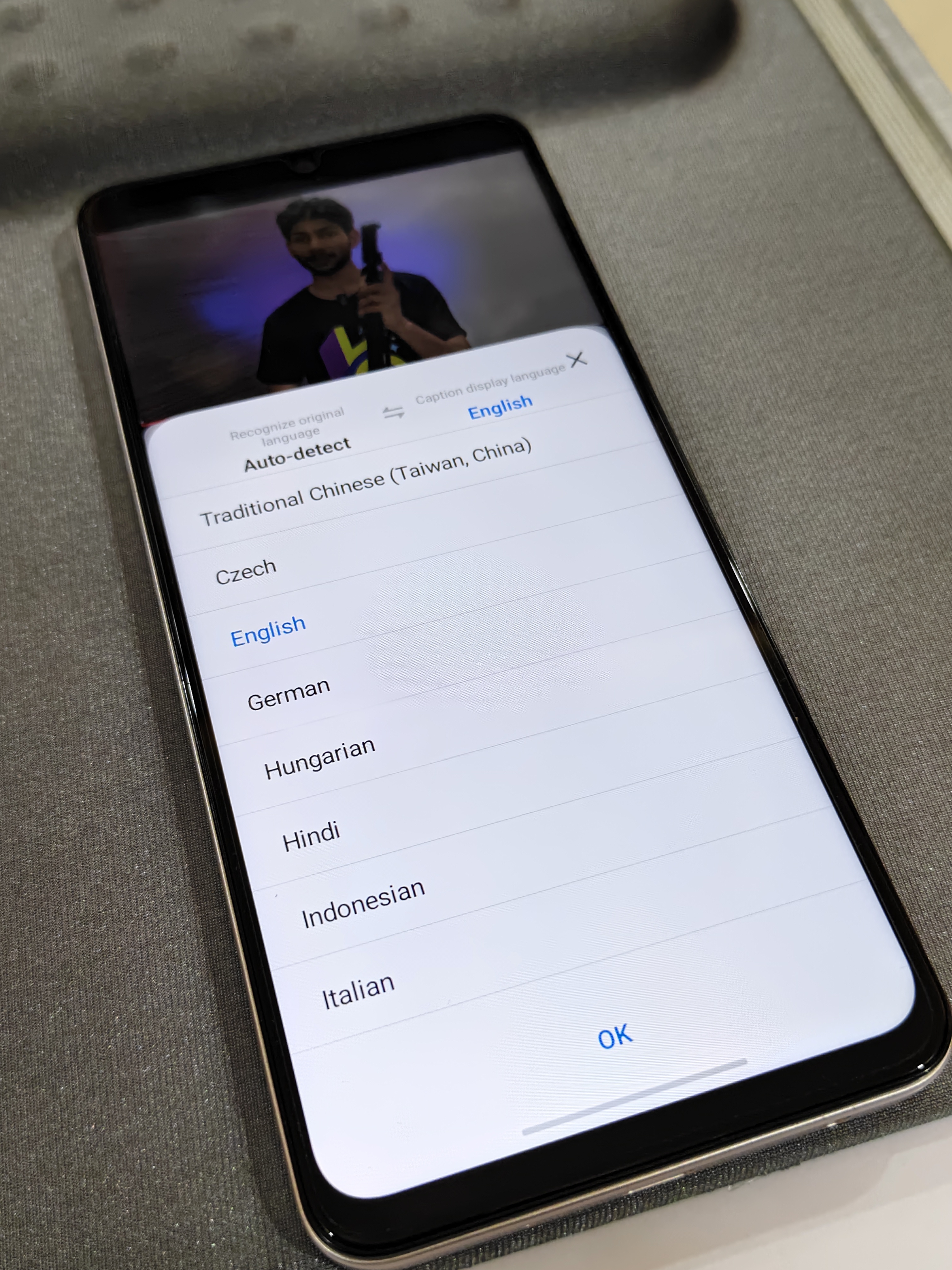
- 🌍 Live subtitle translation into multiple languages
- 🔄 Auto language detection
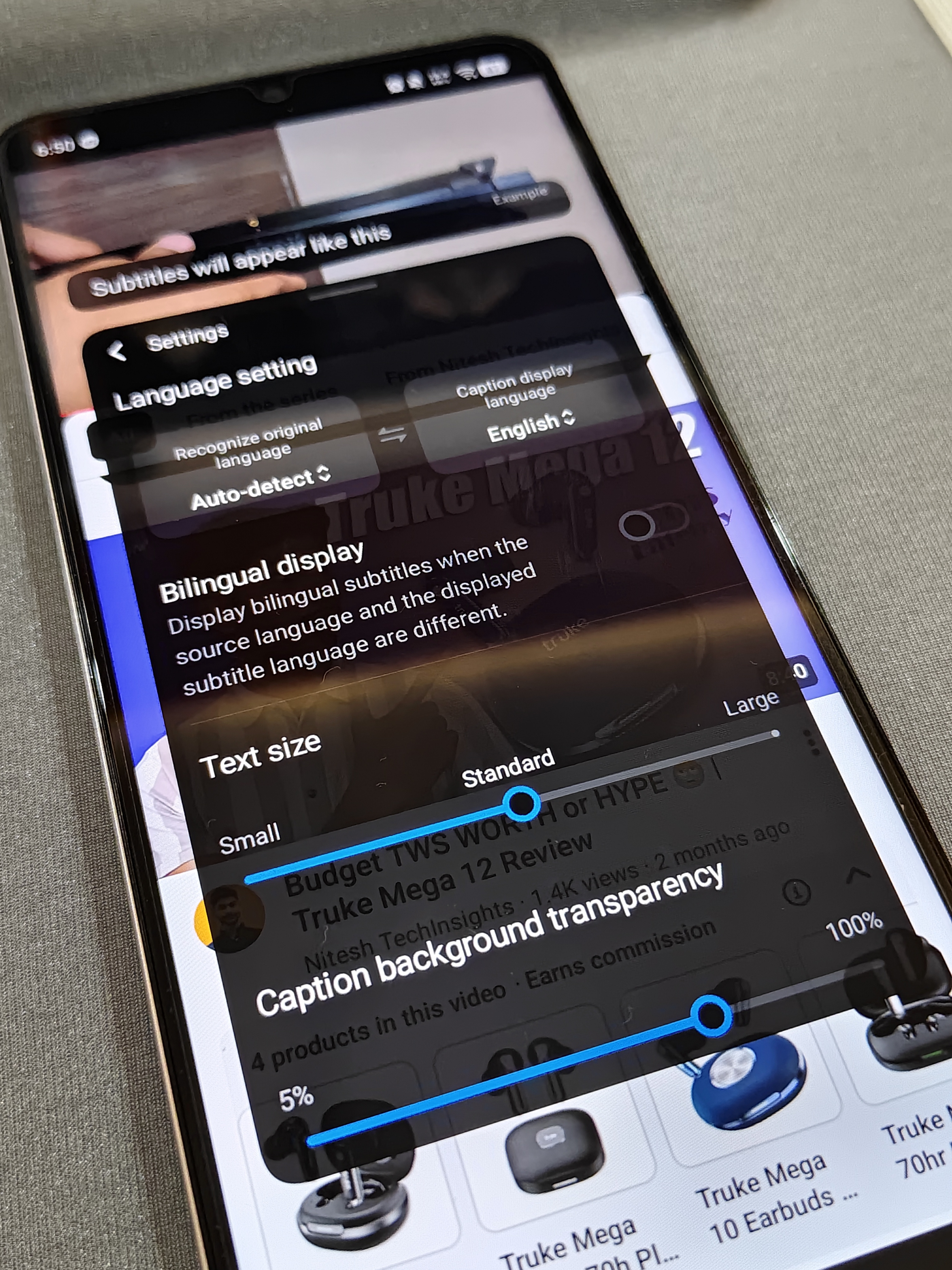
- 🔤 Adjustable caption size
- 🎨 Customizable caption background transparency
- 🌐 Optional bilingual subtitle support
I found it especially useful while watching foreign-language videos or when watching content without sound.
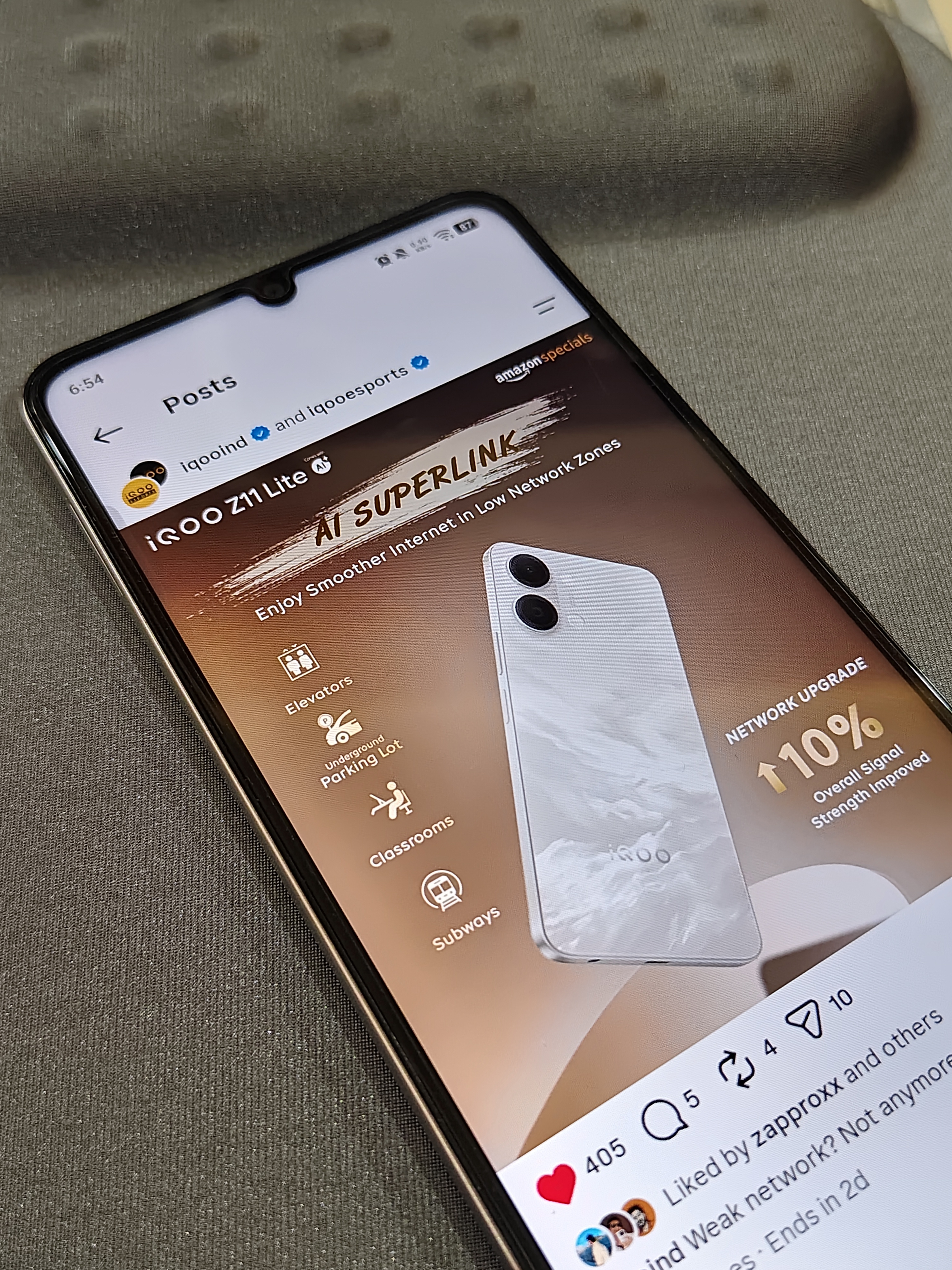
📶 AI SuperLink
Network issues can be frustrating, especially in crowded or low-signal areas. AI SuperLink intelligently optimizes connectivity to provide a more stable network experience.
It is designed to improve connectivity in places like:
- 🛗 Elevators
- 🚗 Underground parking lots
- 🏫 Classrooms
- 🚇 Subways
According to iQOO, it can provide up to a 10% improvement in overall signal strength, helping deliver smoother browsing, streaming, and online gaming in challenging environments.
🎨 AI Retouch
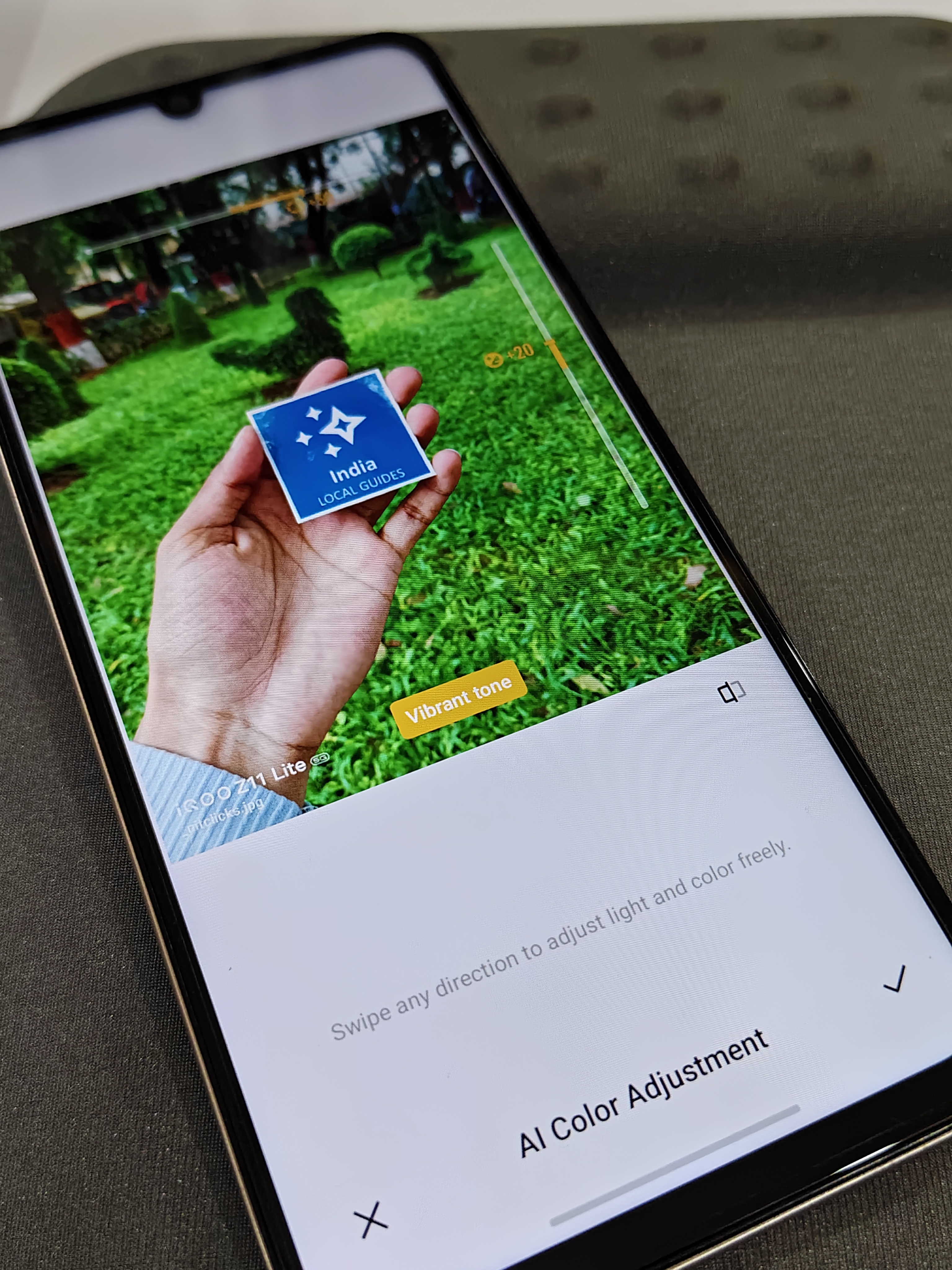
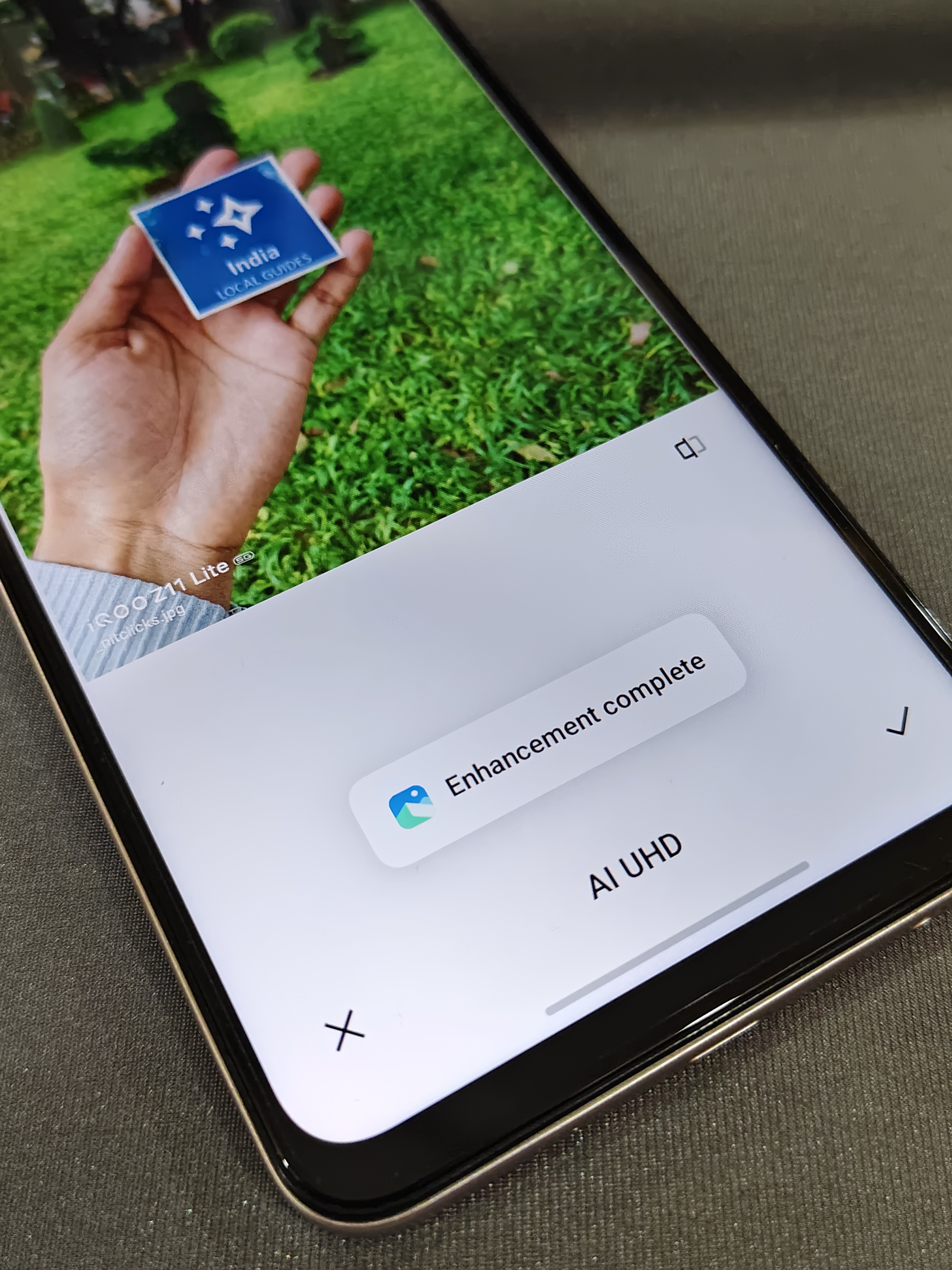
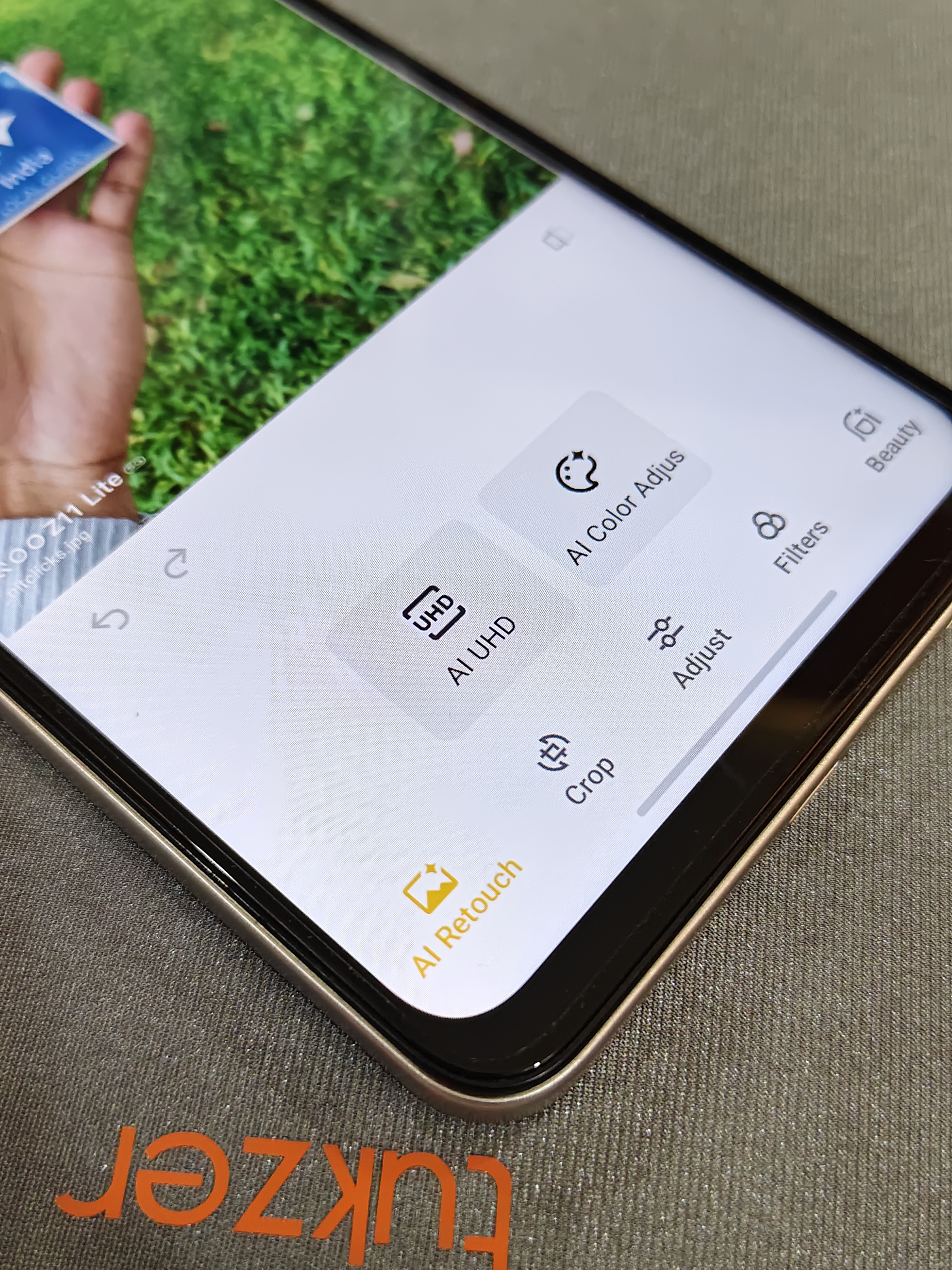
AI Retouch brings powerful editing tools directly into the Gallery app, making it easy to enhance your photos without installing additional editing apps.
It includes features like:
- ✨ AI UHD to improve image clarity
- 🎨 AI Color Adjust for richer and more balanced colours
- 🖼️ Built-in crop and editing tools
- 🎭 Filters and beauty enhancements
- 🪄 Quick one-tap photo improvements
For everyday photo editing and social media posts, these built-in AI tools are both convenient and practical.
💭 My Thoughts
What impressed me the most is that these AI features aren't limited to premium smartphones anymore. It's nice to see iQOO bringing practical AI tools to a budget-friendly device, making them accessible to more users.
Which AI feature would you use the most on your smartphone?
Let me know in the comments! 👇
@iQOO Connect @ayuu @NITIN @ayuu @RZ Nitin @arjunbansal @Zapproxx @Rahul S @Chikki_1998 @4Aniket @AkshayG
Please sign in
Login and share