



























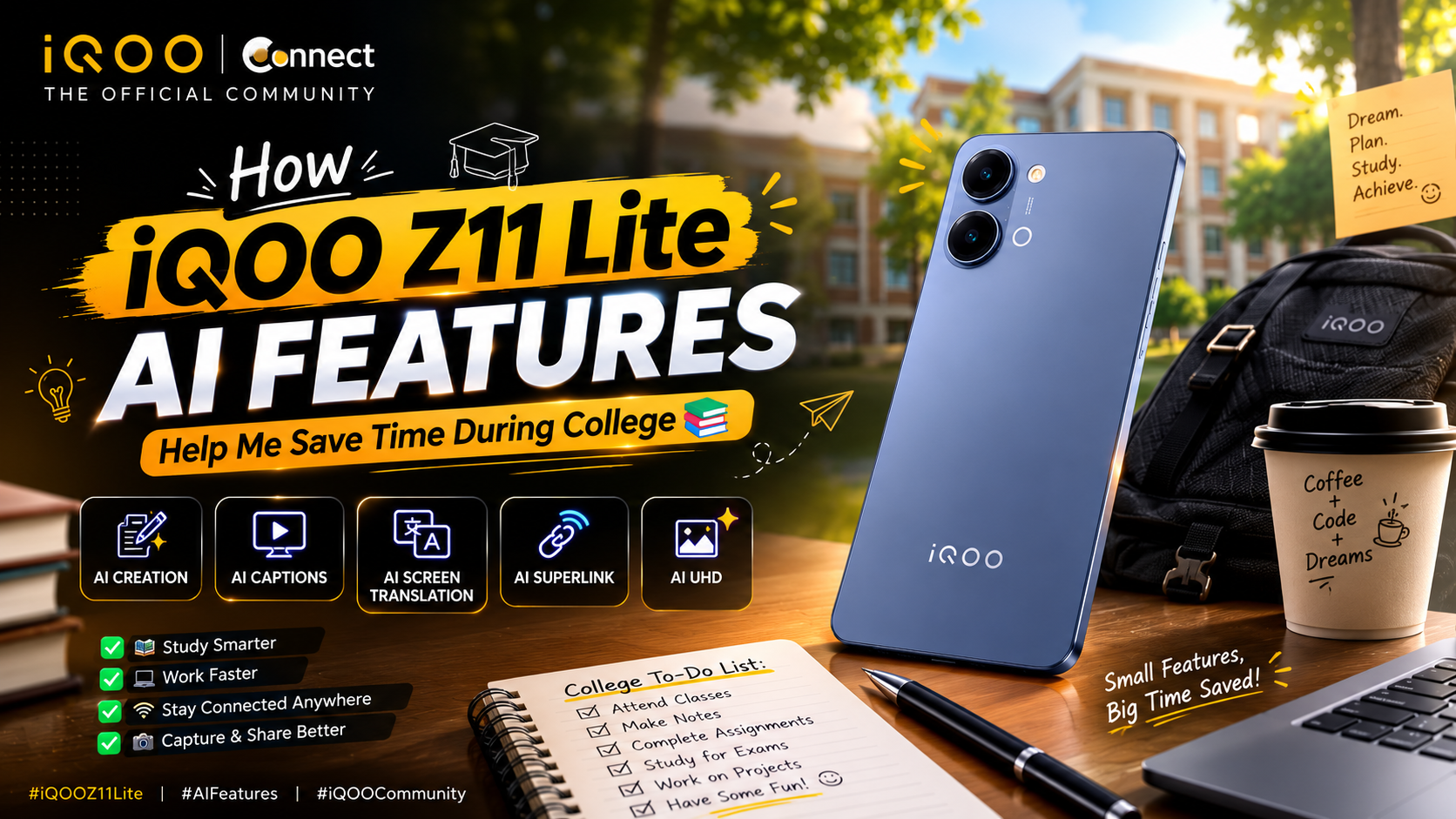
How iQOO Z11 Lite AI Features Help Me Save Time During College 📚

How iQOO Z11 Lite AI Features Help Me Save Time During College 📚
Hello Questers 👋
College life is always busy. Every day I have to manage lectures, assignments, online classes, study materials, and project work. Sometimes even small tasks consume a lot of time.
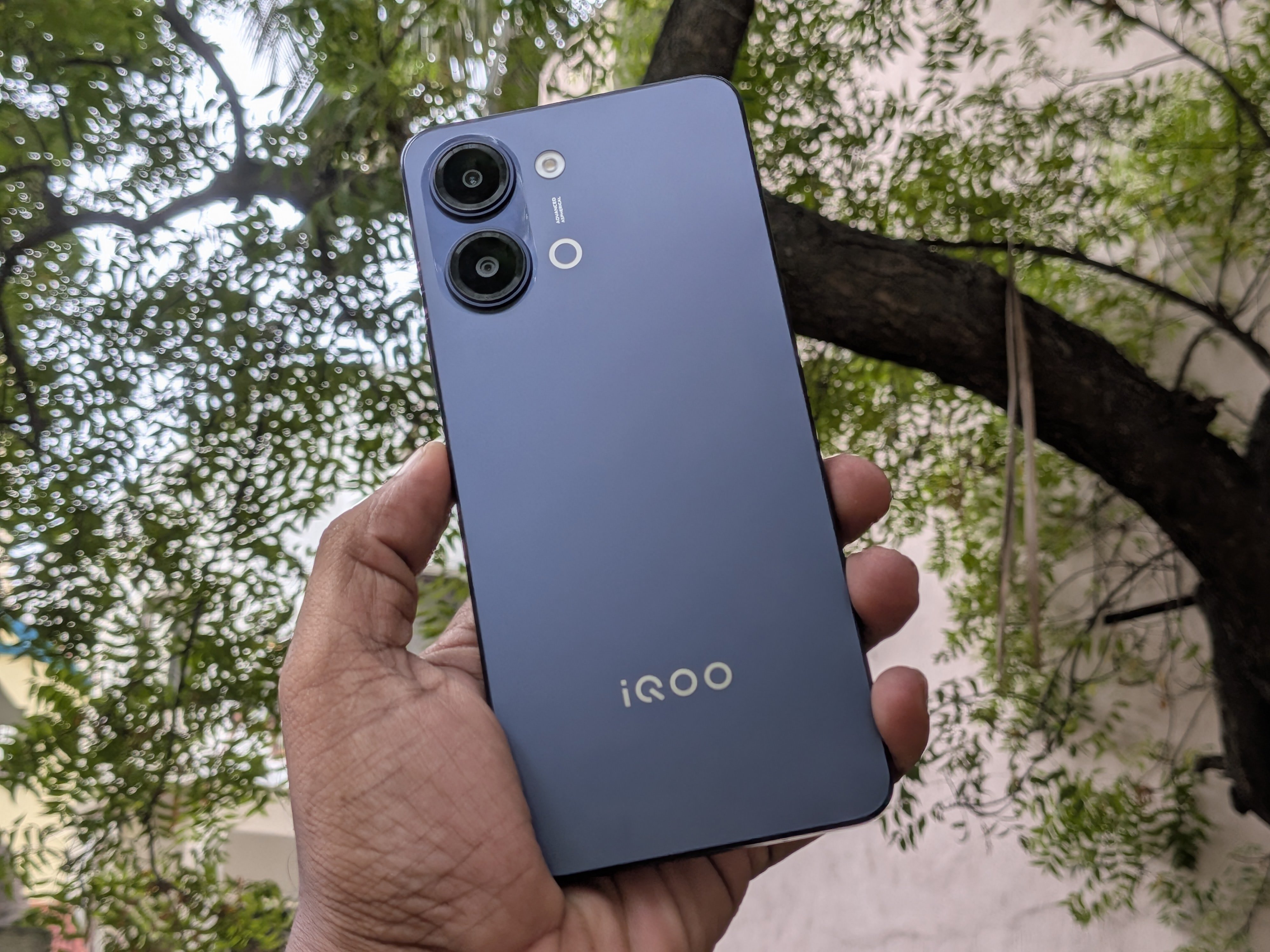
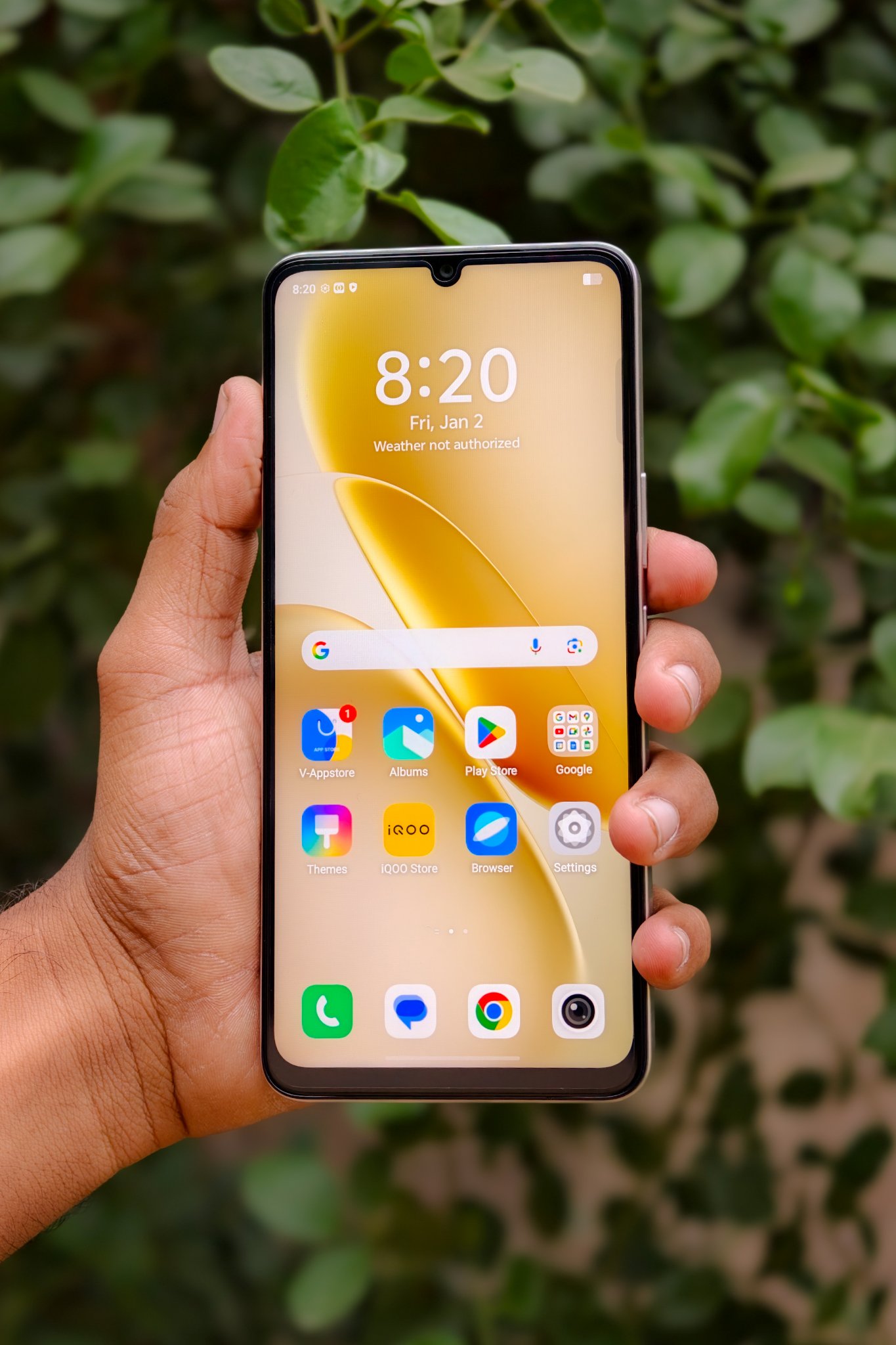
After using the AI features on my iQOO Z11 Lite, I realized that they genuinely make my daily routine easier. Instead of depending on multiple apps, I can complete many tasks directly on my phone.
Here are the AI features that help me save time during my college life.
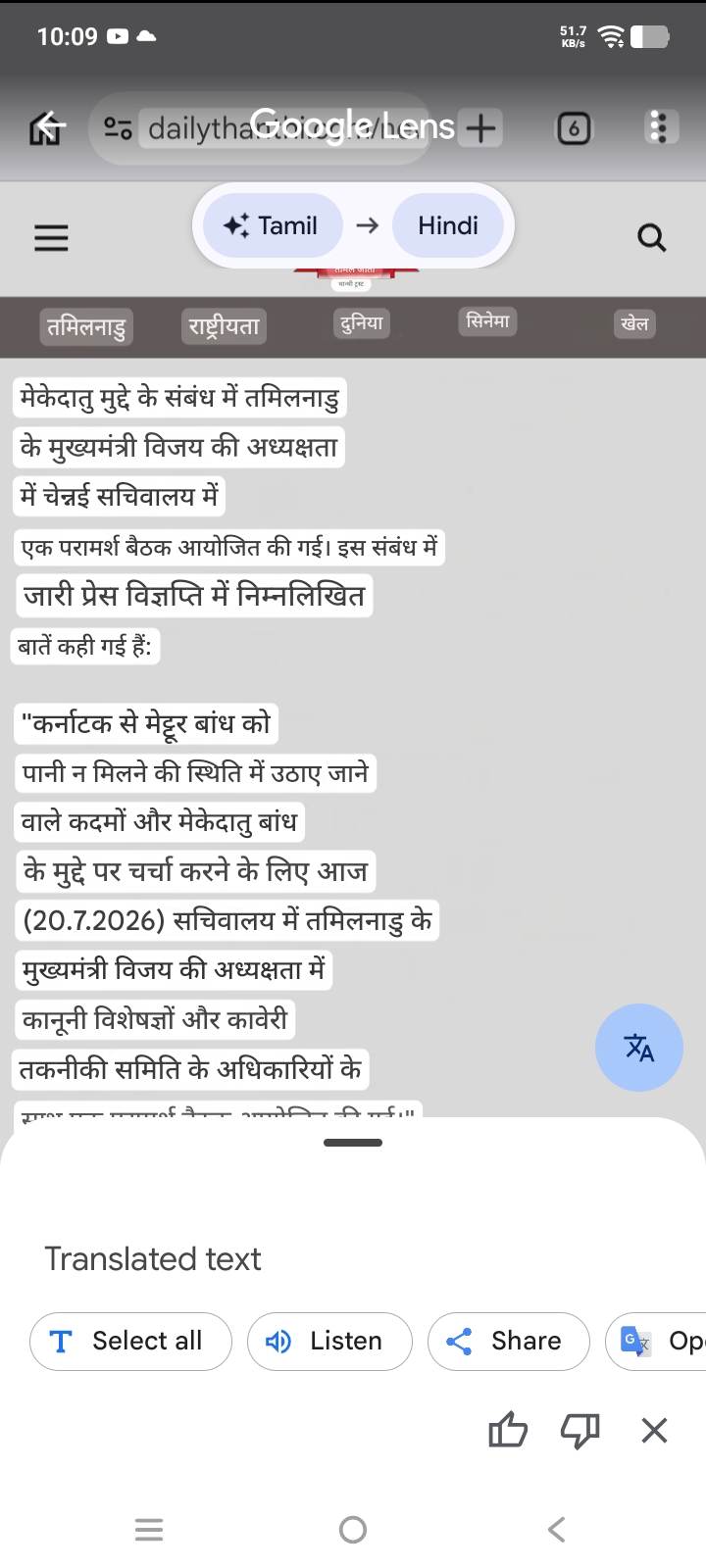
1. AI Screen Translation
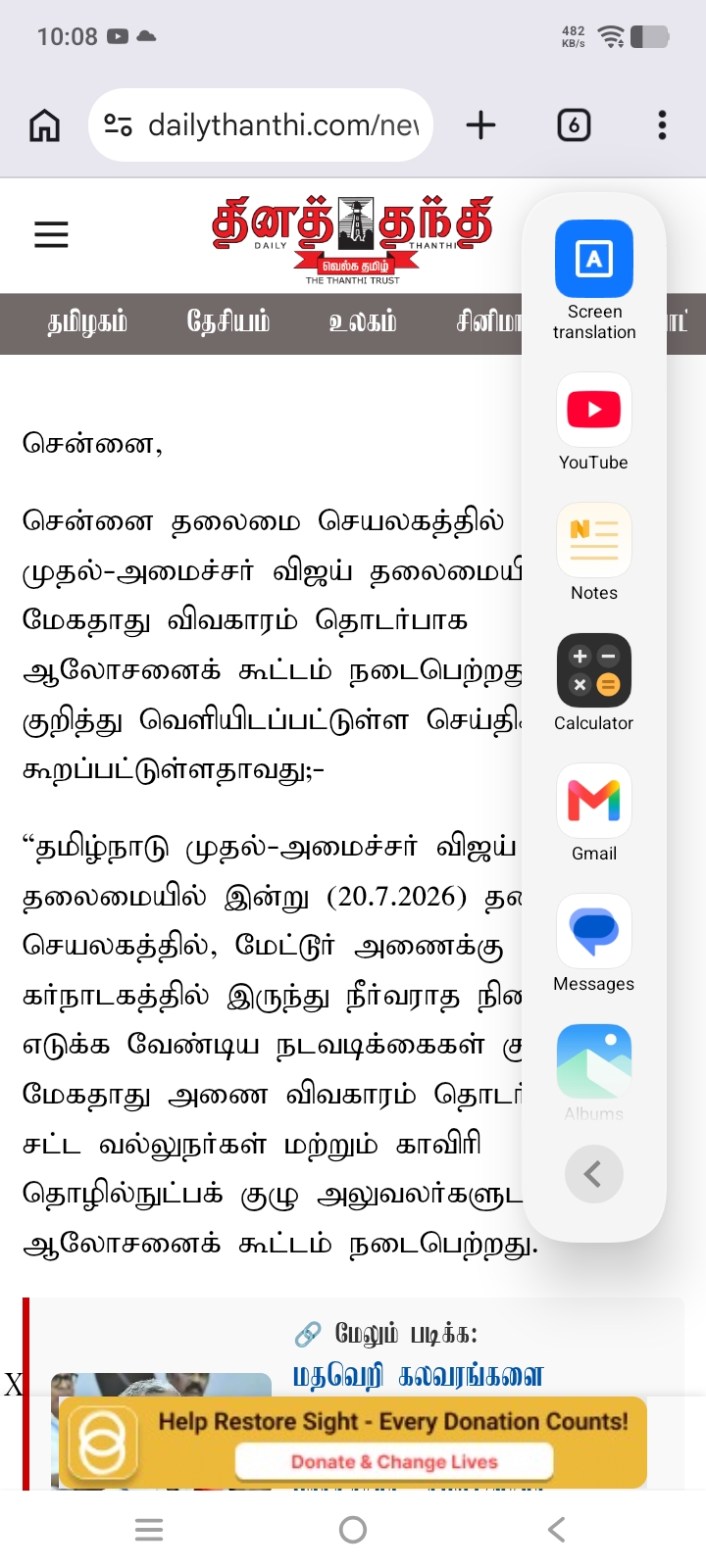
Many study materials, articles, and websites are available only in English or other languages. Sometimes I even come across news articles and web pages in languages I don't understand.
With AI Screen Translation, I simply open the Smart Sidebar, tap Screen Translation, and the content is translated instantly.
How it helps me:
✅ Instantly translates websites and study materials.
✅ No need to copy and paste text into another translator.
✅ Makes learning faster during exam preparation.
College Example:
While researching for assignments, I often visit websites written in different languages. AI Screen Translation helps me understand the content within seconds without leaving the page.
🎥 2. AI Captions
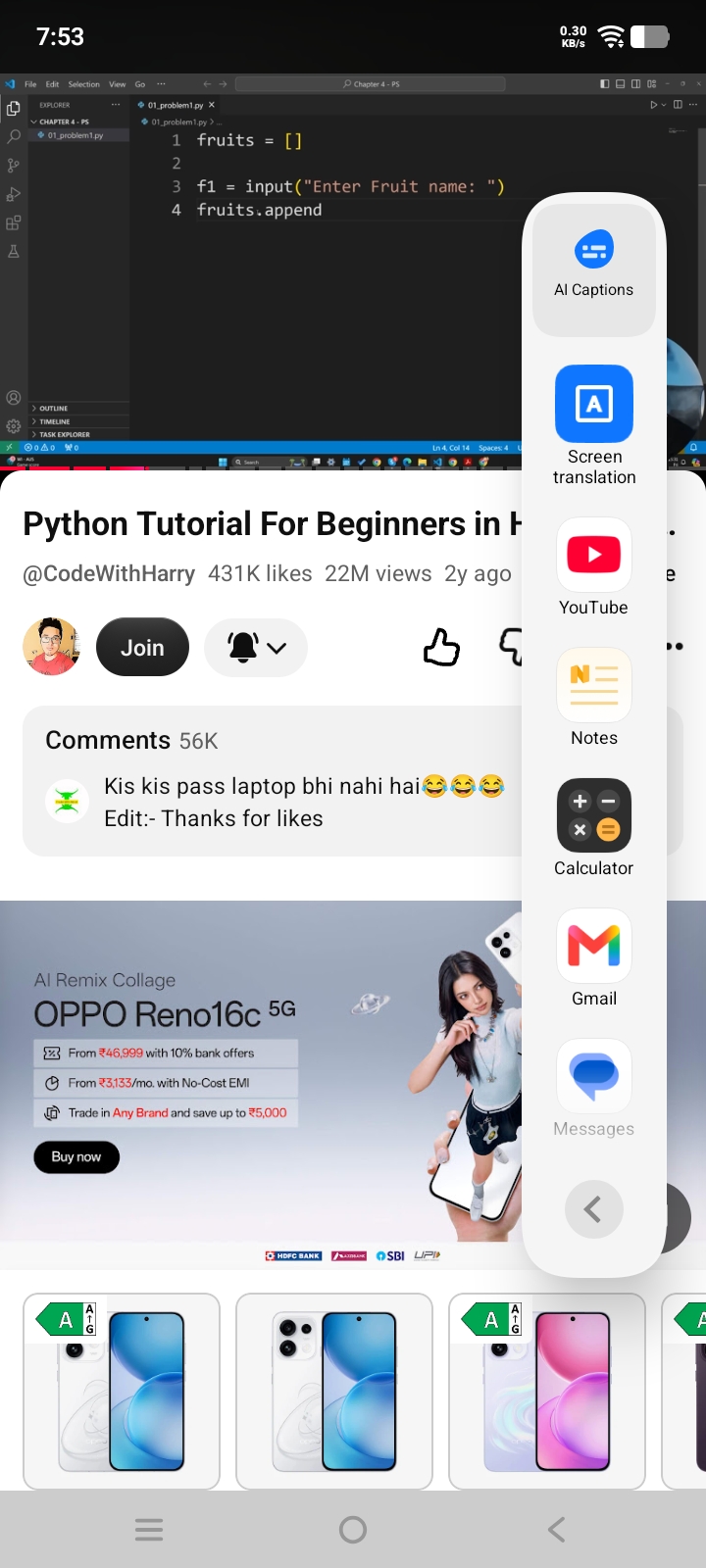
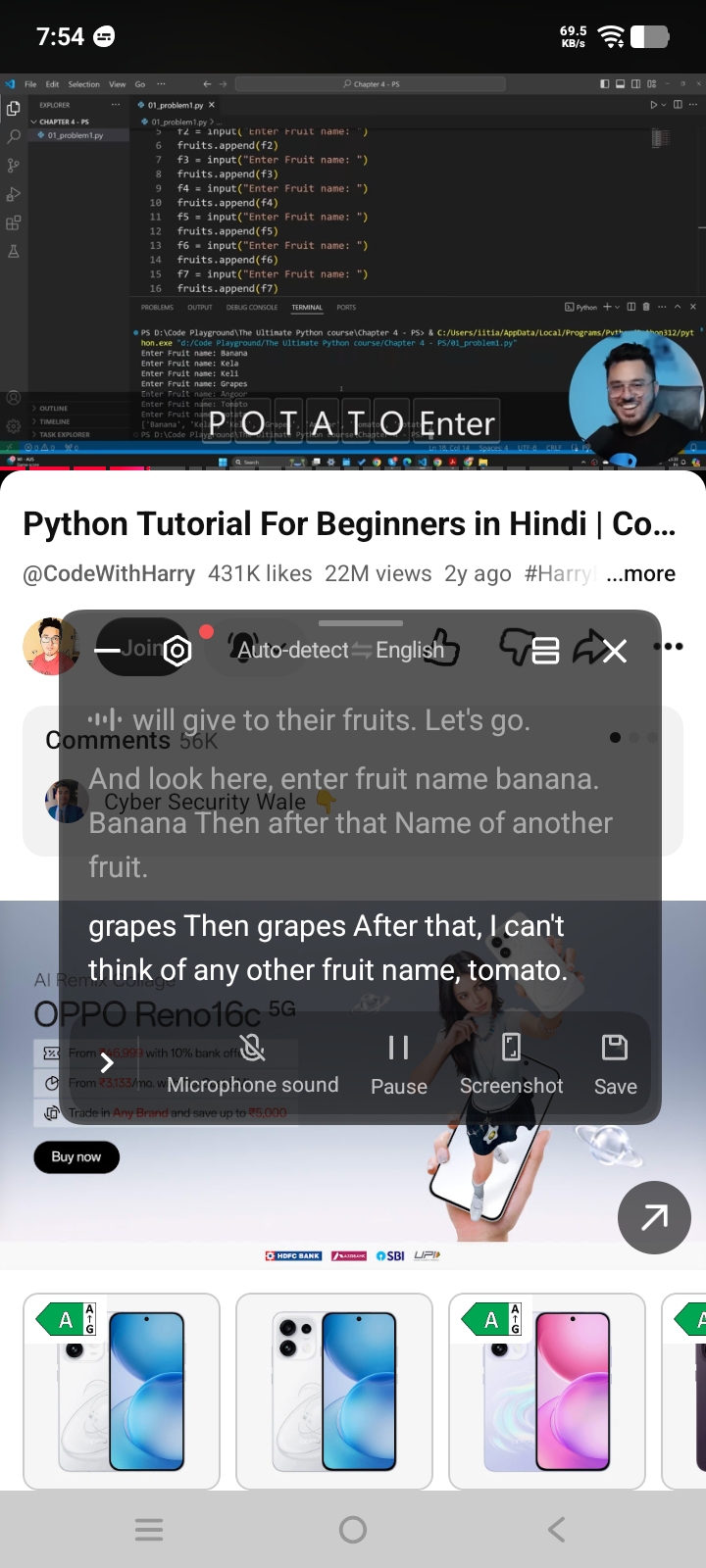
I regularly watch YouTube tutorials for coding, engineering topics, and other technical subjects.
Sometimes the speaker talks quickly or uses technical terms. AI Captions automatically generate live subtitles, making it much easier to follow the explanation.
How it helps me:
✅ Real-time subtitles while watching videos. ✅ Better understanding of technical concepts. ✅ Useful during online learning and revision.
College Example:
While watching programming tutorials on YouTube, AI Captions help me understand every important point even when the speaker talks fast.
3. AI Creation (Notes)
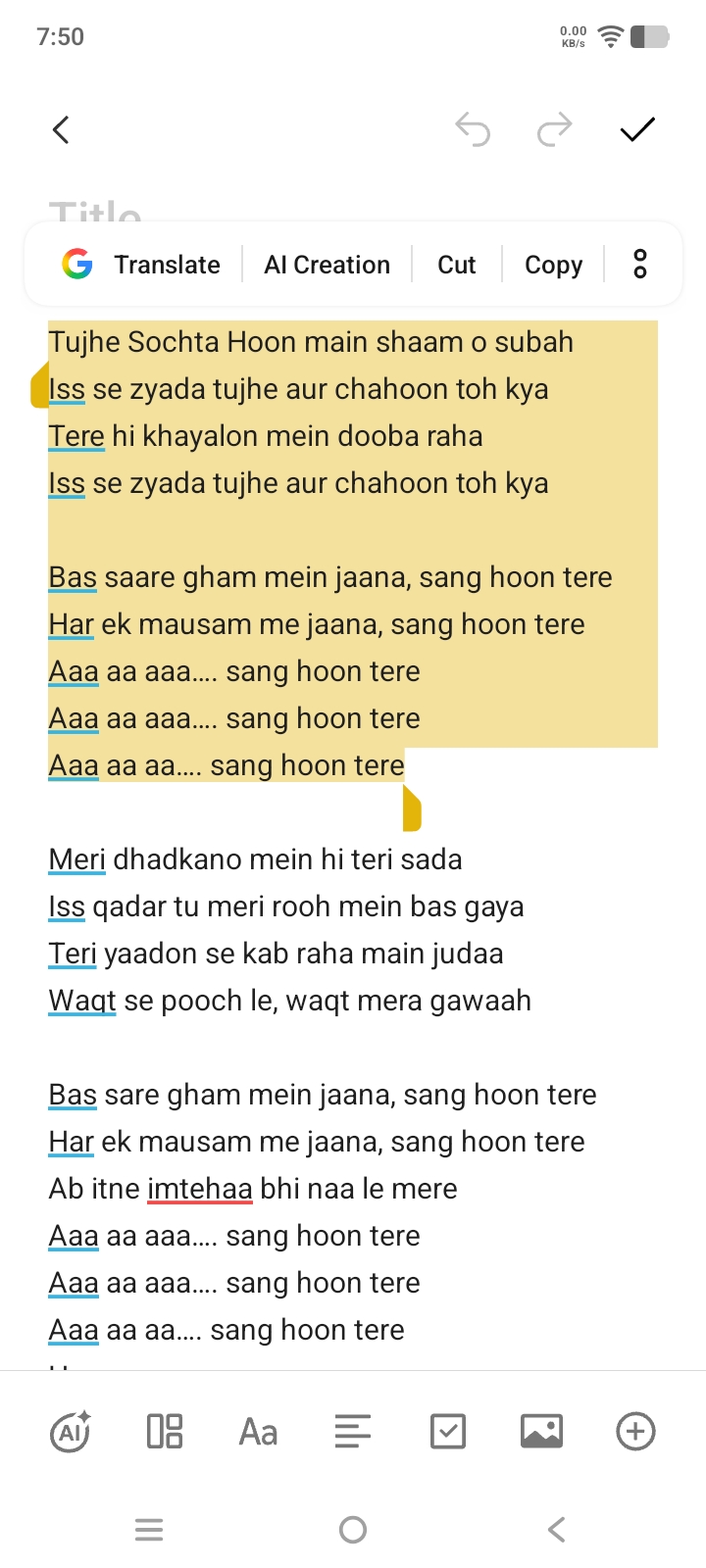
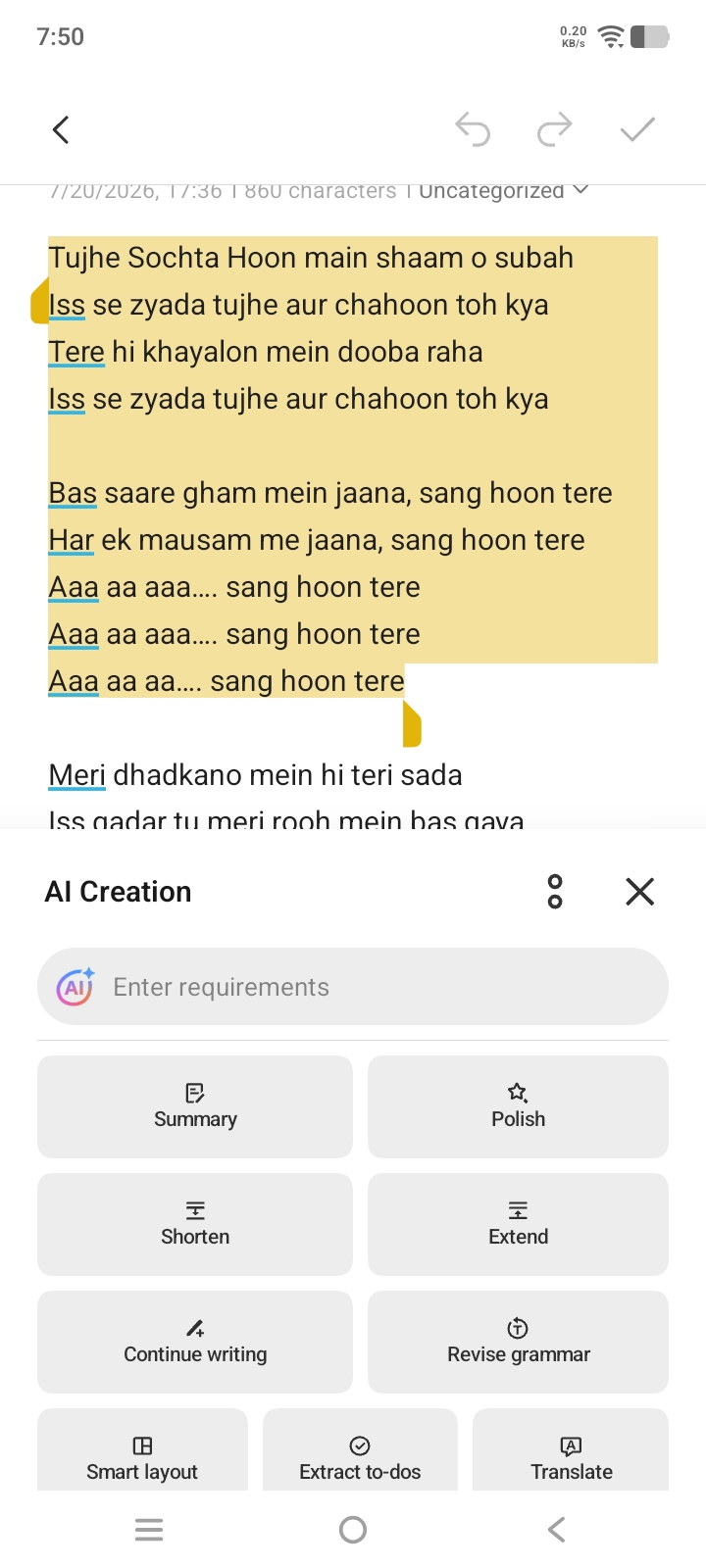
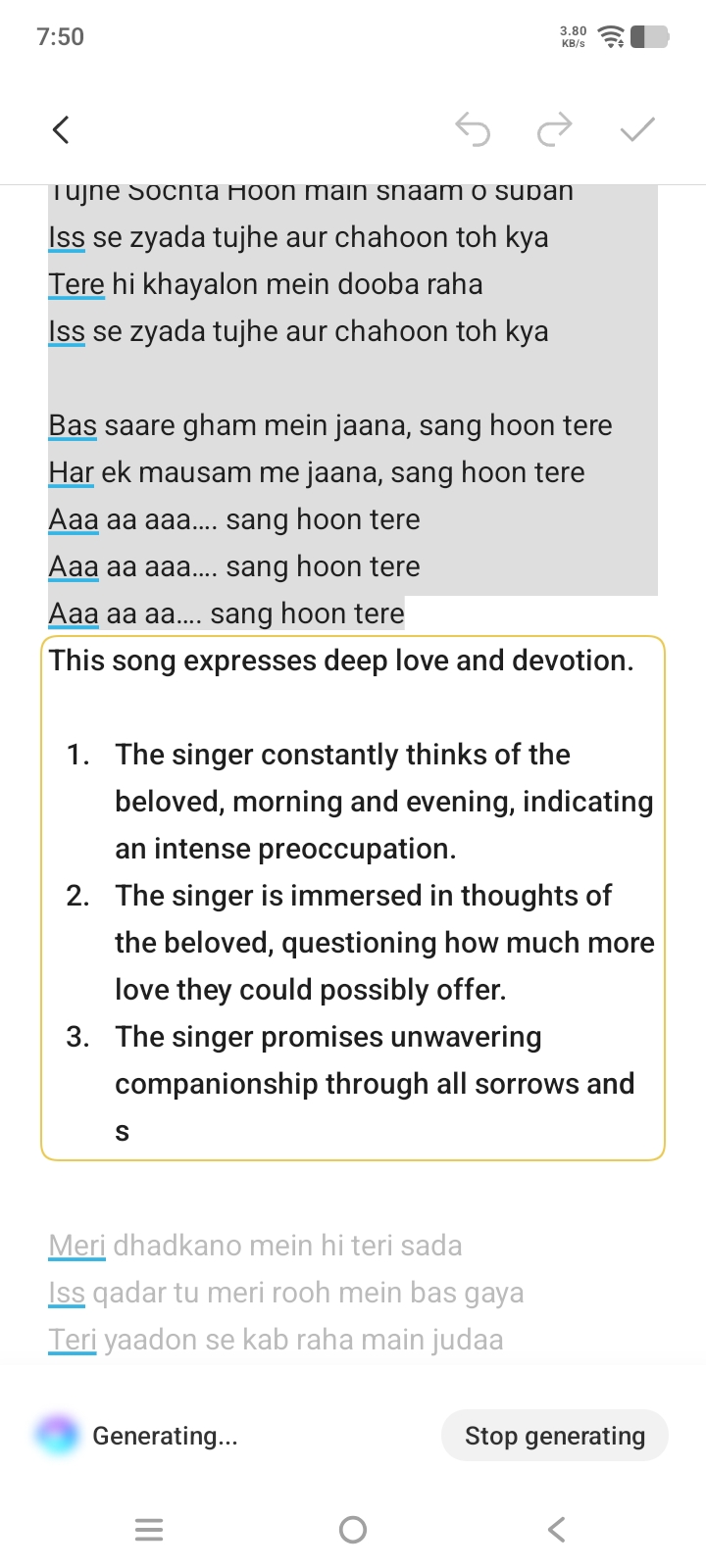
The AI Creation feature inside the Notes app has become one of my favourite productivity tools.
Whether I'm writing assignment points, preparing seminar notes, or making rough drafts, AI Creation helps organize and improve my content.
It can:
✨ Summarize long text
📝 Improve writing
✂️ Shorten or extend content
🌍 Translate text
✅ Improve grammar
💡 Generate ideas
College Example:
Before submitting an assignment, I use AI Creation to polish my notes and improve readability. It saves me time because I don't need to edit everything manually.
🖼️ 04. AI UHD
As someone who enjoys clicking photos around my college campus, I like sharing good-quality images on social media and the iQOO Community.
With AI UHD, I can improve image clarity directly inside the Gallery.
How it helps me:
✅ Enhances photo clarity.
✅ No need to install another editing app.
✅ Better-looking photos in just a few taps.
College Example:
During an evening outing, I captured this delicious BBQ platter using my iQ00 Z11 Lite. While the original photo looked good, I wanted the grilled texture, colors, and overall details to stand out even more.
Before Al UHD: Original image captured using iQOO Z11

After AI UHD: Same image enhanced with AI UHD for improved clarity and better details.

📶 05. AI SuperLink
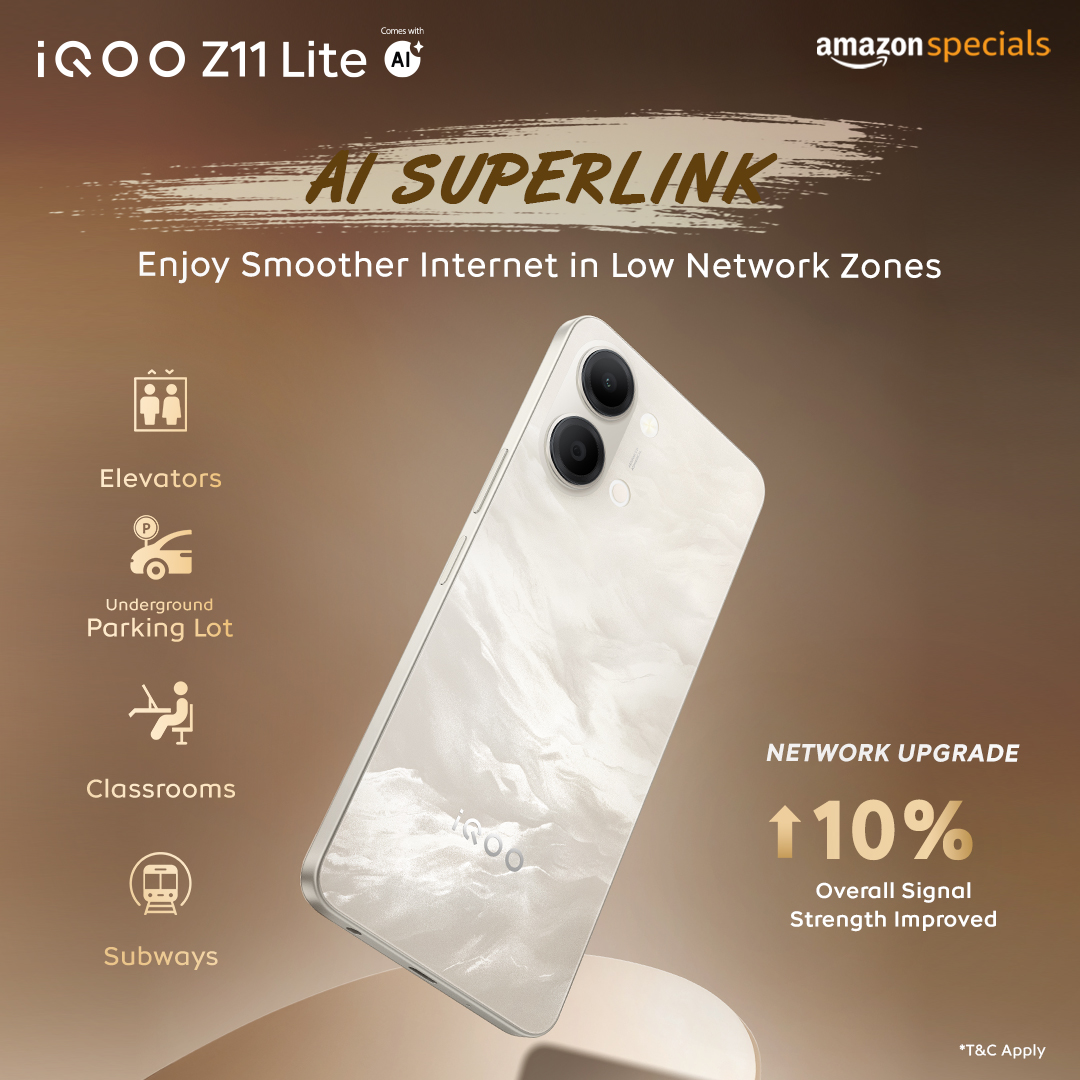
Network issues can become frustrating, especially inside classrooms, crowded college buildings, elevators, or basement parking areas.
AI SuperLink intelligently optimizes connectivity to provide a more stable network experience.
How it helps me:
✅ Better signal stability in weak network areas. ✅ Smoother browsing and video streaming.
✅ More reliable connectivity during online classes and video calls.
College Example:
While attending online lectures or uploading assignments from college, AI SuperLink helps maintain a stable connection in areas where network signals are usually weak.
⏳ How These AI Features Save My Time
Instead of using multiple apps for translation, writing assistance, captions, photo editing, and network optimization, my iQOO Z11 Lite brings these tools together in one device.
That means:
📖 Less time switching between apps.
📝 Faster assignment preparation.
🎥 Better understanding of online lectures.
📸 Quick photo enhancement.
📶 Stable internet when I need it most.
Final Thoughts
The AI features on the iQOO Z11 Lite are not just marketing features—they have become genuinely useful in my daily college life.
From translating study material and improving notes to understanding online lectures, enhancing photos, and maintaining a stable network connection, these AI tools help me stay productive while saving valuable time every single day.
Overall, the iQOO Z11 Lite has become a smart study companion that makes my college routine easier and more efficient.
Which AI feature do you use the most on your iQOO smartphone? Let me know in the comments! 👇
Please sign in
Login and share