
























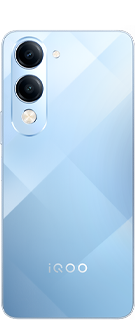
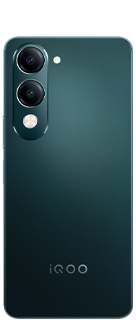

iQOO Z11 Lite AI Features You Should Use From Day One 🤖⚡

Peace Be Upon You Questers 
I am Yasir Hamid Ansari, here with some iQOO Z11 LiteAI Features You Should Use From Day One 🤖⚡
The wait is almost over. On July 24, 2026, iQOO India is officially dropping the iQOO Z11 Lite. While a lot of the hype is rightfully centered around the massive 6500mAh battery and the MediaTek Dimensity 6300 chip, what really caught my eye is the software experience. We are getting Origin OS 6 right out of the box, and it is packing some seriously practical AI capabilities.
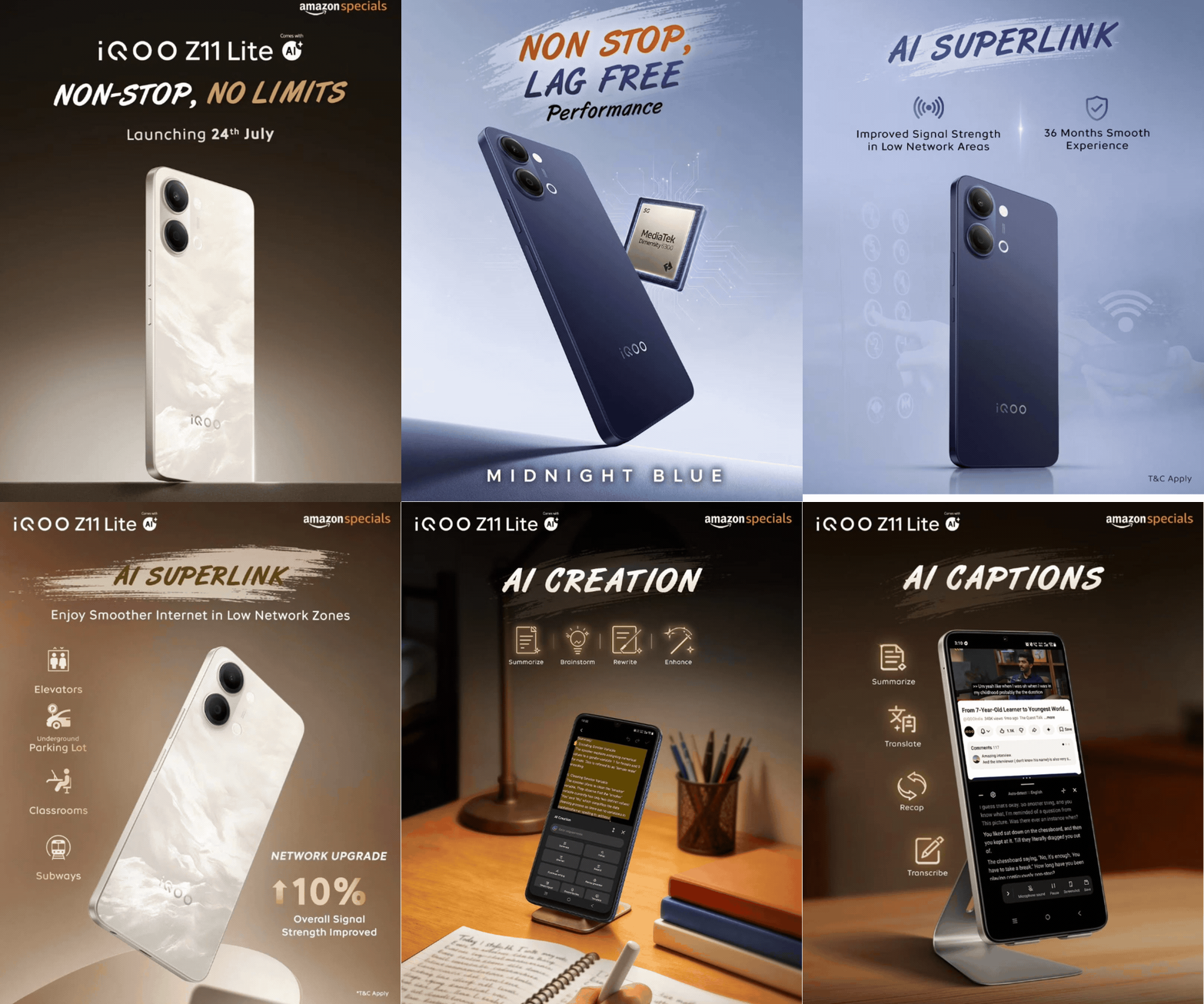
If you are picking up this device, you don't want these tools sitting unused. Here is a breakdown of the iQOO Z11 Lite AI features you absolutely need to turn on from Day One.
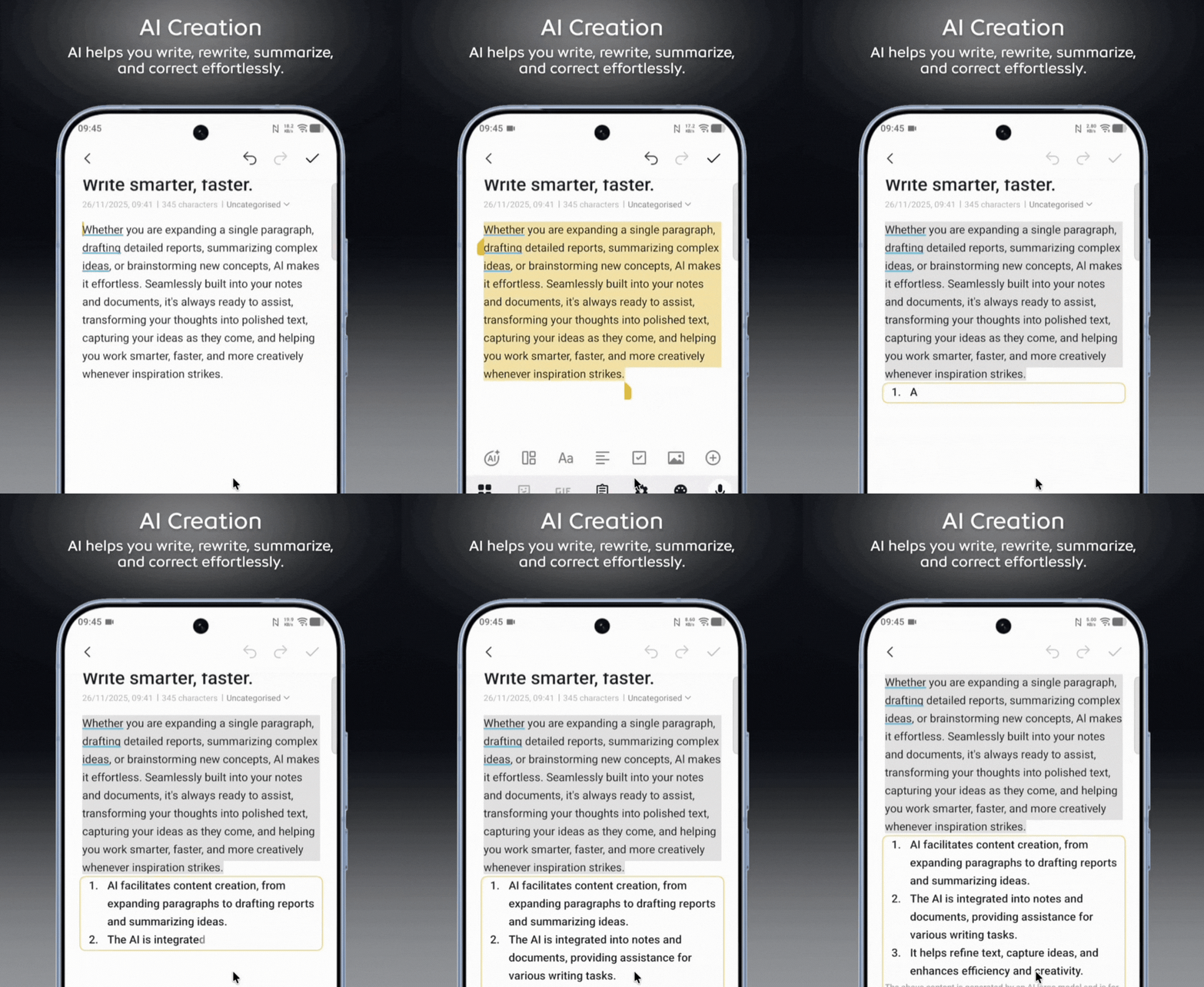
📝 1. Supercharge Your Writing (Notes App & iQOO Docmaster)
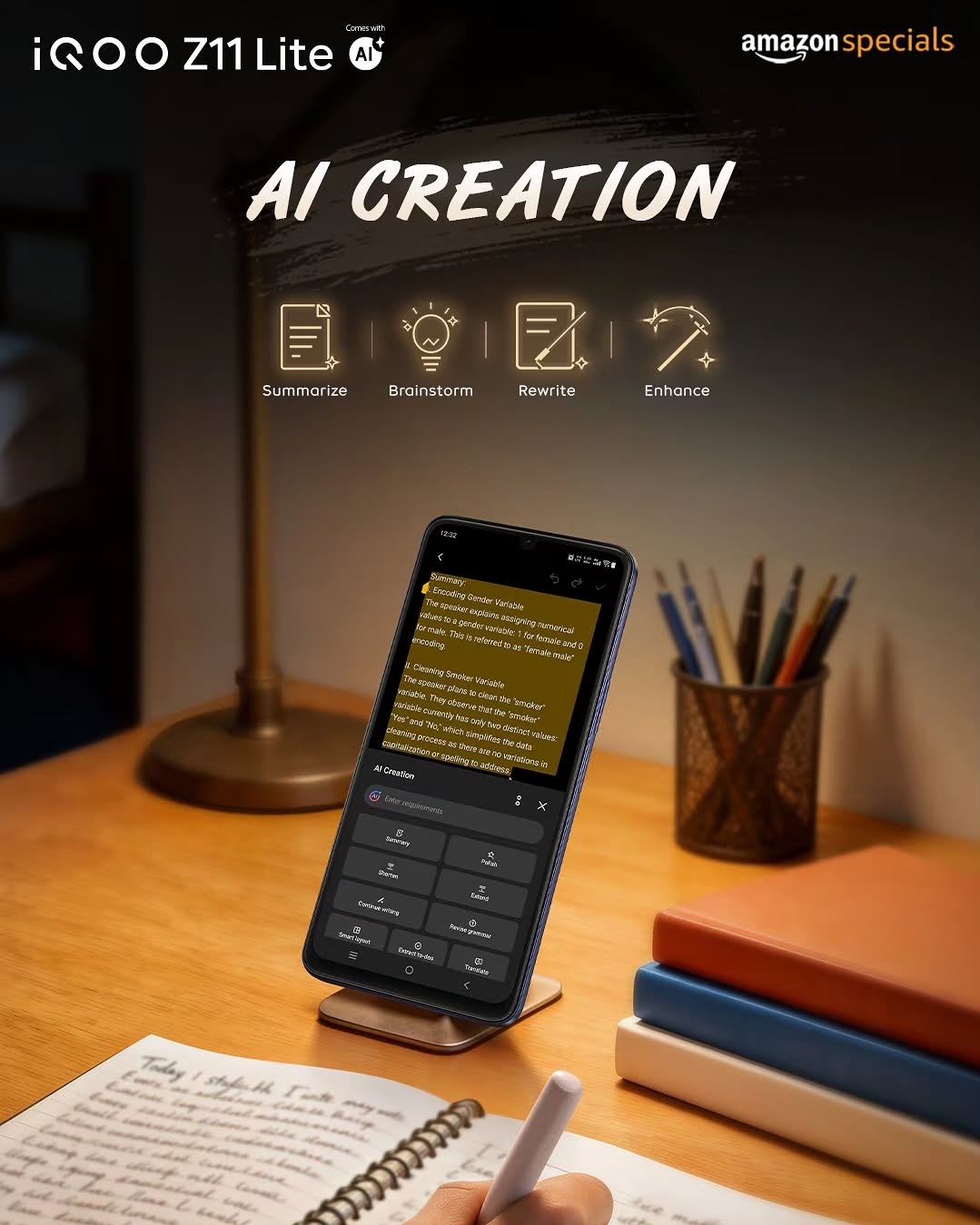
Whether you are taking class notes, drafting an email, or just organizing your thoughts, the new AI Creation tools in both the Notes App and iQOO Docmaster are incredible time-savers. Instead of staring at a blank screen, you can use the AI to:
- Brainstorm: Generate fresh ideas instantly.
- Summarize: Compress long walls of text into quick, readable bullet points.
- Rewrite & Enhance: Change the tone of your draft or make it sound more professional.
- Grammar Check: Fix typos and structural errors before you hit send.
Tip: Use Docmaster for your heavy-duty document editing and the Notes app for quick, on-the-go thoughts. The AI works flawlessly on both.
🎬 2. AI Captions for Media & Podcasts
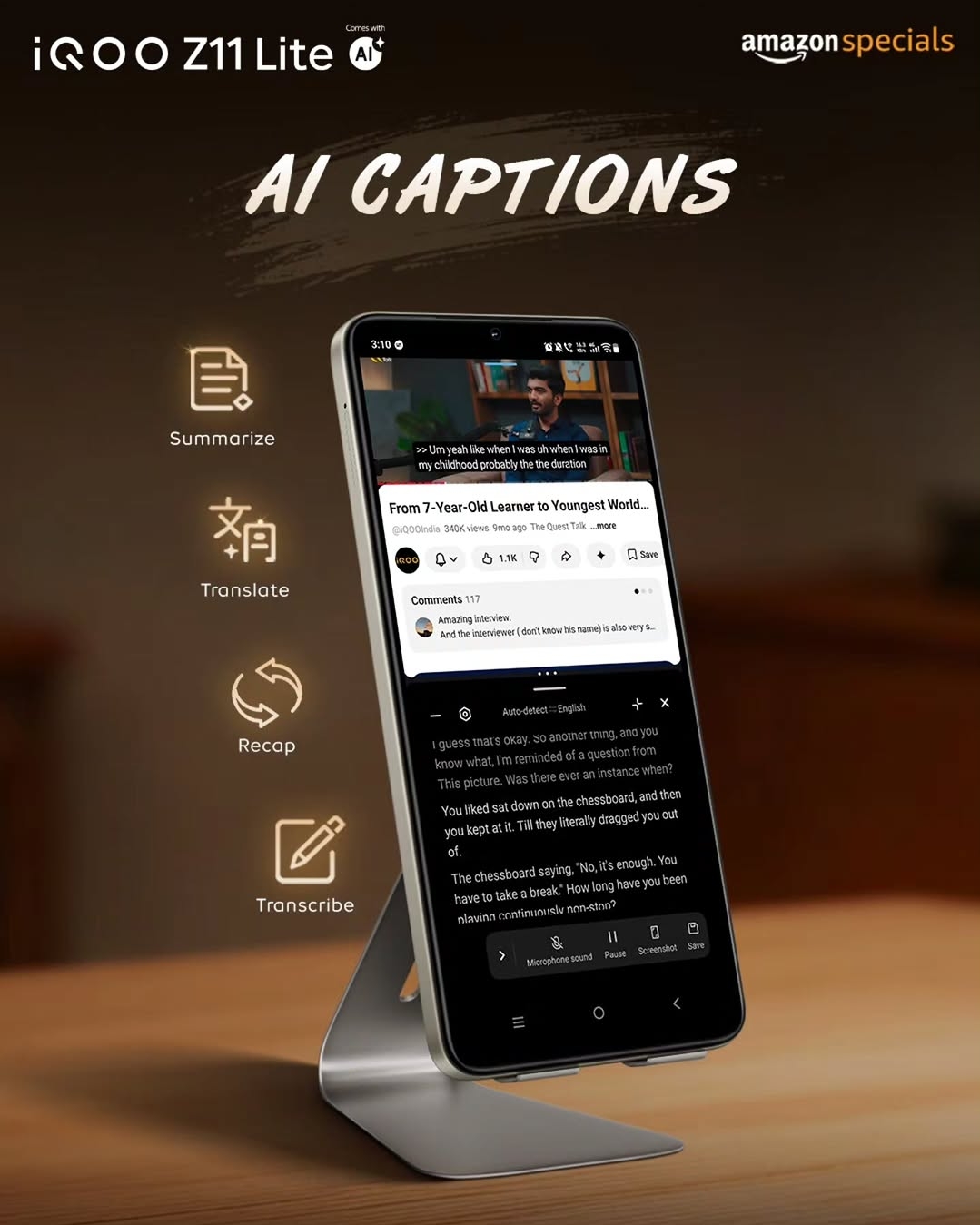
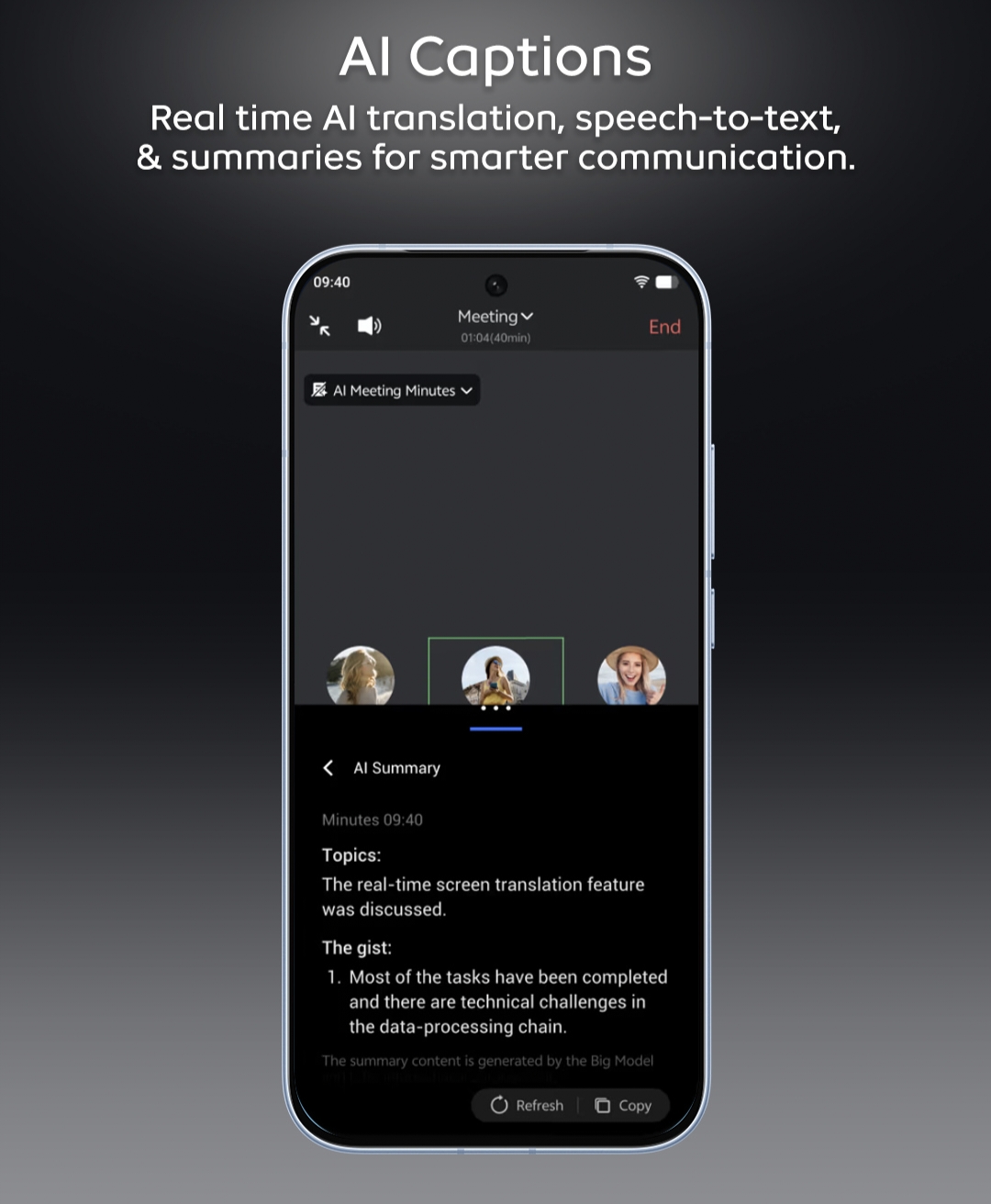
Watching a YouTube video without subtitles? Listening to a fast-paced podcast? The Z11 Lite's AI Captions feature works universally across your media apps.
It doesn't just put text on the screen; it actively helps you understand the content by allowing you to Transcribe, Translate, Recap, and Summarize what's being spoken in real-time. It is incredibly handy if you are trying to watch a video in a noisy environment or consuming content in a different language.
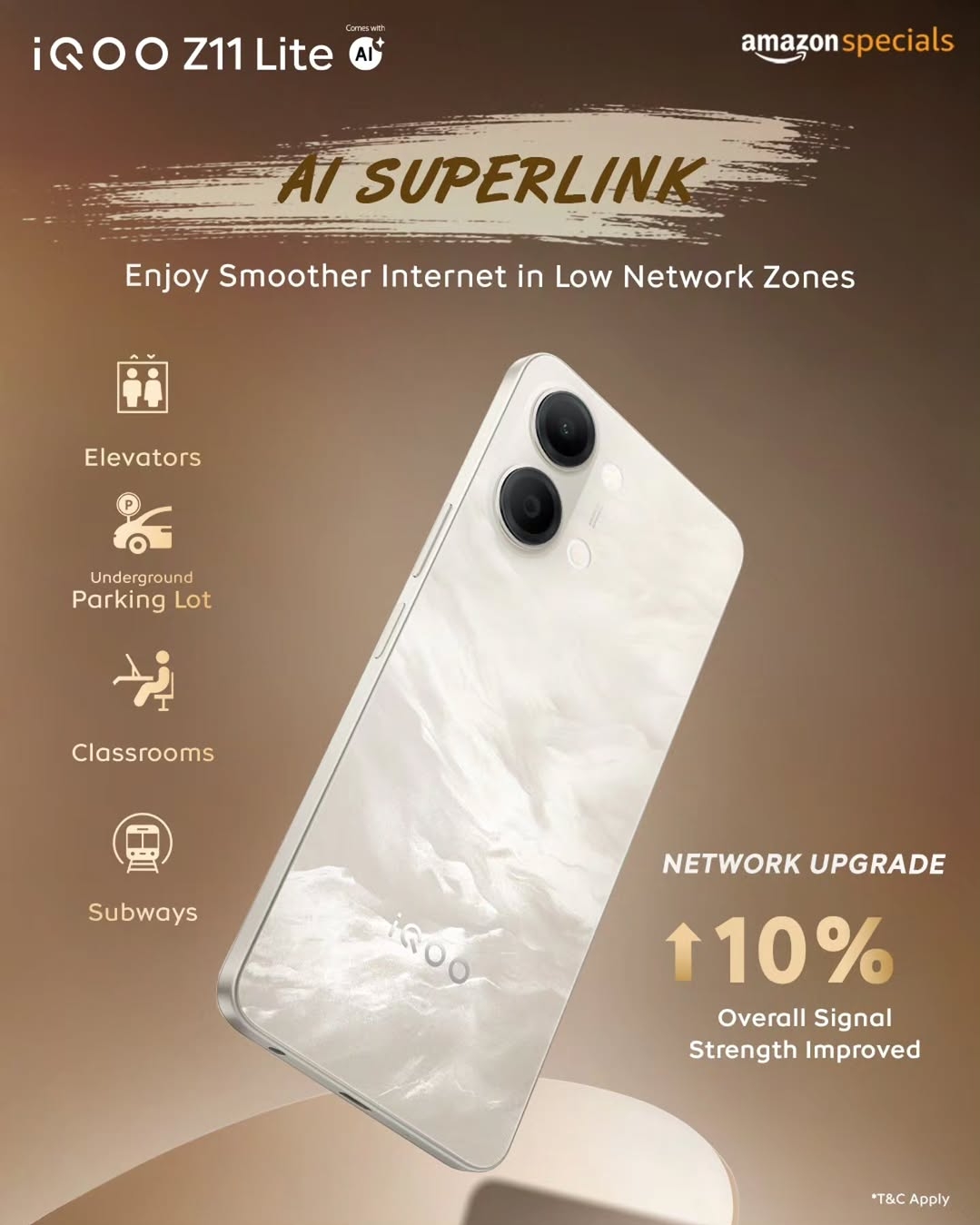
📶 3. AI Superlink (No More Dead Zones)
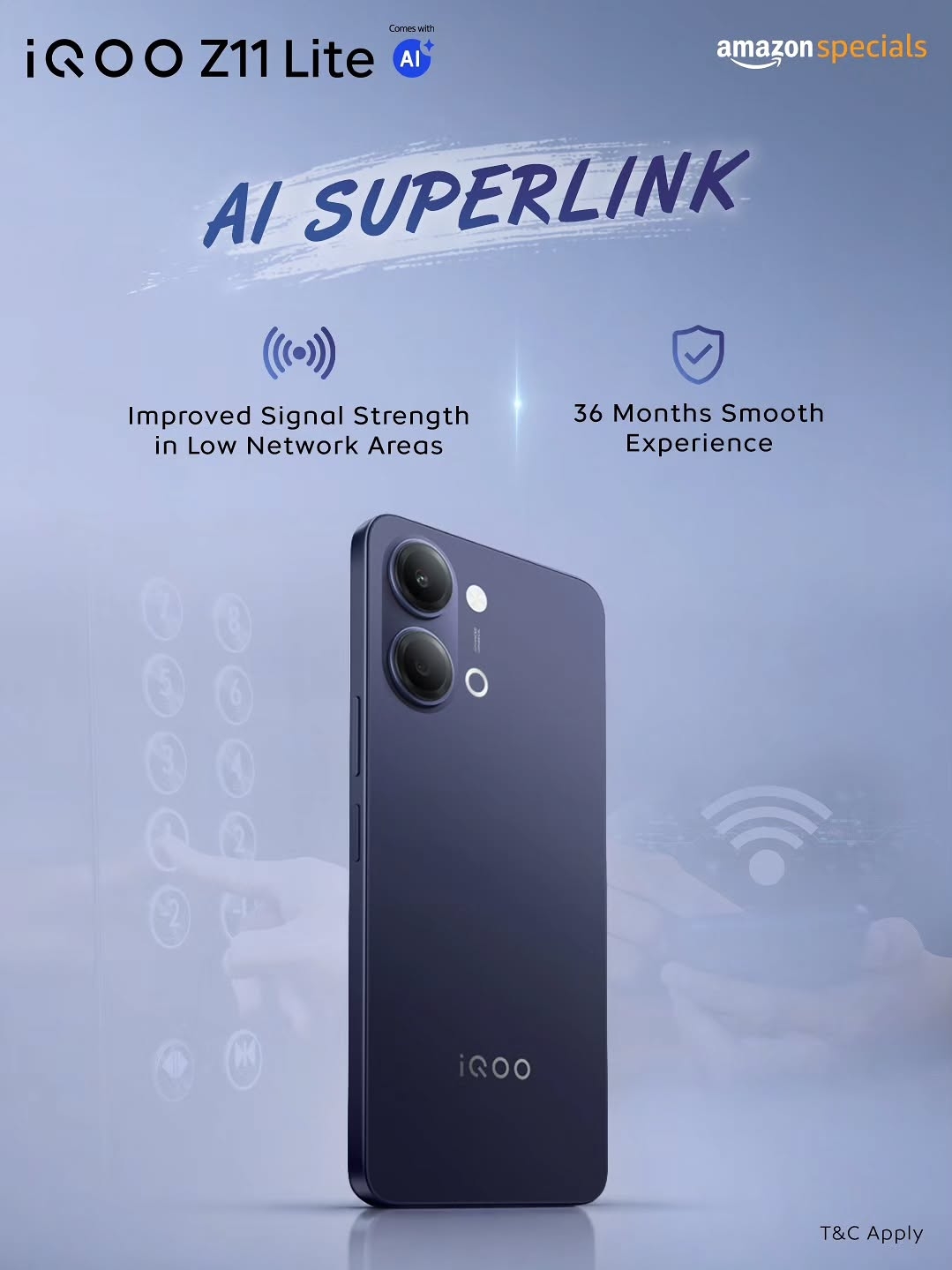
This is probably the most practical, real-world feature on the list. We all hate losing our network in elevators, underground parking lots, classrooms, or subways.
AI Superlink intelligently optimizes your network connection, giving you a 10% overall improvement in signal strength in those tricky low-network areas. It quietly runs in the background, meaning fewer dropped calls and much faster data recovery when you step out of a basement.
📸 4. AI Retouch for Your Gallery
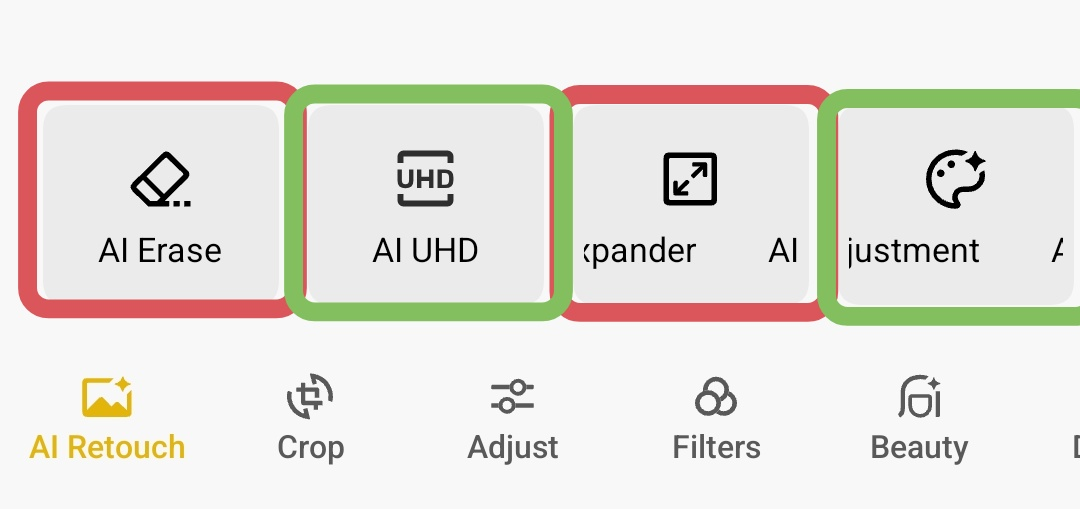
We are getting a solid 50MP main camera, but the magic really happens after you take the shot. Inside the native gallery, the AI Retouch tool comes with two heavy hitters:
- AI UHD: Enhances the overall quality and sharpness of your images, breathing life into slightly soft or compressed photos.
- AI Color Adjustment: Automatically does the color grading for you, giving your photos a professional, punchy look without needing third-party editing apps.
A Quick Reality Check on th AI Retouch:
I want to keep this thread 100%real with the community. While AI Retouch is great, two of the industry's buzziest features—AI Erase and AI Image Expander—are currently missing from this device out of the box. Given that the hardware is capable, I am really hoping the brand pushes these specific tools to us in upcoming OTA software upgrades. Fingers crossed! 🤞
Which of these AI features are you most excited to test out? Drop your thoughts in the comments below! 👇
Happy Questing!
Keep Grinding!
See You Again!
Please sign in
Login and share