
























🤯How Does a QR Code Still Work When Half of It Is Missing?

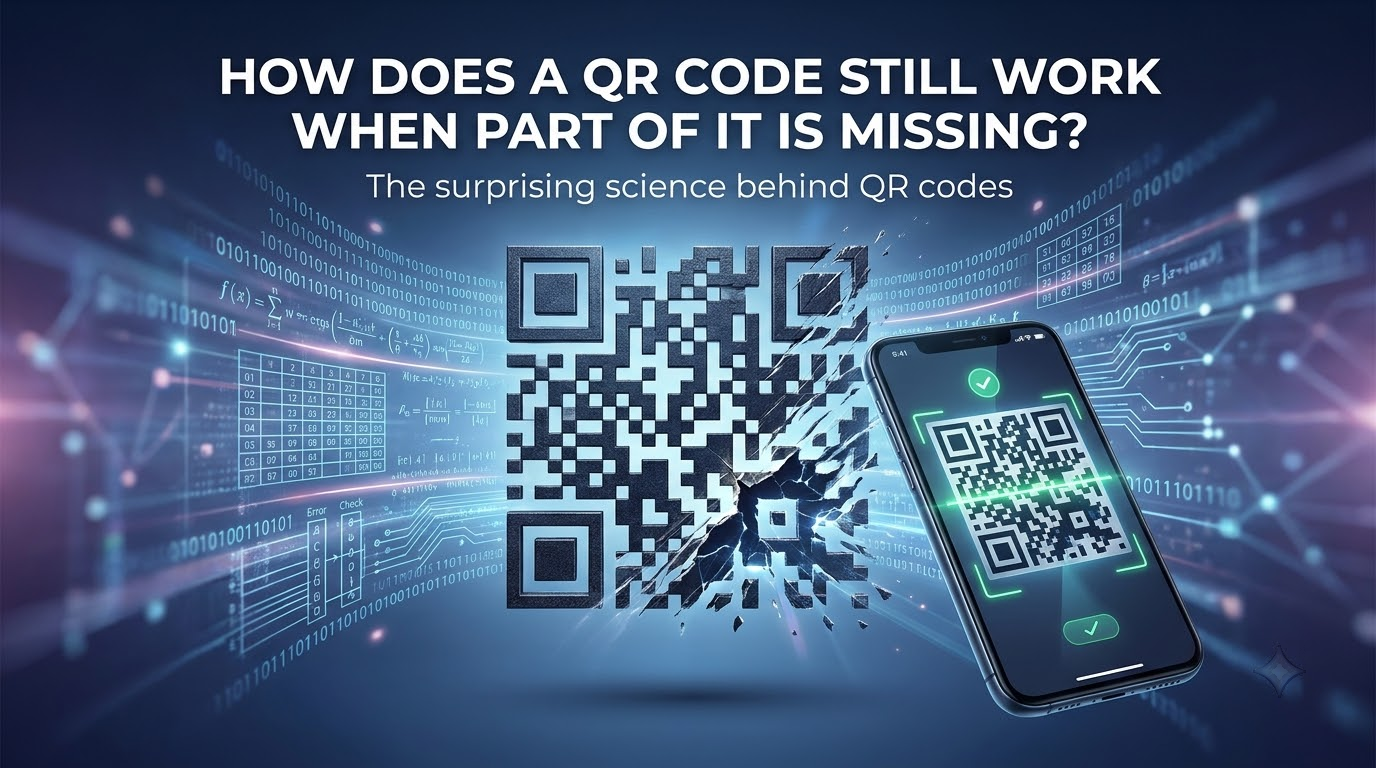
We've all scanned QR codes without really thinking about what's happening behind those little black and white squares.
But I recently realised something pretty crazy:
You can damage part of a QR code… and it can STILL work.
So I wanted to understand how.
1️⃣ It's not just a bunch of random squares
Those little squares actually have different jobs.
Some help the scanner find and orient the QR code, while others contain the actual information.
Those three big squares in the corners?
They're called finder patterns.
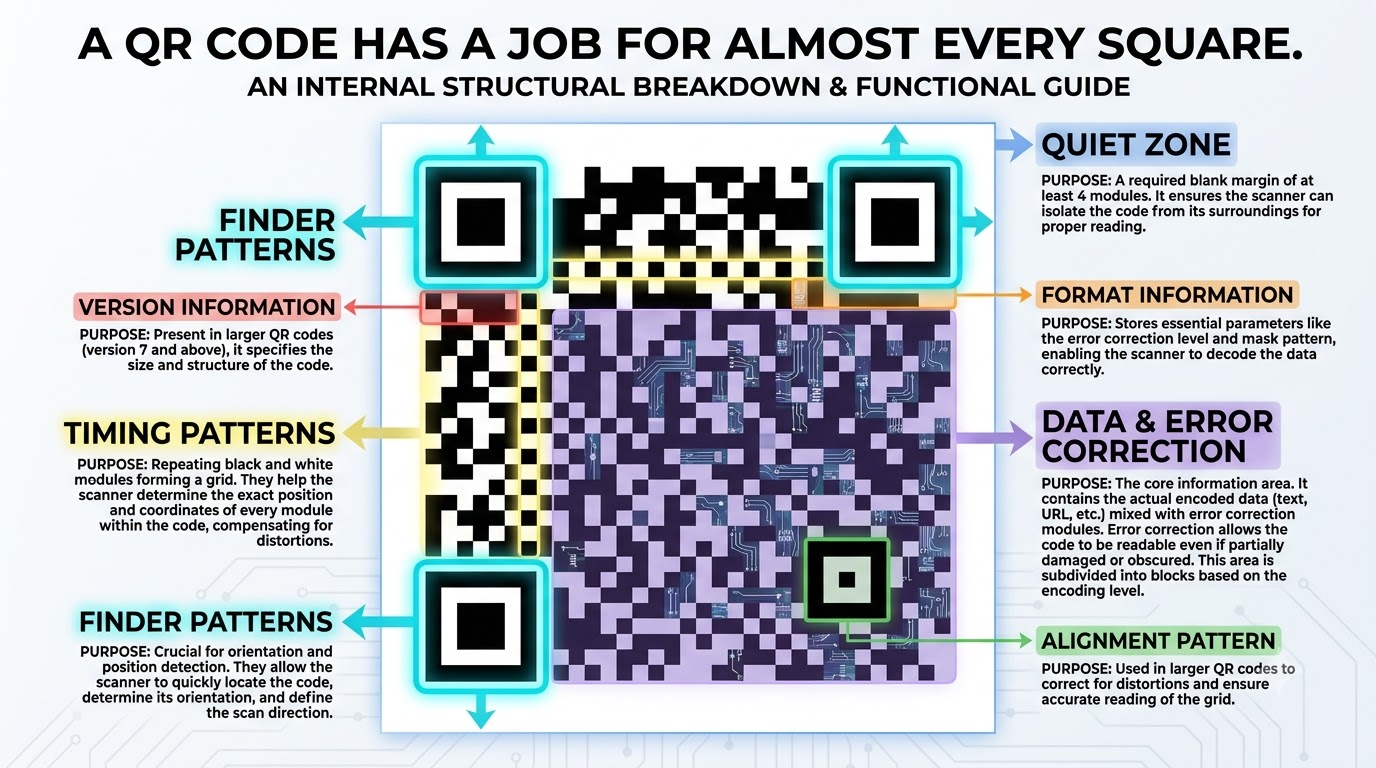
They help the camera figure out:
“Yep, that's a QR code — and this is how it's positioned.”
2️⃣ Your camera doesn't just take a picture 📷
When you point your camera at a QR code, the software first detects its structure and orientation.
It then reads the tiny black and white modules that make up the pattern.
These modules represent encoded data.
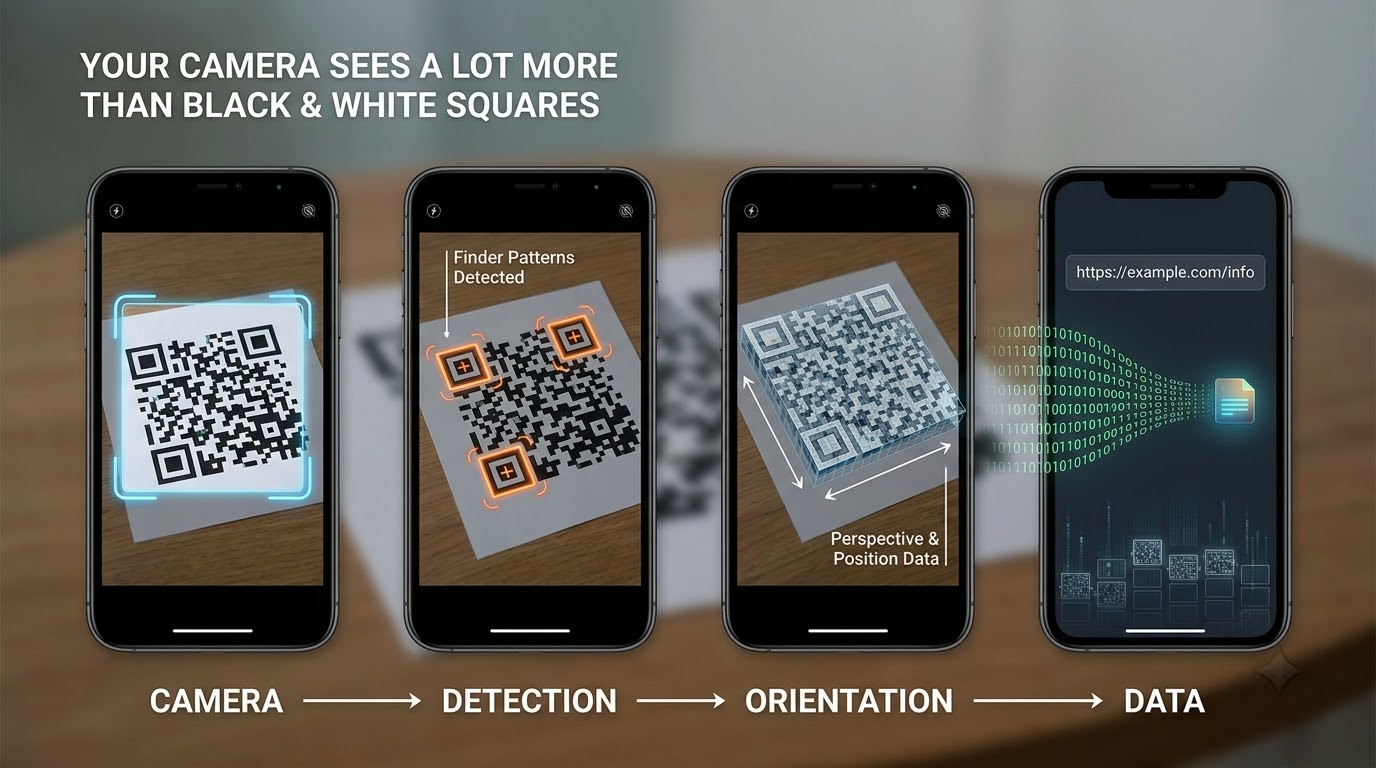
So what looks like:
⬛⬜⬛⬛⬜⬜...
to us is actually information to the scanner.
3️⃣ Here's where it gets clever 🧠
This is the part that surprised me.
QR codes don't just store your data.
They also store extra information that can help recover damaged data.
This is called error correction.
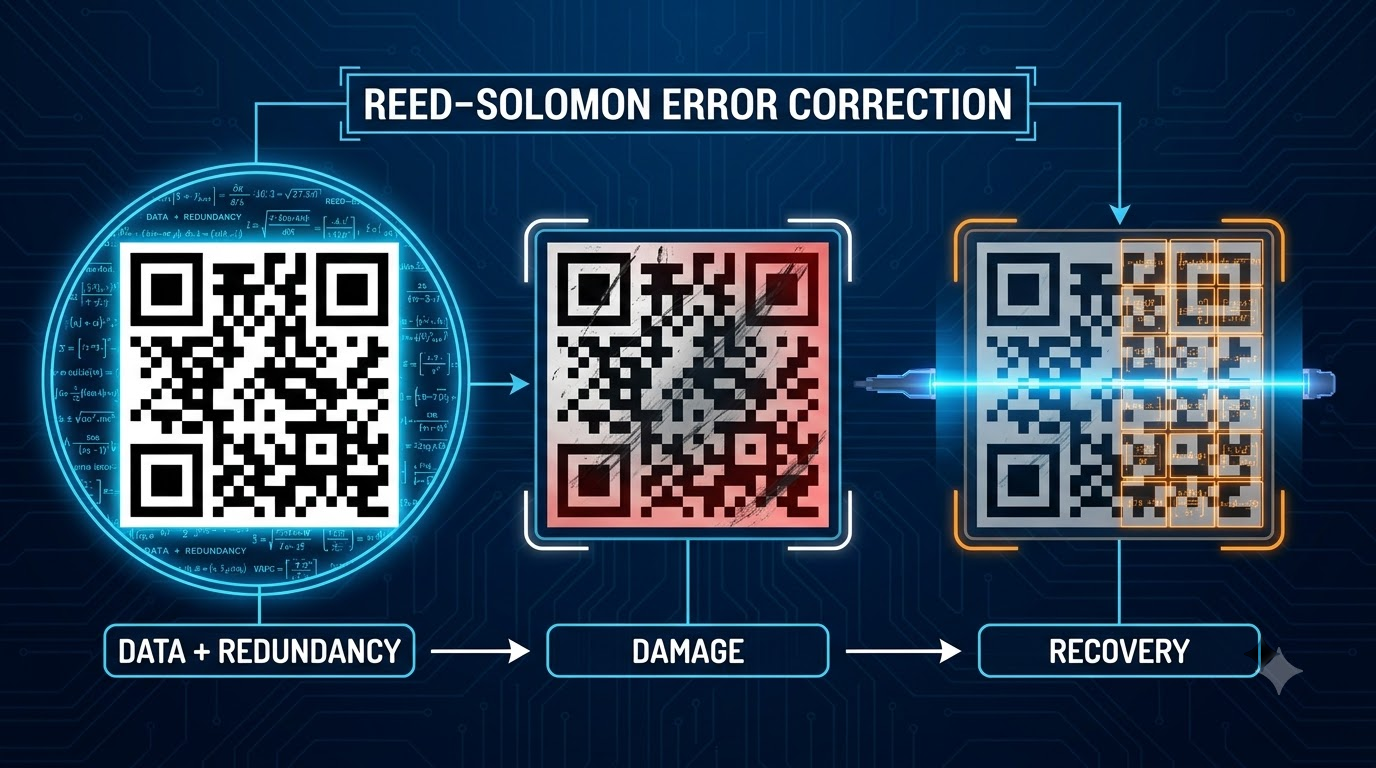
QR codes use a mathematical technique called Reed–Solomon error correction to add redundancy to the encoded data.
Basically, the QR code is prepared for the possibility that:
“Some of me might get damaged.”
😂
4️⃣ That's why this can happen 👀
Imagine a QR code that's:
100% intact → ✅
A little scratched → ✅
Partially covered → ✅
Partially damaged → potentially still ✅
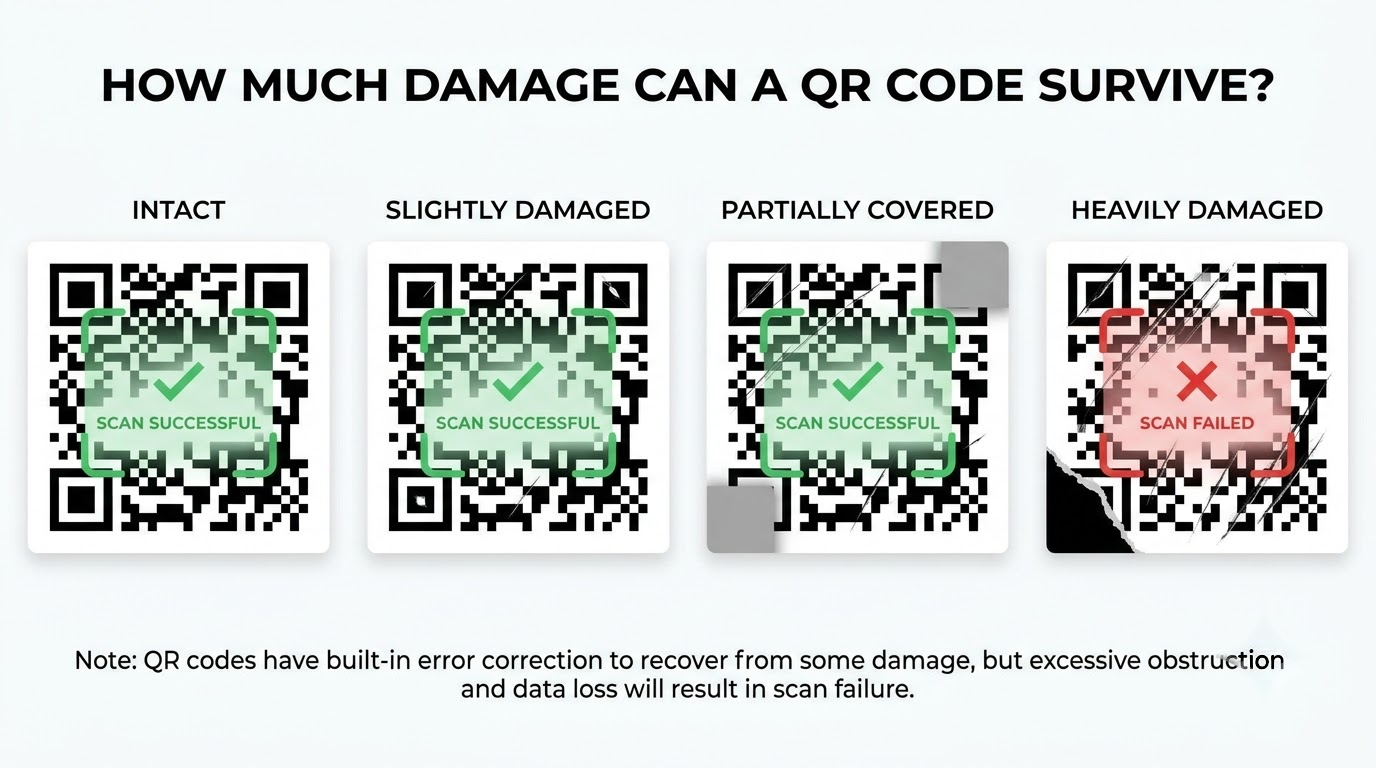
The scanner can use the remaining information and the error-correction data to reconstruct what was lost.
That's why you'll sometimes see QR codes with a logo or design covering part of the centre and they still scan perfectly.
Okay, enough theory. 😏
I made a QR code for this post.
Scan it.
I promise there's something waiting on the other side. 👀
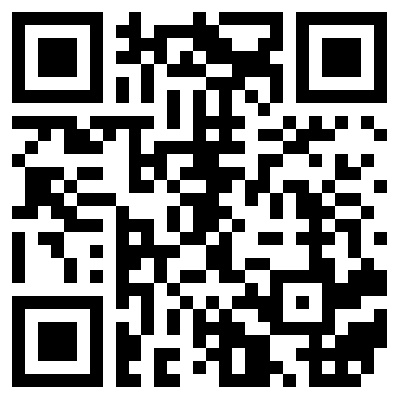
Yep. I did that. 😂
5️⃣ But there IS a limit ⚠️
This doesn't mean you can destroy half a QR code and expect it to work every time.
QR codes have four error-correction levels:
L → M → Q → H
Higher correction levels allow more damaged data to be recovered, but they also require more space for redundancy.
So there's a trade-off:
More error correction = more damage tolerance
but
More redundancy = less space available for actual data.
🤯 So that tiny square actually contains a lot more than I thought.
What looks like a simple pattern is actually a combination of:
Positioning + Data + Error Correction + Mathematical Encoding
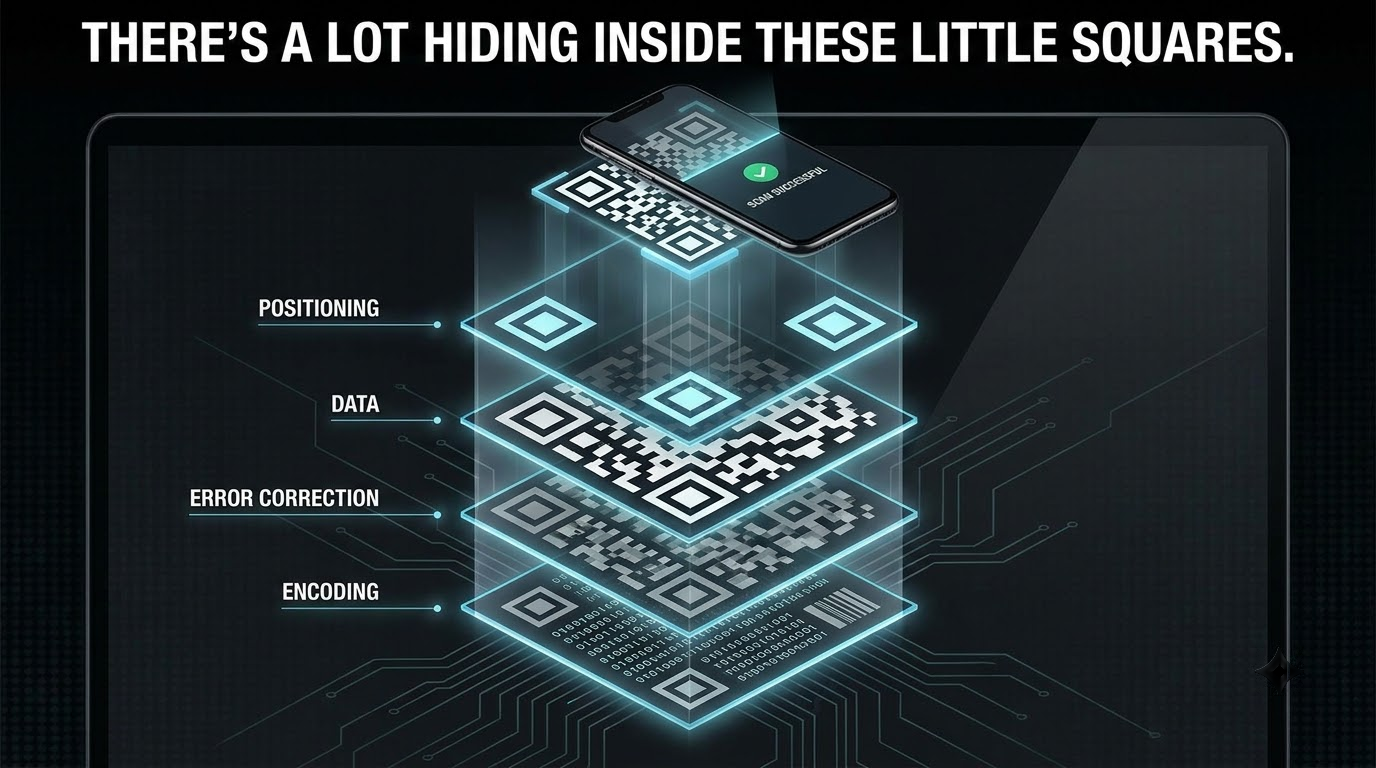
And that's what makes QR codes surprisingly resilient.
Next time you see a scratched or partially covered QR code still working...
you'll know why. 😏
I honestly underestimated how much information is hiding inside those tiny squares.
#RoadToZ11 #Tech #QRCode #Technology #iQOOCommunity
Please sign in
Login and share