

























How to Schedule Posts on Instagram: A Step-by-Step Guide

Hey iQOO Fans,
Here's a comprehensive guide on using Instagram’s handy post-scheduling tool.
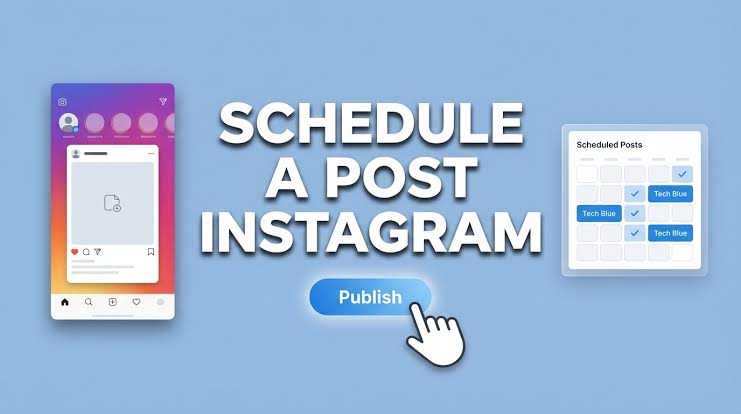
Highlights
🔹Instagram enables users to schedule their content in advance
🔸Creators can schedule up to 25 posts per day
▫️Scheduled posts retain original privacy and audience settings
Users with public accounts can schedule reels, photos and carousel posts from the Instagram app. There are, however, a few requirements if you want to schedule posts, which are as follows:
You must have a public account on Instagram.
You can schedule up to 25 posts a day, up to 30 days in advance.
Your scheduled content will retain the same privacy and audience settings that were configured at the time of scheduling.
How to Schedule Posts on Instagram: A Step-by-Step Guide
🔹Open the create menu by tapping Create in the top-left corner or by swiping right from your feed, then select Post or Reel.
▫️Pick the photo or video you want to share and tap Next.
🔹Edit your content by adding captions, effects, or filters as desired.
🔸Scroll down and select More options.
🔹Enable Schedule this post or Schedule this reel, then set your preferred date and time.
▫️Tap Done to confirm.
Tap Back to return to the previous screen.
🔸Finalise by tapping Schedule to save your post or reel.
Source:gadgets360
Sumit
Quester
iQOO Community
Please sign in
Login and share