


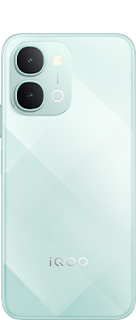
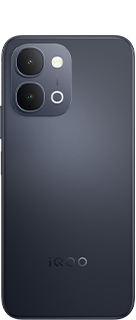
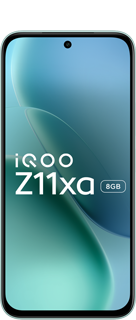






















🔋 iQOO Z11 100% → 0% Battery Drain Test

Peace Be Upon You Questers 
I am Yasir Hamid Ansari, and today I am doing something Crazy Insane
From AnTuTu & CPU Stress → BGMI → Instagram → YouTube 😮💨🔥
How long can the iQOO Z11 actually survive when you throw almost everything at it?
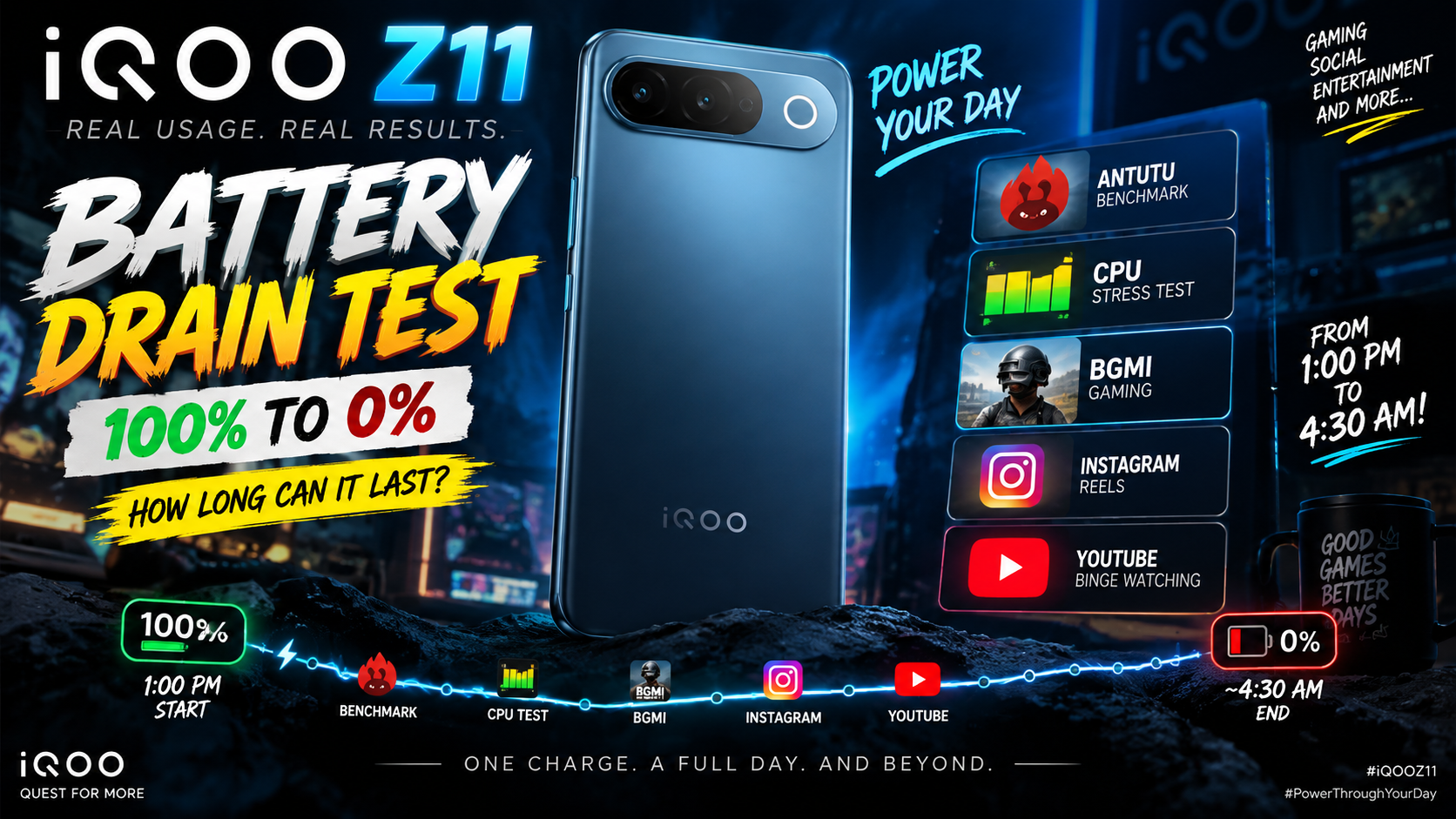
I decided to find out the hard way. 😈
Instead of doing just a simple screen-on-time test, I used the phone the way I actually use it throughout the day — benchmarking, CPU stress testing, BGMI, Instagram Reels and YouTube binge watching.
And I kept going until the phone literally gave up. 🫡🔋
⚙️ Test Setup
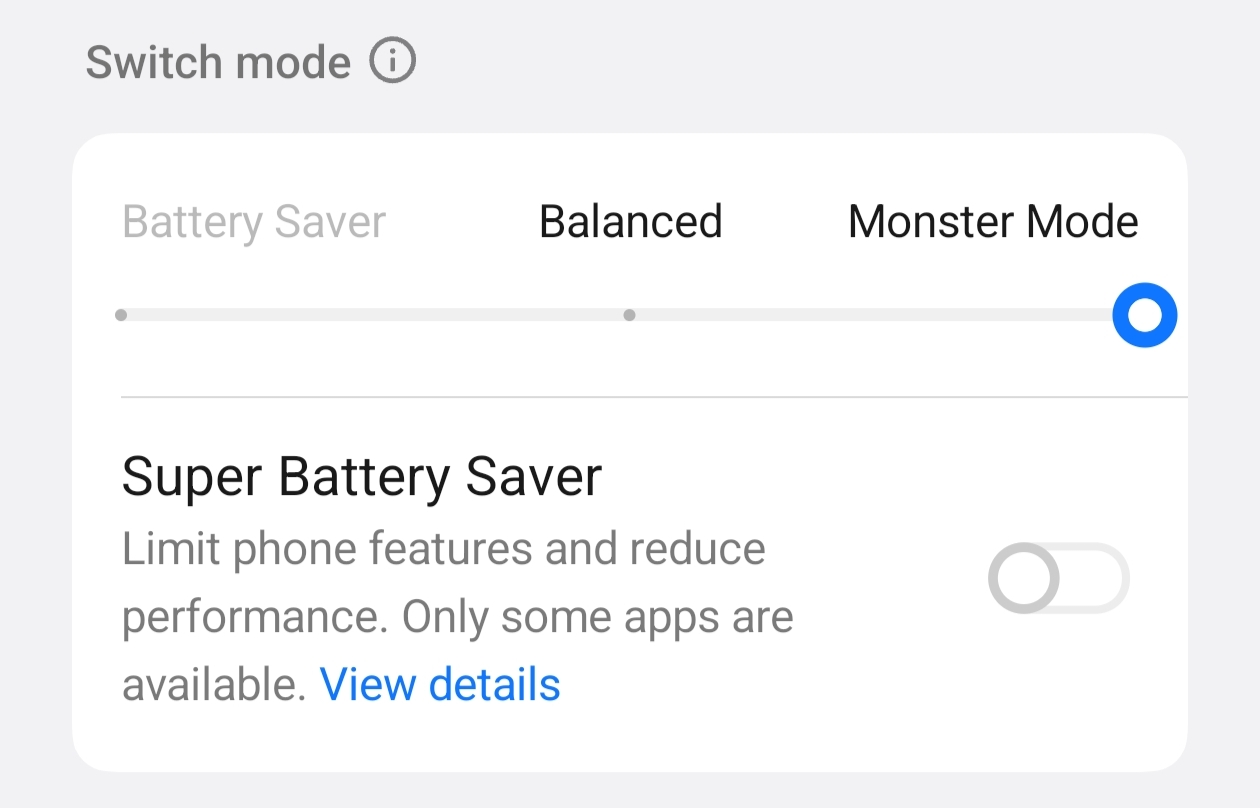
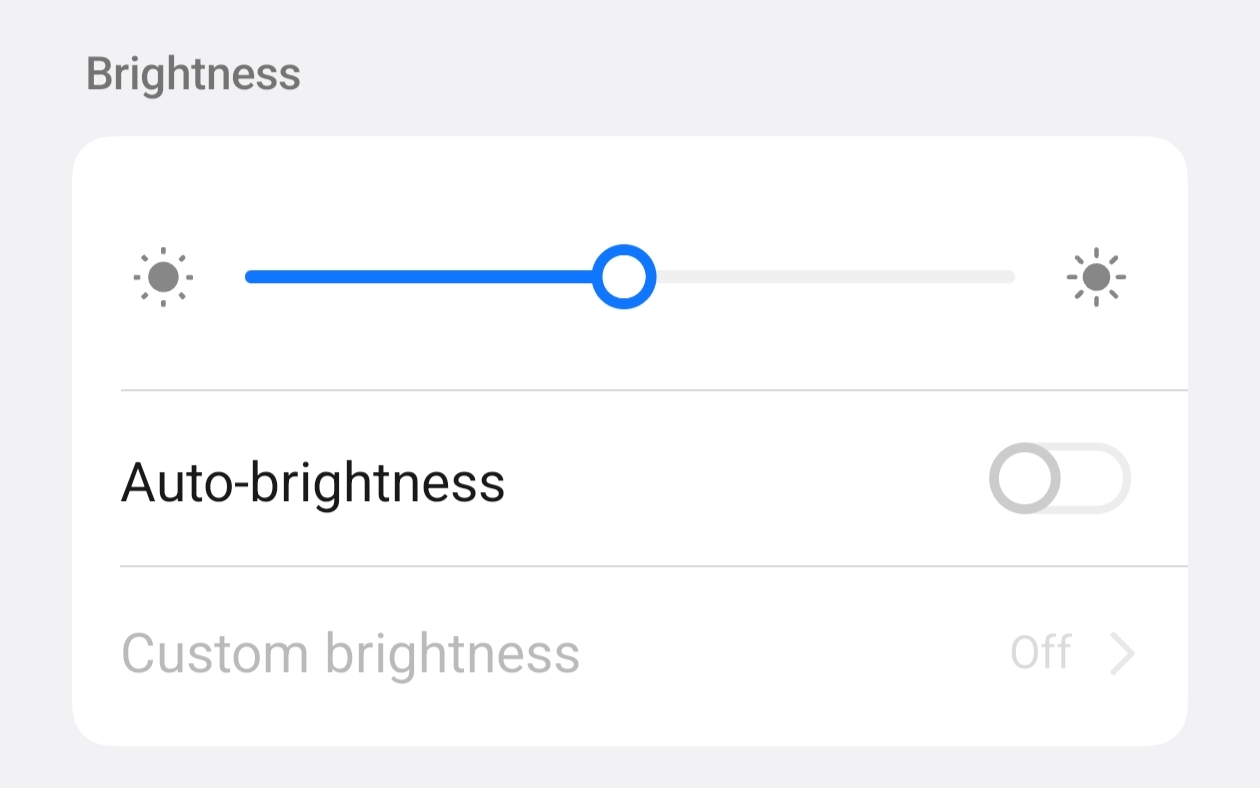
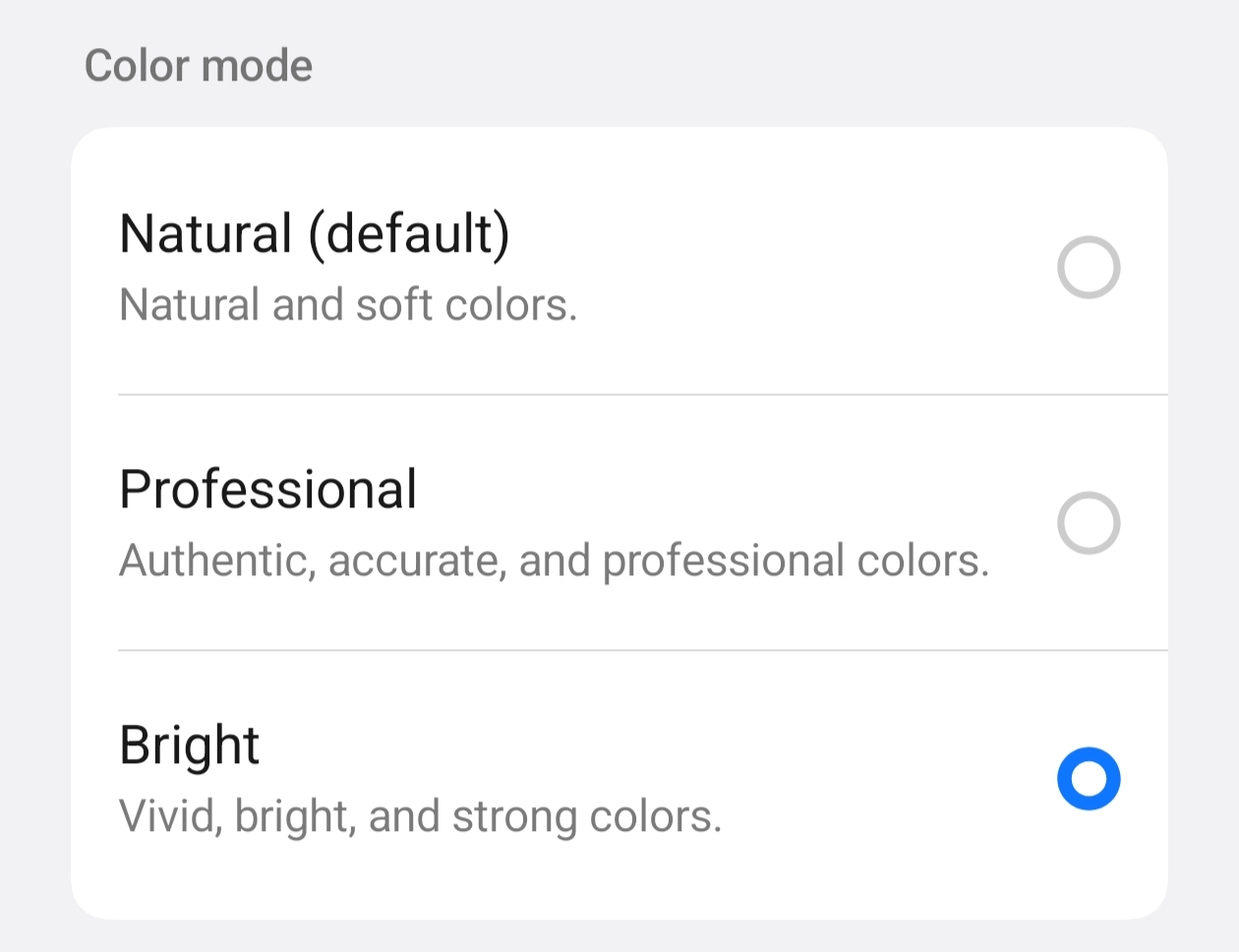
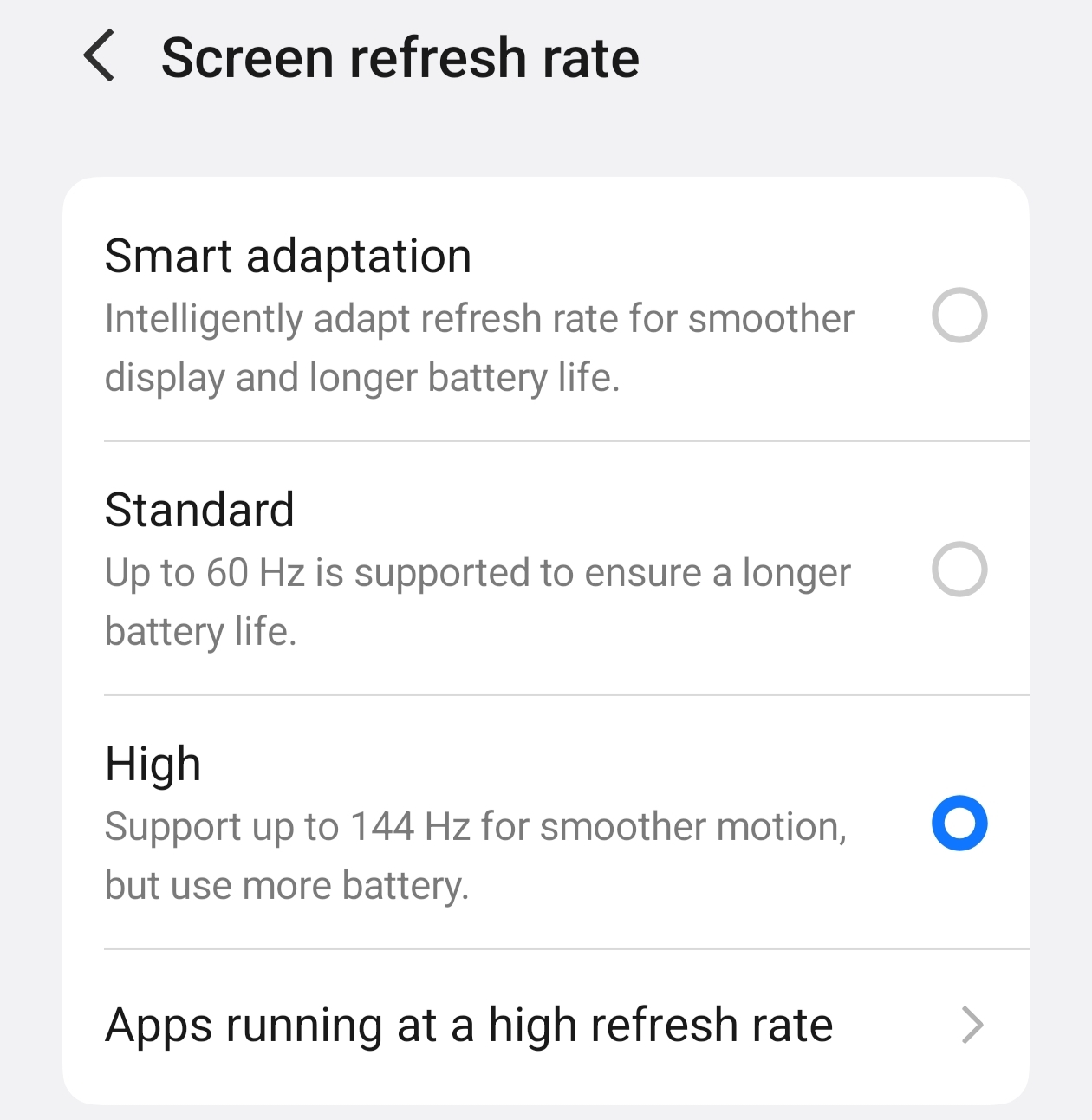
Before starting, I locked the display settings so the test would remain consistent:
- 🎮 Performance Mode: Monster Mode
- ☀️ Brightness: 50%
- 🎨 Color Mode: Bright
- ⚡ Refresh Rate: High — Up to 144Hz
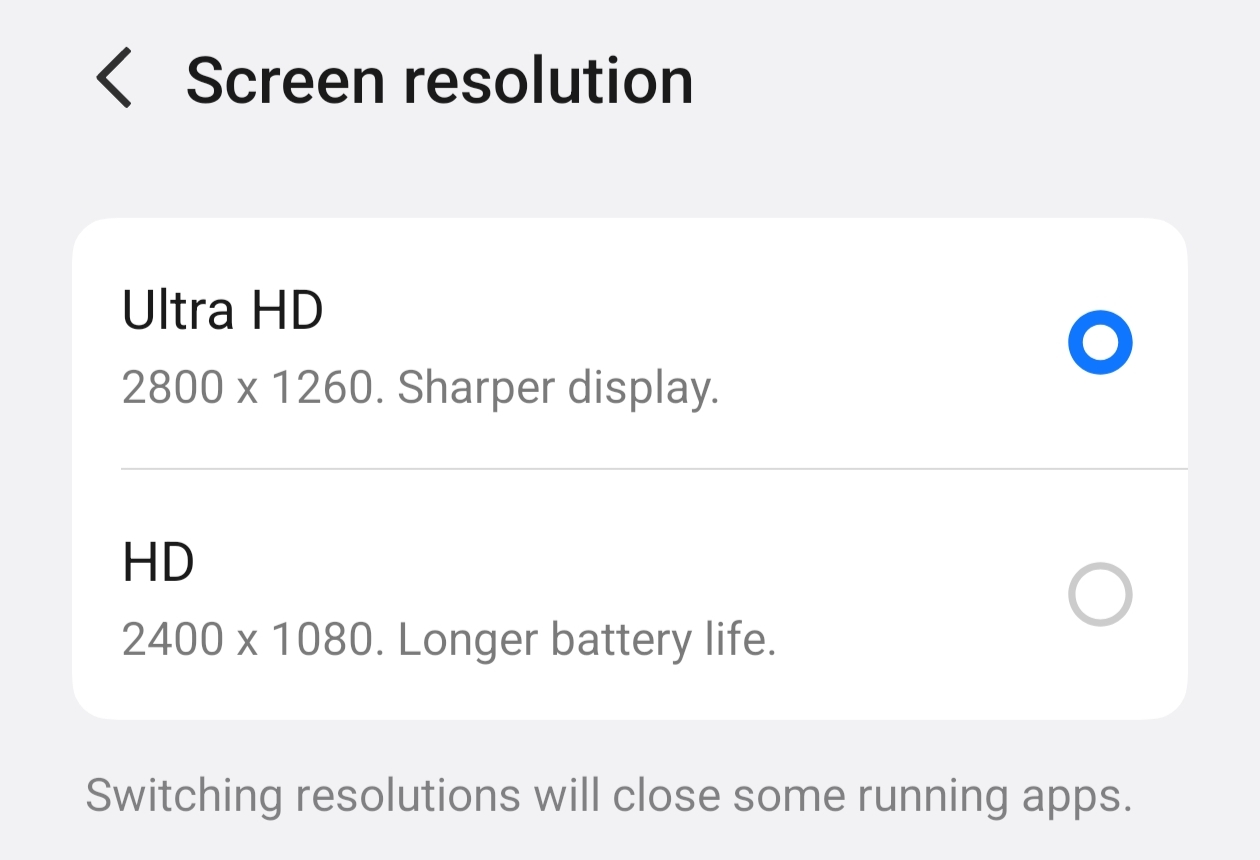
- 🖥️ Resolution: Ultra HD — 2800 × 1260
🎮 BGMI Settings
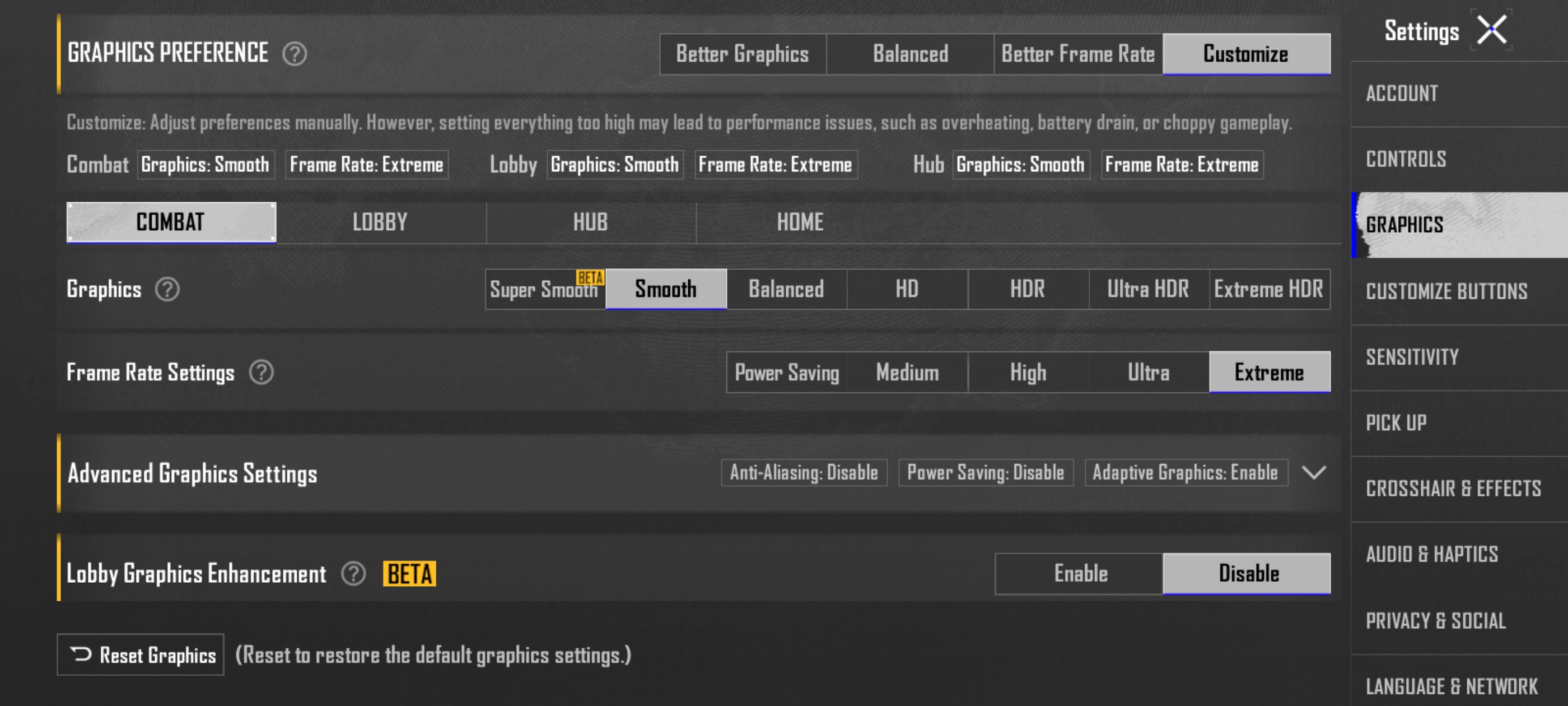
- Graphics: Smooth
- Frame Rate: Extreme
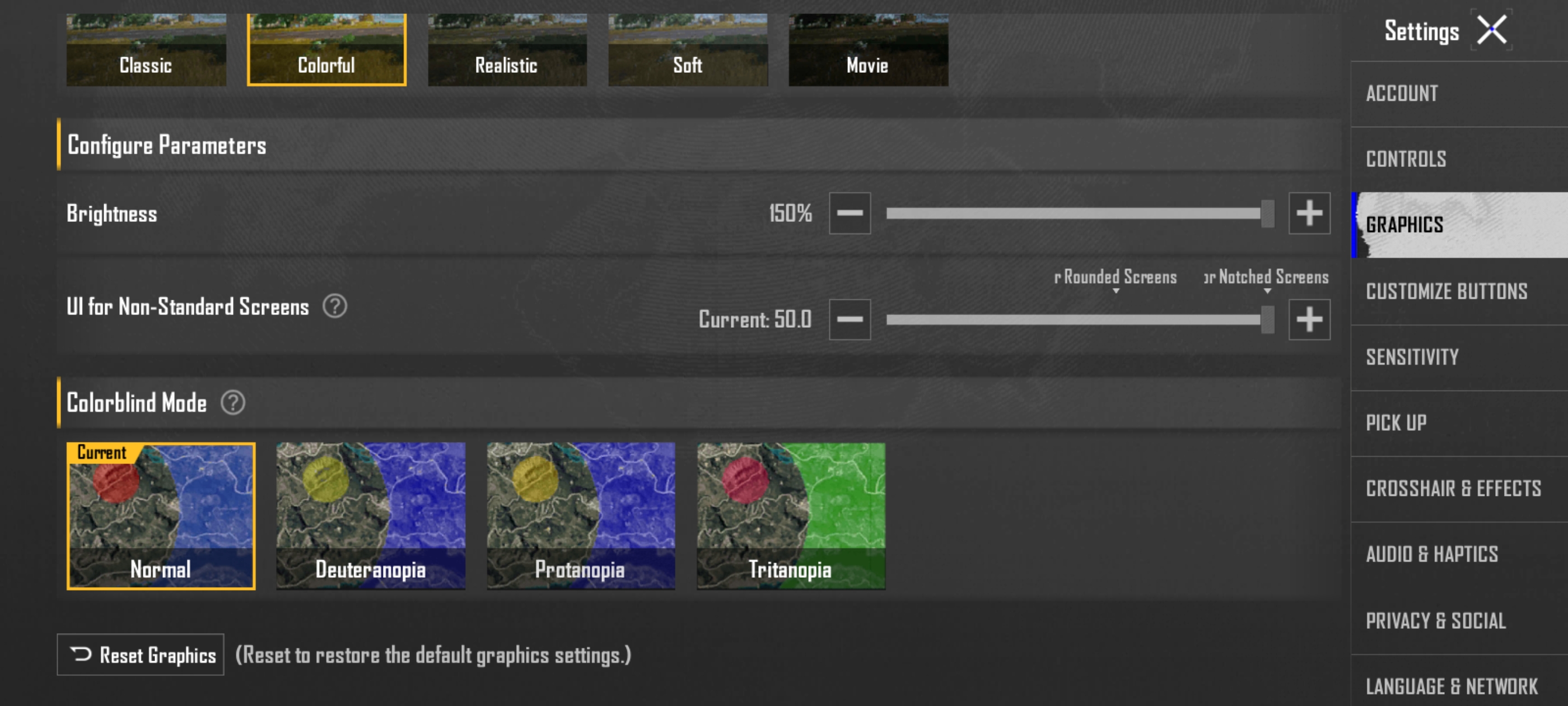
- Color Style: Colorful
- Game Brightness: 150
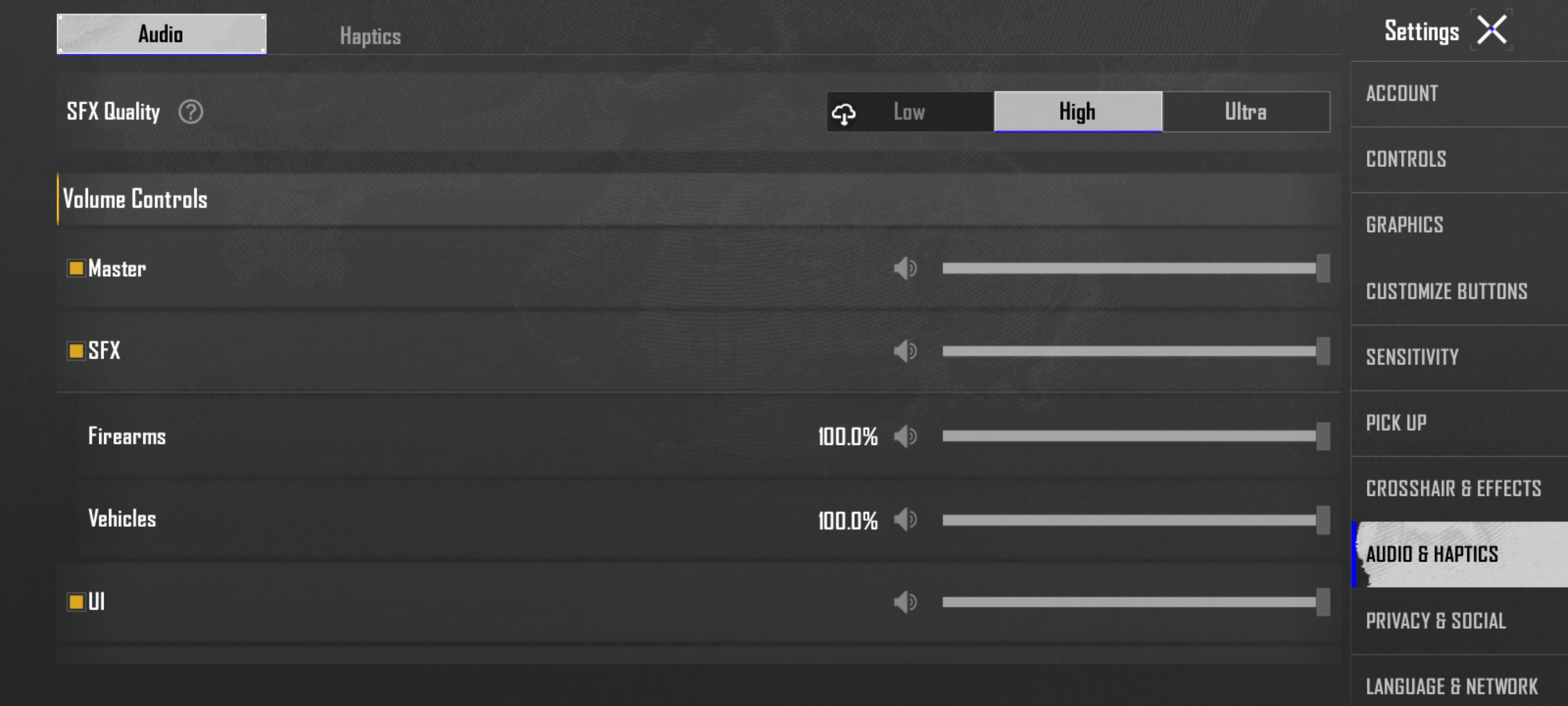
- SFX Quality: High
No battery-saving mode. No intentional pauses to preserve battery.
Just a proper 100% → 0% endurance run.
🕐 THE TEST BEGINS
🔥 1:00 PM — 100%
AnTuTu Benchmark Started
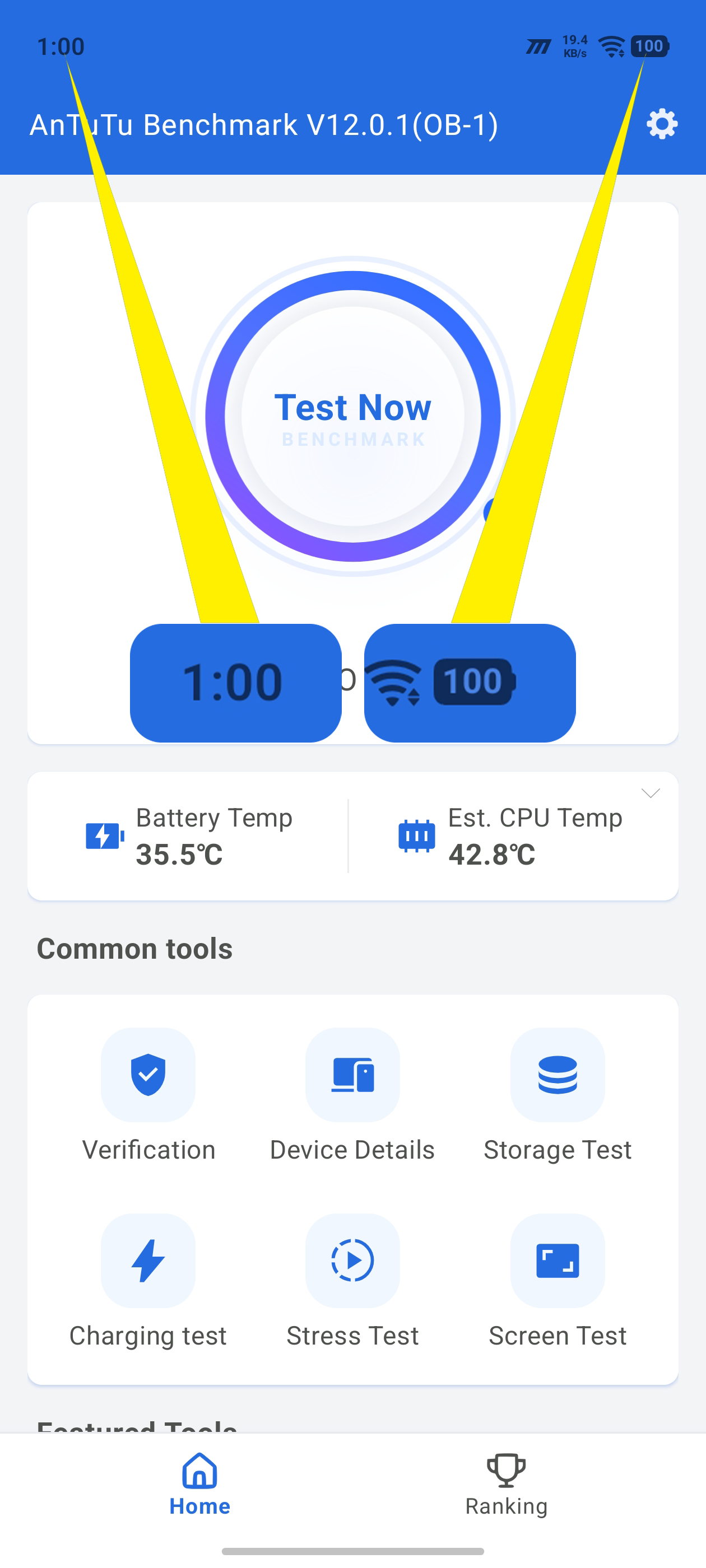
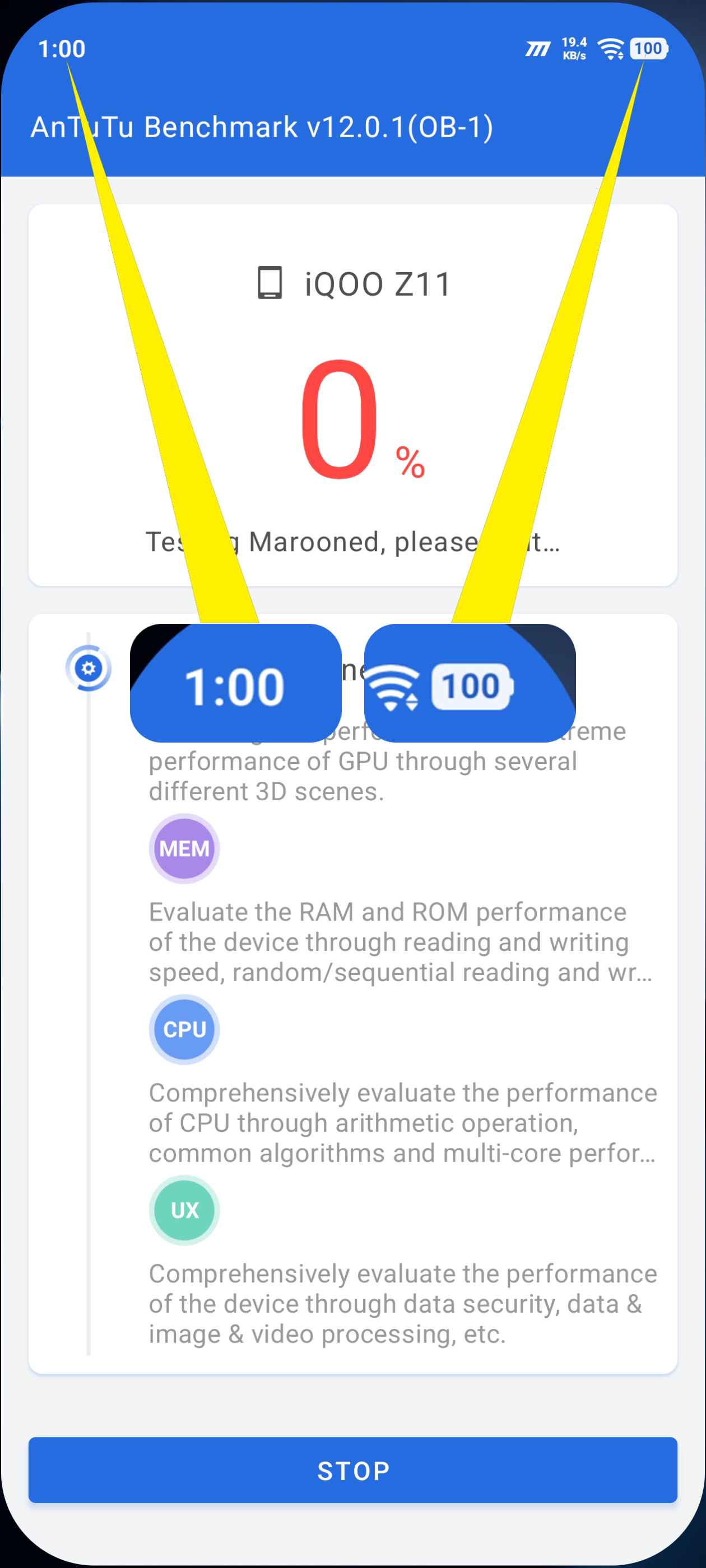
The Z11 started the journey at a full 100% battery.
After running the benchmark:
1:15 PM — 99%
AnTuTu Benchmark Completed
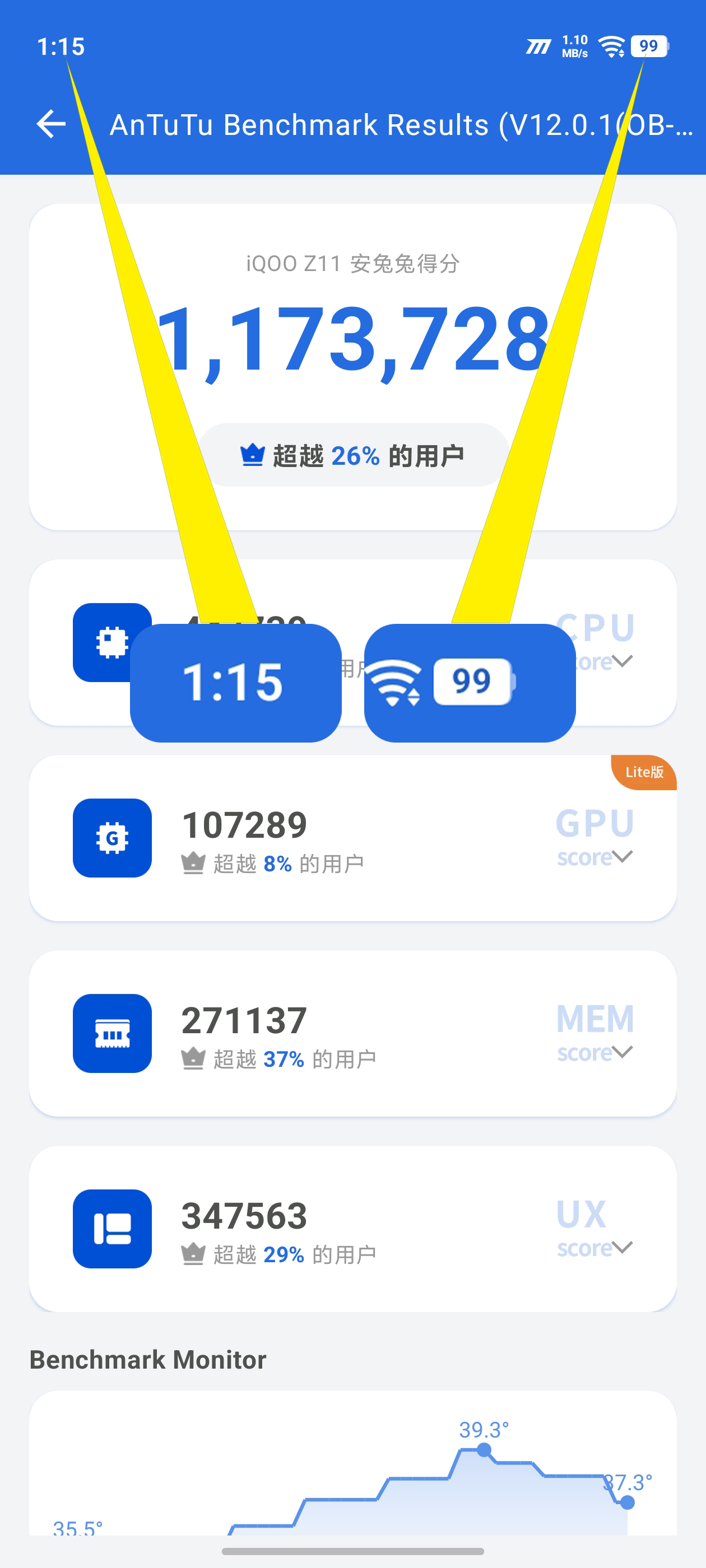
Only 1% was consumed during the benchmark.
🧠 1:20 PM — 99%
CPU Throttling Test Started
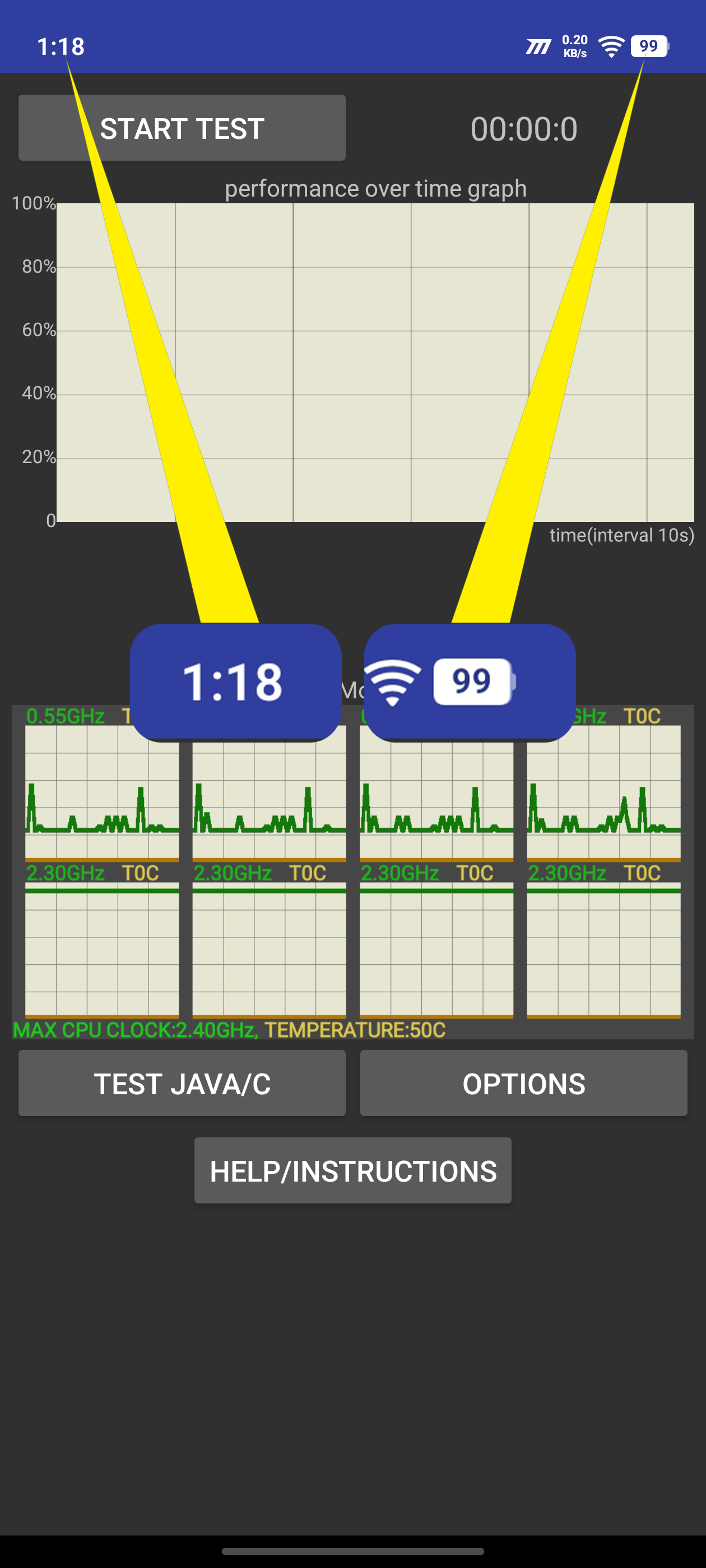
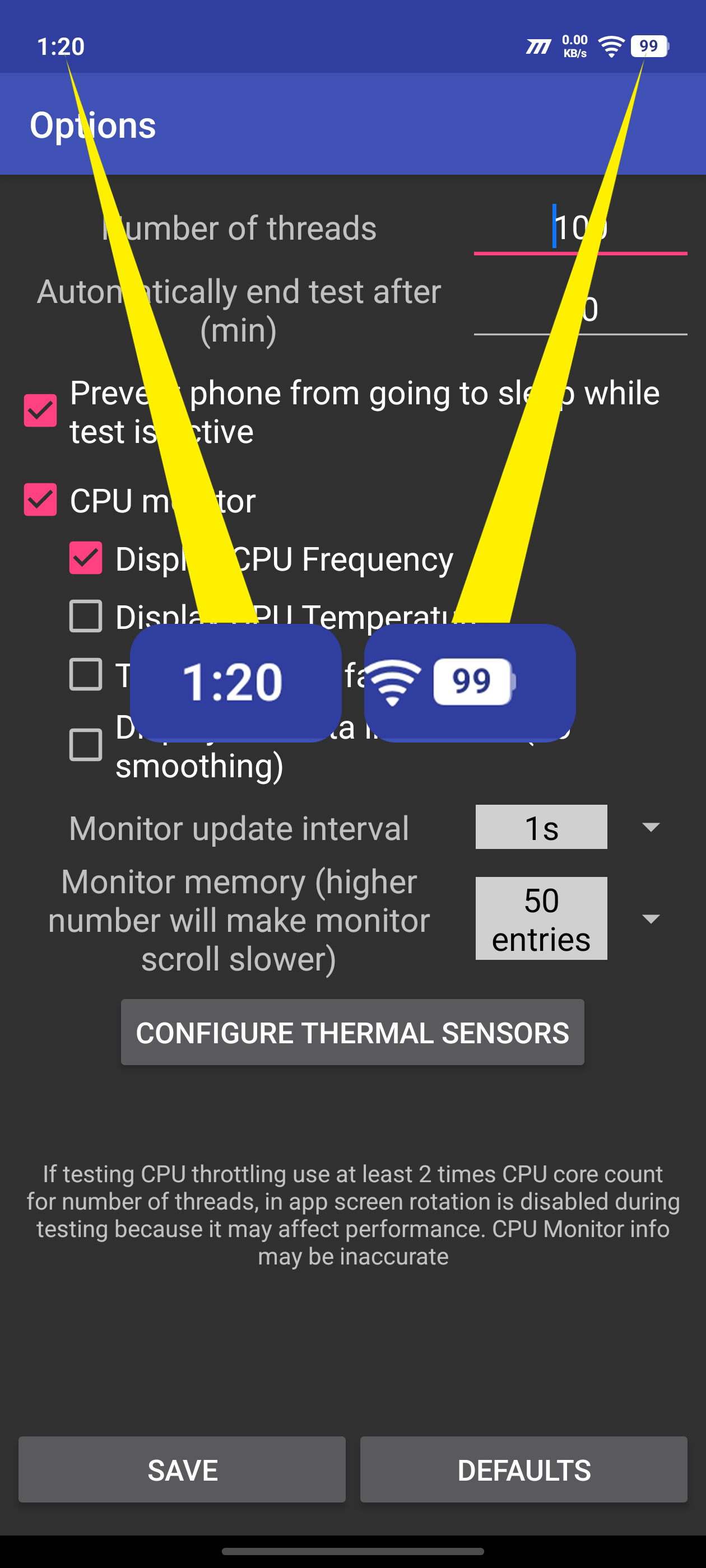
Time to put the processor under sustained load.
1:50 PM — 90%
CPU Throttling Test Completed
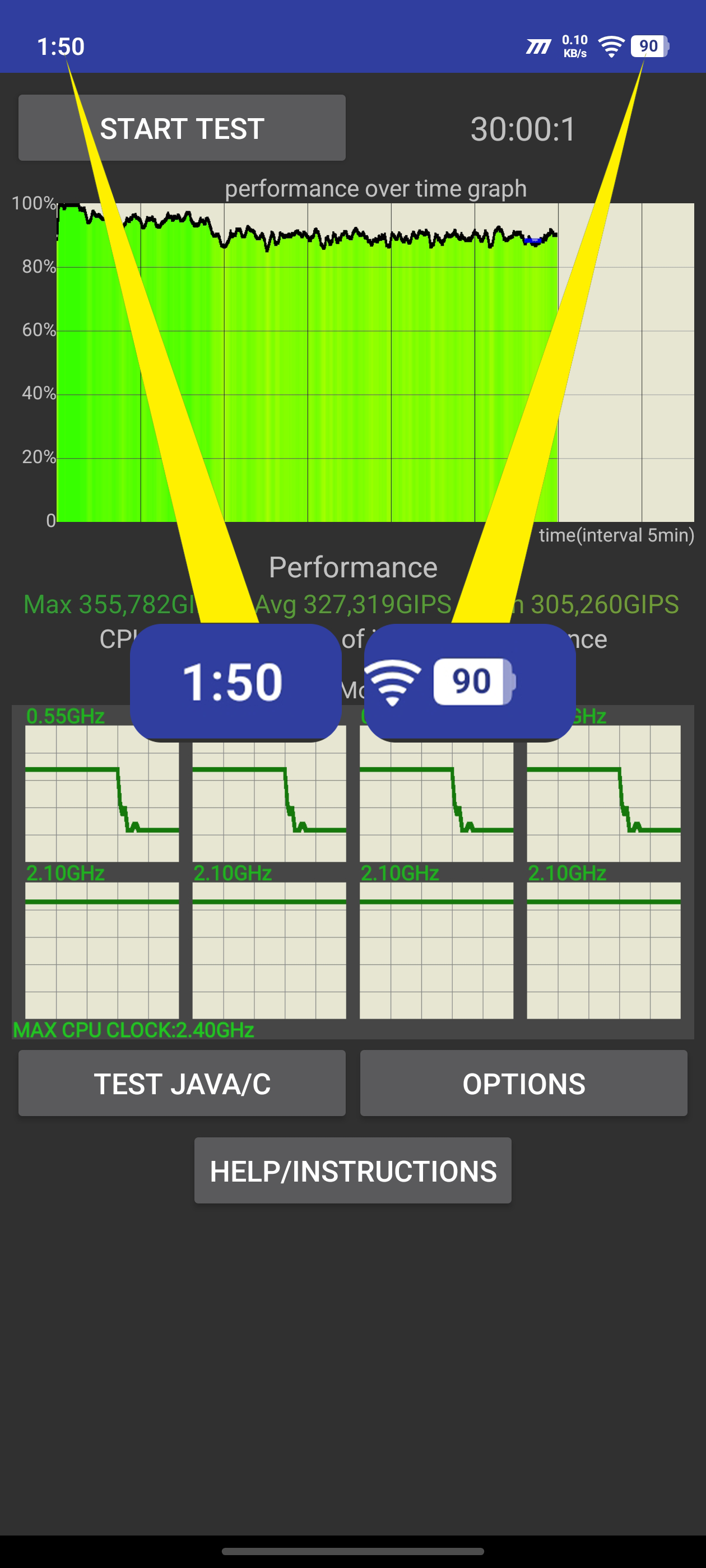
30 minutes of continuous CPU stress testing consumed around 9%.
And now the real-world torture begins. 😈
🎮 BGMI GRIND — 90% → 52%
1:52 PM — 90%
BGMI Started
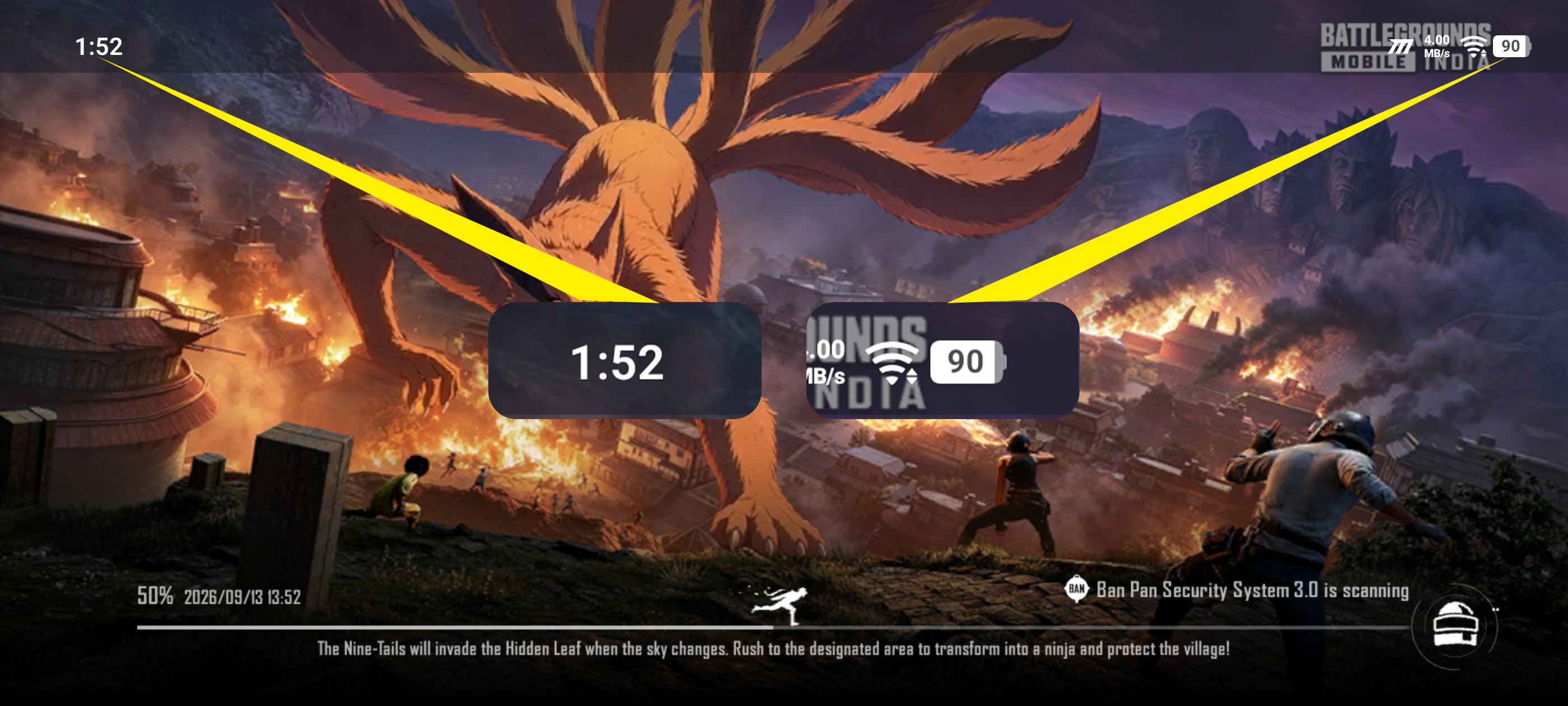
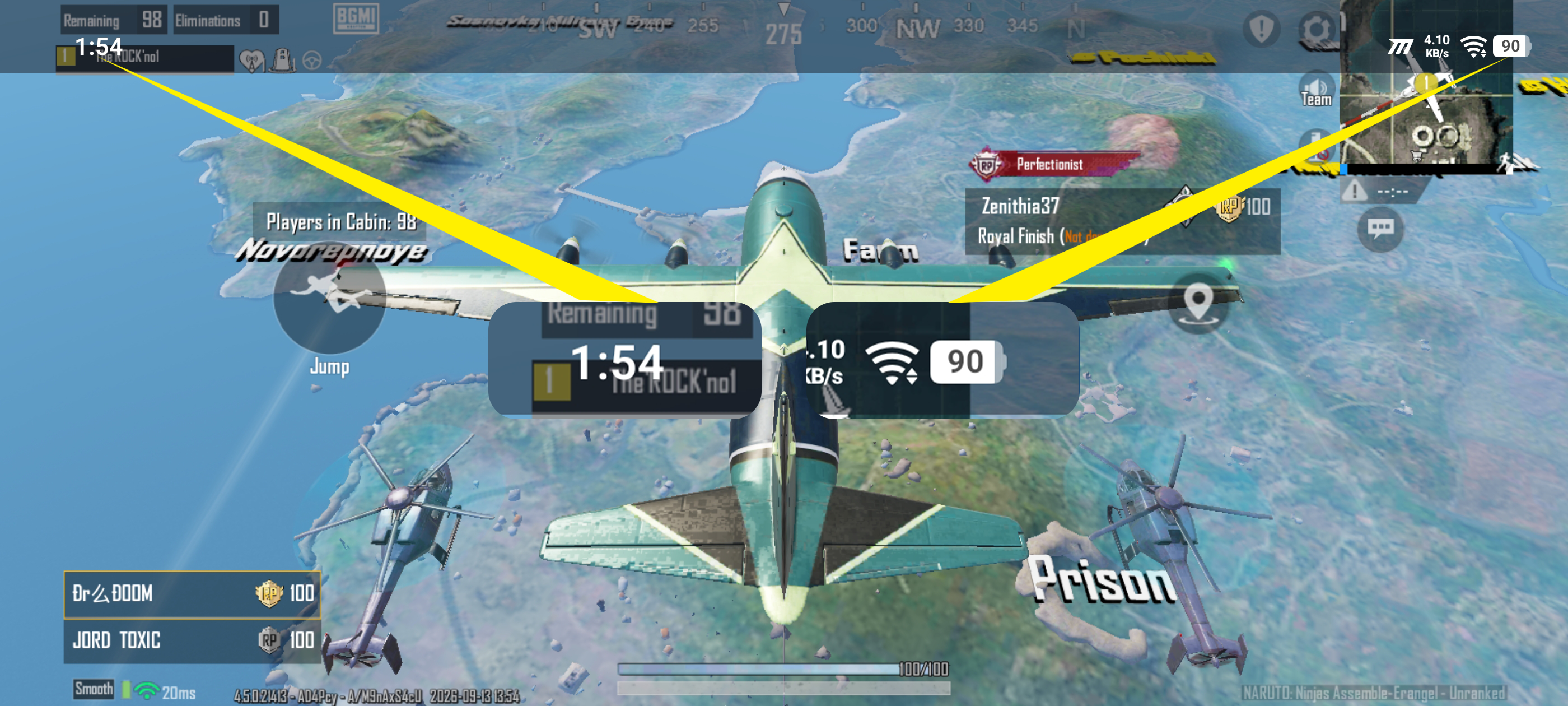
With Smooth + Extreme settings, colorful visuals and high SFX quality, it was time to see how the Z11 handles prolonged gaming.
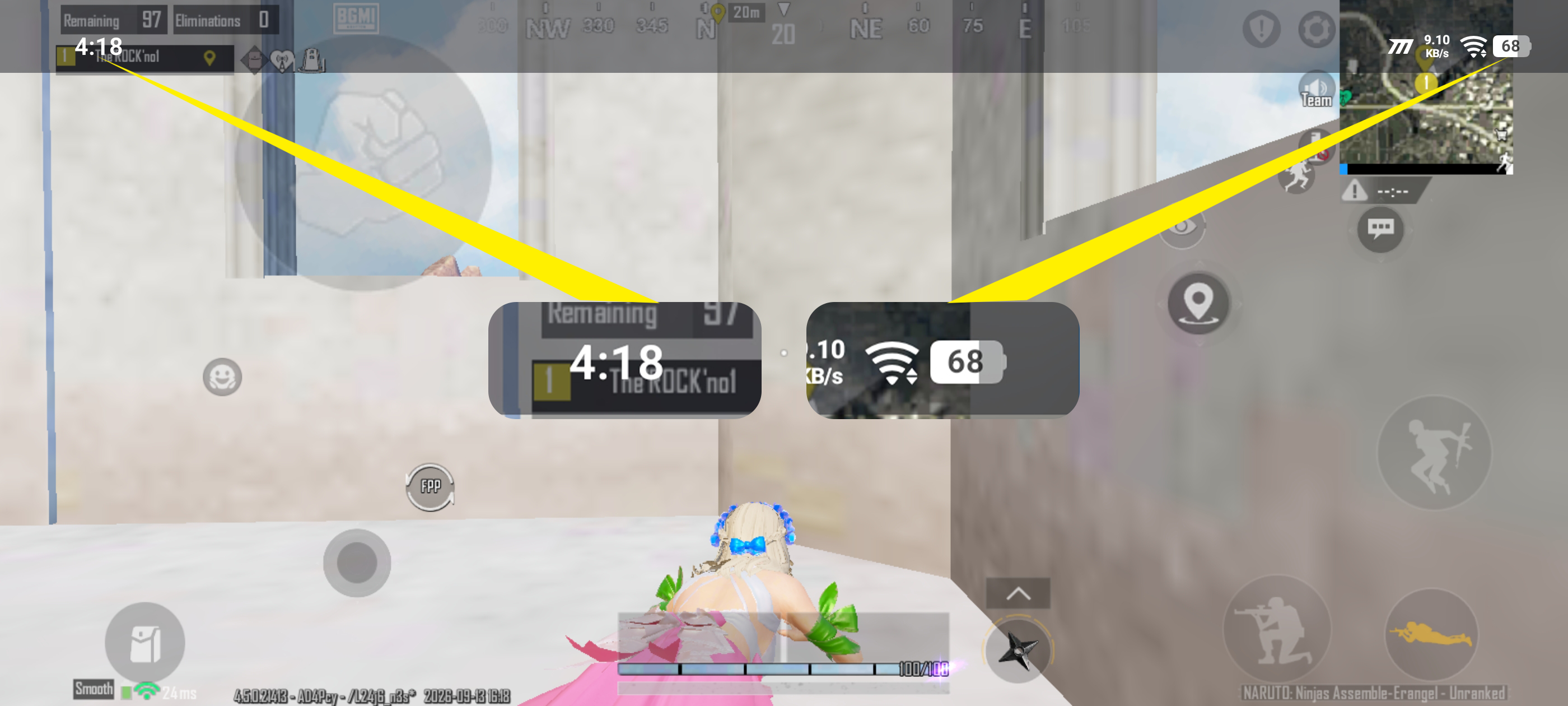
4:18 PM — 68%
BGMI Continues
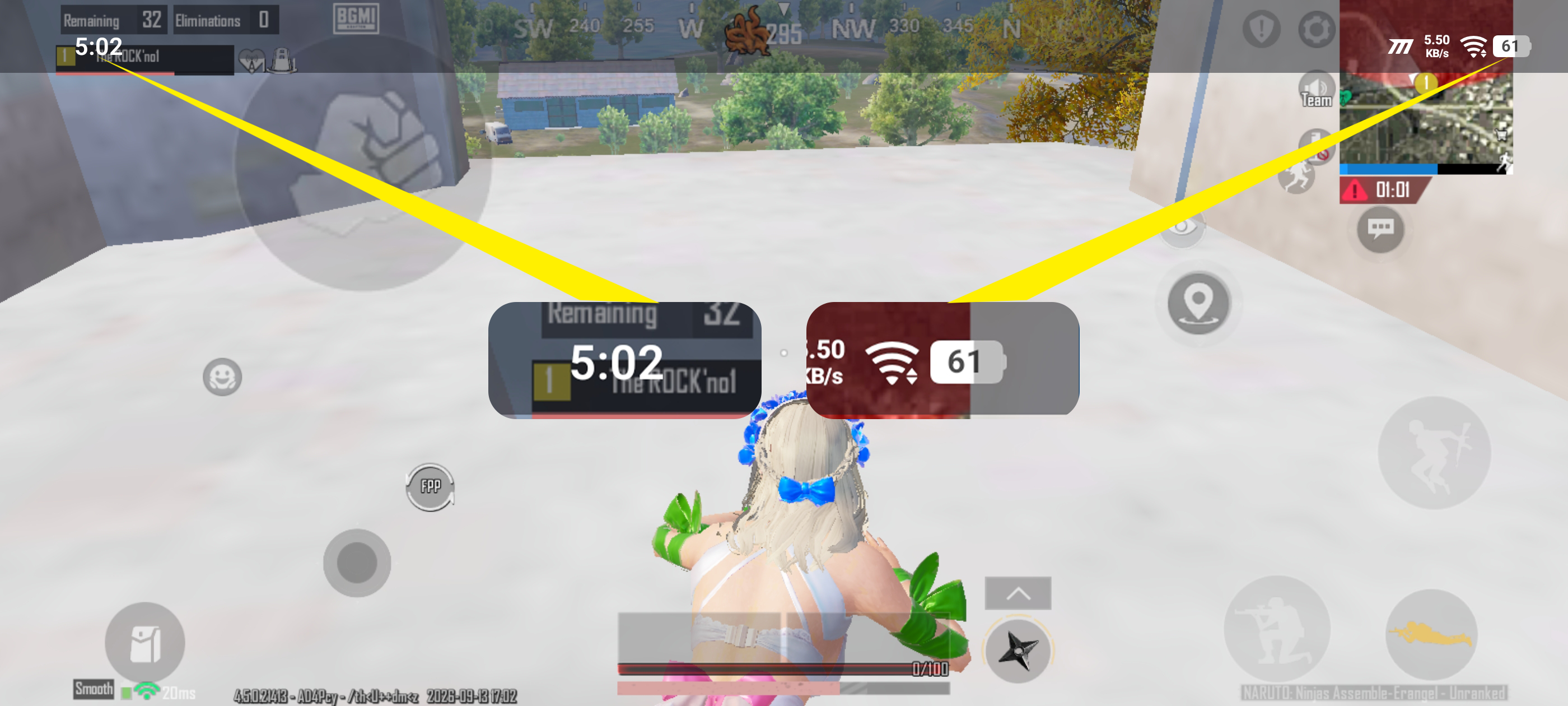
5:02 PM — 61%
BGMI Continues
6:00 PM — 52%
BGMI Session Ended
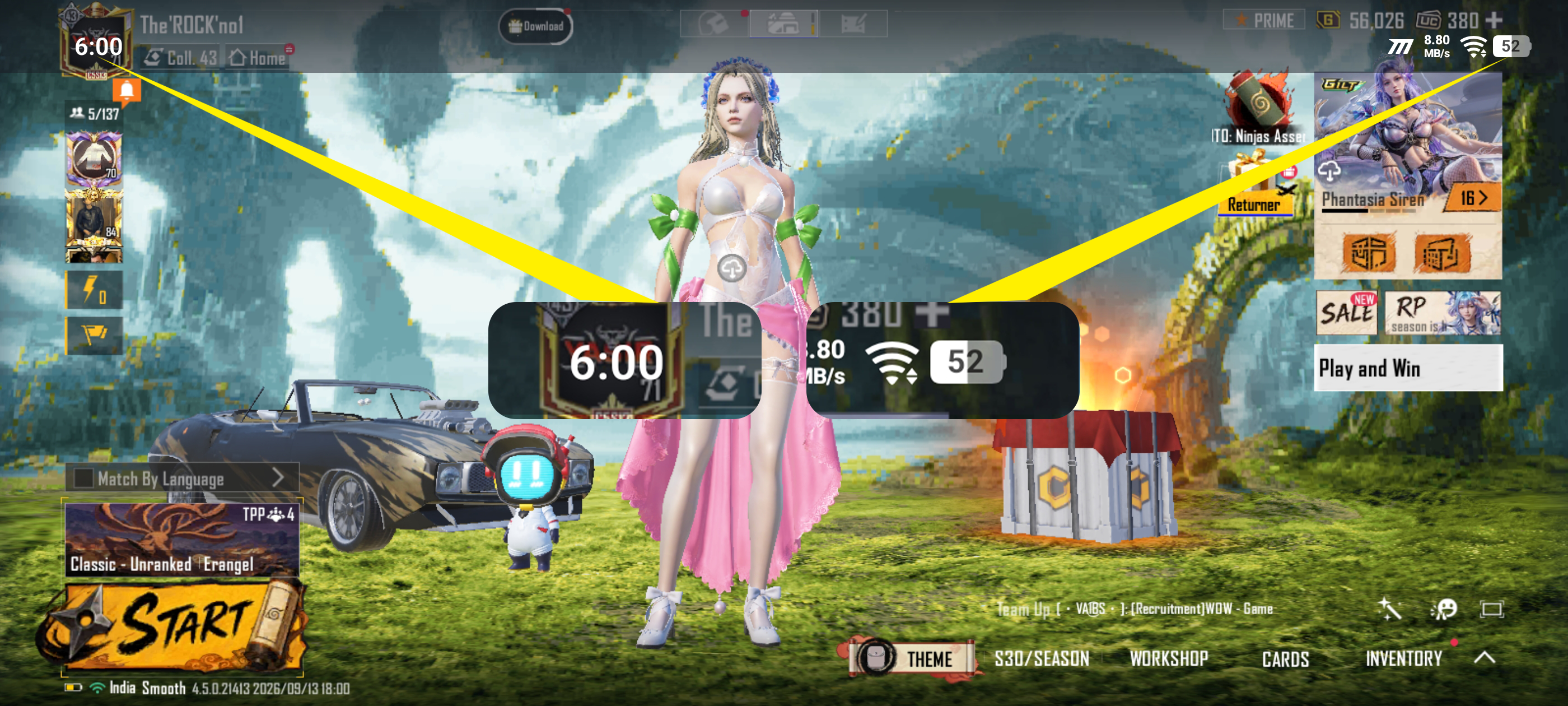
⏱️ That's over 4 hours of BGMI from 1:52 PM to 6:00 PM.
Battery dropped from 90% → 52%.
🎮 38% battery consumed during the BGMI session.
Not bad for a phone being pushed continuously for hours.
But we're only halfway through the torture. 👀
📱 INSTAGRAM REELS — 52% → 29%
6:03 PM — 52%
Instagram Reels Scrolling Started
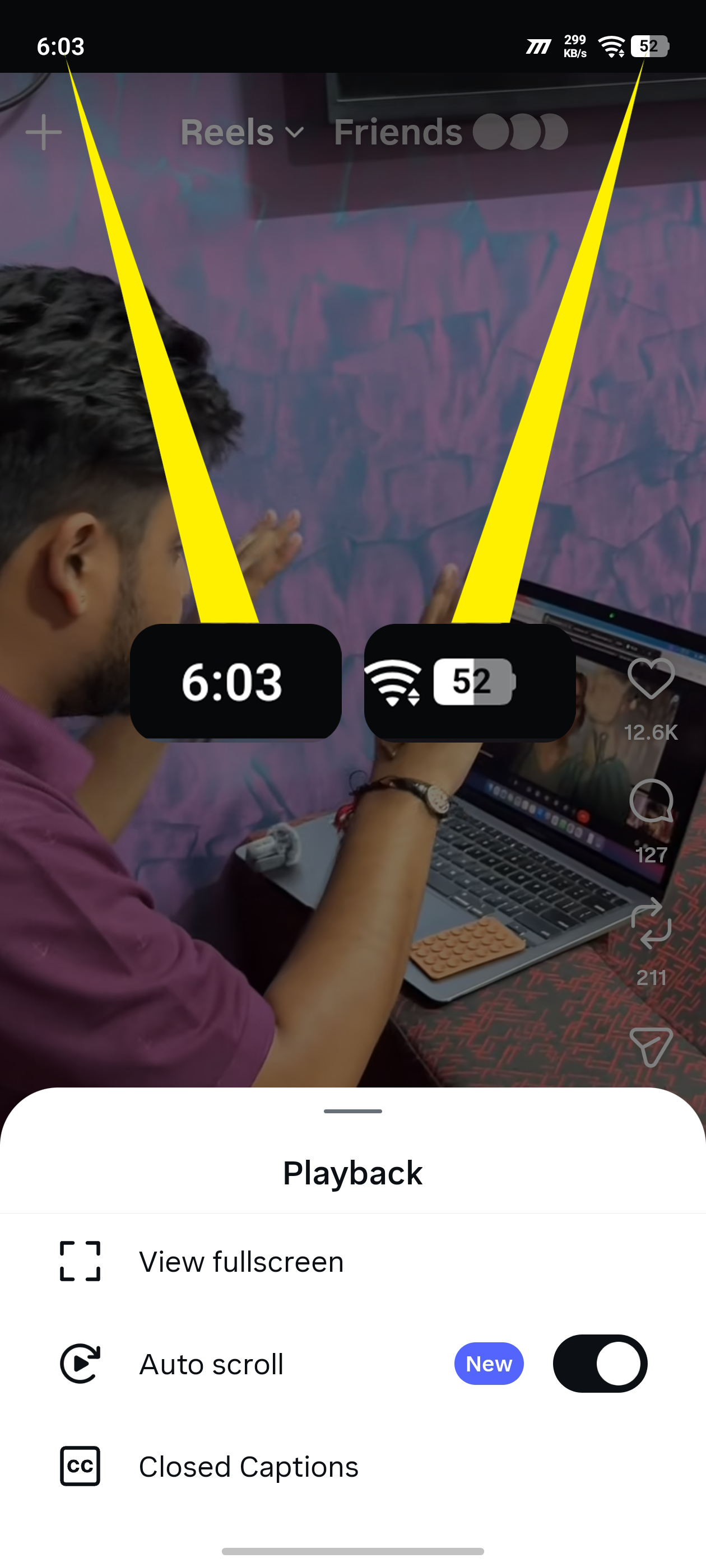
This time, I switched to something much closer to everyday usage — endless Reels scrolling.
Auto-scroll mode ON.
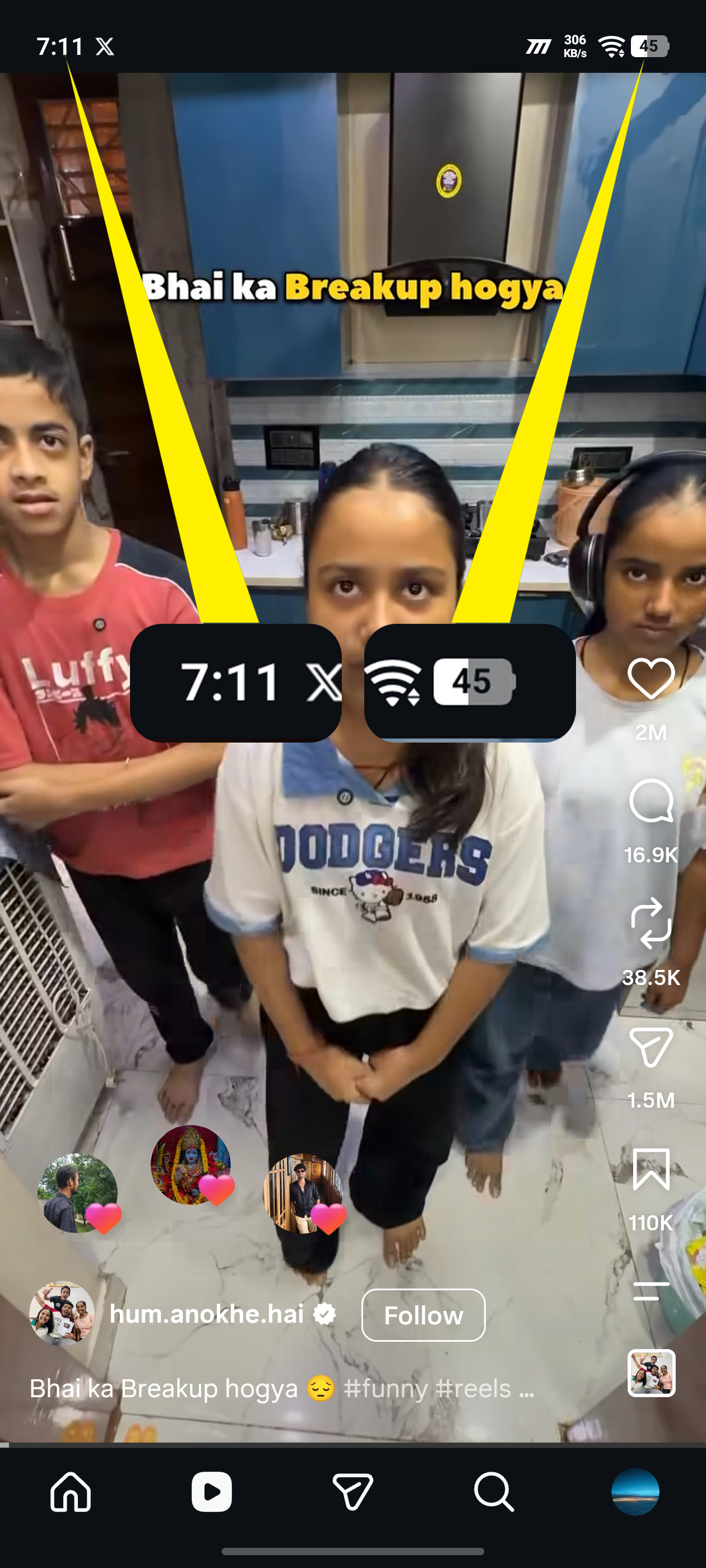
7:11 PM — 45%
Instagram Continues
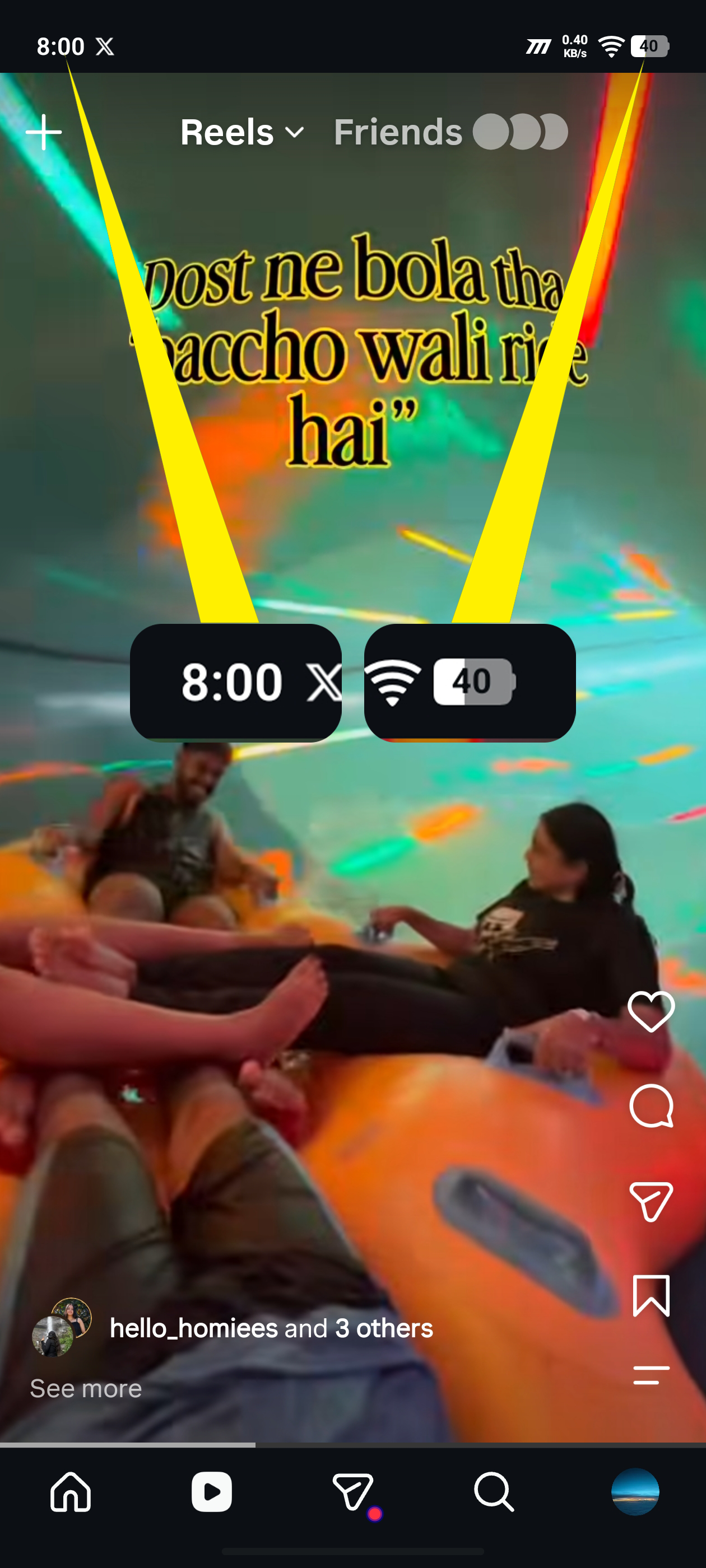
8:00 PM — 40%
Instagram Continues
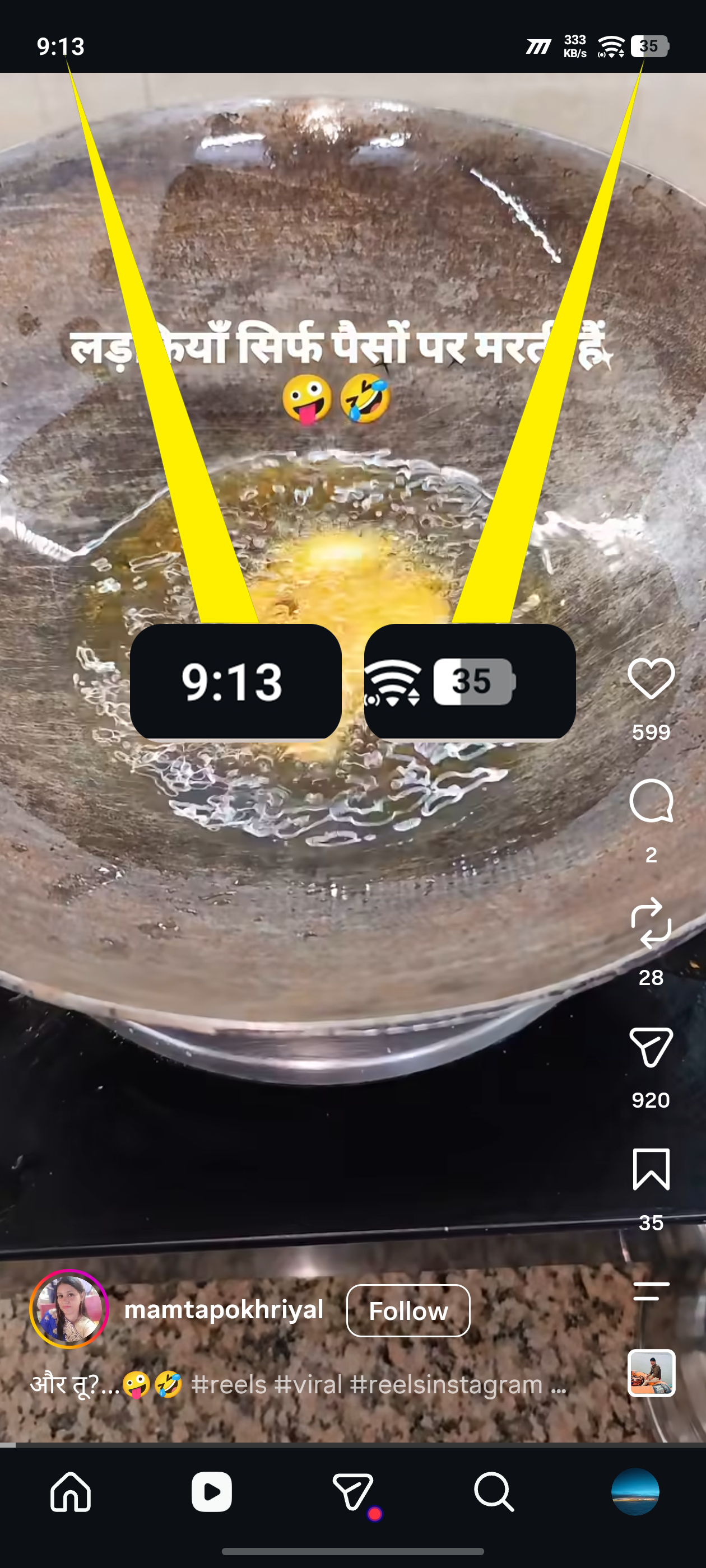
9:13 PM — 35%
Instagram Continues
10:00 PM — 29%
Instagram Reels Session Ended
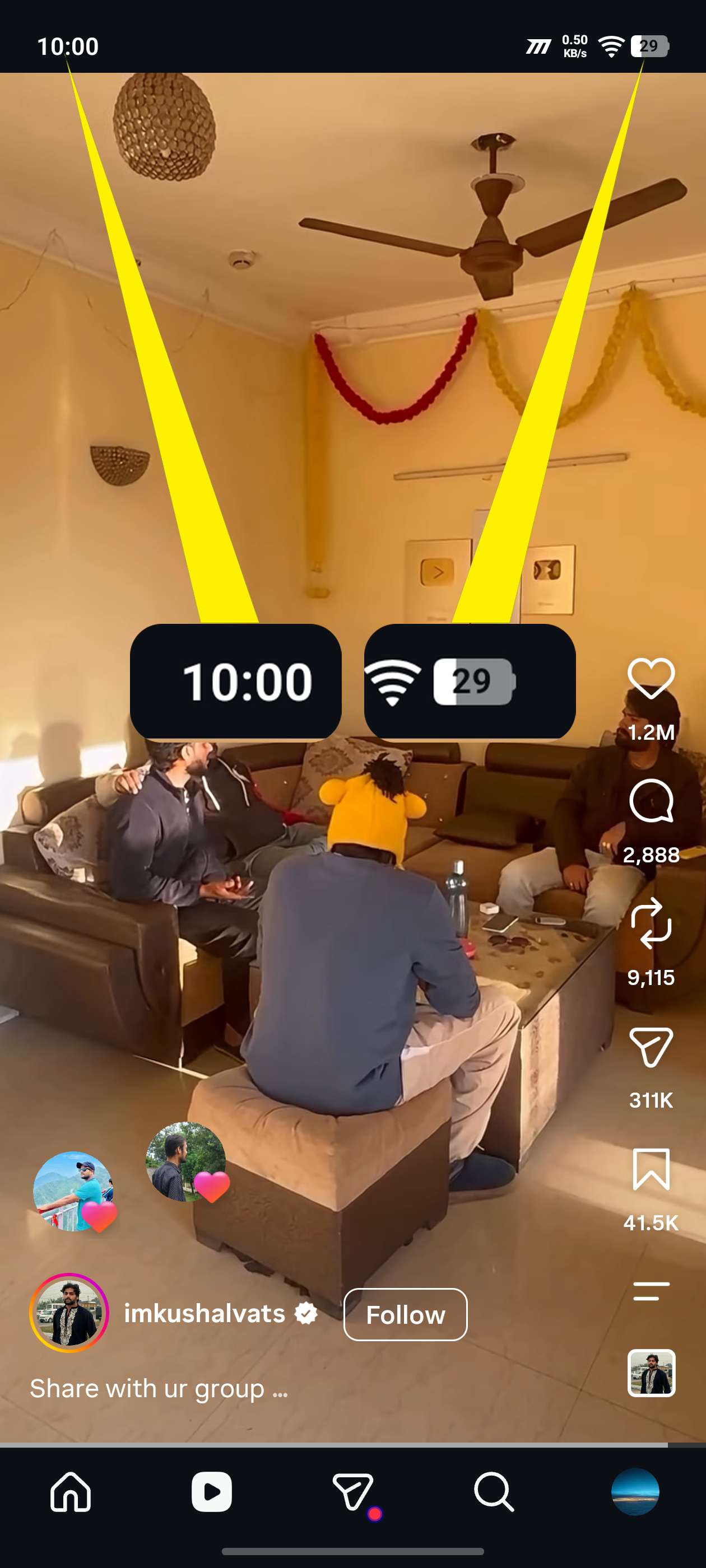
That's almost 4 hours of continuous Instagram Reels.
🔋 52% → 29%
Another 23% battery consumed.
At this point, the phone had already survived:
Benchmark → CPU Stress → 4+ Hours BGMI → Nearly 4 Hours Instagram
…and there was still 29% left.
But then came the final boss. 😭
▶️ YOUTUBE BINGE — 29% → 0%
10:01 PM — 29%
YouTube Binge Watching Started
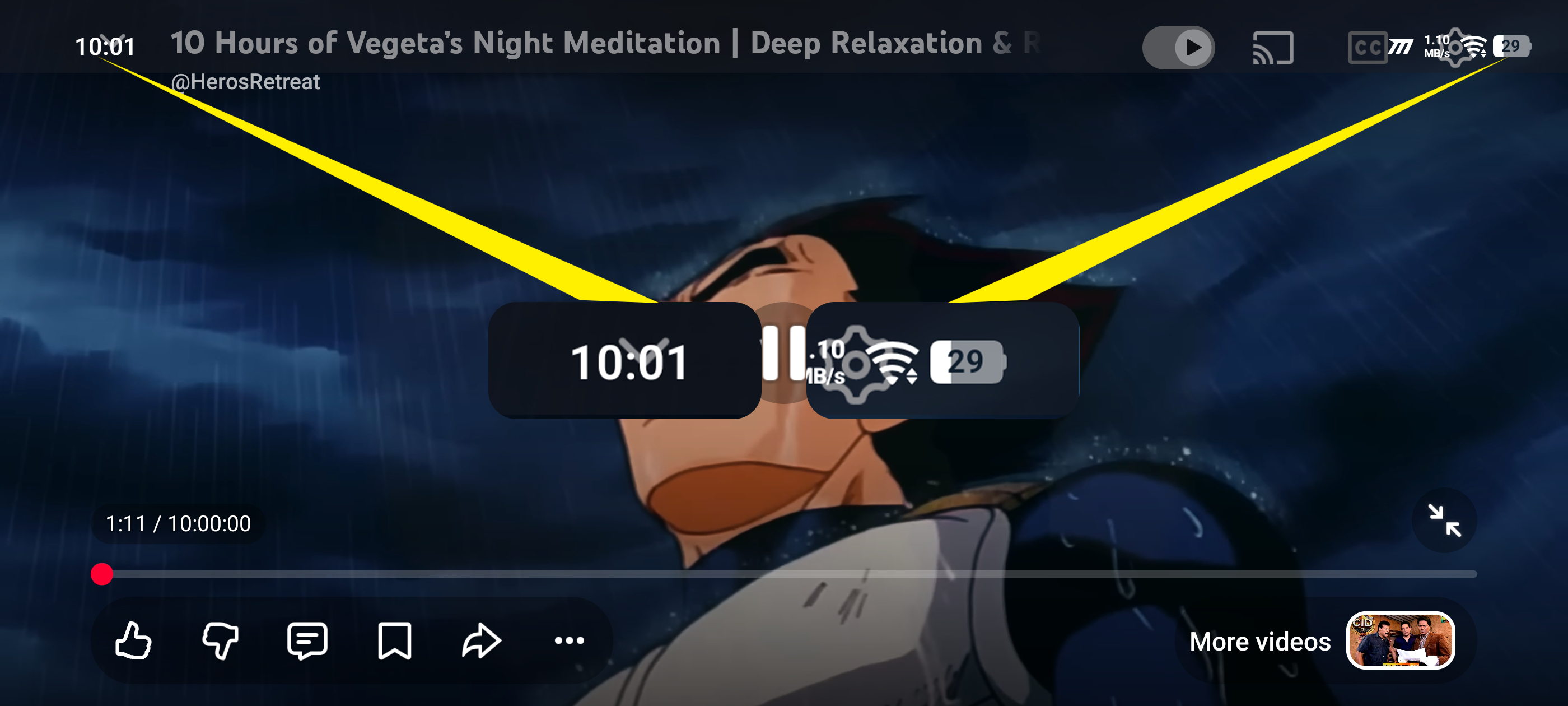
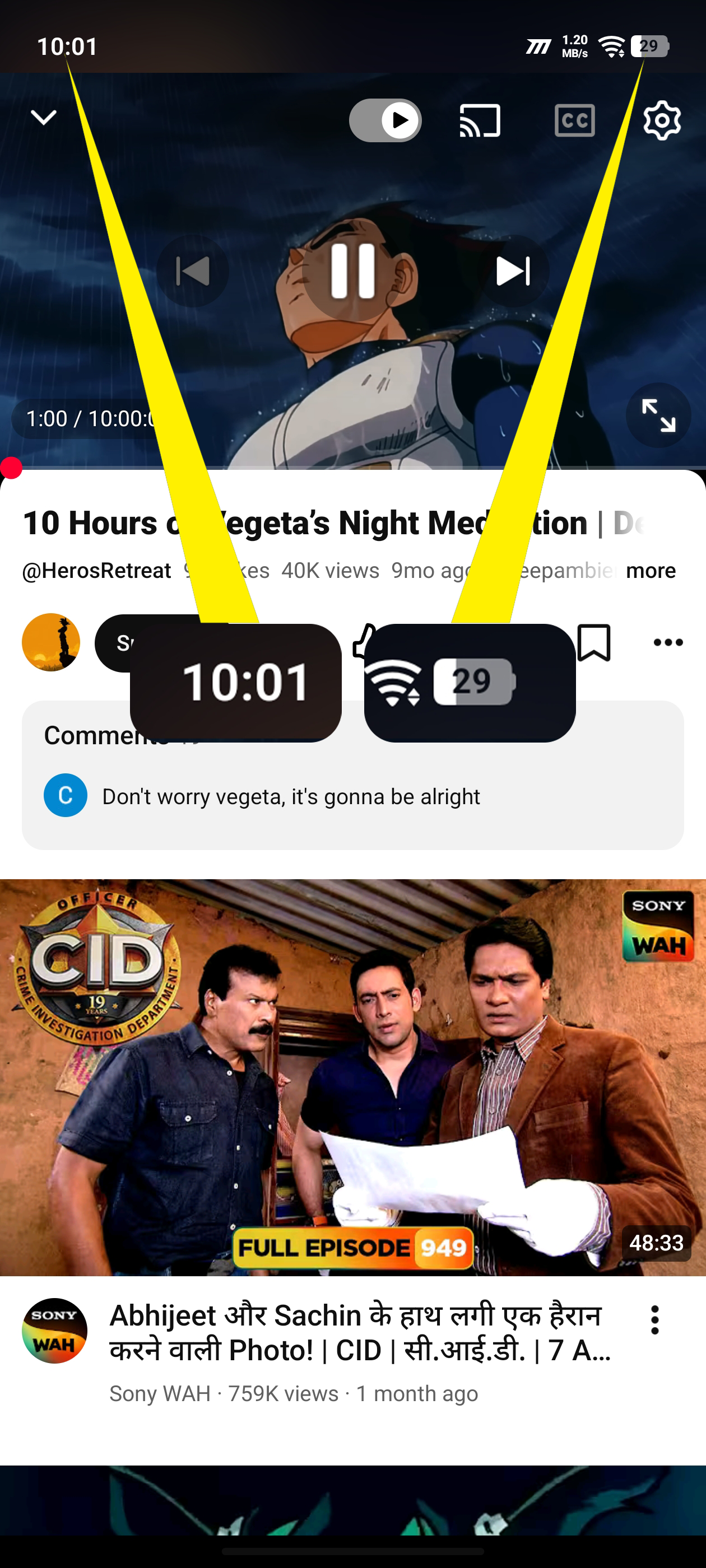
I started watching long-form YouTube videos at:
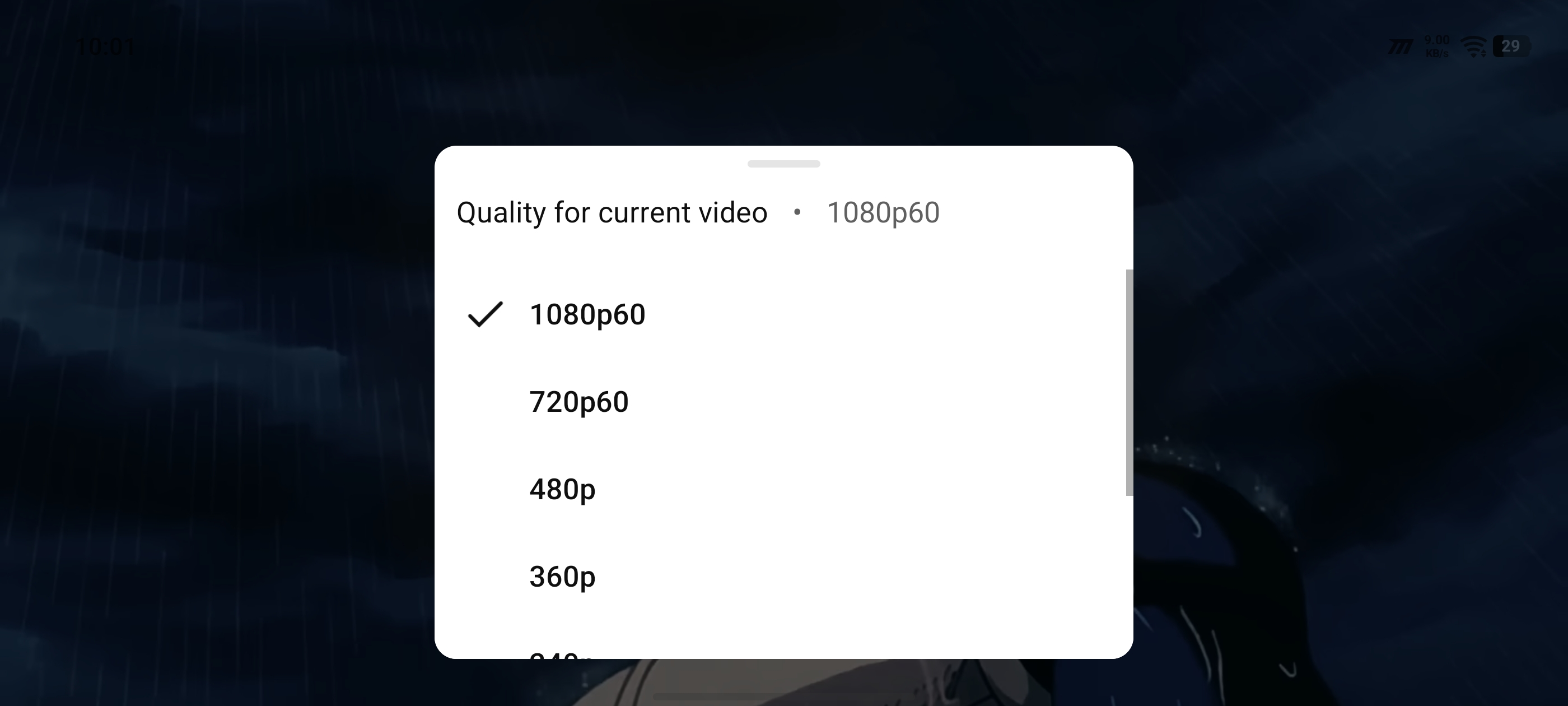
🎥 1080p / 60 FPS
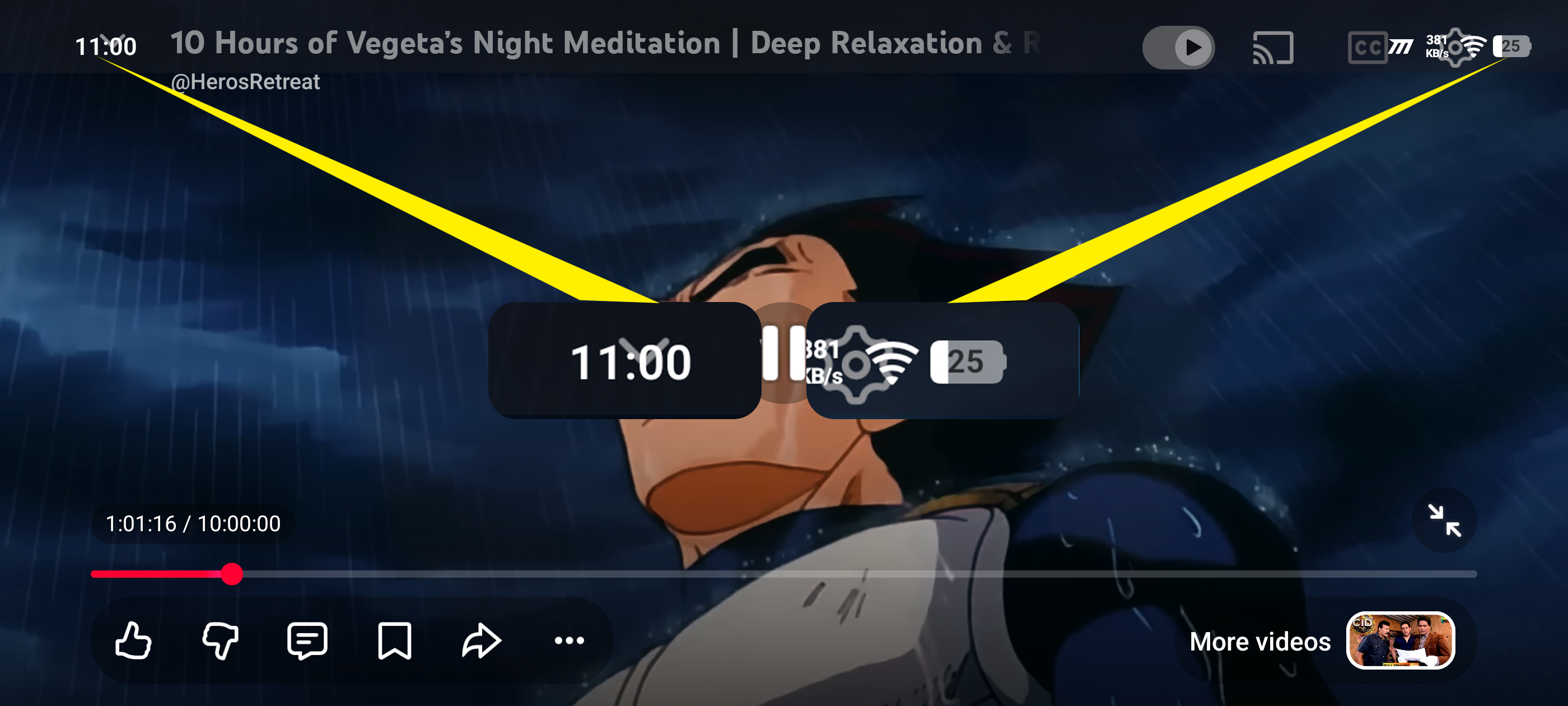
11:00 PM — 25%
YouTube Continues
1:10 AM — 16%
YouTube Continues
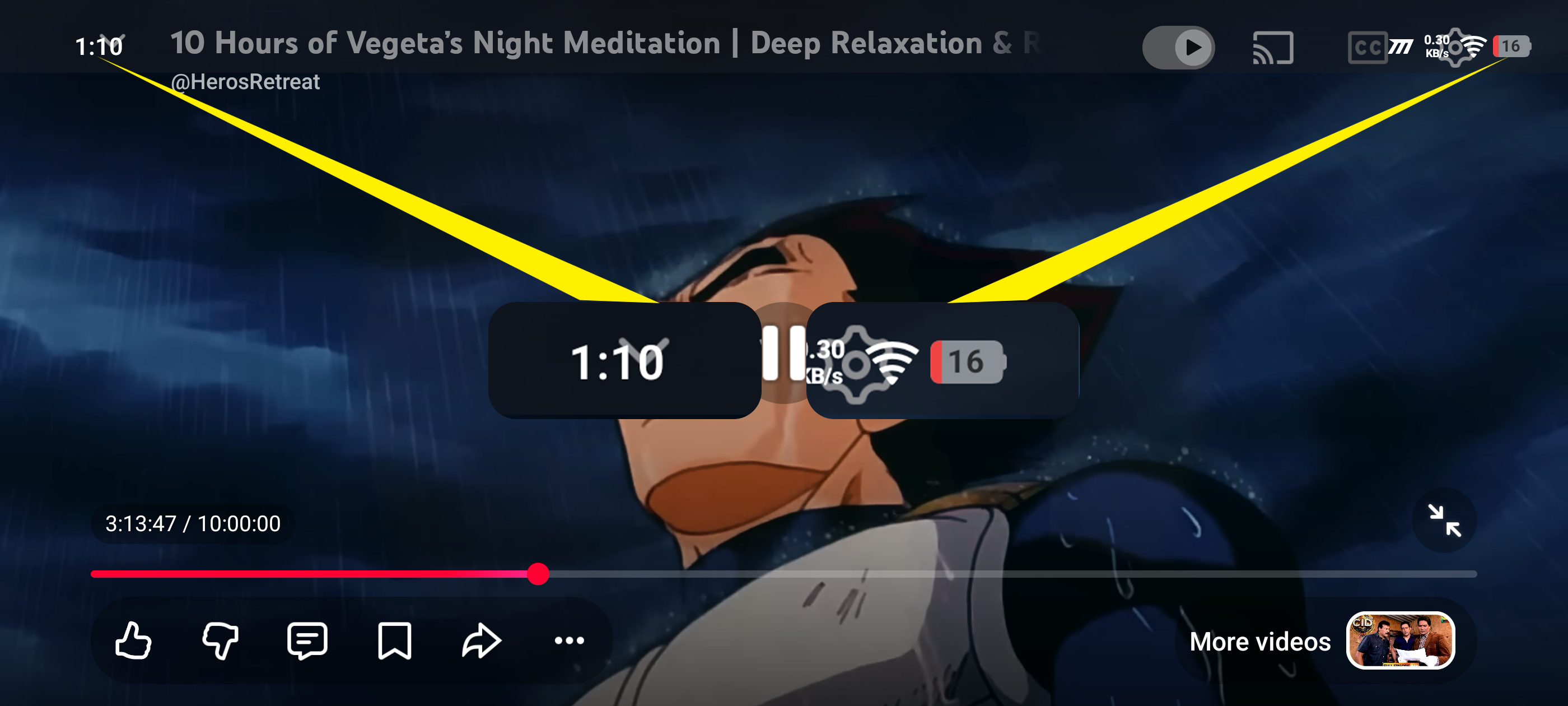
At this point, it was already well past midnight.
1:37 AM — 14%
I went to sleep 😴
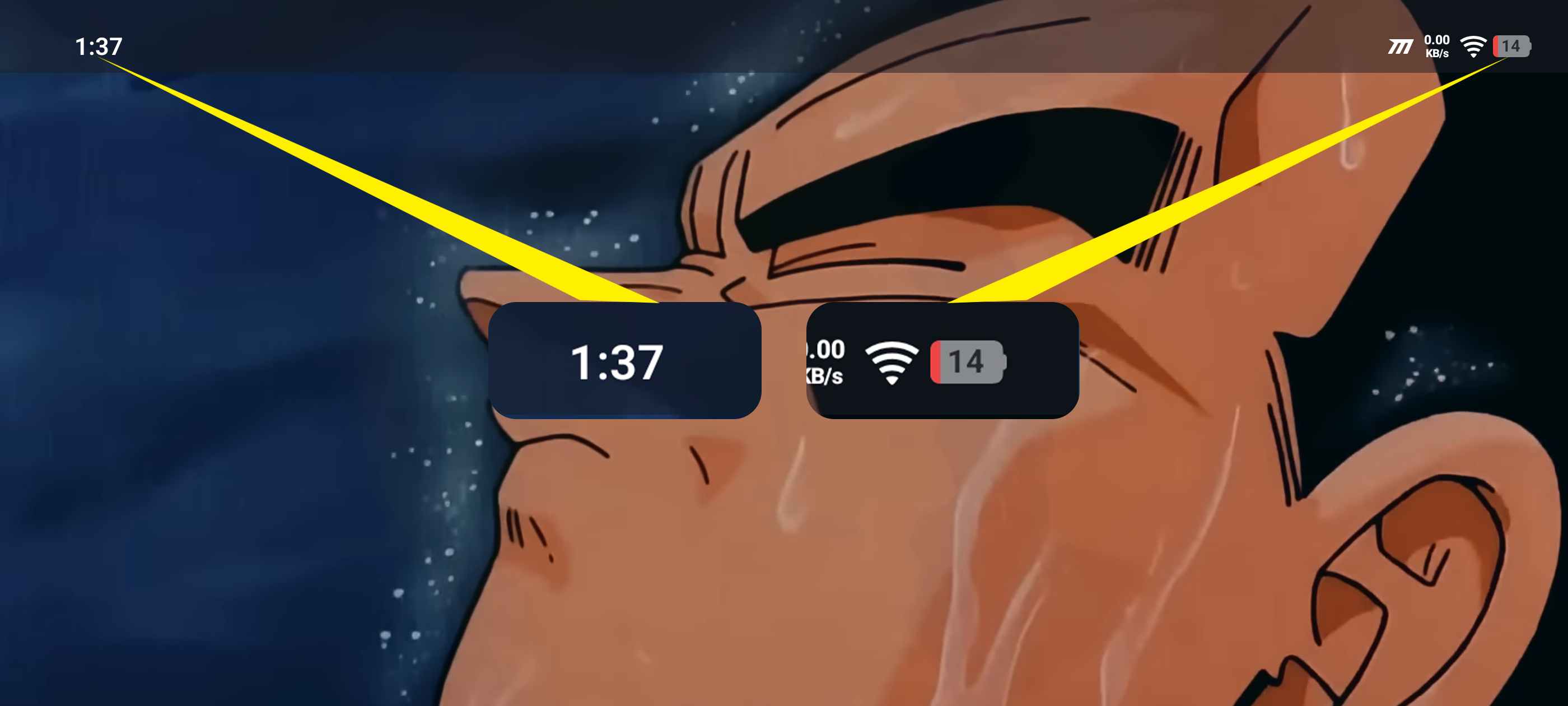
YouTube was still running.
And I left the phone exactly as it was.
🌅 THE NEXT MORNING...
I woke up and found the phone completely switched off. 💀
Plugged the charger in...
And the phone showed:
🔋 1%
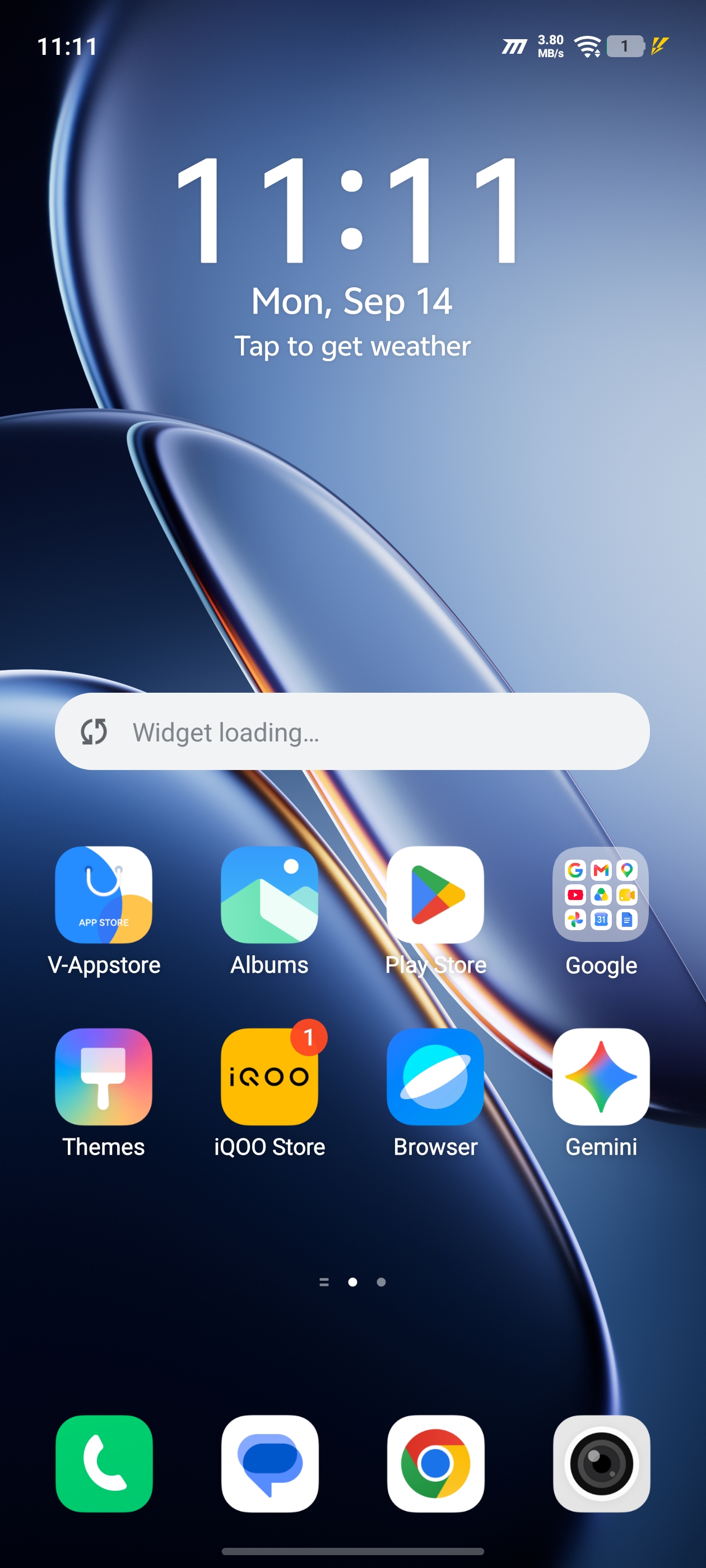
So the Z11 had actually managed to run all the way down during the night.
But I wanted to know when exactly it finally died.
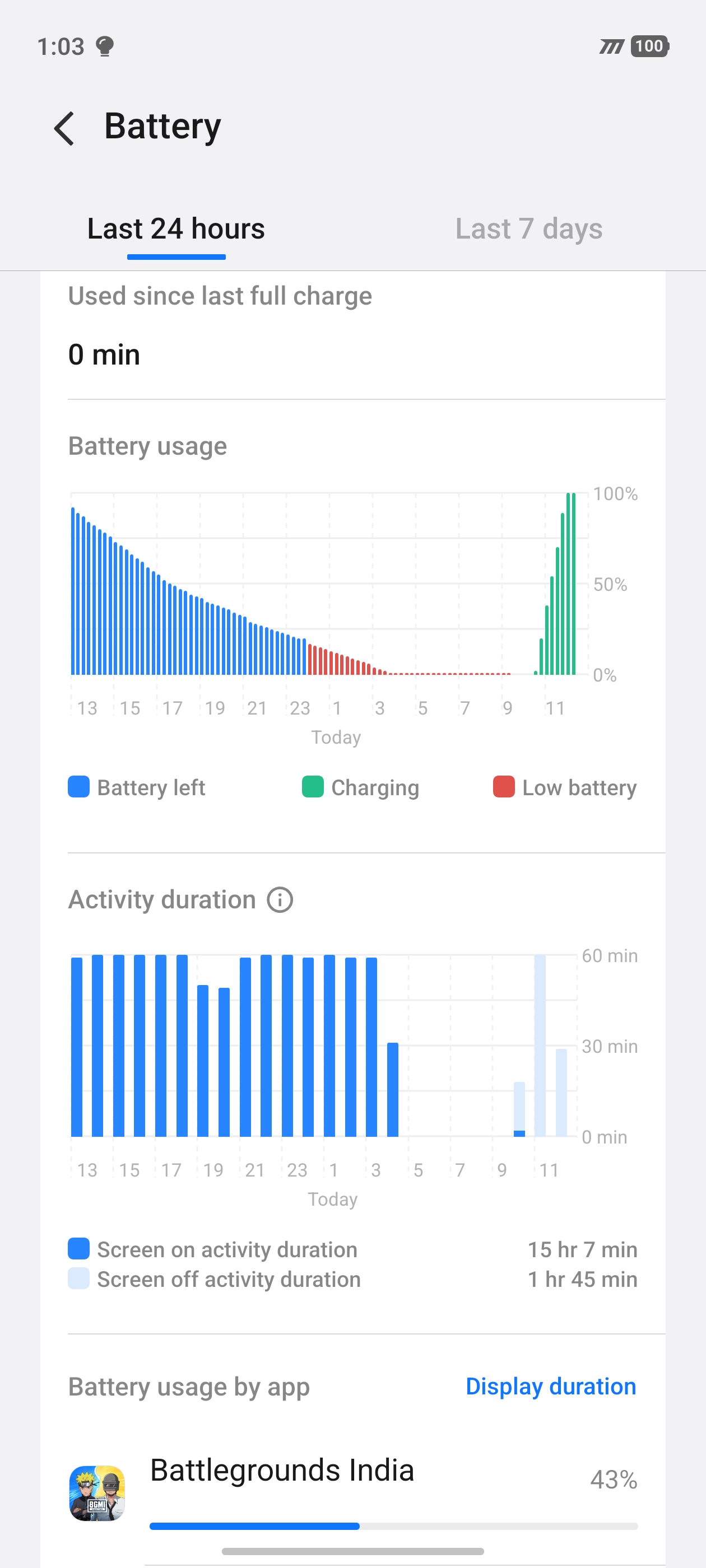
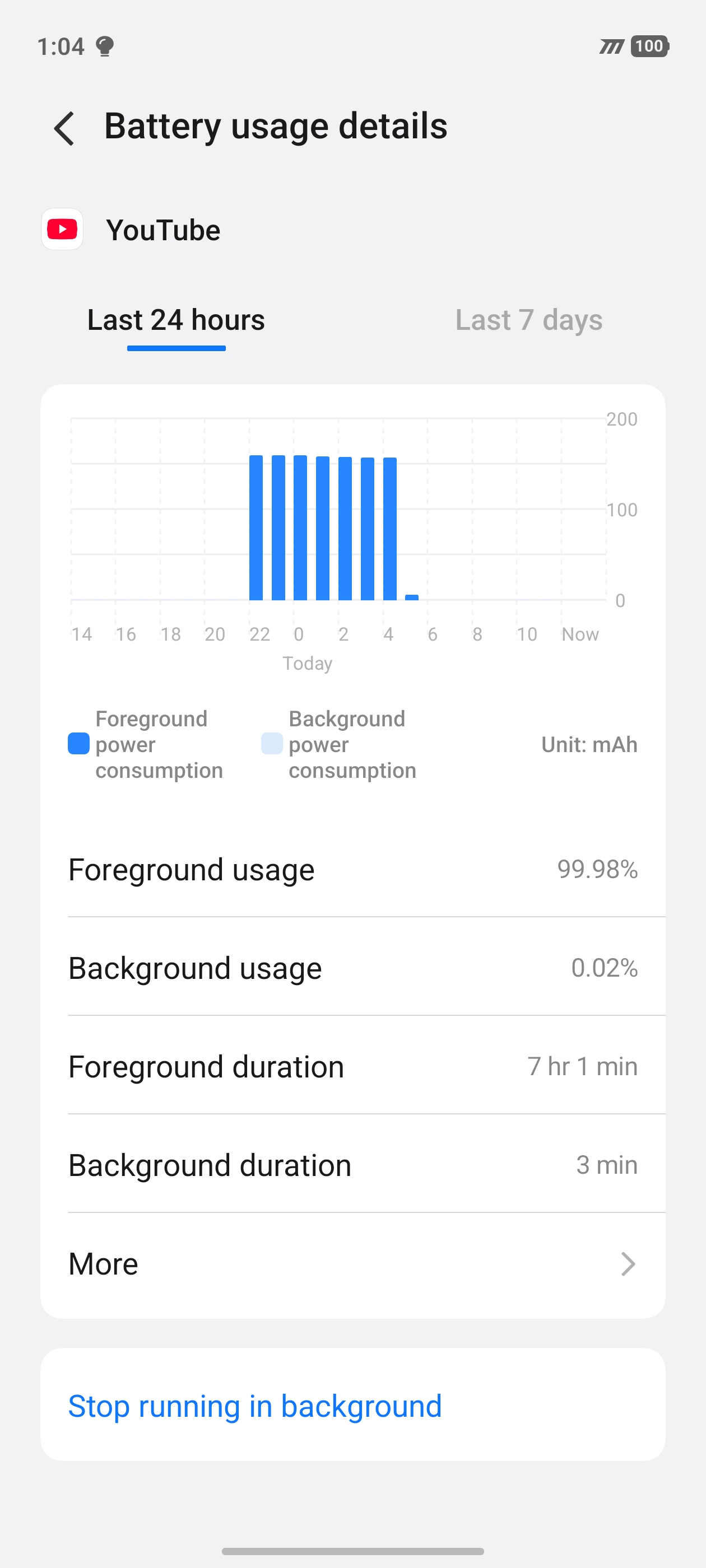
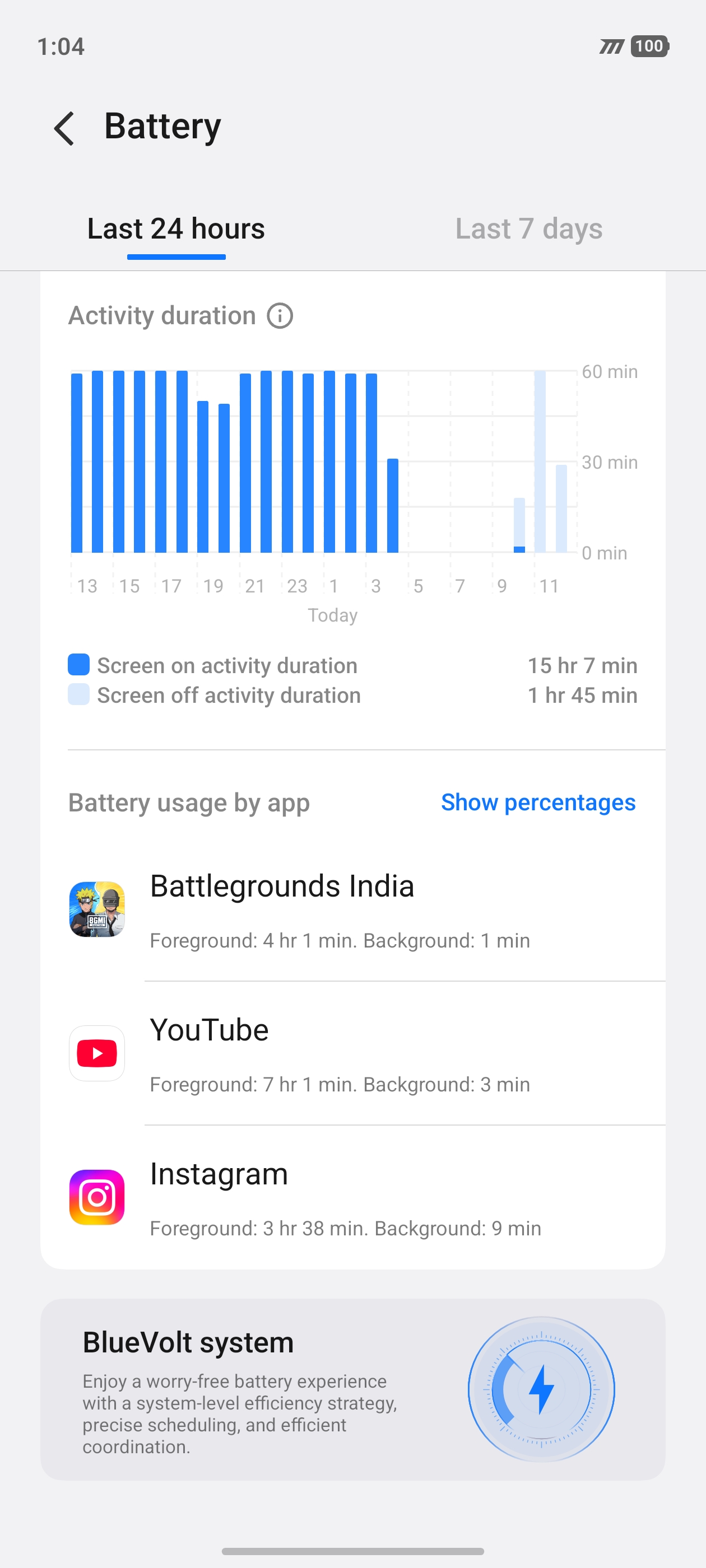
I checked the Battery Usage History.
And there it was. 👀
▶️ Last YouTube activity: Around 4:30 AM
So after I went to sleep at 1:37 AM with 14% battery, the Z11 continued playing YouTube for roughly another 3 hours before eventually running out of power.
🏁 FINAL RESULT
From 1:00 PM → ~4:30 AM, the iQOO Z11 went through an absolutely brutal battery endurance test.
🔥 AnTuTu Benchmark
🧠 CPU Throttling Test
🎮 4+ Hours BGMI
📱 Nearly 4 Hours Instagram Reels
▶️ ~6.5 Hours YouTube including overnight playback
And finally...
🔋 100% → 0% → DEAD
This wasn't a controlled laboratory test designed to maximize battery life.
It was intentionally closer to a real-world heavy-user scenario — gaming, social media, video streaming and stress testing, one after another.
And honestly...
I didn't expect the Z11 to keep YouTube running until around 4:30 AM after everything it had already gone through. 😮💨🔥
That's the complete iQOO Z11 Battery Drain Test.
Now I'm curious...
👀 How long do you think your Z11 would survive under the same torture?
Drop your Screen-on Time & usage pattern below! 👇
See You Again Questers 🫰🏻
Happy Questing 💪🏻
Thank You @iQOO Connect
Yours @YasirTheJOD
Please sign in
Login and share