


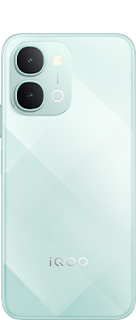
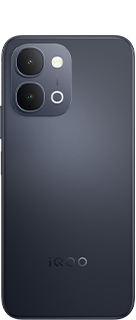
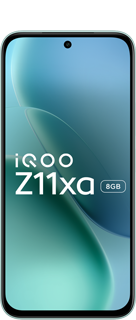






















Why the iQOO Z11 Is My Best Multimedia Phone of 2026 (+3 Hidden Settings)

Hi iQOO Fam! Vishwa here,  with a thread that's less about numbers and more about how a phone feels when the content starts playing.
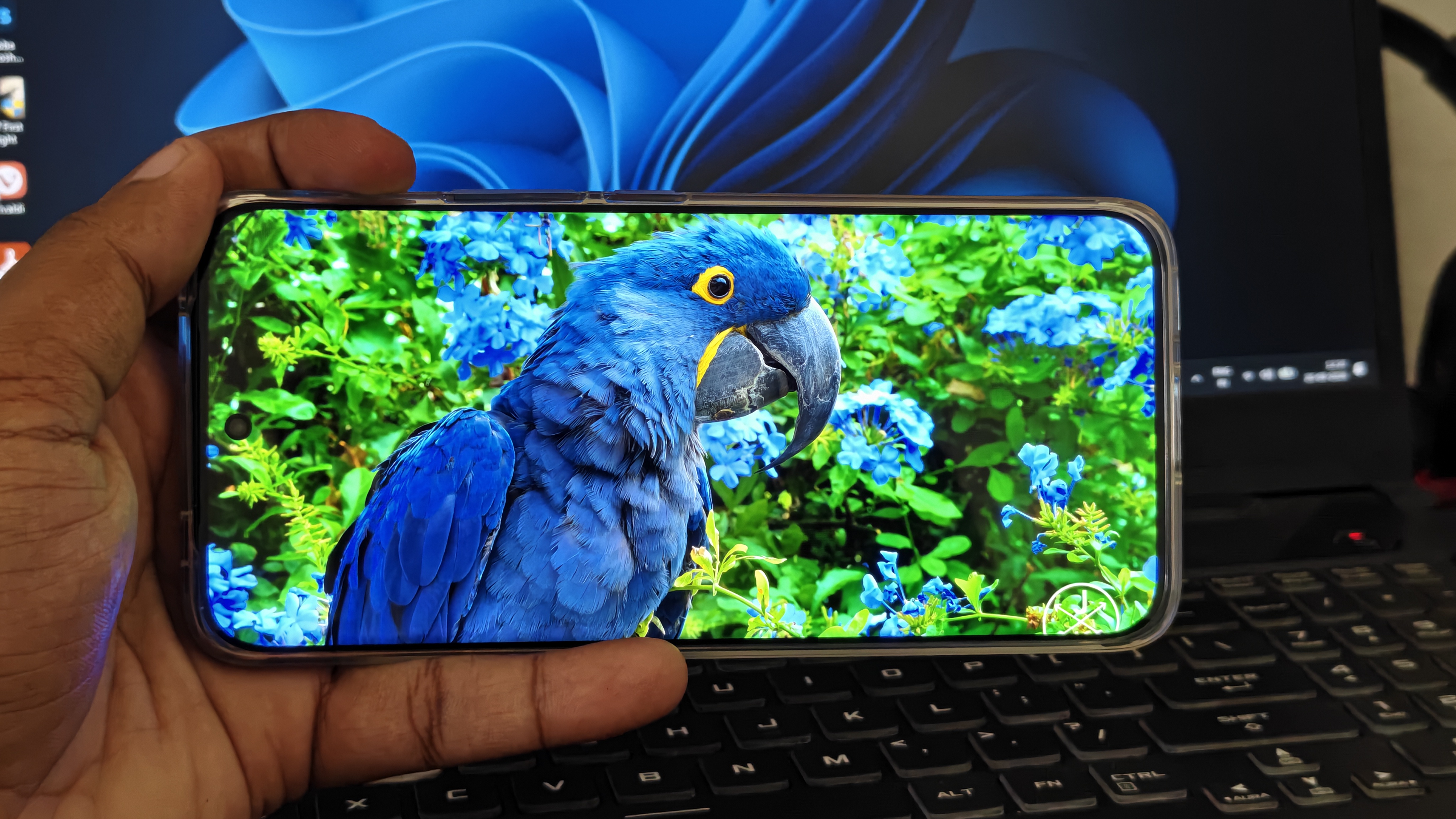
Spec sheets sell phones. Screens and speakers are what you live with, for hours, every single day. After my time with the iQOO Z11, my verdict is simple: it's the best multimedia experience I've seen on an iQOO phone in 2026 so far.
A Curved Screen Made for Binge-Watching
The Z11 has a 6.83-inch 1.5K 3D curved AMOLED with a 144 Hz refresh rate. On paper that's a spec. On YouTube, it's a mood.
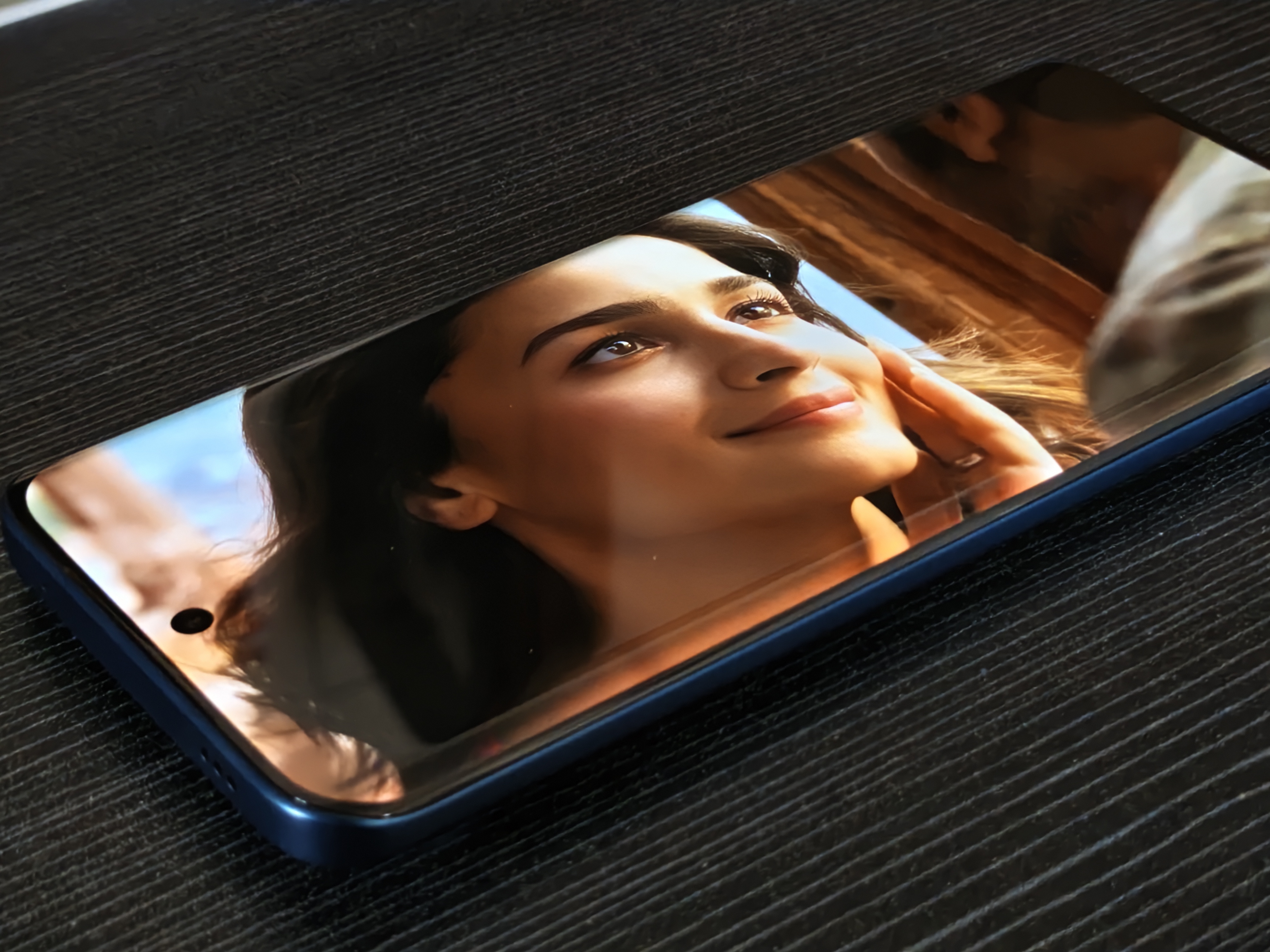
I spend a lot of time binge-watching, especially songs and music videos, and watching them zoomed in to fill the curved screen is so good.
The edges melt away, the picture feels closer, and the whole experience turns more immersive.
The panel also supports HDR10, HDR10+ and HLG, with Widevine L1 for 1080p streaming. iQOO lists 2,000 nits in high brightness mode and 3,000 nits local peak on HDR video.
Colours That Feel Curated, Not Cranked
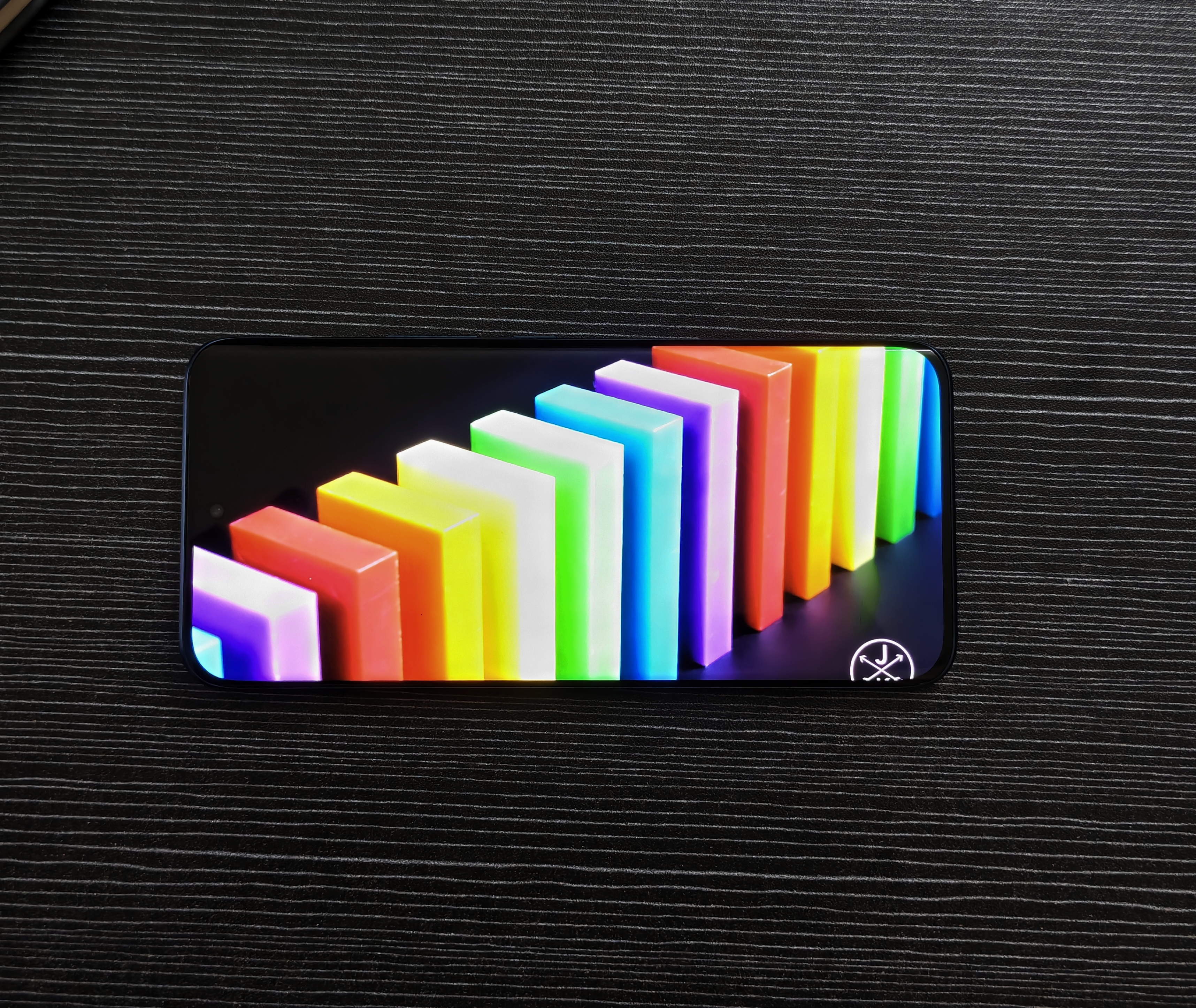
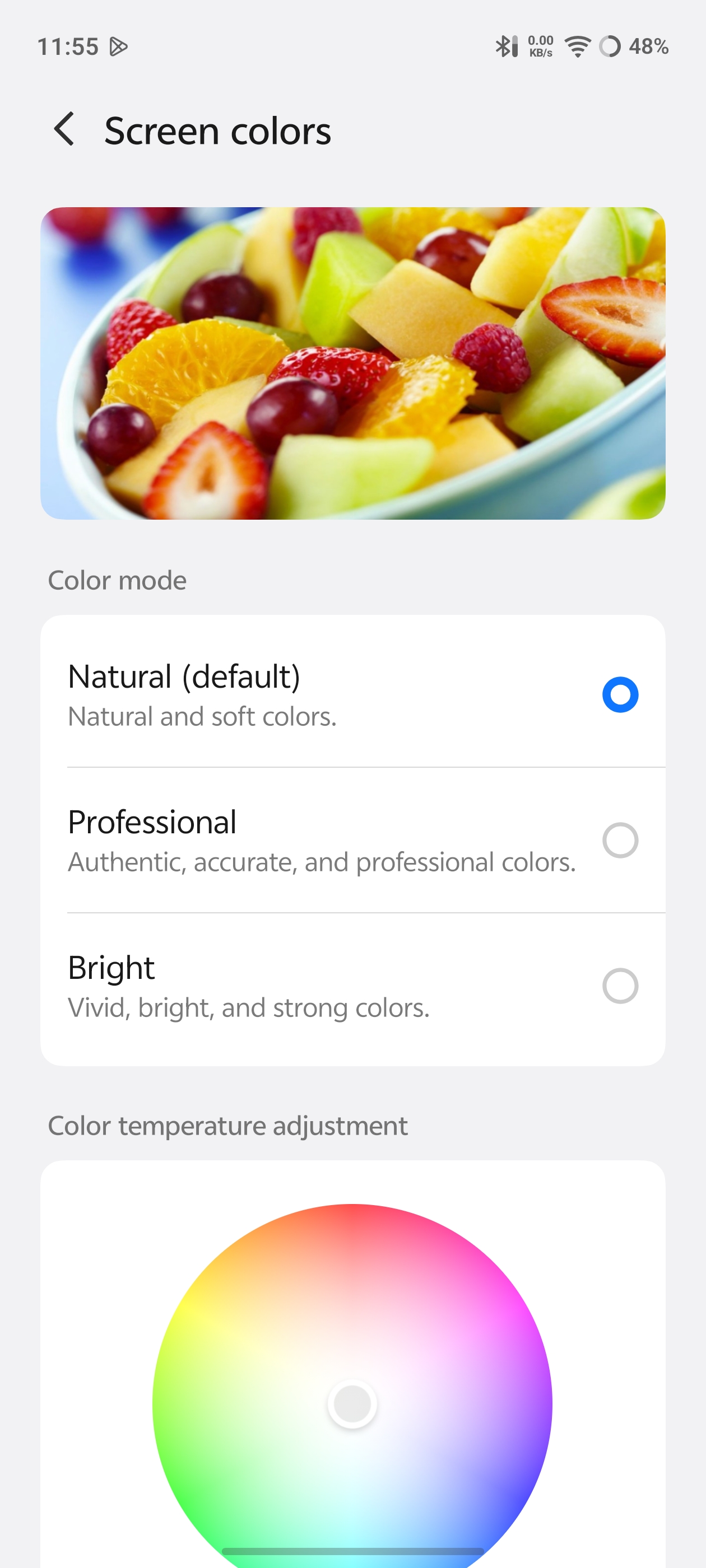
What wins me over here is the colour curation. Reviewers note Standard, Professional and Bright colour modes, so you can pick a look instead of having one forced on you.
The Ultimate Stereo Speakers Experience
Here's what surprised me most: I rarely reach for headphones anymore, even for trailers. Hear it yourself....
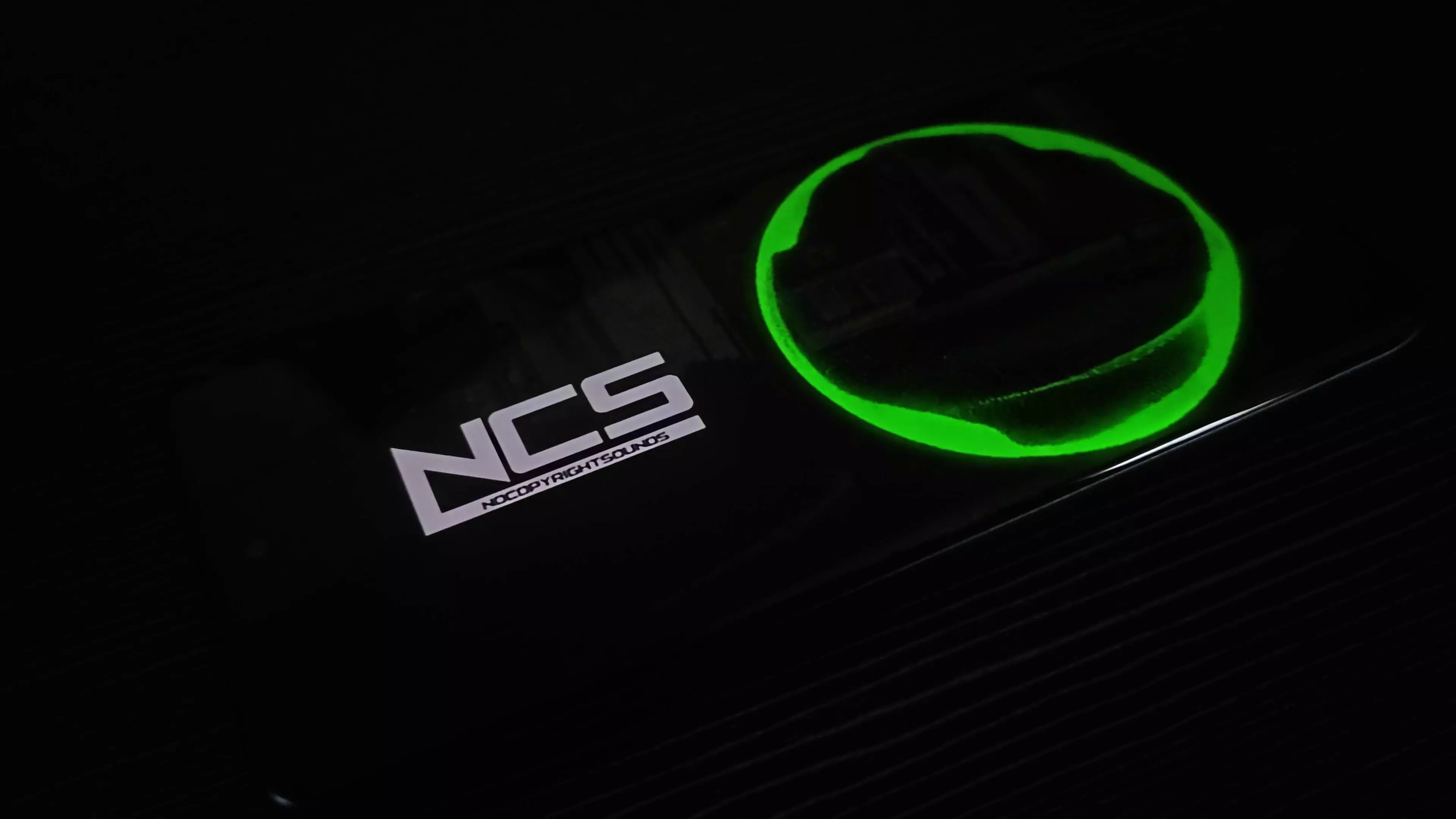
The built-in speakers catch the quietest details and the high notes of vocals cleanly, and the volume is ample. That's the best stereo speaker calibration I've heard on an iQOO phone.
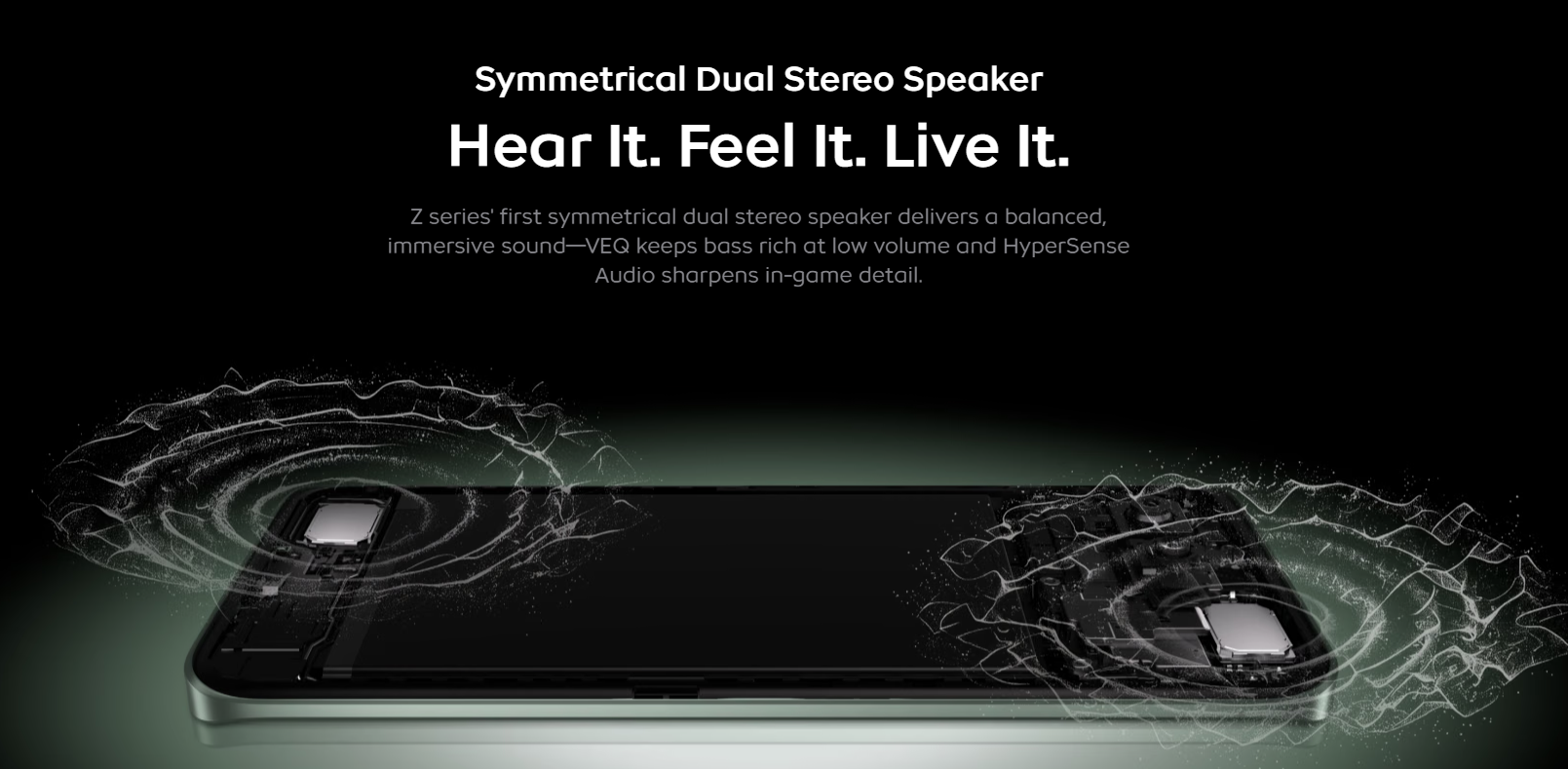
iQOO calls it the Z series' first symmetrical dual stereo speaker, with VEQ keeping bass rich at low volume and HyperSense Audio sharpening in-game detail. In daily use, that balance is what you actually notice.
Three Hidden Multimedia Settings That Push It Further
The Z11 is already great out of the box, and these settings improve the experience even further. [ADD: menu paths]
1. Screen Resolution
Settings > Display, brightness & eye protection > Screen resolution
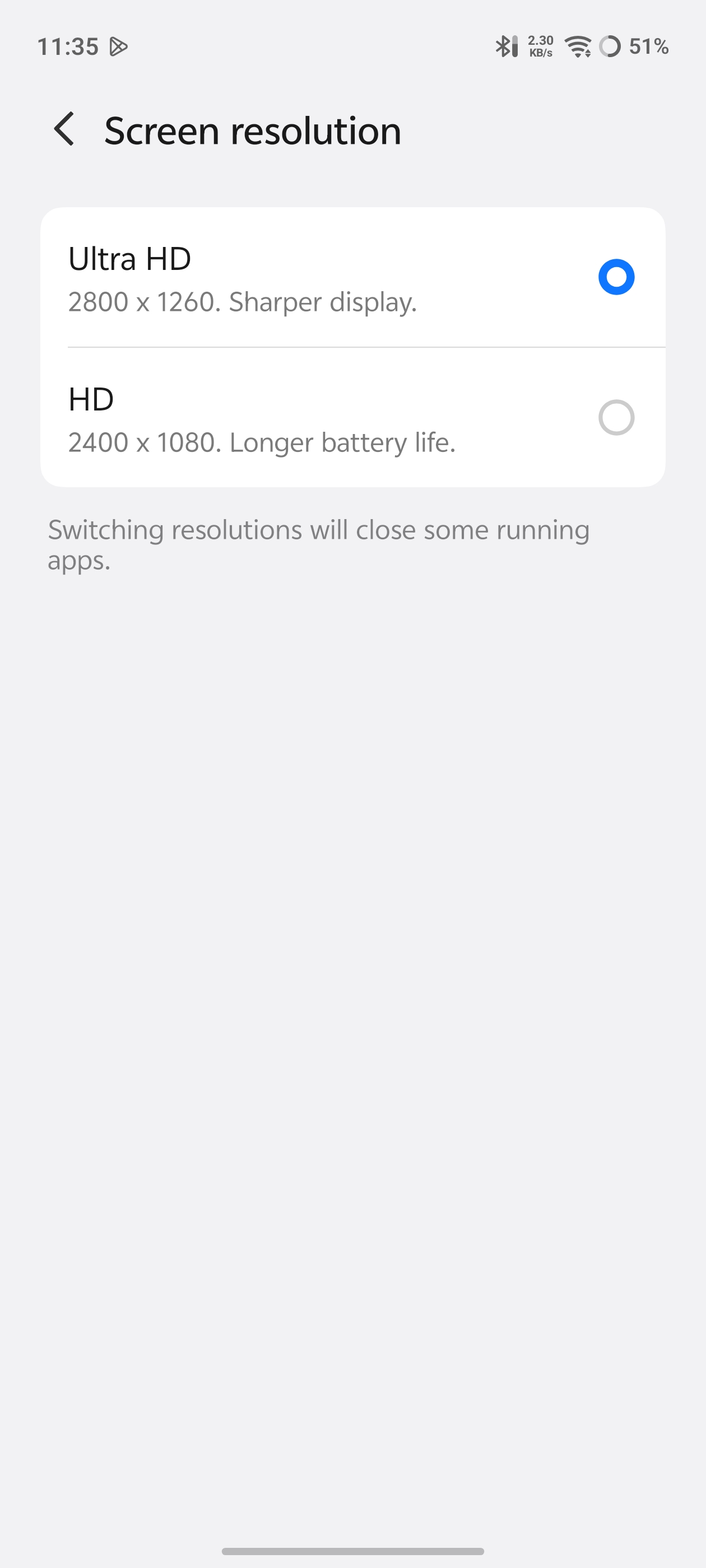
Choose Ultra HD (2800×1260) for a sharper display, or HD (2400×1080) for longer battery life. Switching closes some running apps, so save your work first.
2. Super Audio
Settings > Sounds & vibration > Sound quality & effects > Super Audio
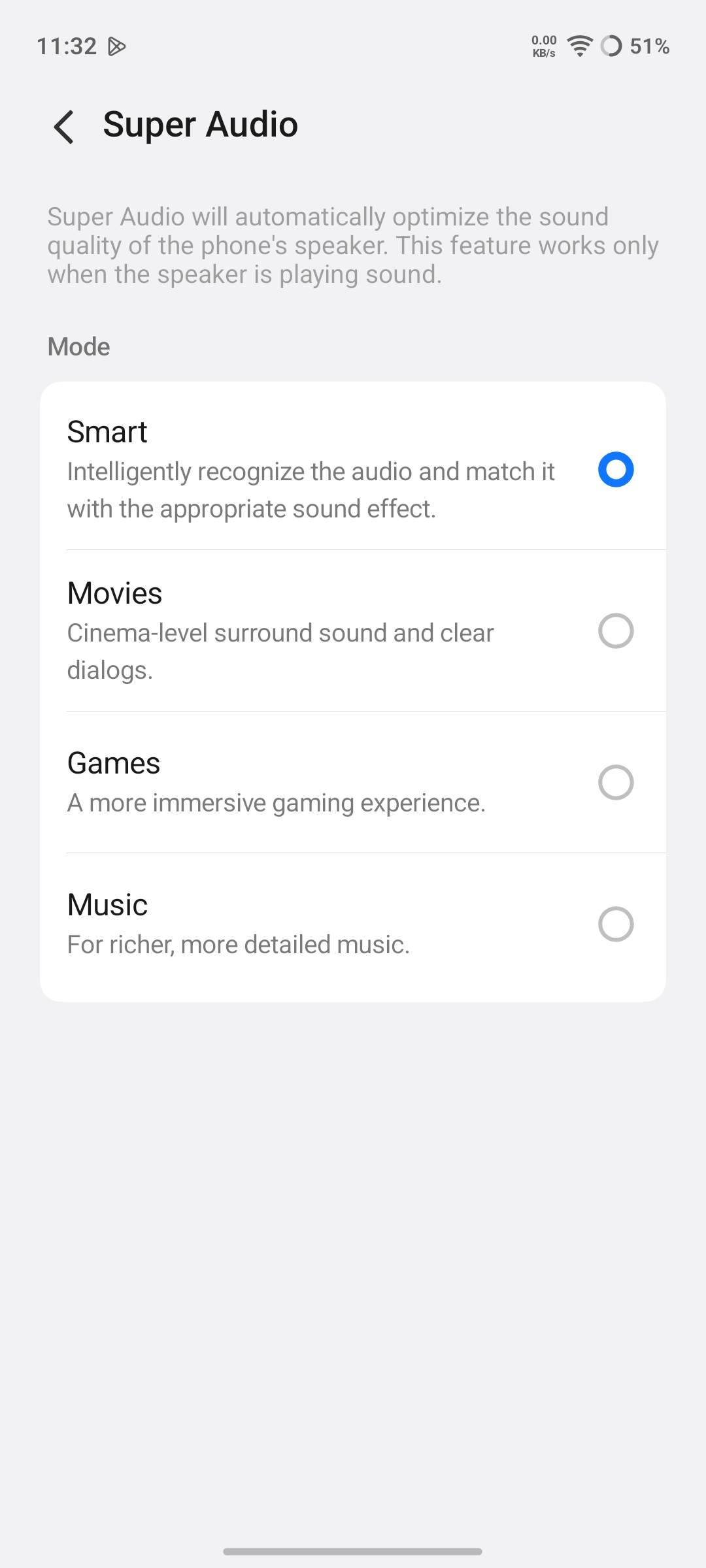
This optimises the phone speaker, and only the speaker. You get four modes:
- Smart: recognises the audio and applies a matching effect
- Movies: cinema-style surround and clearer dialogue
- Games: a more immersive gaming feel
- Music: richer, more detailed sound
Since the speakers are the star here, these modes are worth a try.
3. Audio Super Resolution
Settings > Sounds & vibration > Sound quality & effects > Audio Super Resolution
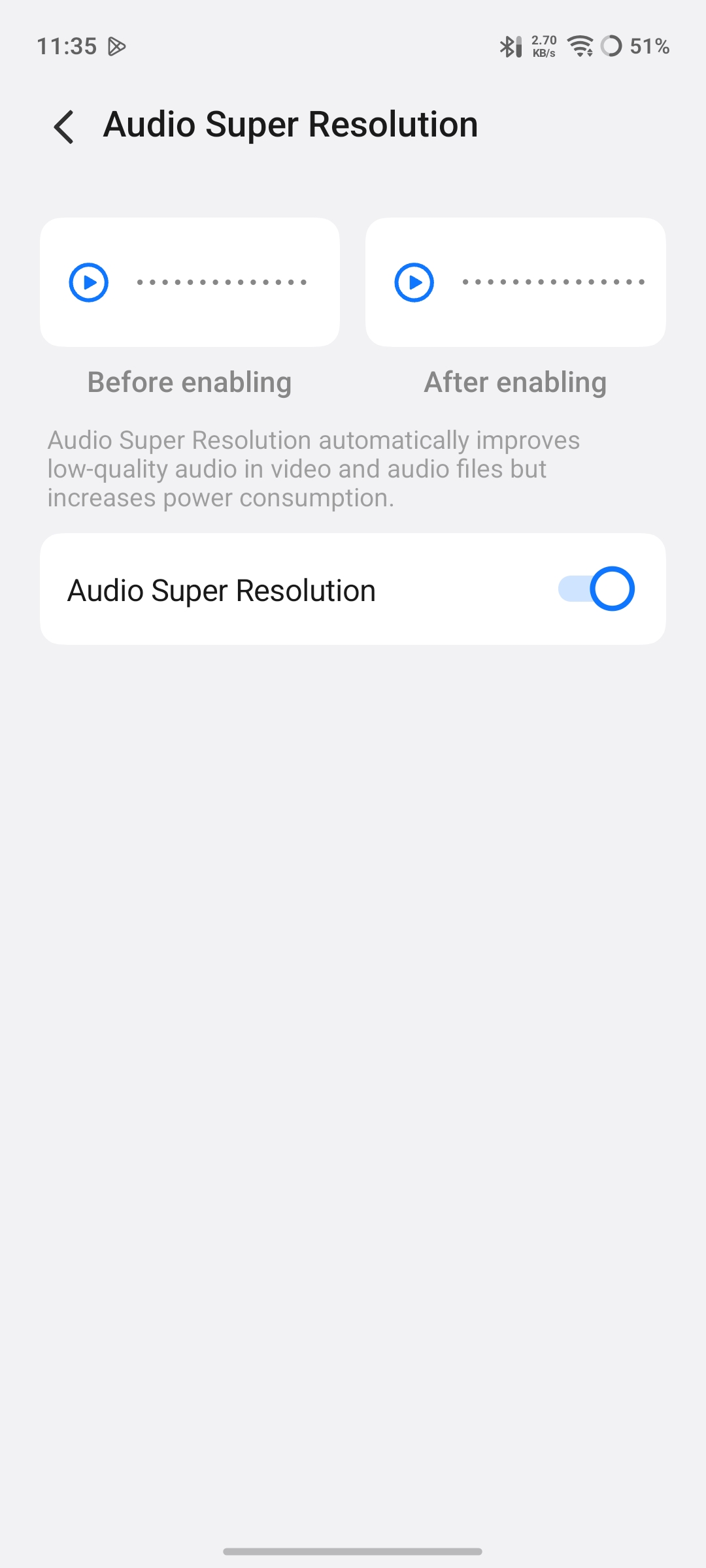
This improves low-quality audio in videos and audio files, which helps old clips and heavily compressed uploads. The trade-off is higher power consumption, so treat it as a situational toggle.
My overall multimedia experience with iQOO Z11
The Z11's multimedia strength comes from display, sound and software tuning working together. It has a curved panel that makes YouTube feel bigger, colours that look deliberate, and speakers good enough to keep the earphones away. Add these three settings and it gets better still.
Do you still reach for headphones on your phone, or have built-in speakers won you over? Tell me in the comments 👇
Signing off,
@iQOO Connect Ranger!
Please sign in
Login and share