
























Turn Your Fav Clip as Lock Screen in Origin OS 6

Make your favourite clip your lock screen! 🌊
Turn your own videos into moving wallpapers with Flip Card.
Here is the Process Step by Step
1) Go to Settings and Select Wallpaper
2) Select Home Screen, Lock Screen tab
3) Select Themes
4) Now Select Flip Cards option
5) Select Video Effects Option
6) Import Your Video
7) Trim Your Clip (Exactly how much you want)
8) Apply it !! Thats it !! All Set !!!
Enjoy your clip as Lock Screen, A cool 😎 feature
#iQOO #MonsterInside #iQOOHowTo #OriginOS6
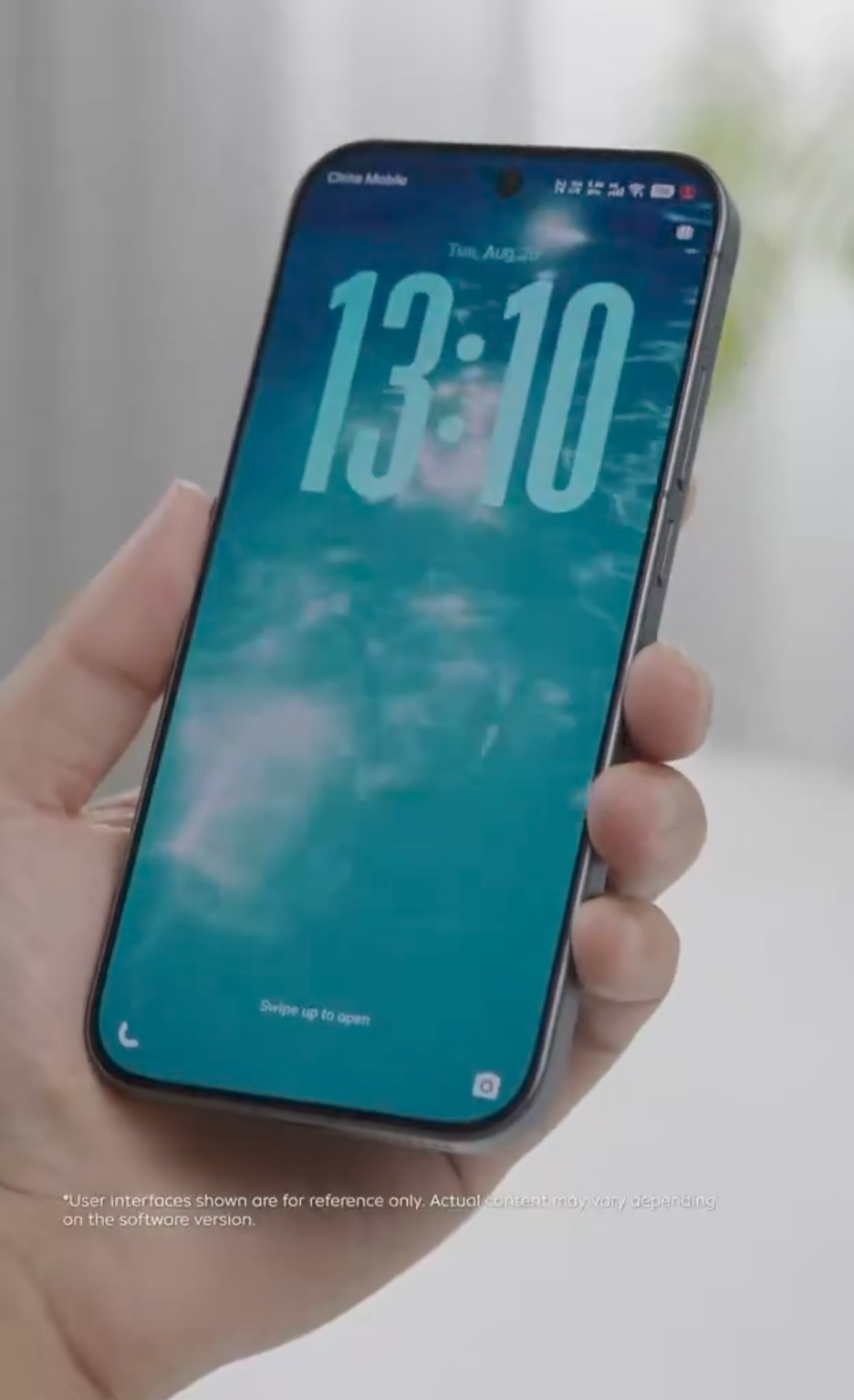
Figure 1, view larger image
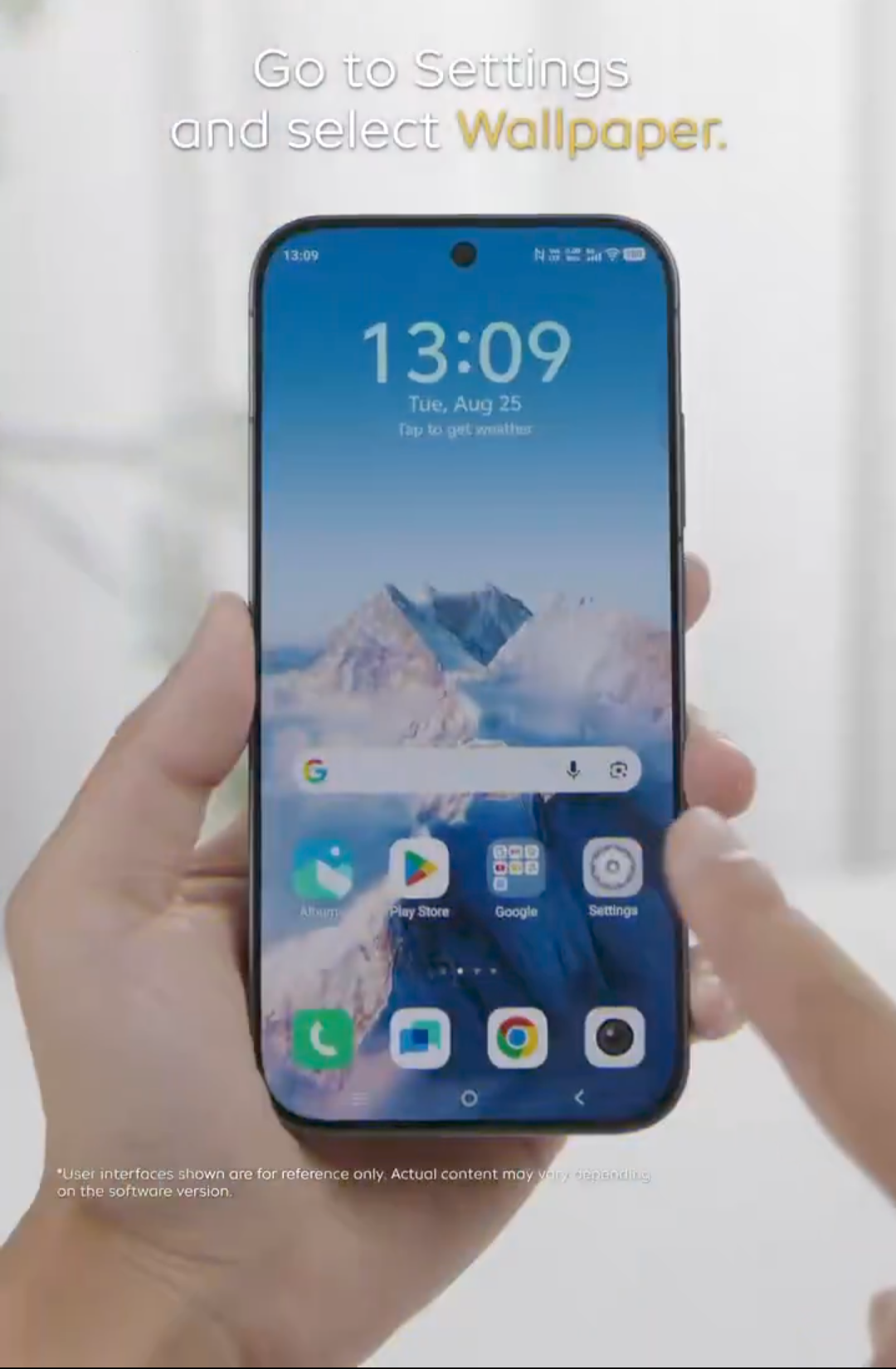
Figure 2, view larger image
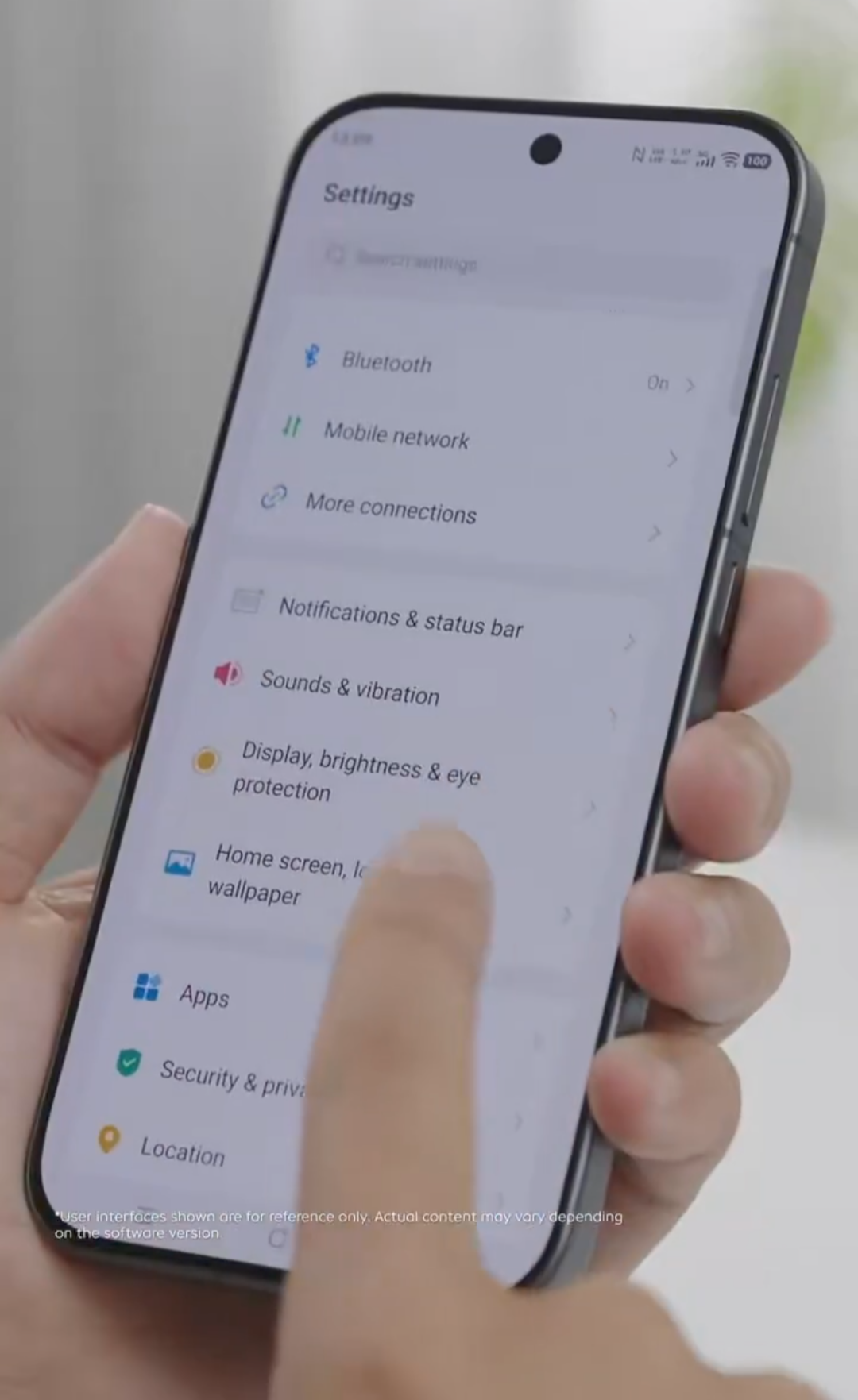
Figure 3, view larger image
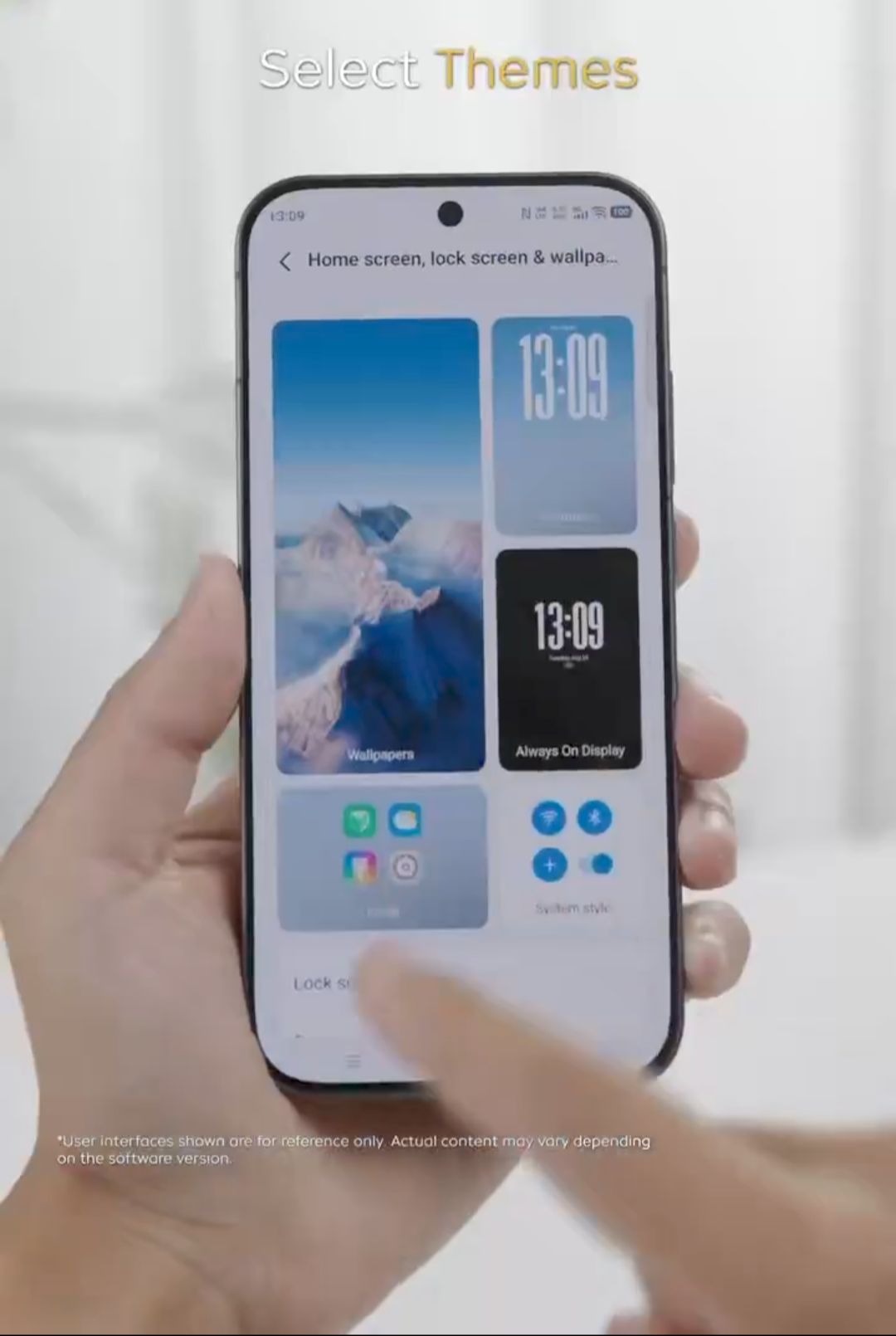
Figure 4, view larger image
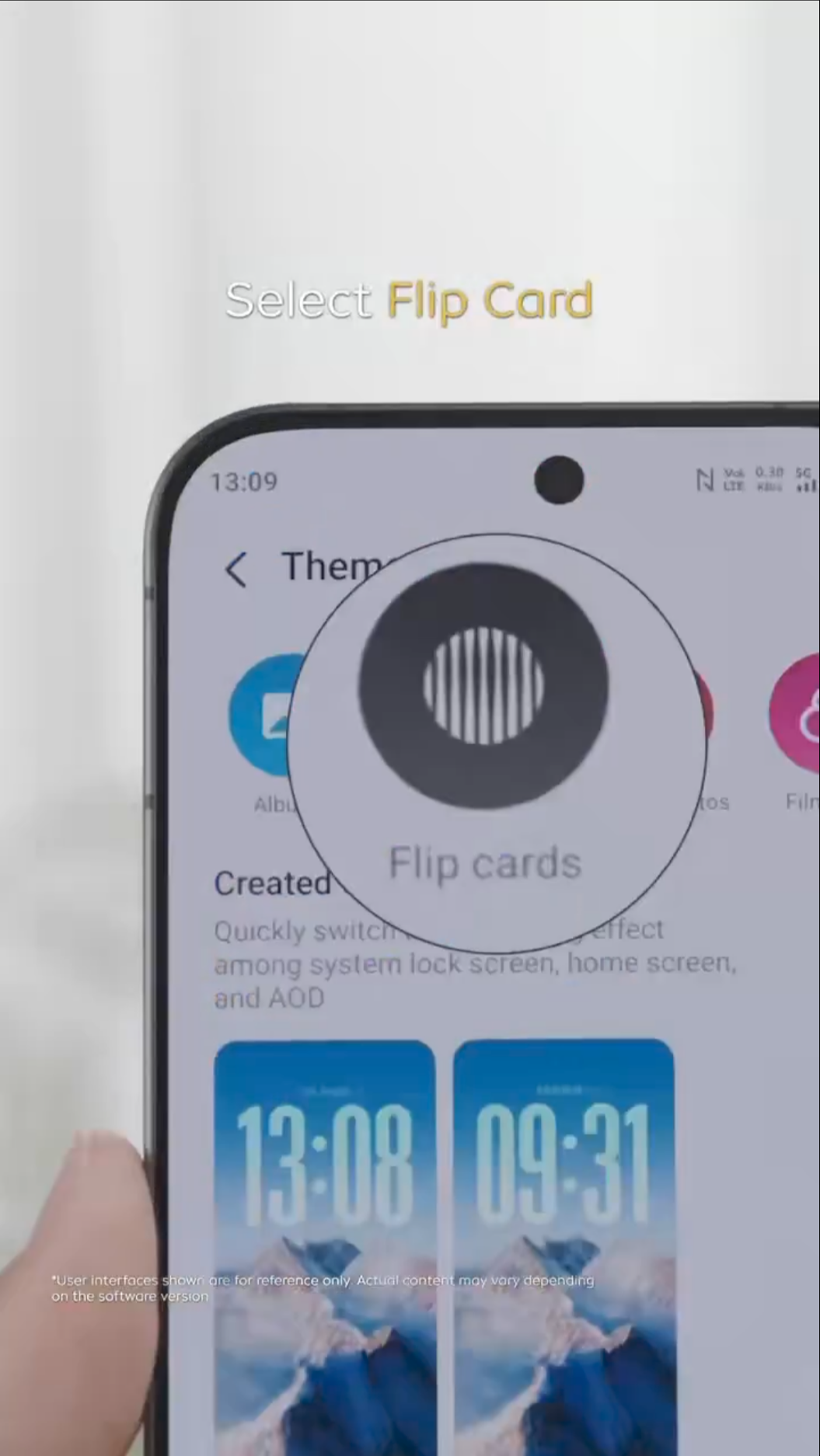
Figure 5, view larger image
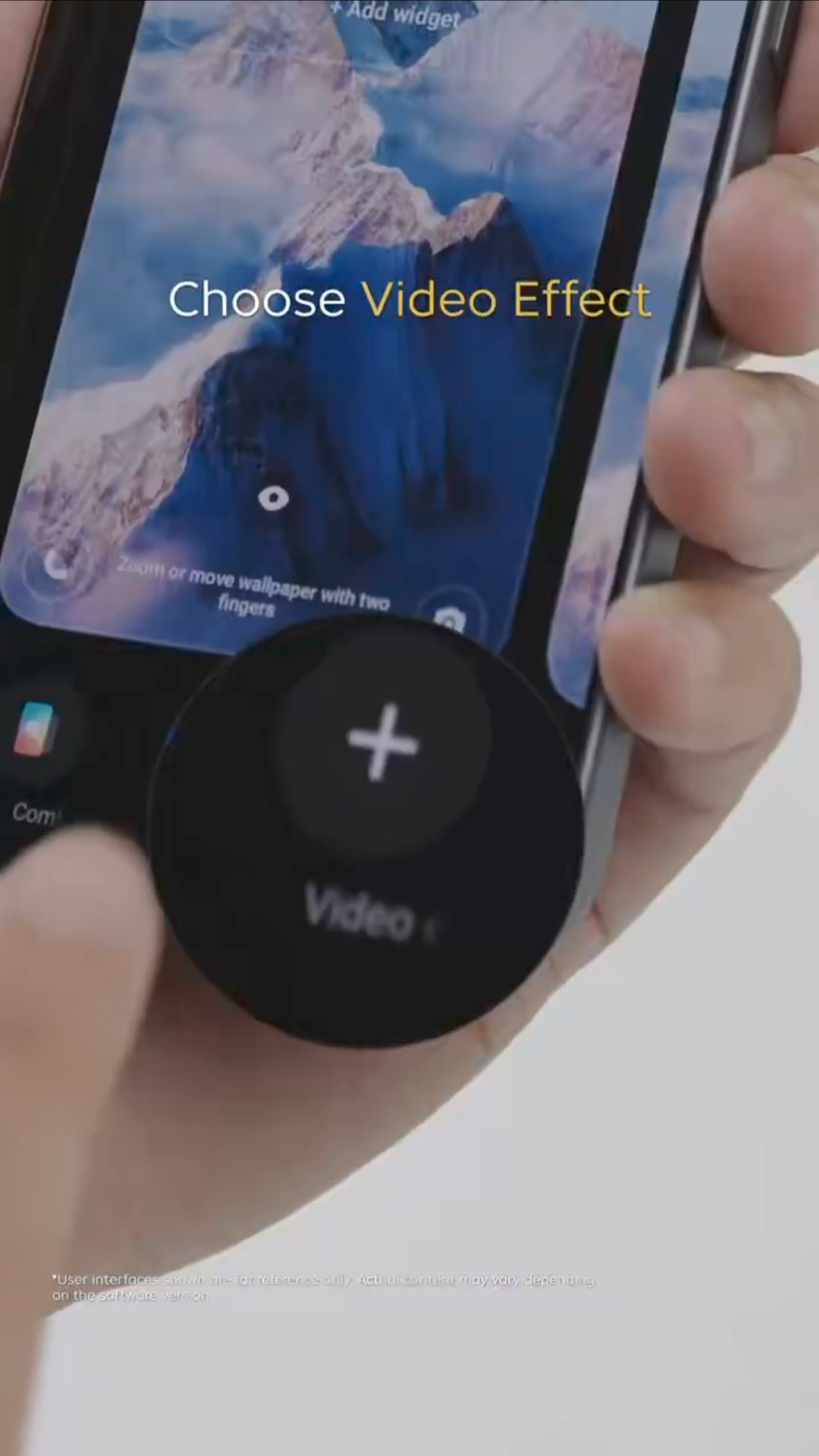
Figure 6, view larger image
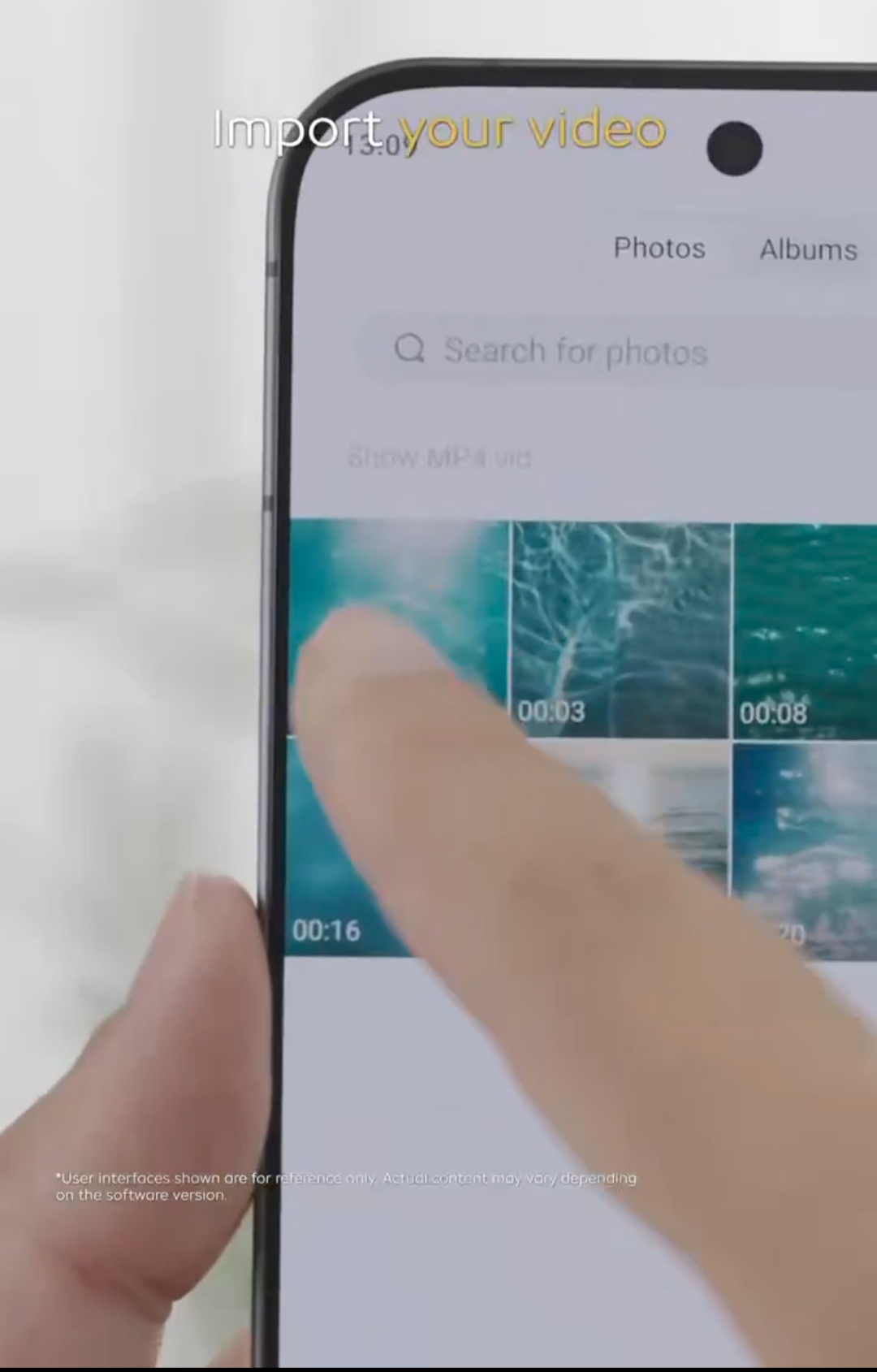
Figure 7, view larger image
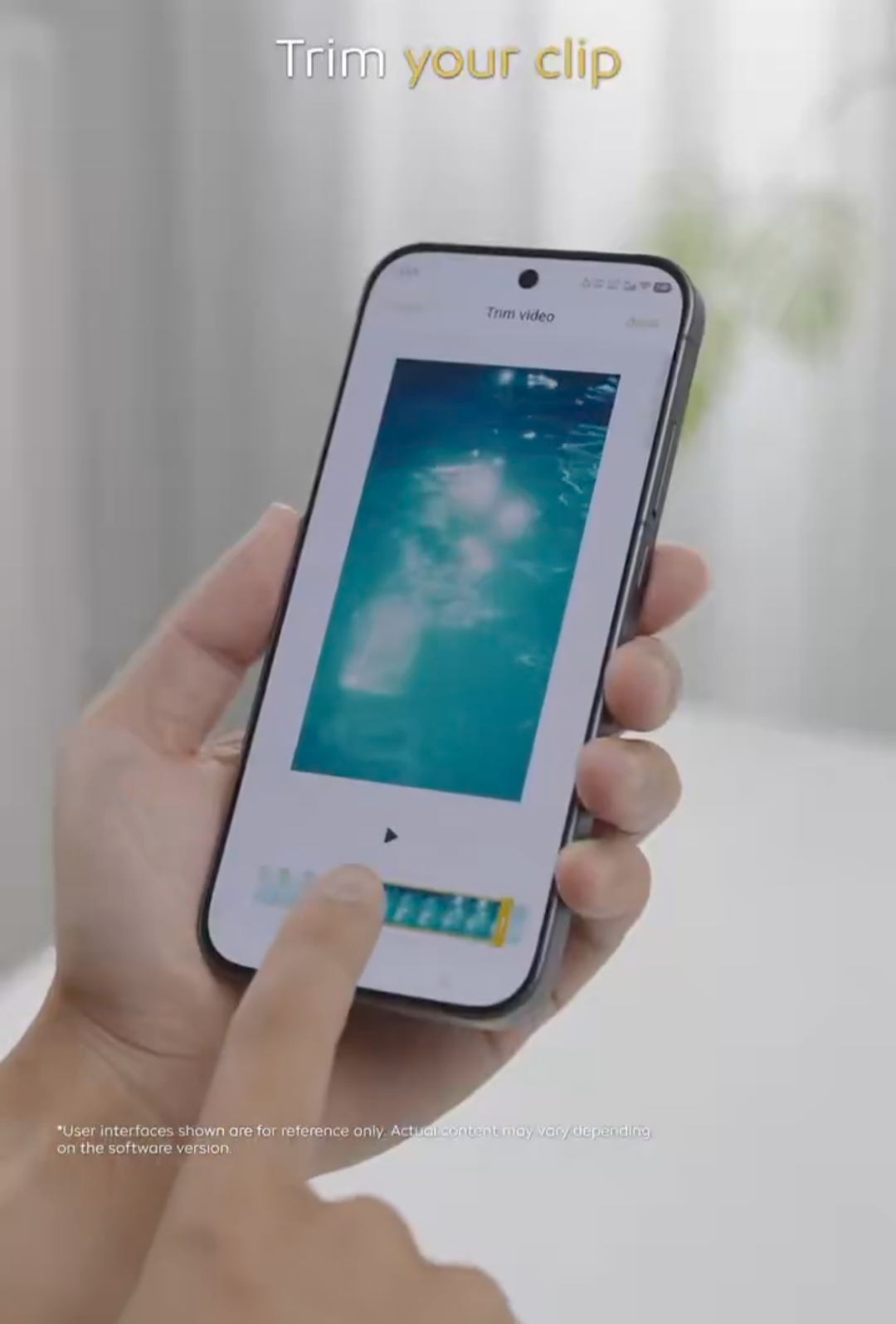
Figure 8, view larger image
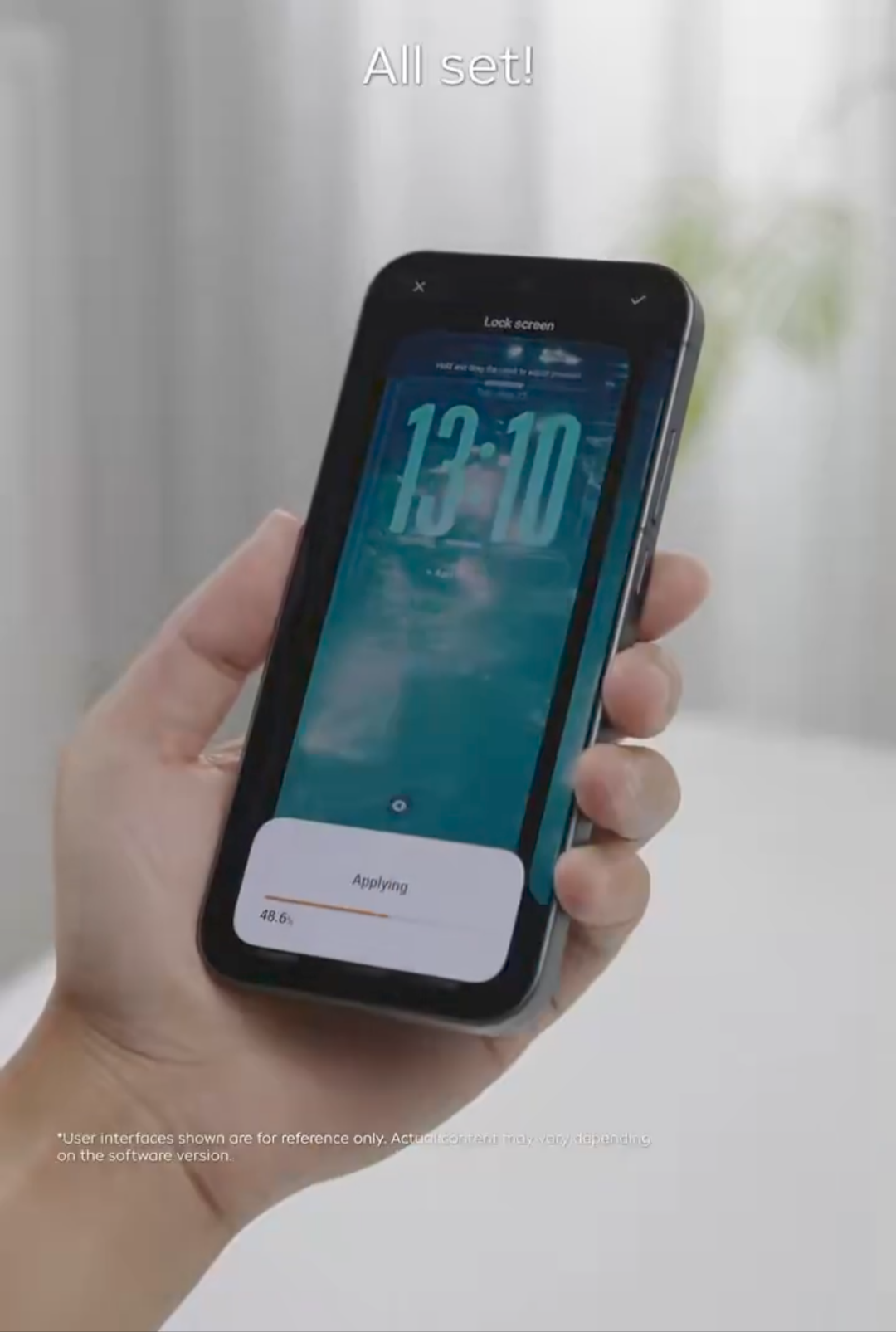
Figure 9, view larger image
Tech
164
18
Please sign in
Login and share
Sign in