
























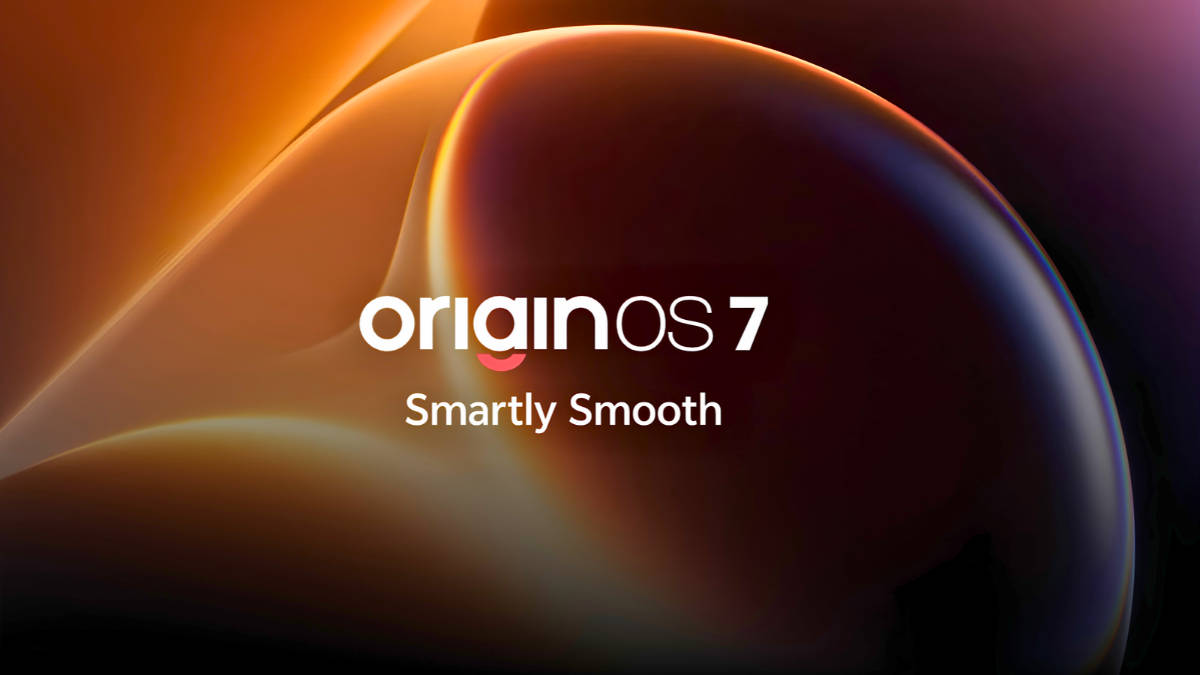
I've used Funtouch OS for years. OriginOS feels like a different direction.

Where it all started
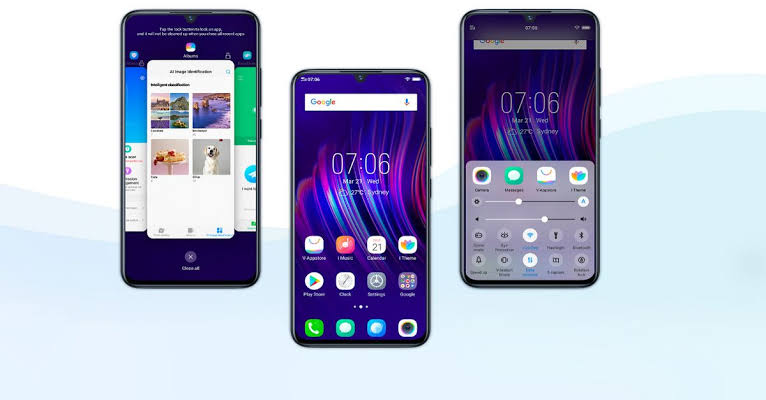
My journey with vivo and iQOO software started with Funtouch OS 9. Since then, I've used multiple generations of Funtouch OS and watched it evolve over the years.
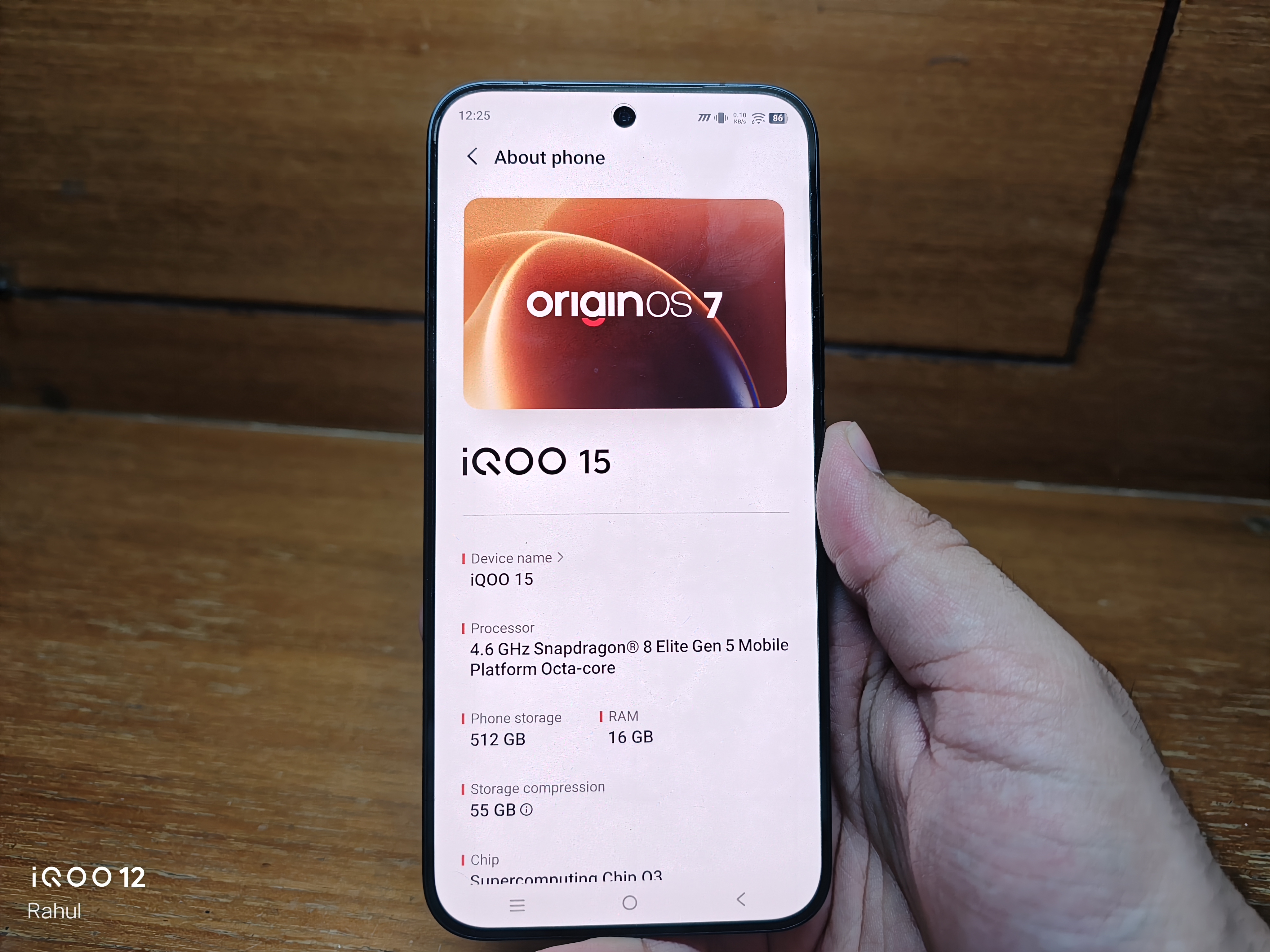
Today, I'm using OriginOS 7 Beta on the iQOO 15 after experiencing OriginOS 6 on multiple iQOO devices
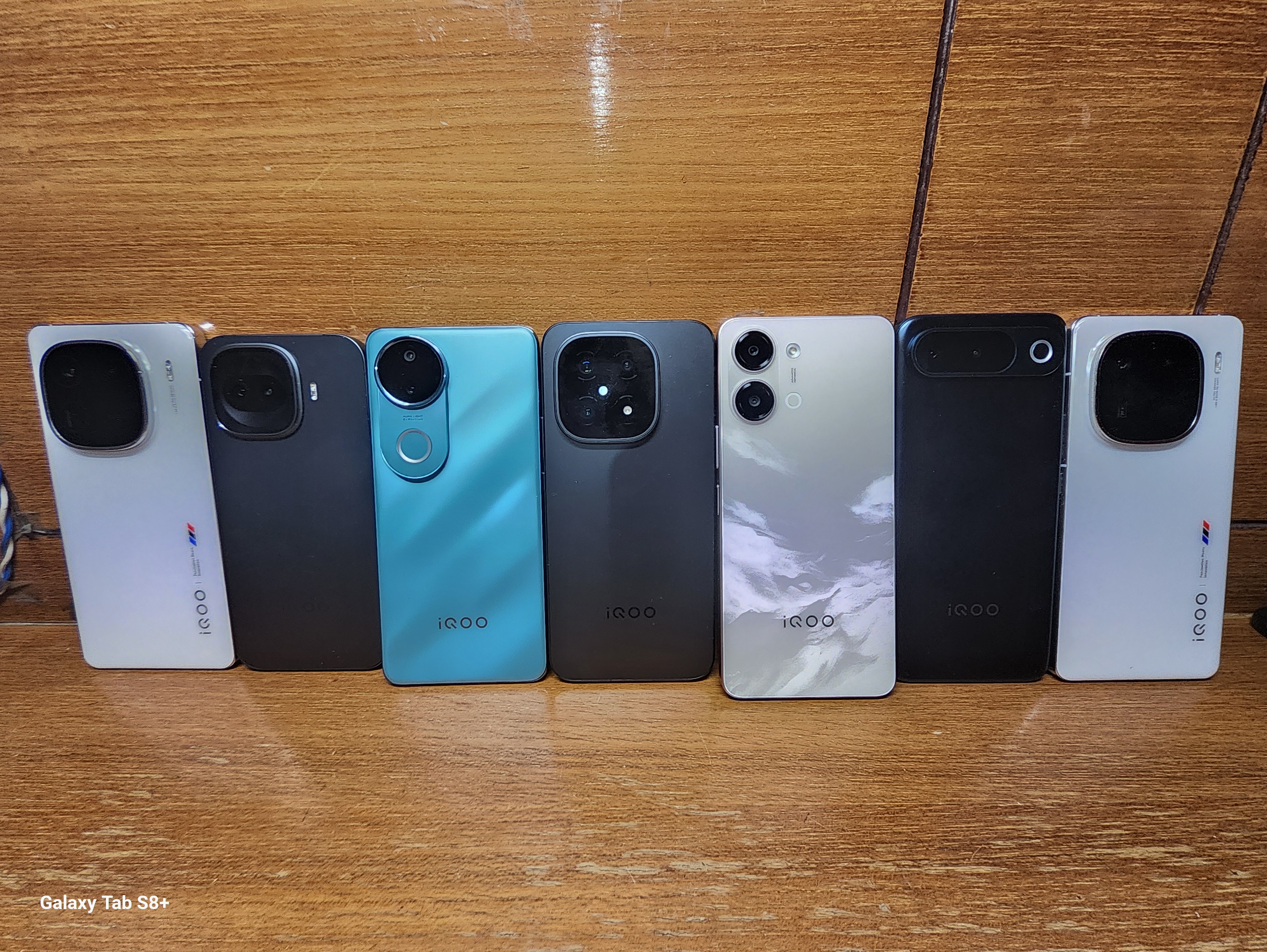
And honestly, this feels like much more than a regular software update. It feels like a change in direction.
Funtouch OS always felt a little too generic
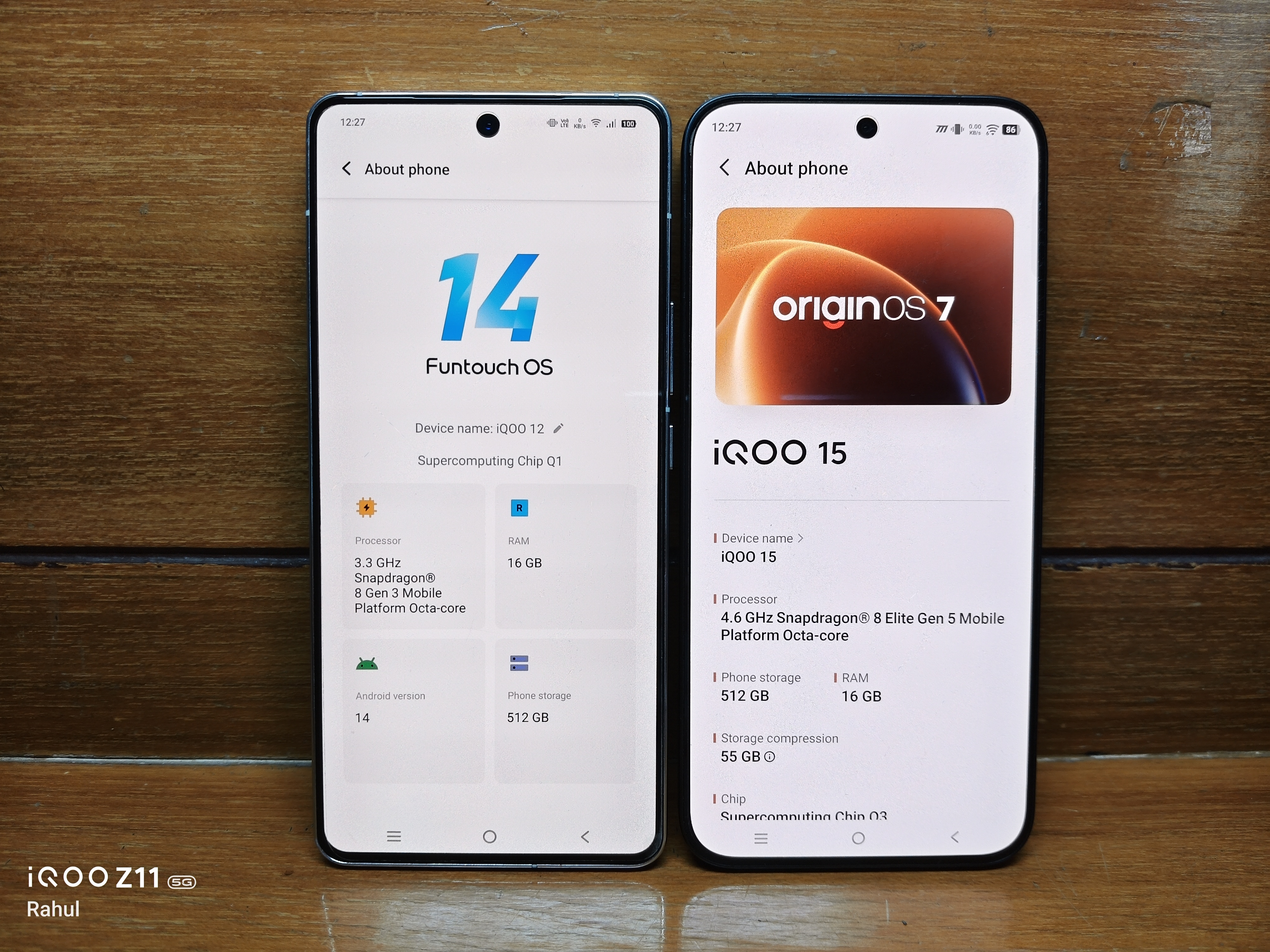
Funtouch OS was functional, but it rarely felt distinctive. It had all the essentials, yet its design lacked the personality that made competing interfaces memorable.
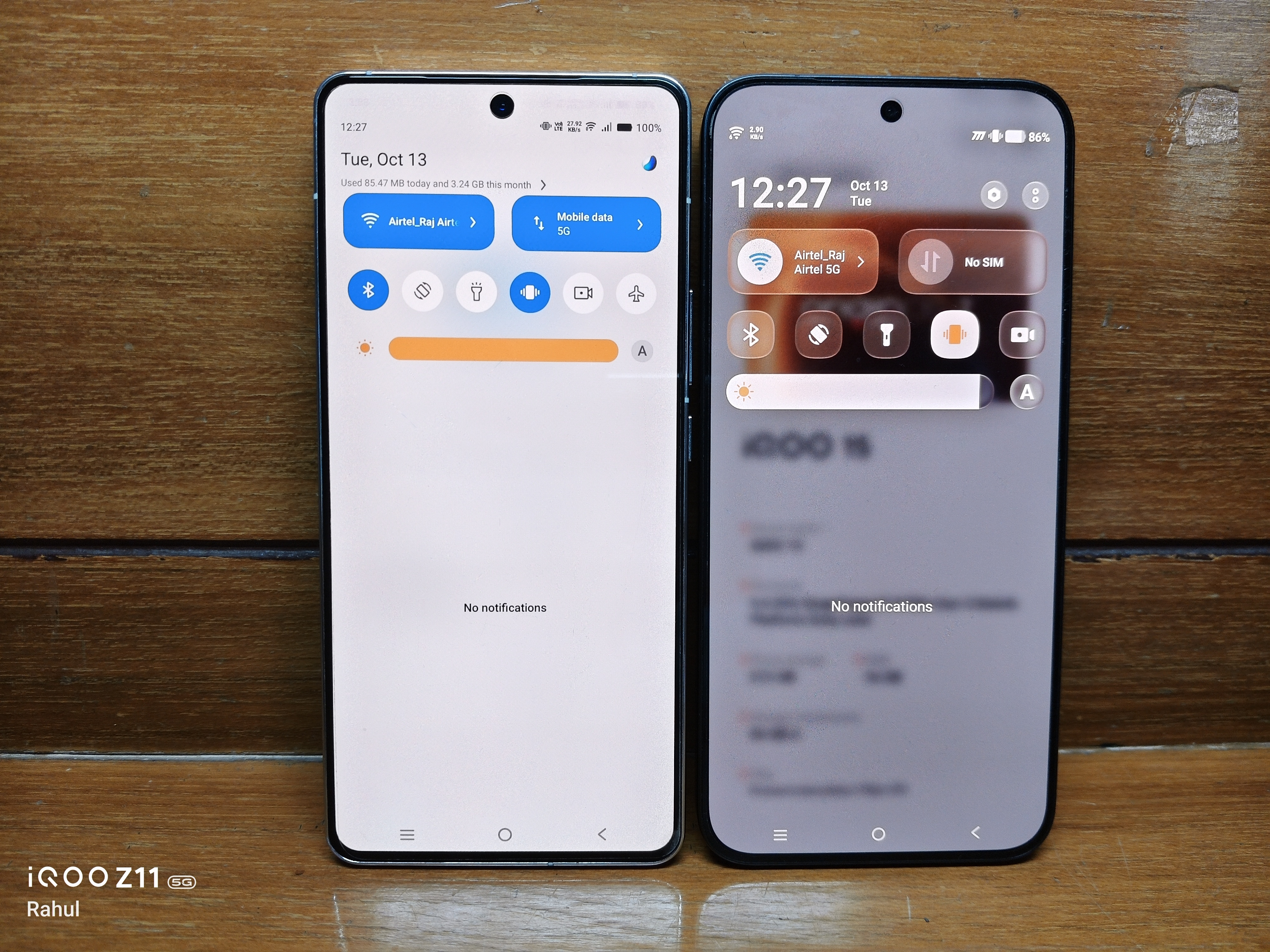
Funtouch OS 11 to 15 brought a cleaner and more minimal Android look, which was a welcome improvement. However, inconsistent animations and occasional lag still made the experience feel less polished than I wanted.
Meanwhile, One UI and OxygenOS were developing stronger identities through their designs, animations and features.
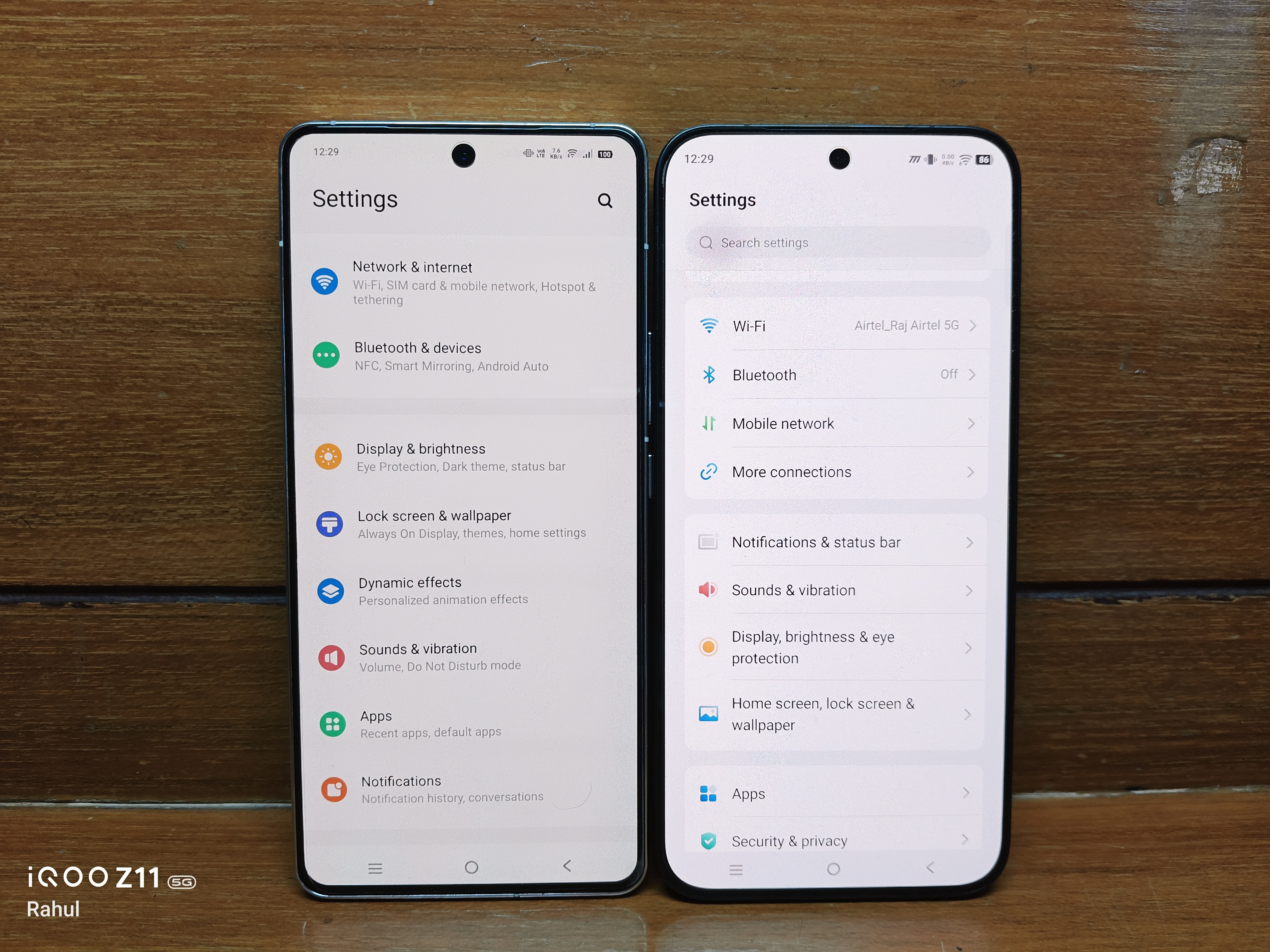
Funtouch OS kept improving, but for years, it felt like it was playing catch up rather than setting its own direction.
OriginOS was always the interesting alternative
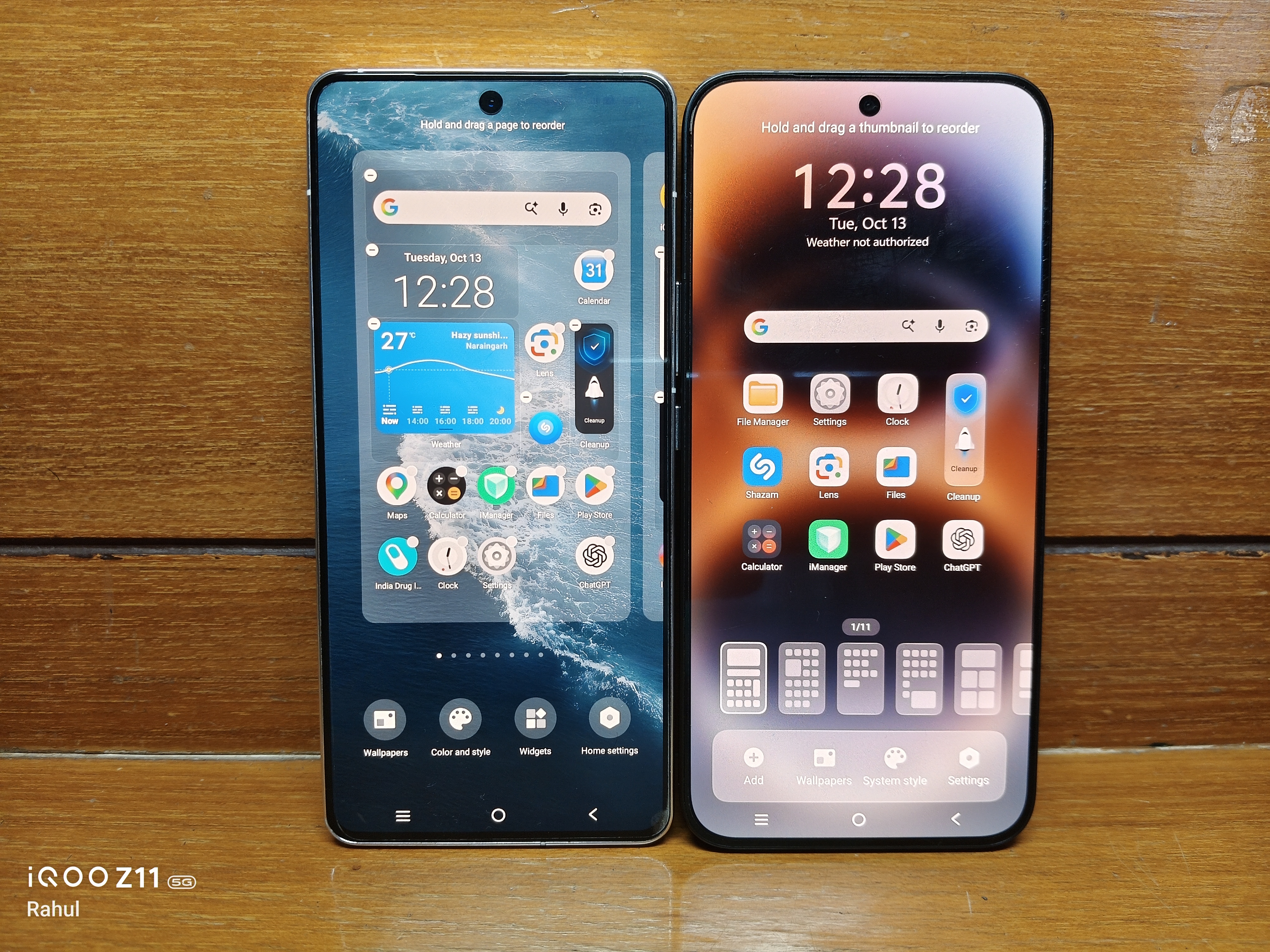
While global users continued getting Funtouch OS, Chinese vivo and iQOO devices enjoyed OriginOS.
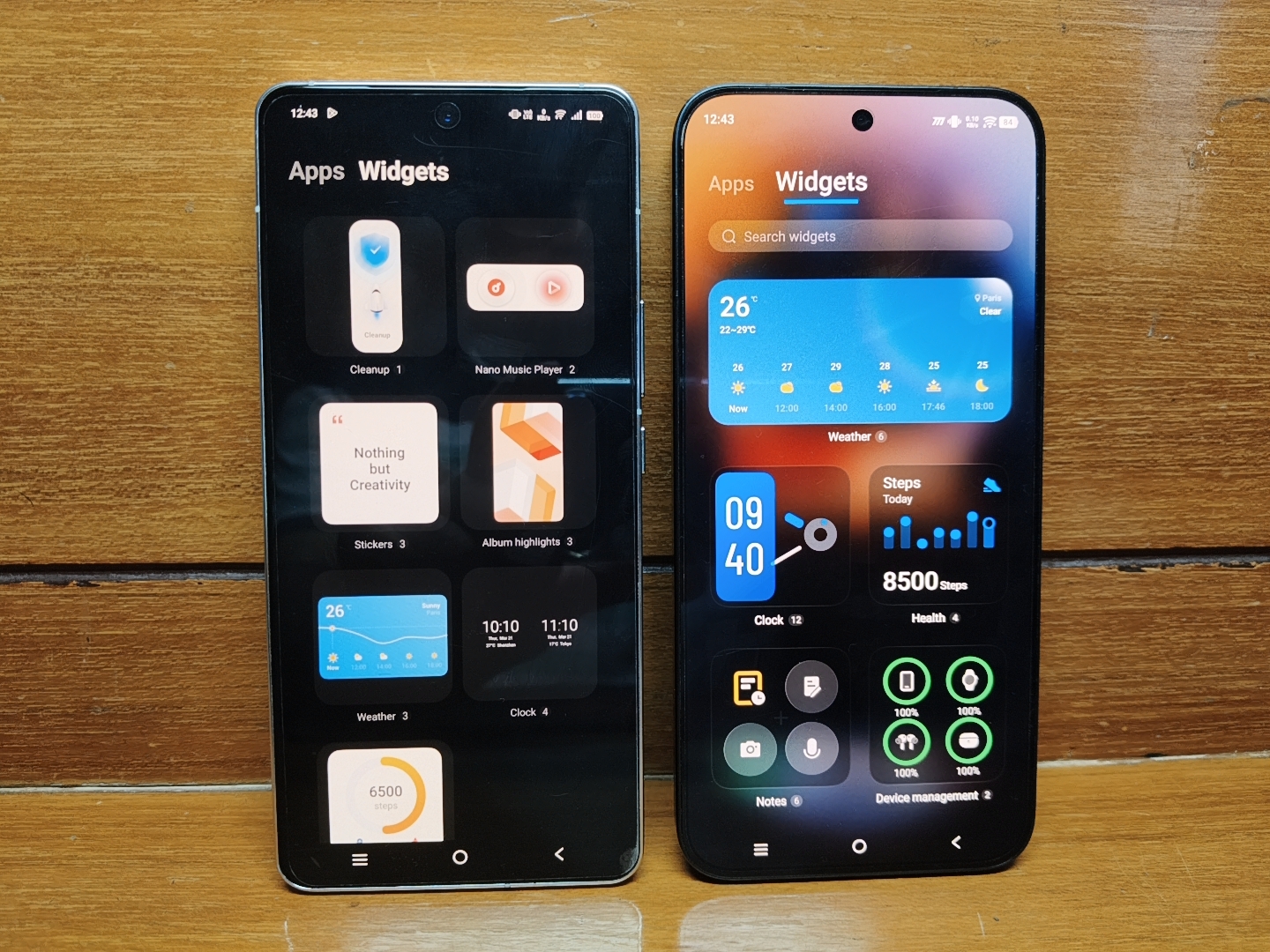
The difference was difficult to ignore. More expressive widgets, distinctive animations, interactive elements and a much stronger visual identity made OriginOS feel like a different philosophy altogether.
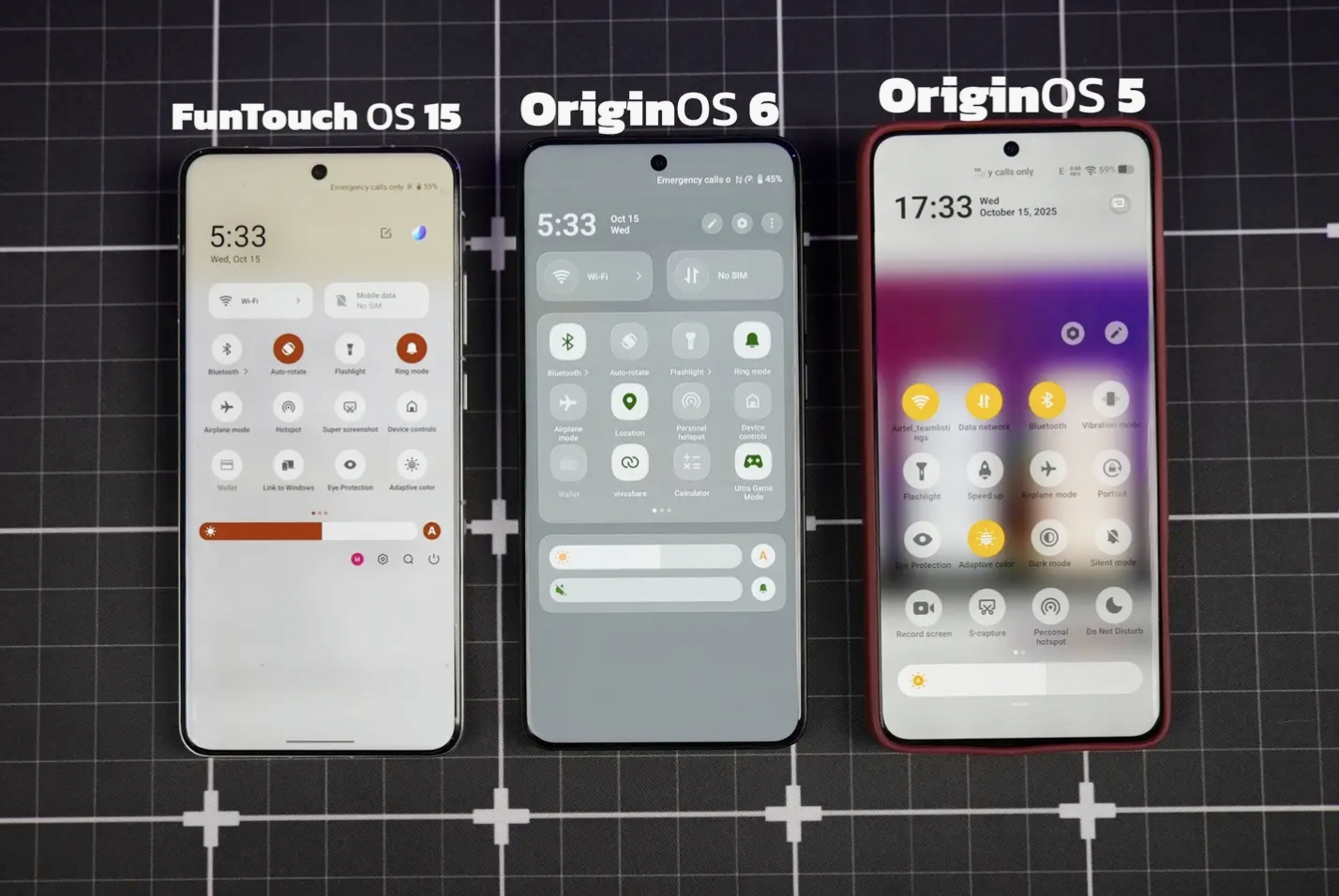
Of course, Chinese firmware had its own limitations for international users. But it was clear that vivo/iqoo were experimenting with ideas that global users wanted to experience too.
OriginOS 6 changed things globally
OriginOS 6 was a major turning point when it arrived globally in 2025 with iQOO 13 being the first to get it.
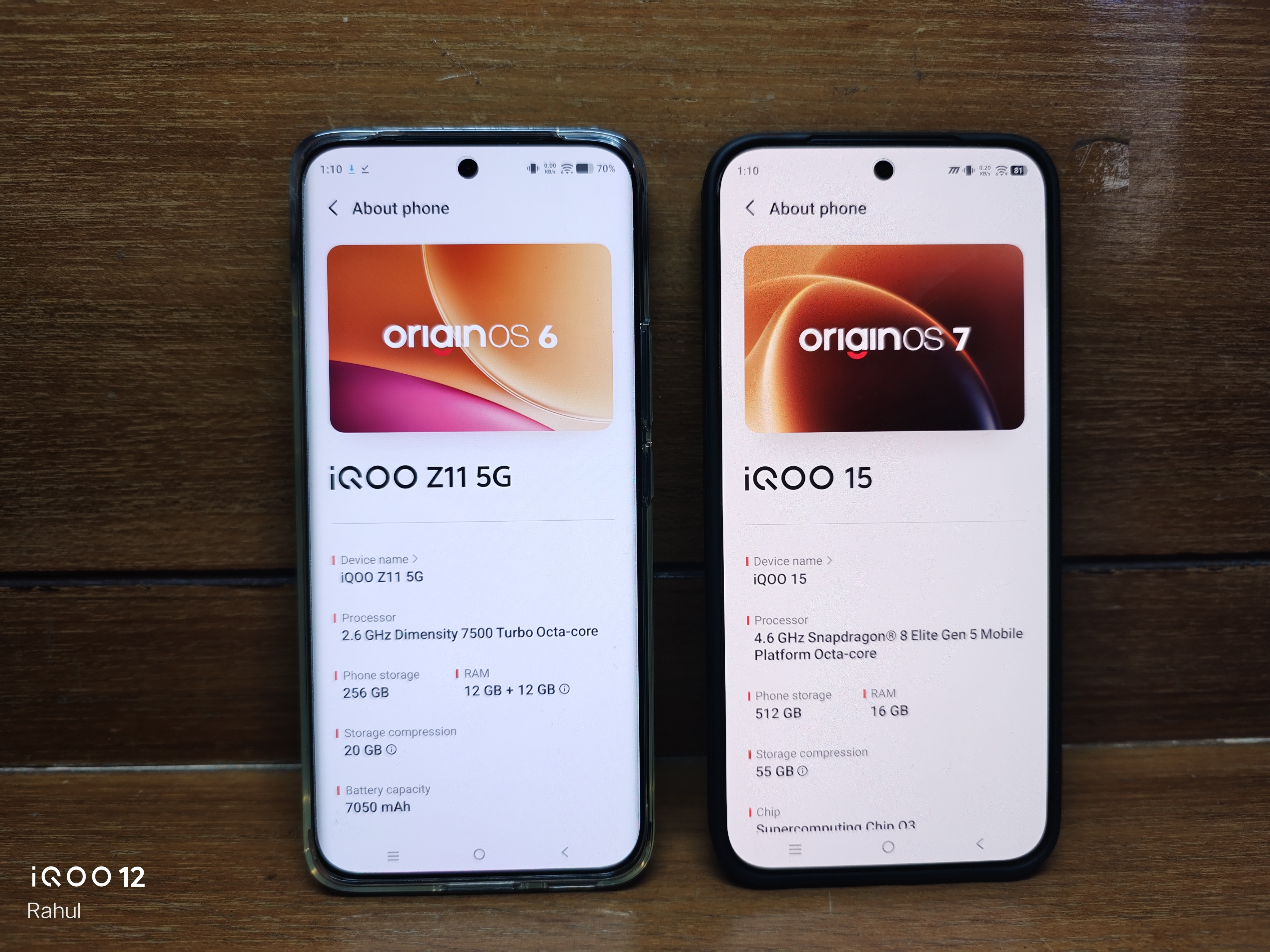
The refreshed interface, improved animations, translucent elements and redesigned visual language finally gave global iQOO users something that felt different from the Funtouch OS we had known for years.
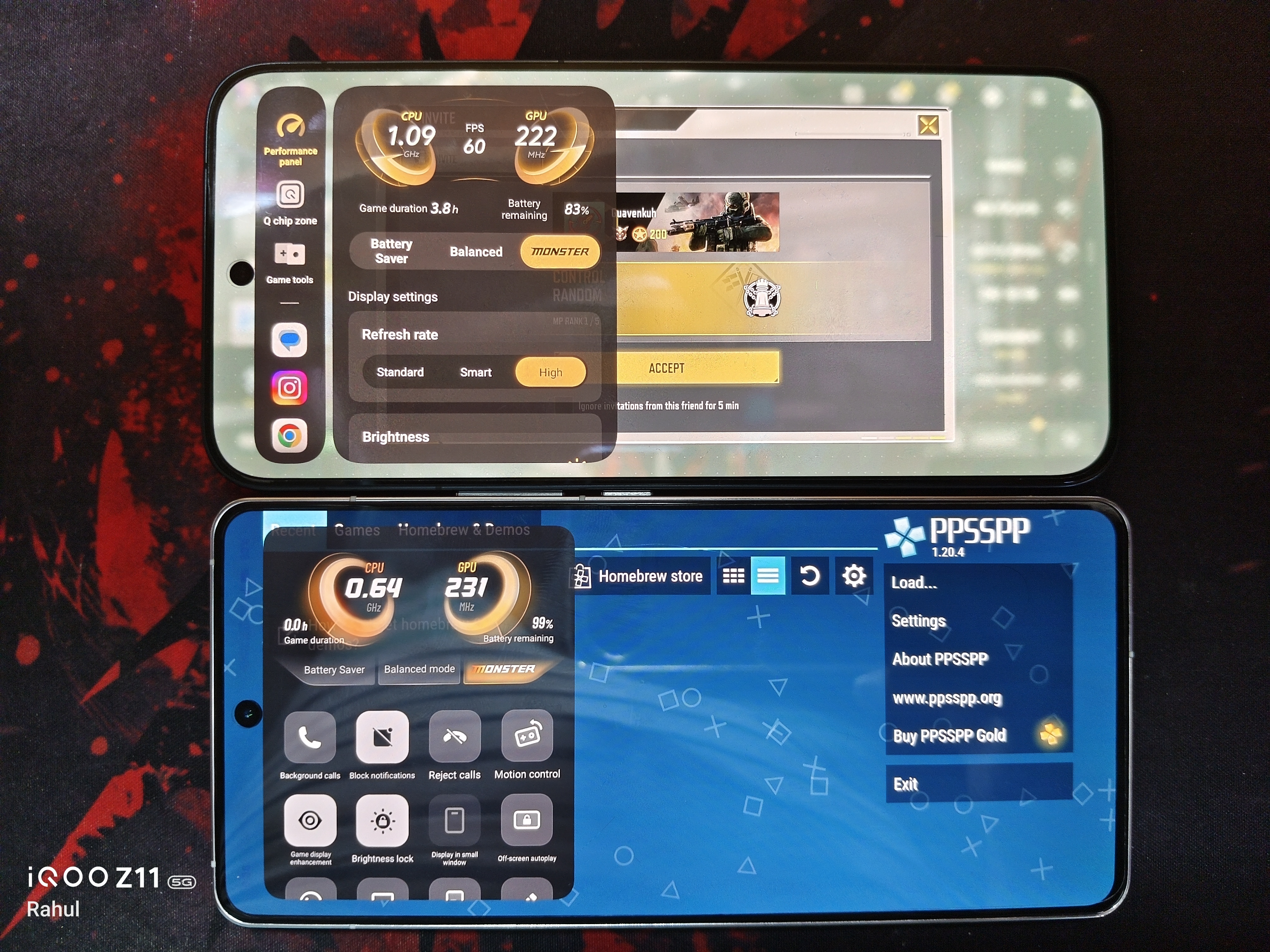
However, the global version still differed from the Chinese experience in certain areas. It felt like the beginning of a transition rather than its completion.
OriginOS 7 feels like the next big step
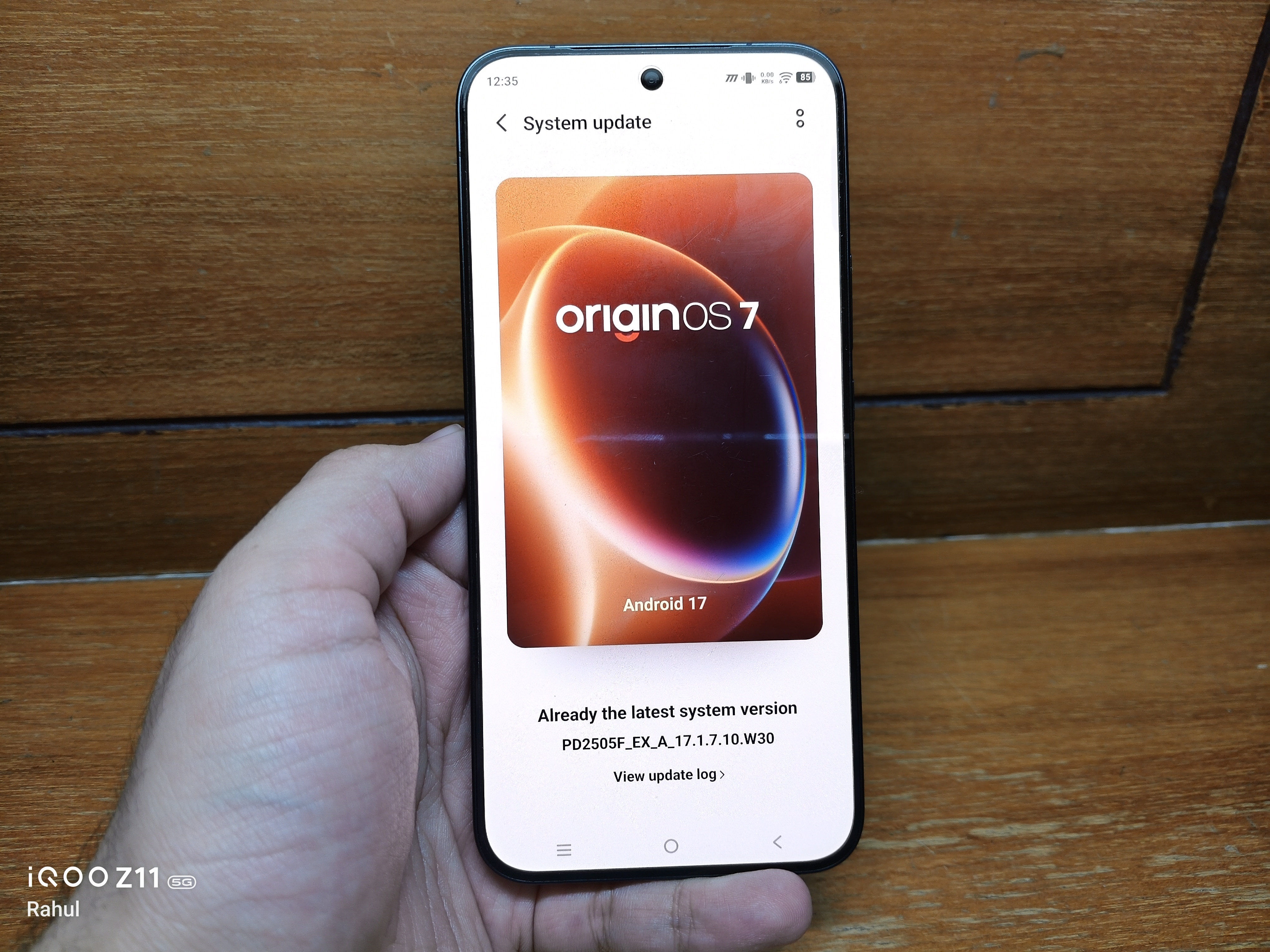
Now that I'm using OriginOS 7 Beta, what interests me most is how much broader the experience has become.
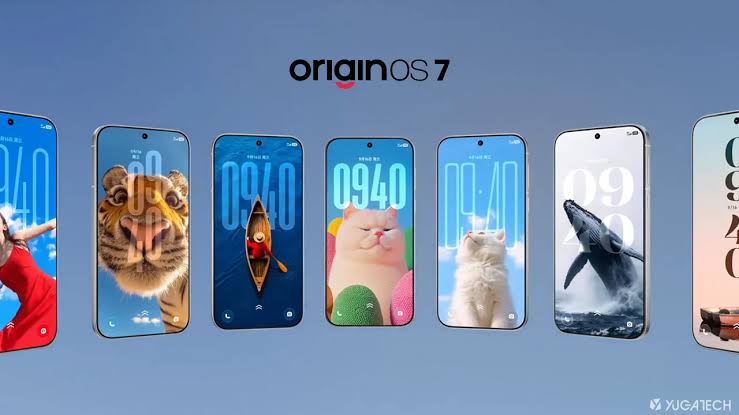
The global software is moving closer to the Chinese OriginOS experience, with a stronger focus on visual design, customisation, productivity and AI powered features.
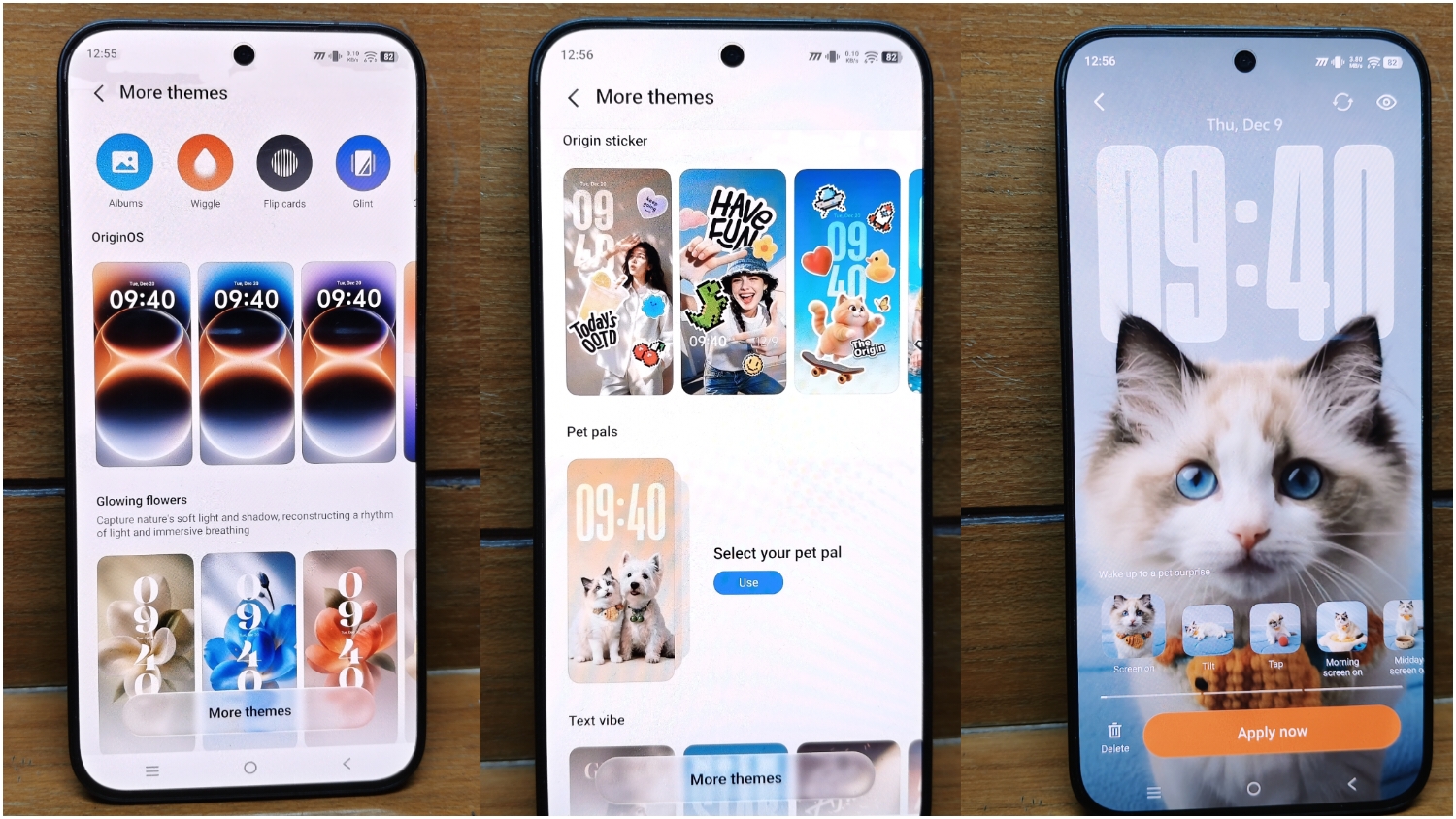
This is no longer just about changing icons or adding smoother animations. It is about making the entire operating system feel more cohesive.
Liquid Glass and a new visual identity
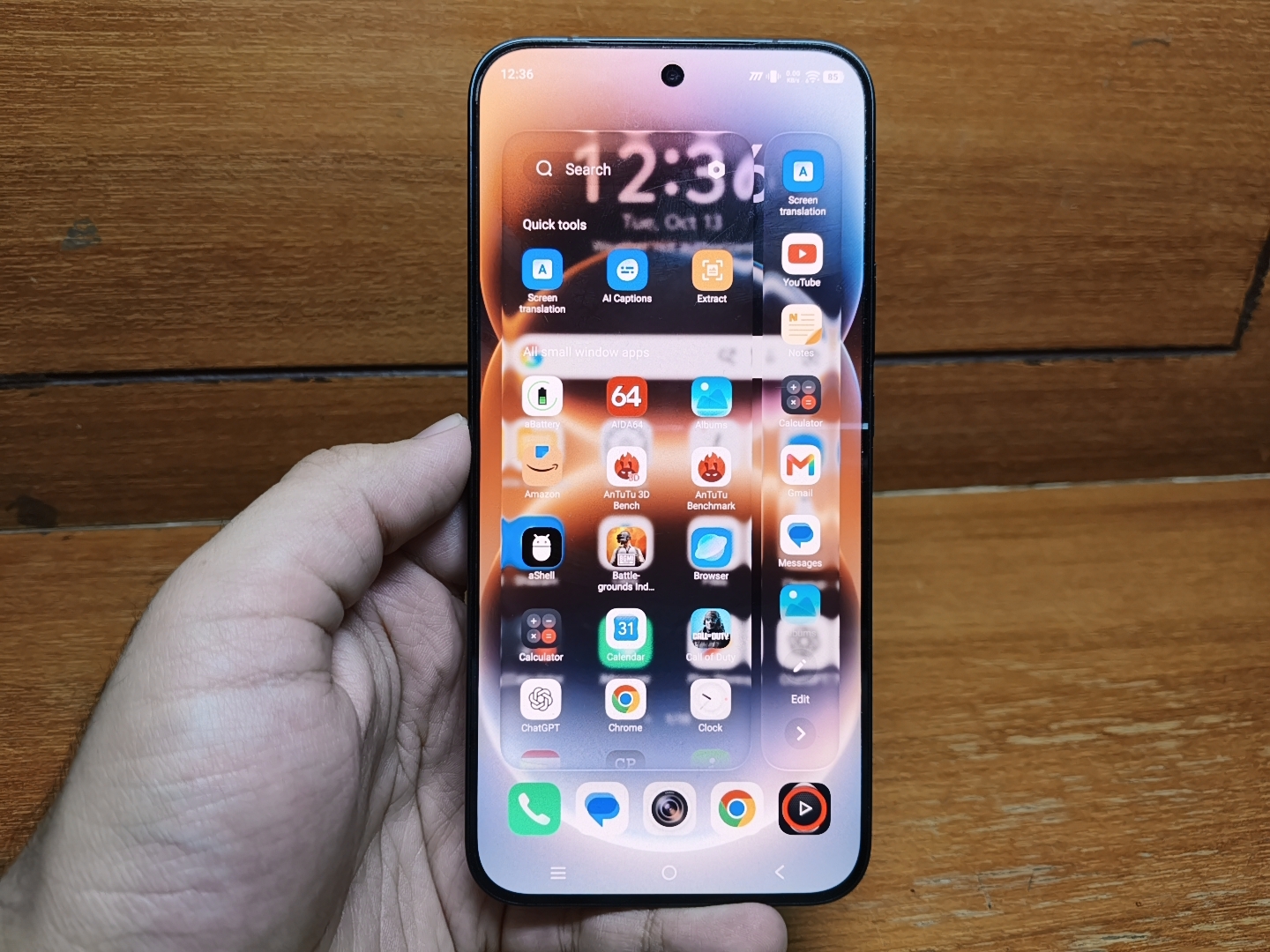
OriginOS 7 introduces a Liquid Glass design language built around translucency, blur, lighting and layered visual effects.
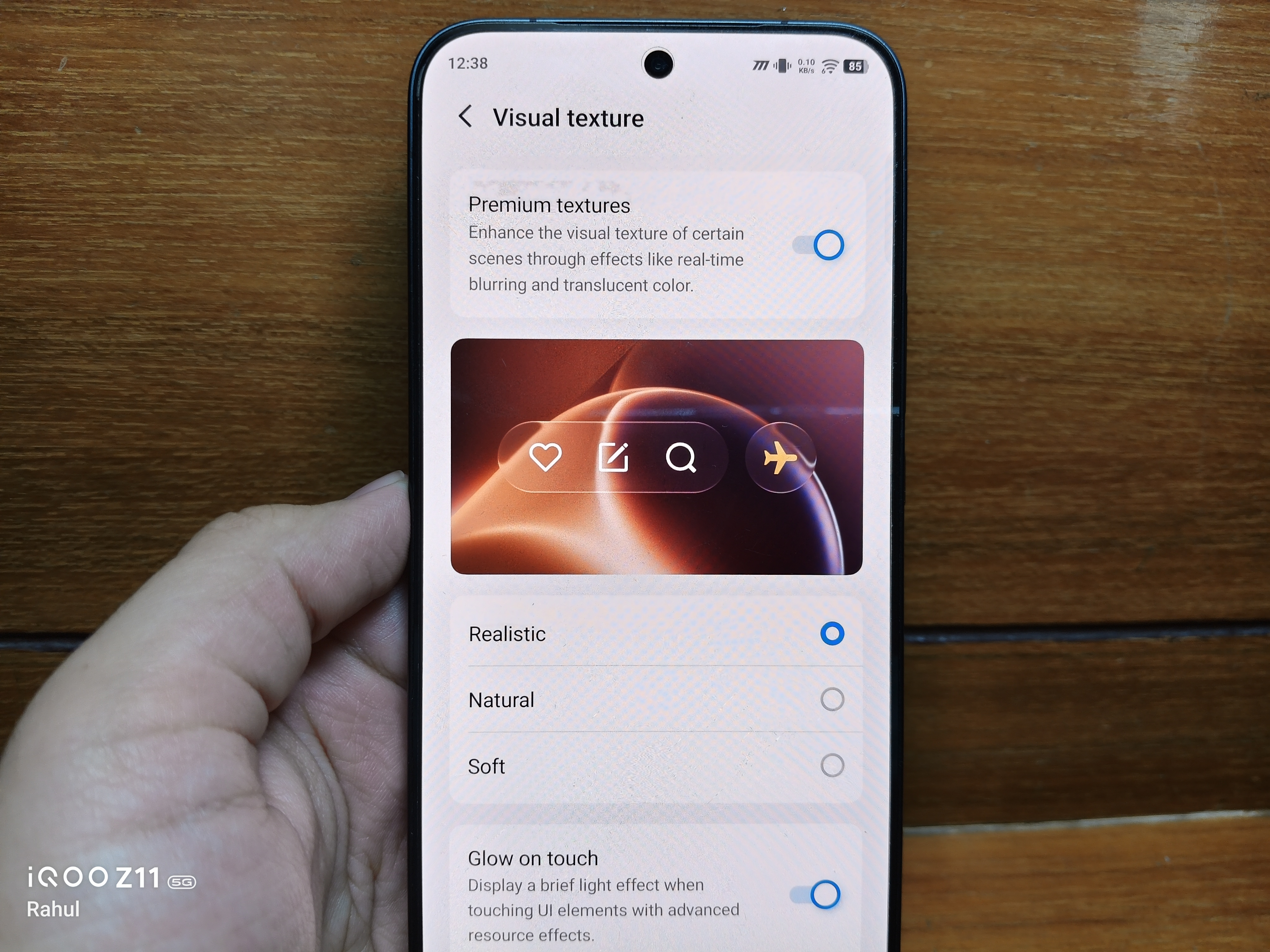
With selectable Realistic, Natural and Soft blur styles, users get more control over how these elements appear.
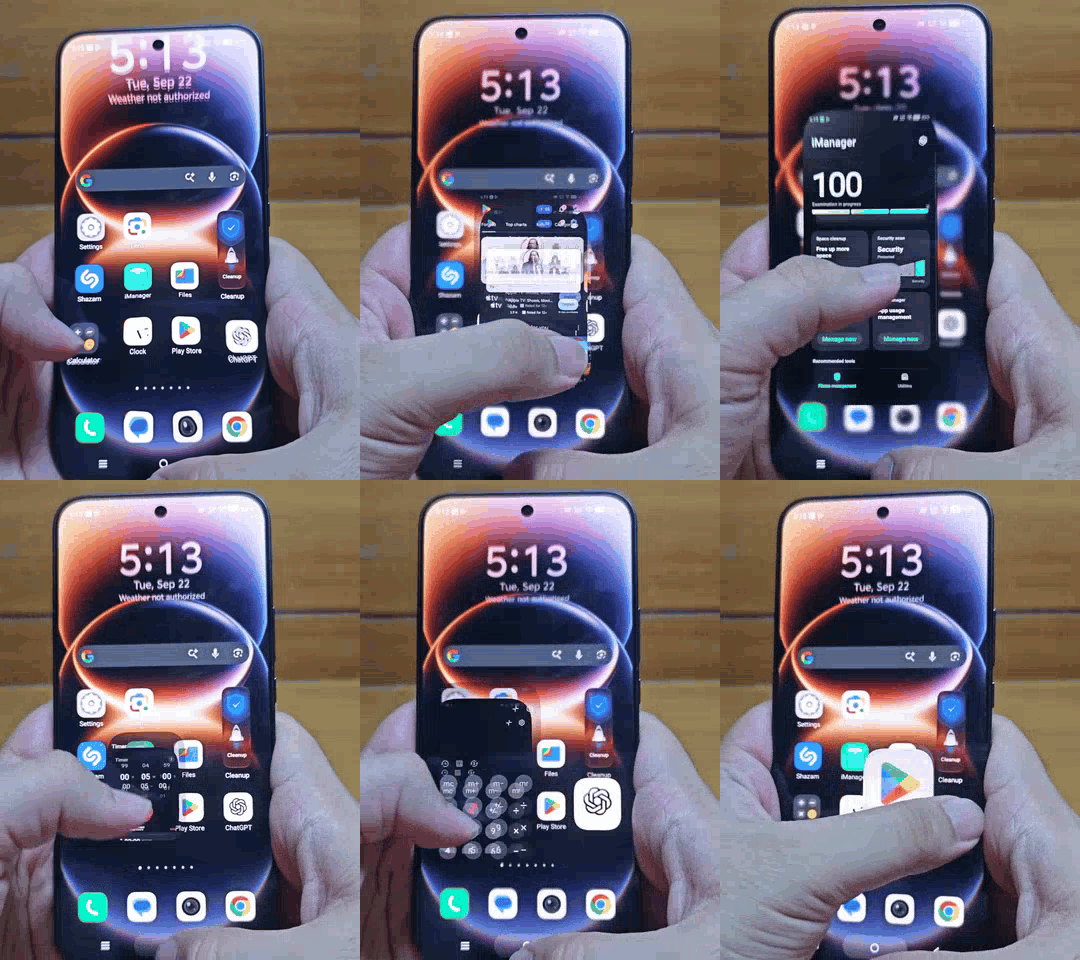
Combined with refreshed animations, the interface feels more dimensional than the conventional layouts I remember from older Funtouch OS versions.
The Origin Smooth Engine also brings computing, storage and display optimisations. They claim these can help maintain system smoothness for up to 72 months, although real world long term performance will determine how meaningful that promise is.
Origin Island and interactive personalisation
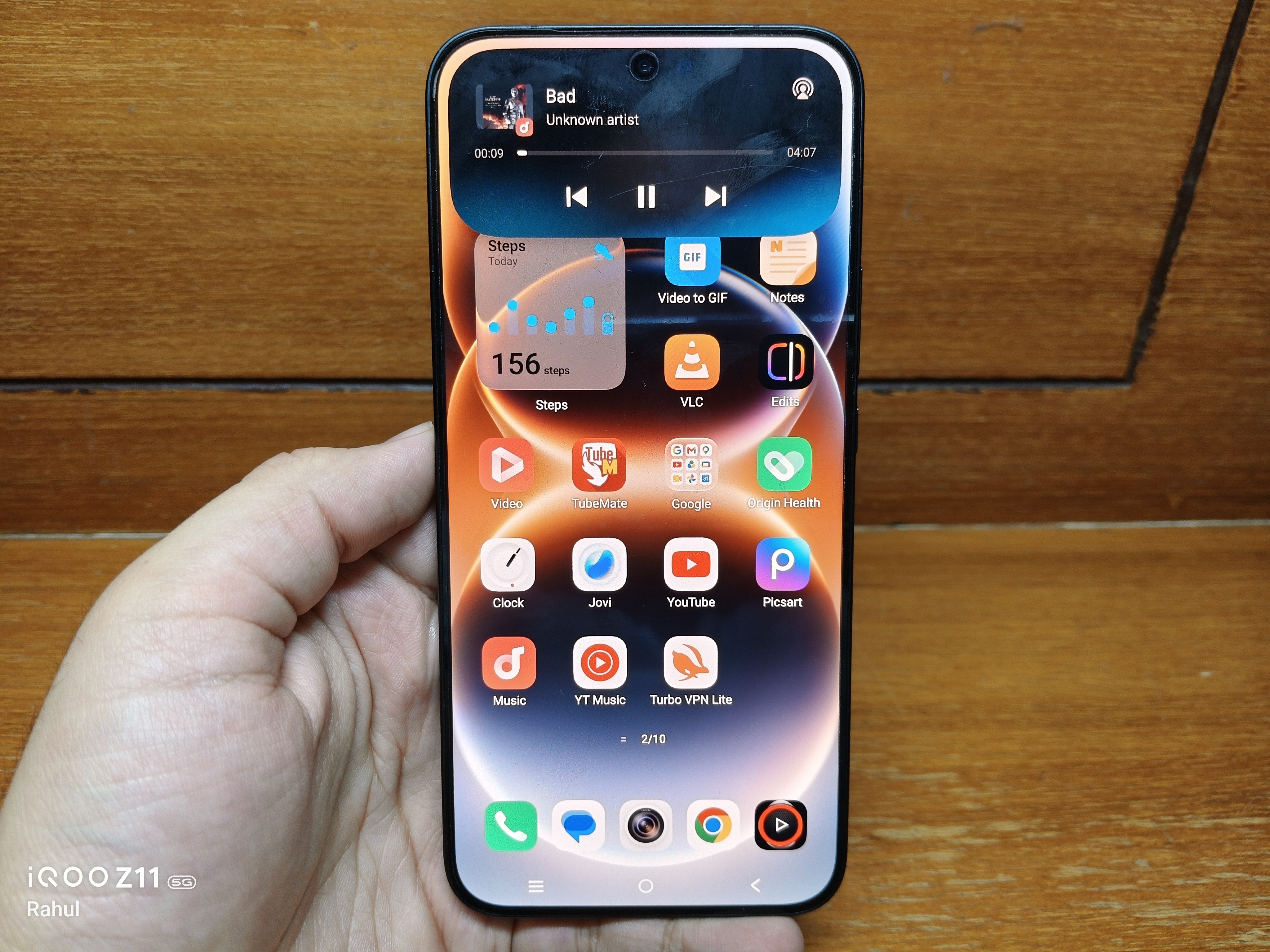
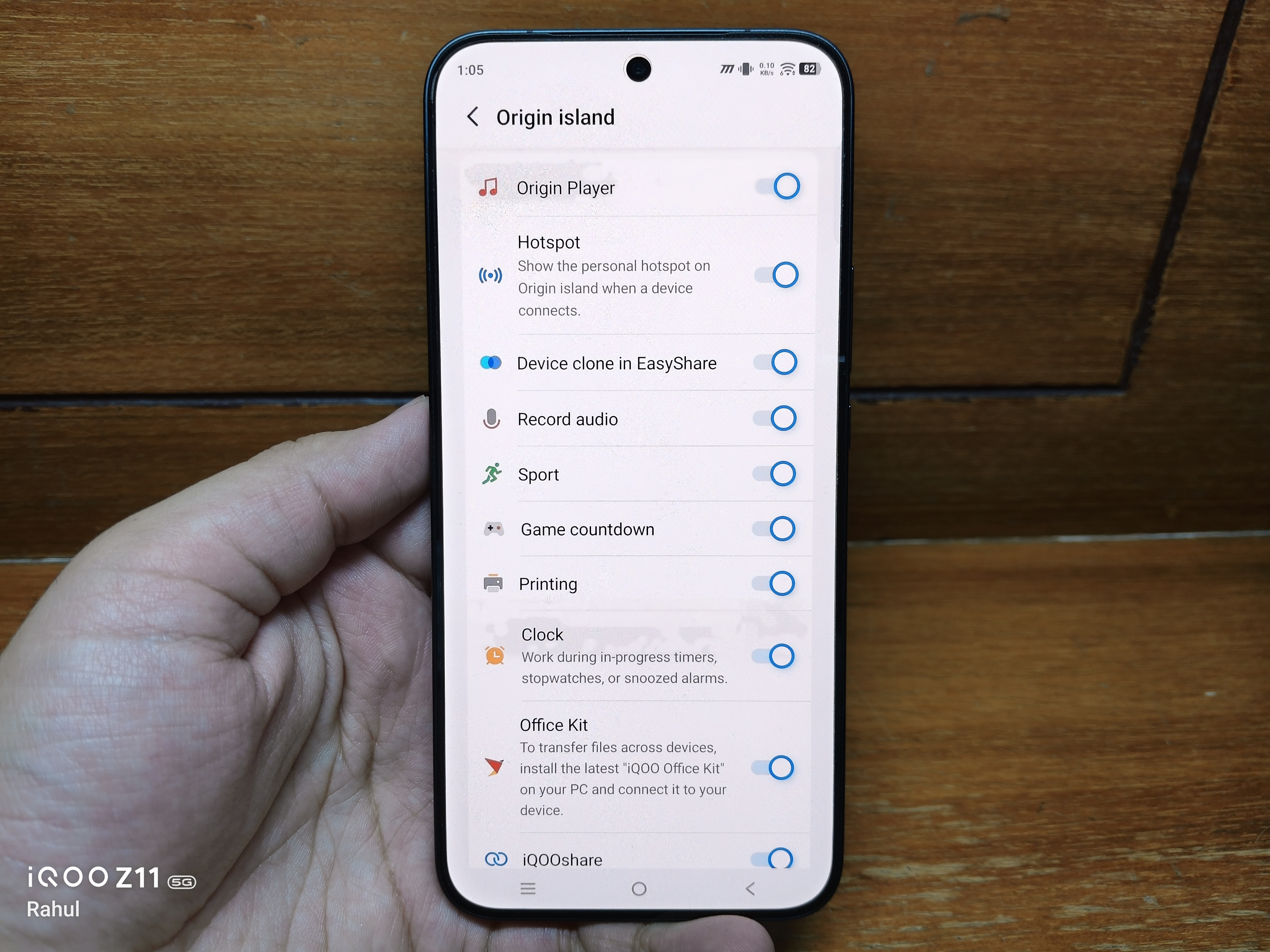
Origin Island brings supported live notifications, connection status, device information and quick actions into a dynamic pill shaped area.
Meanwhile, interactive lock screen themes introduce Liquid Themes, Flash Card Themes and AI Pet or Wiggle Themes that can react to interactions and contextual changes.
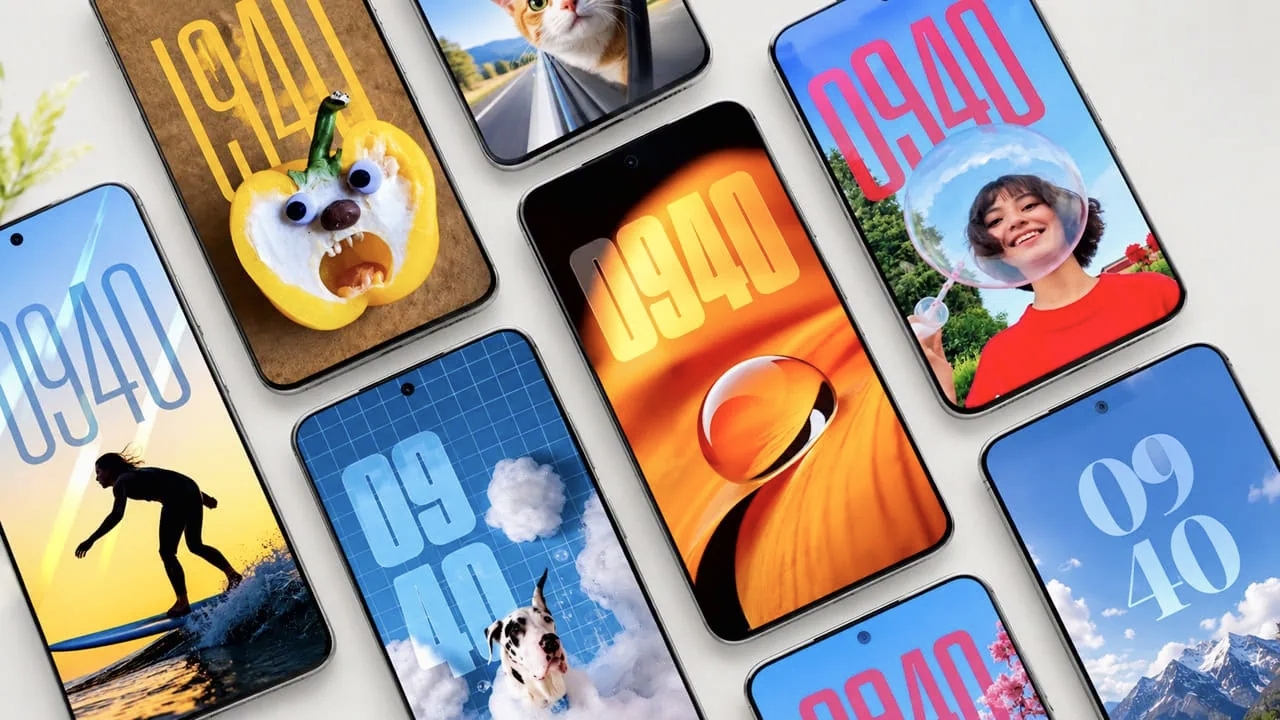
Stickers add another layer of customisation by letting users turn photo cutouts into visual elements for supported wallpapers, always on displays and other interface elements.
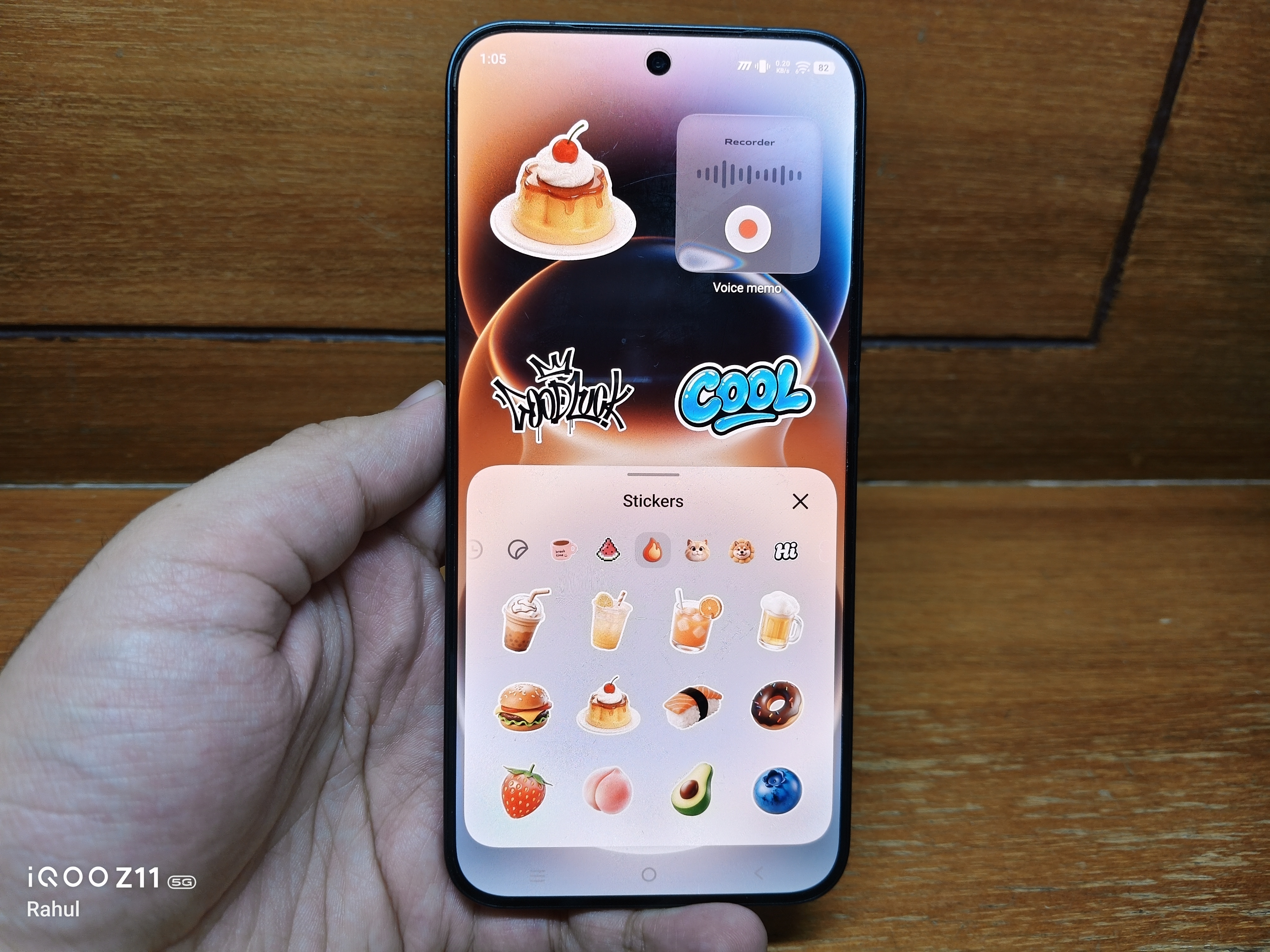
These are the kinds of features that make the software feel more personal rather than simply functional.
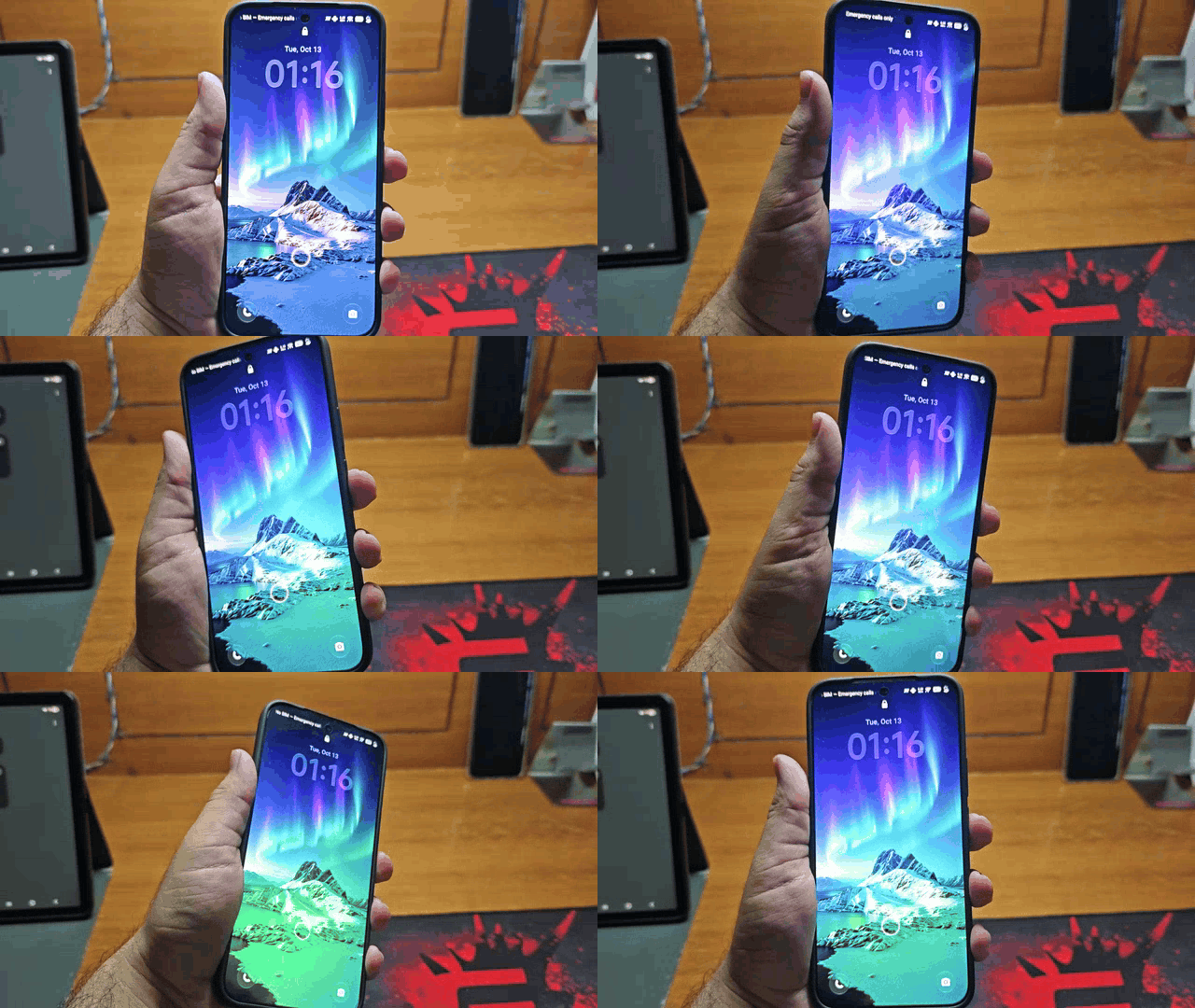
Another one of my favourite Customisation is the Glint effect which changes colours as we tilt the phone on lock screen. Overall there's no shortage of lock screen and home screen customisation options.
Origin Workbench brings serious multitasking
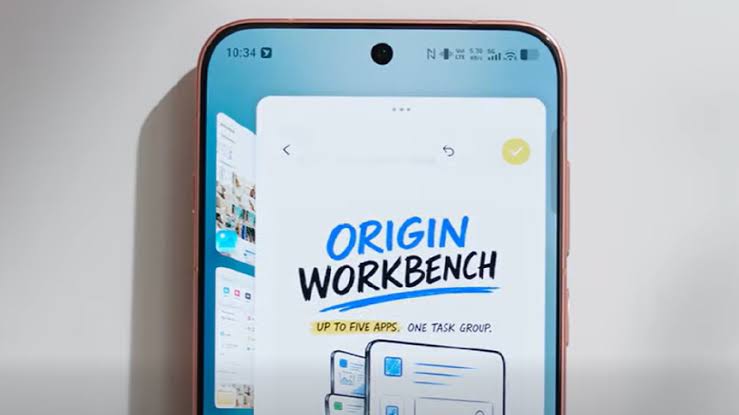
One of the most interesting additions is Origin Workbench, which supports up to five applications simultaneously in compatible multitasking layouts.
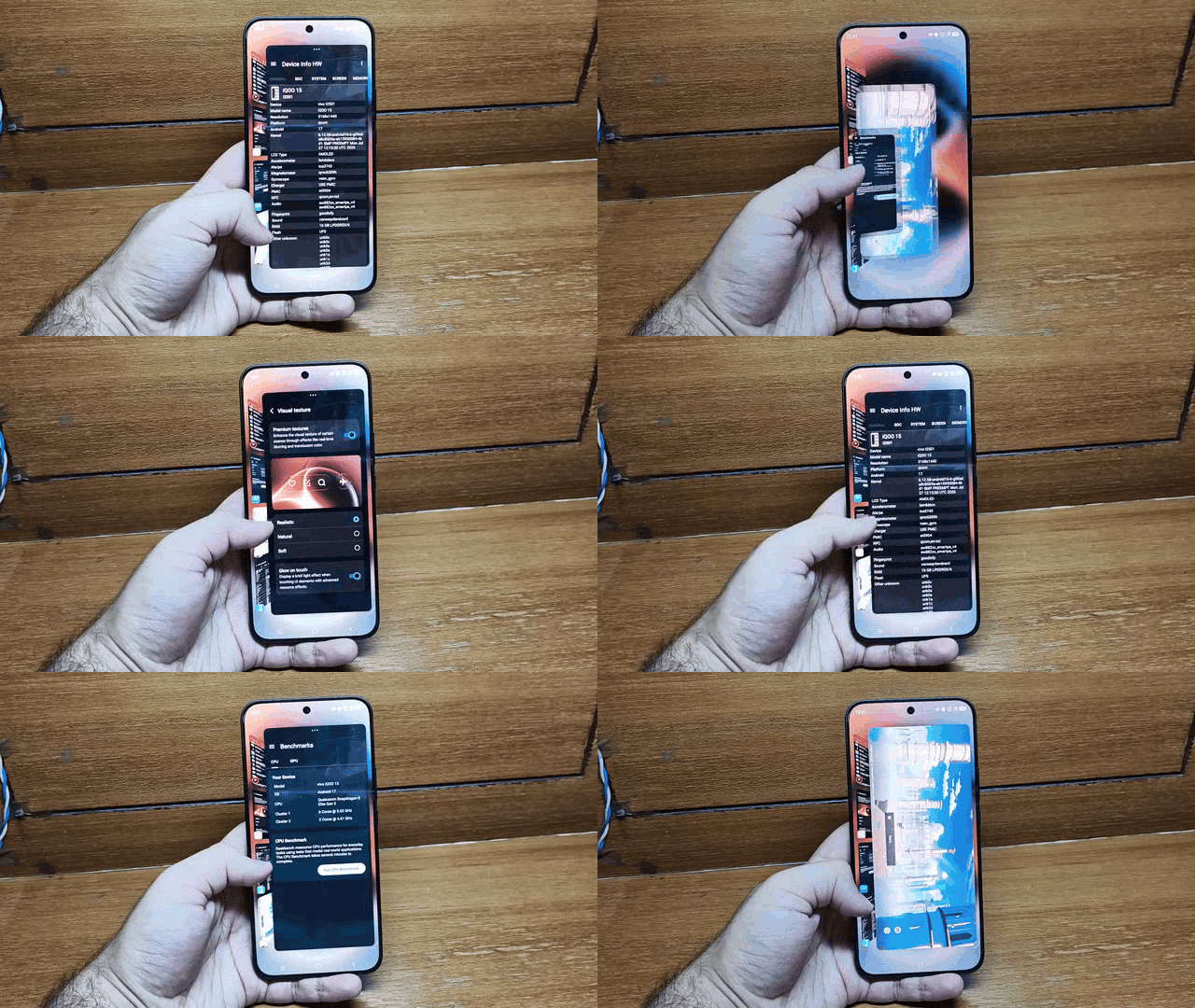
Side by side windows, floating applications and drag and drop interactions for text and images could make working across multiple apps considerably easier.
FYI - Origin Workbench is only available on phones with atleast 12GB Ram
For students and power users, this has the potential to be more useful than many cosmetic features.
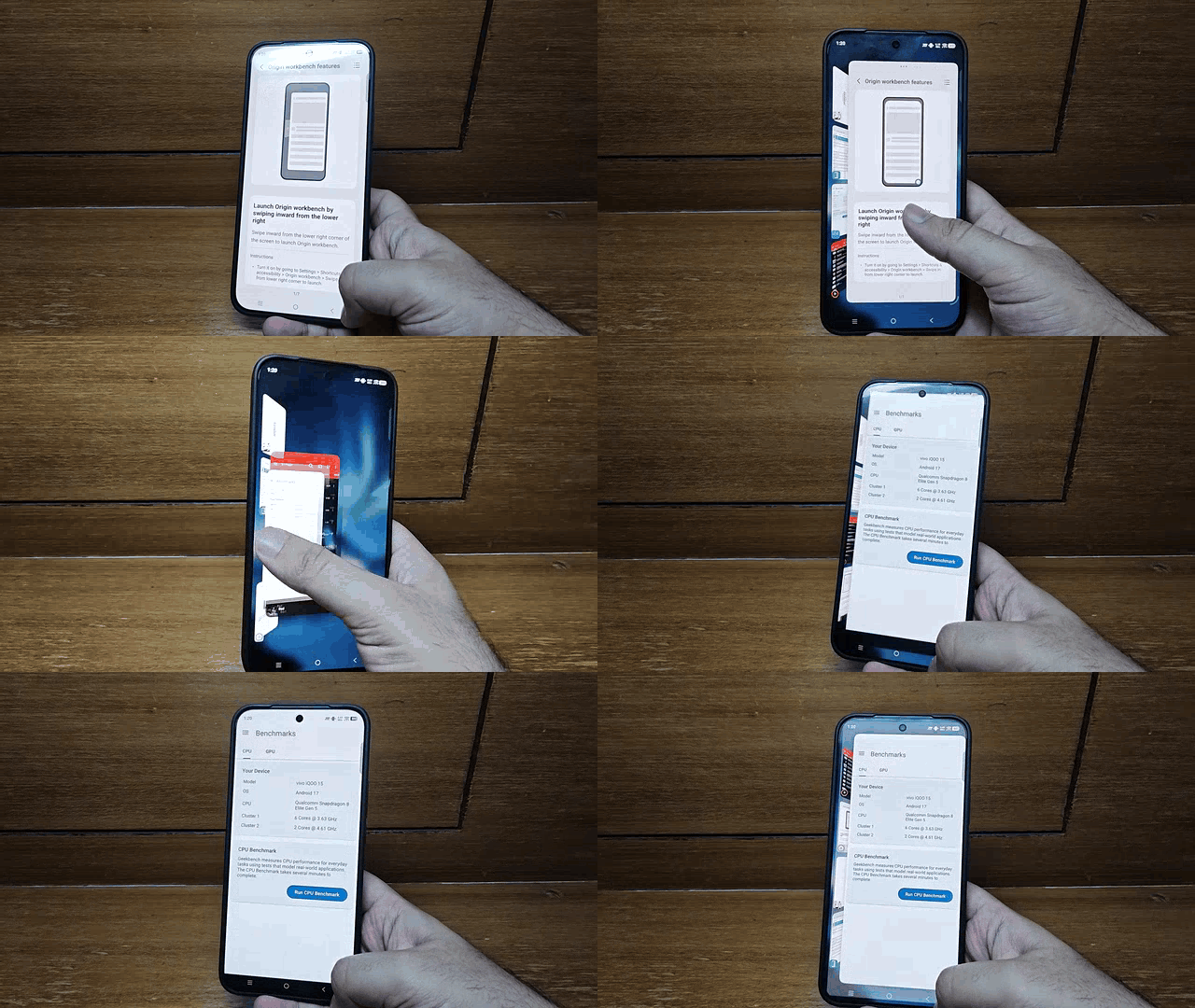
Instead of constantly switching between applications, you can work with information across several windows in a single workspace.
It's slightly evolved over the beta version earlier you could run multiple games at once for now it's limited to 1 game and 4 other apps.
AI features that actually aim to save time
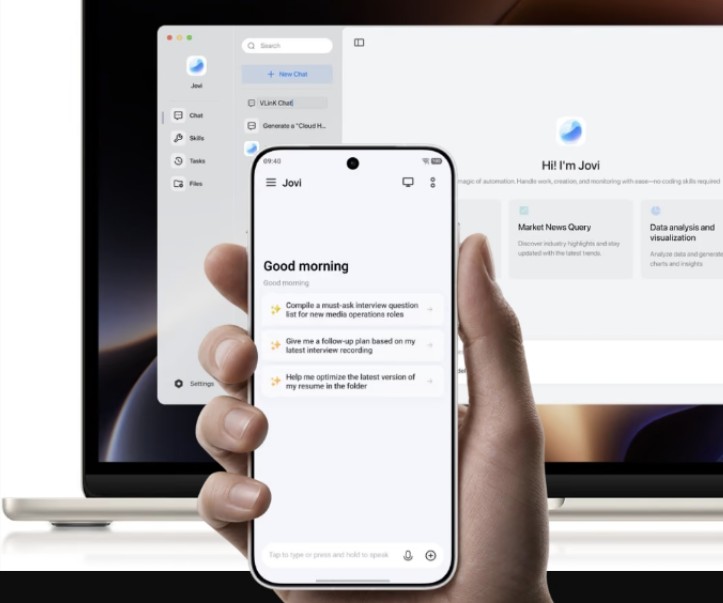
OriginOS 7 introduces several AI powered tools that go beyond a basic chatbot.
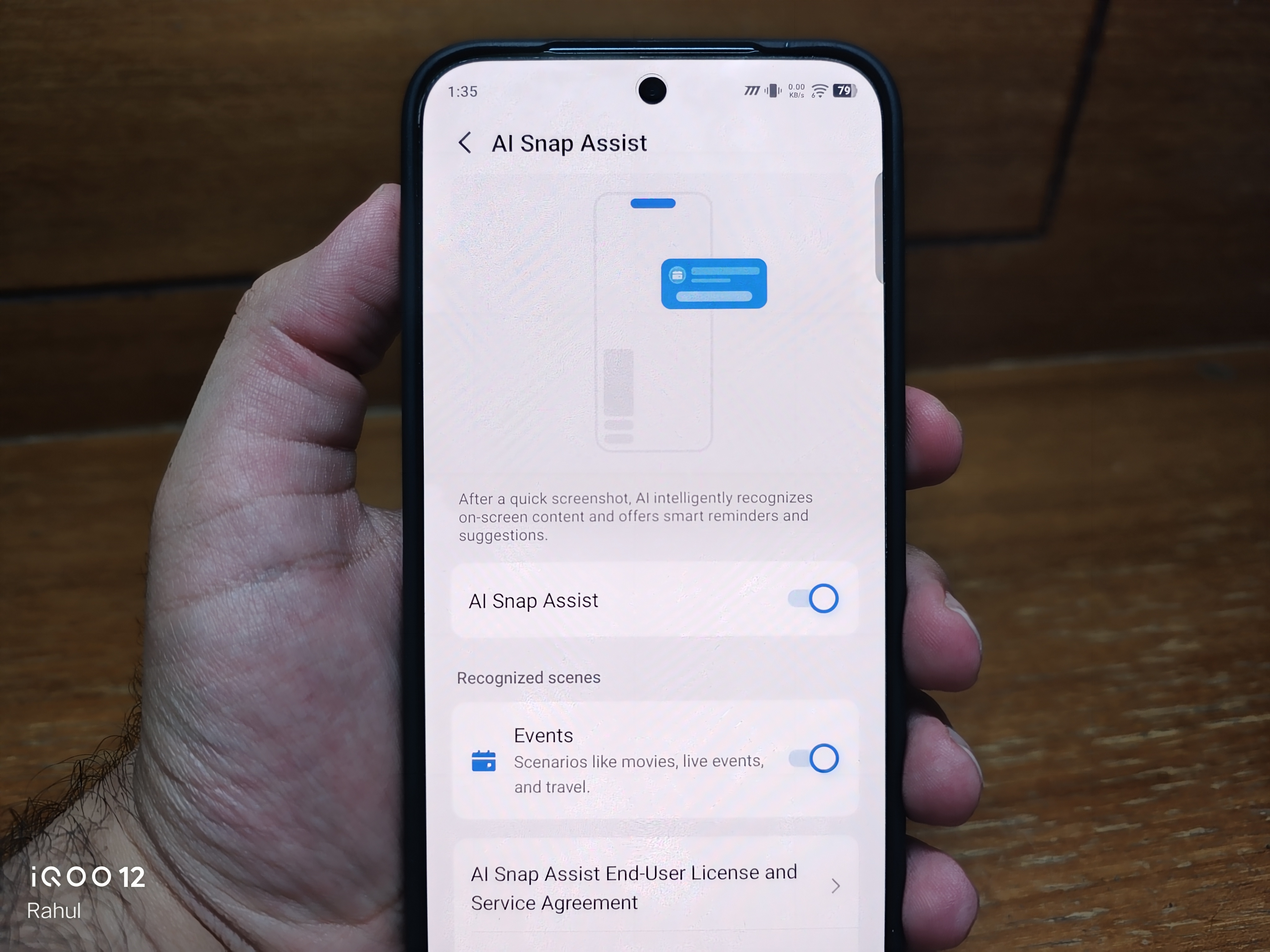
AI Snap Assist can identify relevant travel or appointment information from supported screenshots and emails and suggest calendar or reminder actions.
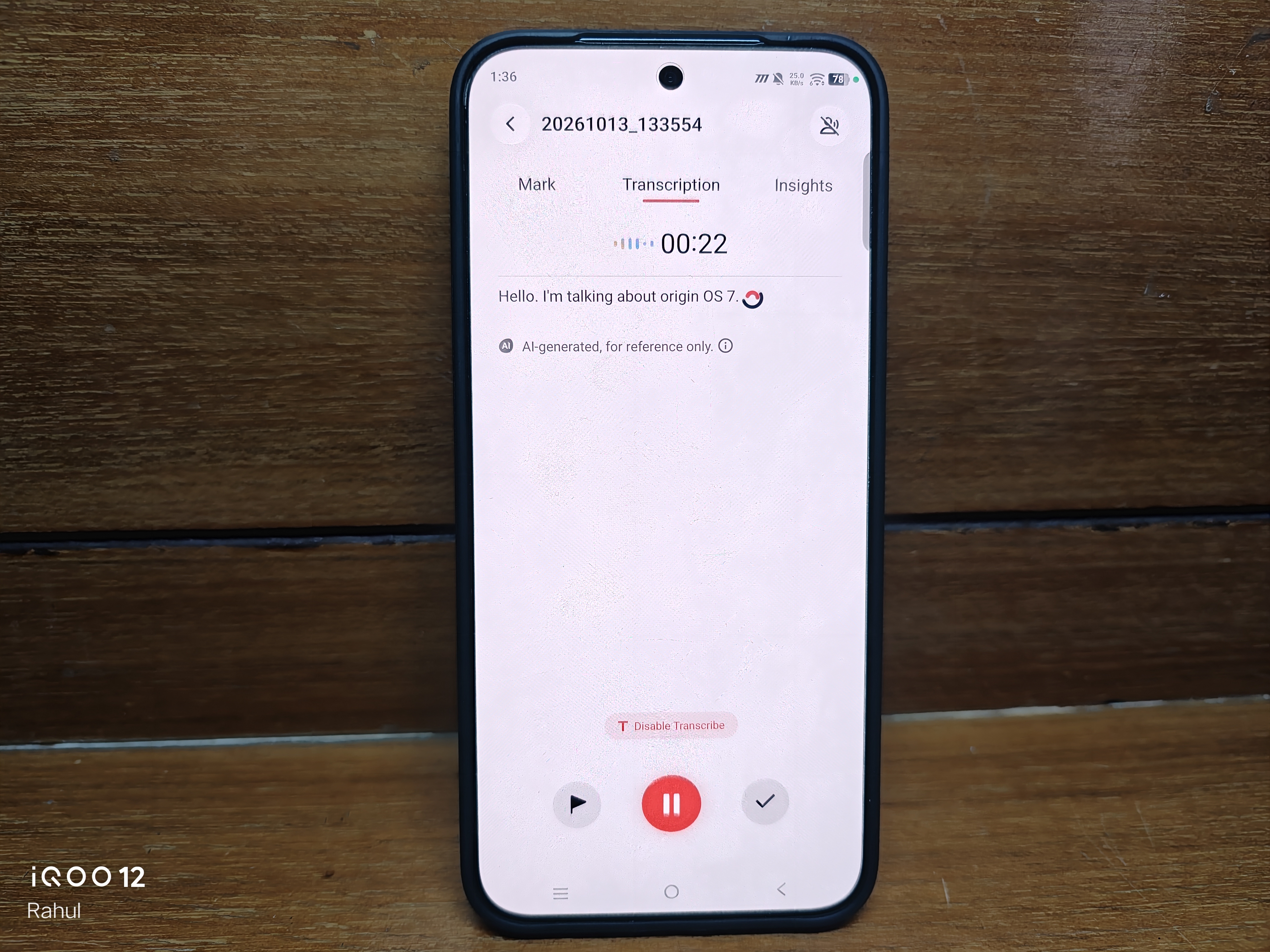
Snap Note and AI Recorder bring smart search, writing assistance and meeting or call summaries.
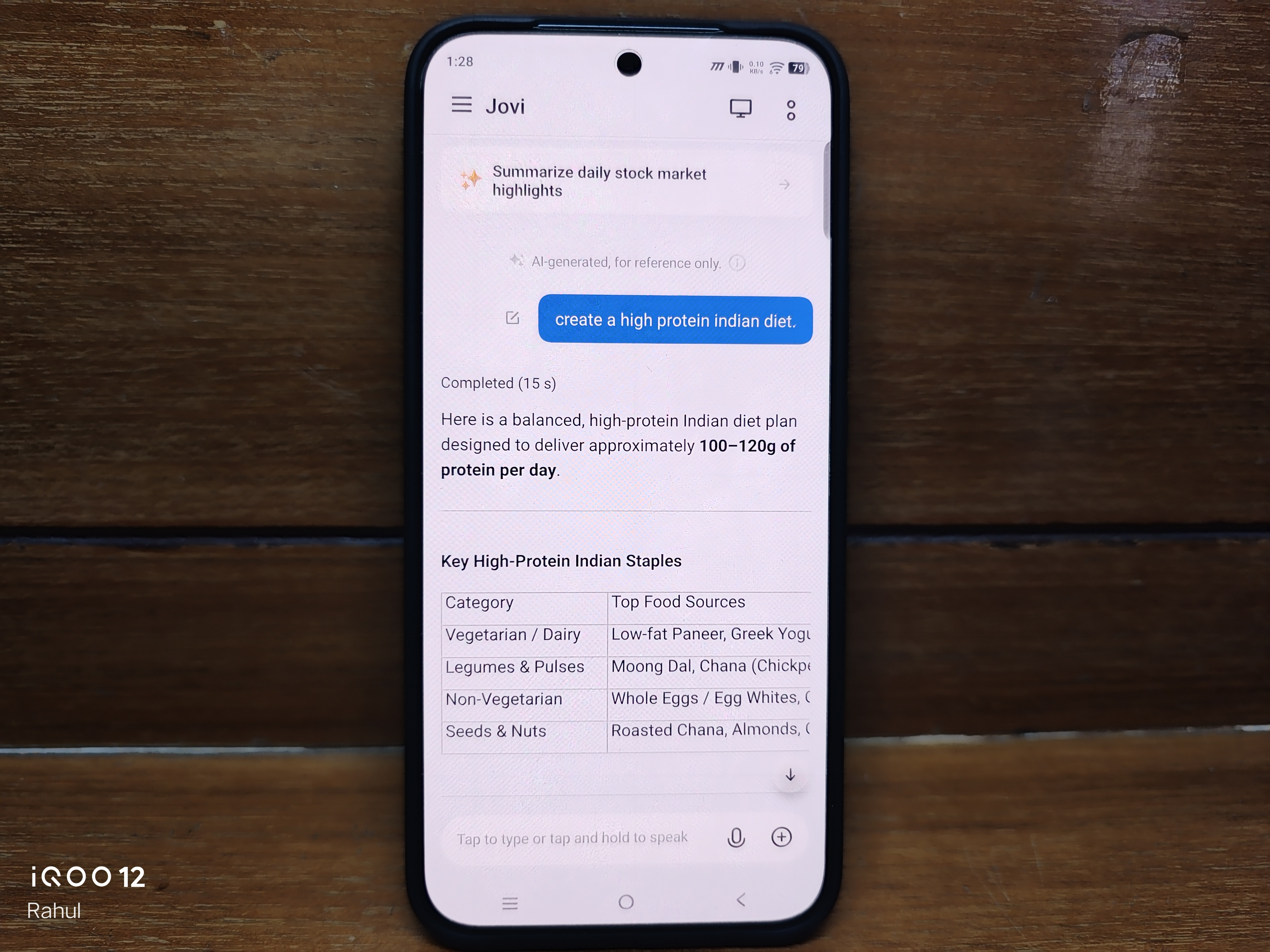
Jovi AI aims to handle more complex requests through multi step automations and cross app workflows, while natural language search helps locate files, photos and settings using everyday phrases.
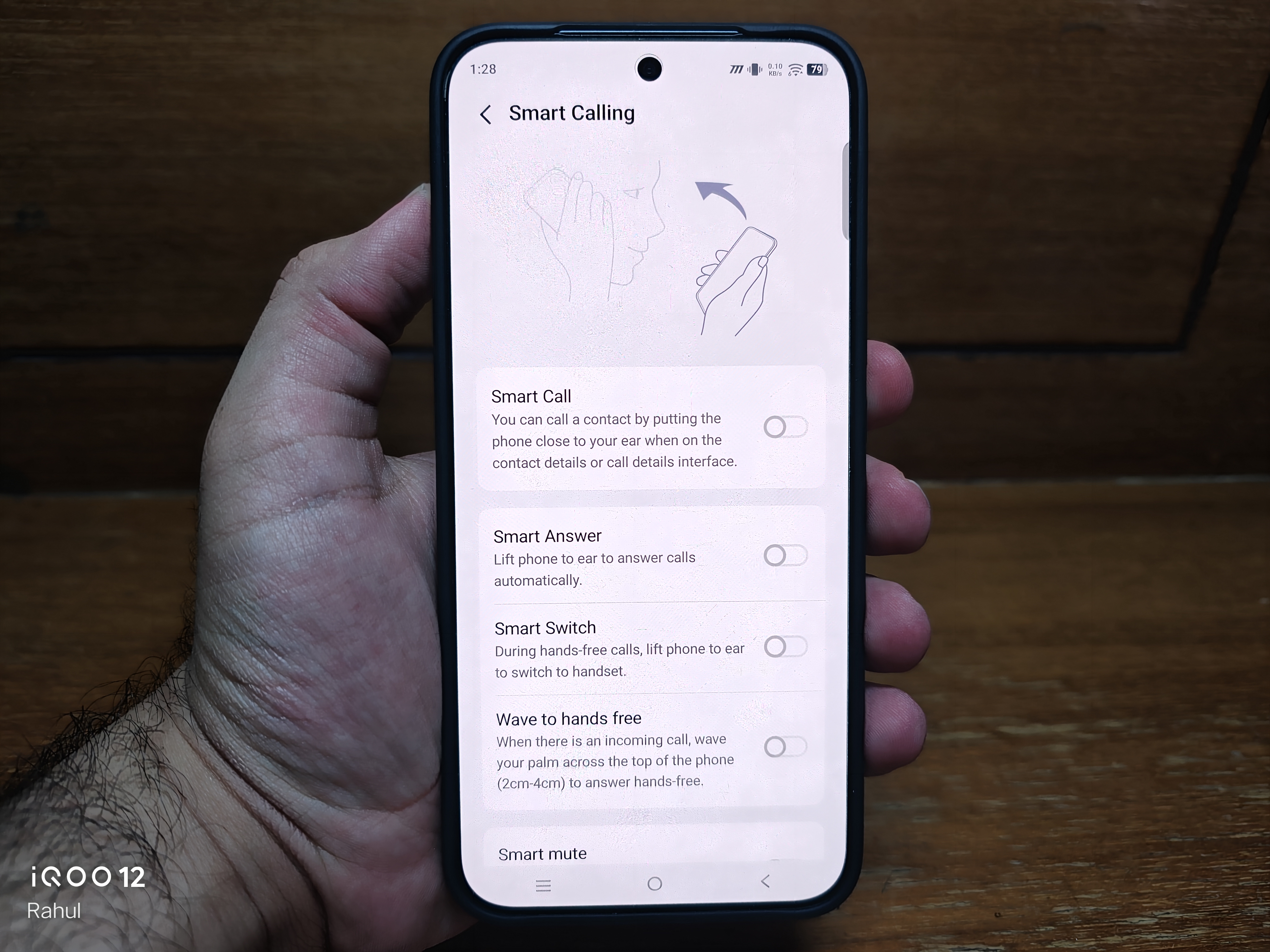
Smart Call Assistant also adds advertised call screening and conversation assistance capabilities.
The real test will be how accurately these features work in daily use and how much support they offer across regions and languages.
Connectivity beyond the phone itself
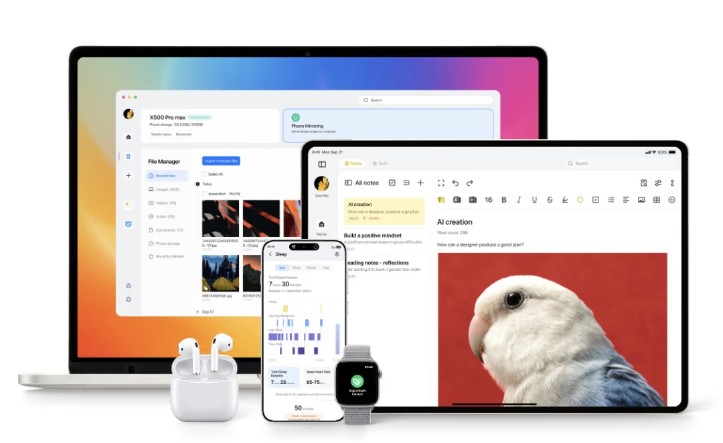
OriginOS 7 is also expanding the way the phone interacts with other devices.
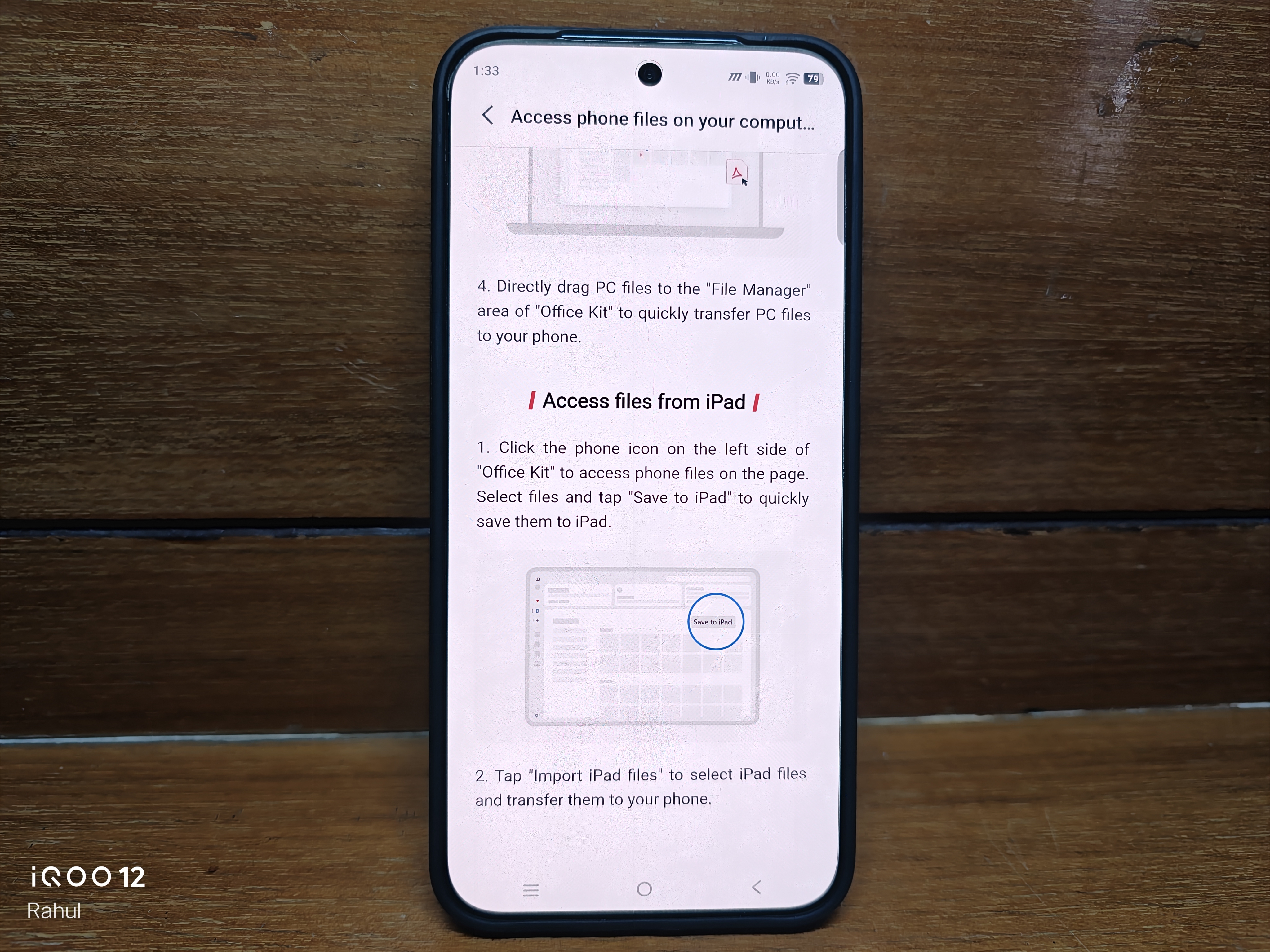
Its advertised Apple ecosystem features include supported Apple Watch notifications and messages, fitness data integration, AirPods spatial audio support and web based iCloud access through Vivo File Manager.
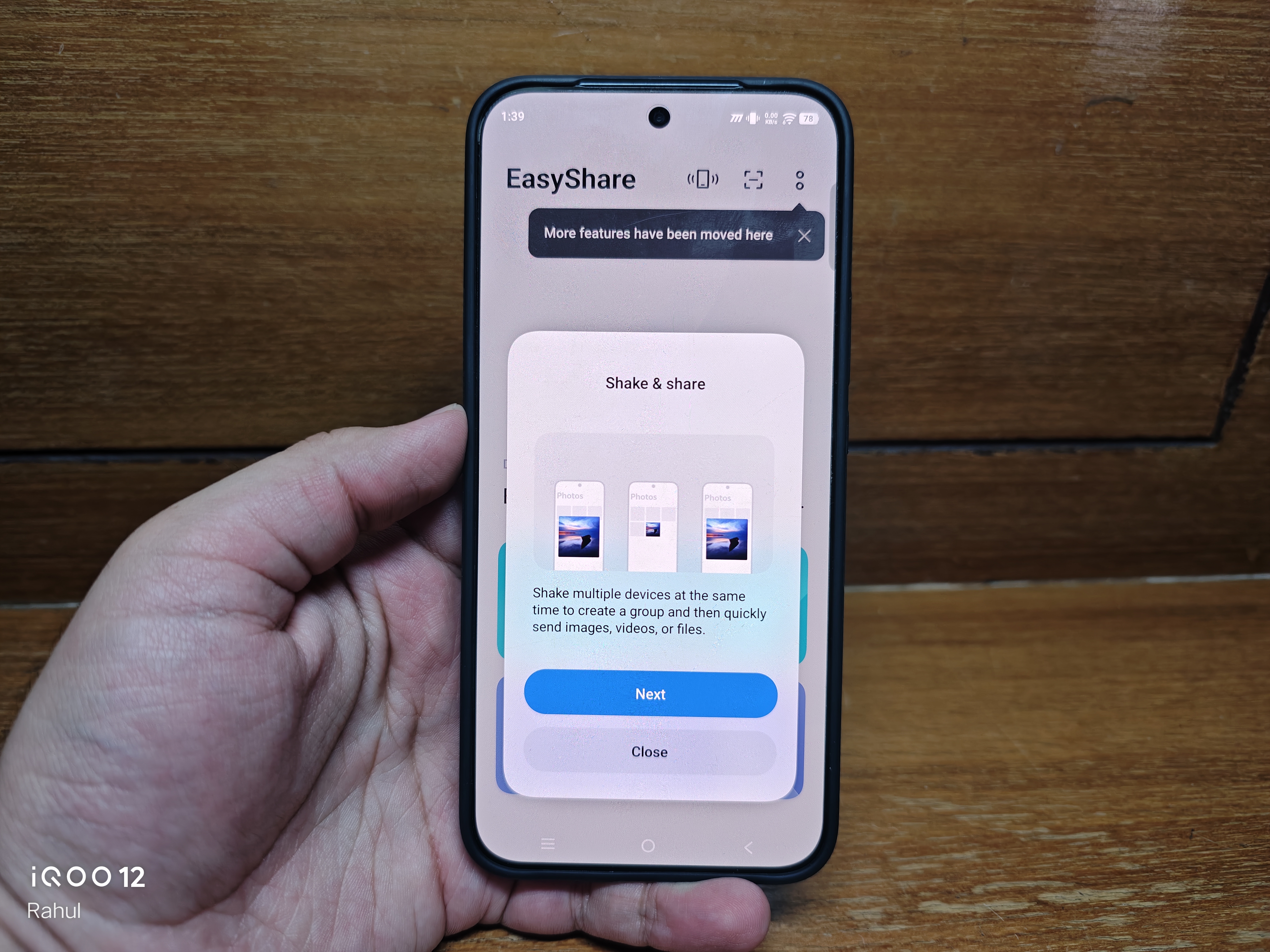
Shake and Share aims to simplify high resolution photo transfers across compatible devices without mobile data.
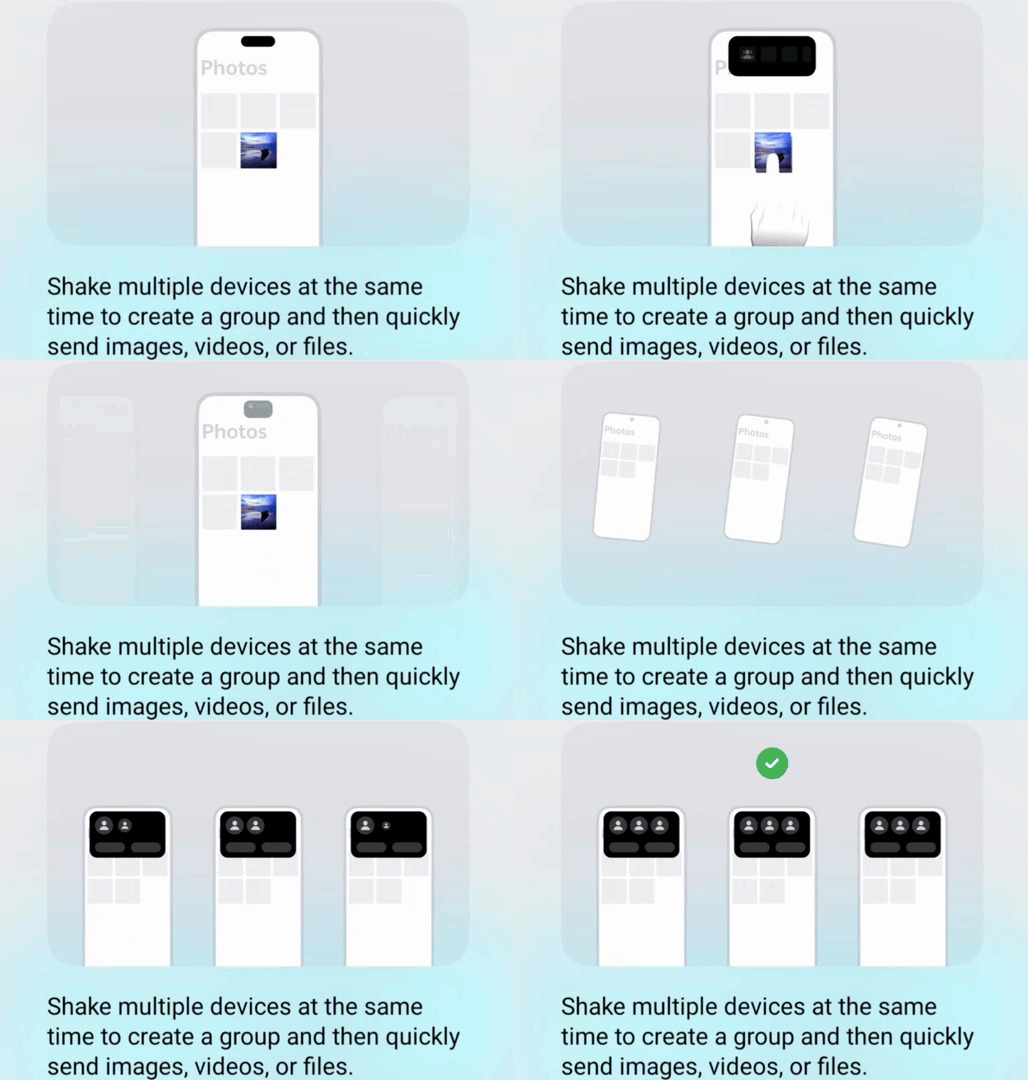
These features reflect a broader approach to software where the smartphone is part of a connected ecosystem rather than an isolated device.
Availability and compatibility will naturally depend on the device and feature involved
Is OriginOS 7 perfect?
Not necessarily. I'm still using a beta, and advertised features do not automatically translate into a flawless everyday experience.
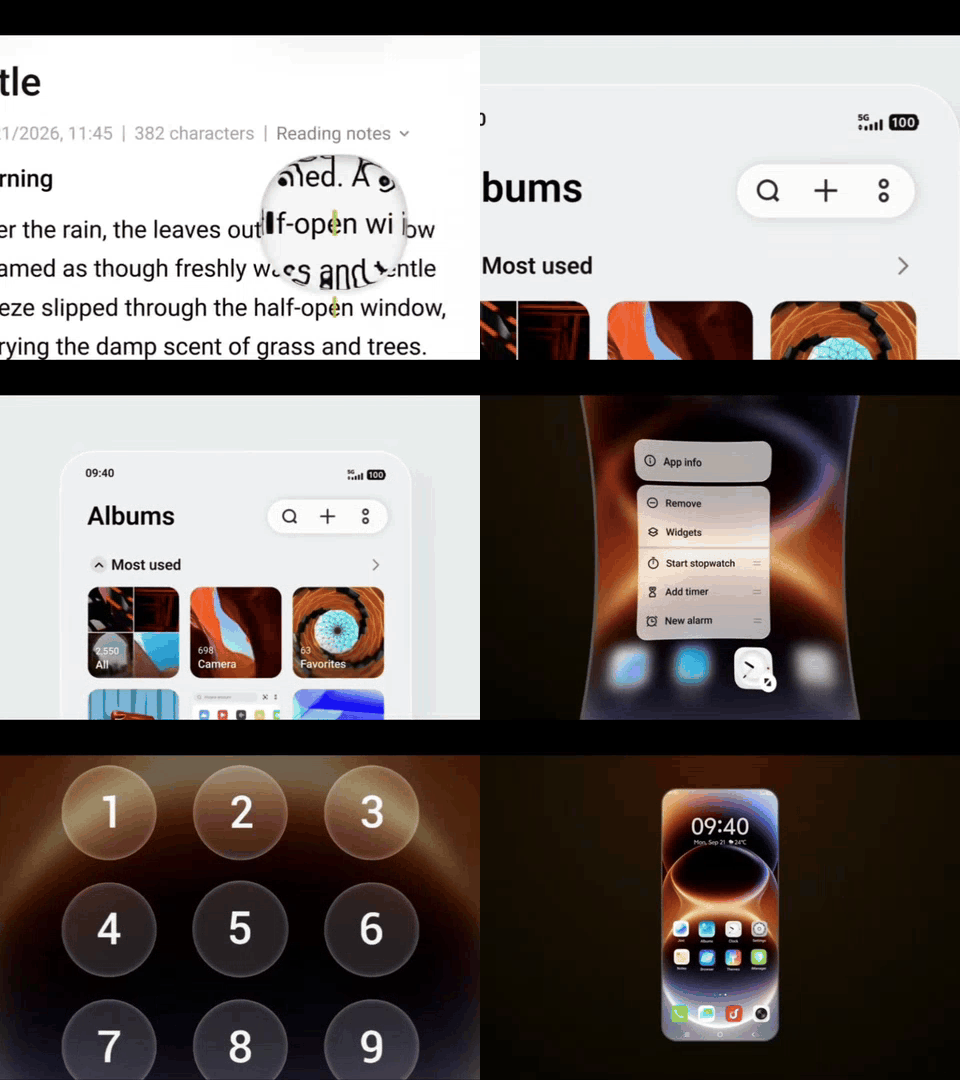
Animation consistency, battery life, multitasking reliability, application compatibility and the usefulness of the AI tools all deserve proper testing.
But the direction itself is encouraging.
After years of using Funtouch OS, I finally feel that global iQOO software is developing a distinct identity rather than simply refining an older formula.
A new chapter for iQOO software
My journey started with Funtouch OS 9. I experienced its evolution, its limitations and the gradual improvements that came with each generation.
OriginOS 6 introduced a genuinely refreshing change. OriginOS 7 feels like a continuation of that transformation, with greater attention to design, productivity, personalisation and connected experiences.
I'm not saying every feature is revolutionary or that OriginOS is better at absolutely everything.
What matters is that the software finally feels like something worth getting excited about in its own right.
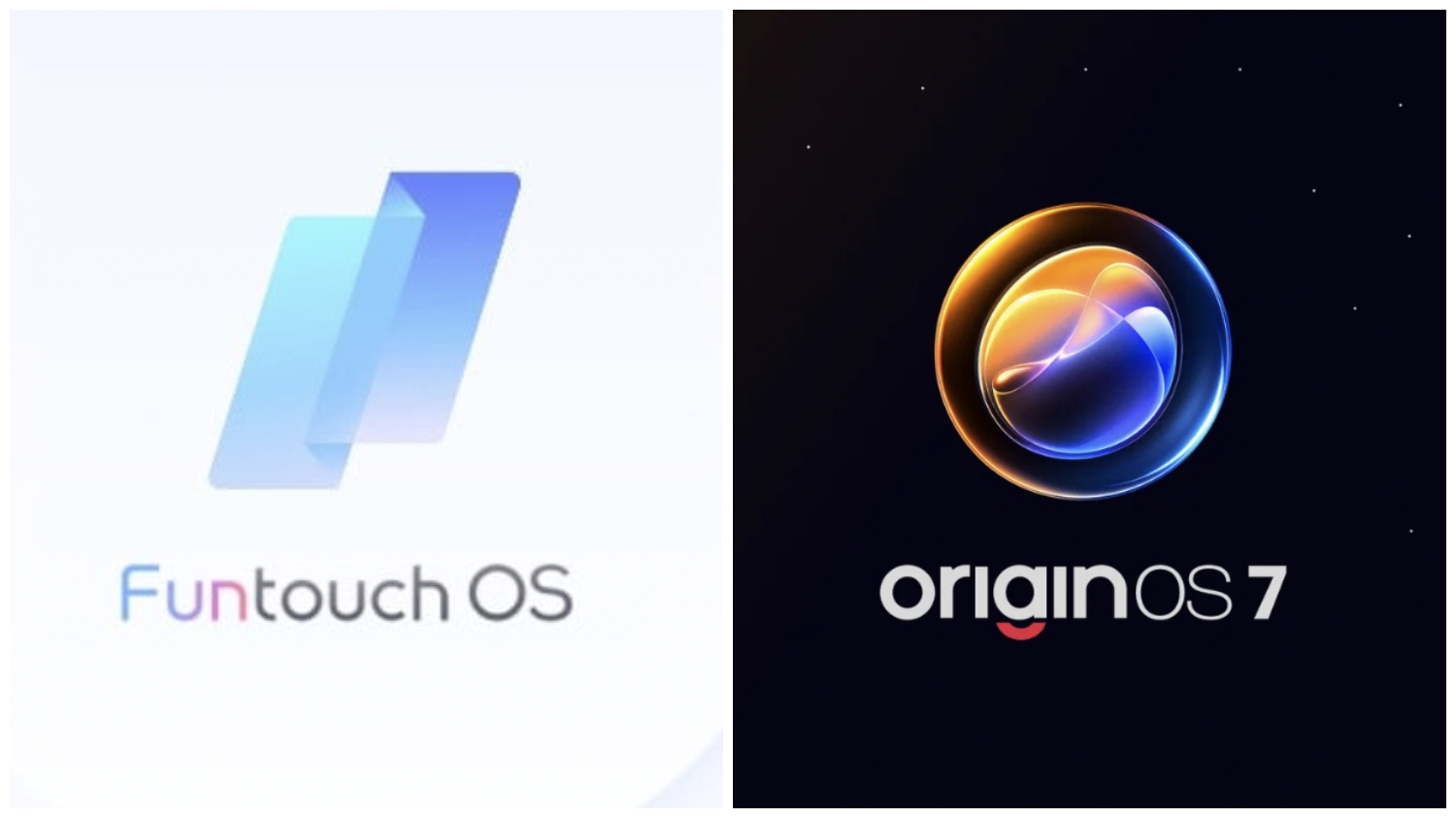
For years, I saw Funtouch OS as the software that came with my iQOO phone.
Now, with OriginOS 7 on the iQOO 15, the software itself has become part of the reason I'm interested in the device.
What do you think? Has OriginOS finally given iQOO a software identity of its own?

Please sign in
Login and share