

























iQOO 15 Receives Public Beta OriginOS 7 (Android 17) Update: What’s New?

Hey Questers,
Hope u all r doing well...
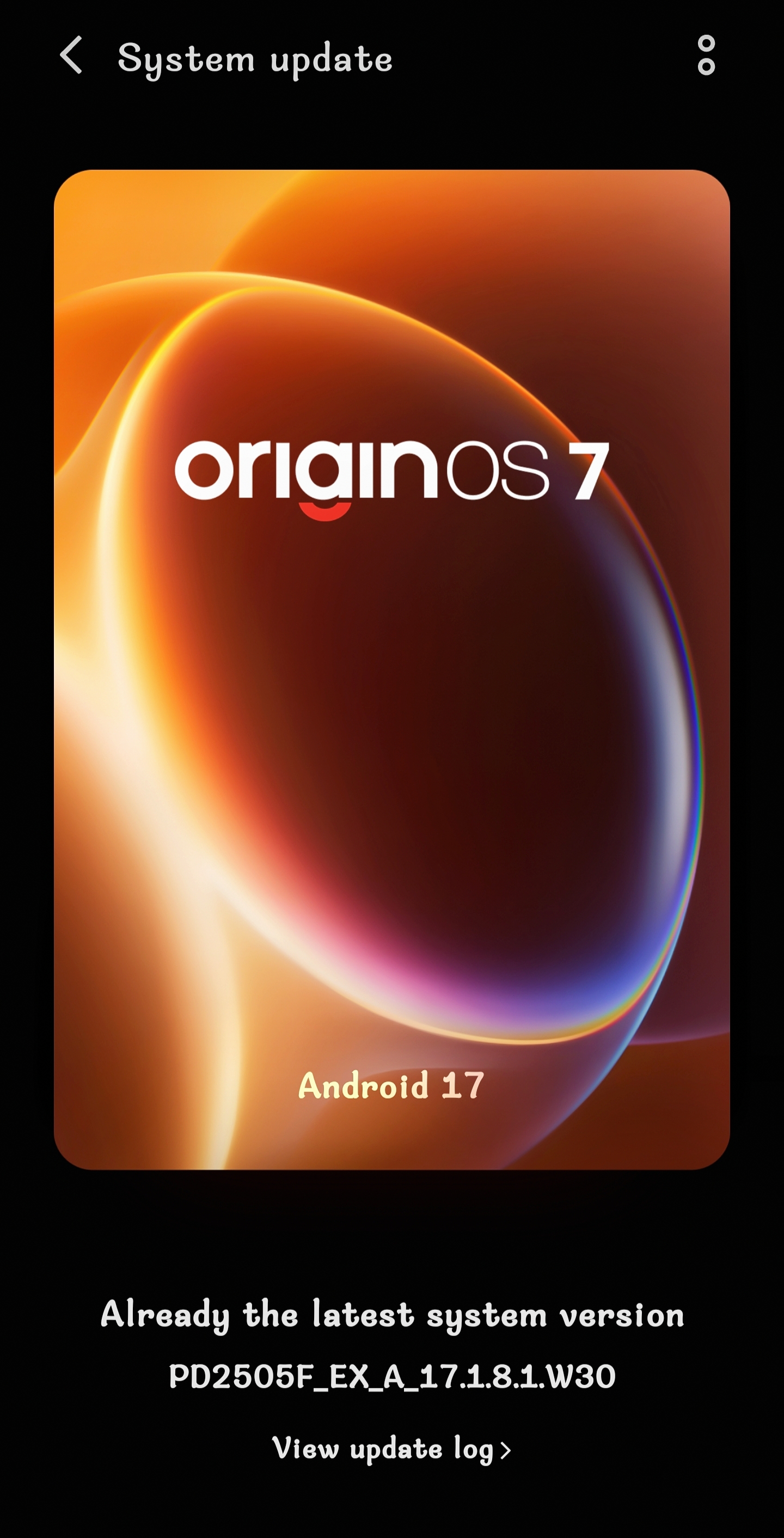
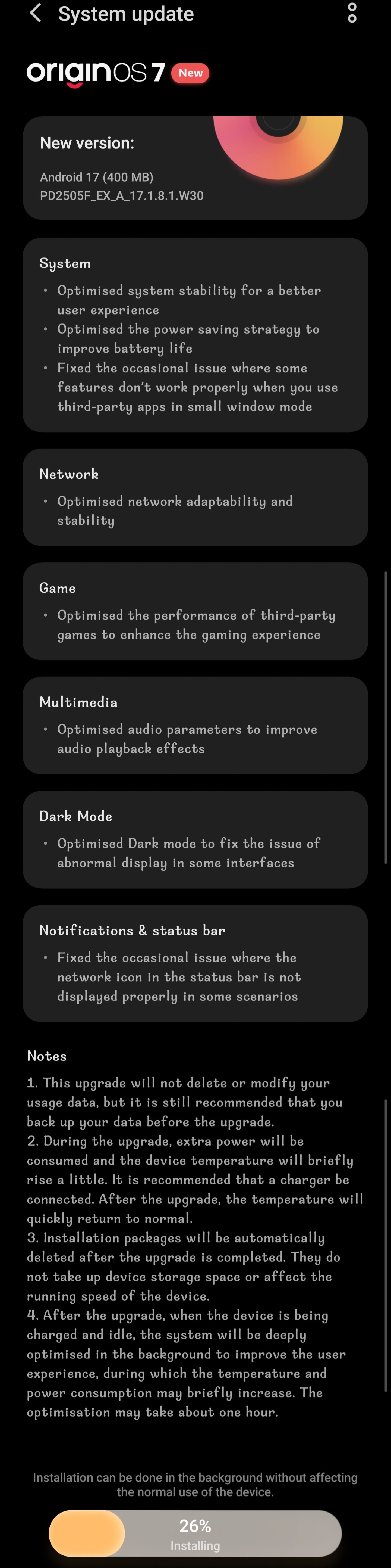
iQOO has officially kicked off the rollout of the Public Beta OriginOS 7 update based on Android 17 for its flagship iQOO 15 today.
Bringing a host of polish, stability fixes, and performance tweaks, this new software version aims to refine the overall user experience.
Here is a comprehensive breakdown of everything included in the latest update package.
>Update Overview
Software Version: PD2505F_EX_A_17.1.8.1.W30
Update Size: 400 MB
OS Foundation: OriginOS 7 / Android 17
Full Changelog & What's New
The complete changelog reveals a series of targeted optimizations across system performance, connectivity, gaming, and UI elements:
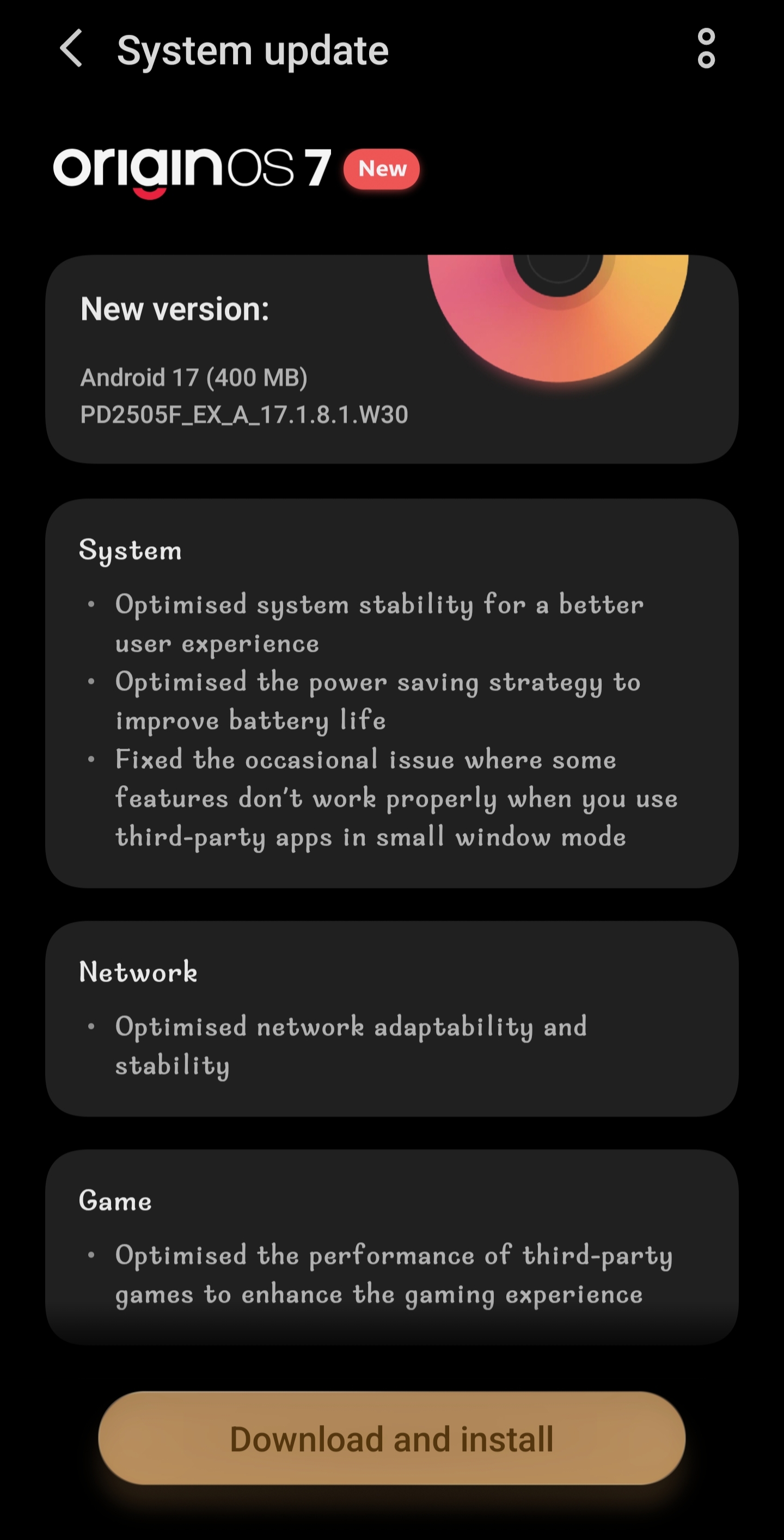
1. System Enhanced Stability: Optimised overall system stability for a smoother and more reliable daily user experience.
>Better Battery Life: Optimised the power-saving strategy to extend battery longevity.
>Small Window Fixes: Resolved an occasional issue where certain features would malfunction while using third-party apps in small window mode.
2. Network
Improved Connectivity: Optimised network adaptability and stability for seamless mobile data and Wi-Fi performance.
3. Gaming Elevated Gaming Performance: Optimised third-party game performance to deliver a more responsive and immersive gaming experience.
4. Multimedia Audio Refinements: Optimised audio parameters to enhance overall audio playback quality.
5. Dark Mode
Visual Polish: Optimised Dark Mode to fix abnormal display glitches occurring in specific interfaces.
6. Notifications & Status Bar Icon Fixes: Fixed occasional bugs where the network icon in the status bar failed to display correctly in certain scenarios.
Important Upgrade Notes for Users
If you are installing this update on your iQOO 15 today, keep the following manufacturer guidelines in mind:
Data Safety: While the upgrade will not delete or modify your personal usage data, it is always a best practice to back up important files before proceeding.
Temperature & Power: The upgrade process consumes extra power, which may cause a brief rise in device temperature. Connecting your phone to a charger is recommended.
Storage Management: Installation packages are automatically deleted post-upgrade, meaning they will not consume device storage space or affect running speeds.
Post-Update Optimization: Once updated, when the device is charging and left idle, the system will perform deep background optimizations to further enhance user experience.
Head over to Settings > System update on your iQOO 15 to check for the update and grab the new stable build today!
Signing Off,
Ranger@iQOO Connect

Please sign in
Login and share