




























📢 Microsoft 365 Copilot: New AI Powered tool for MS-Apps!👍😍

➡️ TechTidingsTime
Hello friends!
Hope you all are enjoying this iQOO COMMUNITY very much.Today again i am coming up with another very interesting tech news related to MS-WORD, EXCEL, POWERPOINT etc. So, without further ado let's start this new episode of TechTidings, VAMOS..
Yesterday (March 16th' 23), Microsoft announced 'Microsoft 365 Copilot', an AI-powered upgrade for the company's productivity apps.

On Twitter, Microsoft wrotes:
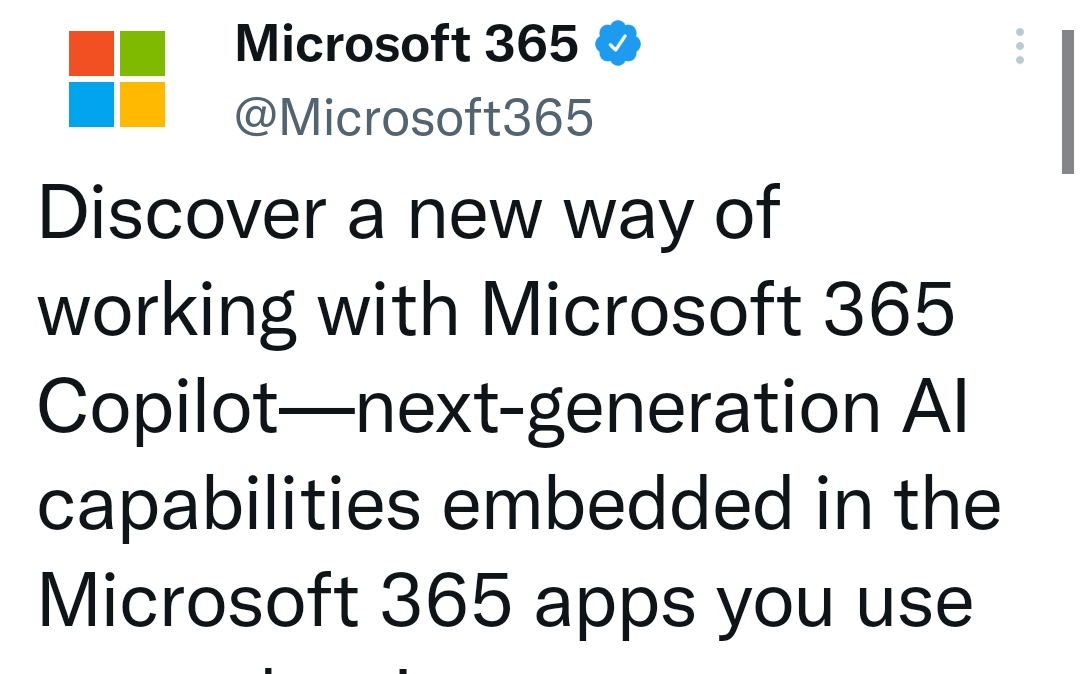
This Microsoft 365 Copilot is coming to Word, Excel, PowerPoint, Outlook, Teams and other productivity applications. Its a whole new way to work which uses artificial intelligence to generate content on the fly.
How Microsoft 365 Copilot Works?
Copilot combines the power of large language models (LLMs) with your data in the Microsoft Graph—your calendar, emails, chats, documents, meetings, and more—and the Microsoft 365 apps to turn your words into the most powerful productivity tool on the planet.
Copilot is integrated into Microsoft 365 in two ways. It works alongside you, embedded in the Microsoft 365 apps you use every day—Word, Excel, PowerPoint, Outlook, Teams, and more—to unleash creativity, unlock productivity, and uplevel skills.
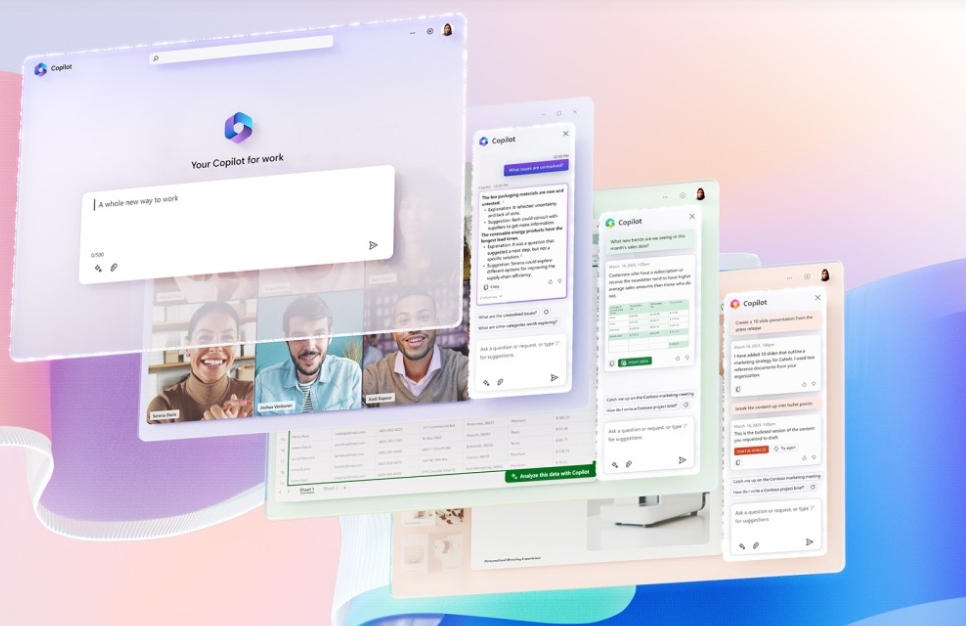
Copilot in different Microsoft Apps:
MS Word:
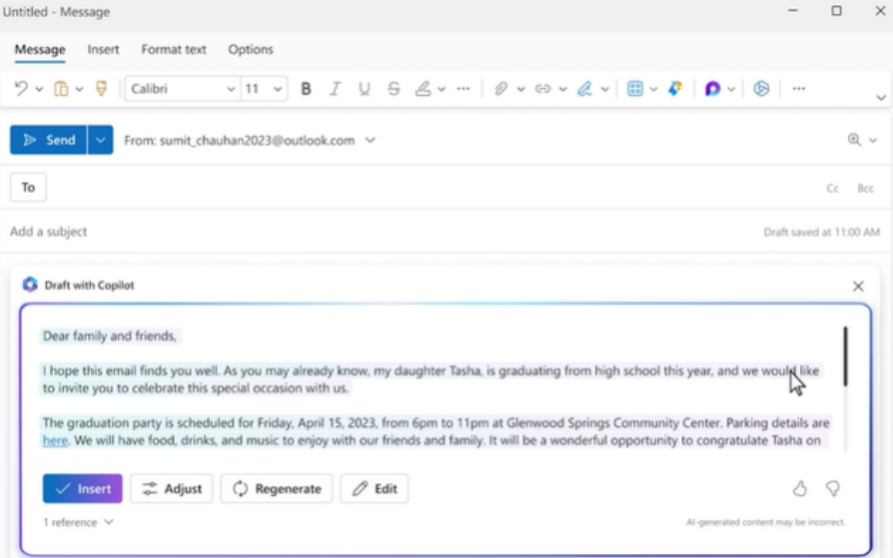
Copilot in Word will create a first draft for you, bringing in information from across your organization as needed. Copilot can add content to existing documents, summarize text, and rewrite sections or the entire document to make it more concise. You can even get suggested tones—from professional to passionate and casual to thankful—to help you strike the right note. Copilot can also help you improve your writing with suggestions.
Copilot in Excel :
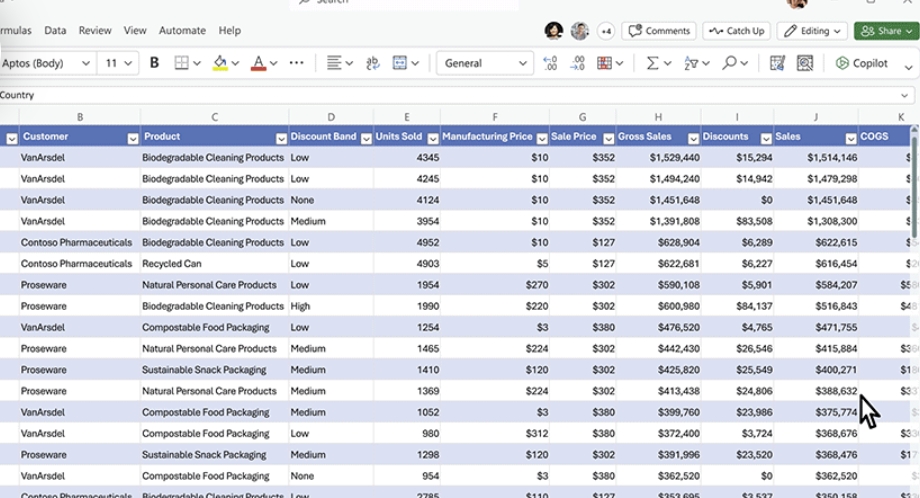
It works alongside you to help analyze and explore your data. Ask Copilot questions about your data set in natural language, not just formulas. It will reveal correlations, propose what-if scenarios, and suggest new formulas based on your questions—generating models based on your questions that help you explore your data without modifying it. Identify trends, create powerful visualizations, or ask for recommendations to drive different outcomes.
Copilot in PowerPoint:
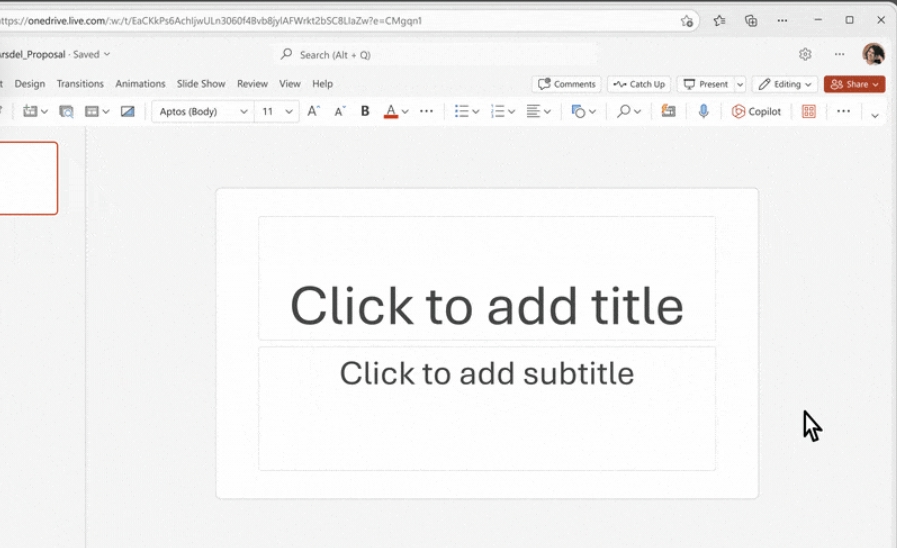
It helps you turn your ideas into stunning presentations. As your storytelling partner, Copilot can transform existing written documents into decks complete with speaker notes and sources or start a new presentation from a simple prompt or outline. Condense lengthy presentations at the click of a button and use natural language commands to adjust layouts, reformat text, and perfectly time animations
Copilot in teams:
By adding Copilot to your meetings and conversations, you now also have a powerful tool to help with common tasks such as creating meeting agendas based on chat history, identifying the right people for follow-ups, and scheduling the next check-in.
Copilot in outlook:
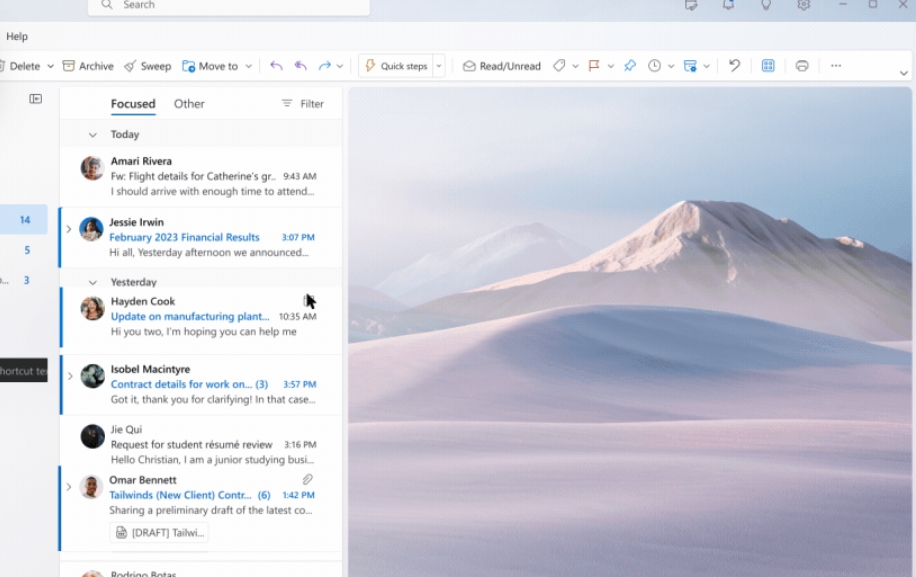
Respond to an existing email with a simple prompt or turn quick notes into crisp, professional messages—pulling from other emails or content that you already have access to from across Microsoft 365. Use toggles to adjust the tone or length of your note.
There's no word from Microsoft on when Copilot will be widely available and Microsoft says in its blog post that it is currently for testing to selected commercial customers to glean feedback and will have to wait for other details such as pricing and licensing in the coming months. news source: microsoft
Thanks for taking your time to read out the above thread. See you very soon in the next episode of TechTidings, till then TAKE CARE and #KEEP QUESTING..🤗
Signing Off
TechSAM009
Moderator @iQOO Connect
I QUEST ON AND ON..👍
Please sign in
Login and share