


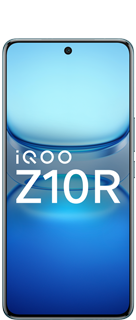
OriginOS 7 - Hidden Features 🫣✨

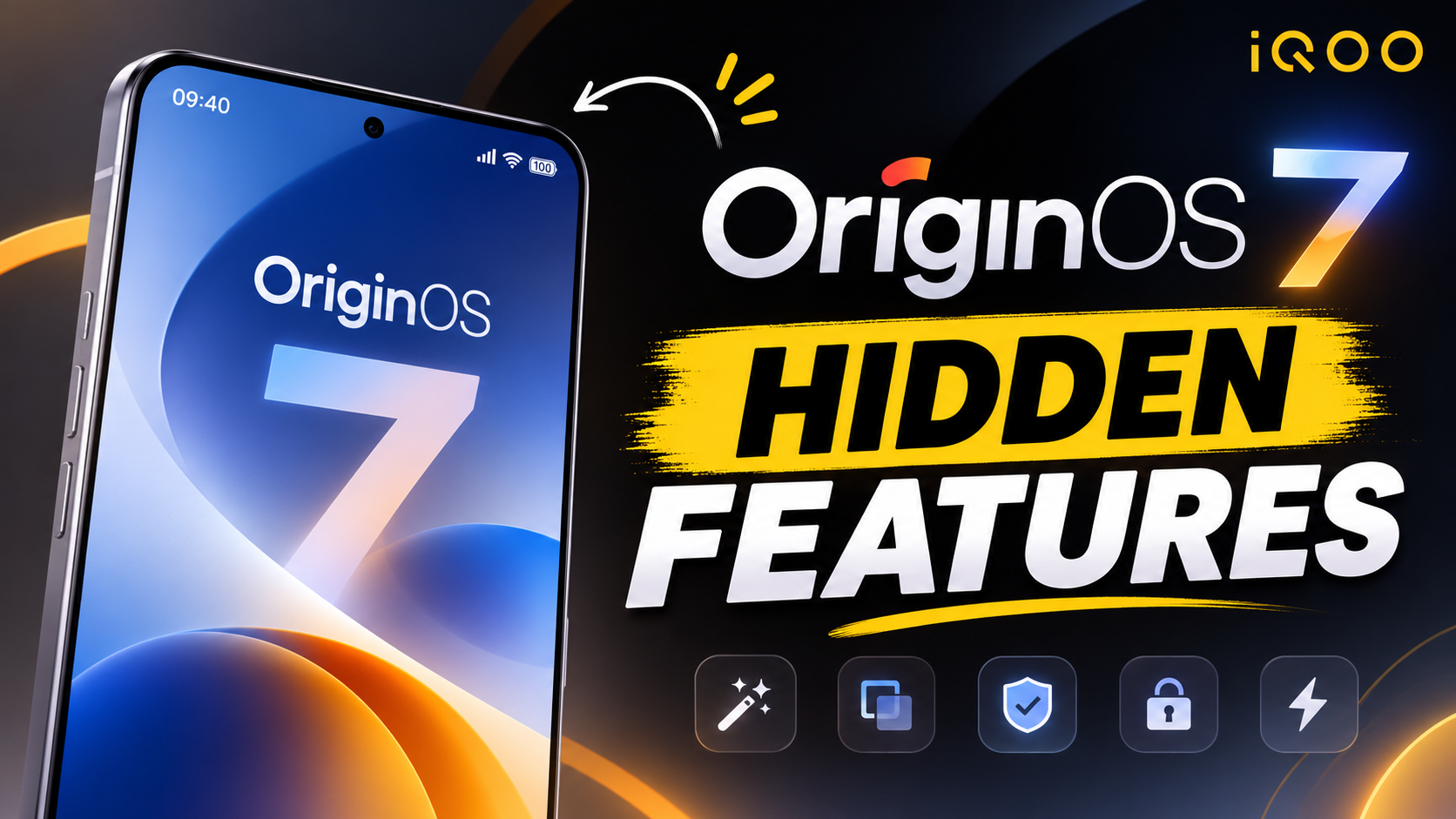
OriginOS 7 introduces several hidden features, visual upgrades, and secret settings tucked away in the system.
1. Liquid Glass Visual Texture Settings :
• Where to find it: Go to Settings > Lock screen, home screen, and wallpaper > Visual texture.
• What it does: You can switch the intensity of the new translucent "liquid glass" UI effect. Choose between Soft (classic OriginOS 6 look), Natural, or Realistic to maximize the glass and bouncy lock-screen animations.
2. Origin Workbench Multitasking (Up to 5 Apps) :
• What it does: The upgraded multitasking mode lets you slide any app and open up to 5 applications simultaneously in a top-down or split-window layout. You can quickly switch between floating, resizable windows.
3. StickIt Sticker Creation :
• What it does: You can crop elements, objects, or people from photos and turn them directly into custom home screen stickers.
4. Jovi AI Automations :
• What it does: Build custom natural-language triggers with the assistant (for example, telling Jovi: "If my battery goes below 5%, remind me to charge"), allowing the system to auto-generate routine tasks.
5. iCloud Integration in File Manager :
• What it does: If you switch or use devices across ecosystems, you can access your iCloud data directly through the Vivo or iQOO File Manager.
6. Wiggle and Glint Lock Screen Themes :
• What it does: Customization options in the display settings let you toggle motion-based light effects like the Wiggle Theme or Glint Theme, paired with AI Pet Pals.
I Hope you got Some Information ✨
@iQOO Connectcommunity🫶💗
Please sign in
Login and share