



























How to do Better Mobile Phone Photography


Hello iQOO FANS ....!
Do you want to improve your skill as a mobile photographer?
Here are some tips for you all-
Stability equals better photos
Ensuring that the phone is stable will improve your image quality. Here’s how you can achieve this for yourself.
Shooting from a standing position
Step 1 – Stand with your feet shoulder-width apart.
Step 2 – When shooting from a standing position, hold your mobile phone camera with both hands and tuck your elbows into your body.
Step 3 – Use the volume button to snap the shot. This will help minimize camera shake, which causes blurry images.
On the feature level in your iQOO device.
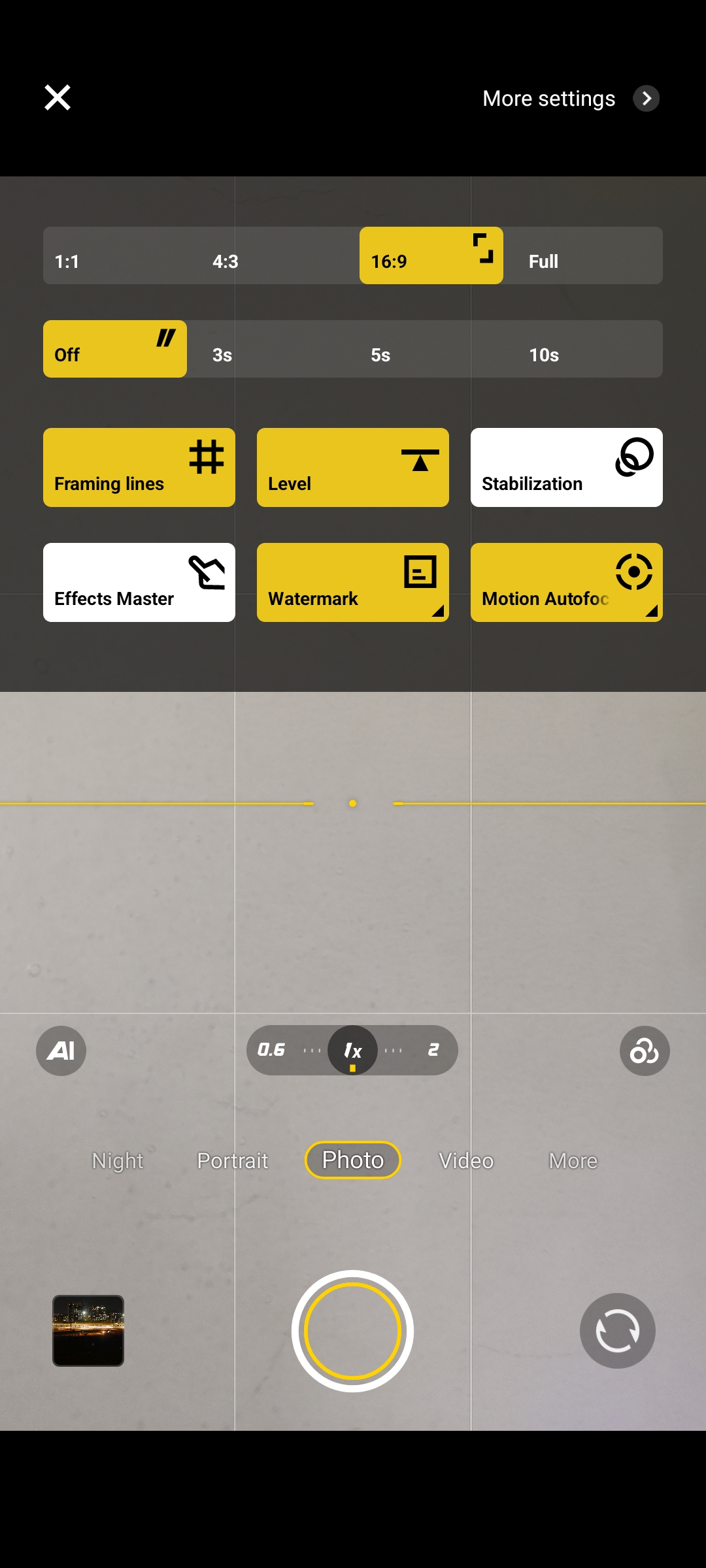
Setting exposure and focus
You don’t have to give control over to the camera all the time even shooting with your phone.
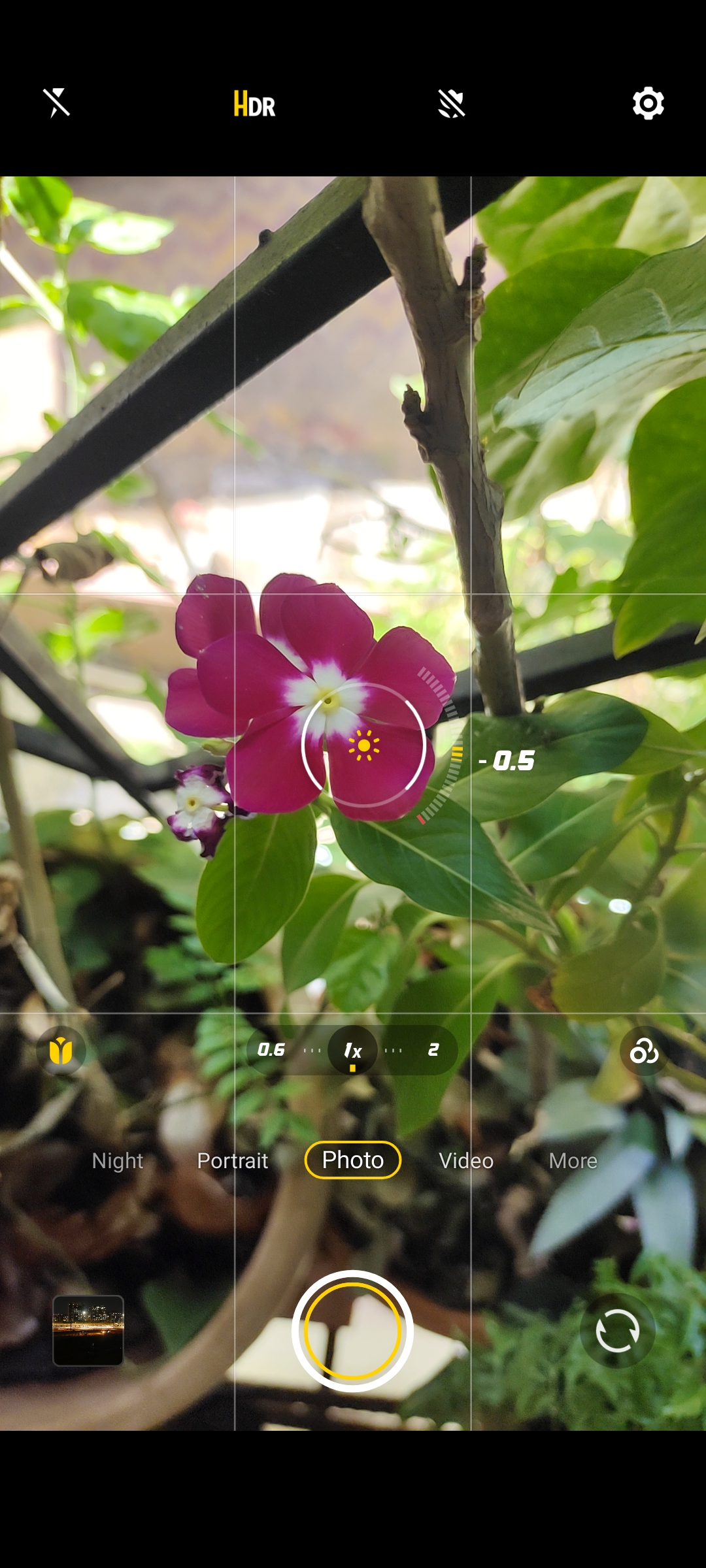
If you want to adjust the brightness of the photos you are taking, the process is pretty straight forward. Tap the screen in the area you want to be in focus and set the exposure for that area.
Improve your composition
One of the easiest and most important things you can do to take your mobile phone photography to the next level is to improve your composition. Here are a few tips to help you.
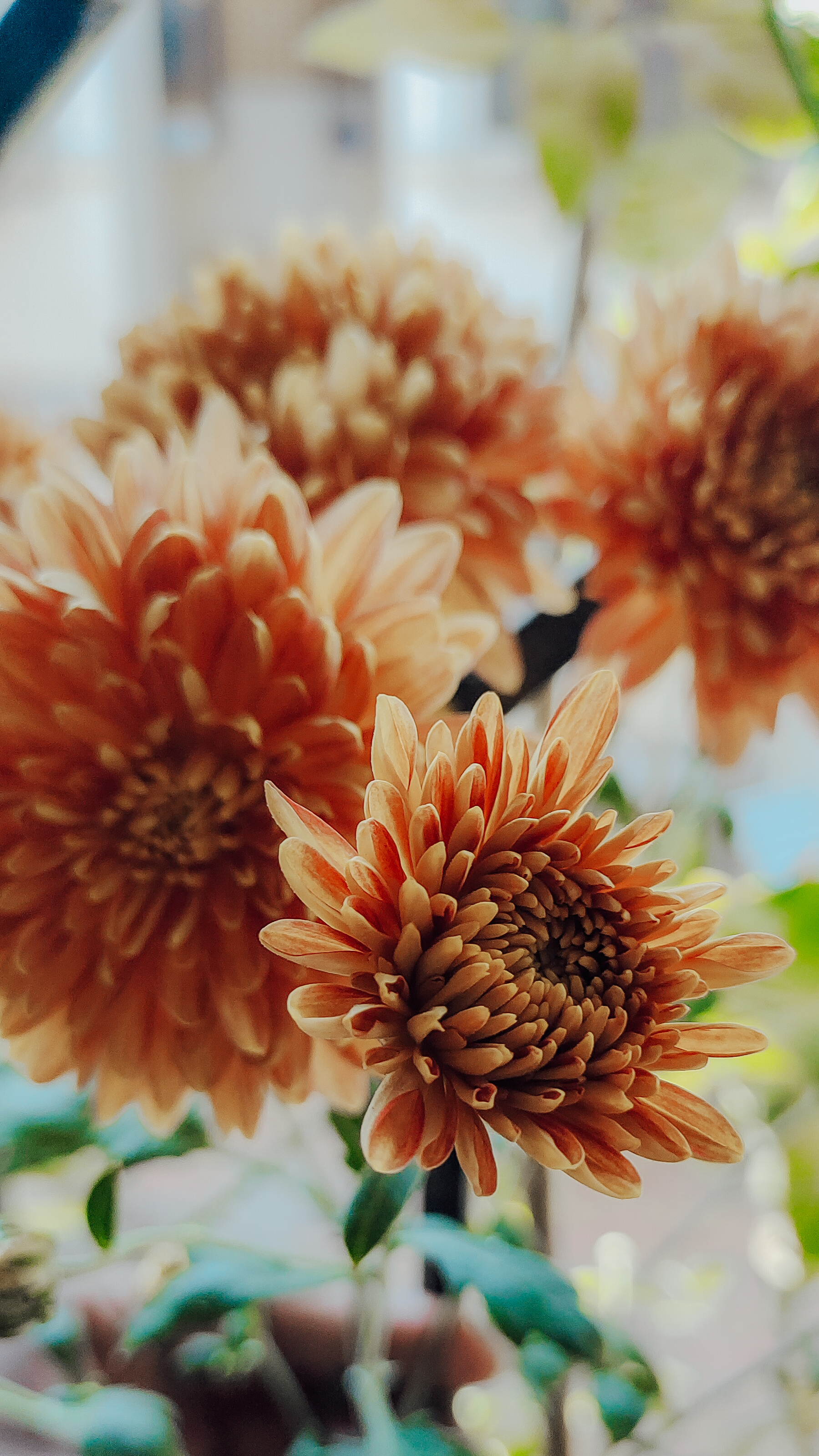
The next time you walk through your local park challenge yourself to find an example of repeating patterns in nature.
Shoot HDR
High dynamic range (HDR) is a term that may need a bit of explaining.
For every scene, there is an area with the greatest brightness and also one that is the darkest. When you bring your phone out to take a picture the camera attempts to expose the scene so you can see detail from the brightest to darkest areas. Think of this exposure as somewhat of an average.
However, the sensor in the camera has a limit when capturing the difference between the two extremes. This is why parts of the scene might be completely black or white. The sensor is just not able to capture all the information in one picture.
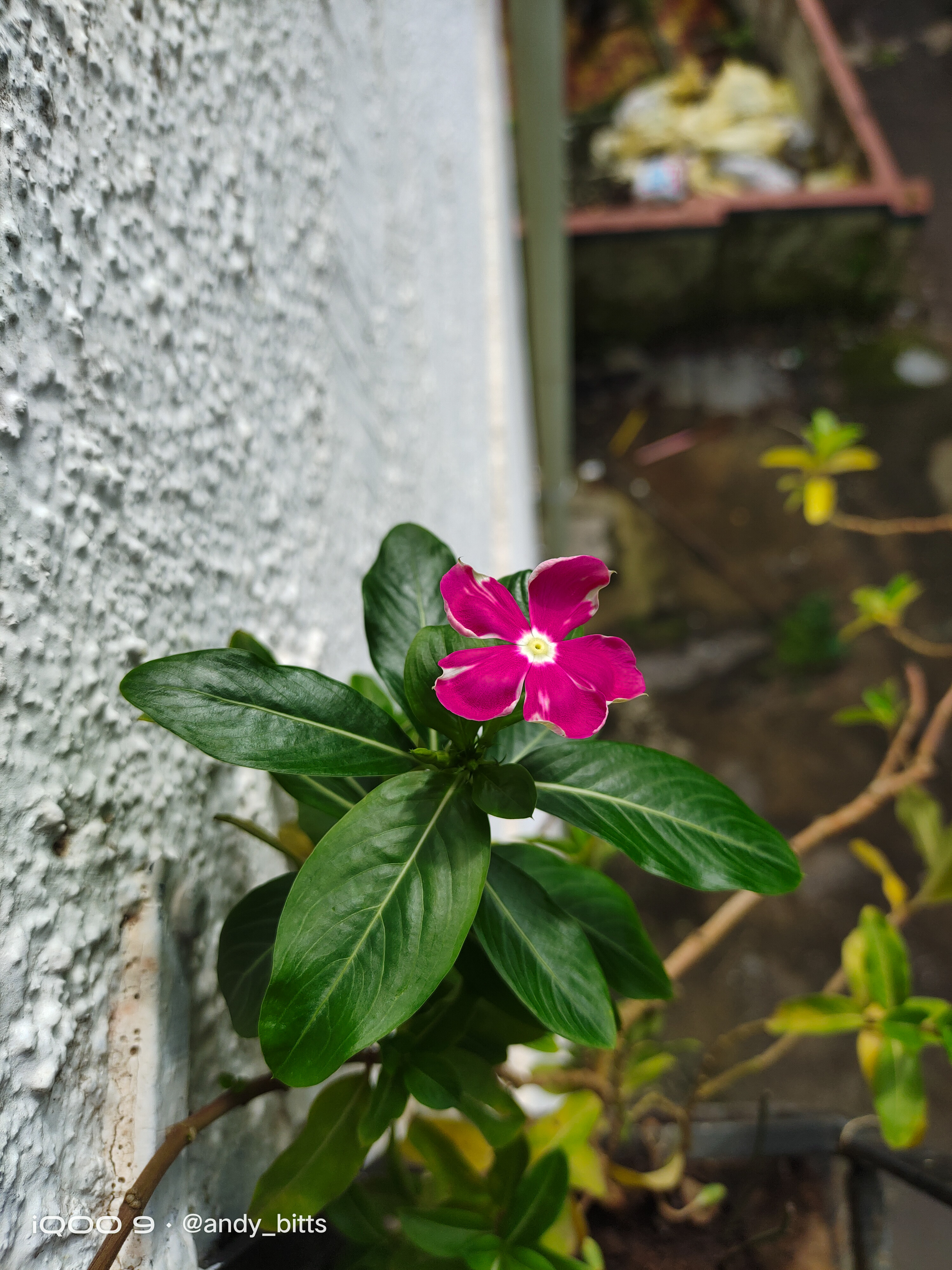
HDR was introduced as a way to capture the details in a scene that has a large difference (dynamic range) between the brightest and darkest areas. When you select the HDR setting for your mobile phone camera, you are telling it to take a series of photos then combine them together to create the final image.
The phone will first take an exposure reading for the scene like normal. Then it will take one or two photos that are darker than the average, the average exposure, and one or two photos brighter than the average. Finally, the photos will be merged together to produce the final result.
HDR is best used in the morning and evening light to capture elements of the light and dark areas you are photographing. When you are photographing in mid-day light, your skies are likely to look artificial because there is a limit to the phone’s capability.
Post-processing to achieve your goal
This is where you get to put those final touches on photos. There are plenty of options and apps for editing your photos, my suggestion is to find one that works for you.
Lightroom mobile
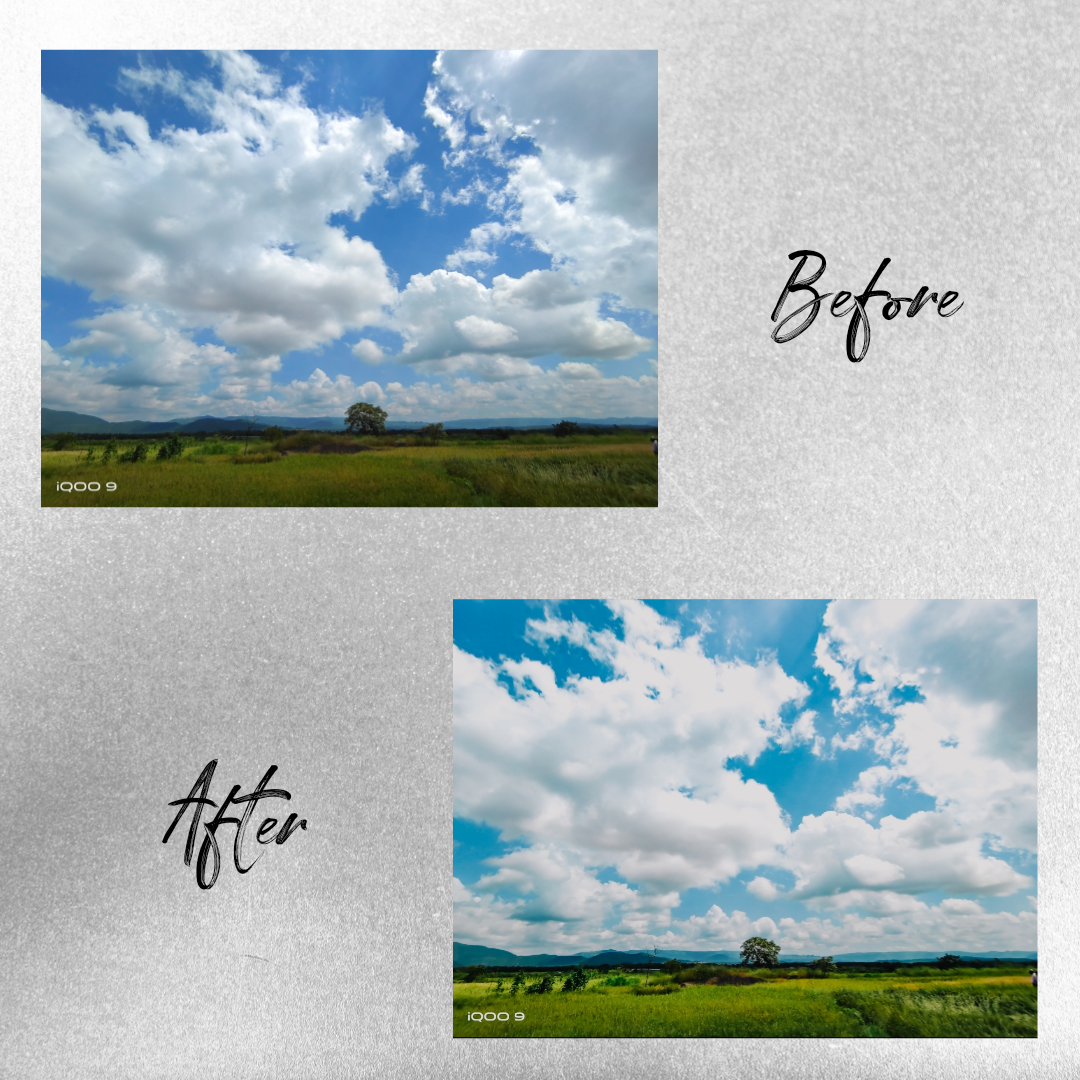
The power of Adobe in the palm of your hand. There is a free version of Lightroom Mobile that has a large amount of functionality included. One thing that is omitted is selective edit capability that allows you to change the settings for only the portions of the photo that you choose.
This is my top suggestion because I have the most familiarity with the product on both my phone and computer.
Complimentary stuff
Here are some extra notes and quick tips for you.
- The viewers’ eyes are drawn to the lightest part of the image. Work to make the subject either the brightest spot in the photo or highlighted by it in some way.
- Consider using the composition techniques outlined above to create interesting photos to start with.
- Don't use zoom and phone flash .
Thanks & Regards
Aniket Patil
#Moderator
Please sign in
Login and share