




























Muzia | QOOL Apps #3

Today, I have a very simple but effective and useful app for all the music lovers ✨
Nowadays, most of the smartphones support Always-on-Display , but they are very restricted in terms of their usablity. This app turns it into an asset rather than keeping it just for show.
About the app:

Muzia is a simple app which takes the music playback actions and puts it right to the front on the Always-on-Display. You can control the playback as well as volume without even unlocking the phone. It also shows the Album/Song cover on the AOD making full use of it.
Not only music, you can also reply to messages directly from the AOD, which is very handy as well as see the weather info for your area all on your Always on Display.
Size : 14 MB
Developer : newGen Mobile
Download Here
How to use:
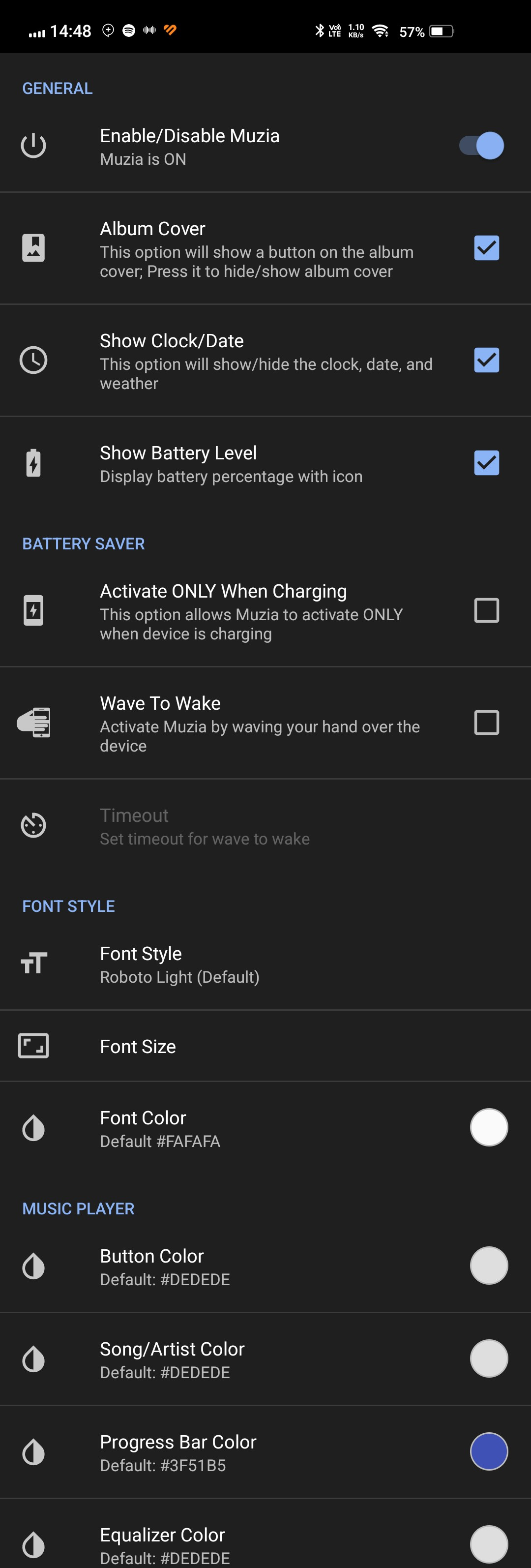
This app is really the easiest to use amongst all those which I have tested as it comes with all the useful settings enabled by default.
All you need to do is give the app its required permissions and you're on.
It works with all the music players/ platforms so you don't need to worry about configuring anything.
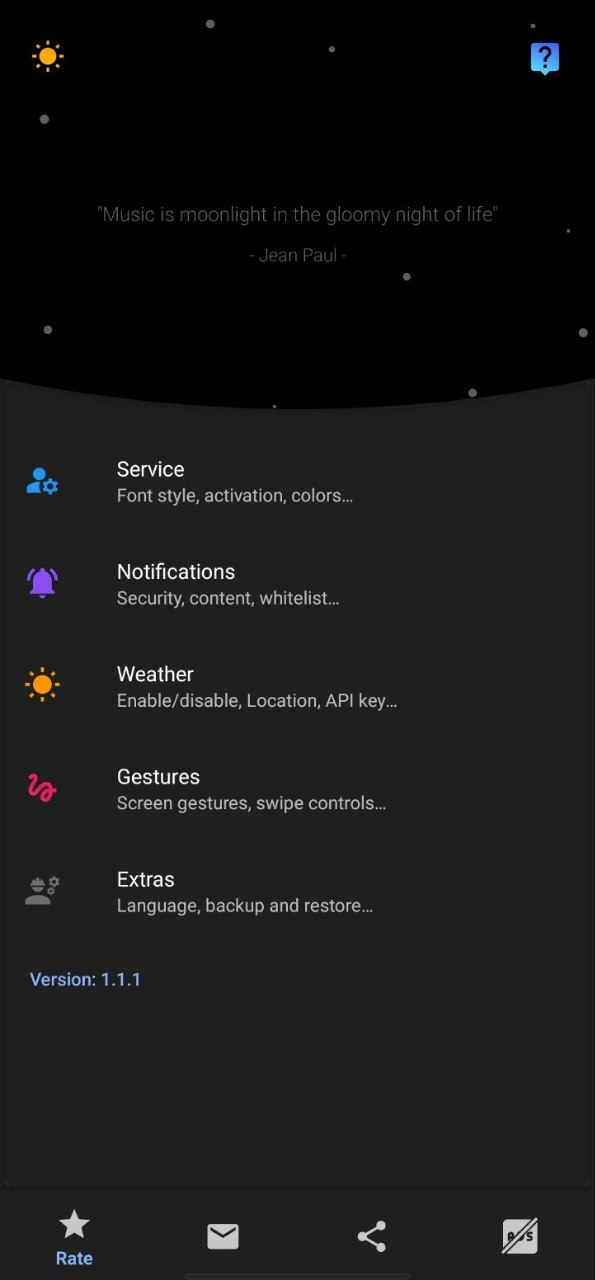
There are options available for further customisation for those who are interested in tweaking the app and controls to their taste.
Permissions:
This app needs only 2 Permissions:
1. Notification access - To access the notifications for replying from the AOD.
2. Location - To access the location in order to show the weather details for your area.
Note: Both of these permissions are required only if you want to use the Reply from AOD or Weather on AOD feature respectively. Even if you don't give these permissions, you can still use the Music on AOD feature.
My Thoughts:
In my opinion, the Always-on-Display has been present in Android smartphones from a very long time but has never been used to it's maximum potential. This app brings out a good amount of functionalities from a feature which was only used for show up until now.
Since I like listening to songs while studying and don't want to unlock my phone again and again for changing tracks or reducing volume, this app was really helpful for me and I loved the simplicity and Straight-forward approach of the app.
In conclusion, I can definitely say that this is one of the best apps I have on my phone which help out in ways which I had never thought would be so useful.
Do try this app for yourself and share your experience in the comments below.
Source: PlayStore
Thank you for taking the time to read my post.
I hope you found it informative and helpful.
Share the apps which you think are useful or should be featured in QOOL Apps in this Form or Down in the comments.
Till next time,
Signing Off,
#Moderator - @iQOO Connect
Please sign in
Login and share