



























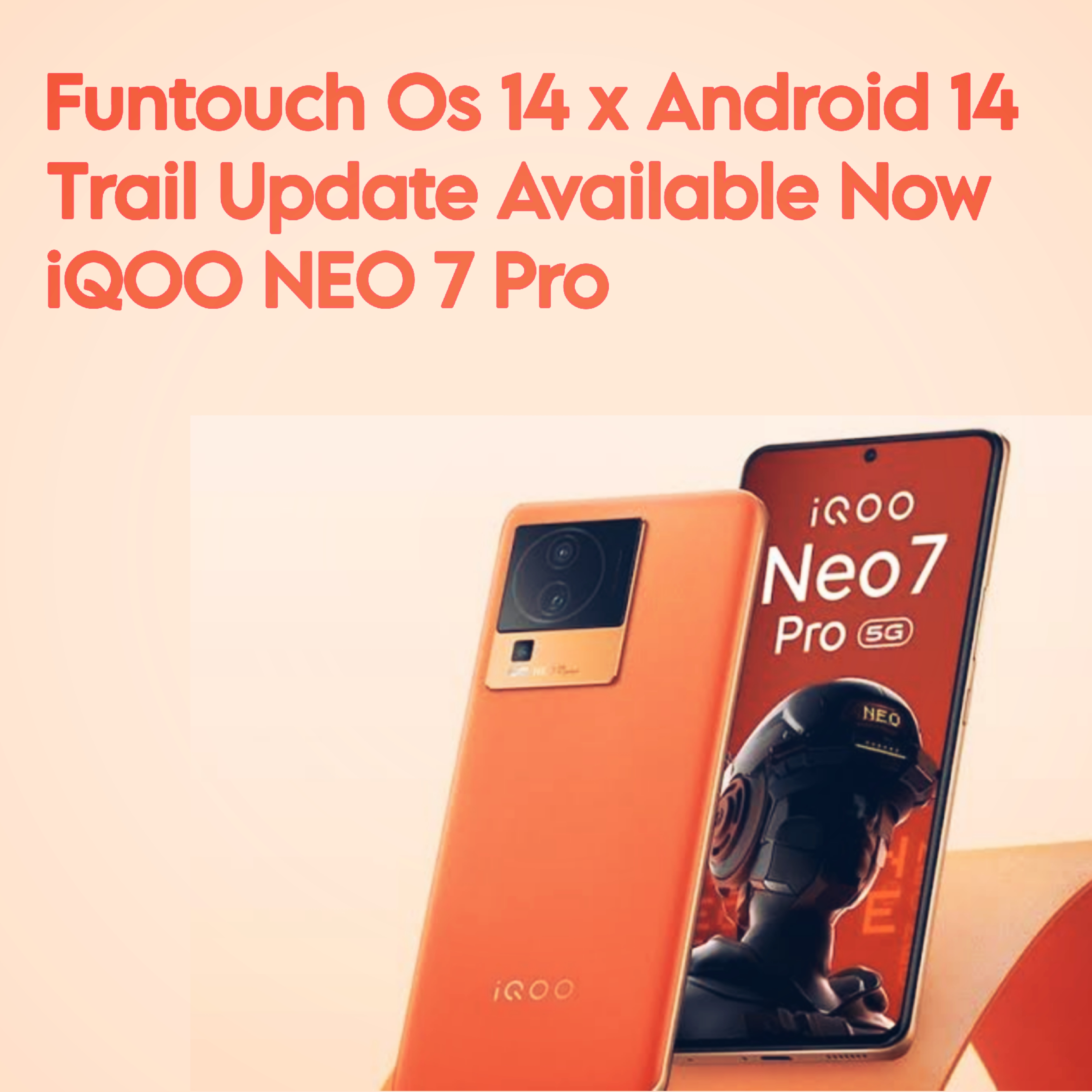
Neo 7 Pro Funtouch Os 14 x Android 14 Trail Update Released

Hello Questers
I received the Android 14 Funtouch OS 14 update for my Neo 7 Pro today in the Trail Update section. Below, I've shared screenshots and update details. 👇


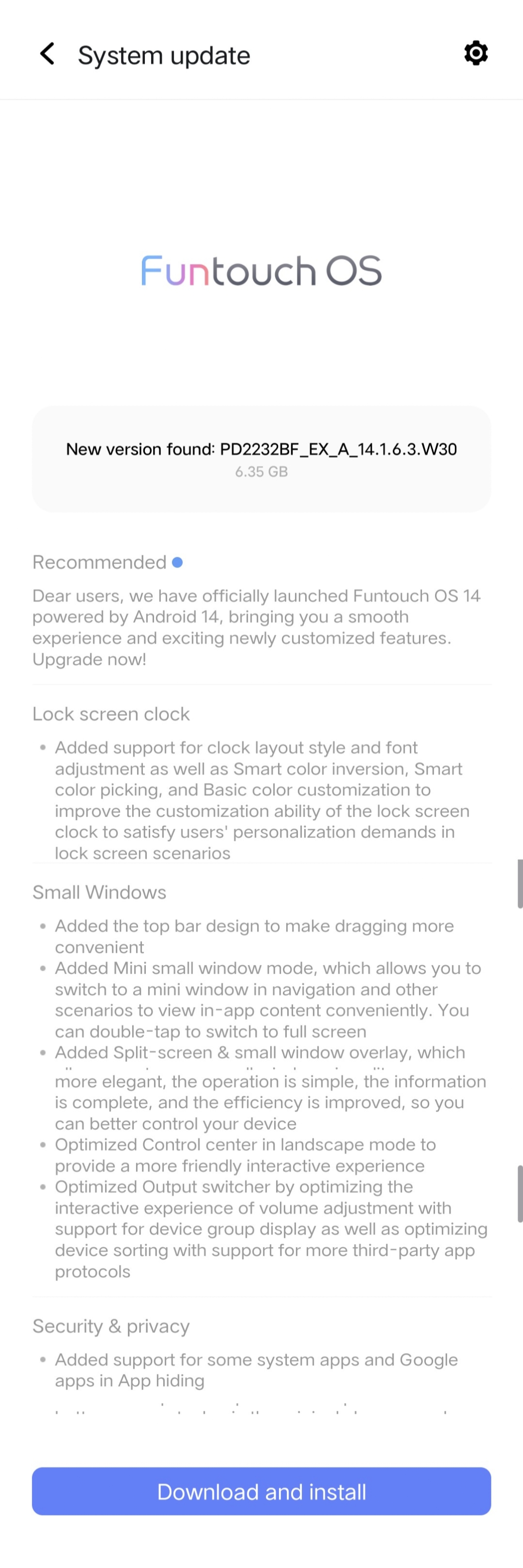
UPDATE Details
Dear users, we have officially launched Funtouch OS 14 powered by Android 14, bringing you a smooth experience and exciting newly customized features. Upgrade now!
Lock screen clock
Added support for clock layout style and font adjustment as well as Smart color inversion, Smart color picking, and Basic color customization to improve the customization ability of the lock screen clock to satisfy users' personalization demands in lock screen scenarios
Albums
Added support for saving images at custom resolutions when editing them
Added the Export original-quality video switch in Video editing, which allows you to export original-quality videos when turned on
Added support for adjusting quality parameters in Video editing, which supports export in a maximum of 4K at 60 fps
Added several filter effects in Video editing
Optimized filter thumbnails to intuitively reflect usage scenarios and effects
Small Windows
Added the top bar design to make dragging more convenient
Added Mini small window mode, which allows you to switch to a mini window in navigation and other scenarios to view in-app content conveniently. You can double-tap to switch to full screen
Added Split-screen & small window overlay, which allows you to open small windows in split-screen mode
Always On Display
Added Always On Display style resources to make resources more diverse
Optimized Always On Display notifications with support for more selectable apps
Control Center
Added the brand-new Control center with the panel design and the more refreshing and tidy interface. UIs have been fully upgraded, the visual experience is more elegant, the operation is simple, the information is complete, and the efficiency is improved, so you can better control your device
Optimized Control center in landscape mode to provide a more friendly interactive experience
Optimized Output switcher by optimizing the interactive experience of volume adjustment with support for device group display as well as optimizing device sorting with support for more third-party app protocols
Security & privacy
Added support for some system apps and Google apps in App hiding
Widgets
Added the 2x2 Weather kit to increase the diversity of kits
Added support for One-tap addition, which makes it more convenient to add kits to the home screen
Optimized the layout of the kit library to improve space utilization of the kit page
Home screen
Added the feature in which you can tap and hold an app on the home screen to view kits related to this app and quickly jump to these kits
Added the monocolor Material You palette, providing a simple and elegant system-style customization experience
Added the "Gravitational space" live wallpaper, which dynamically displays the exquisite effect of each frame as your finger moves, making even daily casual actions full of novelty
Status bar & notifications
Added two battery icon styles with support for customizing the battery percentage display mode in the status bar
Share
Optimized the preview experience of multi-image or text and image links
Multimedia
Added the Per-app volume control feature, allowing you to adjust the rhythm of music as you like
Optimized the volume panel visuals, which allows for more intelligent volume management, more convenient operation, and easier volume adjustment
Optimized the audio switching logic, with high-priority events being allowed to scramble for connections
System
Added Motion blur, which through algorithms simulates the phenomenon of visual persistence during movie shooting (dynamic motion blur) to compensate for the incoherence issue during the animation process, improving smoothness when users open and exit apps on the home screen and achieving silky visual smoothness
Added Zero-power superfast startup: After the battery runs out, plug in the original charger, and you can quickly enter the home screen without waiting for shutdown charging
Optimized system memory by reducing system resident memory and streamlining resident process memory, thereby reducing the memory occupied by the system during the daily use of the system by users and increasing the available memory for users.
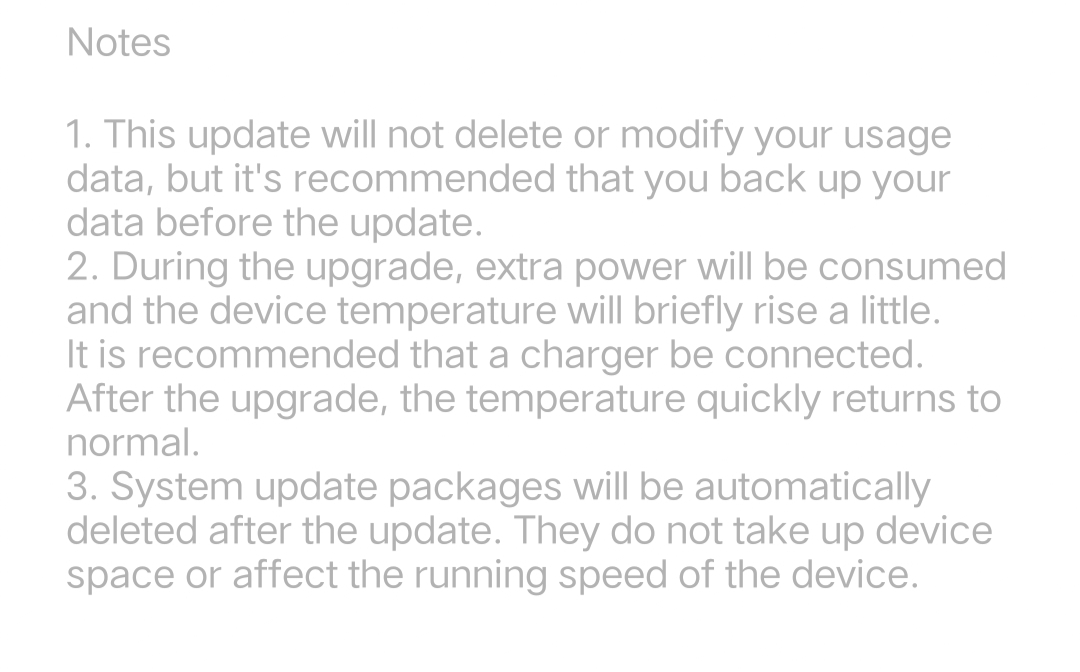
Notes
Please sign in
Login and share