




























Best Mobile Photo Editors for Enhancing Your Images

Hey Questers ♥️
Transforming your snapshots into stunning visuals has never been easier, now thanks to powerful mobile photo editing apps available for both iOS and Android devices. Whether you're a professional photographer or just want to enhance your social media posts, these tools provide a comprehensive suite of features to elevate your images
Adobe Photoshop Lightroom
Strengths:
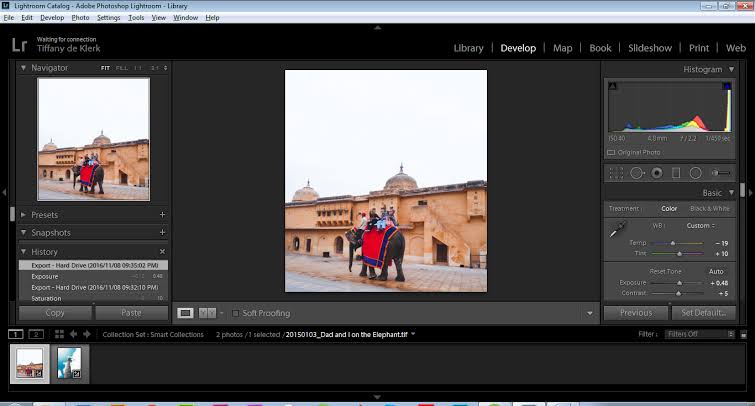
1.Professional-Grade Editing : Lightroom is the mobile counterpart of Adobe's renowned desktop software, bringing a comprehensive suite of editing tools to your fingertips. It offers precise control over exposure, contrast, highlights, shadows, whites, blacks, and more.
2.Color Correction & Grading : Lightroom excels at color manipulation, allowing you to adjust individual color channels, create custom color grading presets, and apply split toning for unique effects.
3.Advanced Features : Lightroom also offers lens correction profiles, noise reduction tools, and selective adjustments, making it a powerful tool for correcting imperfections and enhancing specific areas of your photos.
4.Cloud Syncing & Organization : Lightroom seamlessly integrates with Adobe Creative Cloud, allowing you to sync your edits and photos across multiple devices. It also offers robust organizational tools for managing your growing photo library.
Best for
1.Professional Photographers - Lightroom is the go-to choice for photographers who demand precise control and a wide range of editing capabilities.
2. Enthusiasts - Even if you're not a professional, Lightroom's extensive features and intuitive interface make it a great option for anyone who takes their photography seriously.
3. Workflow-Oriented Users - Lightroom's cloud syncing and organizational features make it ideal for those who want to edit and manage their photos across multiple devices.
Snapseed
Strengths
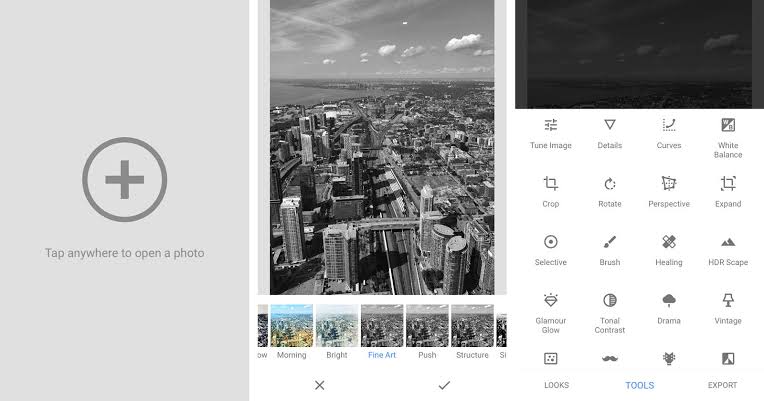
1.Free & Powerful - Snapseed packs a surprising amount of editing power into a free app. It offers a wide range of adjustments, including exposure, contrast, saturation, and sharpness.
2.Intuitive Interface - Snapseed's interface is user-friendly and easy to navigate, making it a great option for beginners and casual users.
3.Unique Tools - Snapseed offers several unique tools not found in other apps, such as "Selective Adjust," which allows you to apply edits to specific areas of your photo, and "Healing," which removes unwanted objects.
4. Non-Destructive Editing - Snapseed's non-destructive editing means you can always revert back to the original image, even after applying multiple edits.
Best for
1.Beginners - Snapseed's simple interface and wide range of features make it an excellent starting point for those new to photo editing.
2. Casual Users - If you want a free and easy-to-use app with a good selection of editing tools, Snapseed is a great choice.
3. Creative Experimentation - Snapseed's unique tools and non-destructive editing encourage experimentation and creativity.
3. VSCO
Strengths
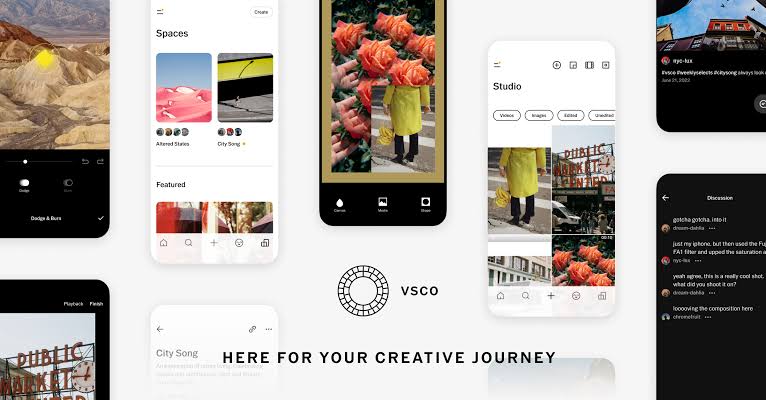
1.Film-Inspired Presets - VSCO is renowned for its collection of beautiful presets that emulate the look of classic film stocks. These presets can instantly transform your photos with a unique aesthetic.
2. Creative Community - VSCO boasts a vibrant community of photographers who share their work, offer feedback, and participate in challenges. It's a great place to find inspiration and connect with like-minded creatives.
3. Additional Editing Tools- While VSCO is primarily known for its presets, it also offers a good selection of basic editing tools, such as exposure, contrast, and saturation.
Best for
1.Aesthetic Seekers - If you're looking for a way to add a touch of artistry to your photos with unique filters and presets, VSCO is a great choice.
2. Community-Oriented Users - VSCO's community aspect makes it a great platform for sharing your work, connecting with other photographers, and finding inspiration.
3. Mobile Filmmakers - VSCO also offers video editing tools and presets, making it a good option for mobile filmmakers.
4. Picsart
Strengths
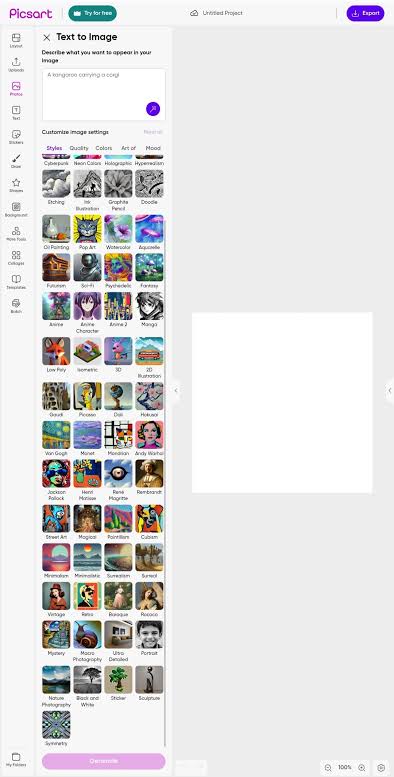
1. All-in-One Creative Platform - Picsart is more than just a photo editor; it's a complete creative suite. It offers a vast array of tools for editing photos, creating collages, designing graphics, and even drawing.
2. Huge Selection of Filters & Effects - Picsart boasts a massive library of filters, effects, stickers, and text options, giving you endless possibilities for customizing your images.
3. Social Features - Picsart has a strong social component, allowing you to share your creations, follow other users, and participate in challenges.
Best for
1. Creative Expression - If you want to go beyond basic photo editing and explore your creative side, Picsart is the app for you.
2. Social Media Users - Picsart's diverse tools and social features make it ideal for creating eye-catching content for social media platforms.
3. Casual Users - Picsart's intuitive interface and playful features make it easy for anyone to create stunning visuals.
5. Lensa
Strengths:
1. AI-Powered Enhancements: Lensa uses artificial intelligence to automatically enhance your photos, improving details, colors, and overall image quality.
2. Artistic Filters - Lensa offers a variety of artistic filters that can transform your photos into unique and expressive works of art.
3. Magic Avatars - Lensa's "Magic Avatars" feature is a fun and creative way to turn your selfies into personalized digital avatars in various styles.
Best for
1. Quick & Easy Editing - Lensa is a great option for those who want a quick and easy way to enhance their photos without having to manually adjust settings.
2. Creative Expression - Lensa's artistic filters and "Magic Avatars" feature offer a fun and unique way to express your creativity.
3. Selfie Lovers - If you enjoy taking selfies, Lensa's "Magic Avatars" feature is a must-try.
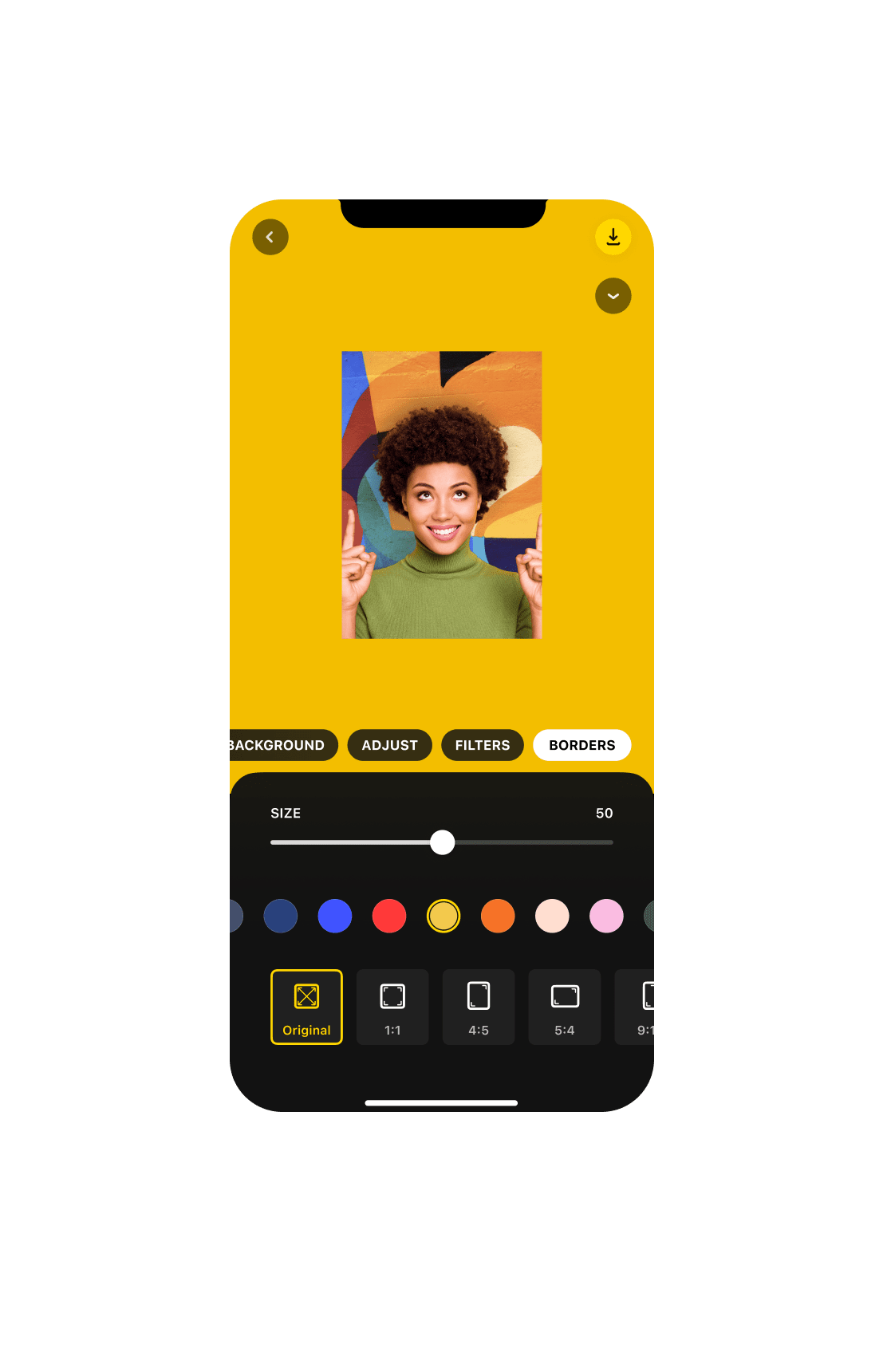
Remember , it is easy to remember few tools which can be helpful in near future. As many of the premium features are available in these tools one can use it to beautify the images and share on socials
But if you ask me , I will always prefer Natural shots. 🏕️🌁
Happy Questing
Varun ♥️
Please sign in
Login and share