



























How to Clean Your Cell Phone

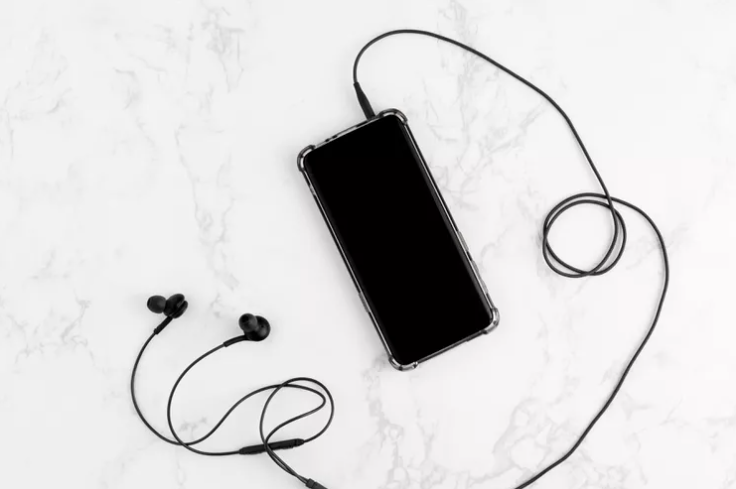
Unplug Your Phone and Attachments
Earbuds or chargers should be cleaned separately. Turn off the phone.
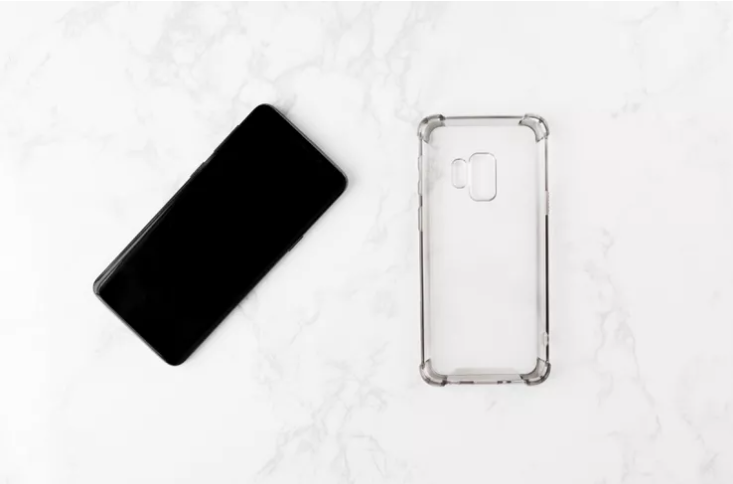
Remove Cases or Covers
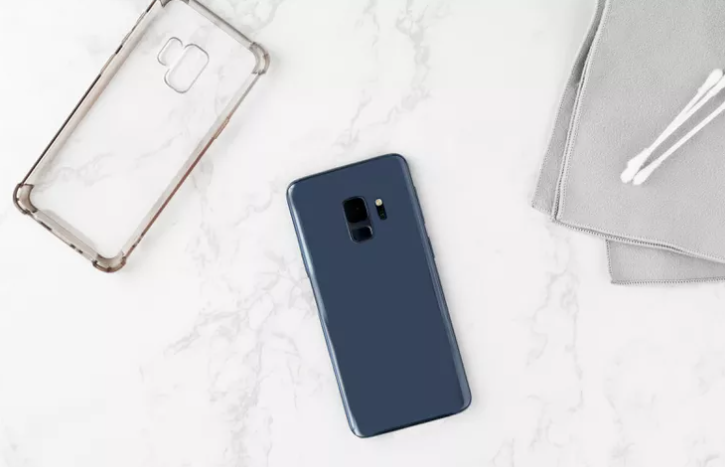
To effectively clean your phone, remove any protective case or cover. These should also be cleaned separately before reinserting the phone.
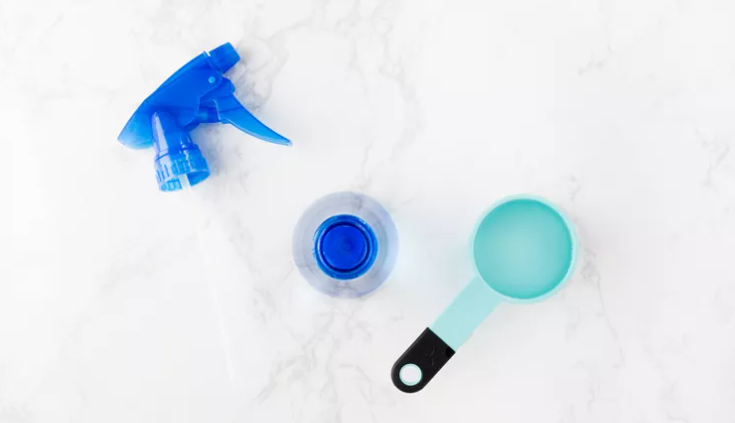
Mix Distilled Water and 70% Isopropyl Alcohol
In a small spray bottle, mix a one-to-one ratio of distilled water and 70% isopropyl alcohol. The distilled water is essential if you live in an area that has hard water, which is filled with microscopic minerals that can scratch the glass on the phone. Give the bottle a good shake.
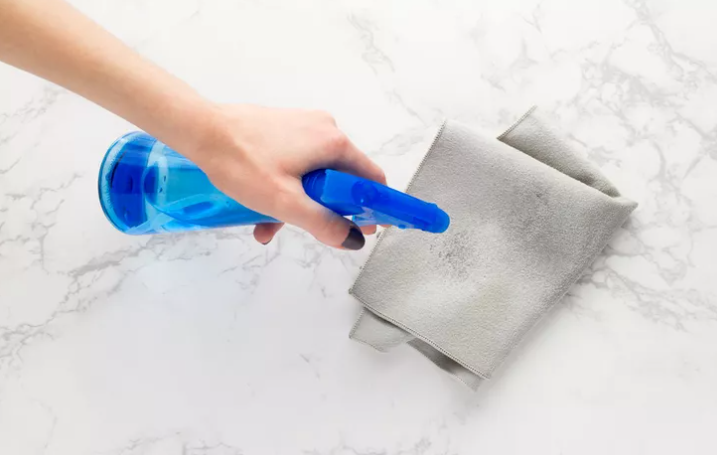
Spray Microfiber Cloth
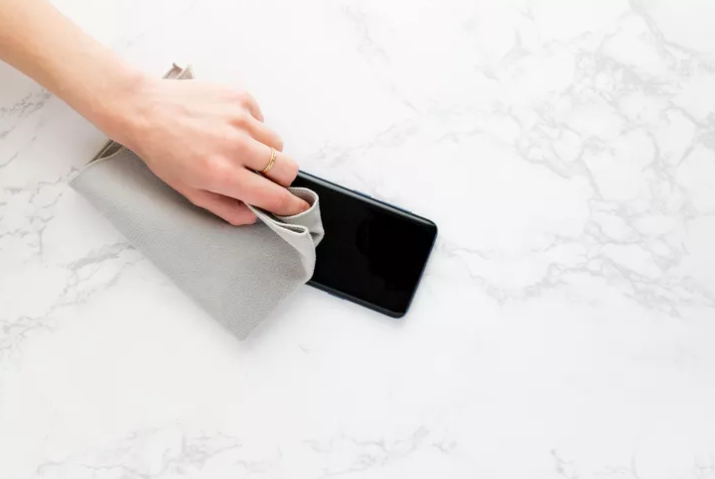
Lightly spray a lint-free microfiber cloth with the water and isopropyl mixture. Never spray the phone directly. Do not over-wet the cloth.
Wipe Down the Phone
Use the microfiber cloth to wipe down the entire phone. Be sure to clean both the front and back
Clean Small Areas
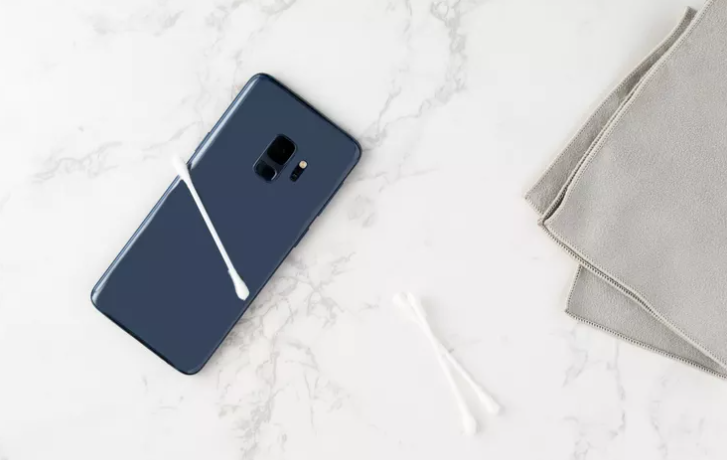
If small areas like the space around the camera lens, attachment ports, or buttons show signs of gunk build-up, gently use a dry cotton swab or wooden toothpick to clean those areas. Once any build-up is removed, wipe down the area again with the slightly damp microfiber cloth.
Allow the Phone to Air Dry
Allow the phone to air dry completely for at least 15 minutes before reinserting it into its case.
follow me for more such updates
Thank you
Please sign in
Login and share